 Rasheed's Edit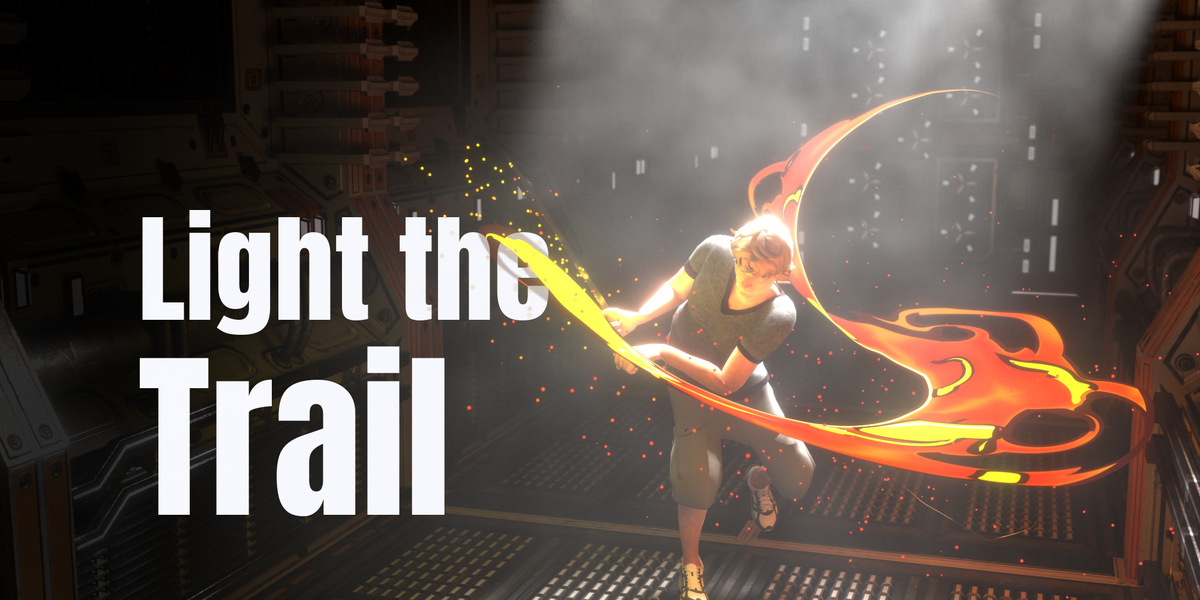
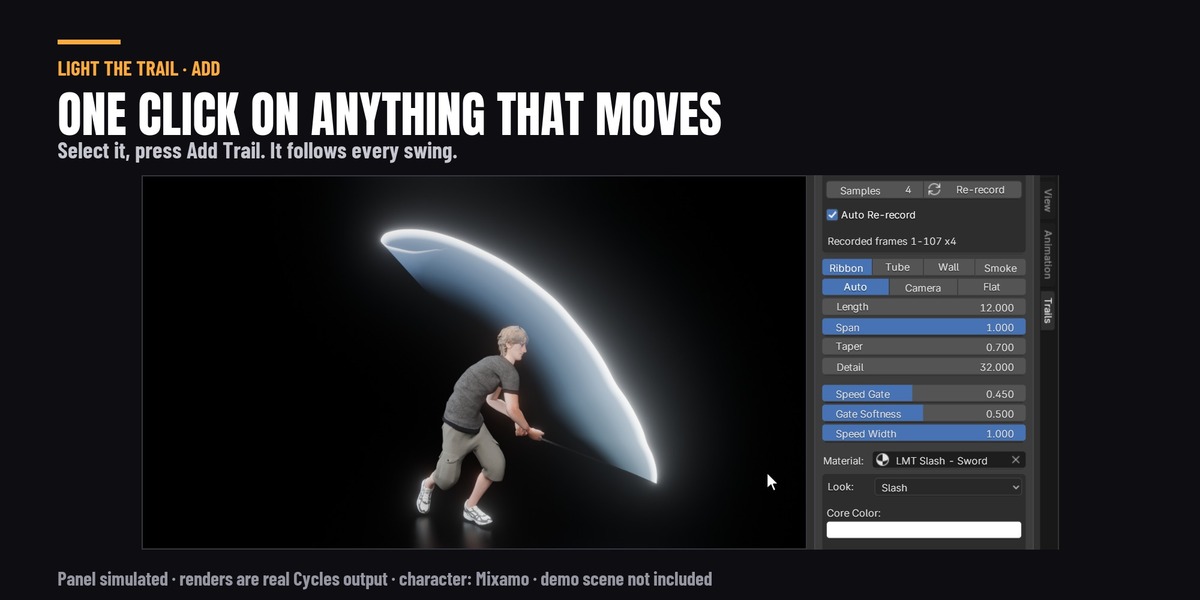
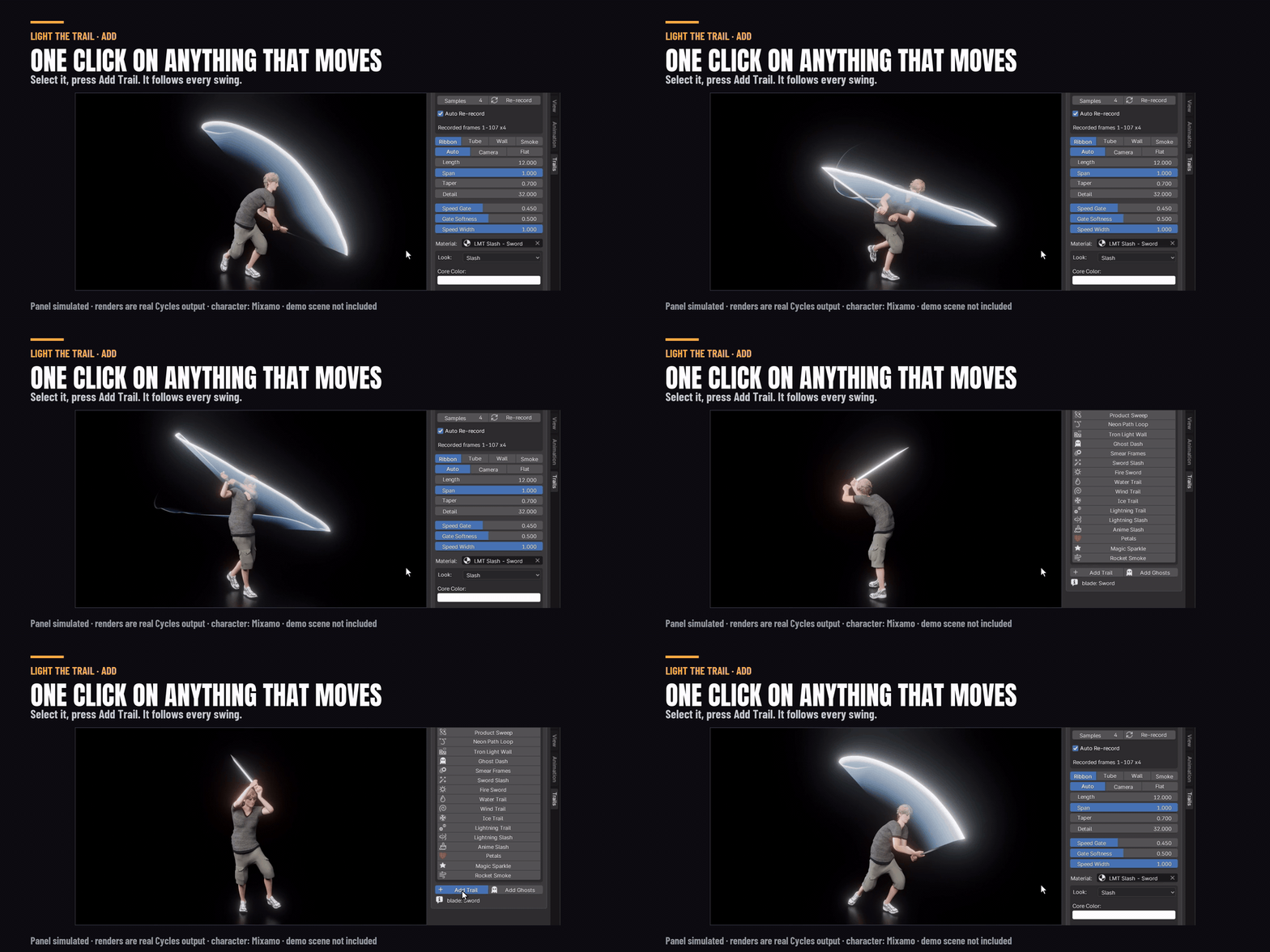
Light the Trail puts a trail on anything that moves: a sword, a car, a rocket, a hand, a whole character. Select it and press Add Trail, or pick one of the 17 presets. It records the motion once, so every frame is right, even one you jump straight to. Nothing to bake.
Tested on Blender 4.5, 5.1 and 5.2, in Cycles and EEVEE.
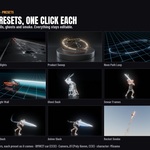
17 presets, one click each
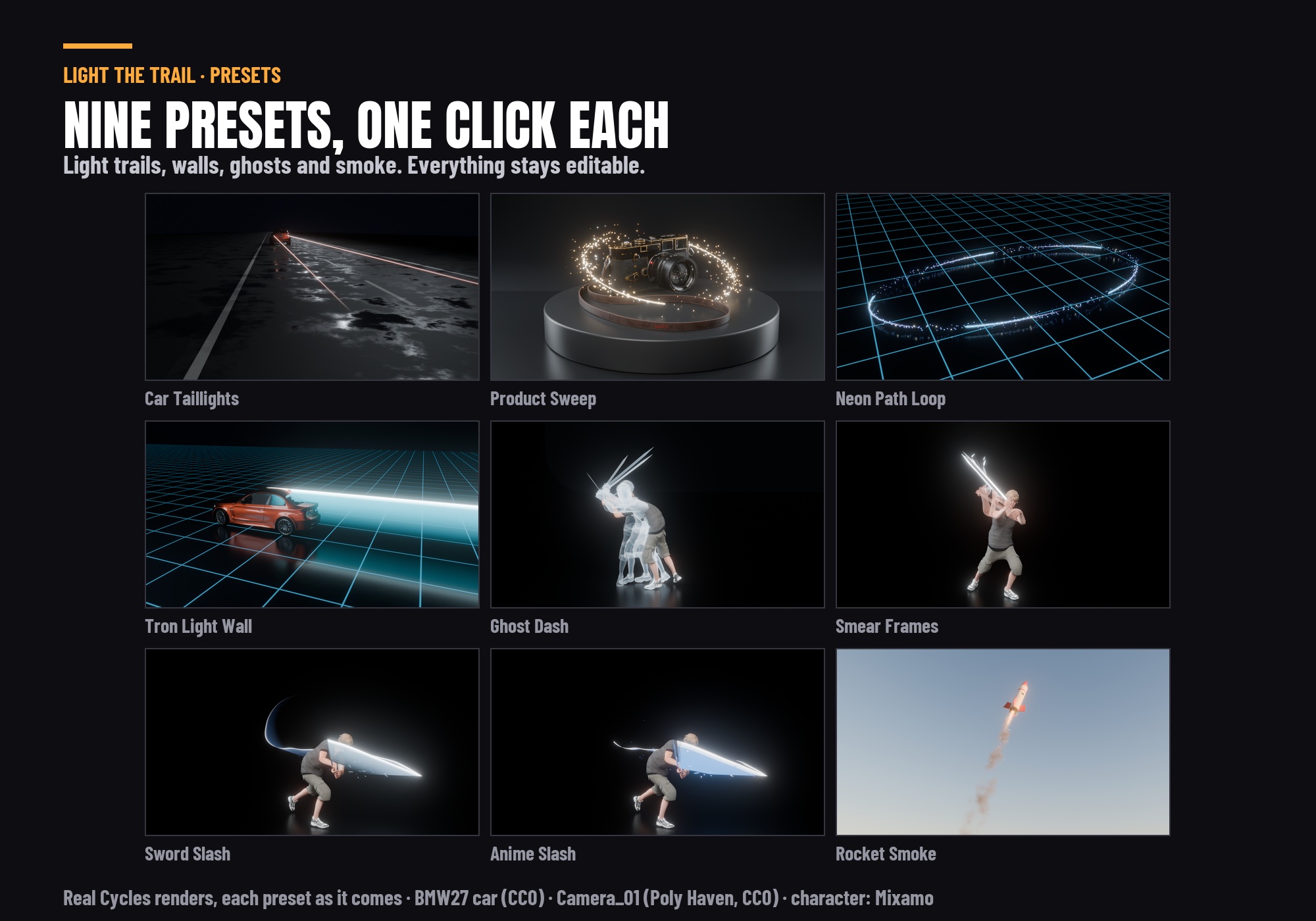
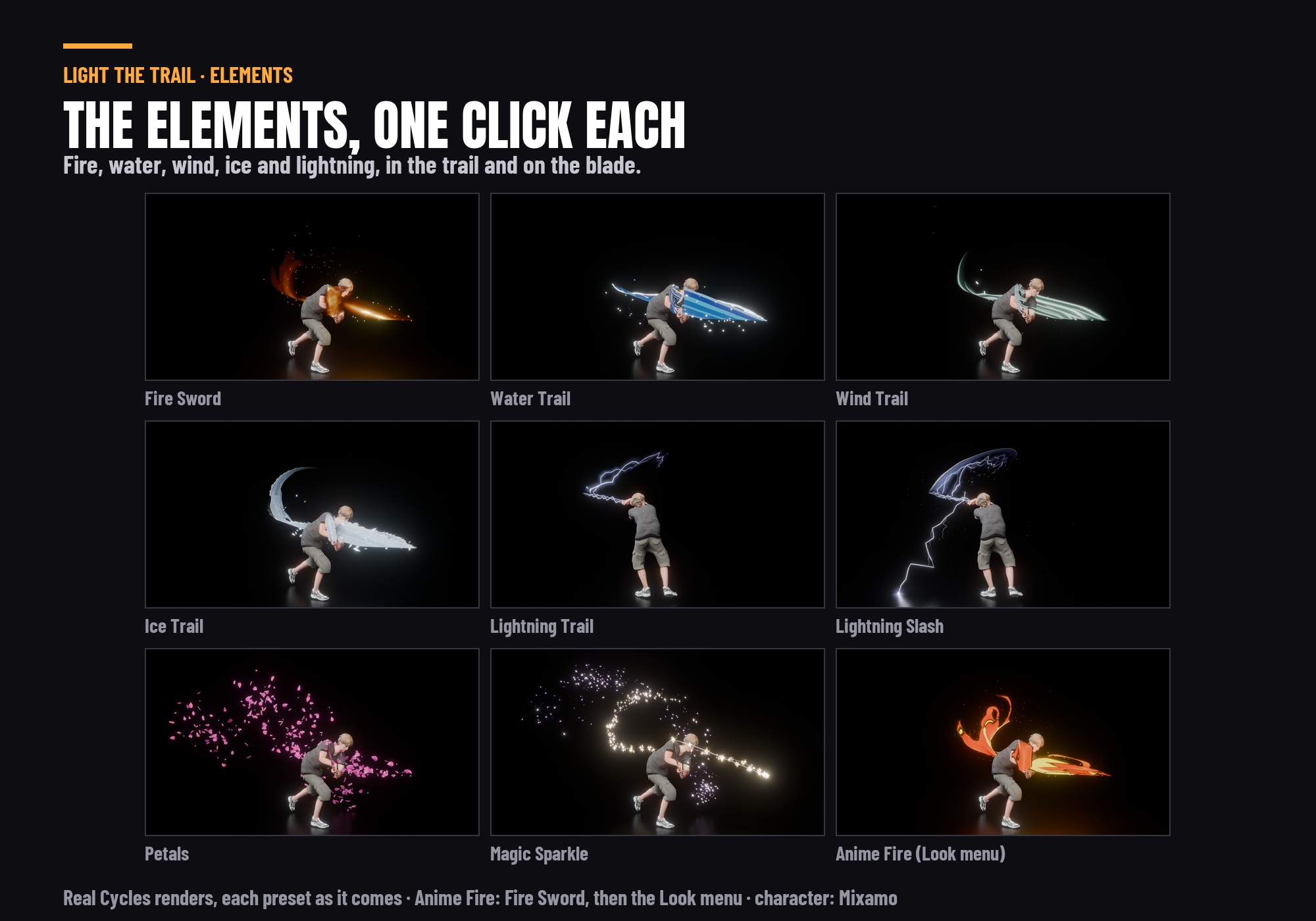
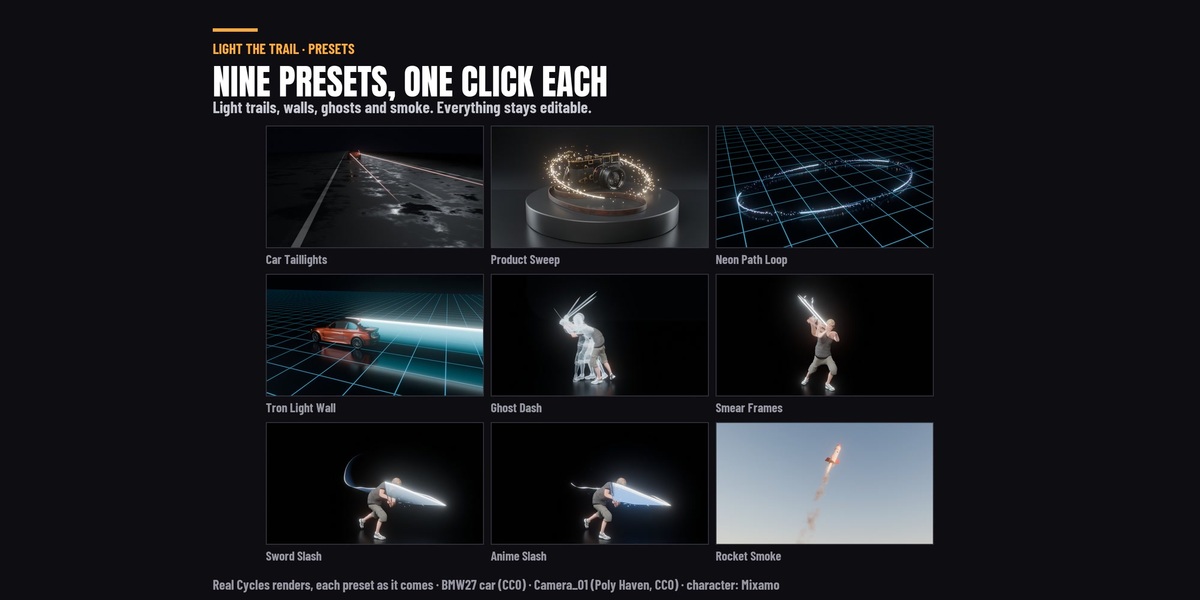
Car Taillights, Product Sweep, Neon Path Loop, Tron Light Wall, Ghost Dash, Smear Frames, Sword Slash, Fire Sword, Water Trail, Wind Trail, Ice Trail, Lightning Trail, Lightning Slash, Anime Slash, Petals, Magic Sparkle and Rocket Smoke. A preset builds the trail with the same settings you would use by hand, so you can change anything after.
Fire, water, wind, ice and lightning
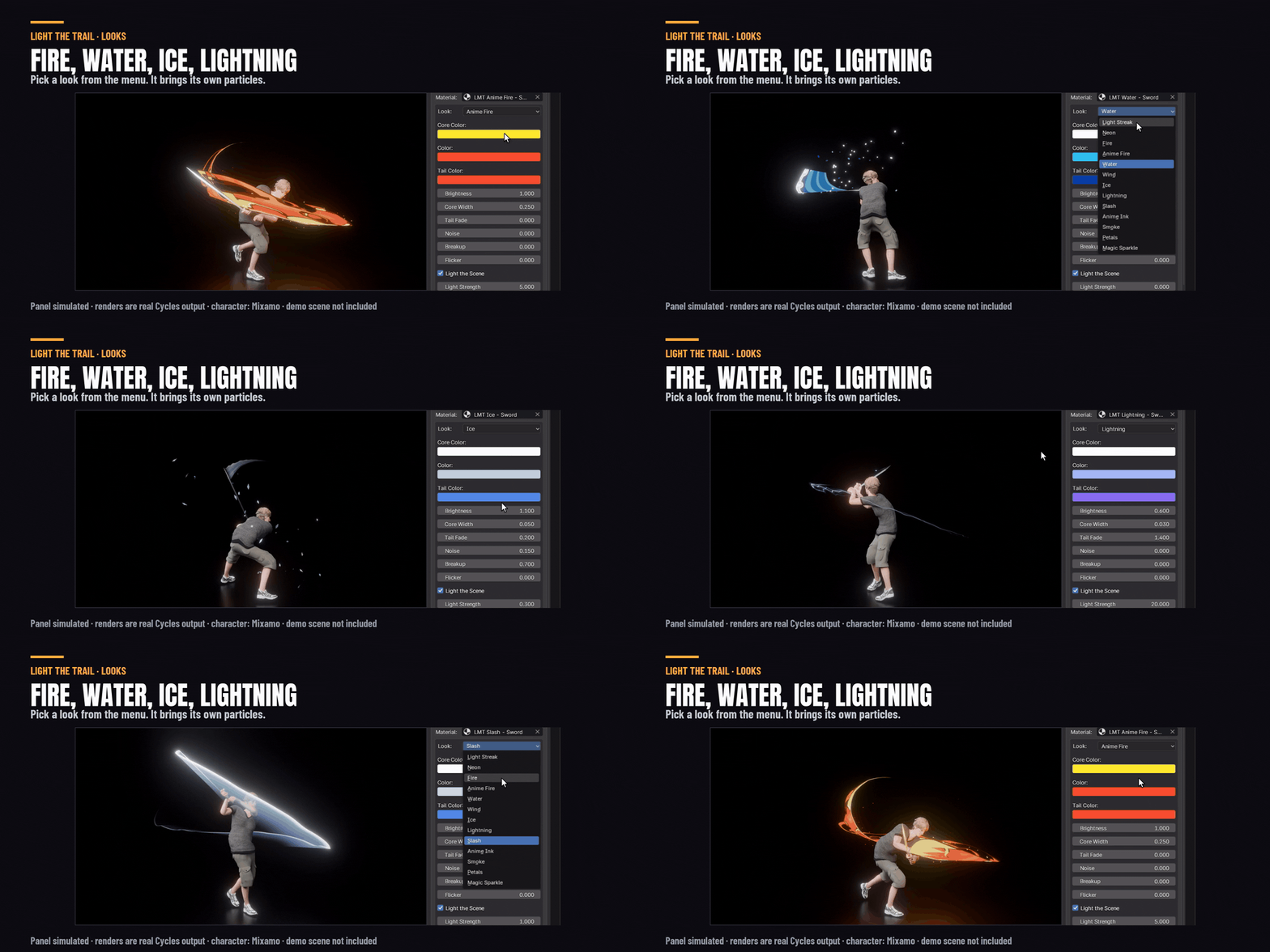
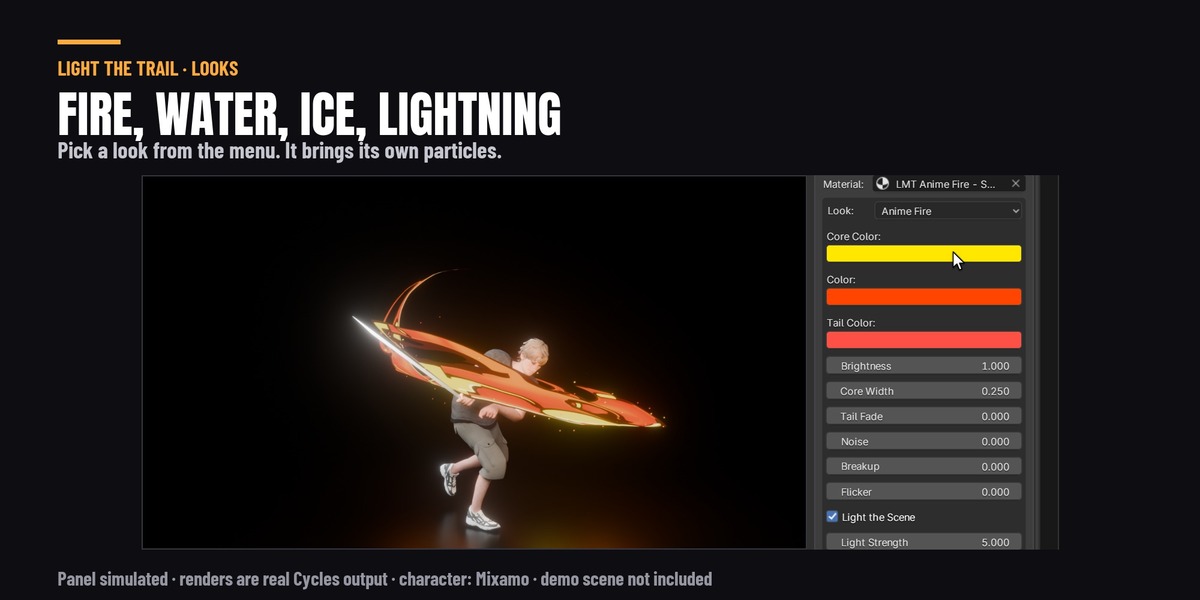
Pick a look from the menu: Light Streak, Neon, Fire, Anime Fire, Water, Wind, Ice, Lightning, Slash, Anime Ink, Smoke, Petals or Magic Sparkle. Each look brings its own particles. Every trail gets its own copy of its look, so changing one trail's colours leaves the others alone.
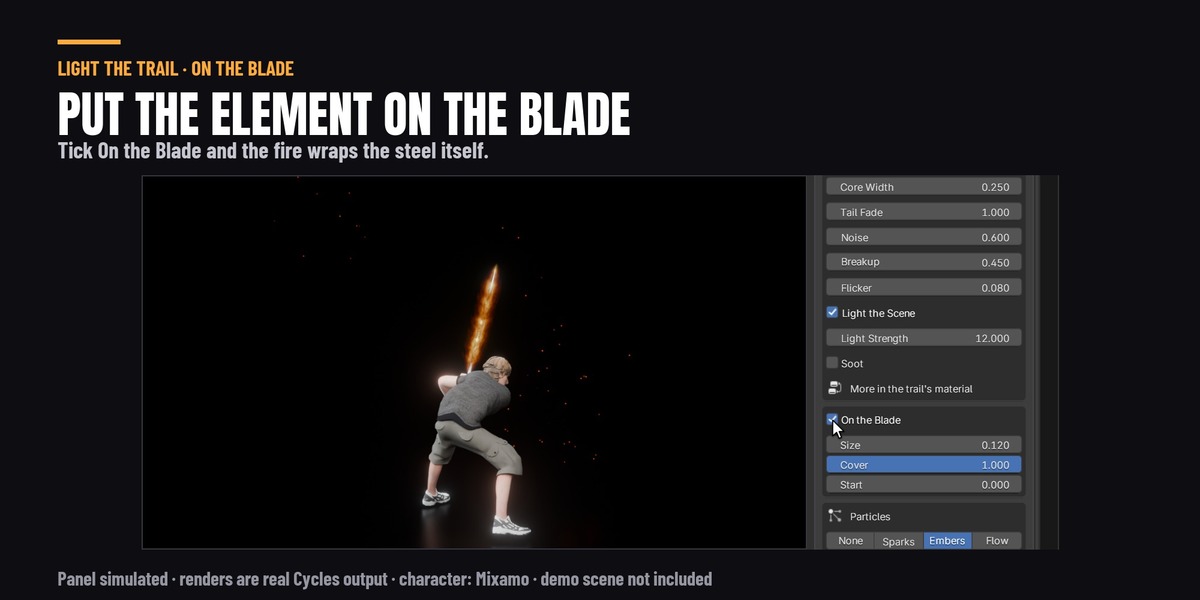
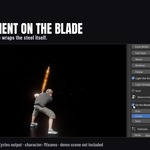
Put the element on the blade
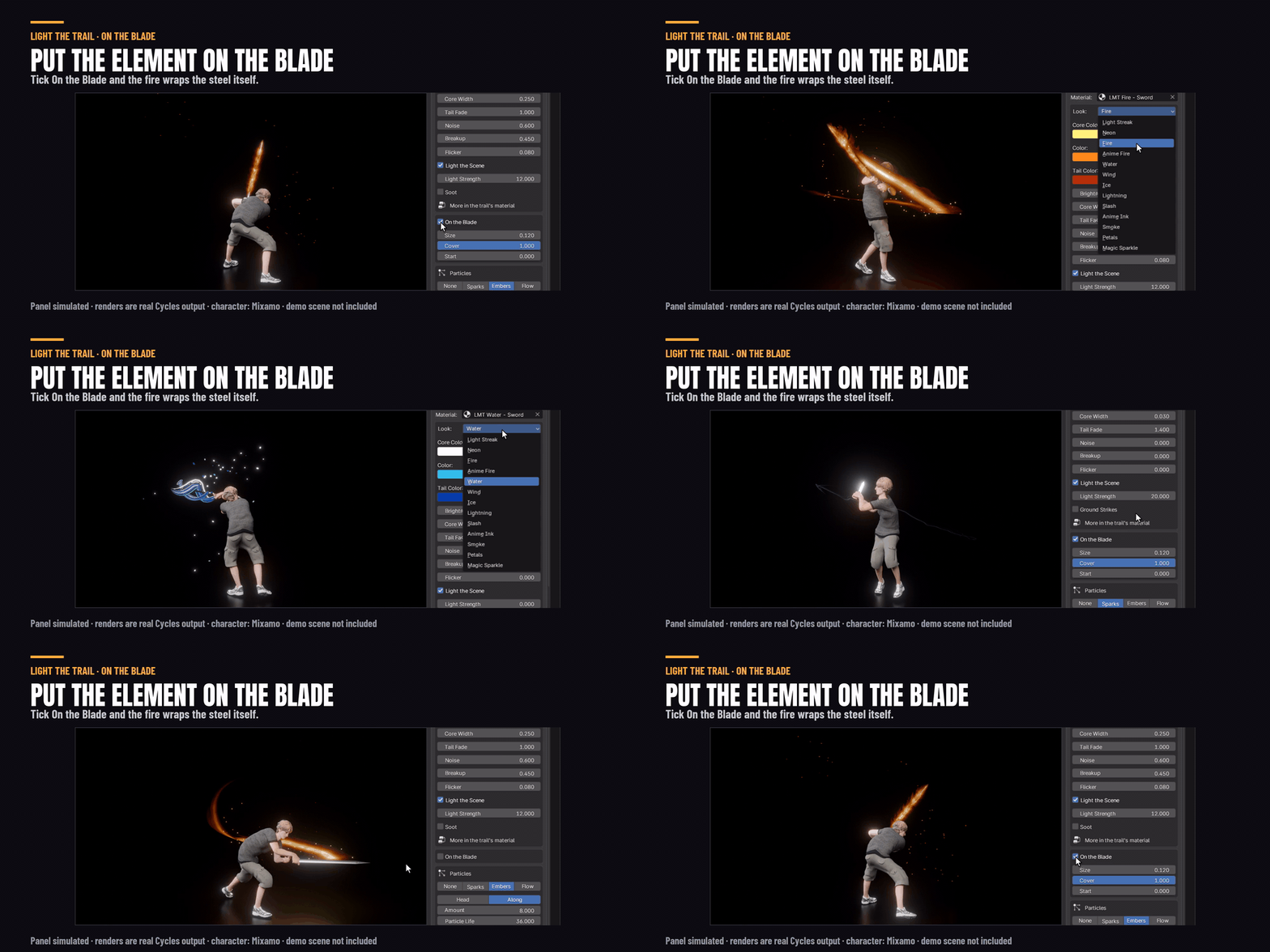
Tick On the Blade and the fire, water or lightning wraps the sword itself as well as the trail behind it.
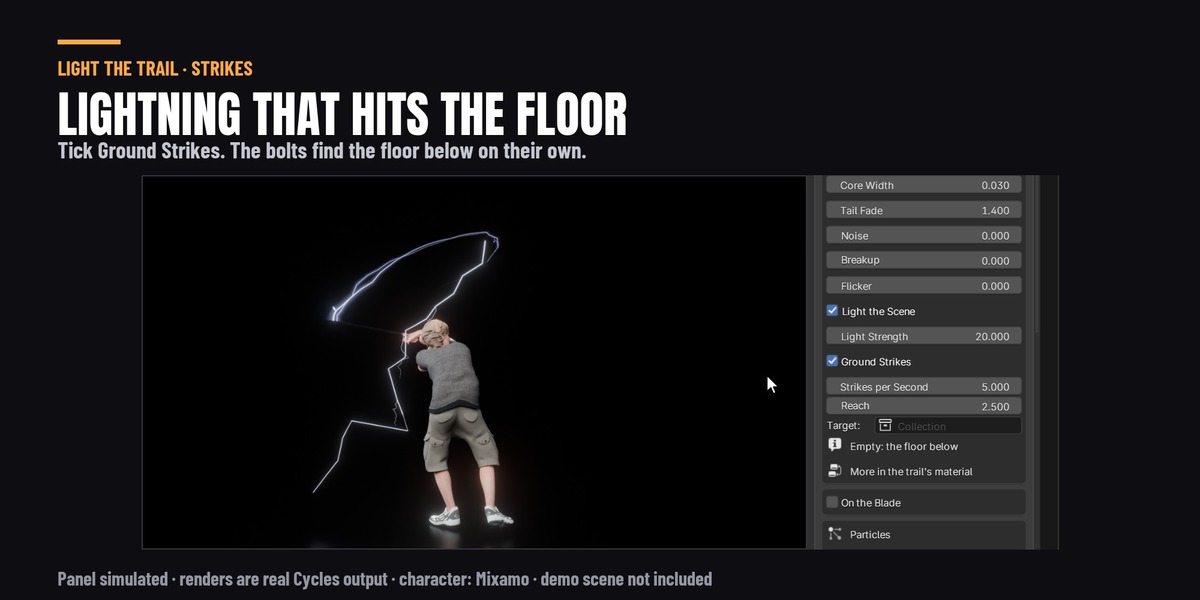
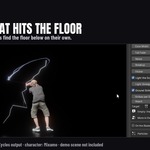
Lightning that hits the floor
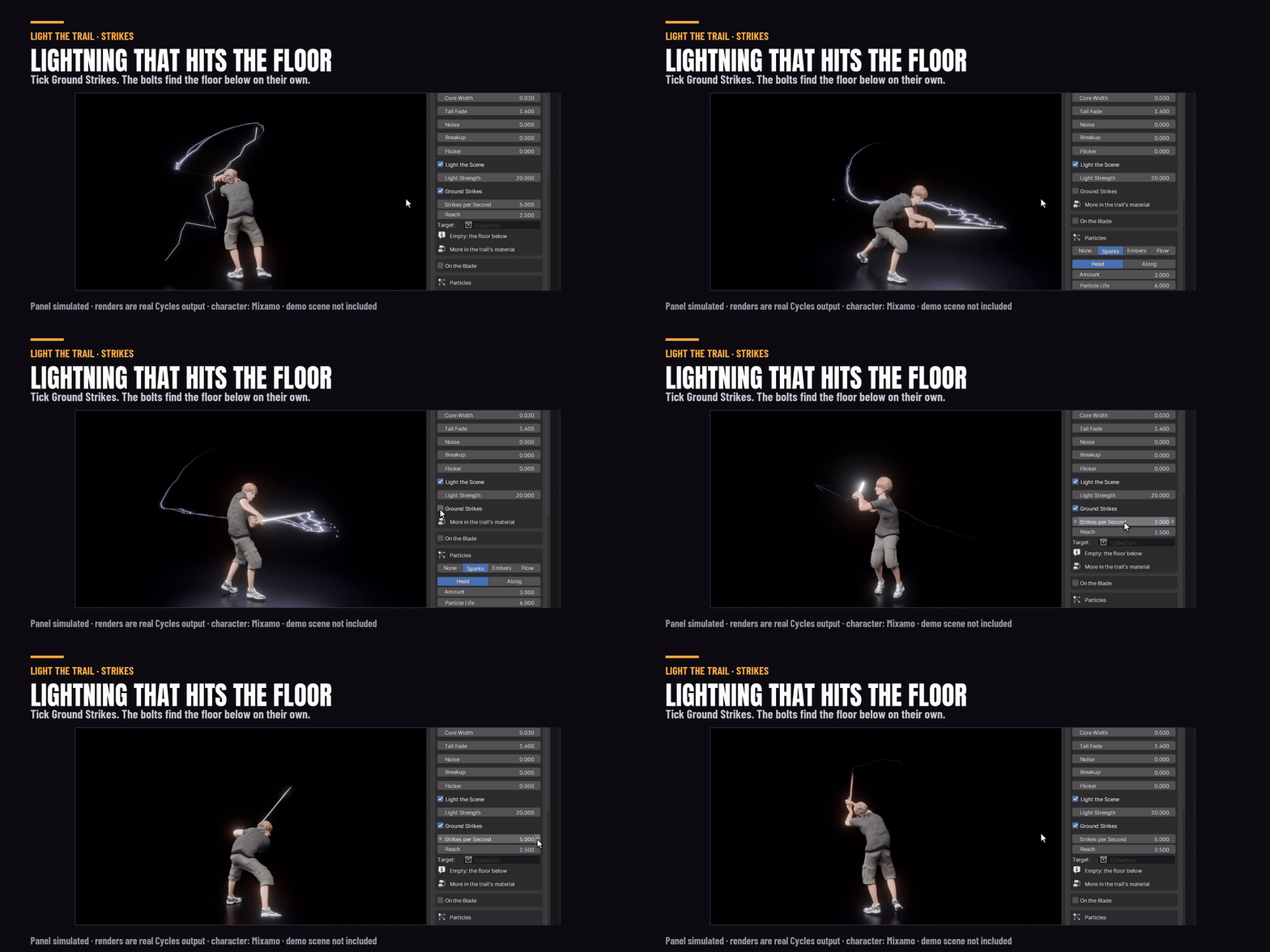
Tick Ground Strikes on the Lightning look and bolts jump off the blade. Every other one hits the floor with a flash where it lands. In Cycles the bolt lights the floor too. The bolts add about 2% to a frame's render time.
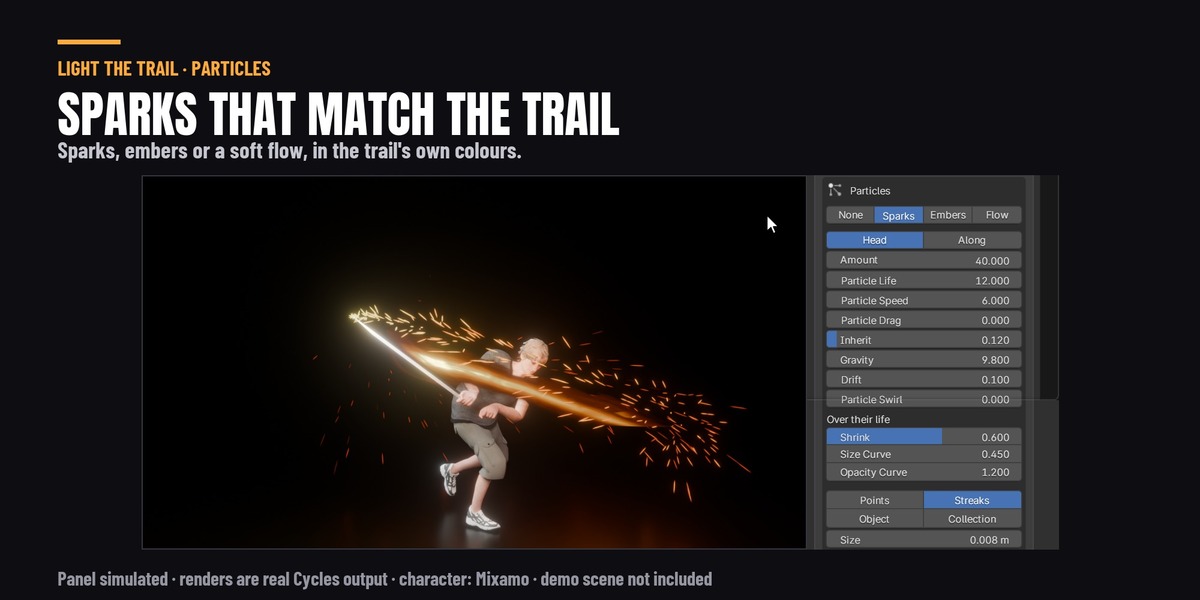
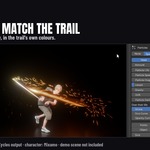
Particles in the trail's own colours
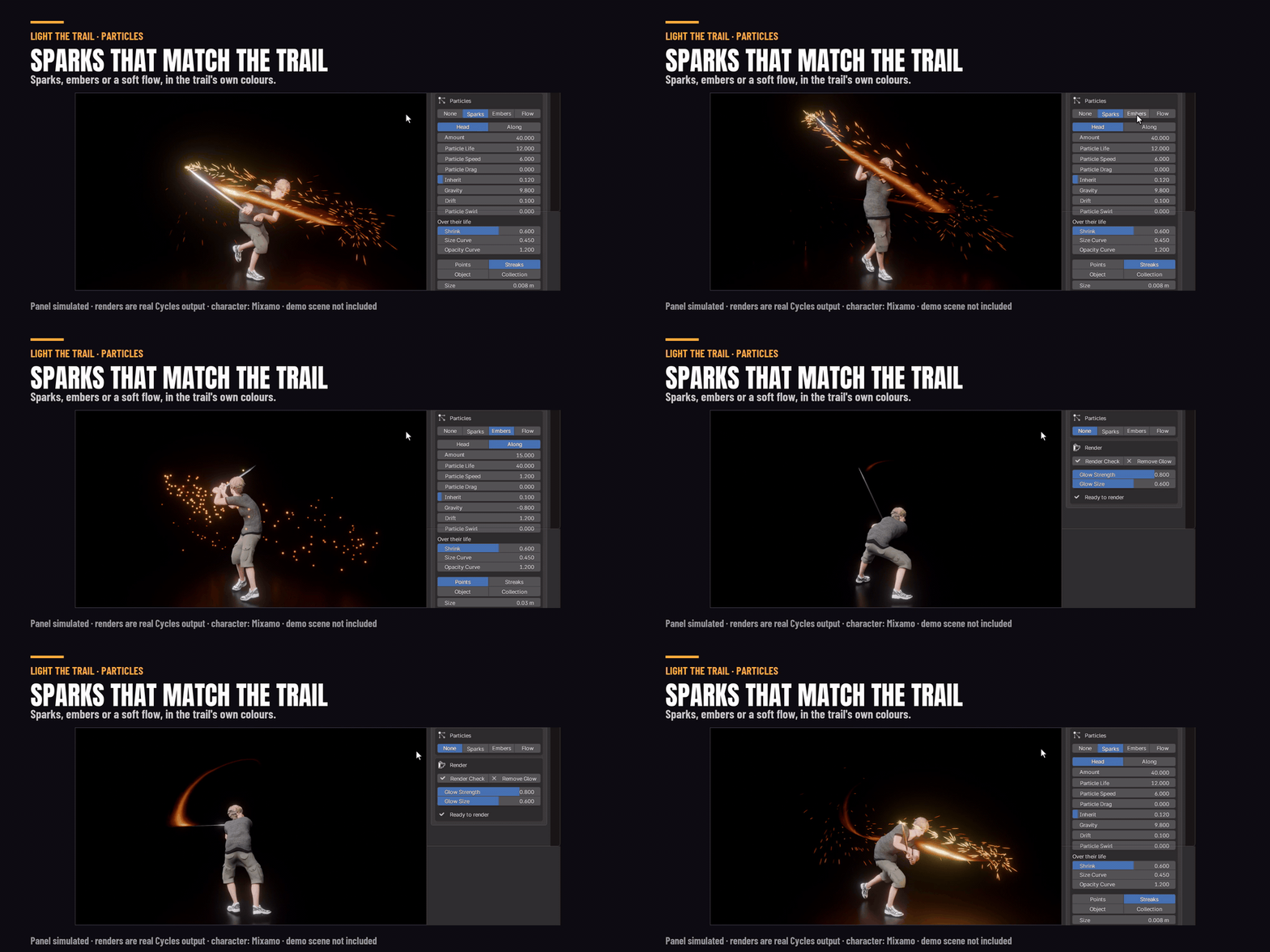
Sparks, embers or a soft flow. Or use your own object or a collection as the particles: stars, hearts, a logo. Face Camera keeps flat shapes turned to the camera.
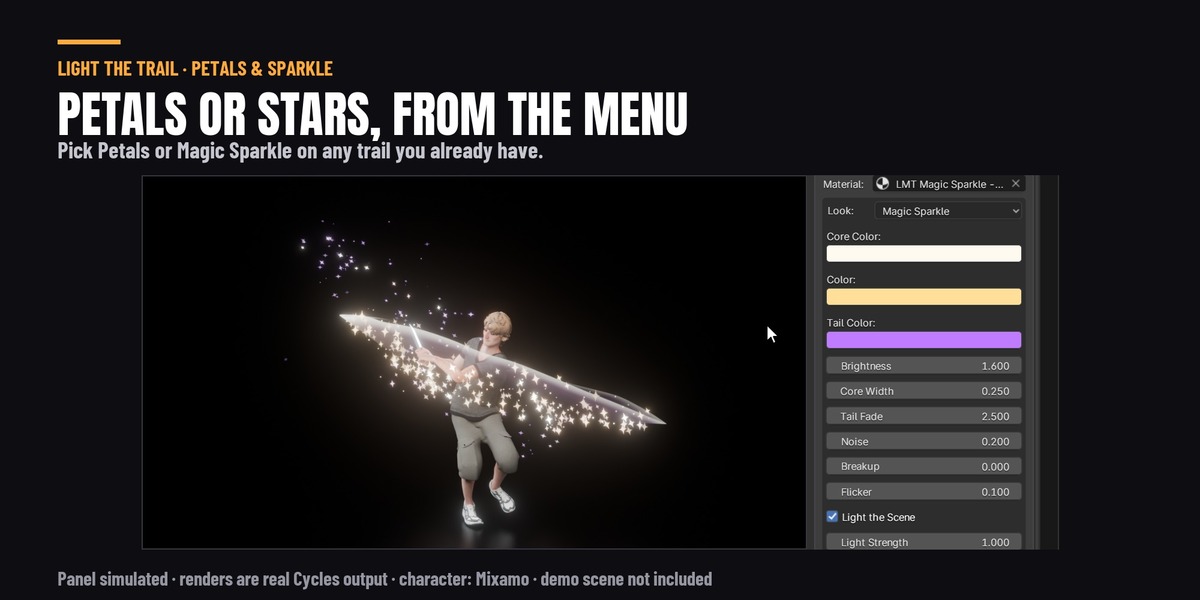
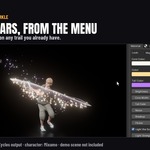
Petals and Magic Sparkle
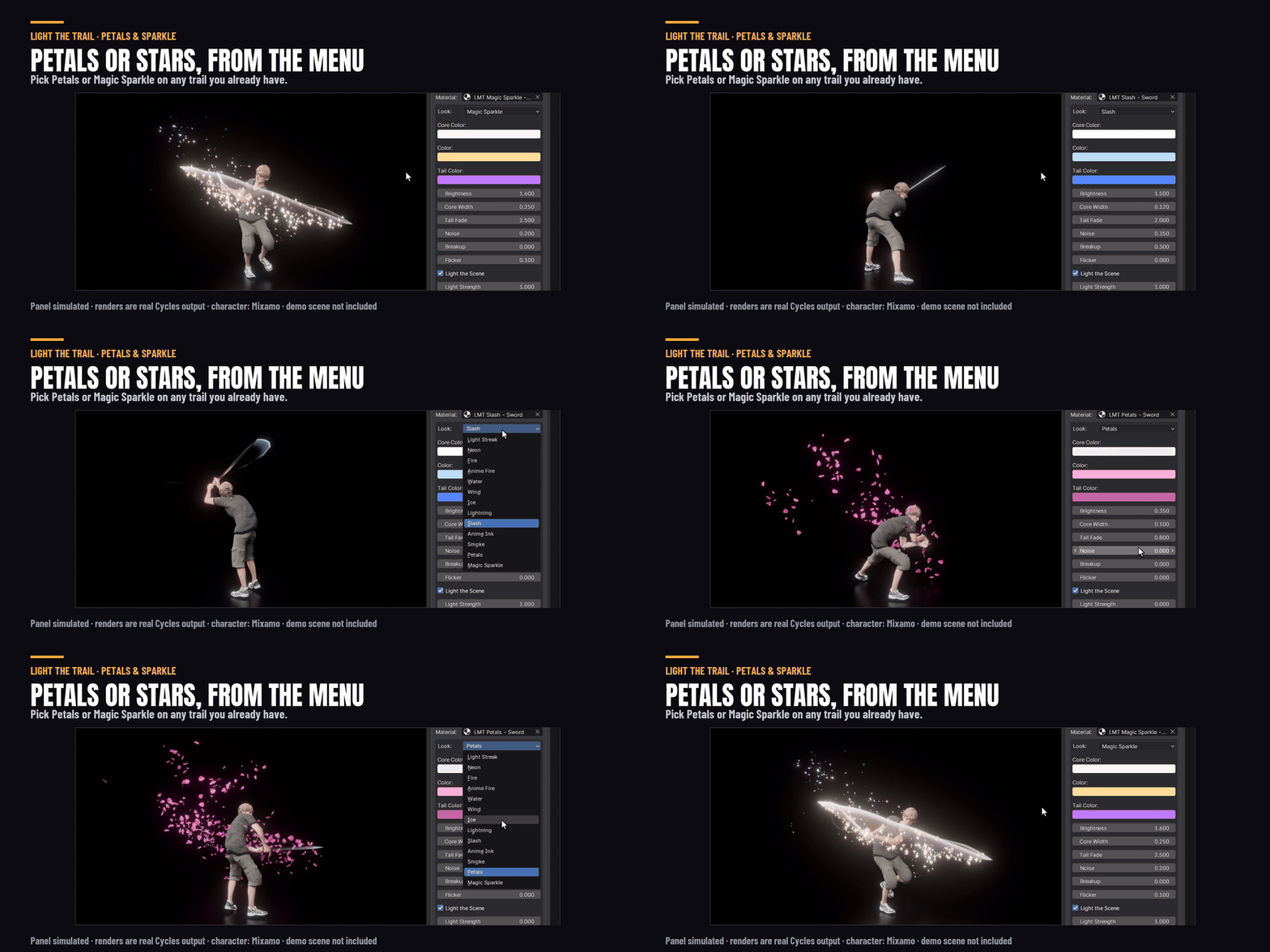
Two looks you can put on any trail you already have. Pink petals that tumble off it, or gold stars that hang in the air and twinkle.
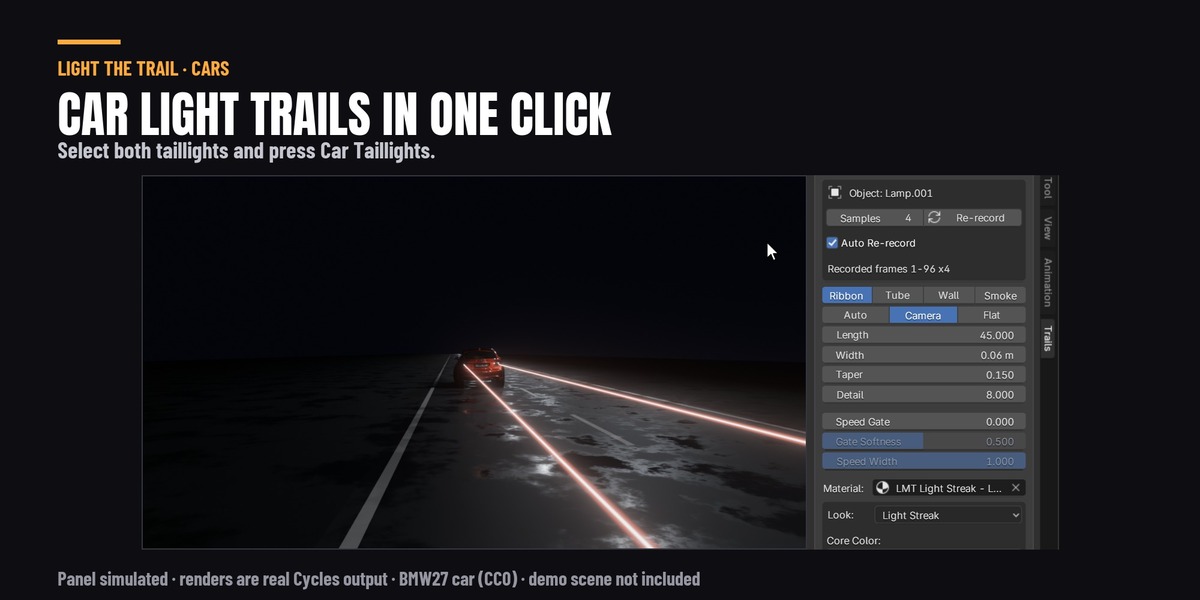
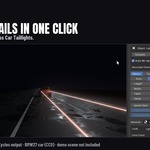
Car light trails
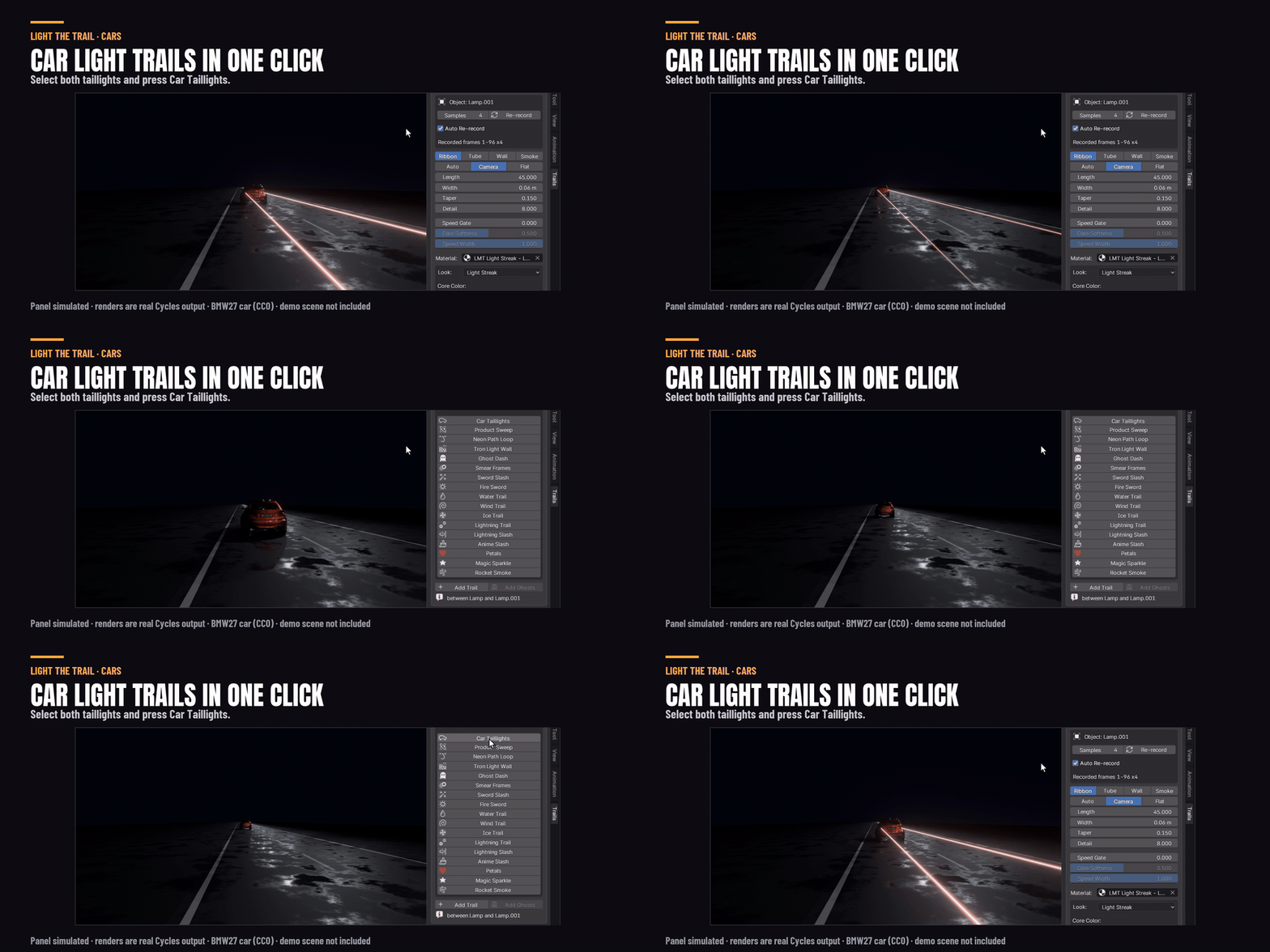
Select both taillights and press Car Taillights. You get a long red streak from each one, and in Cycles they light the road.
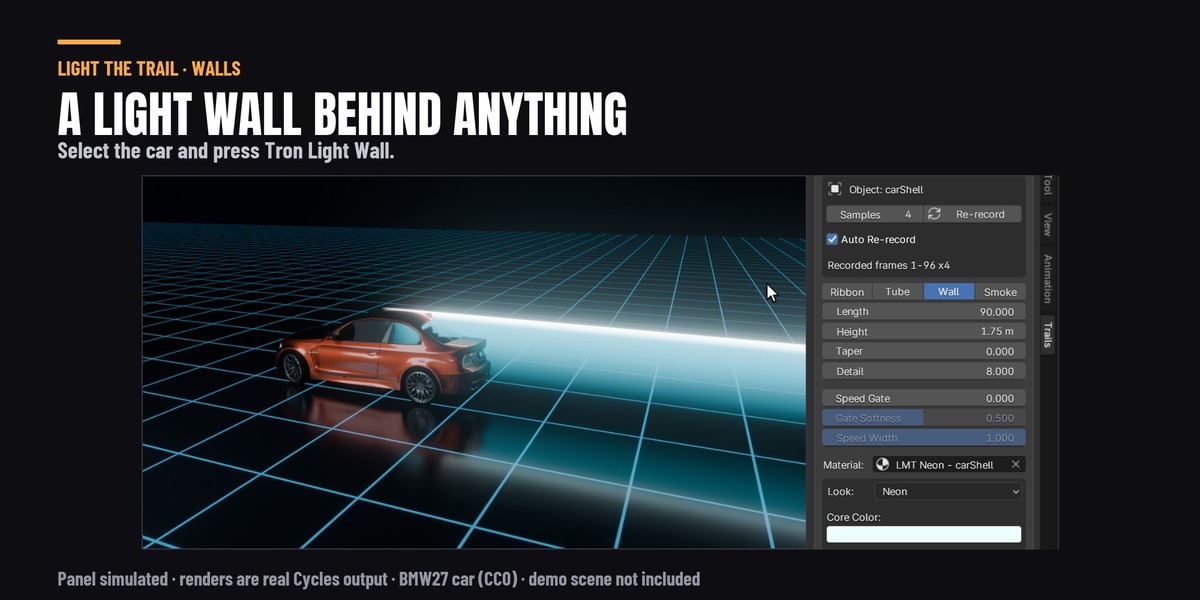
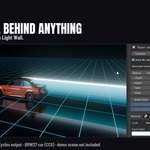
A light wall behind anything
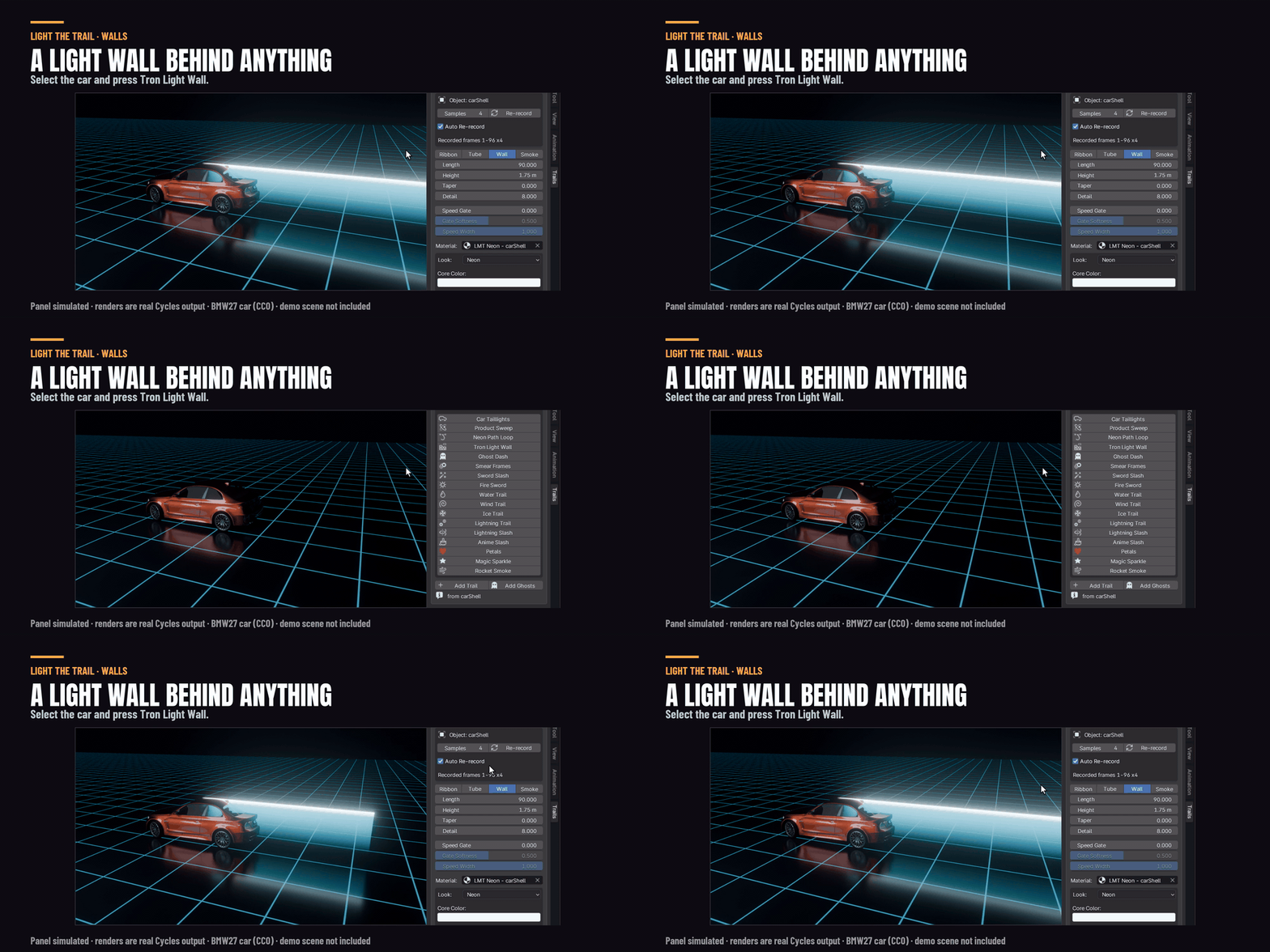
Tron Light Wall puts a cyan wall of light behind a car or a bike, from its bottom to its top.
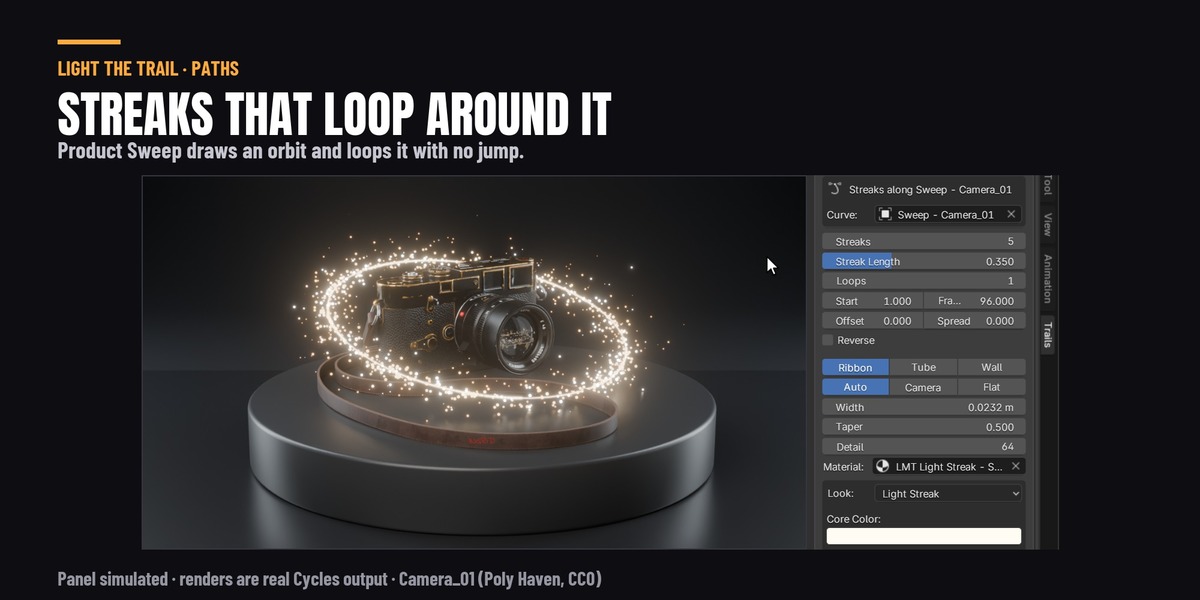
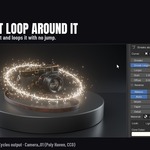
Streaks around a product
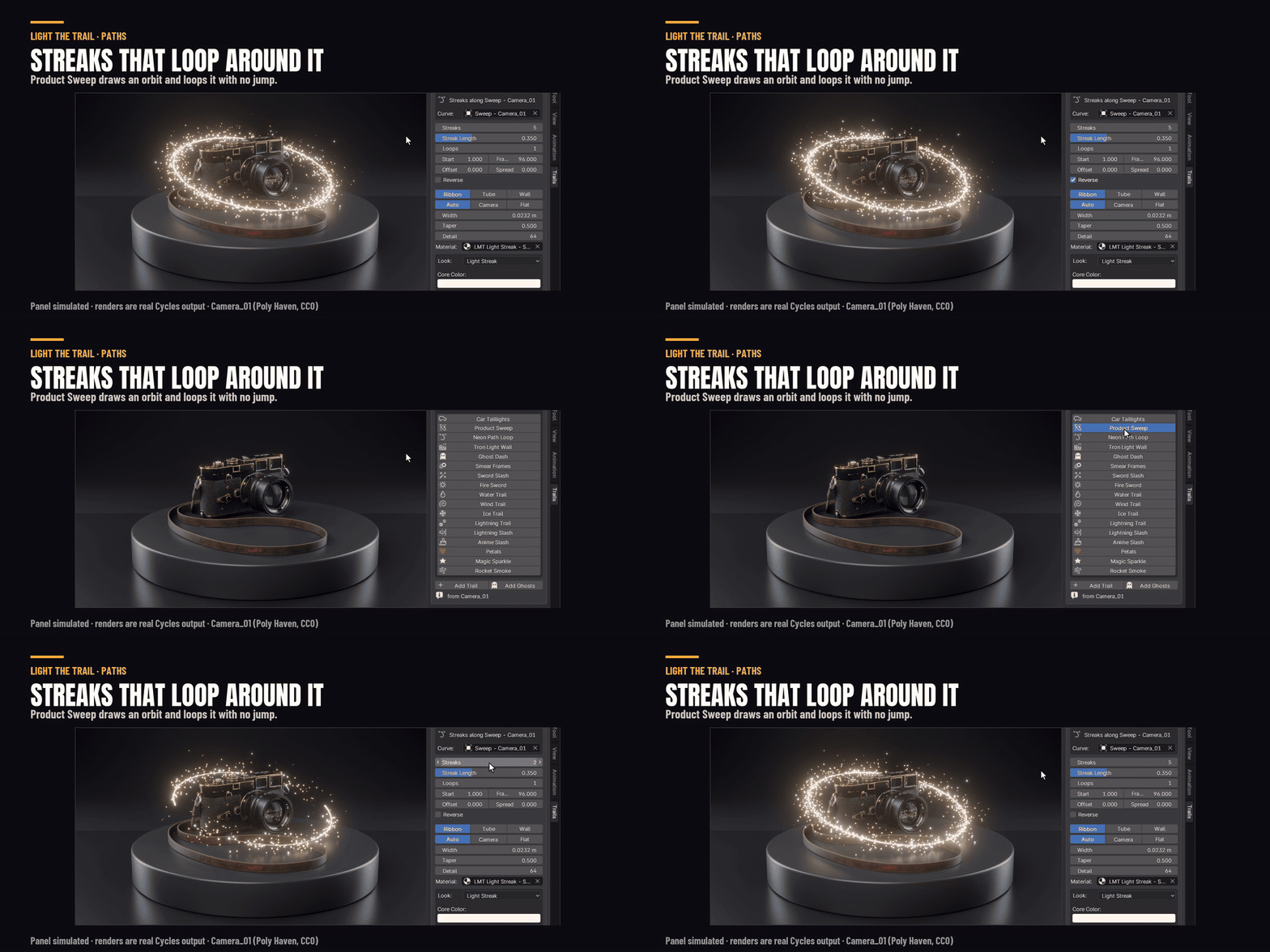
Select a product and press Product Sweep. It draws a curve around it and loops gold streaks along it. The last frame flows into the first, so the animation loops with no jump. Draw your own curve instead and the streaks follow it while you edit it.
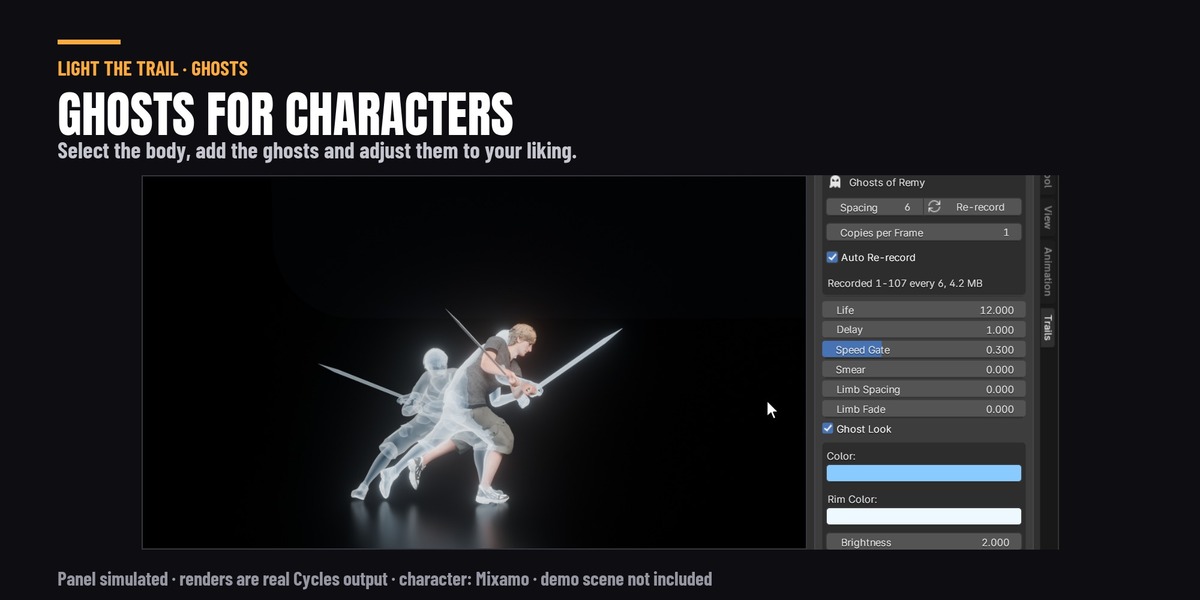
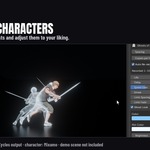
Ghosts and smear frames for characters
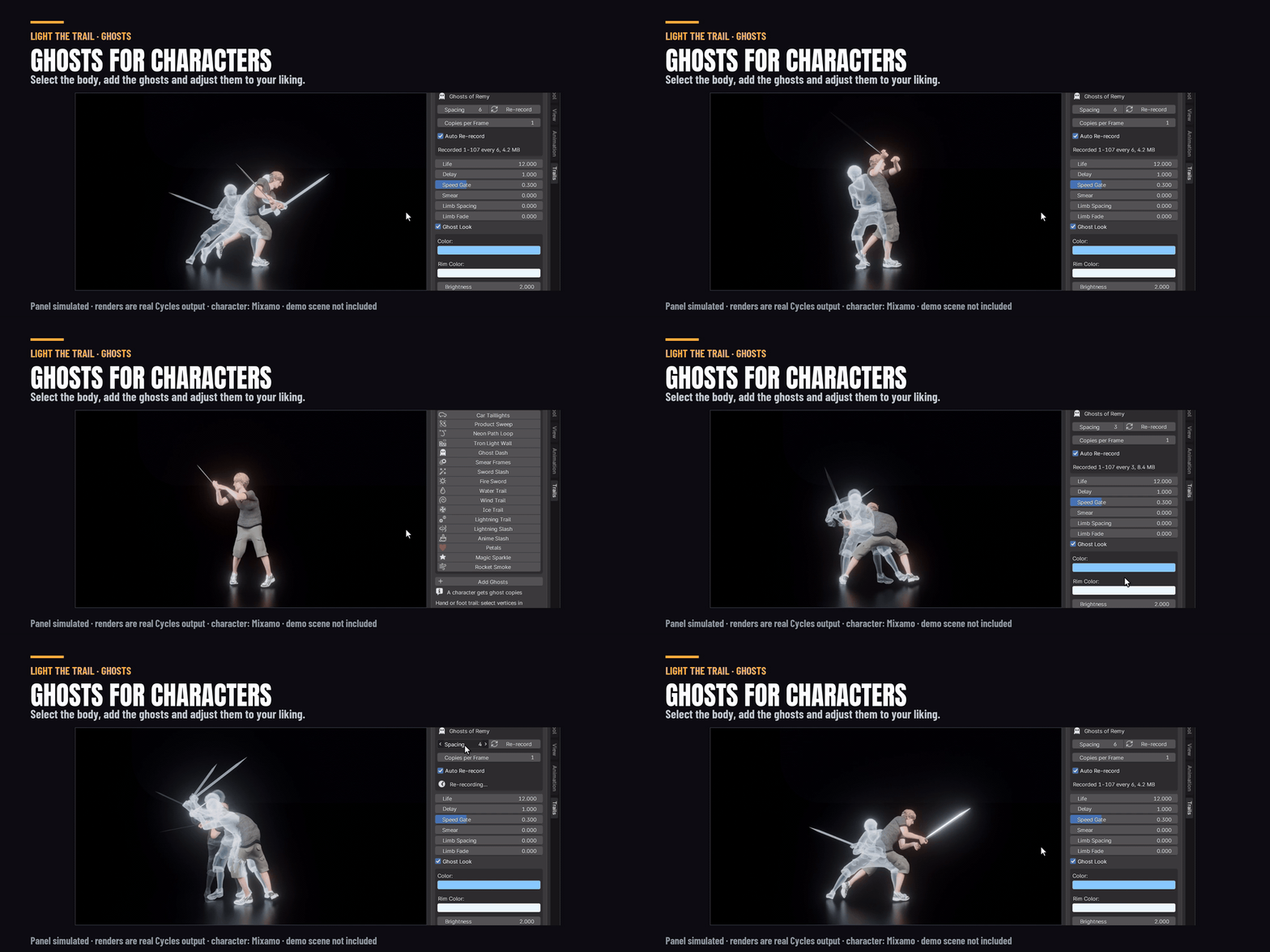
Select a character and add ghosts: fading copies left behind while it moves. Set how far apart they are, how long they stay, and whether they glow or keep the character's own materials.
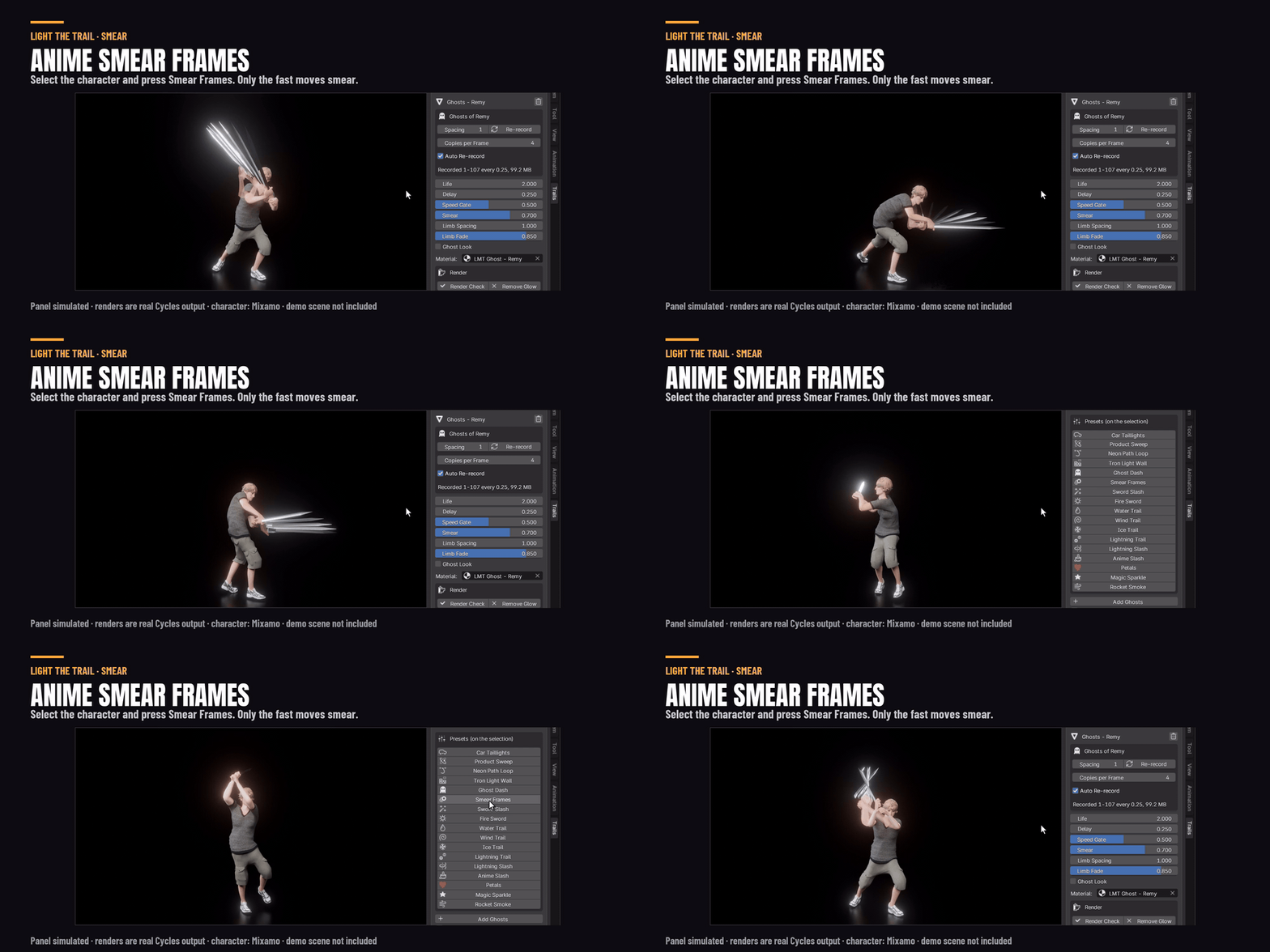
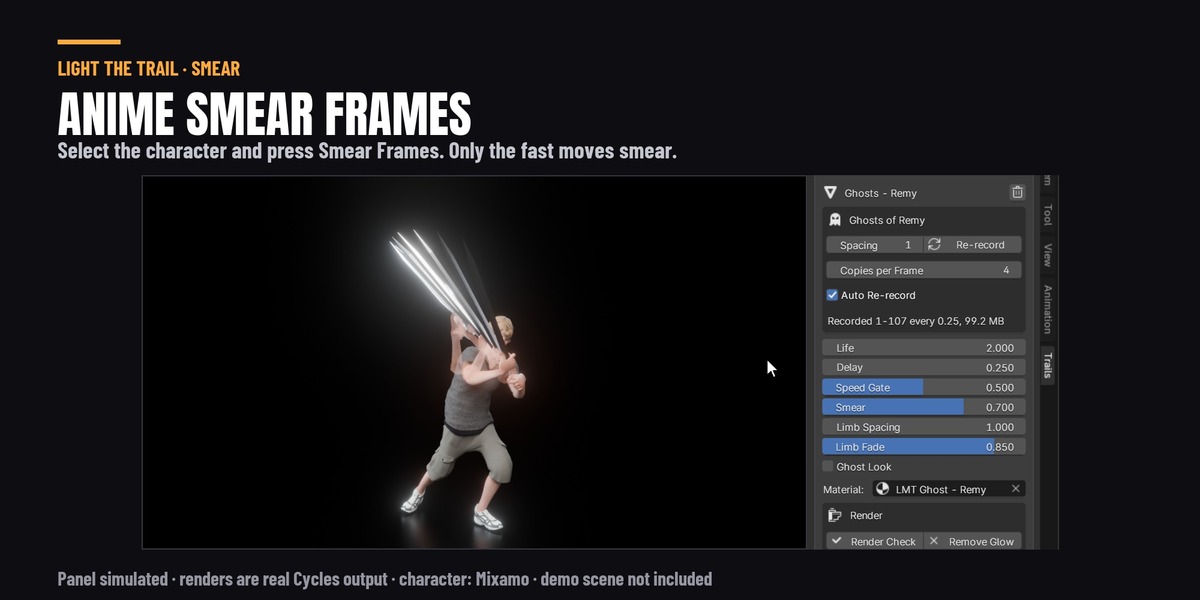
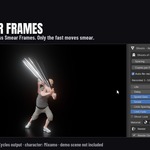
Smear Frames is what animators draw by hand on a fast move. Copies of the sword fan out and the arms leave a faint copy, only on the fastest moves. Slow parts stay on the body.
Real smoke, nothing to bake
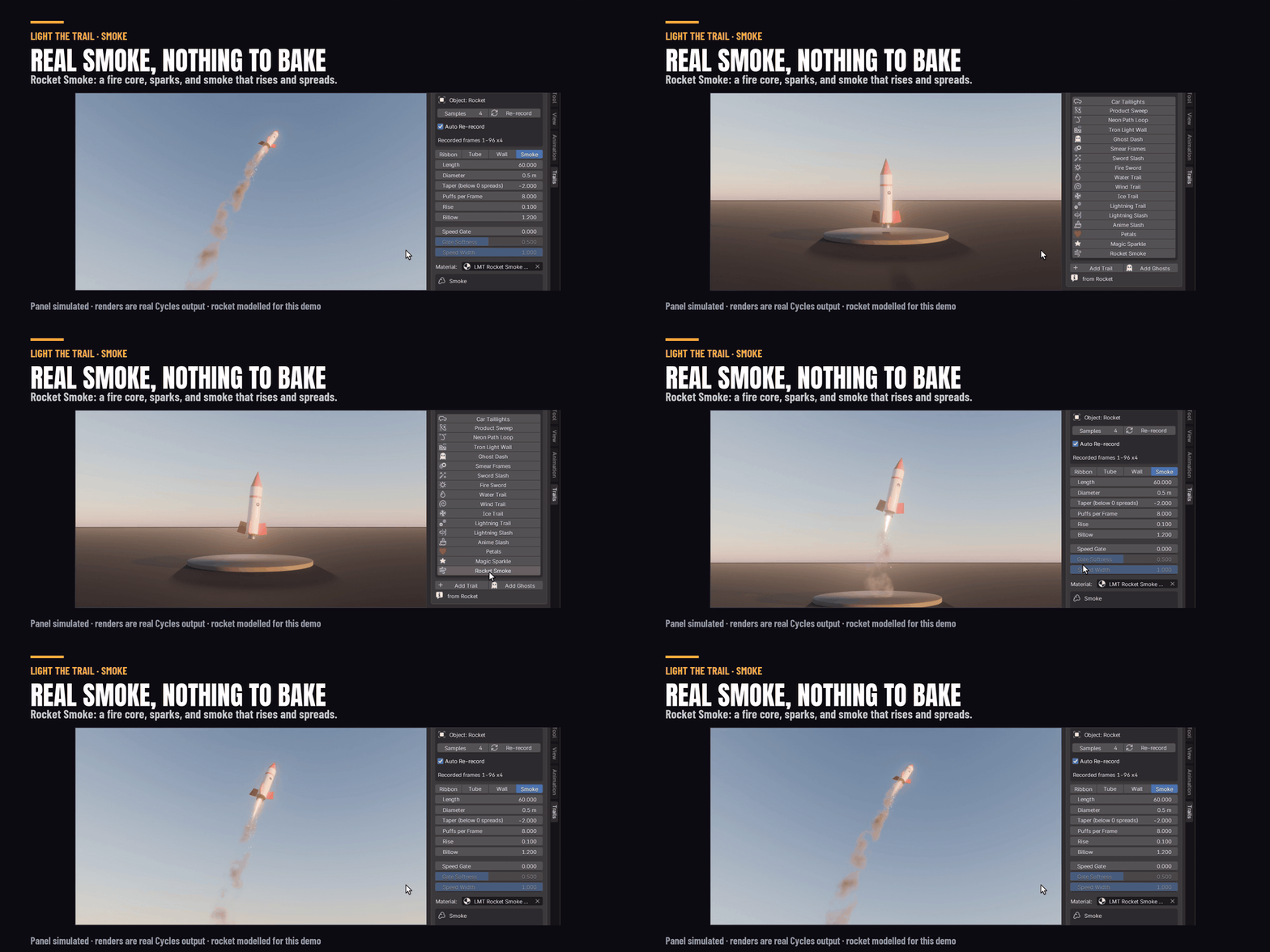
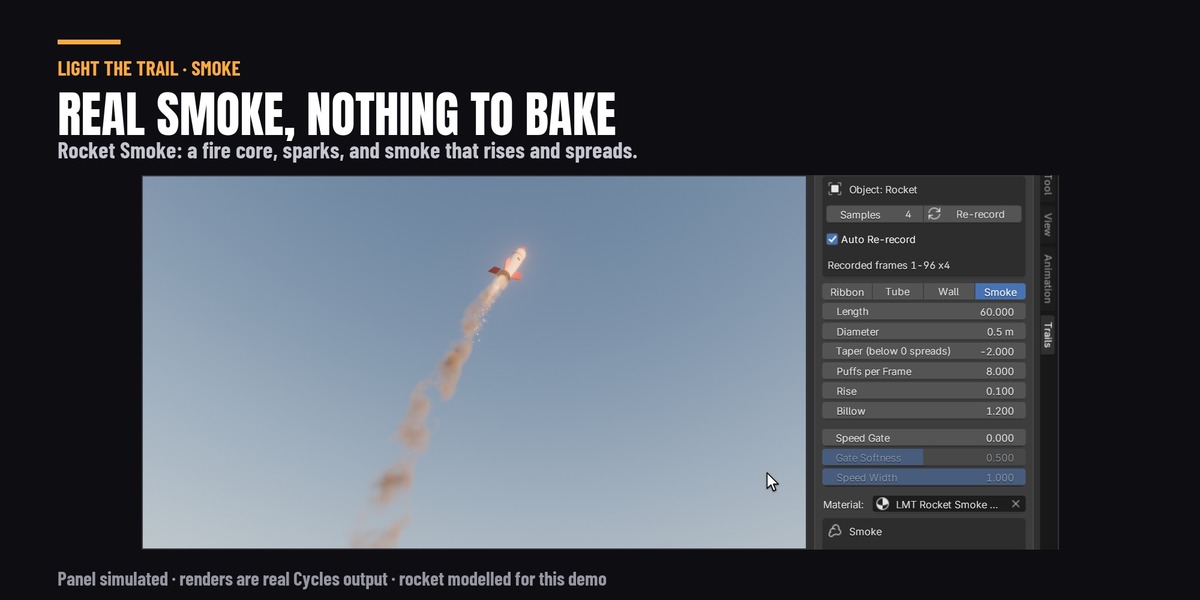
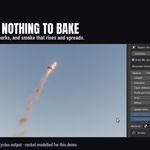
Rocket Smoke gives you a fire core, sparks and real volume smoke that rises and spreads. Your lights light it, in Cycles and EEVEE.
Ribbon, tube, wall or smoke
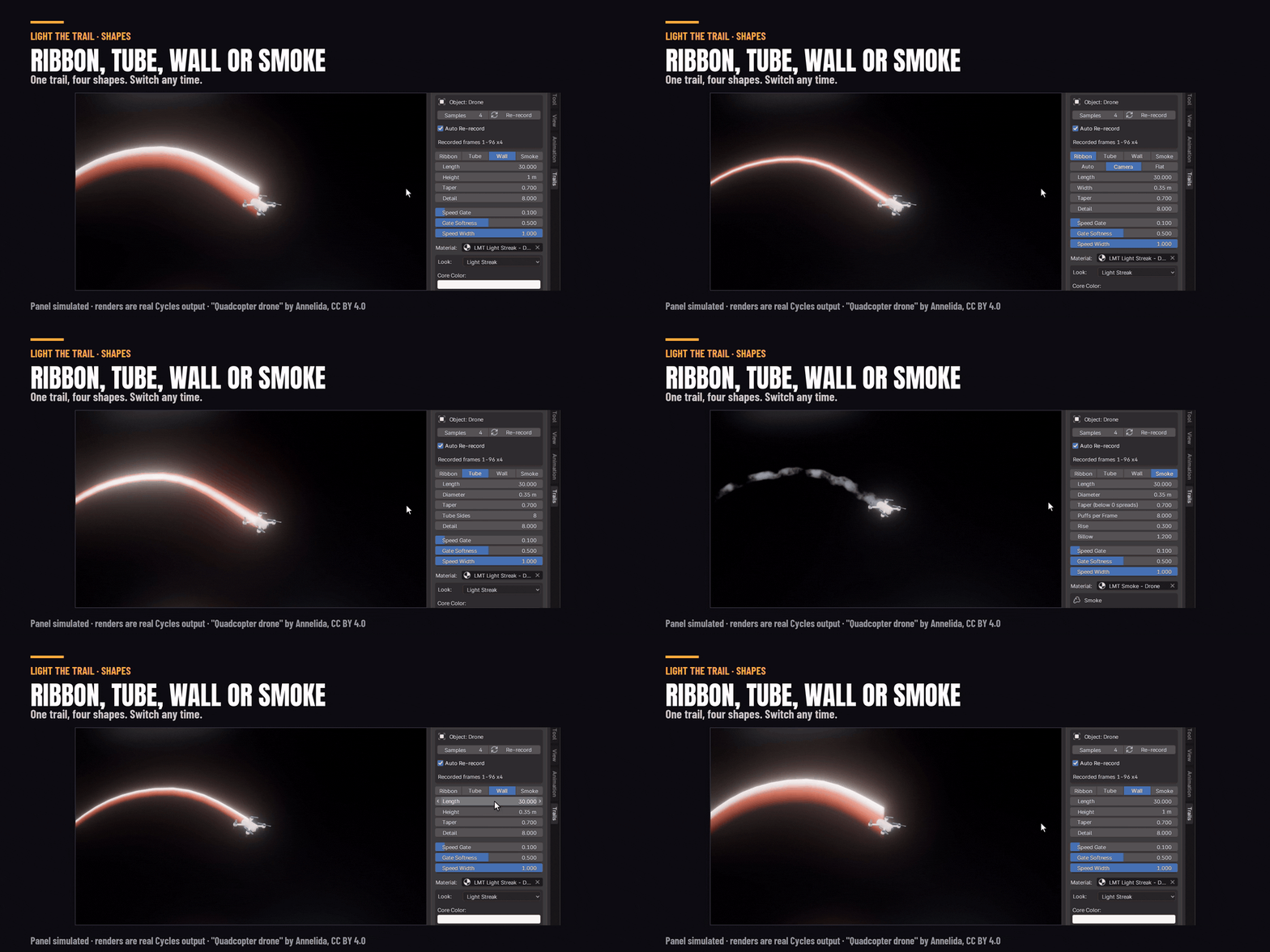
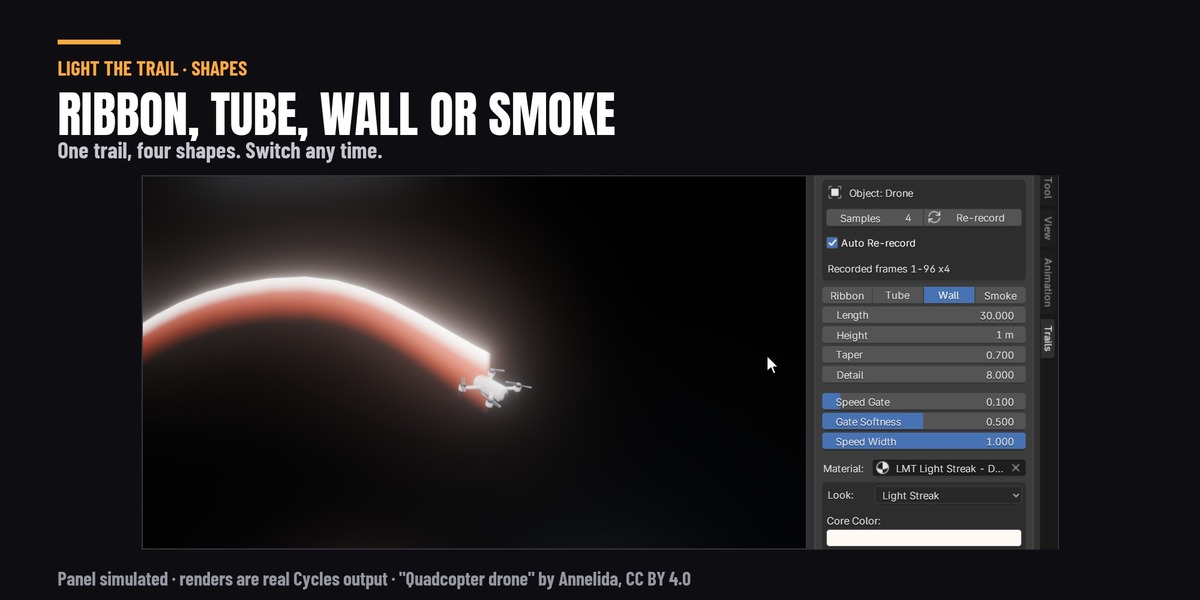
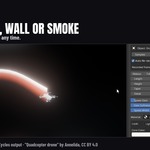
Any trail can be a flat ribbon, a round tube, an upright wall or smoke. Switch any time.
Renders anywhere
The motion is stored inside the trail, so the file renders the same on a render farm or on a computer without the add-on. Change the animation and the trail records again by itself. Render Check at the bottom of the panel gets the scene ready to render (transparent bounces, the glow) and lists anything that is your call. It never lowers a setting you set.
What you get
The add-on (3D Viewport sidebar, Trails tab) and the manual. Blender 4.5, 5.1 and 5.2. Trails light up what is around them in Cycles. EEVEE draws the trails but does not light the floor with them. Demo scenes are not included.
Scenes in the images: "Sci-fi corridor" by 3dhdscan and "Quadcopter drone" by Annelida, both CC BY 4.0 via sketchfab.com, modified. The BMW27 car and Camera_01 (Poly Haven), CC0. Character and animation from Mixamo.
