 Skava
Skava
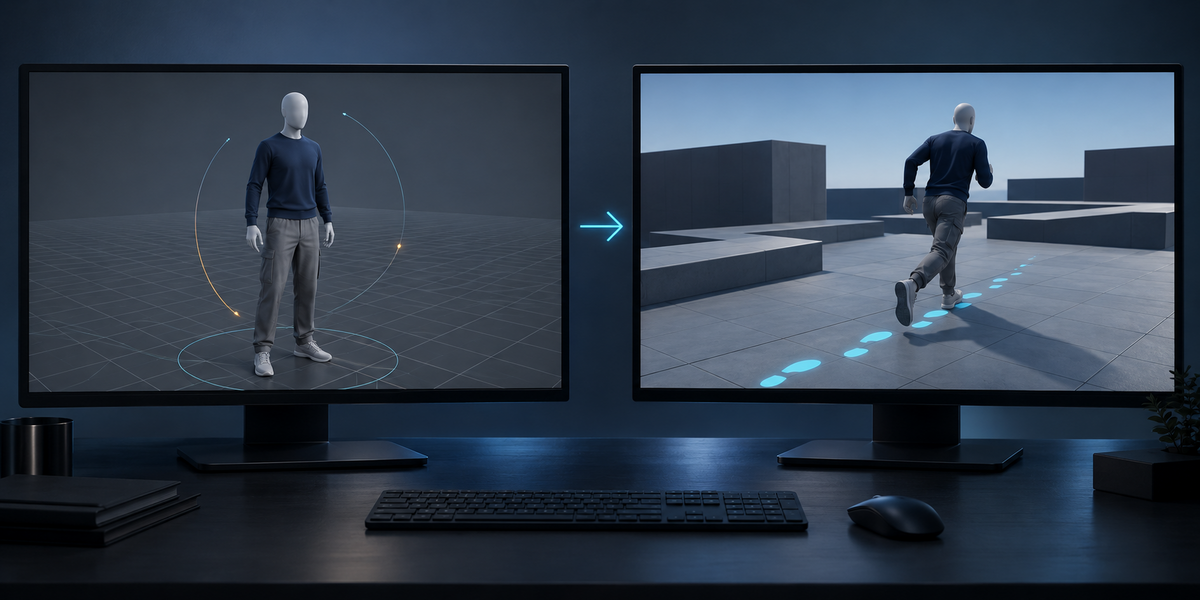
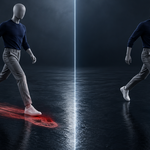
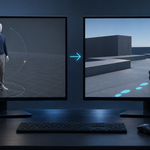
Any armature with a skinned mesh — UE5 mannequin, Mixamo, Rigify deform bones, glTF characters — and skeletons without a mesh (BVH motion capture). Bone names do not matter for measuring; mirroring needs left/right names.
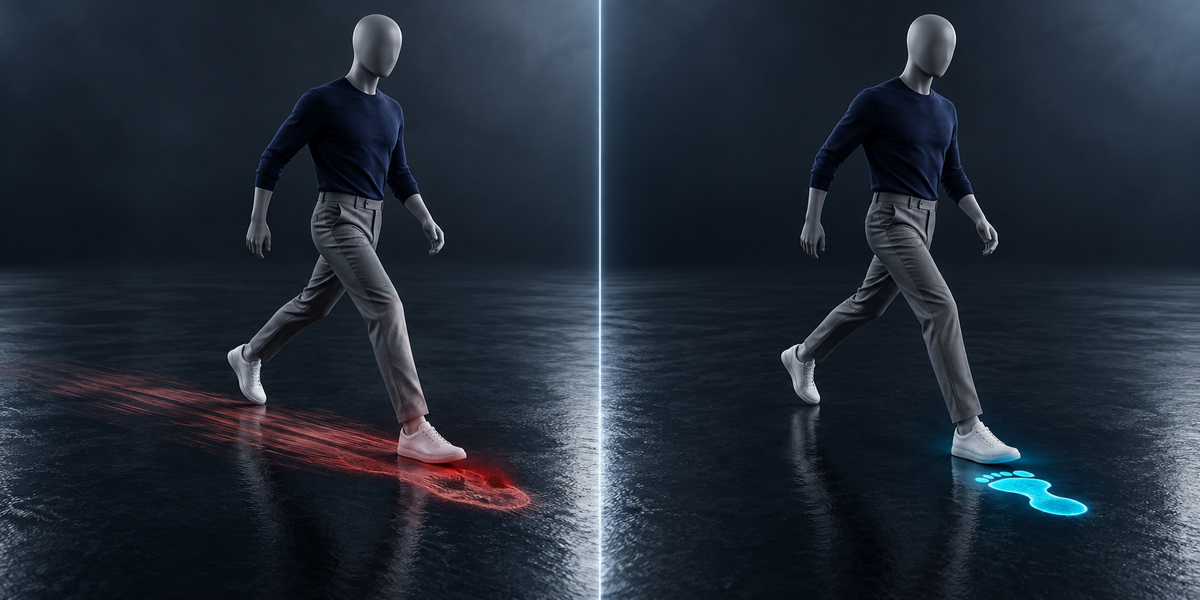
Yes. The planted foot of an in-place clip runs backwards like a treadmill belt; its speed is the clip's speed. Travelling clips are measured too, and their stride is written in place.
No. It writes new actions (<action>_LF) with one stride each and reads yours. In Unity it adds clips named "<action> [LocoForge]" and leaves your own.
Because a blend does not move at the speed you type into it: clips of different length change each other's pace, and the feet's speed changes through a step. LocoForge measures what Unity actually plays, at every point of the blend and every moment of the step, and moves the character exactly that fast.
The slowest strides play at a slower pace, so the feet keep their grip; below a fifth of that speed the character stands and your idle plays.
Both, tested in Unity 6. If Unity plays a clip at another speed than Blender measured (for example a Humanoid avatar mapped wrongly), the report says so by name.
Yes. Untick Move Transform on the mover and read playedVelocity, or set the parameters yourself from the speed map.
Unity in this version. The stride actions and the .loco.json are plain and engine-free.
No.
Have questions about this product?
Login to message
| Published | about 10 hours ago |
| Blender Version | 4.2 - 5.2 |
| Extension Type | N/A |
| License | GPL |
Discover more products like this
foot sliding game development character animation mocap locomotion root motion unity Export strafe animator controller game ready blend tree