 Ludiax Studio


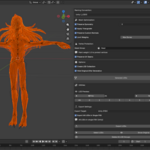
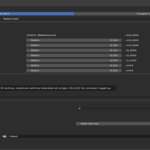
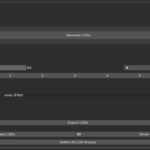
LS - Pro Auto LOD Generator
The Ultimate LOD Solution for Blender Game Development
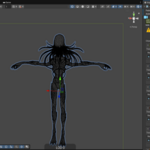
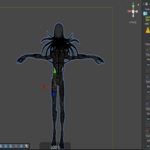
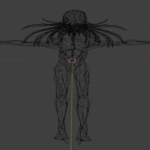
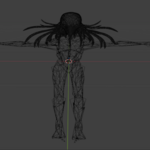
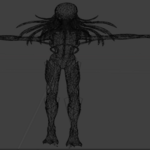
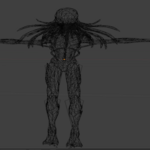
Automate your Level of Detail workflow with this professional Blender add-on. Generate optimized LOD meshes in seconds while preserving your rigging, weights, and UV mapping. Perfect for Unreal Engine, Unity, and Godot projects.
🎯 Why Choose Pro Auto LOD Generator?
Whether you're developing AAA-quality characters or optimizing assets for mobile games, this tool handles all the complexity of LOD creation automatically. No more manual decimation, no more broken weights, no more tedious exports.
✨ Core Features
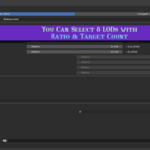
📊 8-Level LOD System
- Full LOD0 through LOD7 support
- Toggle each level on/off as needed
- Real-time triangle count estimation
- Flexible customization per level
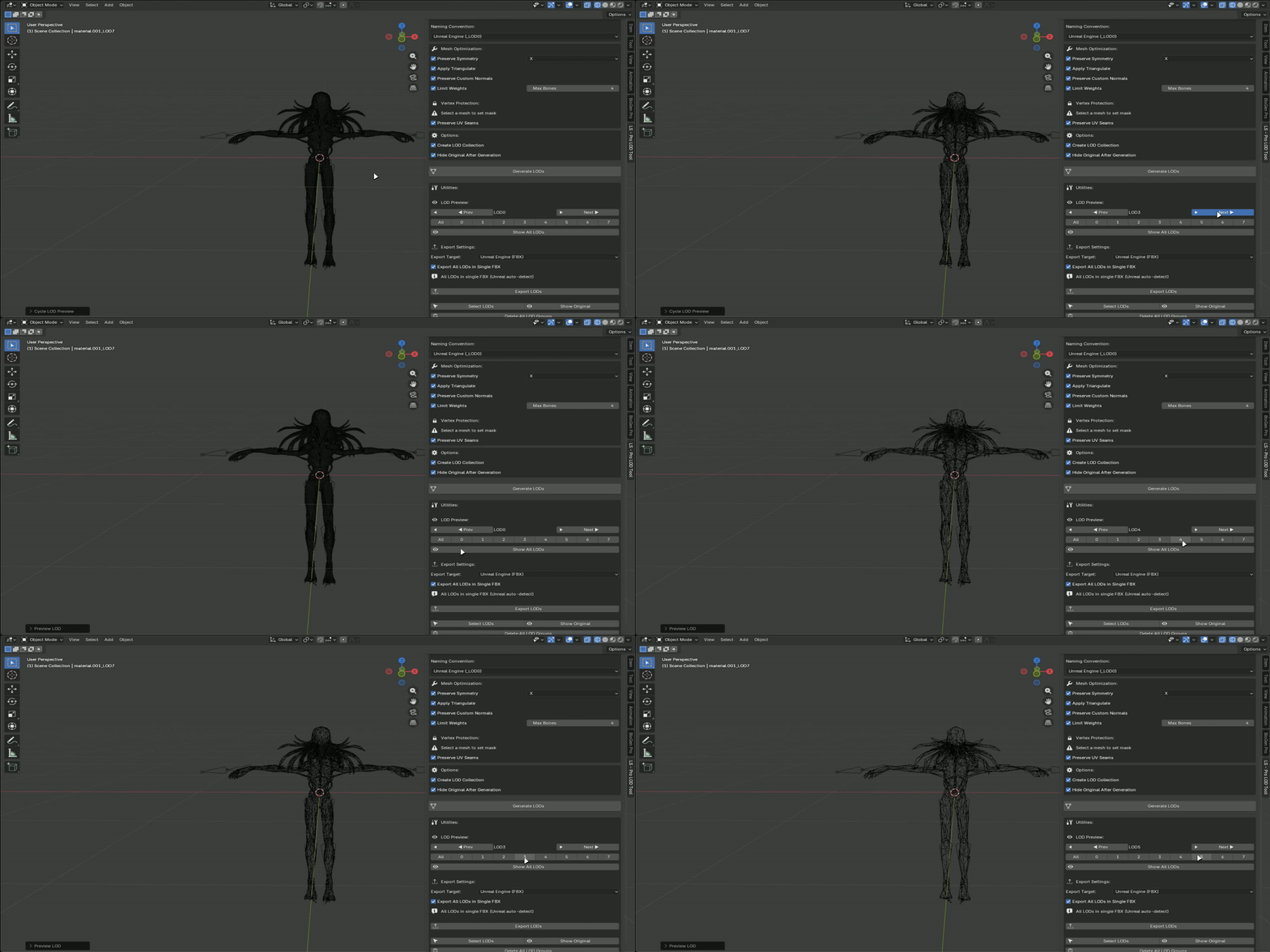
🎚️ Dual Reduction Modes
Ratio Mode: Reduce by percentage (50%, 25%, 10%, etc.)
Target Mode: Set specific polygon counts (5000, 2500, 1000 polys)
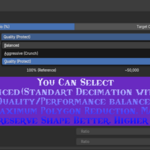
🔧 Three Decimation Styles
- Balanced: Standard quality/performance ratio
- Aggressive (Crunch): Maximum reduction for mobile/VR
- Quality (Protect): Higher fidelity, preserve details
🎮 Game Engine Integration
Unreal Engine Ready
- Automatic `_LOD0`, `_LOD1` naming convention
- Combined FBX export (auto-detected by Unreal)
- Correct axis and scale configuration
Unity Compatible
- Unity-standard LOD naming
- Separate or combined FBX export options
- Optimized bone hierarchy
Godot & Web
- GLB format export
- Web-ready lightweight meshes
- Full animation/skin support
🦴 Rigging & Animation Safe
Single Armature Mode
Stack all LODs at origin with shared armature - perfect for game engines that handle LOD switching automatically.

Weight Preservation
Vertex group weights maintain integrity through decimation process.
Mobile Optimization
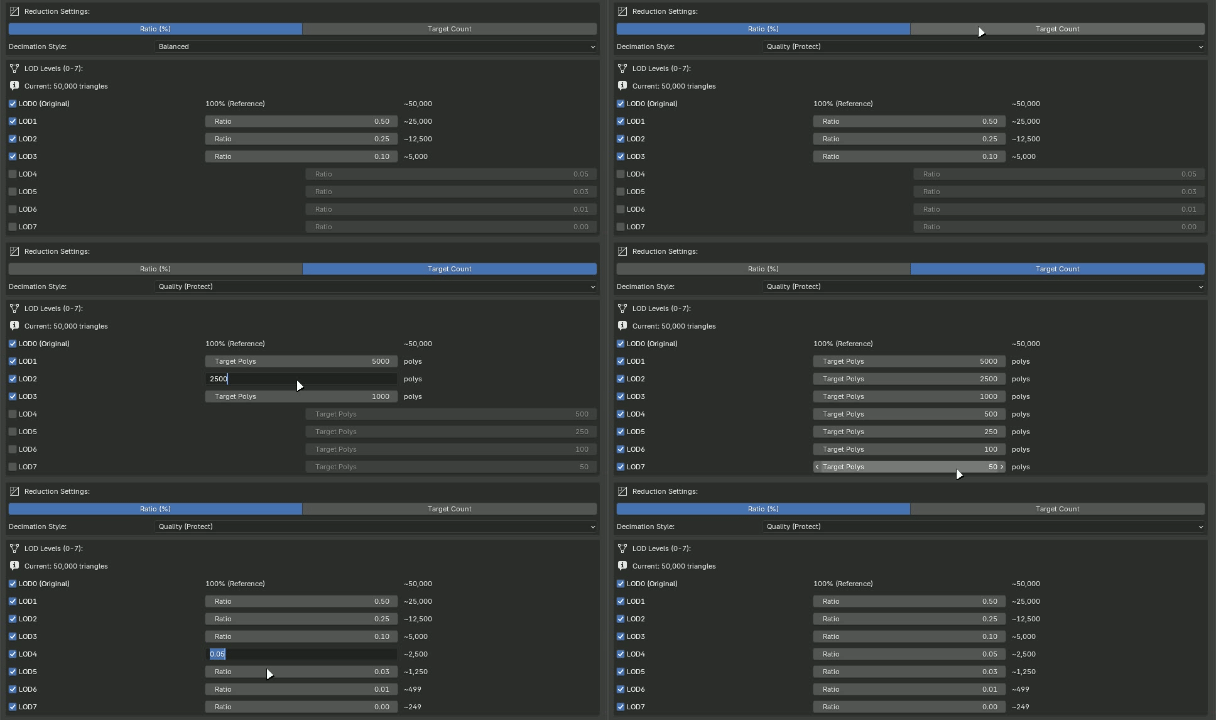
Limit bone influences per vertex (4-bone limit for mobile platforms).
🛠️ Advanced Options
Mesh Protection
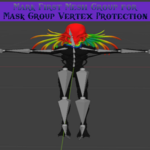
- Vertex Group Mask: Paint weight 1.0 to protect specific vertices from decimation
- UV Seam Preservation: Maintain UV boundaries during reduction
- Symmetry Mode: Preserve X/Y/Z axis symmetry
Quality Control
- Custom Normals: Keep hand-painted normals
- Auto-Triangulate: Game-ready triangulated output
- Shape Key Awareness: Safe handling of blend shapes
📦 Workflow Tools
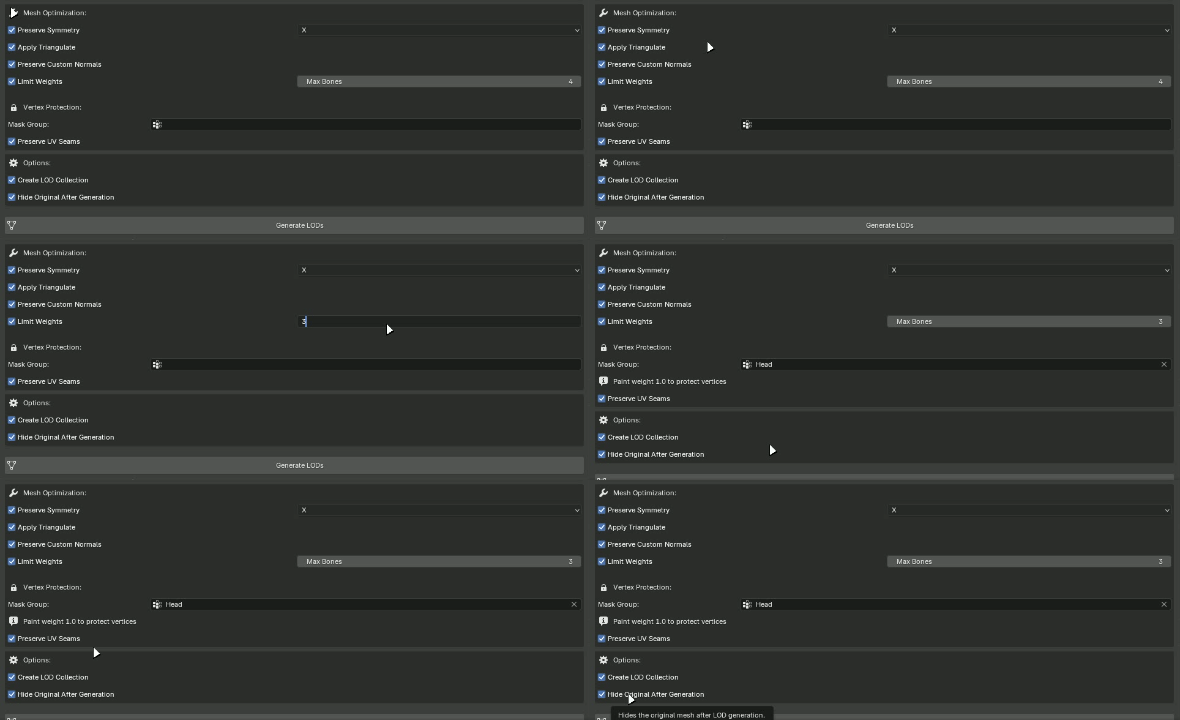
LOD Preview System
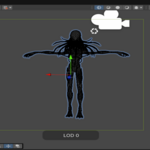
- Instant viewport switching between LOD levels
- Previous/Next navigation
- Quick buttons for each level
- Show All option
Organization
- Automatic LOD Collection hierarchy
- Hide original mesh after generation
- Select all LODs in group
- One-click cleanup
Export Options
- Combined Export: All LODs in single file (Unreal auto-detect)
- Separate Export: Individual files per LOD level
- Format Selection: FBX or GLB
🚀 Quick Start
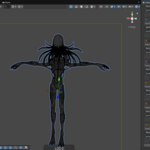
1. Select your rigged character mesh
2. Open sidebar panel (LS - Pro LOD Tool)
3. Configure LOD levels and ratios
4. Click 'Generate LODs'
5. Use 'Export LODs' to save game-ready files
💡 Perfect For
✅ Game character artists
✅ Environment asset creators
✅ VR/AR developers
✅ Mobile game studios
✅ Indie game developers
✅ 3D asset marketplace sellers
Streamline your game development pipeline. Generate professional LODs in seconds, not hours.