 Darksteady. Studio
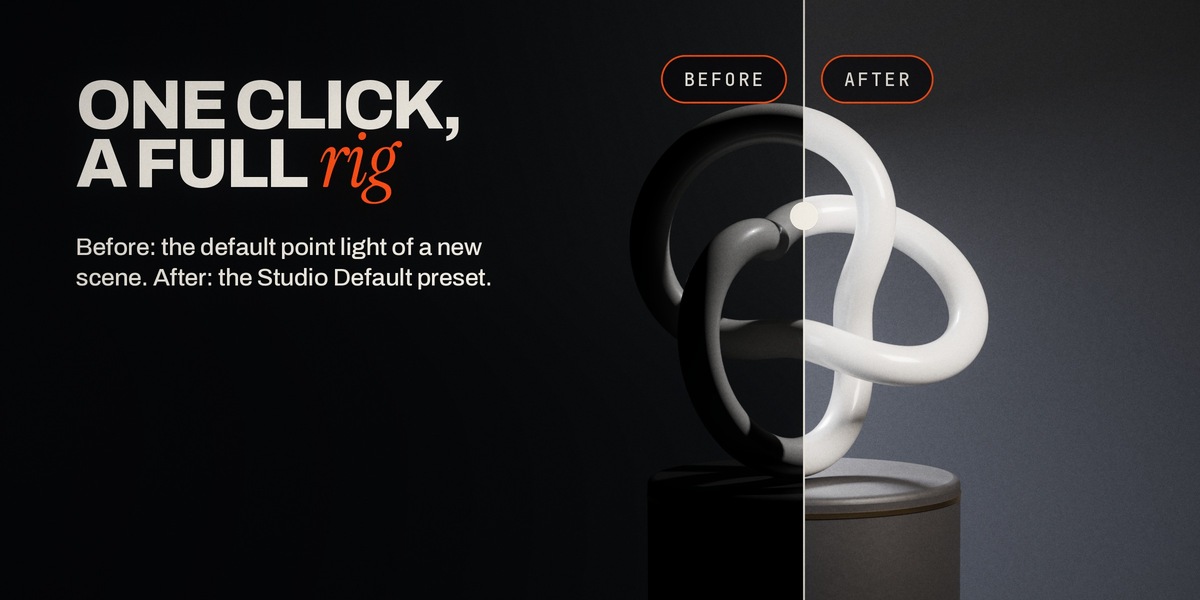
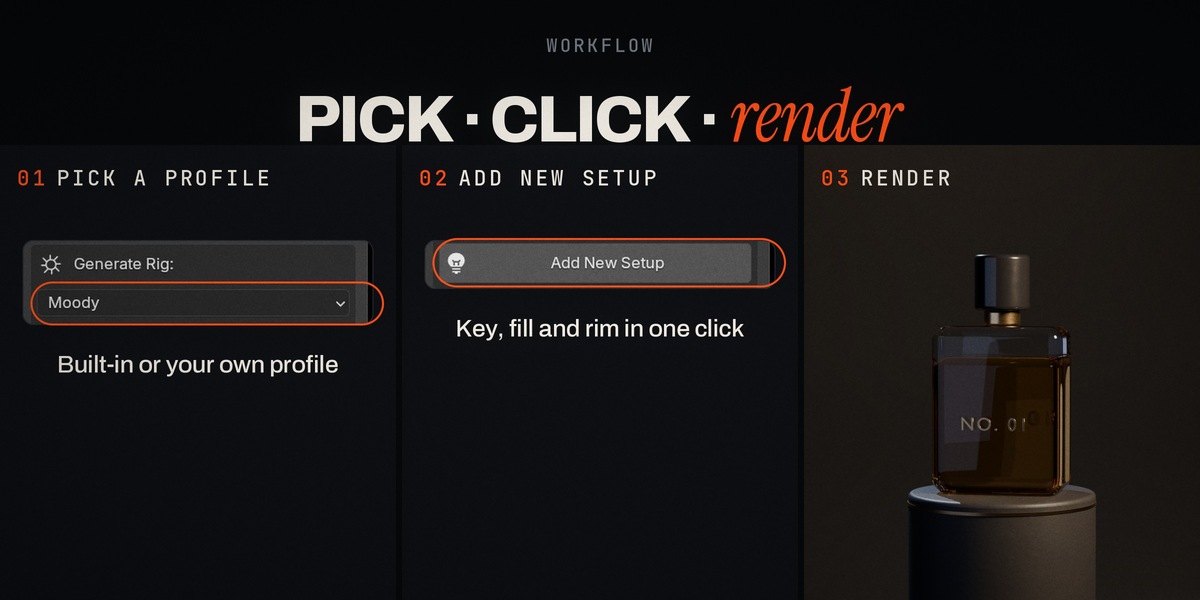

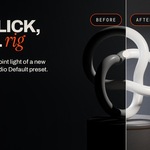

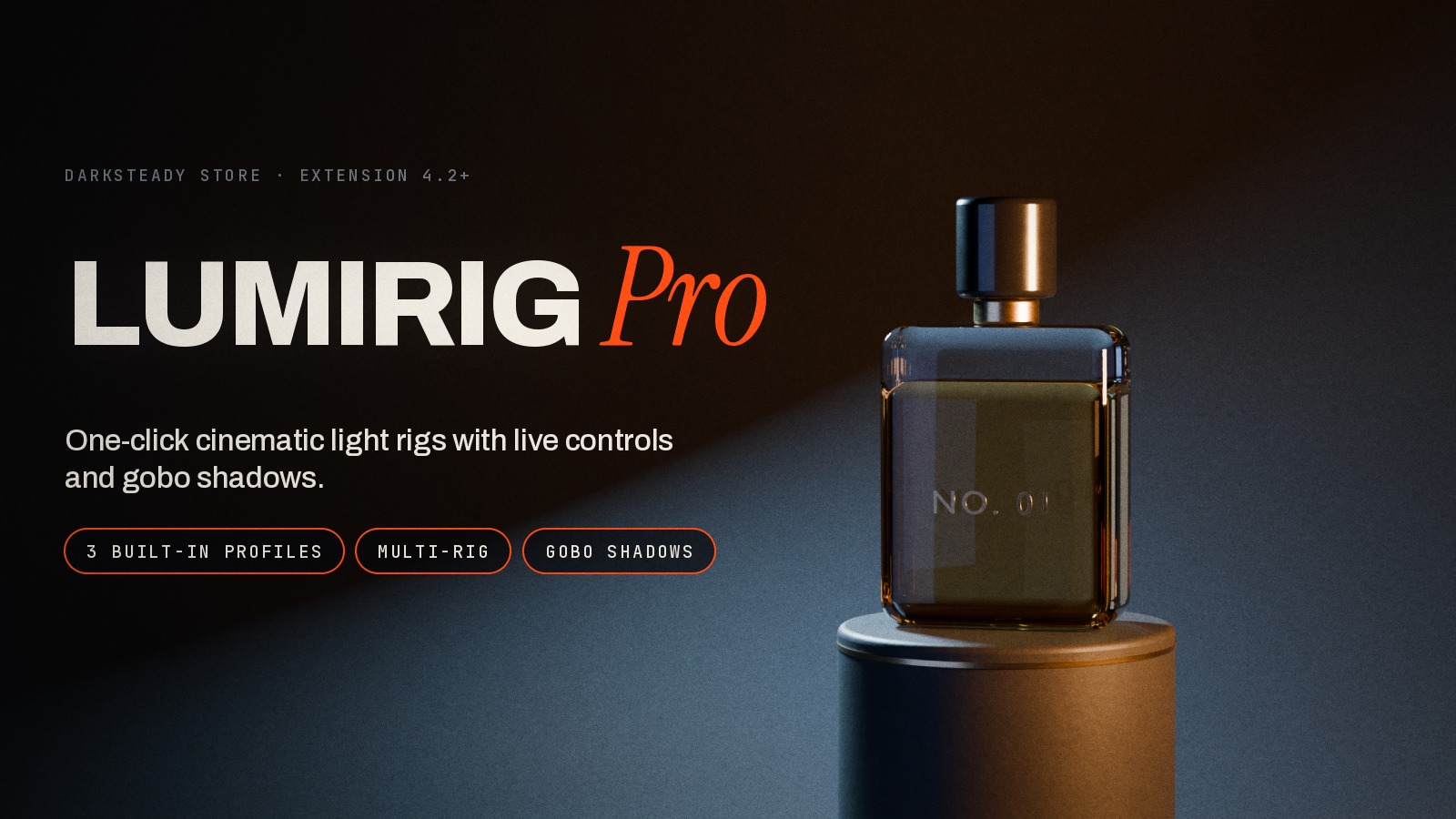
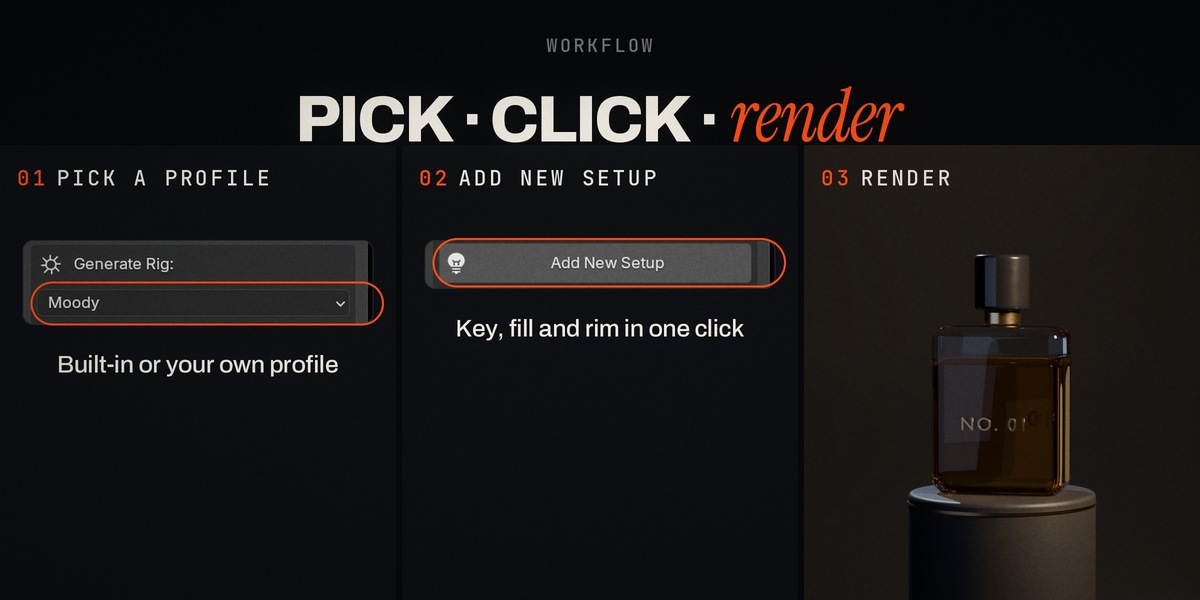
LumiRig Pro builds a complete, aimed three-light rig around whatever you have selected, in one click. Pick a profile, press Add New Setup, and a key, fill and rim light appear around your object, already pointed at it. Then shape every light from the sidebar, keep as many rigs as you need in one scene, save your own looks, and add textured gobo shadows with one more click. It's lighting setup without the setup.
Good light in one click, not after a session of dragging lamps

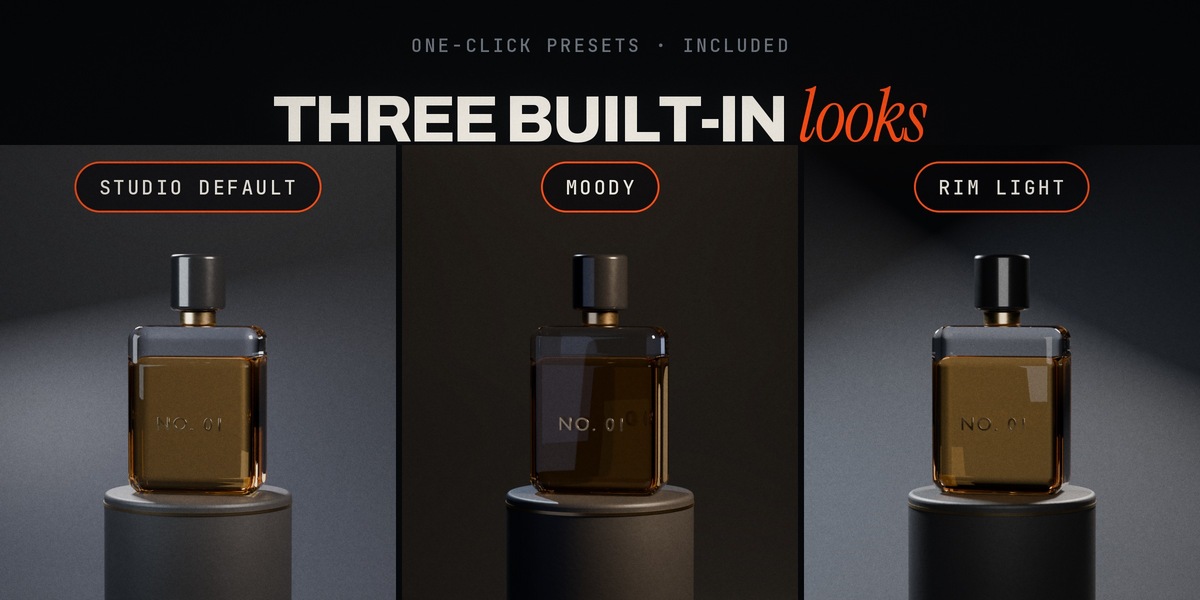
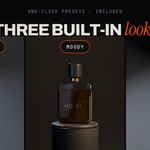
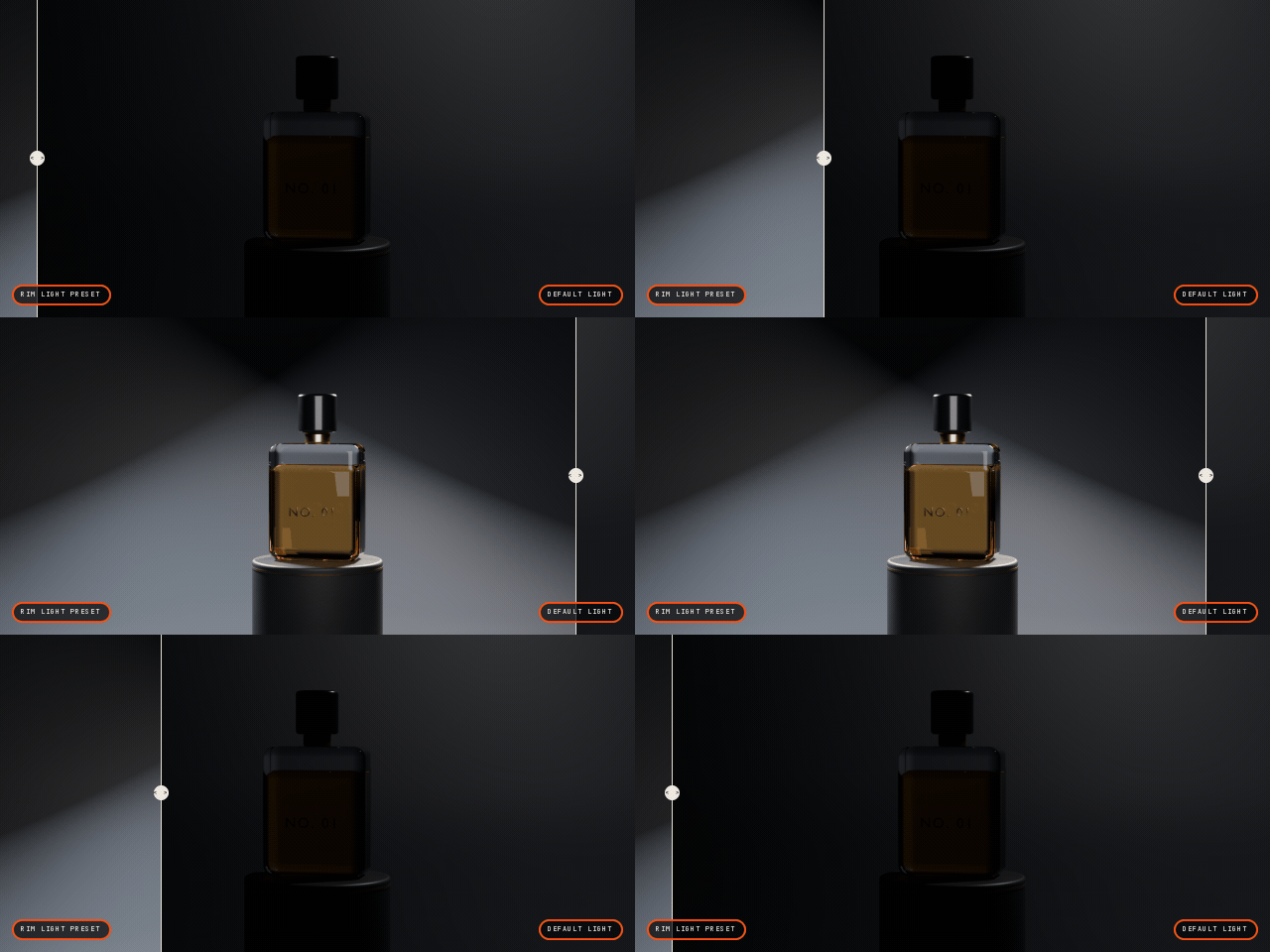
Three built-in profiles cover the classic looks: Studio Default for clean product light, Moody for a warm key with a cool rim, Rim Light for strong edge separation. Every light gets a Track To constraint aimed at a target placed on your object, so the rig is right the moment it appears. Move the target and every light re-aims.
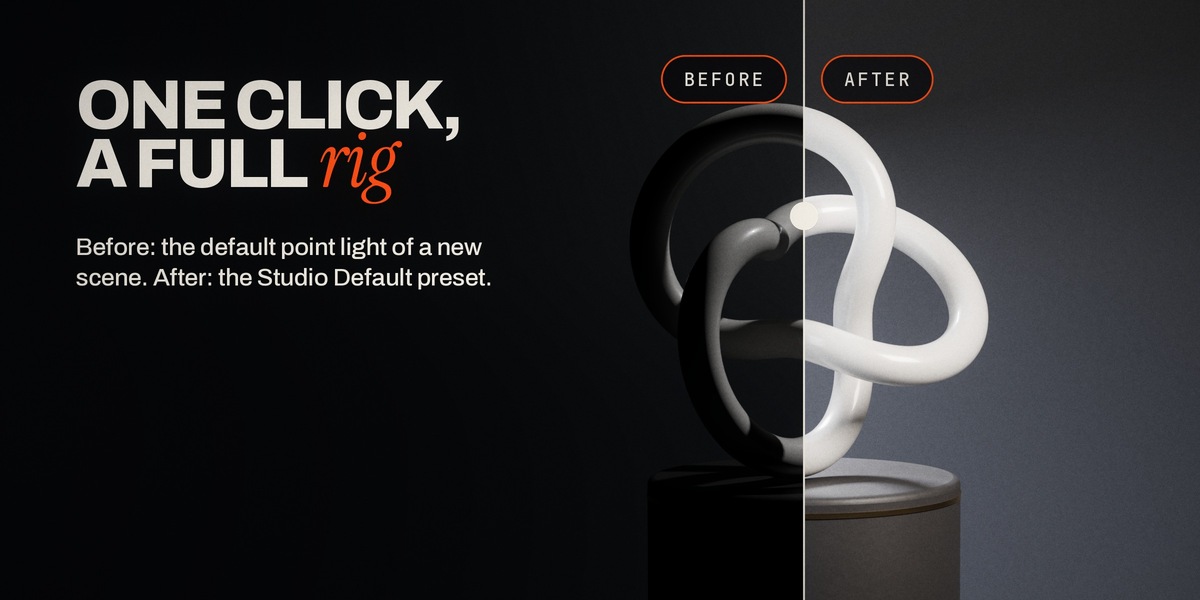
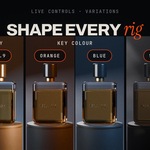
Change the mood without starting over
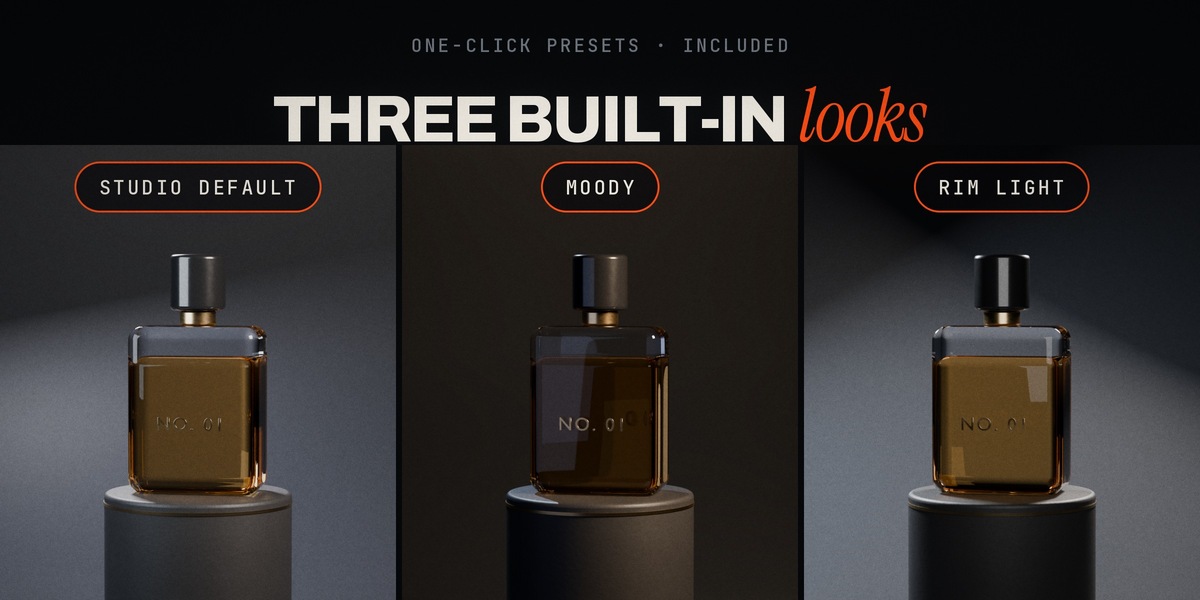
Add a second setup with another profile and compare, or switch looks for a client review. Each rig is its own collection, so nothing you already built is touched.
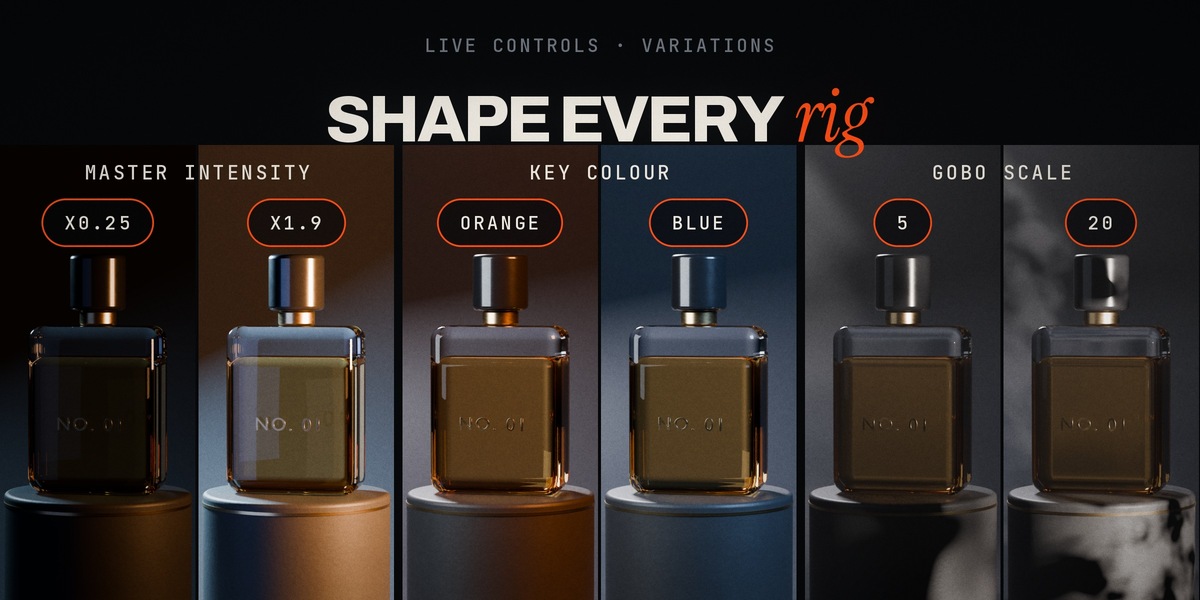
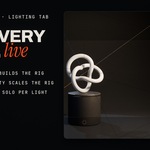
Every light at your fingertips
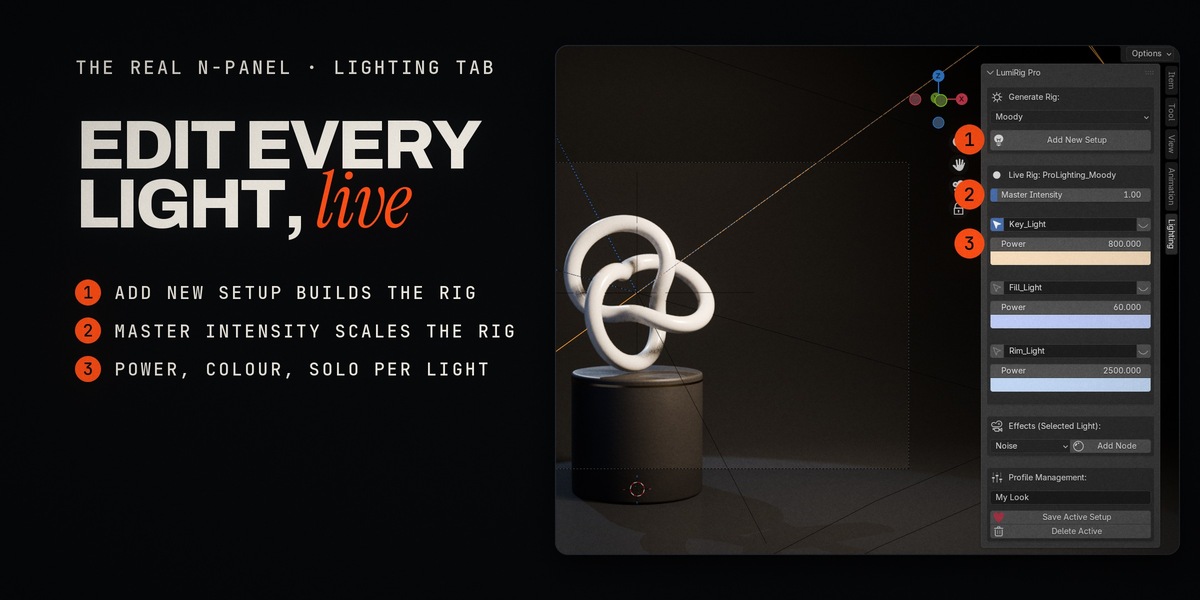
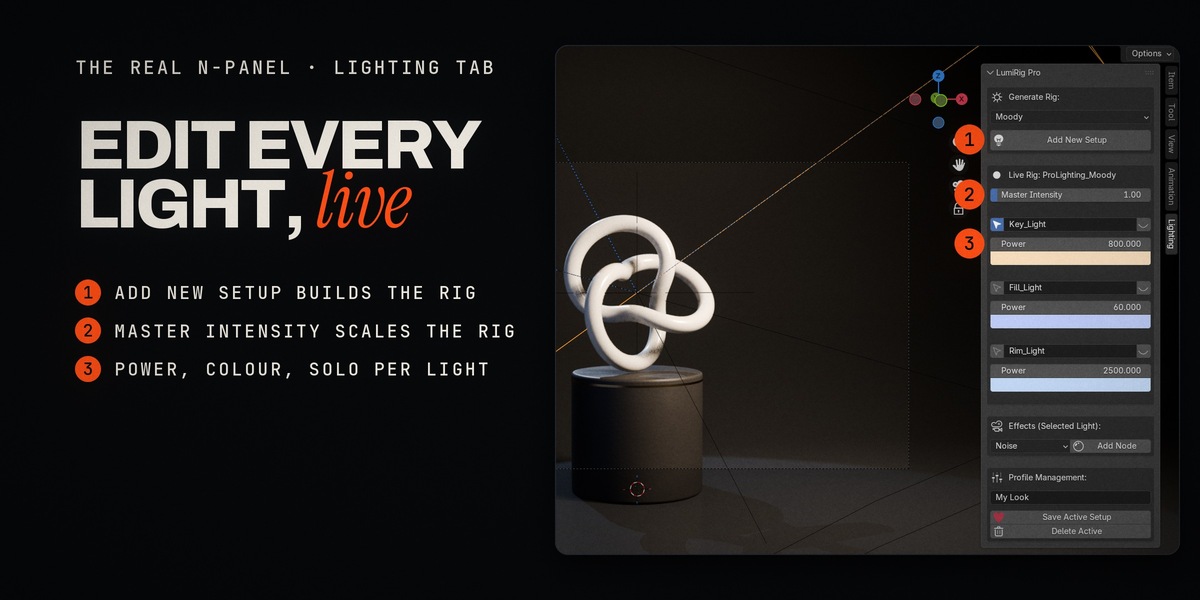
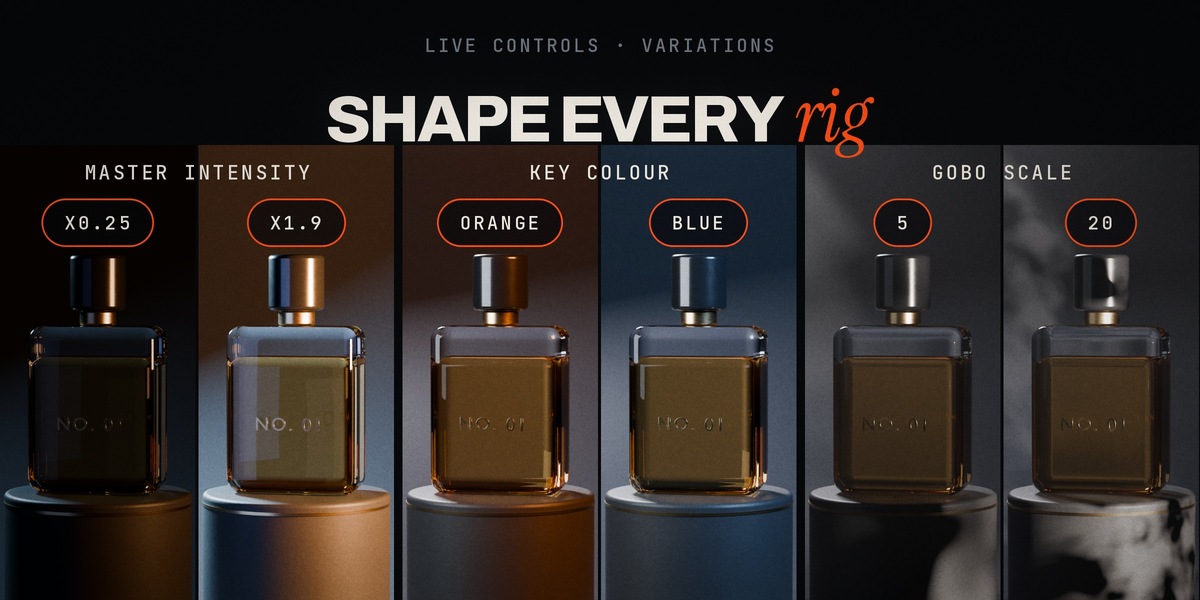
The Live Rig box in the N-panel always shows the rig you have selected:
- Master Intensity scales the whole rig and keeps the power values you typed by hand.
- Power and Colour for every light, right in the list.
- Solo any light with the eye button to see exactly what it adds; click again for the full rig.
- Select a light from the list without hunting in the outliner.
As many rigs as your scene needs
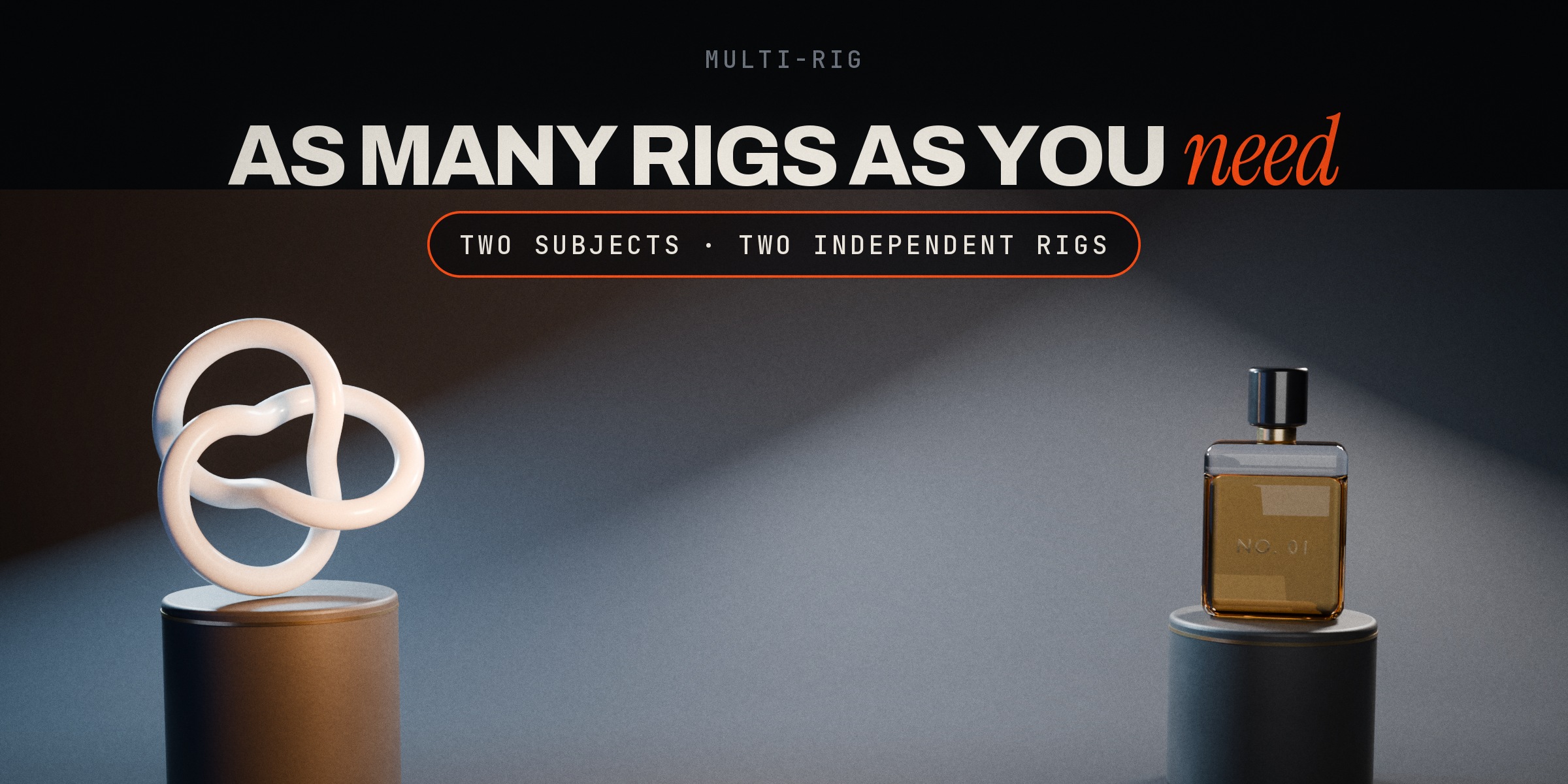
A hero and a background prop, two products side by side, a character and its set: give each its own rig with its own target, Master and Solo. Select any light or target and the panel switches to that rig.
Your looks, one click away
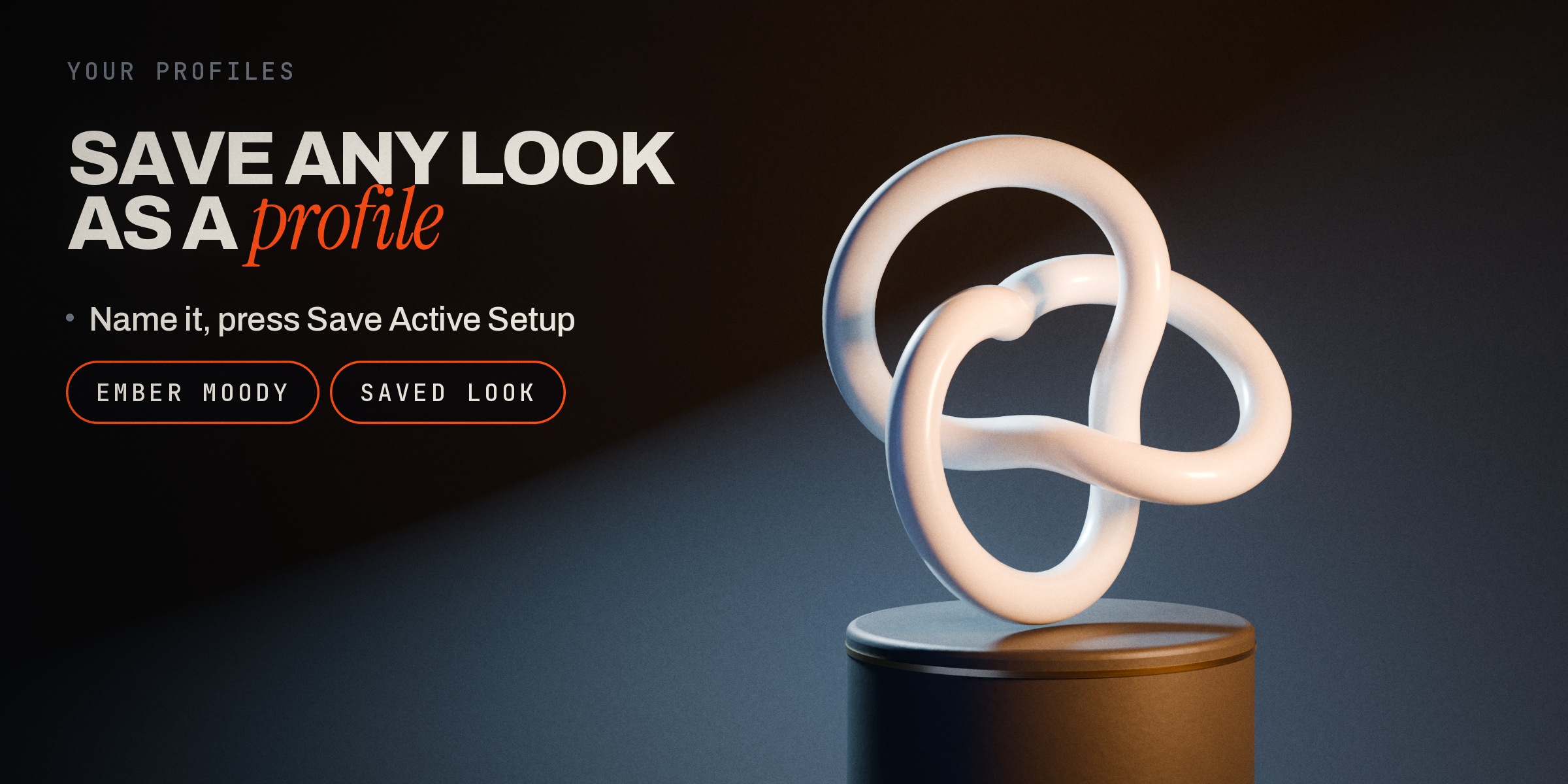
Tweak a rig until it's yours, type a name and press Save Active Setup. It appears in the profile list next to the built-ins and is stored in Blender's user folder, so add-on updates never touch it.
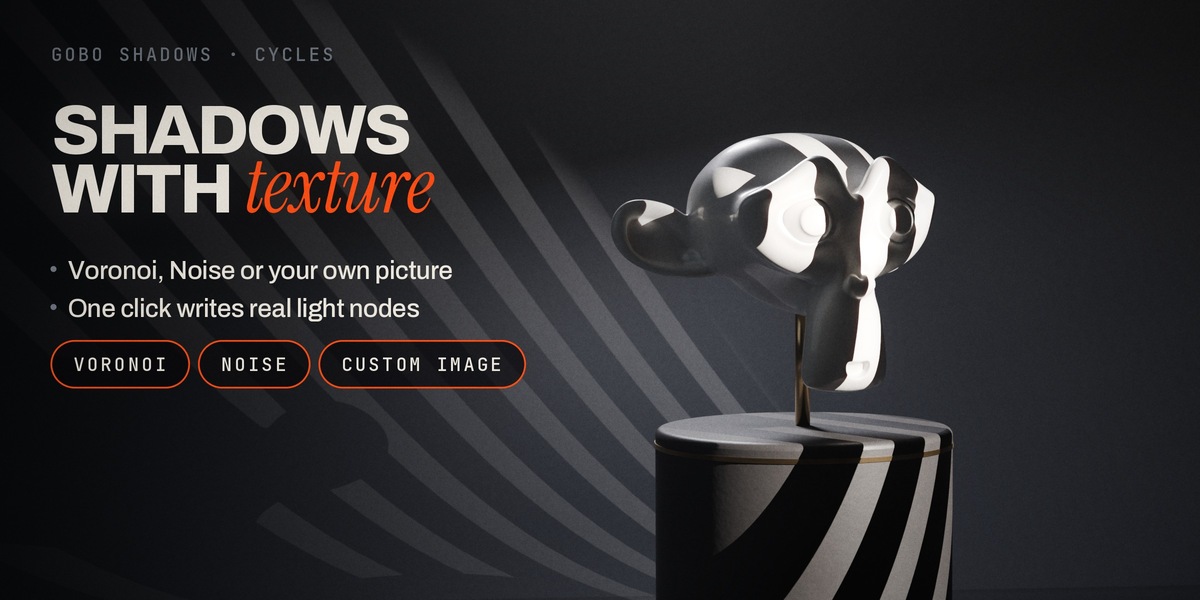
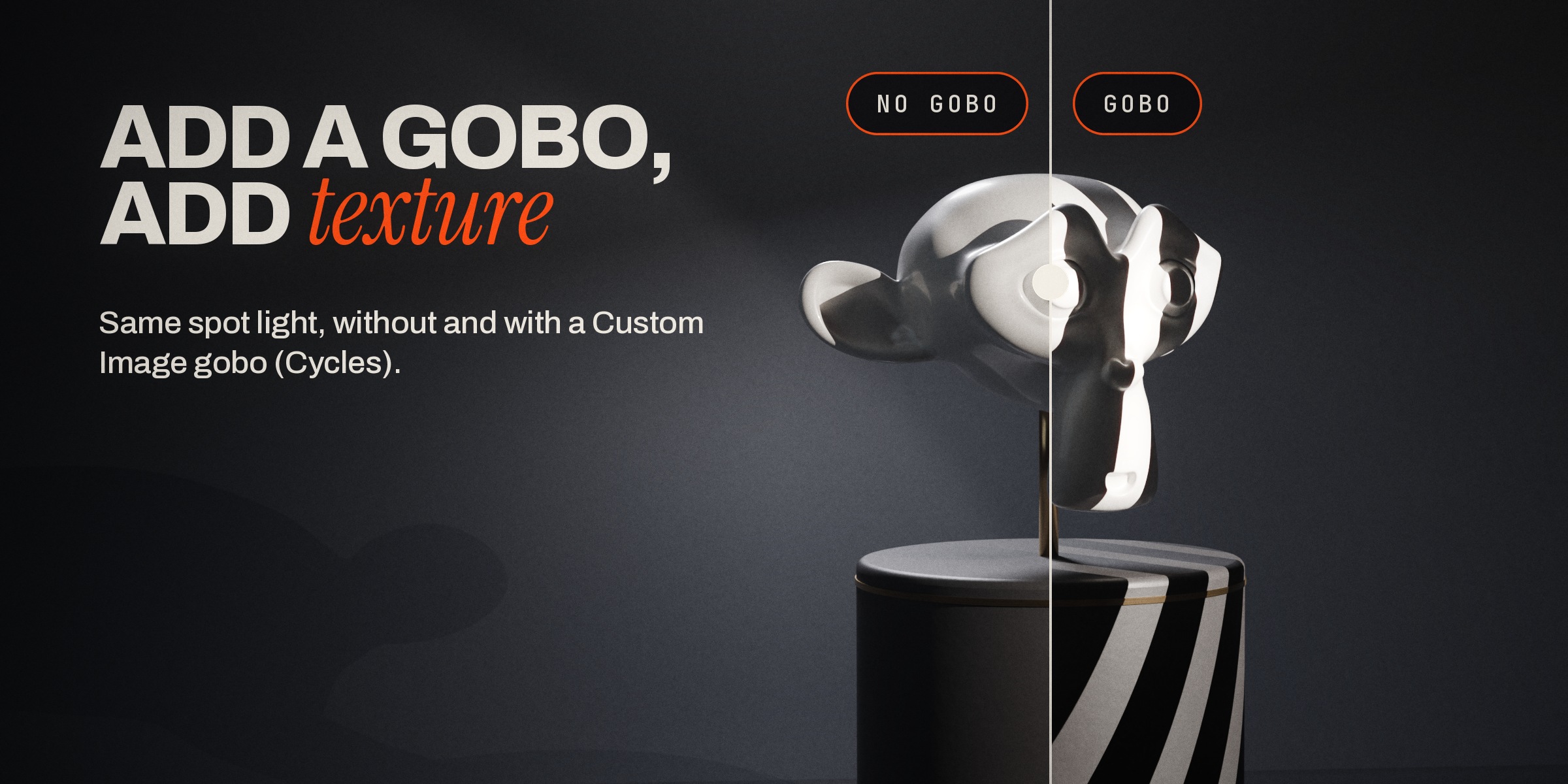
Gobo shadows with real texture
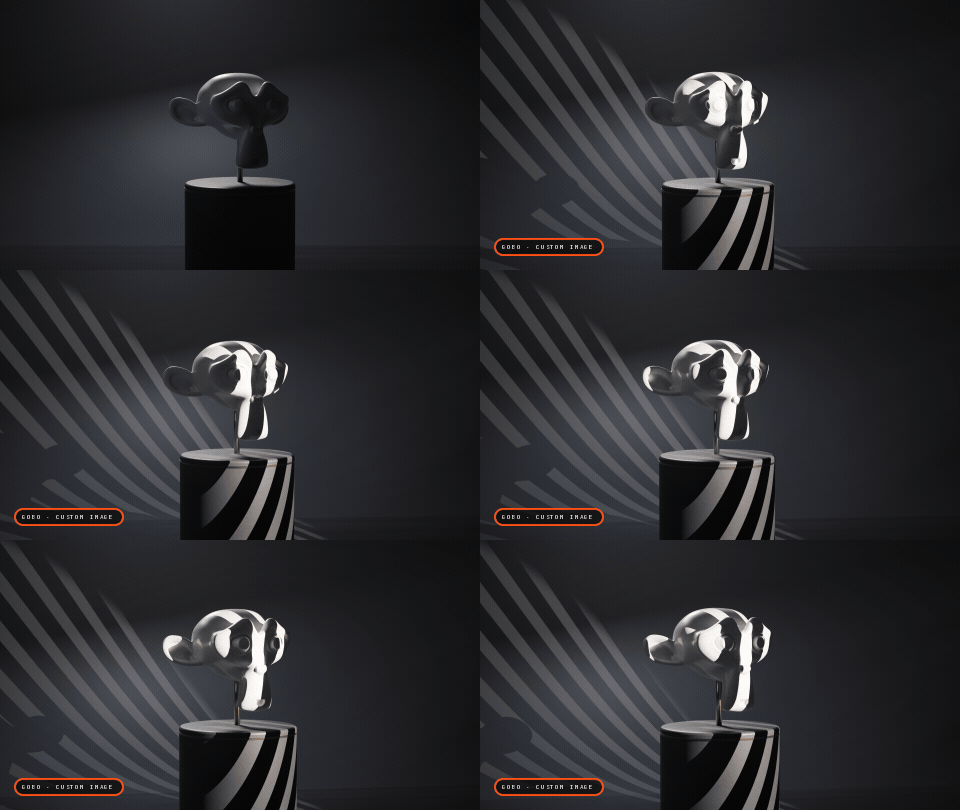
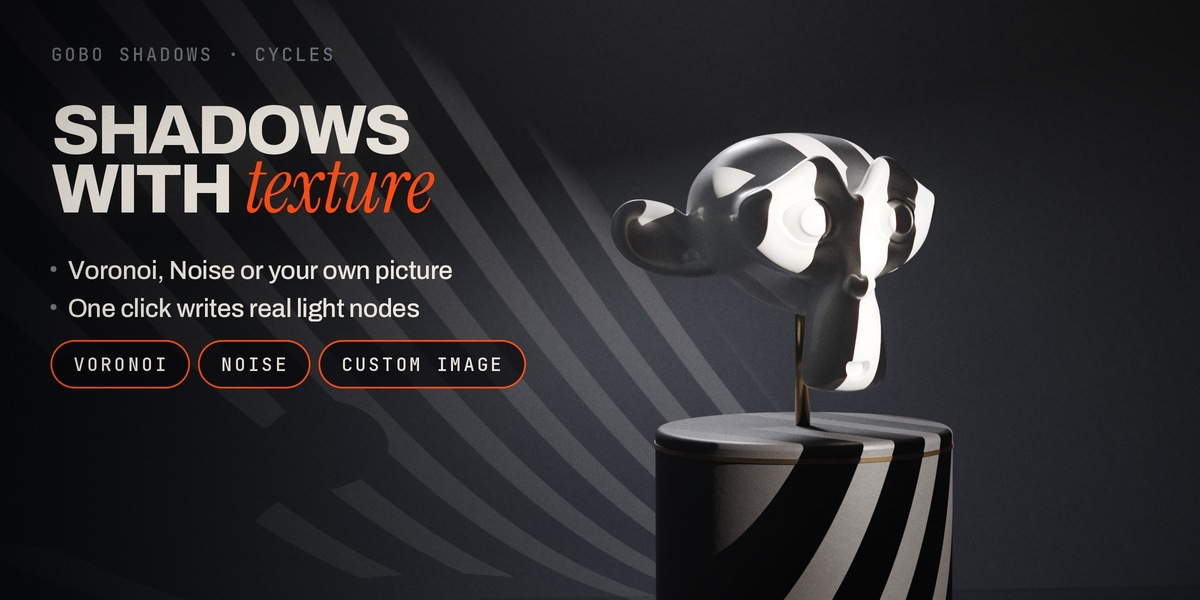
Select a light, choose Voronoi, Noise or Custom Image, press Add Node. LumiRig writes a real node tree into the light (Texture Coordinate, Mapping, the texture, a Color Ramp and Emission), so you can scale, rotate or animate the pattern like any node setup, or load your own picture. Gobo patterns render in Cycles.
What you get
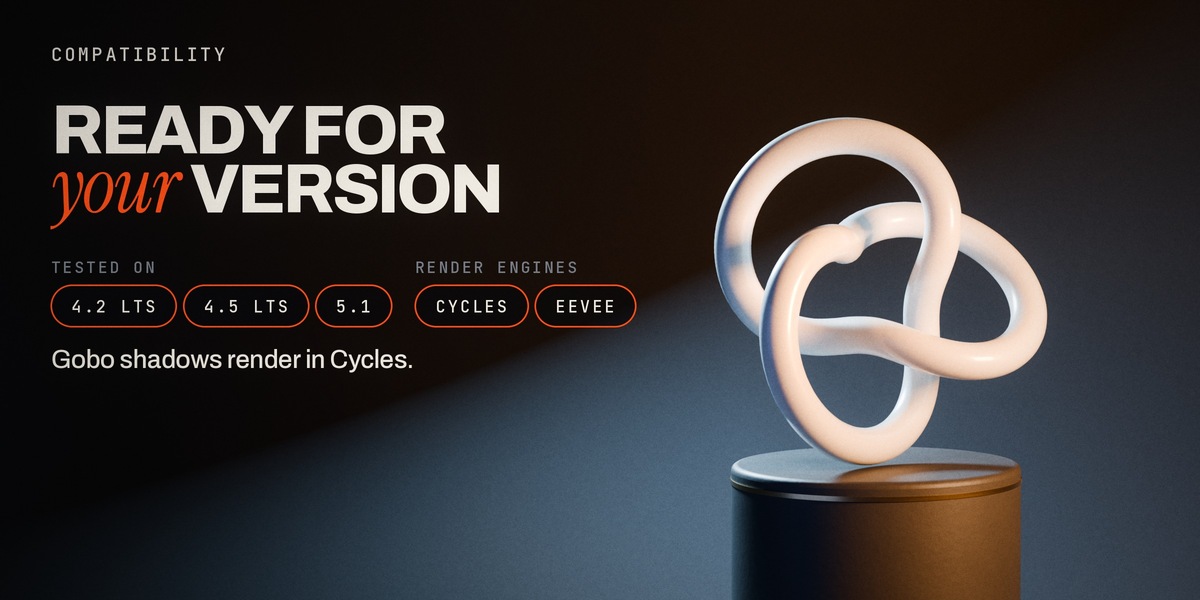
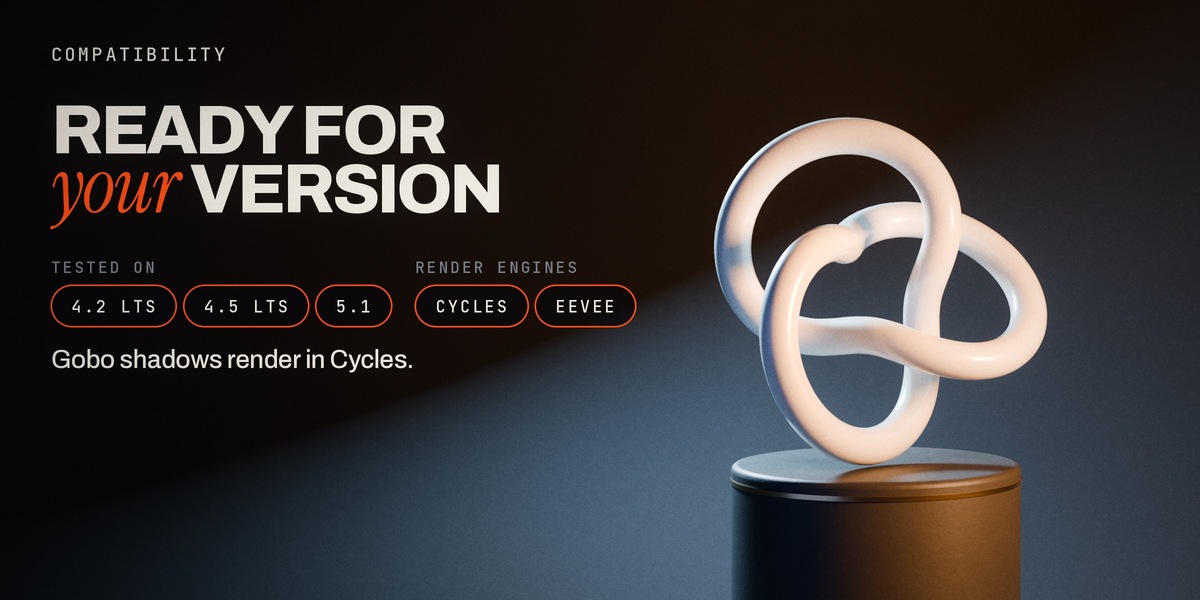
| Compatibility | Blender 4.2 LTS, 4.5 LTS, 5.1 (Extensions platform); also installs as a legacy add-on in 4.0 and 4.1 (tested on 4.0) |
| Render engines | Cycles and EEVEE (gobo patterns: Cycles) |
| Built-in profiles | Studio Default, Moody, Rim Light, plus unlimited profiles of your own |
| Where | 3D Viewport › Sidebar (N) › Lighting tab › LumiRig Pro |
| Licence | GPL-3.0-or-later |
Questions? See the FAQ tab. Step-by-step instructions and recipes are in Documentation.
Changelog
- 6.0.3 (2026-10-28): first Superhive release: built-in Studio Default, Moody and Rim Light profiles; your own profiles stored in Blender's user folder (they survive updates); per-rig Master Intensity and Solo; Voronoi, Noise and Custom Image gobos; tested on Blender 4.2, 4.5 and 5.1.
