LumiRig Pro: Light Rigs & Gobo Shadows
 Darksteady. Studio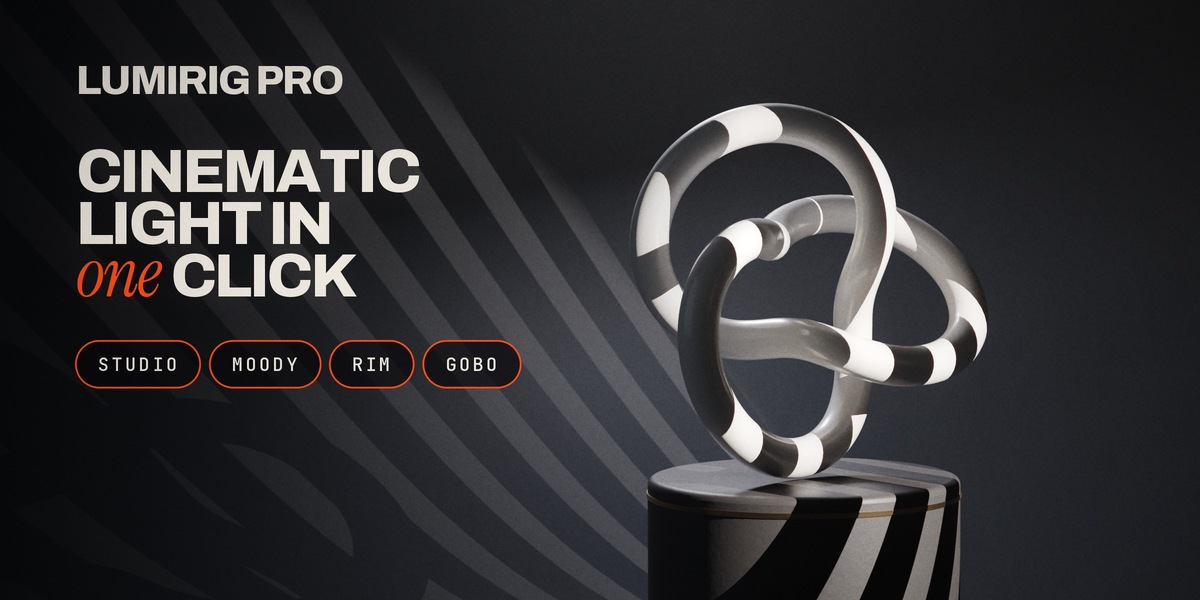
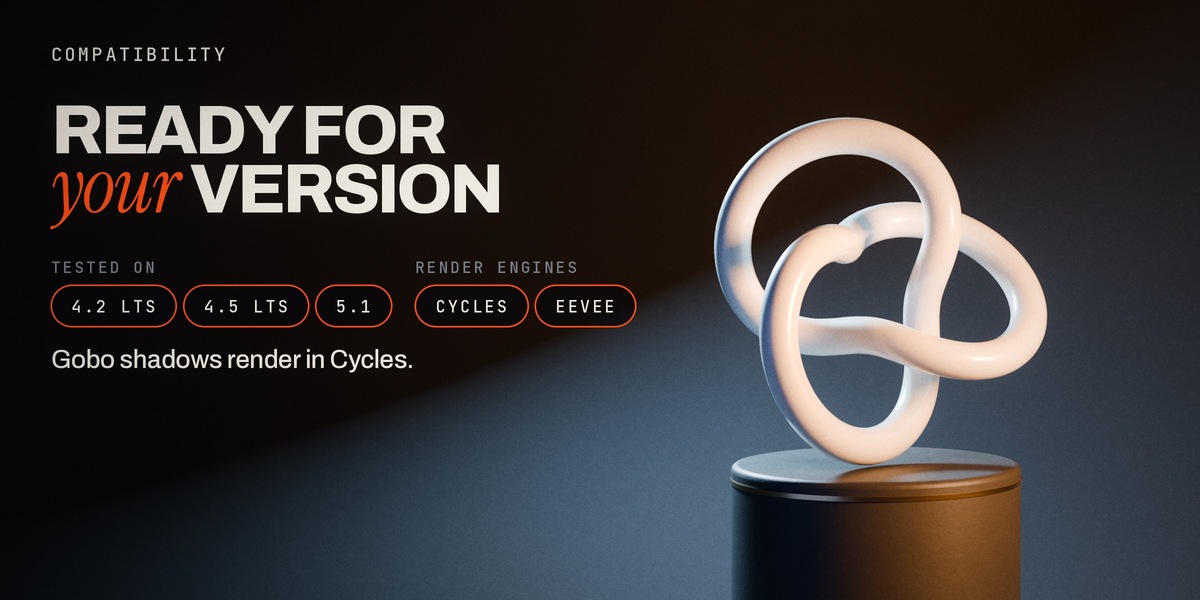
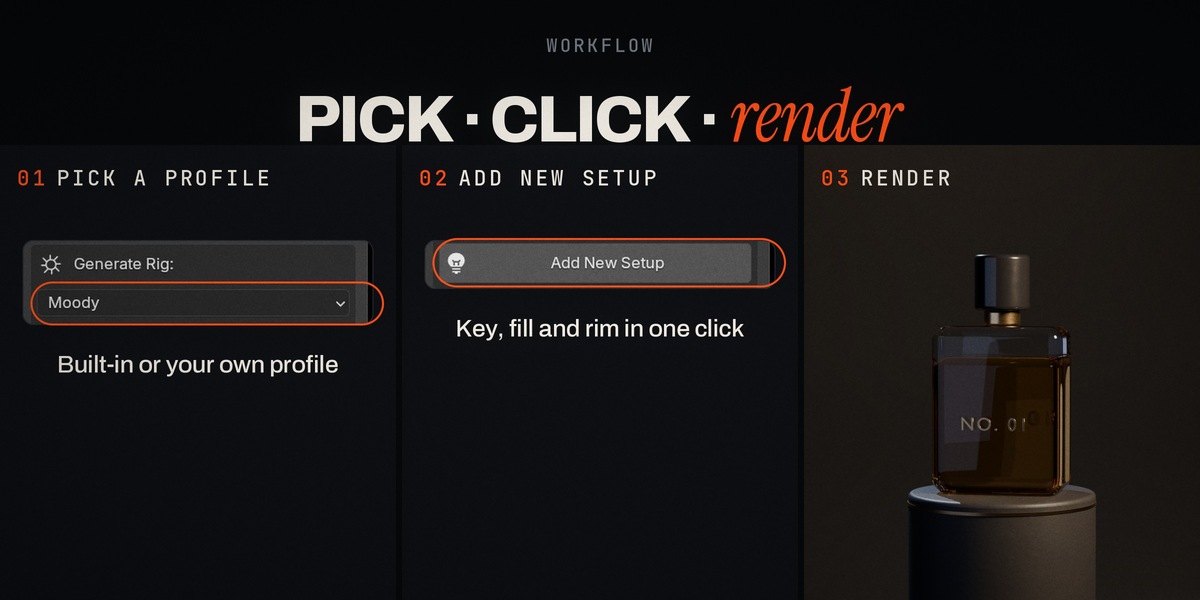




Blender 4.2 and newer as an extension (tested on 4.2, 4.5 and 5.1). It also installs as a legacy add-on in 4.0 / 4.1.
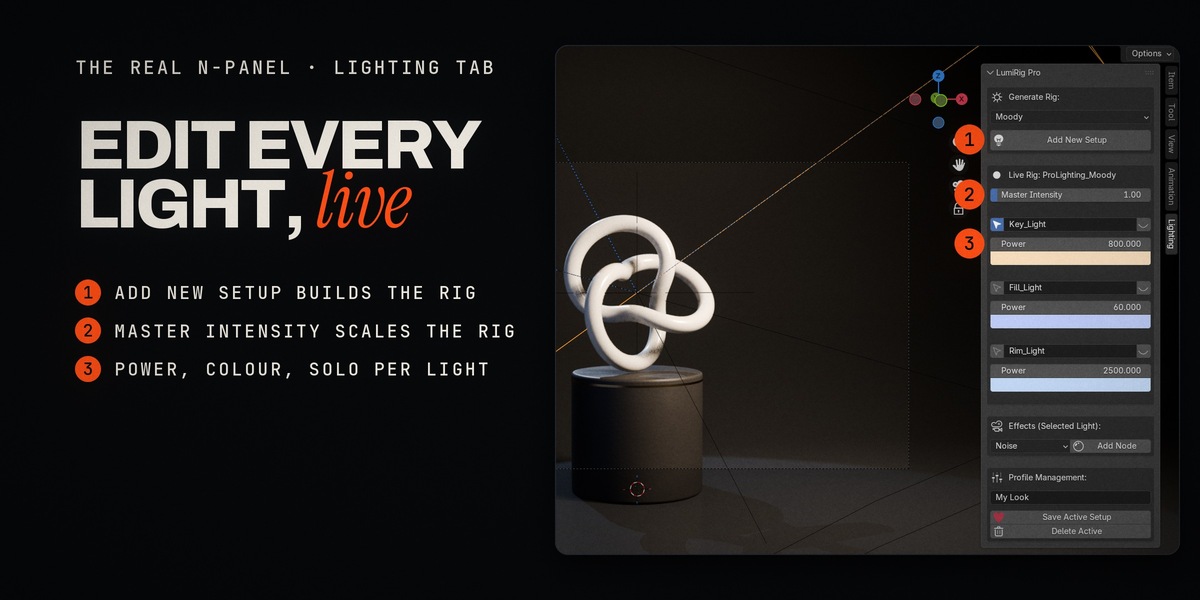
3D Viewport → press N → Lighting tab → panel "LumiRig Pro".
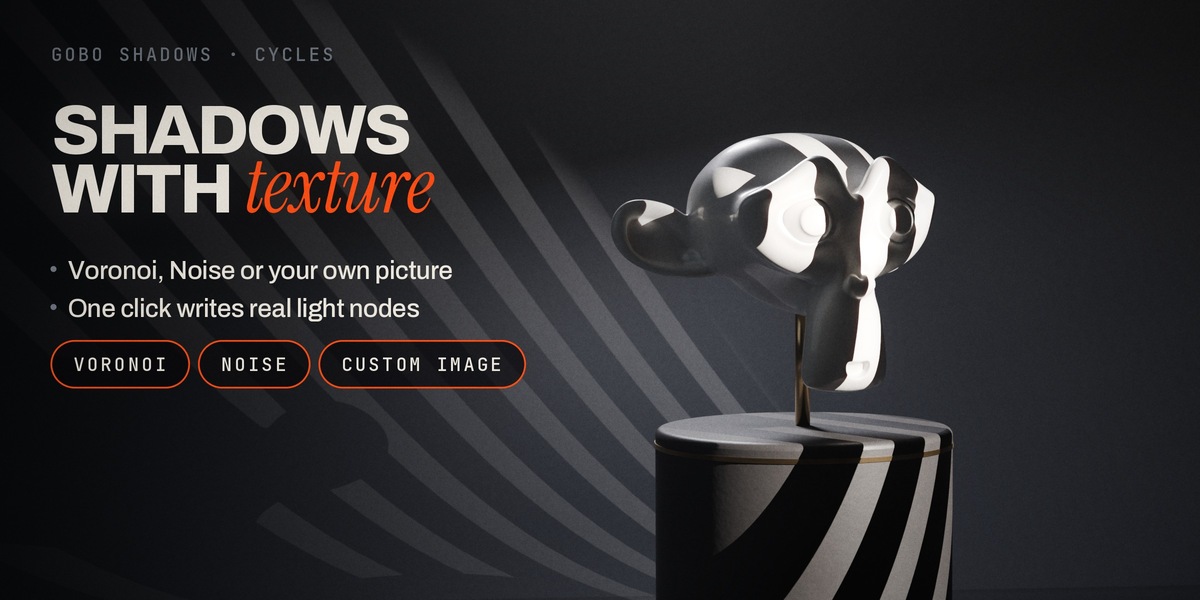
Yes. Rigs, live controls, profiles and solo work in EEVEE and Cycles. Gobo patterns are Cycles-only: they live in the light's node tree, which EEVEE ignores.
A new collection named ProLighting_<profile> with a target empty at your active object's position and the profile's lights. Every light gets a Track To constraint aimed at that target. Nothing in your scene is modified.
Yes, as many as you like. Each rig has its own collection, target, Master Intensity and Solo state. Select any light or target of a rig and the panel switches to that rig.
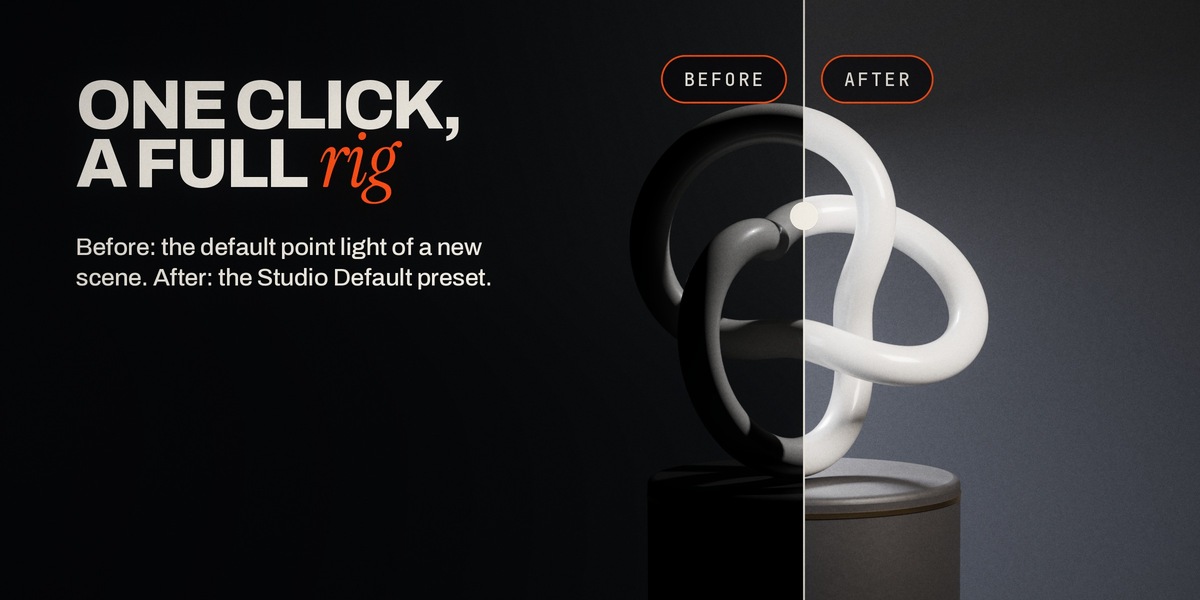
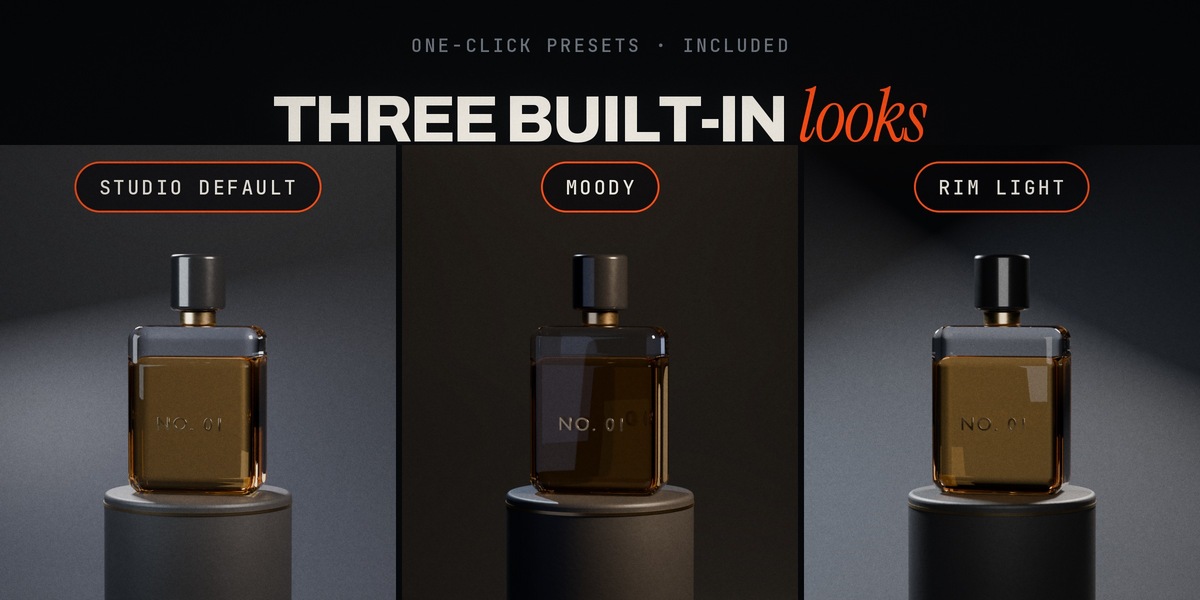
Studio Default, Moody and Rim Light. They are always available and can't be deleted. You can save any rig as your own profile with Save Active Setup.
In Blender's per-extension user folder (legacy install: <Blender config>/lumirig_pro/), never inside the add-on folder, so updates keep them. Saving under a built-in name overrides it; deleting that override restores the built-in.
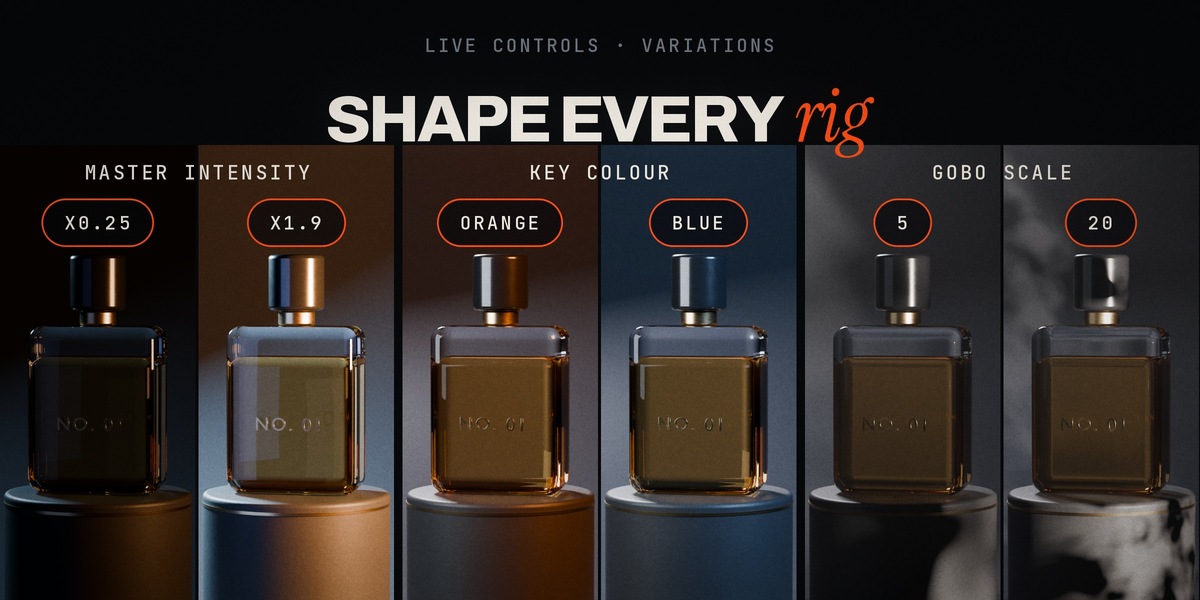
It scales the whole rig. A Power value you typed by hand becomes that light's new base, so Master never undoes your tweaks.
Select the light, choose Custom Image, press Add Node, then open the light's node tree (Shader Editor → Object → the light) and load your picture into the Image Texture node. Until you do, a white placeholder keeps the light working.
Yes. It's a normal node tree: change the texture's Scale, the Mapping rotation/location, or the Color Ramp to make edges harder or softer. Add Node replaces the light's existing node tree, so add the gobo before custom node work.
It converts the selected light to a Spot light (gobos need a cone) and writes the gobo nodes into its node tree. Undo (Ctrl+Z) reverts it.
Yes. The rig aims at the active object's world position (parented objects too). With nothing selected it uses the 3D cursor.
GPL-3.0-or-later (like Blender itself). Updates of LumiRig Pro are delivered through the store you bought it from; your saved profiles are kept when you update.
Message us through the store page you bought LumiRig Pro from. Please include your Blender version, your OS and the steps that lead to the problem.
 Included
Includes 12 months of
- Support from Darksteady. Studio
- Product updates
Extend this product’s Support Period +12 months: 25% of product price
Have questions before purchasing?
Login to message
| Blender Extension Compatible | Yes |
| Dev Fund Contributor | |
| Published | about 21 hours ago |
| Blender Version | 4.2 - 5.1 |
| Extension Type | Add-on |
| Render Engine Used | Cycles, Eevee |
| License | GPL |
Discover more products like this
Lighting rim light gobo lighting setup gobo-shadows Studio Lighting product rendering portrait lighting light rig cinematic-lighting three point lighting light presets