Magic Bundle Nodes
 Olivier Crespo Barrio



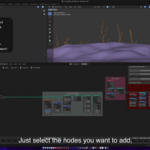
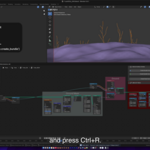
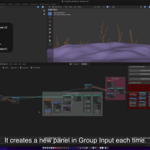
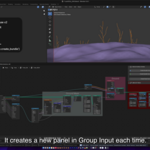
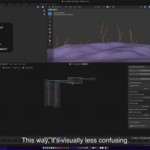
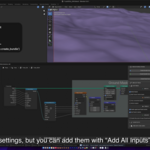
Which is the shortcut to create Bundle from inputs?
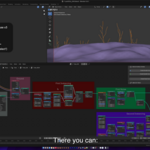
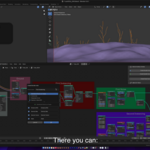
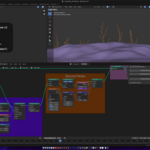
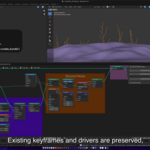
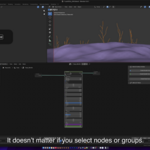
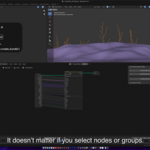
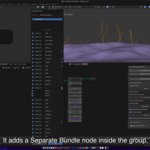
Use Ctrl + R to add all inputs to a Bundle, and connect them to the parent node of that tree.
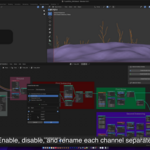
Use Shift + R to show Input Options, you can change (independently for all options) the name of the panel to be created, reorder the nodes, center the editor window to selected nodes, enable/disable inputs, rename them, separate vector inputs, and show a per input database names to fast renaming (the database is created while you actually change names, so at the beginning there will be no items).
Discover more products like this
bundle_nodes Blender_Geometry_Nodes group inputs advanced geometry nodes