Make It Float! (Beta) - Low Poly Floating Islands, Diorama Worlds and Board Game Tiles for Blender
 TastyVoxels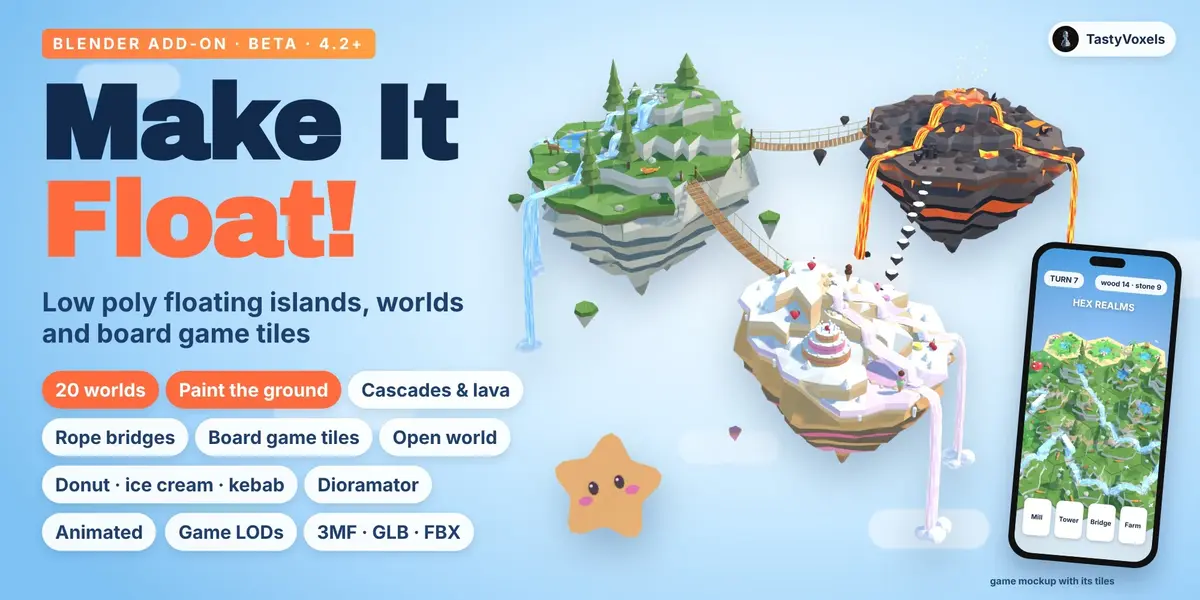
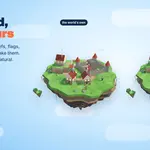
Install. In Blender 4.2 or newer: Edit, Preferences, Get Extensions, the arrow menu at the top right, Install from Disk, and pick make_it_float-0.10.6.zip (make_it_float_lite-0.10.6-lite2.zip for the Lite). The add-on lives in the 3D Viewport sidebar (press N), tab Float. The Lite has the same panel without steps 7 and 8 (Board game tiles, Dioramator), so its later steps are numbered two lower; installing the full add-on over it replaces it.
The panel. At the top of the main panel, a gallery of sections in the order you work: Make (Island, World), Dress (Water, Decor), Join (Connect, Story, Tiles, Dioramator), Move (Animation, Director), Show (Light, Export). Click one to see only its panel, step with Back and Next, or press All to see every panel. The sub-panels are numbered in the same order.
The steps
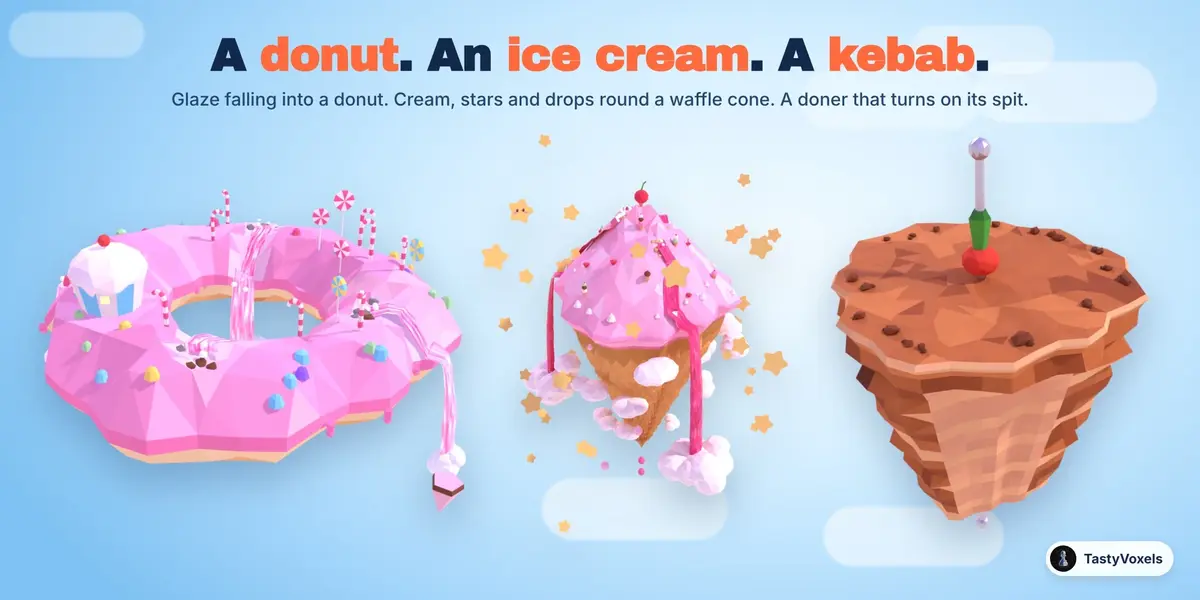
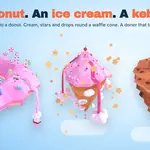
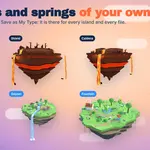
1. Island. Add Island puts one at the 3D cursor: a floating island, a hex tile or a square tile. Size, shape, facet size (from Chunky to Carved), relief and terraces are live: change one and it rebuilds from its own seed. New Seed gives another island of the same kind. XS to XL and Scale set the size of the whole world, from a miniature to a landscape. Add Donut puts a donut island: a ring of pink icing with a hole right through it, strawberry glaze falling off the outside and into the hole; the Donut shape and its Hole slider make a ring of any island, in any world. Add Ice Cream puts a mountain of pink whipped cream on a waffle cone, with a cherry on top, sauce falling into clouds of cream, cream clouds winding down the cone, stars and drops that fall on Play. Add Kebab puts a doner kebab in the sky: a cone of browned meat on its steel spit, shaved on one side, with a tomato and a green pepper on top of the spit; it turns on its spit on Play.
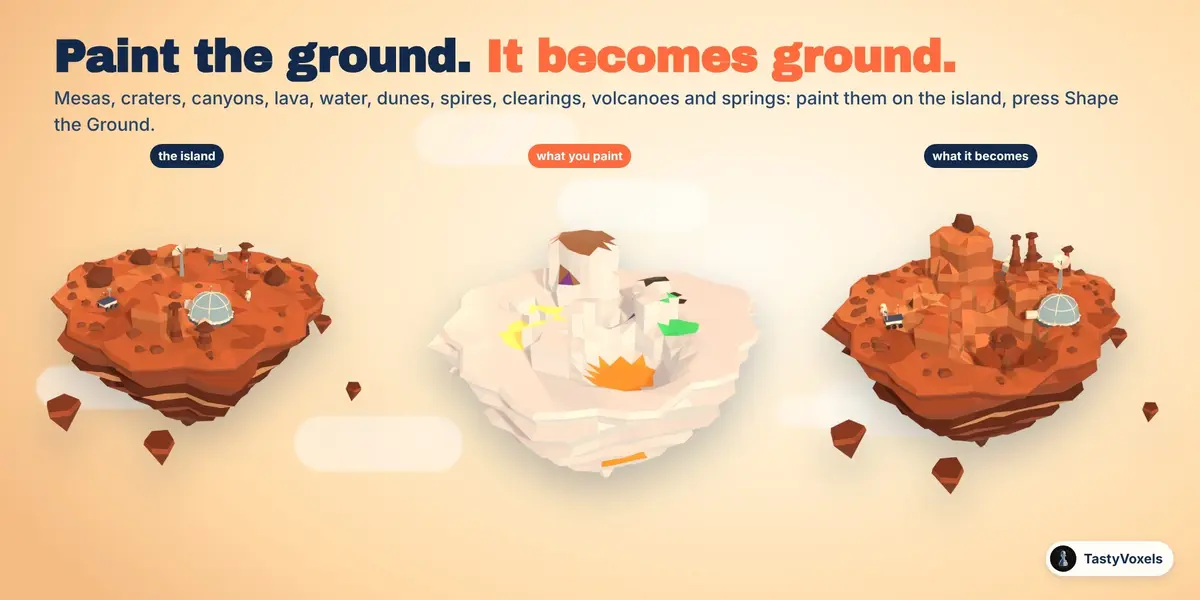
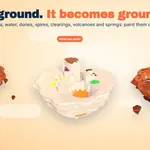
Paint the Ground. Press Paint the Ground and paint on the island, seen from above (numpad 7): Mesa, Crater, Canyon, Lava, Water, Dunes, Spires, Clearing, Volcano, Spring, or Natural to rub out. Press Shape the Ground and the paint becomes ground: heights and walls, lakes of lava and water, colours, spires, a volcano or a spring for every patch, the biggest landmark in the biggest clearing. Varied ground lets Mars and Lava lay out their own craters, mesas, lava lakes and fissures.
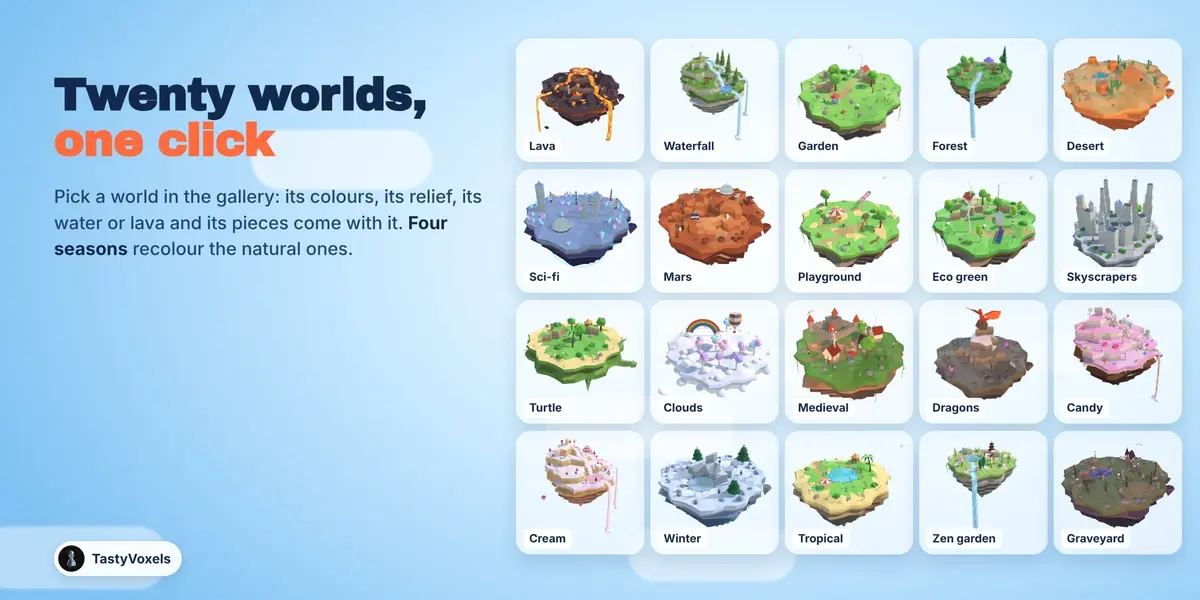
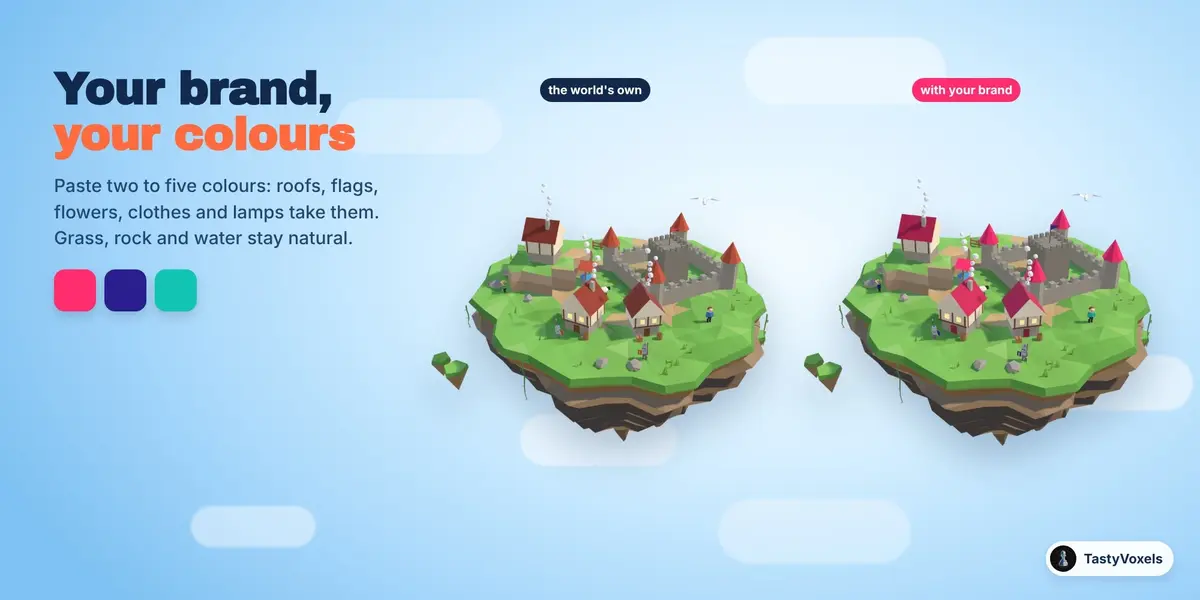
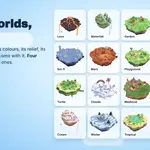
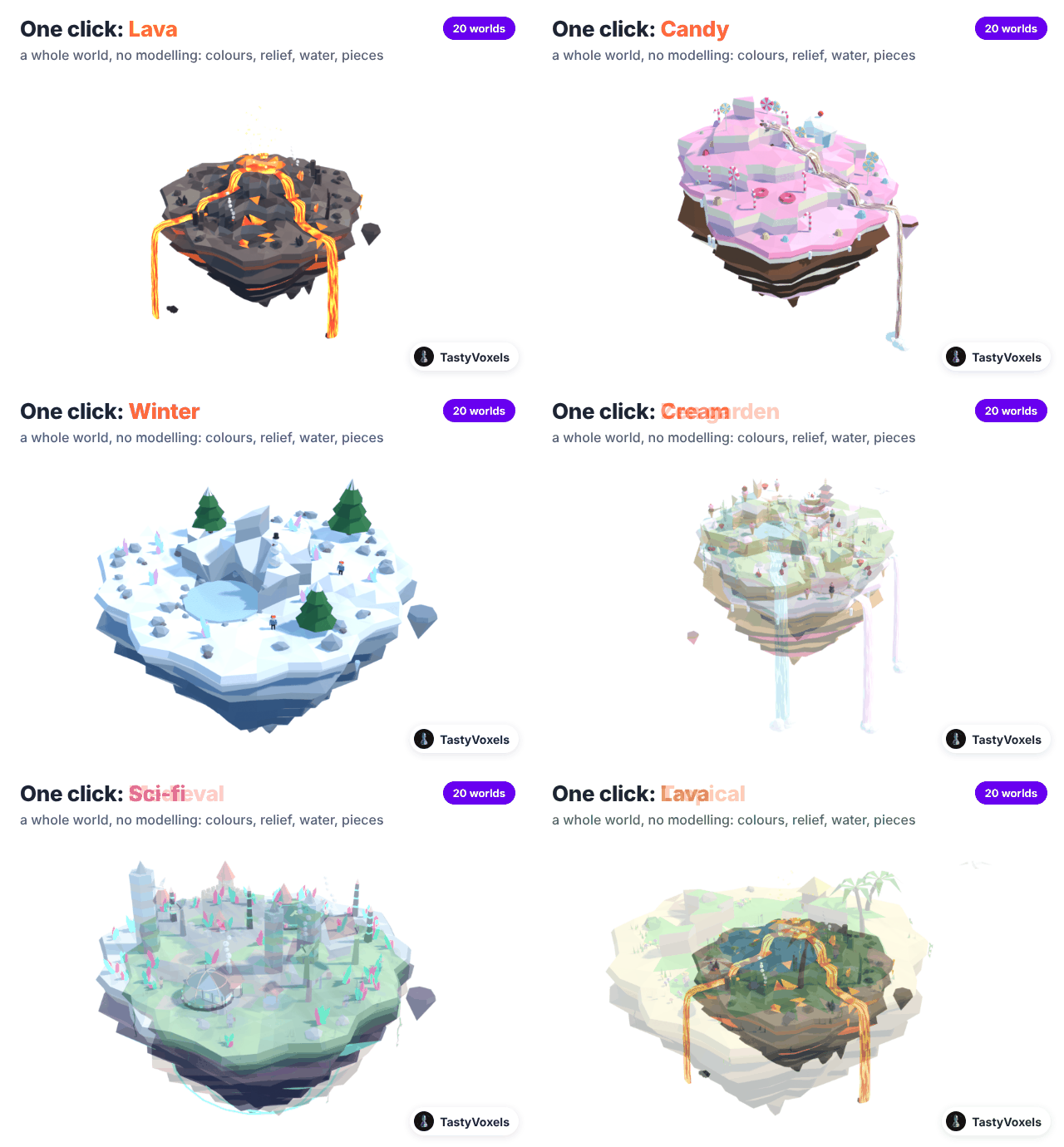
2. World. Click one of twenty worlds in the gallery (the Kebab world comes with Add Kebab): Lava, Waterfall, Garden, Forest, Desert, Sci-fi, Mars, Playground, Eco green, Skyscrapers, Turtle, Clouds, Medieval, Dragons, Candy, Cream, Winter, Tropical, Zen garden, Graveyard. Season recolours the natural worlds; Brand colours recolour the details.
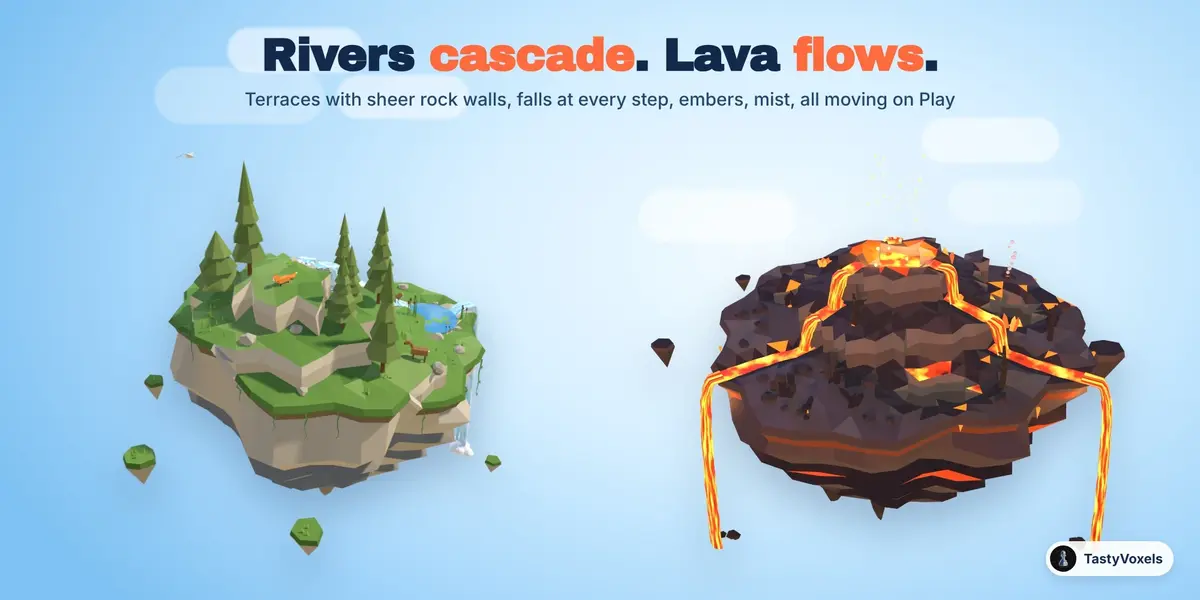
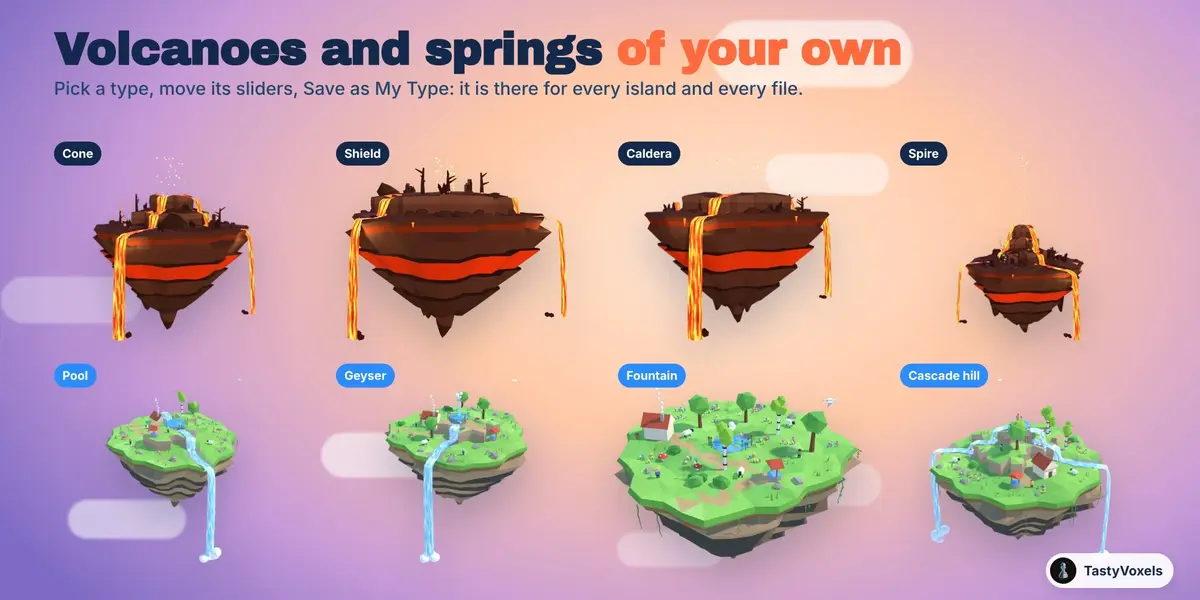
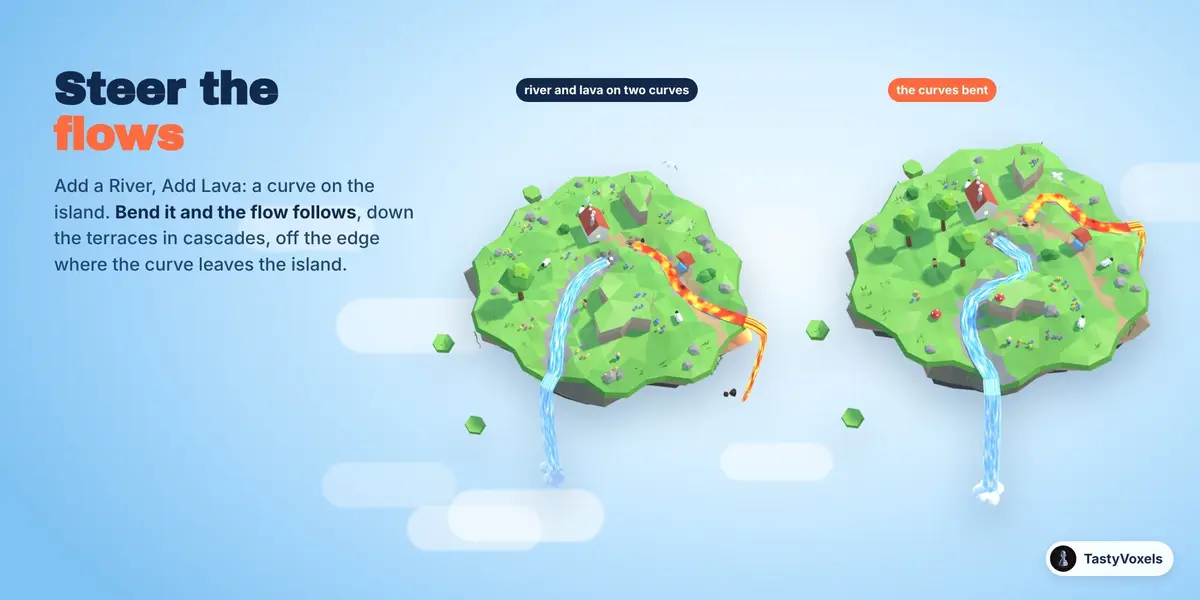
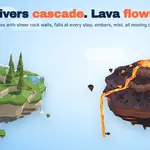
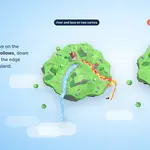
3. Water and lava. The world decides by default; tick My own water and lava to choose. Flow curves: Add a River or Add Lava puts a curve on the island; bend it and the flow follows, cascading down the terraces and falling off where the curve leaves the island. Any curve of yours works too (select it, then the island, then Curve as River or Curve as Lava). Fall clouds sets how big the clouds are where the falls end. Fall force sets how the falls leave the edge, from a gentle pour straight down to a powerful jet; the button next to it gives every island the same force, and a flow curve can have a force of its own. Your volcano and Your spring: pick a type (cone, shield, caldera, spire; pool, geyser, fountain, cascade hill), move its sliders, and Save as My Type keeps it for every file.
4. Decor. Every world grows its own pieces, landmarks first on level ground, small signs of life by the doors of houses. Your own pieces: choose a kind (a deer, a pine, a cottage), select a model of yours and press Use Selected as This Piece; one Detail slider thins your models on every island. Sky: stars, kawaii stars with little faces, or clouds of white whipped cream; as many as you like, round the island or scattered over the whole sky, with their spread and size. Stars twinkle and some of them turn. With a face sets how many kawaii stars have a face: the ones nearest the camera, one by default. They always look at the camera, wherever it goes; untick Face camera to leave them as they are, for export.
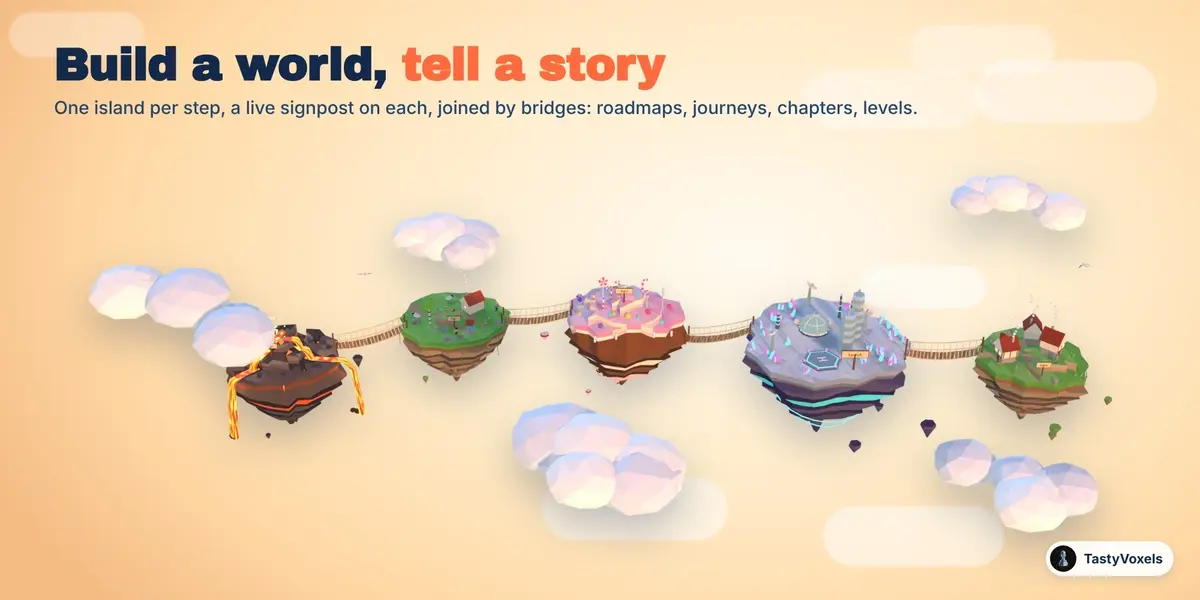
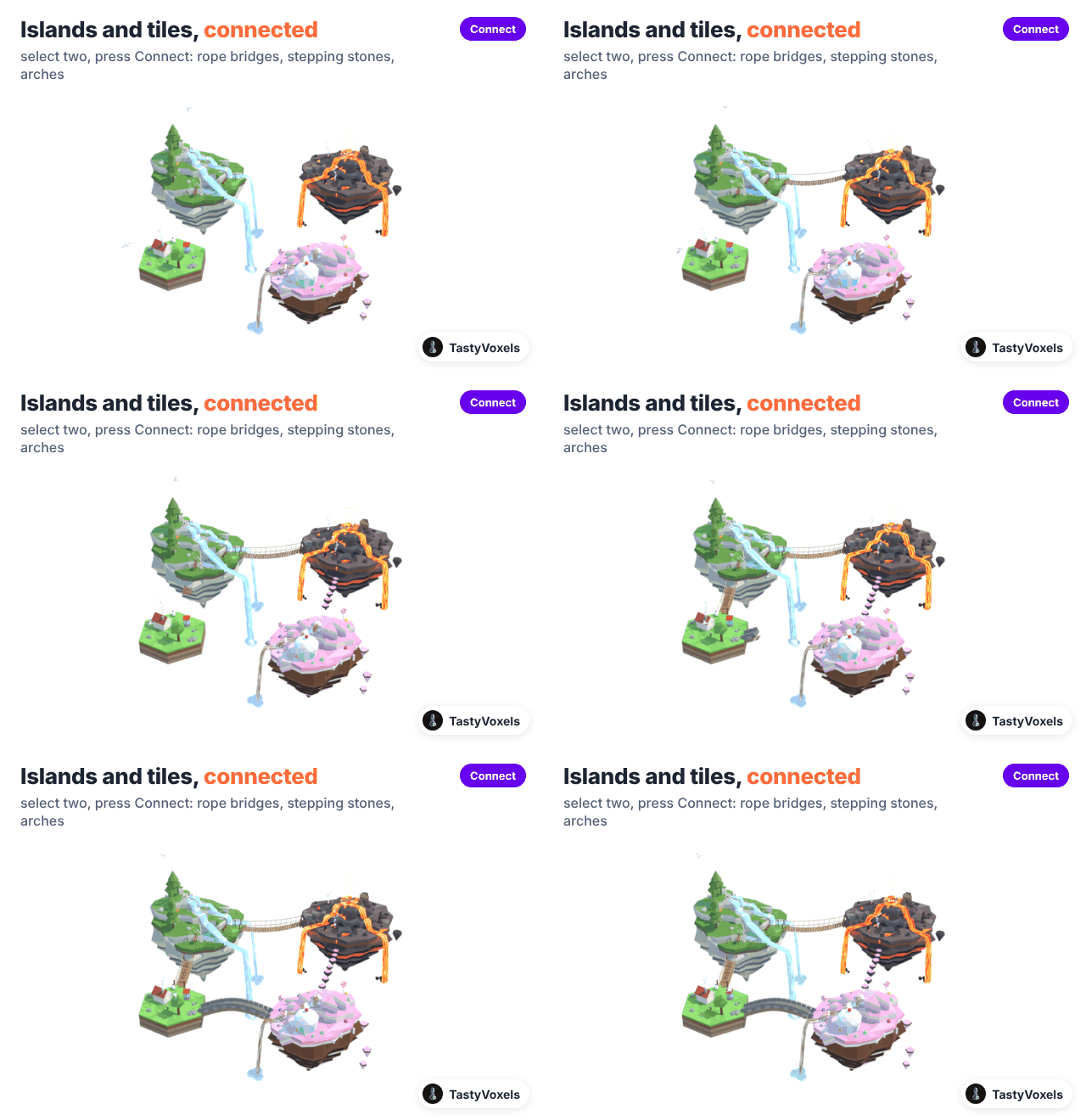
5. Connect. Select islands and press Connect: rope bridges, stepping stones, stone arches, pebble paths. They follow an island you move.
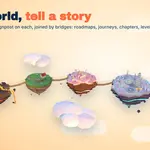
6. Build a world, tell a story. A story path with a live signpost per step, a cluster, a ring, a spiral, a grid.
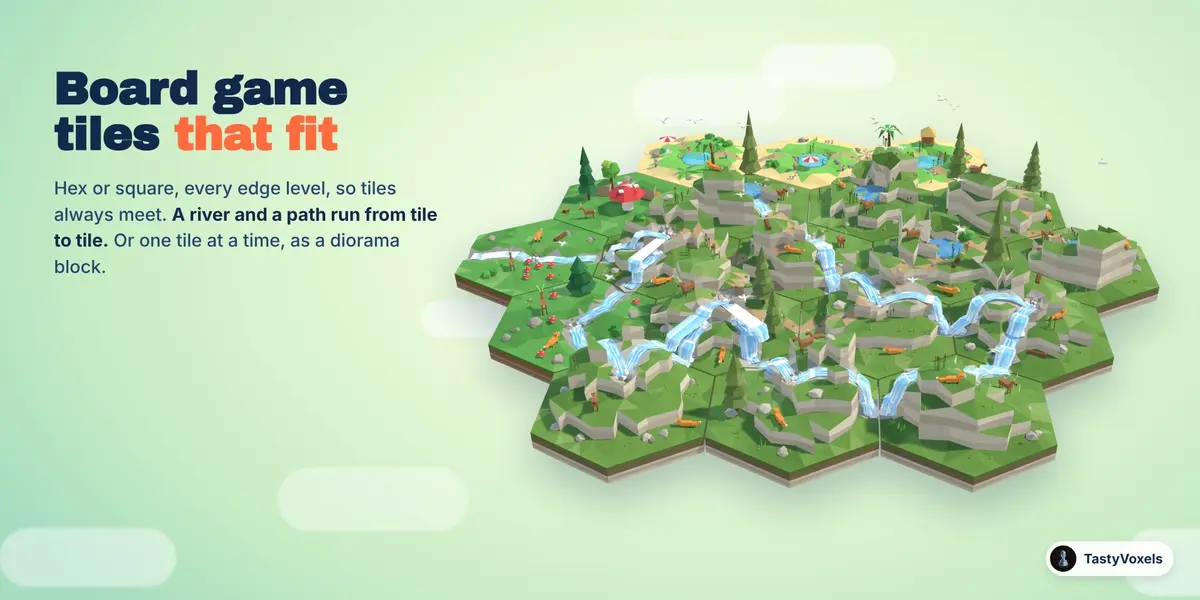
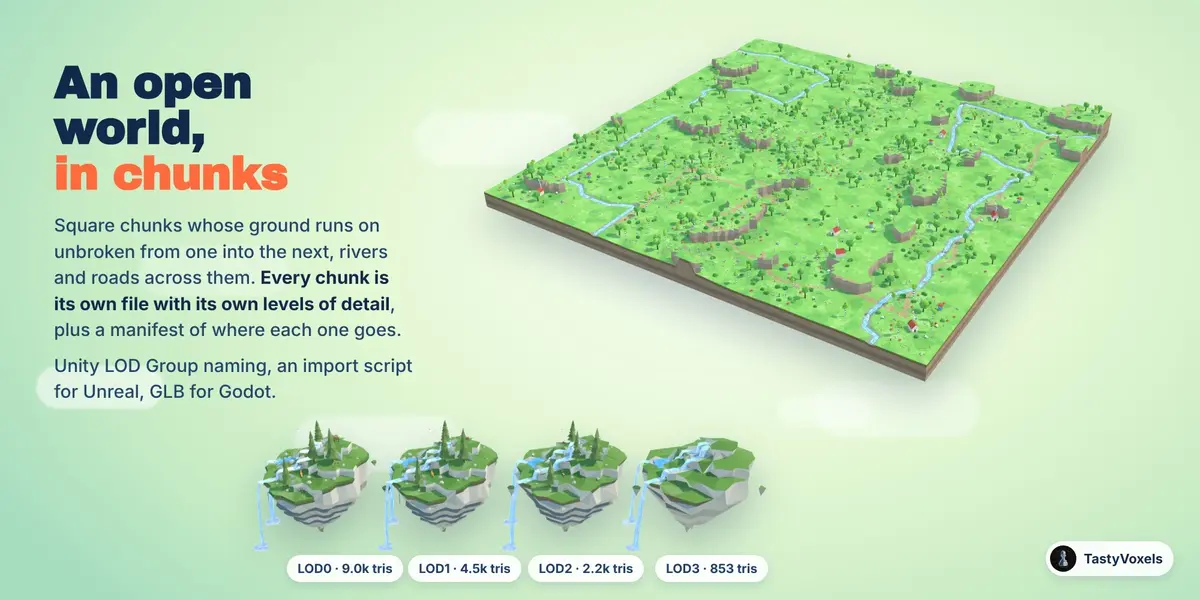
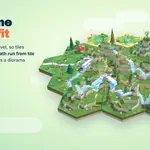
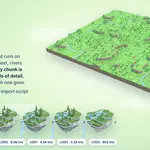
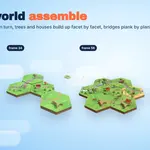
7. Board game tiles. Build Board lays hex or square tiles edge to edge, with a river and a path that run from tile to tile. The edges of every tile stay level, so tiles always fit together. Build Open World lays square chunks whose ground runs on unbroken from one into the next, with rivers and roads across them.
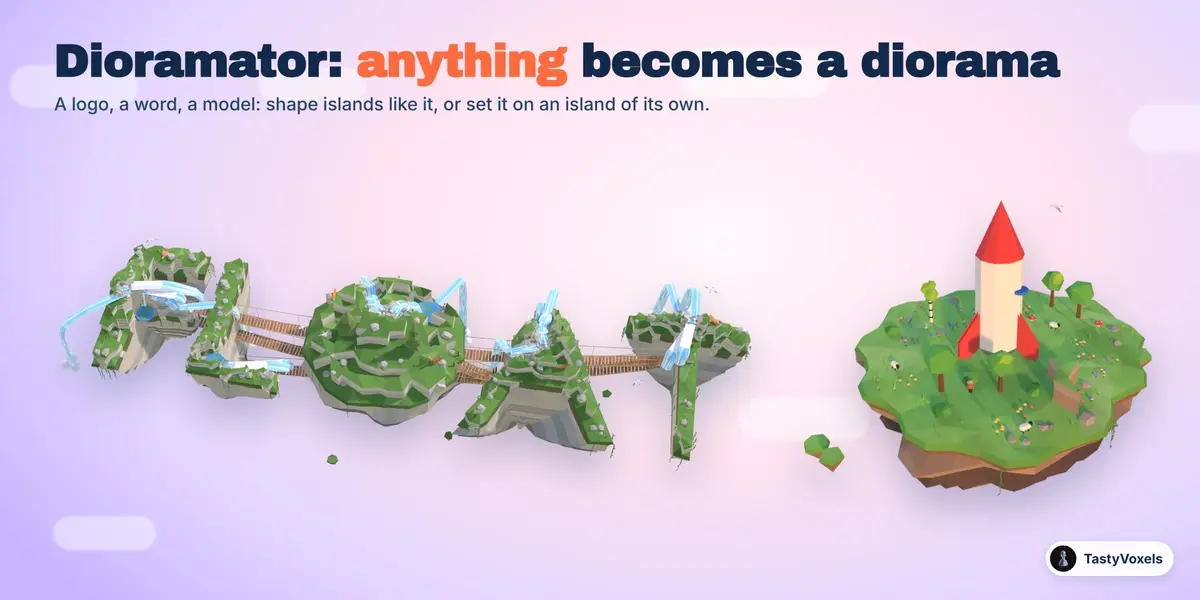
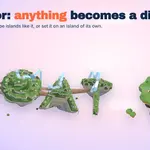
8. Dioramator. Any object, logo or word becomes islands of its shape, or stands on an island of its own.
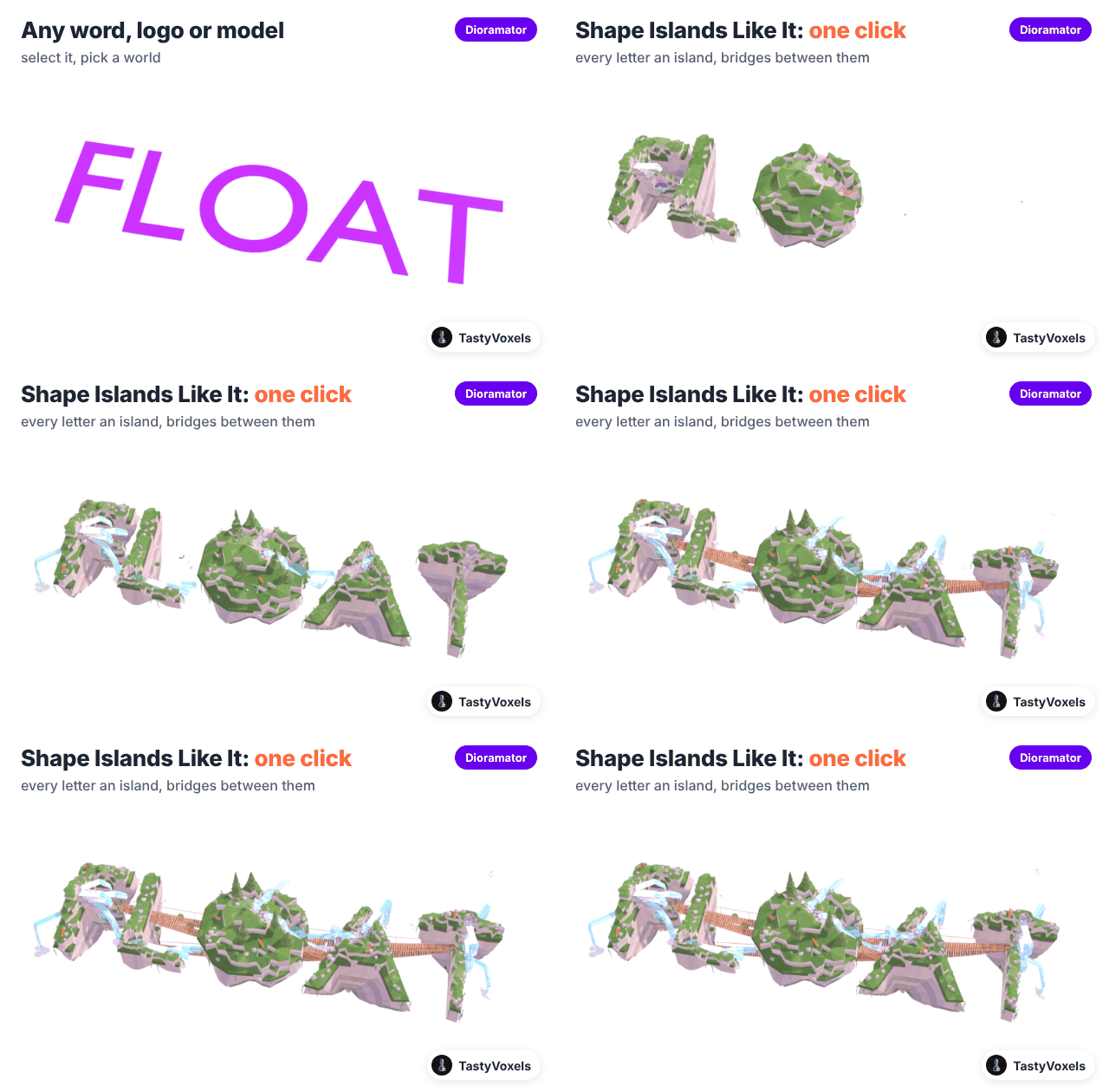
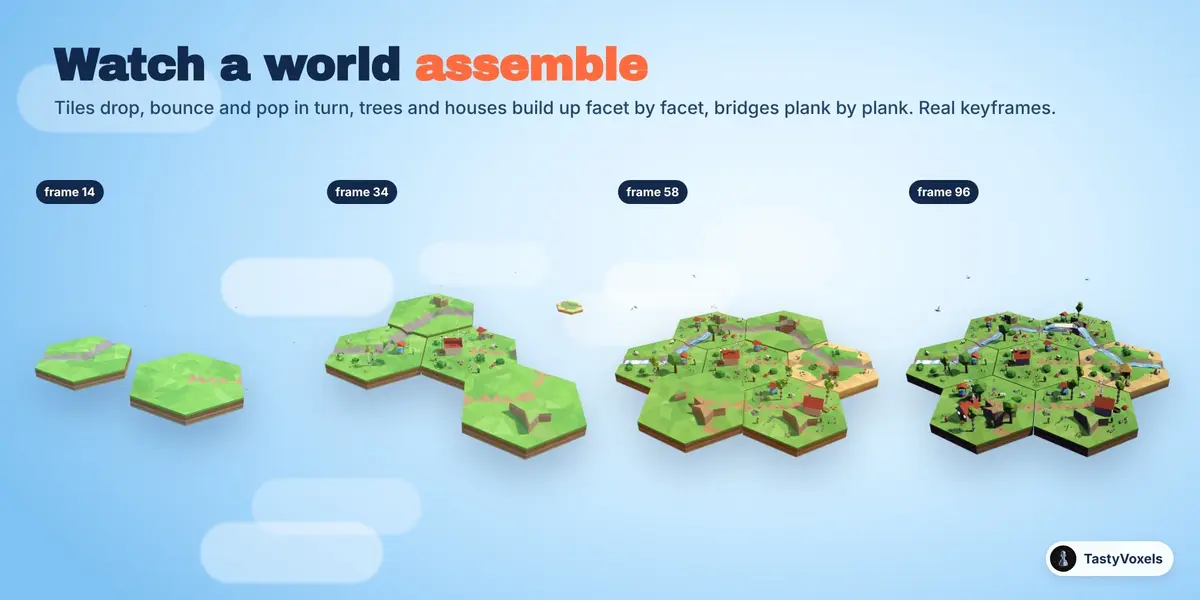
9. Animation. Everything floats and flows on Play, with plain driver expressions. Build-up keyframes the world assembling; Turntable circles the camera.
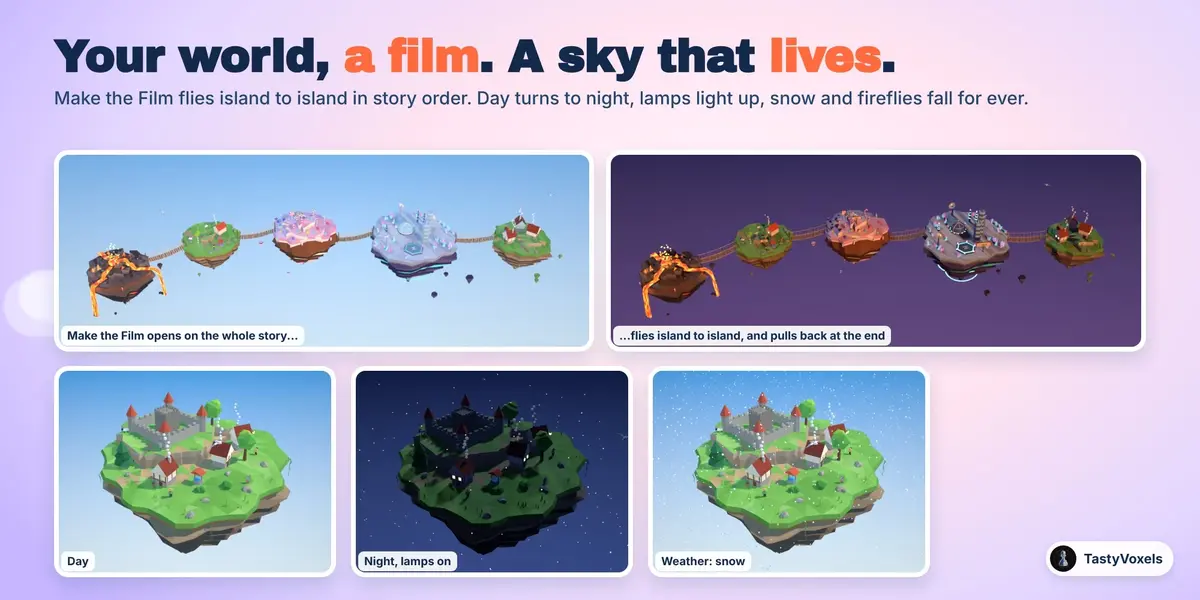
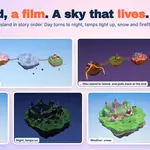
10. Director and living sky. Make the Film flies the camera through the story; Day and Night; Weather.
11. Light and camera. Eight skies. Frame It keeps everything inside the frame with a margin. Miniature look: a tilt-shift depth of field, so the world reads as a tiny model.
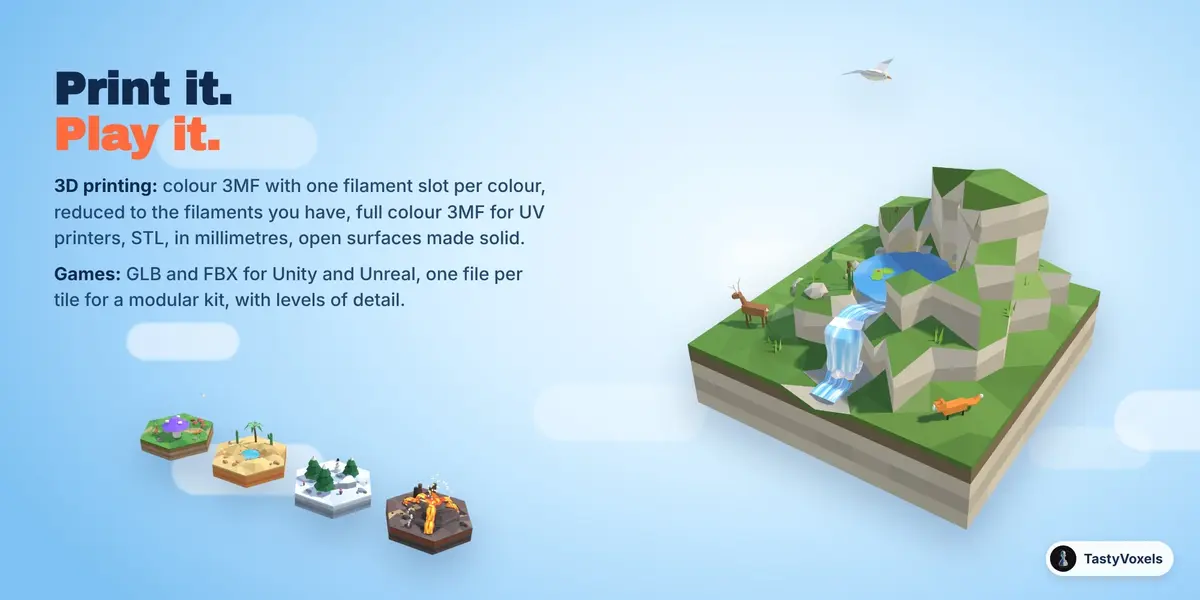
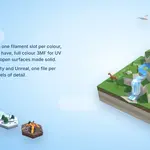
12. Export. GLB or FBX for games, with levels of detail (Unity LOD Group naming, one file per level and an import script for Unreal) and game helpers (a collision mesh of the ground, spawn and bridge markers, a world.json of islands, tiles, chunks and bridges); colour 3MF, full colour 3MF or STL for printing (with stands and magnet pockets), one HTML page for the web. Printing: Thinnest wall sets, in millimetres at the size you print, how thick open surfaces are made and what counts as too thin; Thin parts thickens those parts along their thin side, leaves them out or keeps them; Check for Printing counts them first. Always check the model in your slicer before you print: making it fit your printer is up to you.
The Only Asset Kit. With the add-on comes a second file, MakeItFloat_Only_Asset_Kit_0.10.6.zip (the Only Asset Kit on its own is that file): unzip it, then in Blender go to Edit, Preferences, File Paths, Asset Libraries, press + and pick the folder. Its islands, tiles, pieces, bridges, skies, light rigs and materials appear in any Asset Browser, by catalog. Its README says how to build by hand and what the licence allows. Superhive's own asset system holds at most 500 assets per product, so it carries the 217 islands, tiles, pieces, bridges, skies, light rigs and worlds, without the 368 materials as separate assets; the kit file has all 585.
Good to know
Islands are ordinary mesh objects with their pieces as children; flow curves are children too, and are never rendered or exported.
Expansion packs: Install Pack (in World) reads a pack zip with worlds, pieces, colours, island shapes and skies of its own. Restart Blender: its worlds join the gallery, its shapes the Shape menu, its skies the Sky menu, and its one click islands appear in Island, under From your packs. A pack made for a newer Make It Float! is not loaded, and the panel says so.
Your own types are kept in a small file in the add-on's user folder, so every file sees them.
Every closed piece faces outwards, for game engines that draw one side only and for slicers.
Materials are plain Principled materials named after their colour key, shared by every island that uses the same colour.
No AI inside: plain geometry and node code that runs on your computer, offline. TastyVoxels (Regolith Highfield). GPL-3.0-or-later.
Have questions about this product?
Login to message
Includes Blender Assets
217 drag-and-drop assets for Blender’s Asset Browser.
Browse included assets| Blender Extension Compatible | Yes |
| Dev Fund Contributor | |
| Published | about 2 hours ago |
| Blender Version | 4.2 - 5.2 |
| Extension Type | Add-on |
| Render Engine Used | Cycles, Eevee |
| Misc Data | Animated |
| License | GPL |
Discover more products like this
diorama floating island low poly isometric lava procedural stylized board game tiles 3d printing waterfall hex tiles terrain generator