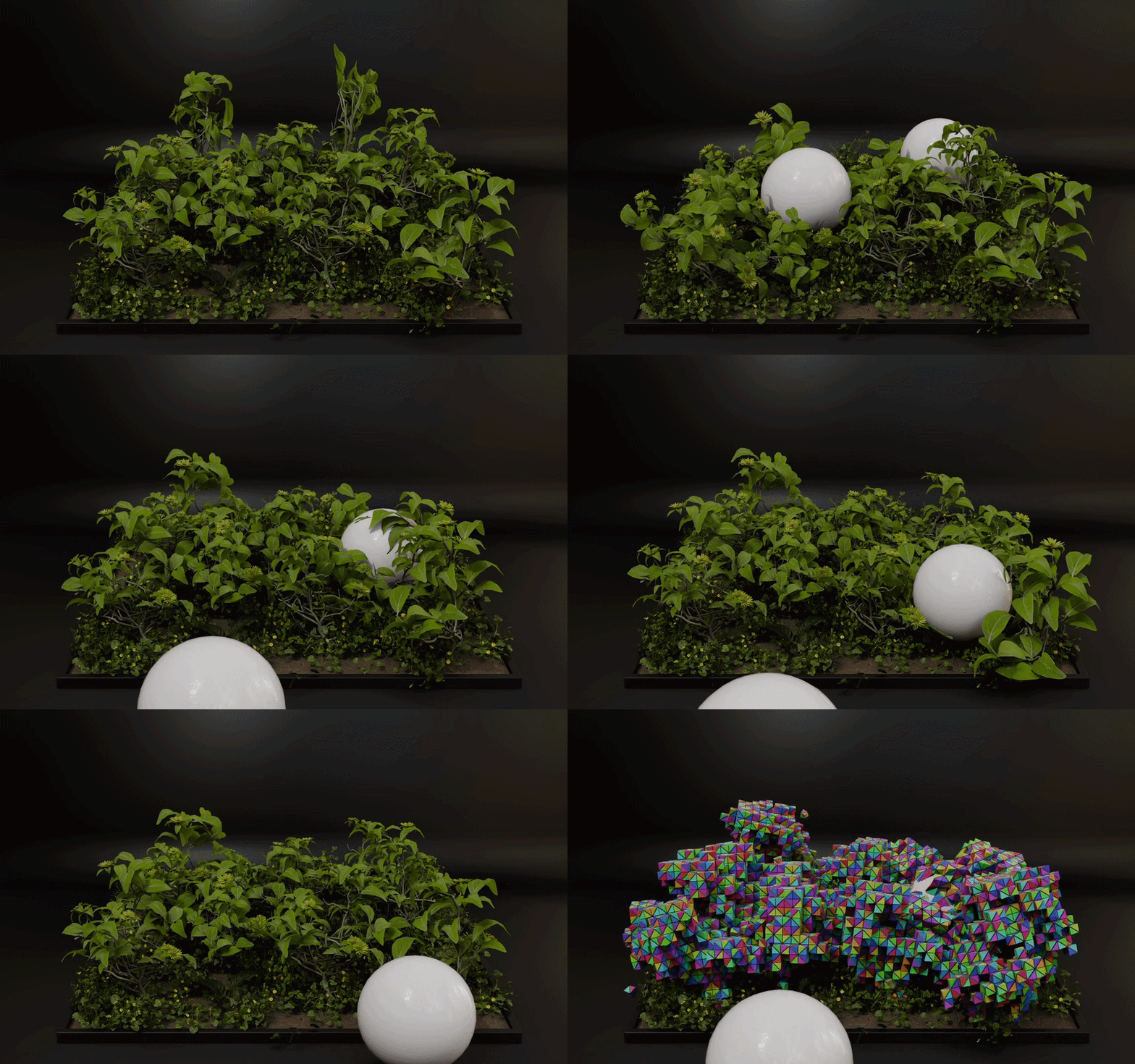
Blender 5.2+GPU computeCo-rotational XPBDv2.21.1
Soft bodies with an inside.
Marrow fills your mesh with a tetrahedral cage and solves real volumetric material through it on the GPU. Bodies squash, bulge, displace and recover like they have something inside them, rather than collapsing like a balloon.
Requires Blender 5.2 or newer and a GPU with compute-shader support. No CPU fallback.
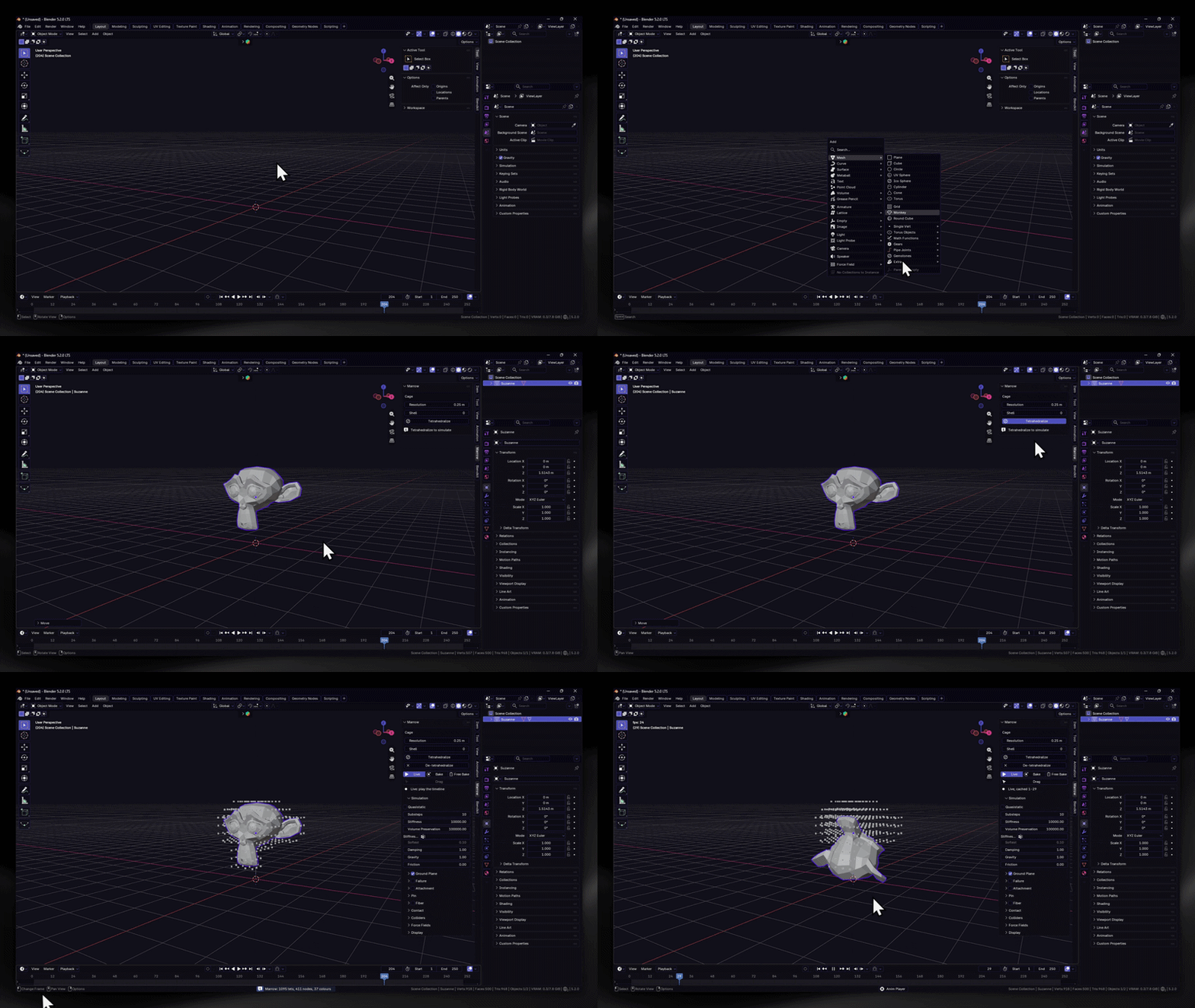
3 clicksselect · tetrahedralize · play
8material recipes
13demo scenes
1:1mesh restored on undo
Why volumetric
Spring lattices can't hold a volume. Marrow can.
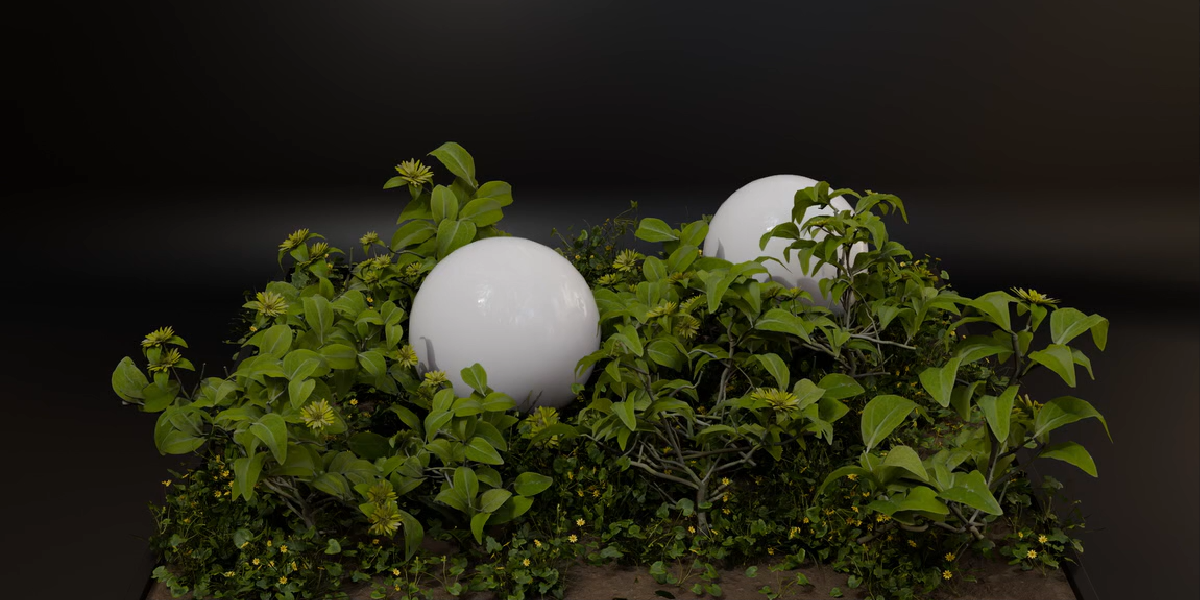
LEGACY SOFT BODYA spring lattice stretched over the surface with nothing underneath. A pressed limb caves in and a squashed sphere stays flat.
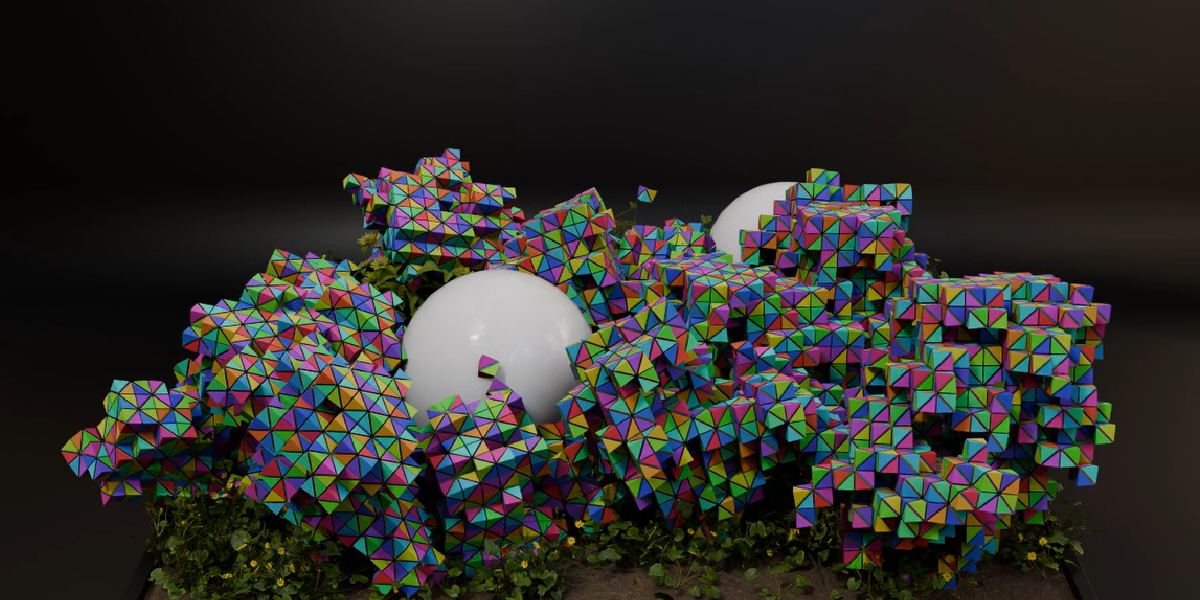
MARROWA tetrahedral cage fills the body and a co-rotational XPBD material is solved through it in GLSL compute shaders. Press it and the material pushes outward.
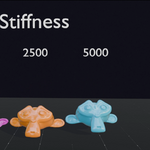
Since 2.21 the solver stays stable across the whole Stiffness range: a stiffer body sags less, Quasistatic converges at every stiffness, and a driver can push Stiffness sixteenfold at the default 10 Substeps.
Your modelled mesh is never rebuilt. The cage is a separate hidden object, and De-tetrahedralize returns the original mesh bit for bit.
Workflow
Select. Tetrahedralize. Play.
Change a slider, return to the start frame, and the simulation restarts with the new value. The cage is not rebuilt.
Select twenty muscles and press Tetrahedralize once. Marrow cages the whole selection under one progress bar, and Esc keeps the cages already finished.
Material recipes
Start from a material, not a blank slider.
Pick a Recipe and press Apply. Stiffness, Volume Preservation, Damping and Substeps are set together. Every slider stays editable afterwards.
01Balancedoriginal Marrow defaults
03Rubberelastic, very little damping
04Foamfirm, motion decays quickly
05Wobblevery soft, little damping
06Soft Tissuemedium-soft, good volume support
07Spongesoft, heavily damped, less volume resistance
08Siliconefirm, lightly damped
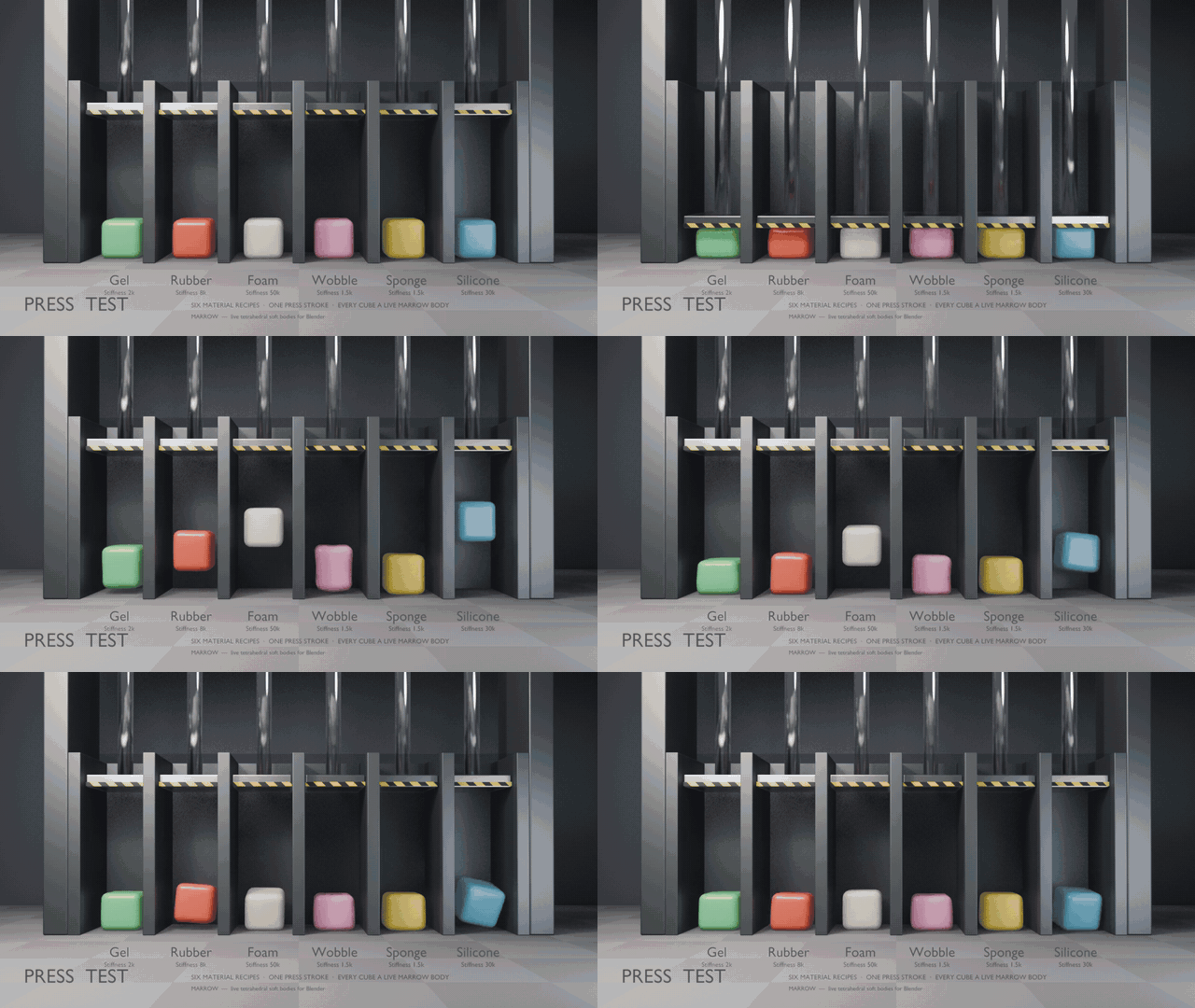
Press Test demo: the same cube, six recipes, one press stroke.
Included · 13 demo scenes
Open a scene. Press Play.
Every scene opens at frame 1 with camera, lights, materials and a README inside. Each GIF is that scene rendered straight out of the box, simulated live, nothing baked.
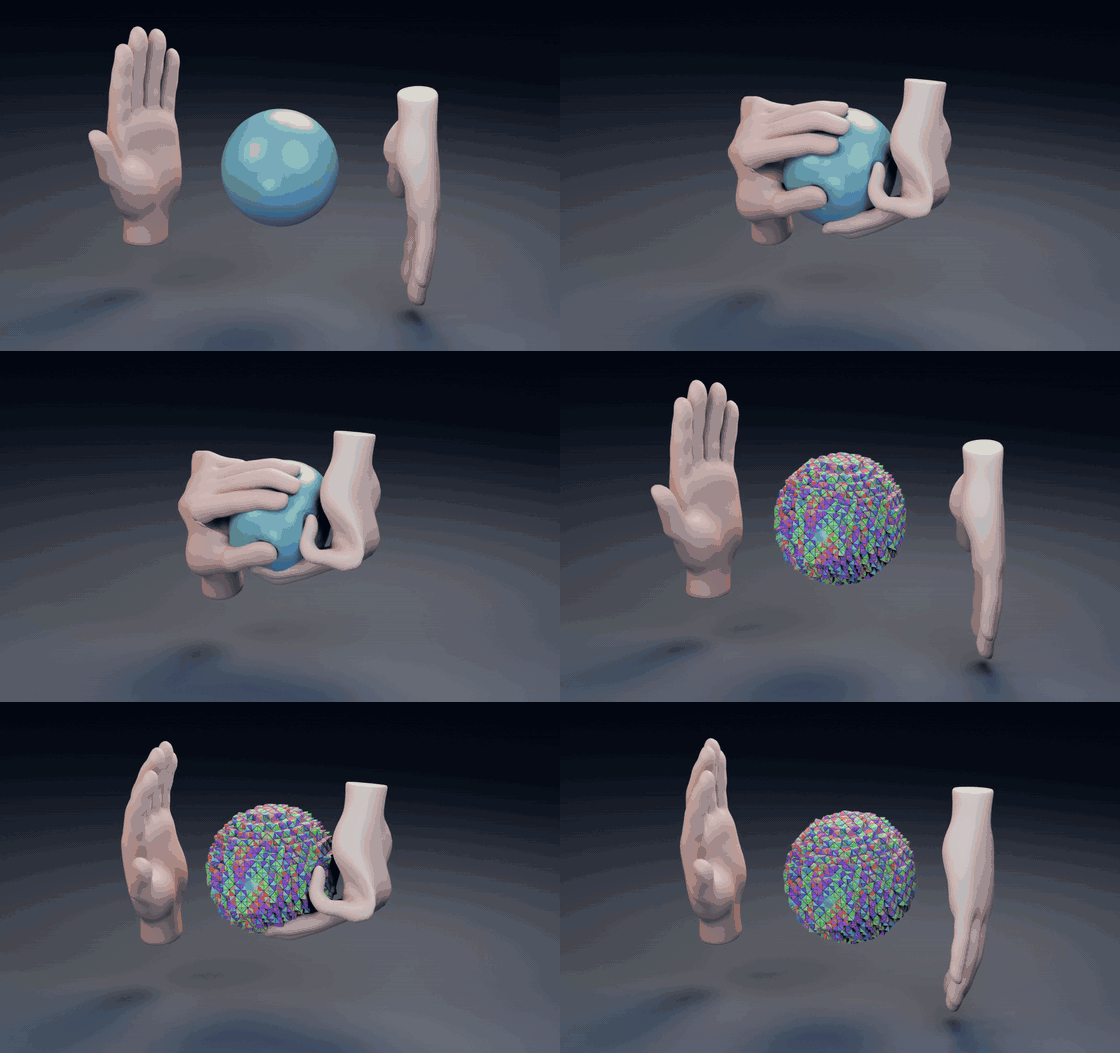
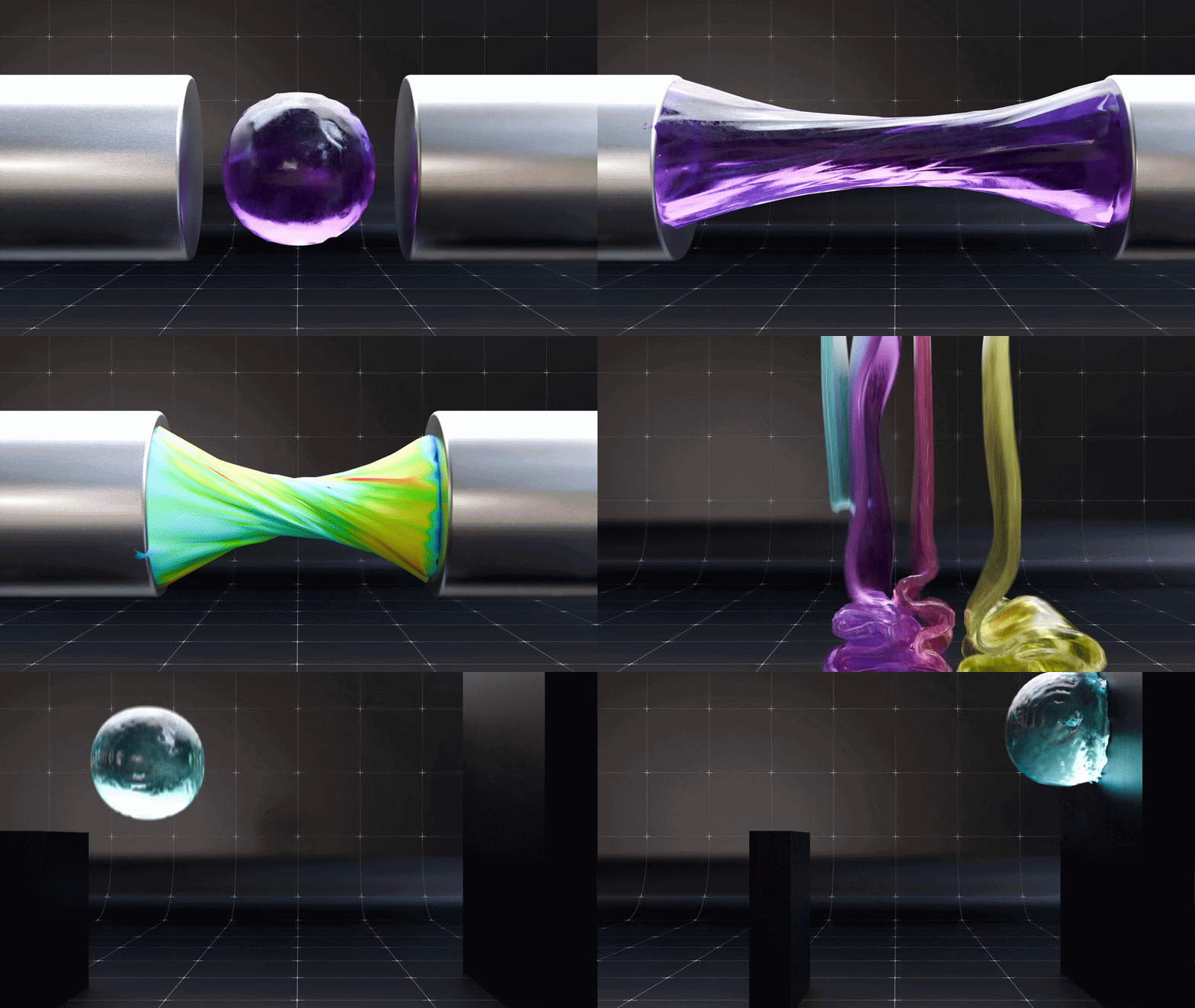
01 / Animated Mesh + Sticky
Two hands, one sticky ball.
Two rigged five-finger hands press a live ball between their palms, pull apart while it sticks and stretches, squeeze again and tear free. Both hands are Animated Mesh colliders that follow the armature every frame.
Adhesion comes from hidden primitive sticky pads; Animated Mesh itself has no Sticky.
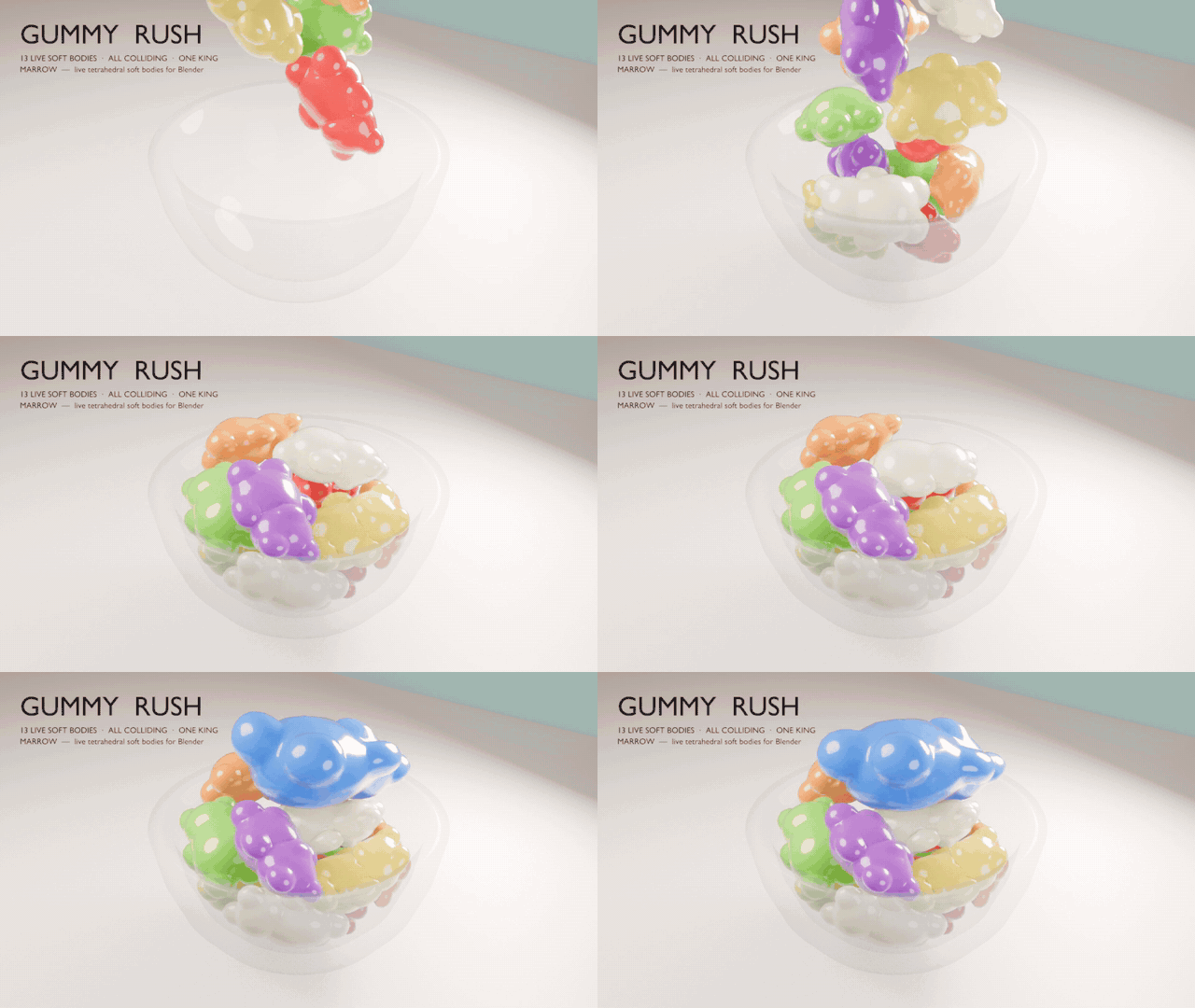
02 / 13 bodies in contact
Gummy Rush.
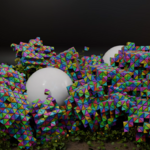
Twelve gummy bears pour into a glass bowl, then a giant king bear back-flops onto the heap. That is 13 live soft bodies with Collide With Bodies, so each bear squashes against every other.
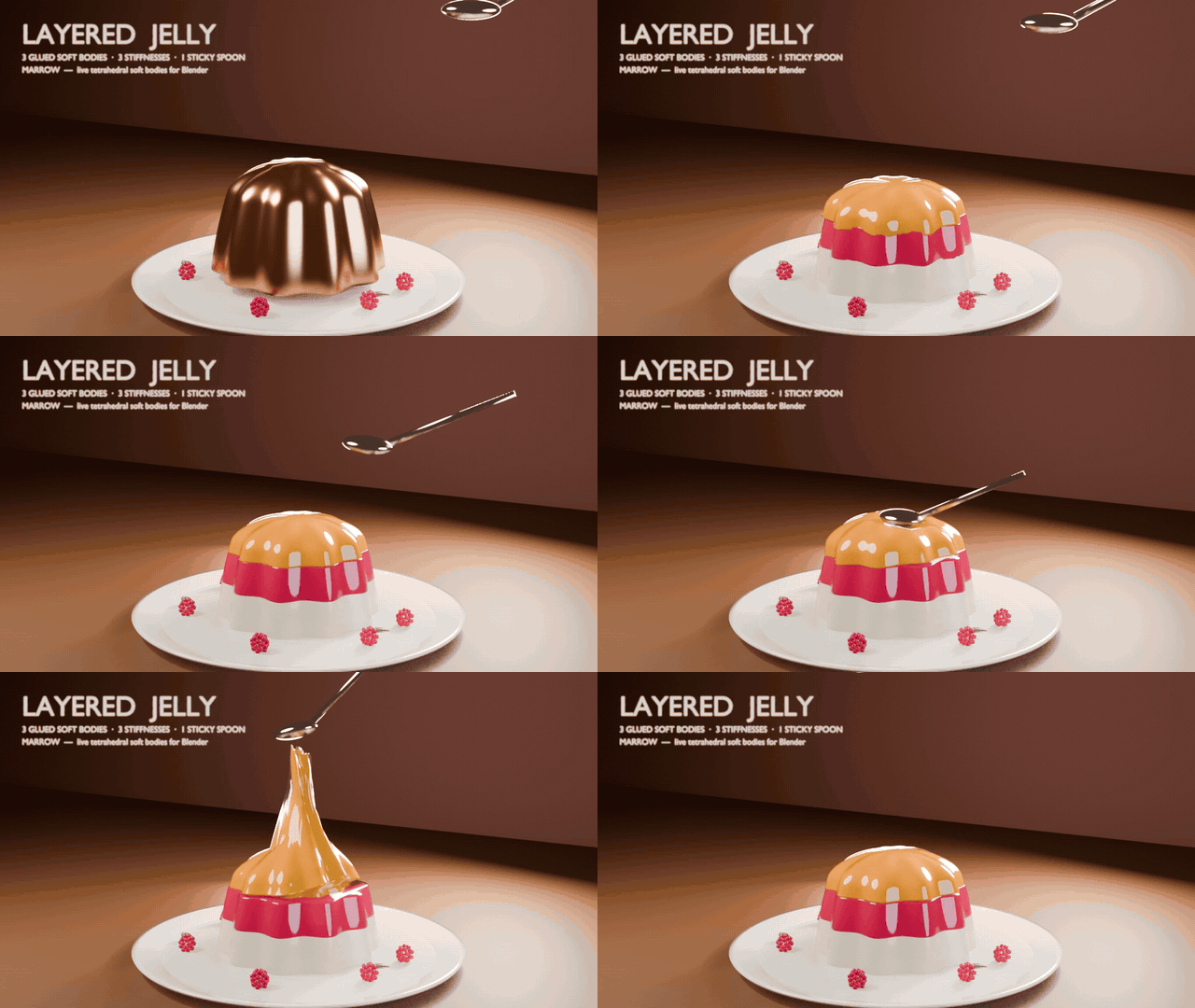
03 / Glue + Stick Break
Layered Jelly.
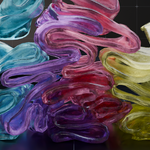
A three-layer dessert drops onto a plate and wobbles. Each layer has its own Stiffness and is held to the one below by Glue. A sticky spoon pulls the top into a peak until Stick Break lets go.
04 / Attachment
Belly Flop.
Two walruses run the same armature action. The left rides its bones like plain skinning. The right has a painted Attach Group that loosens over the belly and jowls, so its flesh splats, rings and settles.
05 / Material recipes
Press Test.
Six identical cubes, six Material Recipes, one press stroke. On release, Silicone and Foam launch off the floor, Gel and Wobble jiggle, and Sponge stays put.
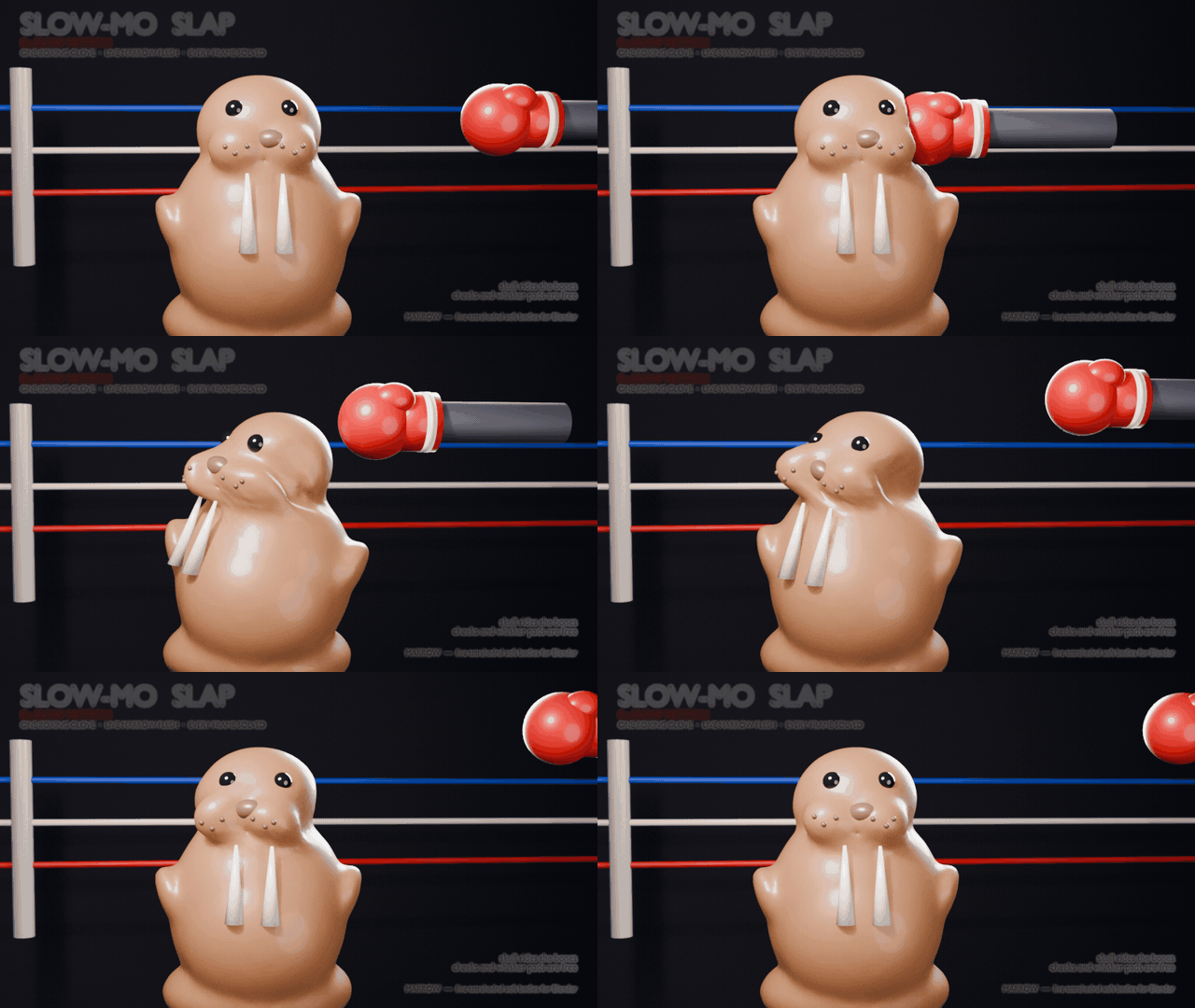
06 / Attachment, 8x slow motion
Slow-Mo Slap.
A boxing glove dents the walrus's cheek at 8x slow motion, and the shock ripples through to the far cheek the glove never touches. The skull rides the bones; an Attach Group frees the cheeks.
07 / Fiber
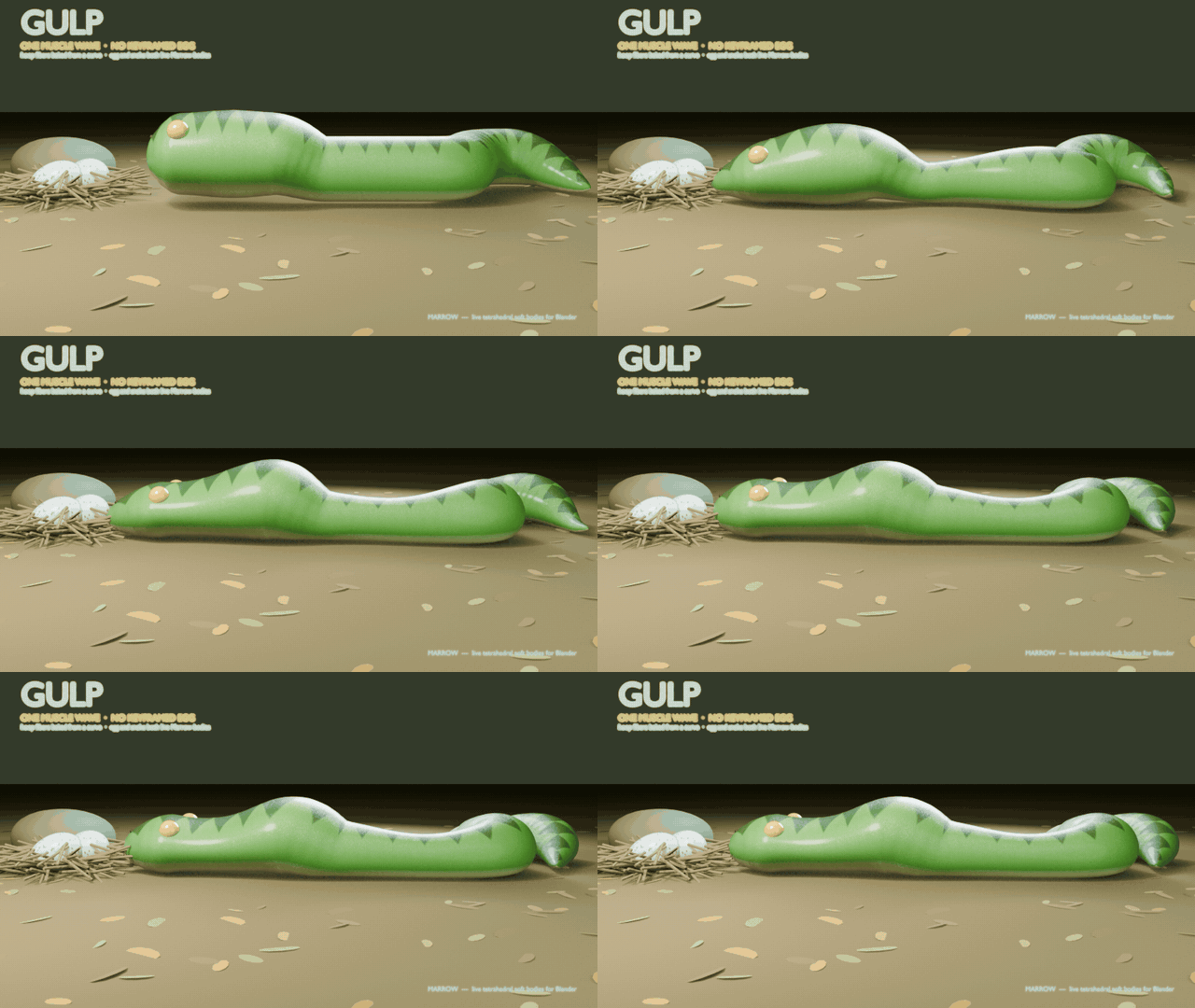
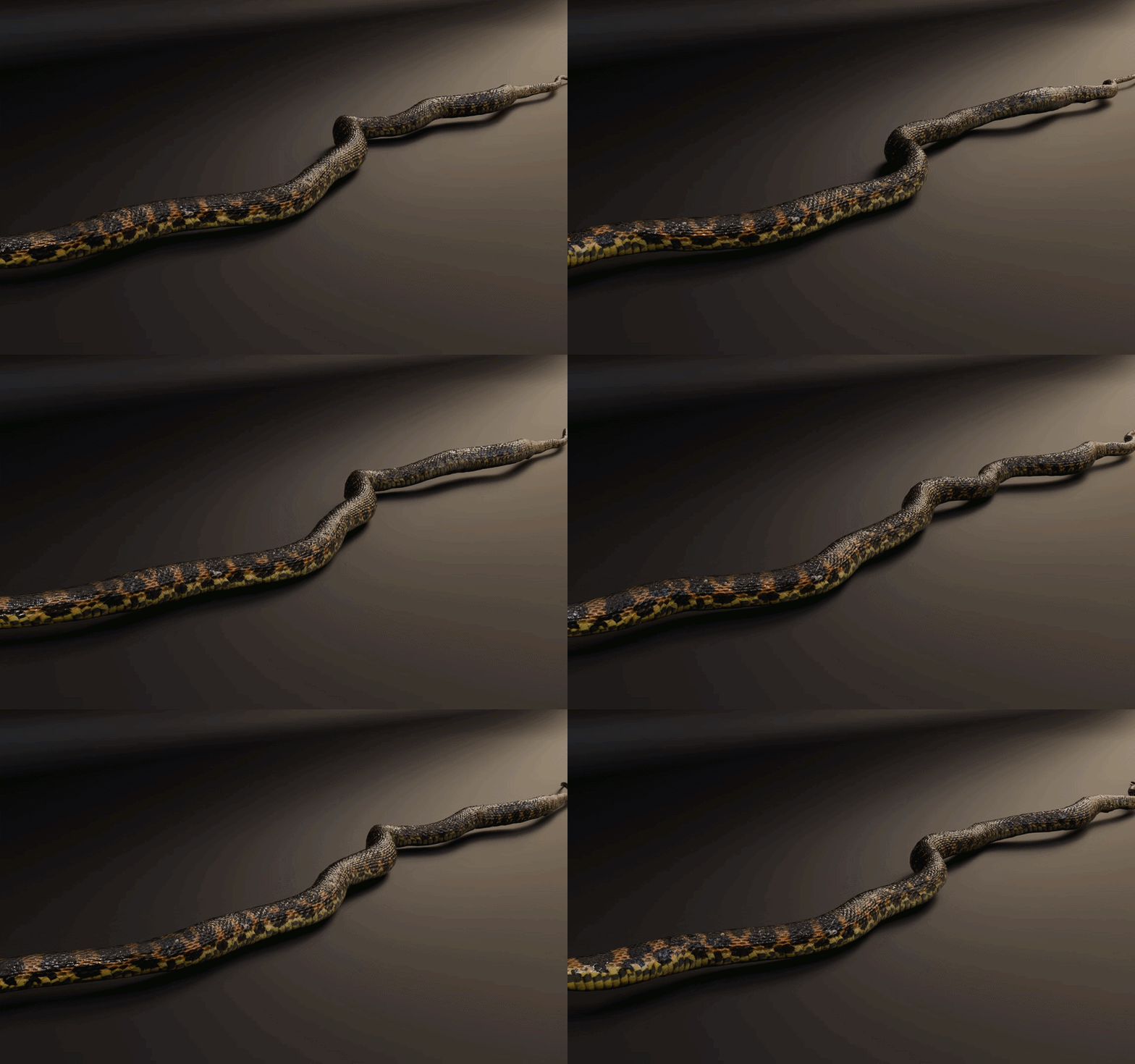
Gulp.
A ring of Fiber muscle squeezes behind an egg and travels down the snake, pushing the egg out of the head and into the neck. Nothing keys the egg: the muscle moves it.
08 / Rig-driven fiber + Quasistatic
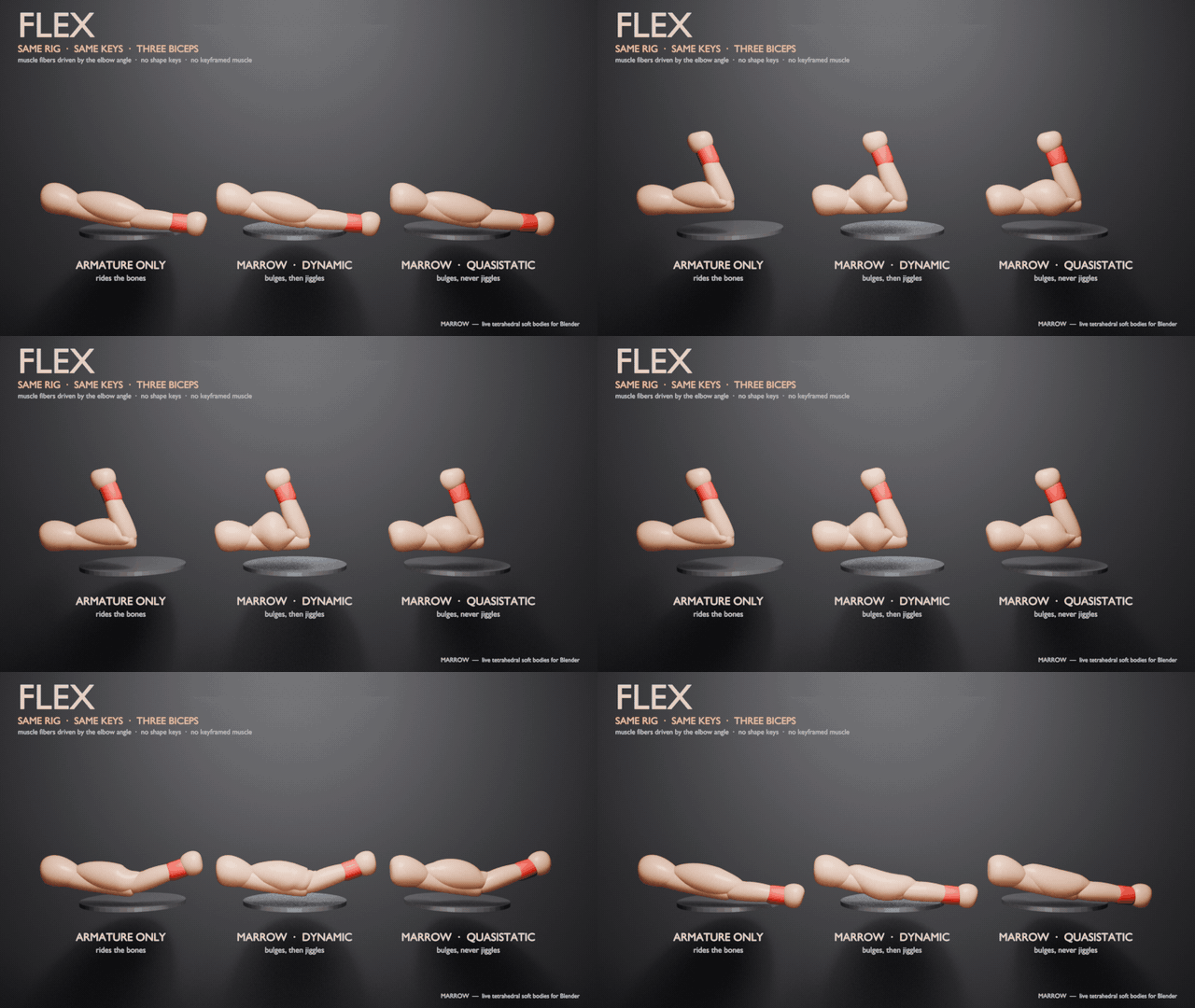
Flex.
Three arms, one action. Armature-only on the left never changes shape. In the middle the biceps' Fiber Phase is driven by the elbow angle, so it bunches and jiggles. On the right, Quasistatic gives the bulge without the inertia.
09 / Active fibers
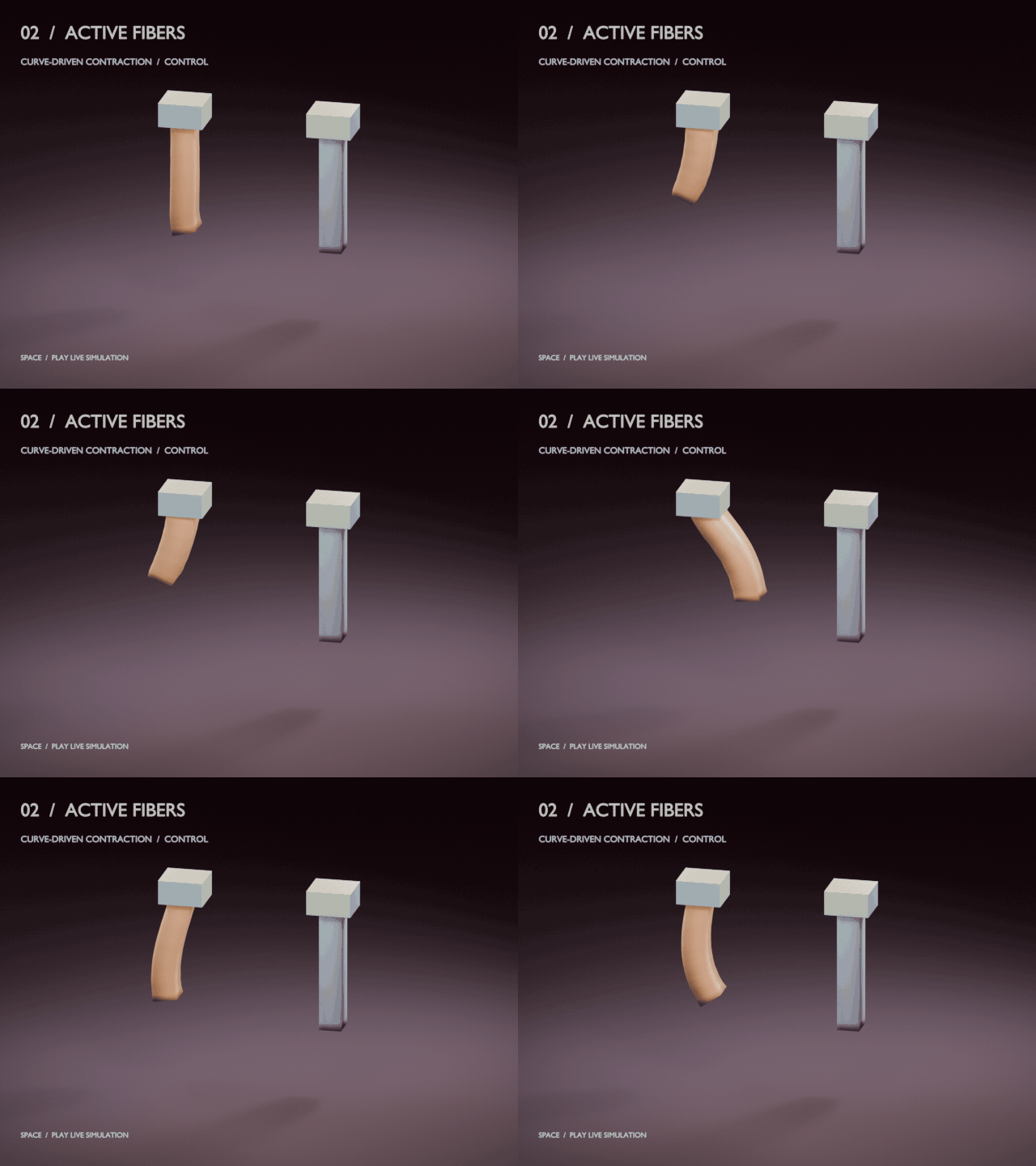
A muscle that pulls itself up.
A curve-baked fiber field contracts the orange beam; its tip lifts, holds and releases with real overshoot. The grey beam has no fibers.
10 / Fiber anatomy
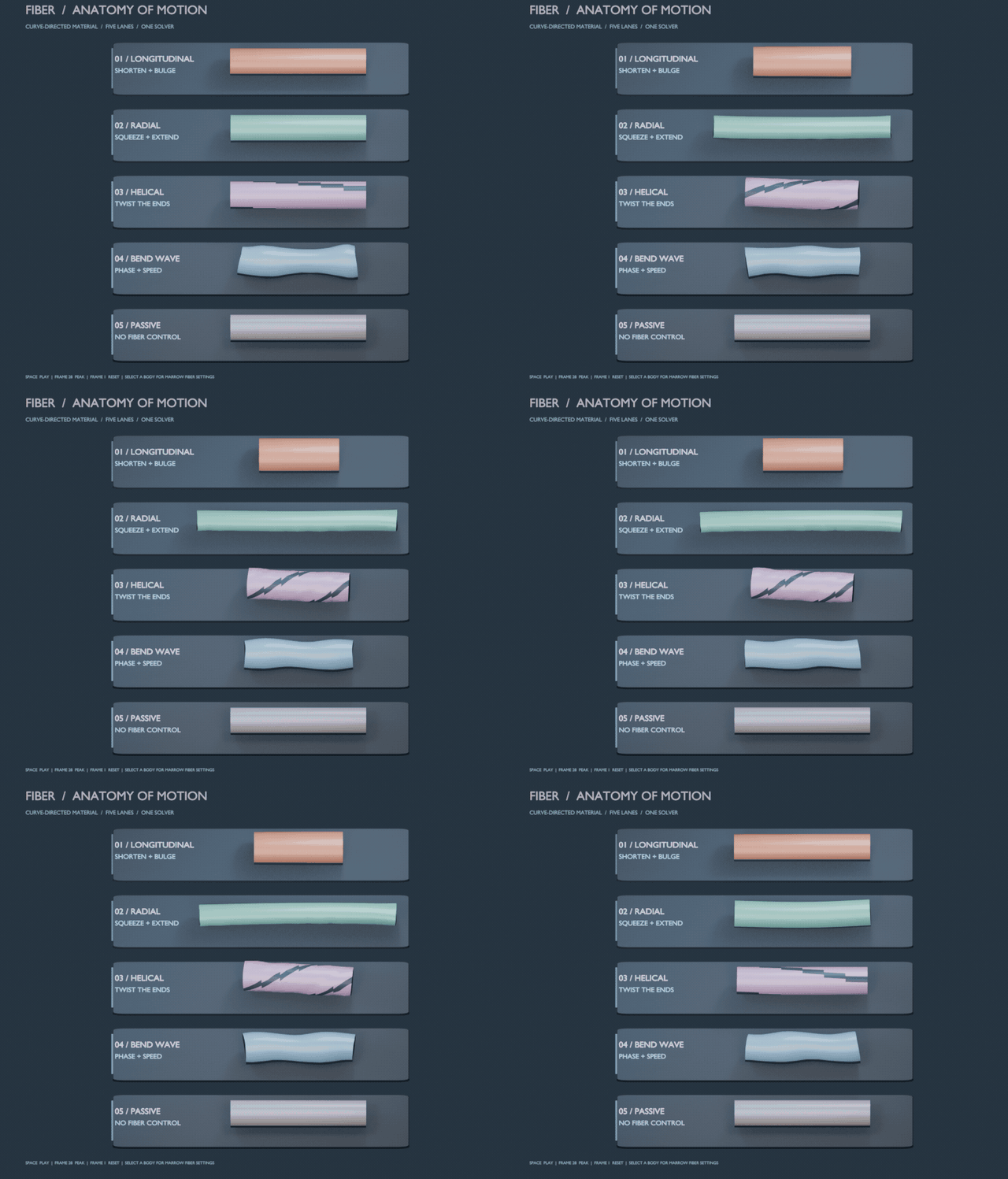
Five ways for material to move.
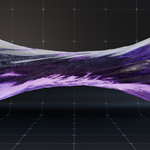
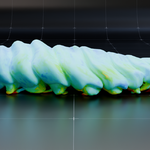
Longitudinal shortens and bulges, Radial squeezes and extends, Helical twists, and a Bend wave travels down the body. The passive lane stays still.
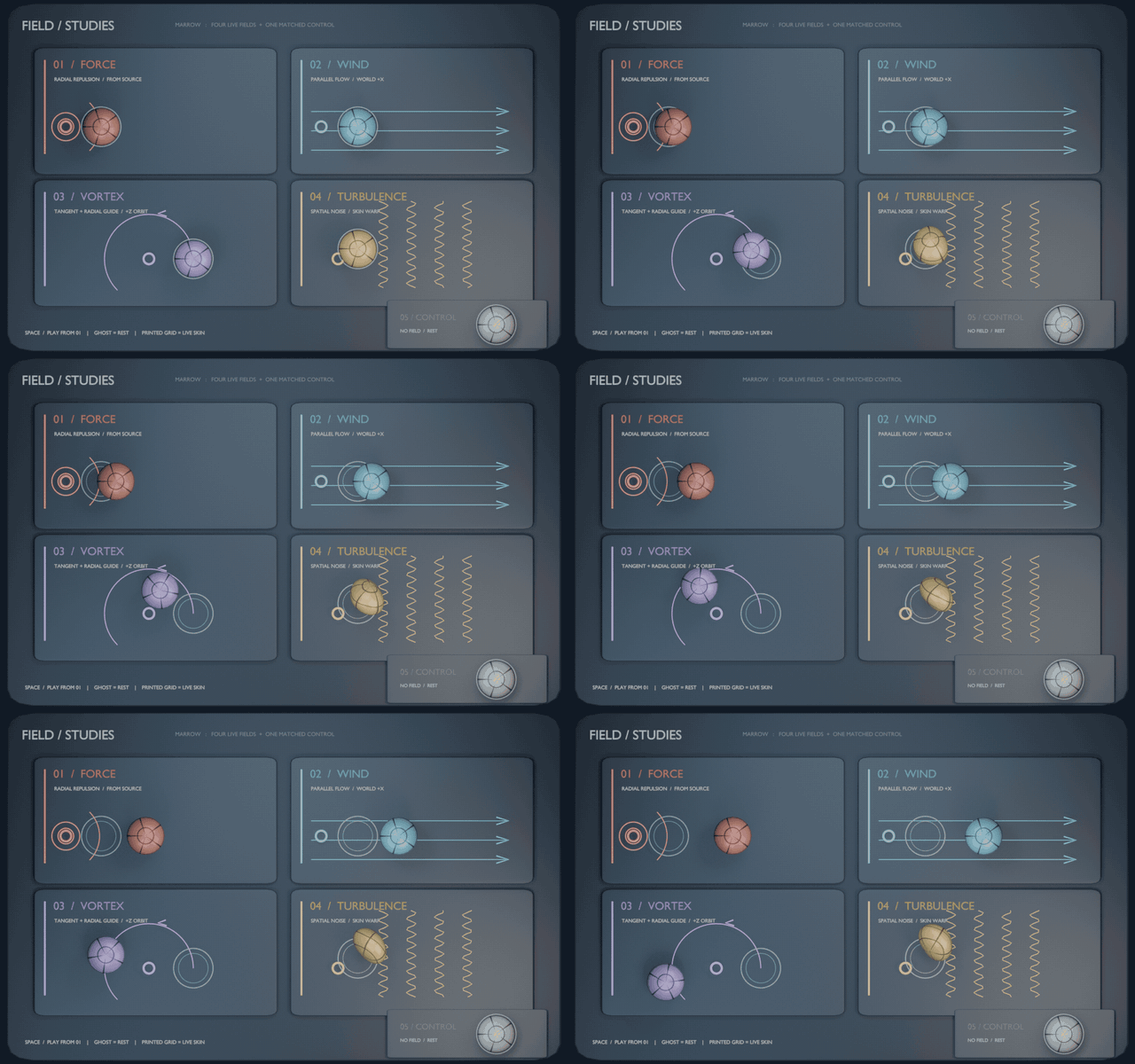
11 / Force fields
Blender's fields push the material.
Force, Wind, Vortex and Turbulence act on live soft bodies next to an unpowered control.
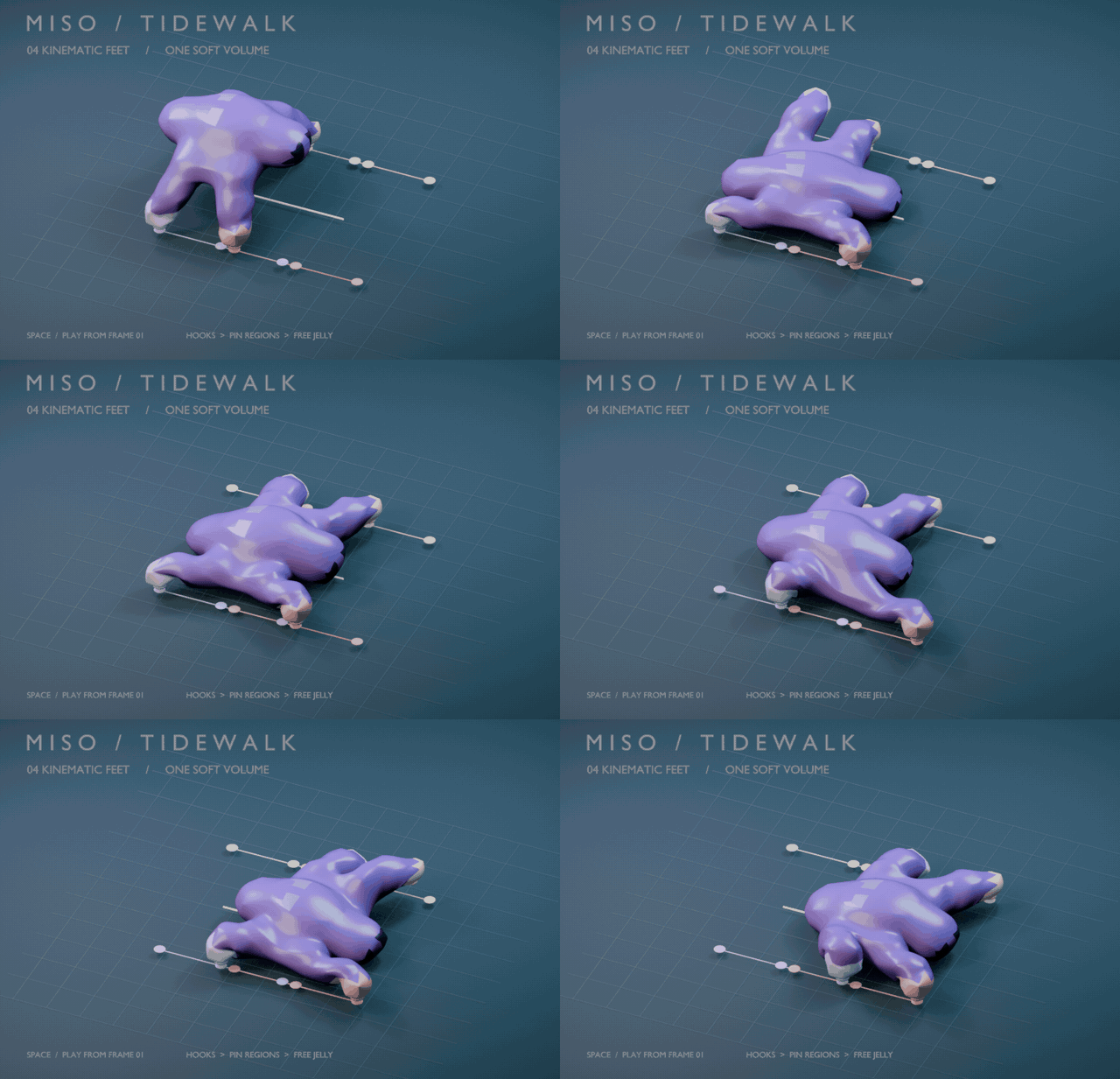
12 / Multiple pin groups
Four feet, four handles.
Four pin groups, each hooked to its own Empty, move independently while the body follows elastically. Add as many as you need under Pin › Additional Groups.
Choreographed: the feet follow keyframed targets.
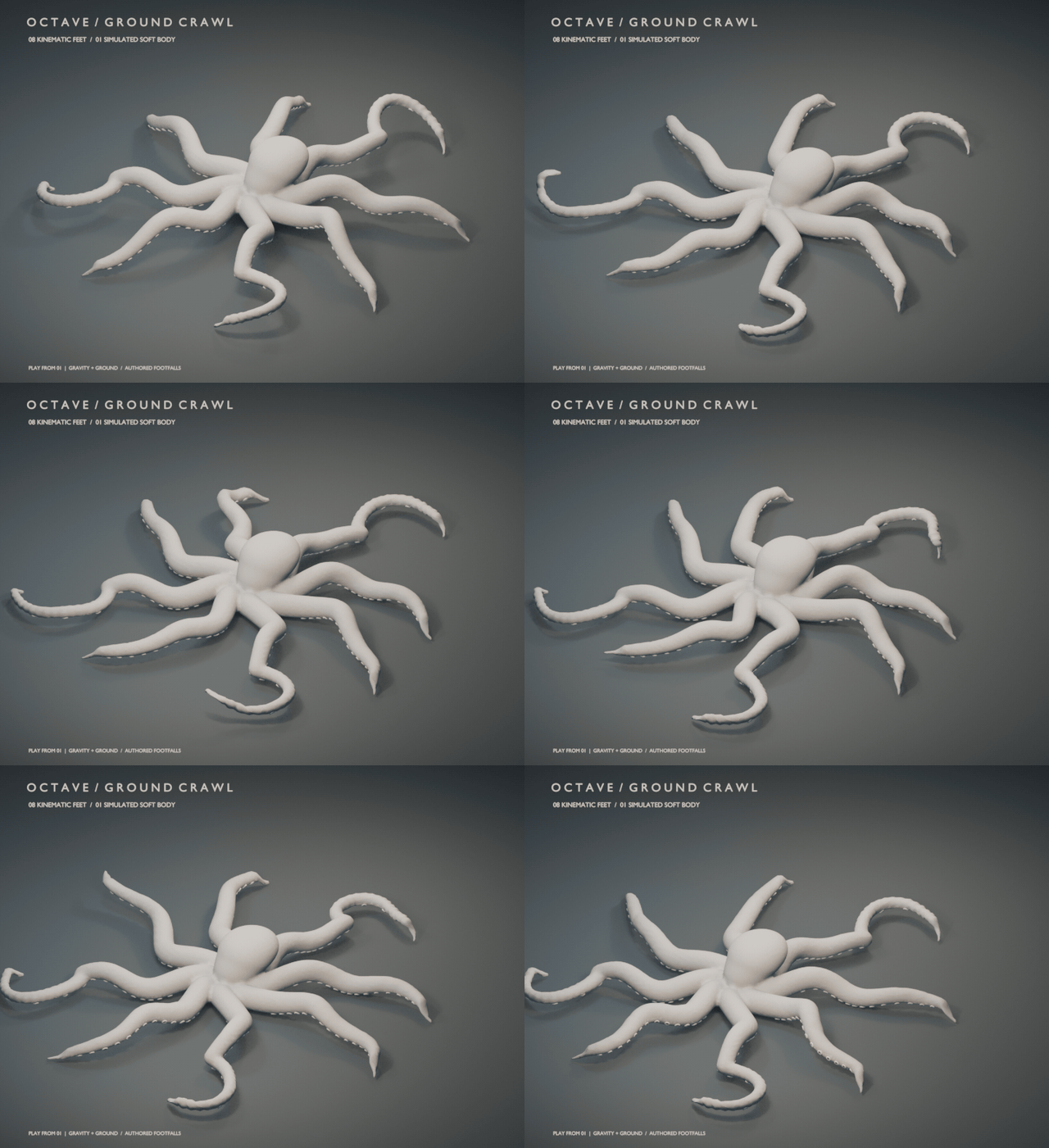
13 / Pins + ground
Eight arms, one body.
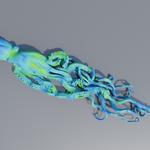
Eight tentacle tips each follow their own Hook. The belly and free arms are live soft material landing on Marrow's ground collision.
Tip placement is keyframed, not autonomous walking.
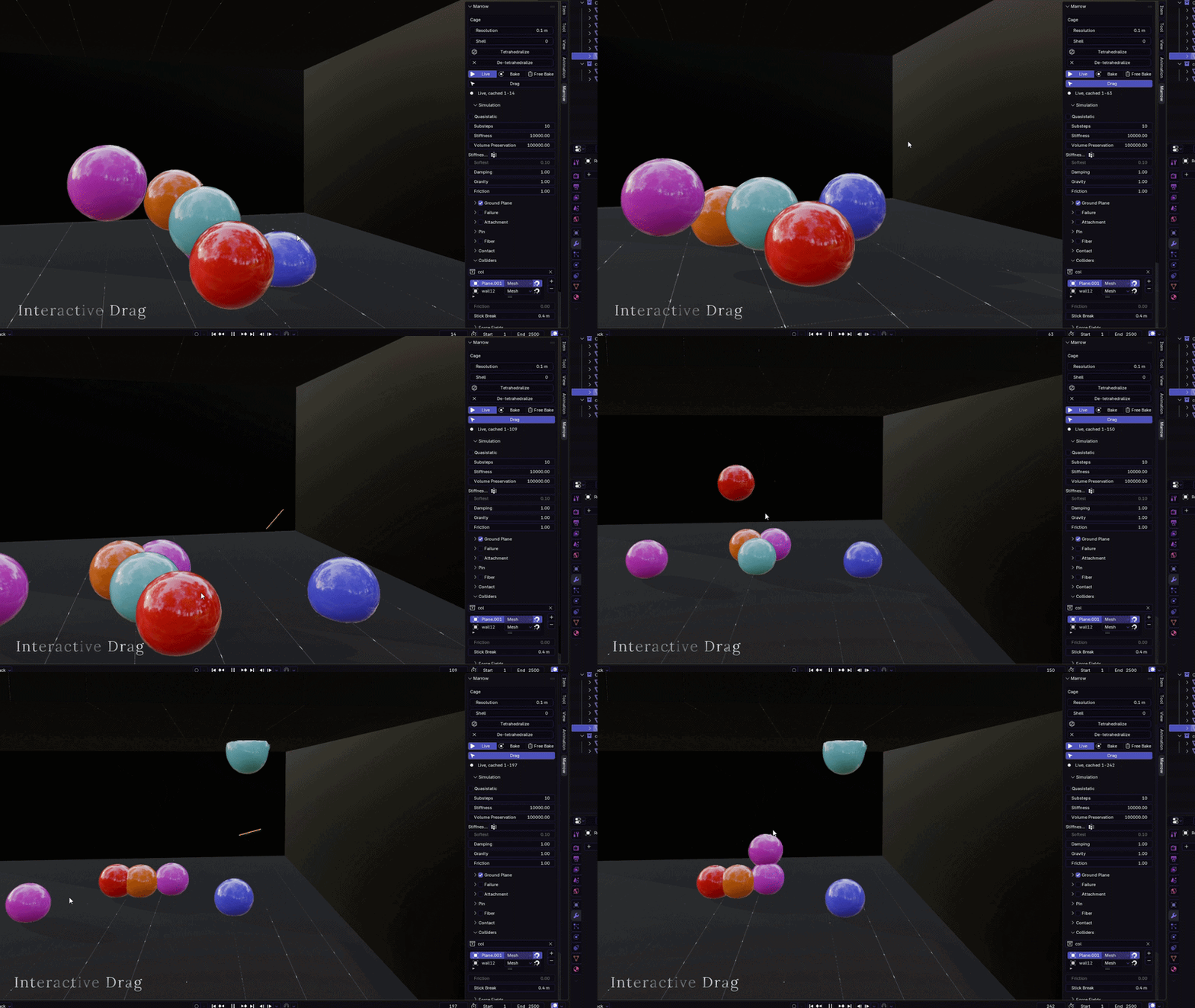
Interactive
Grab it. Push it. Throw it.
Press Drag once and pull any live body in the scene with the mouse. Grab one, throw it, catch another. Everything you are not holding keeps simulating.
Drag a body into a wall and it compresses against it instead of passing through. Drag over empty space and the viewport orbits as usual.
Muscle
Muscle, not just jelly.
Fiber gives the material a direction and lets it contract along it. Volume preservation pushes the displaced material outward, so you get a bulge instead of a shrinking rod.
01 / Fiber
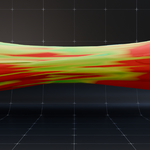
Contraction with bulge.
As the fiber shortens, the sideways expansion reads as a muscle.
02 / Noise
Motion that doesn't feel mechanical.
Noise varies when each crest arrives, how hard it bites and how fast the body strokes, so the wave stops looking like machinery.
03 / Drivers
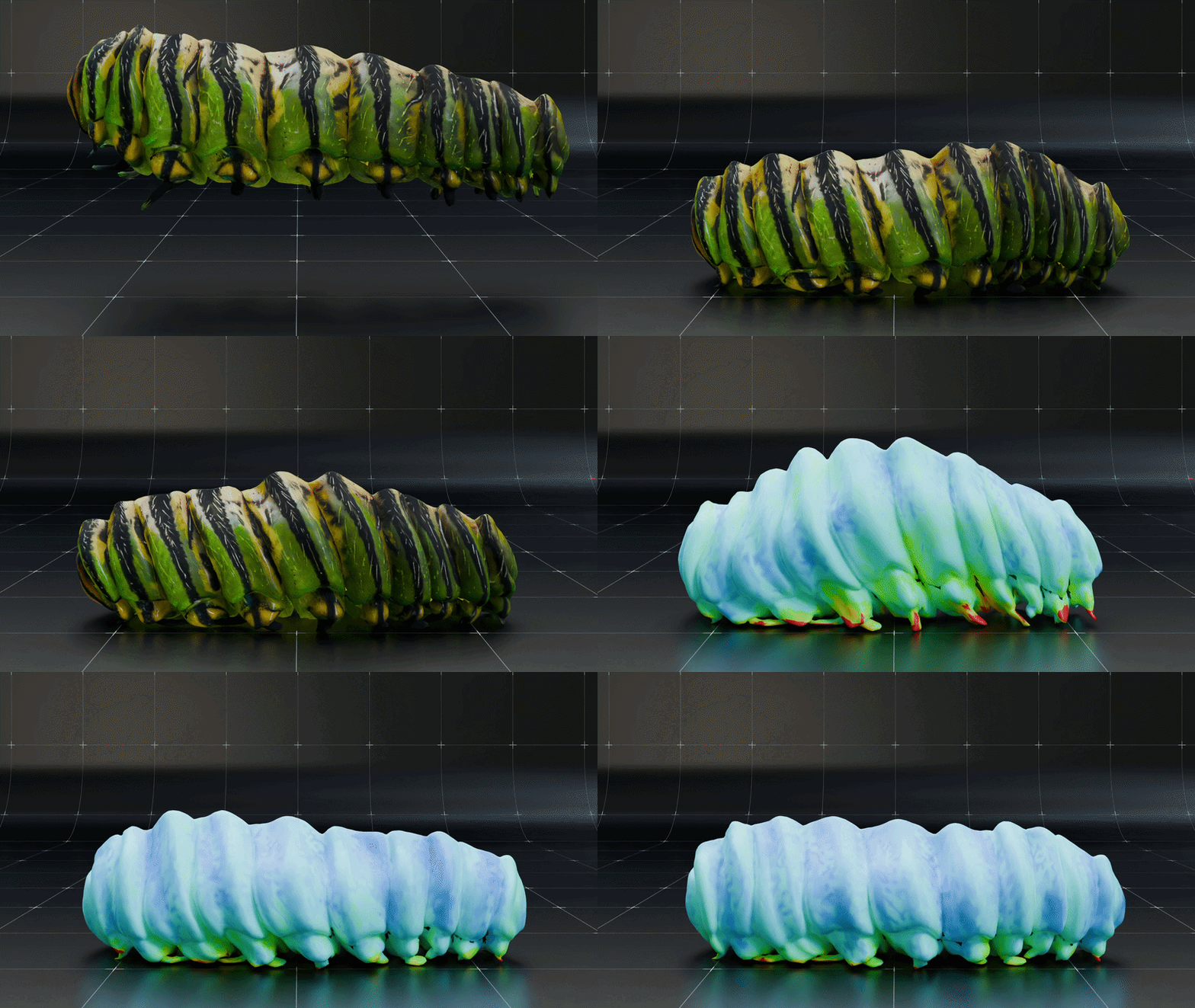
Or let your rig drive it.
Set Speed to 0 and Phase becomes a value you can drive from a bone. A biceps tightens as the elbow closes and holds while the pose holds.
Layers
Flesh on bone. Fat on flesh.
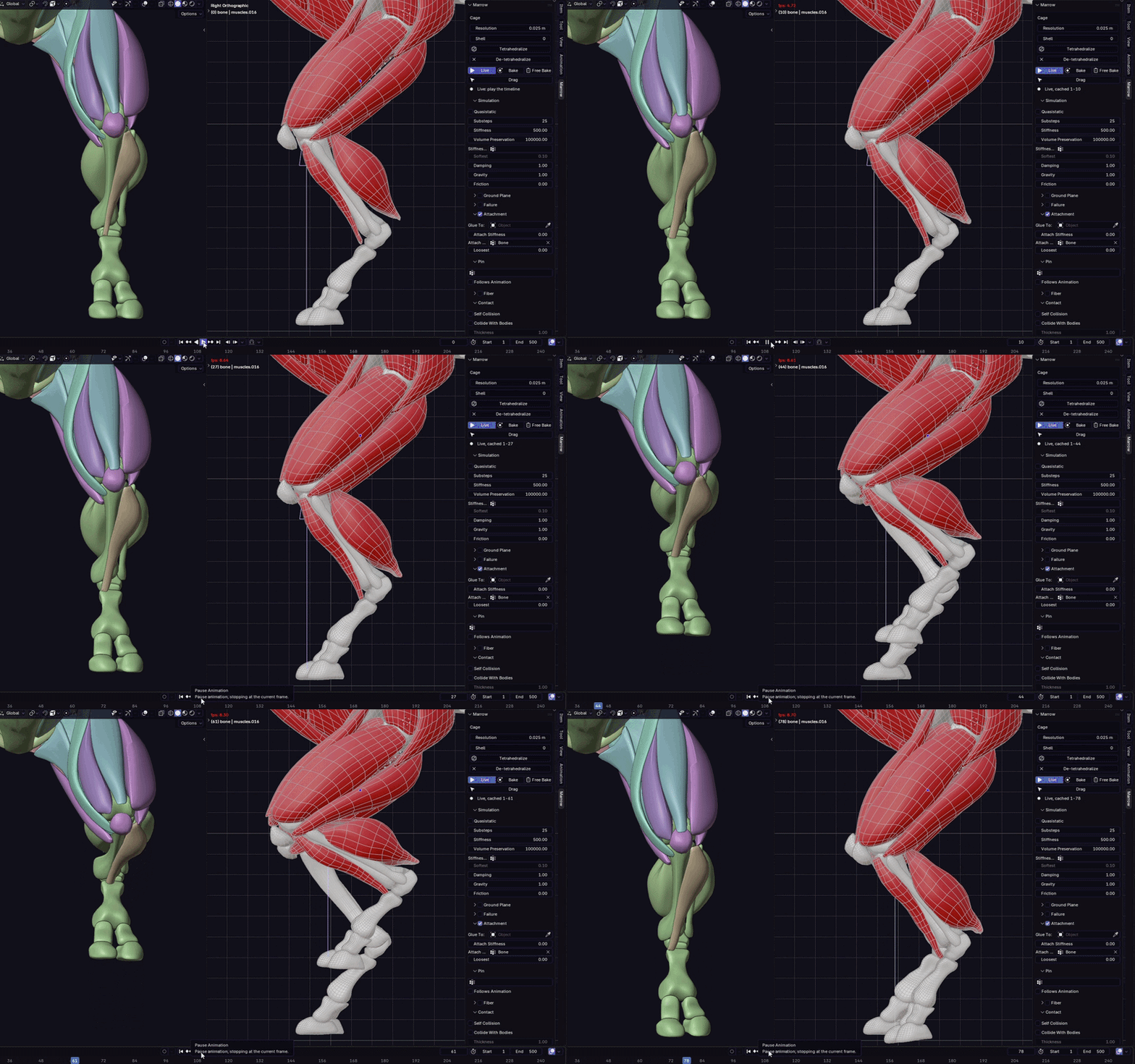
Attachment lets an armature drive the body from inside, so the bones lead and the flesh follows with inertia and jiggle. Paint an Attach Group to choose what rides the bones and what swings free. Glue To rides one Marrow body on another: muscle on bone, fat on muscle, skin on fat.
2.21.1: each cage node now follows its own patch of skin and turns with it, so an attached body at rest holds perfectly still and soft flesh no longer crumples toward its surface.
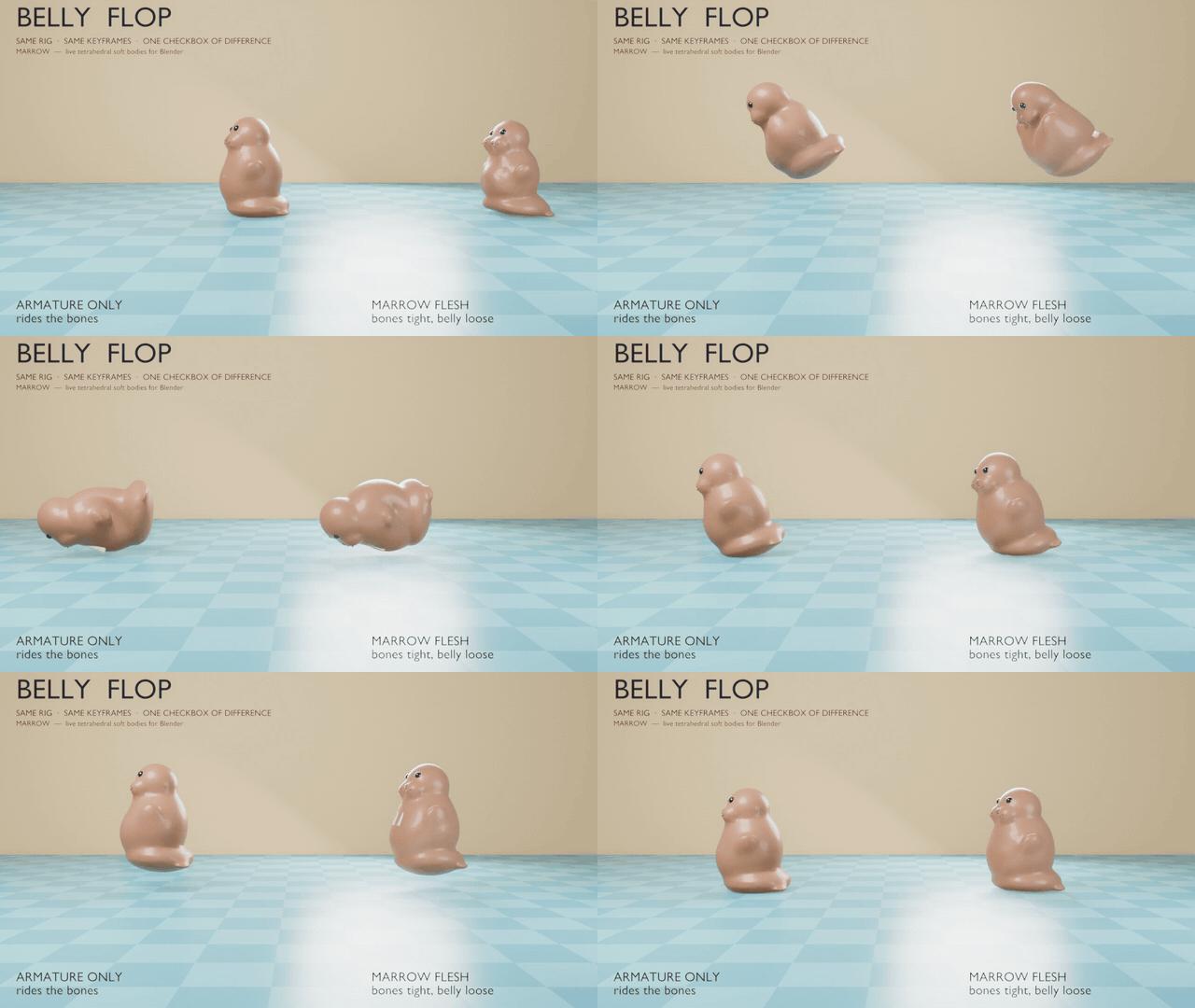
Belly Flop demo: same rig, same action. Only the attachment setting differs.
Contact & diagnostics
Contact that behaves like contact.
01 / Colliders
Signed distance fields, concave included.
Mesh colliders are baked once to a signed distance field, so moving them is free and the inside of a torus hole behaves correctly. Sphere, Box and Capsule primitives are cheaper still. Bodies collide with themselves and with each other.
02 / Animated Mesh
Colliders that follow your rig.
Set a collider to Animated Mesh and it follows its Armature, Shape Keys or topology-stable modifiers every frame, with motion interpolated across substeps. Friction rides the moving surface.
03 / Cage view
See what the solver is doing.
False Color shades the skin by stretch. The Cage view shows strain, tet quality, or every tet as a solid cell, live while the simulation plays.
What you get
Everything in the download.
- The Marrow 2.21.1 extension for Blender 5.2+ (install from disk)
- 13 ready-to-play demo .blend scenes
- 8 material recipes, Drag, Bake, Animated Mesh colliders, fibers, attachment, pins, glue and force fields
- The full illustrated handbook: alanmsyarif.github.io/marrow-docs
Before you buy
Check your setup.
Marrow is a specialised solver. Its limits are listed here on purpose. Refunds can't be given for behaviour not advertised on this page.
Blender 5.2 or newer. It does not run on 4.x.
A GPU with compute shaders. There is no CPU fallback.
Body contact is node against node. Self and body-to-body contact have no edge-edge test and slow down past roughly 20,000 surface nodes. Colliders do not have this limit.
Animated Mesh needs a stable low-poly proxy. Vertex and triangle count must stay fixed, and Sticky is unavailable. A rigid Mesh collider is baked once: transforms are free, but deformation is not followed.
Friction on rigid colliders does not carry material. Use Sticky when a moving Sphere, Box, Capsule or rigid Mesh must carry material. Animated Mesh friction does follow the surface.
Don't start a body inside a sticky collider. Half-buried nodes attach on frame 1 and can shred the mesh.
No plasticity. Deformation is elastic: a dent springs back.
Fibers can't make a body climb. Friction grips the same in every direction, so a fiber wave has nothing to ratchet against.
Quasistatic and pinned fibered muscles don't mix. Use an Attach Group for tendons, not a Pin Group, when Quasistatic is on.
Live caches live in memory. Bakes are saved beside the .blend file and reload with it.
Glue is one-way and one frame coarse. Add Collide With Bodies for two-way contact.
Built for a few bodies, not crowds. N bodies make N² interaction pairs.
Demo creatures are choreographed. Their feet and tentacle tips follow animated targets.
Marrow 2.21.1 · GPU tetrahedral soft body for BlenderBack to top ↑
 amsy3d