 bashpacks

MATERIAL CLEANER PRO · 2.0 BETA
Heavy scene.
Messy materials.
Your scene keeps growing. Materials pile up. You lose track of what belongs where. Get a clear overview, find what deserves attention, and clean up.
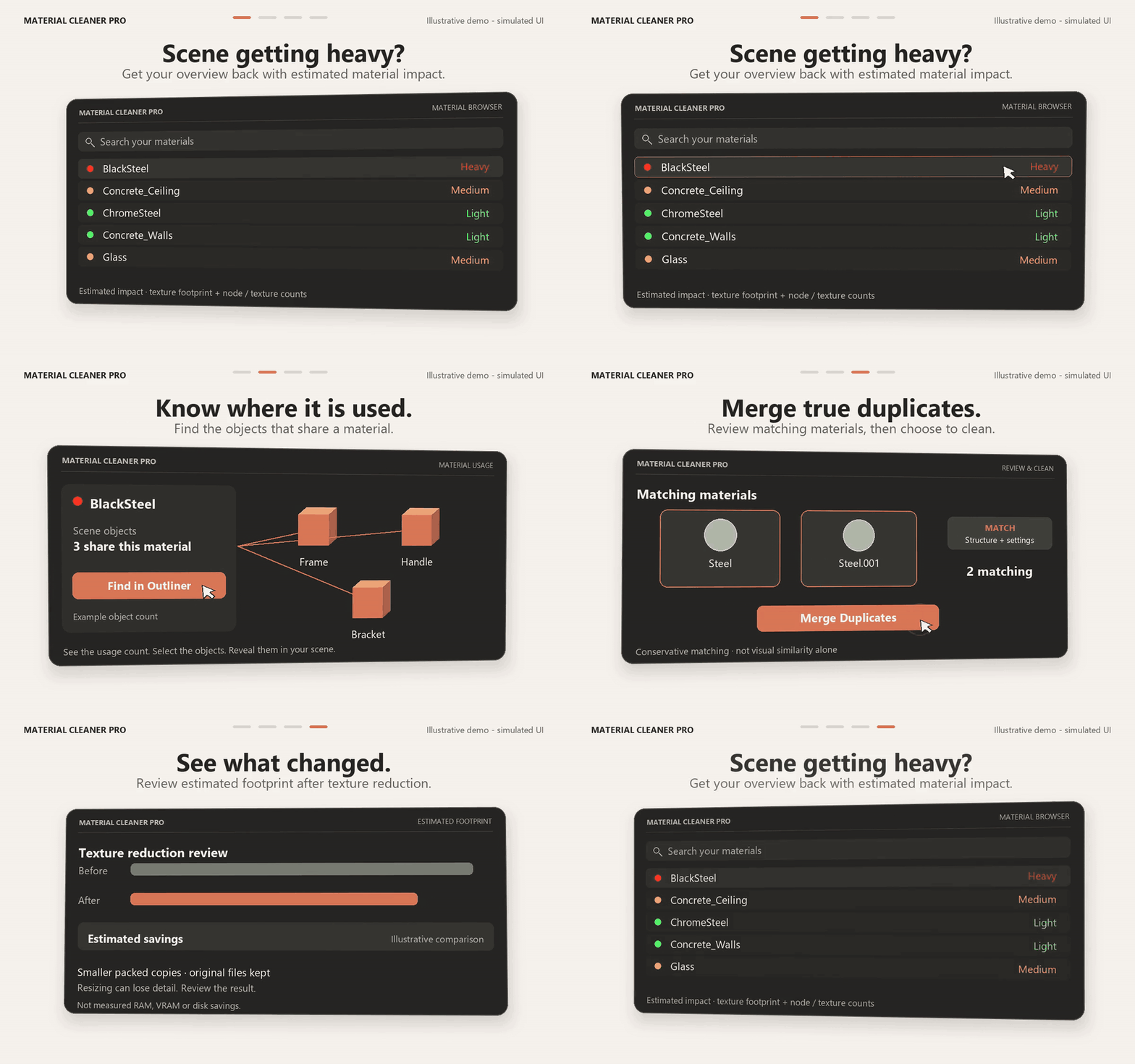
FROM CLUTTER TO CLARITY
Find it. See it. Choose what to clean.
Focused UI illustrations based on the real add-on. Actual interface captures below.
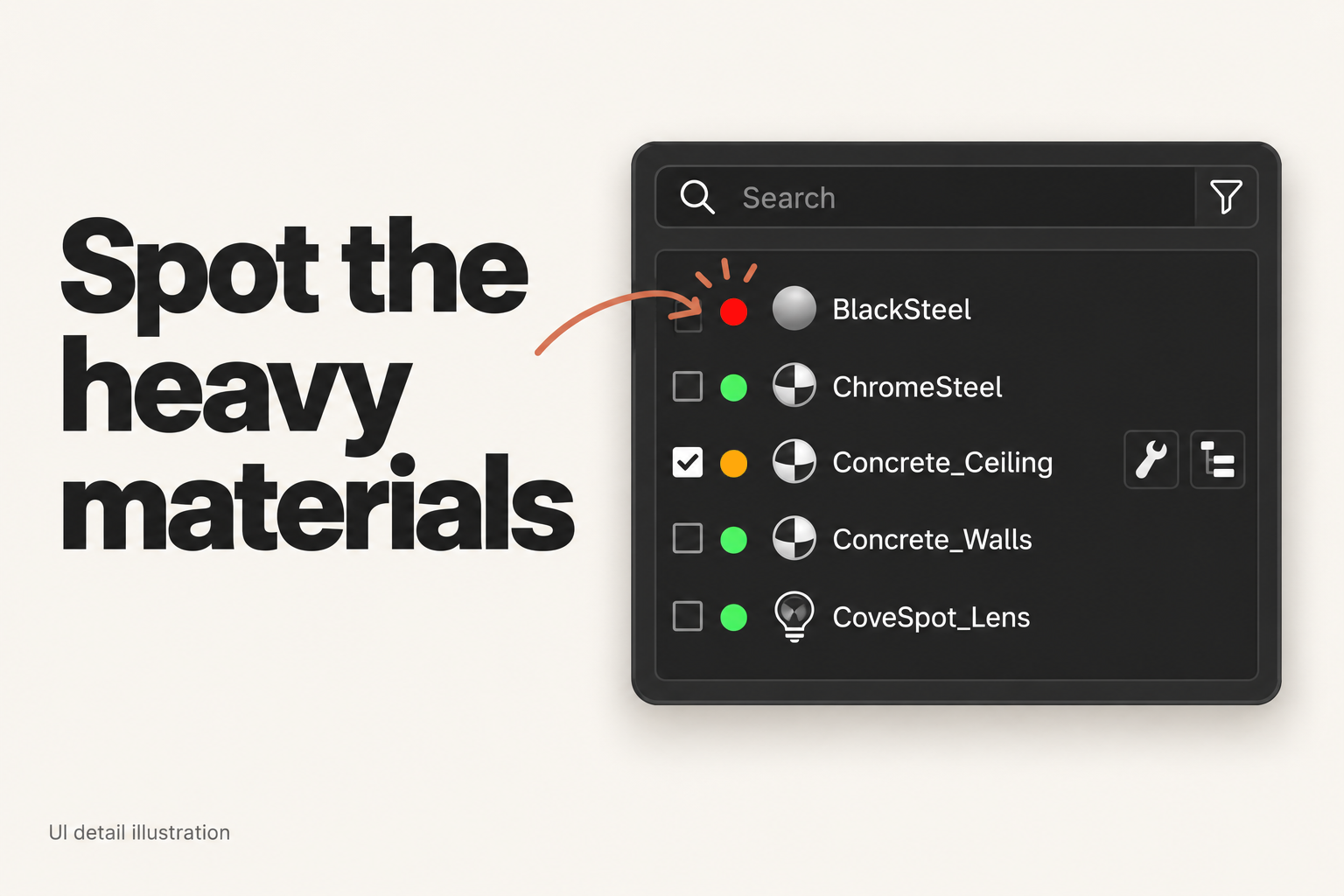
Know where it is used.
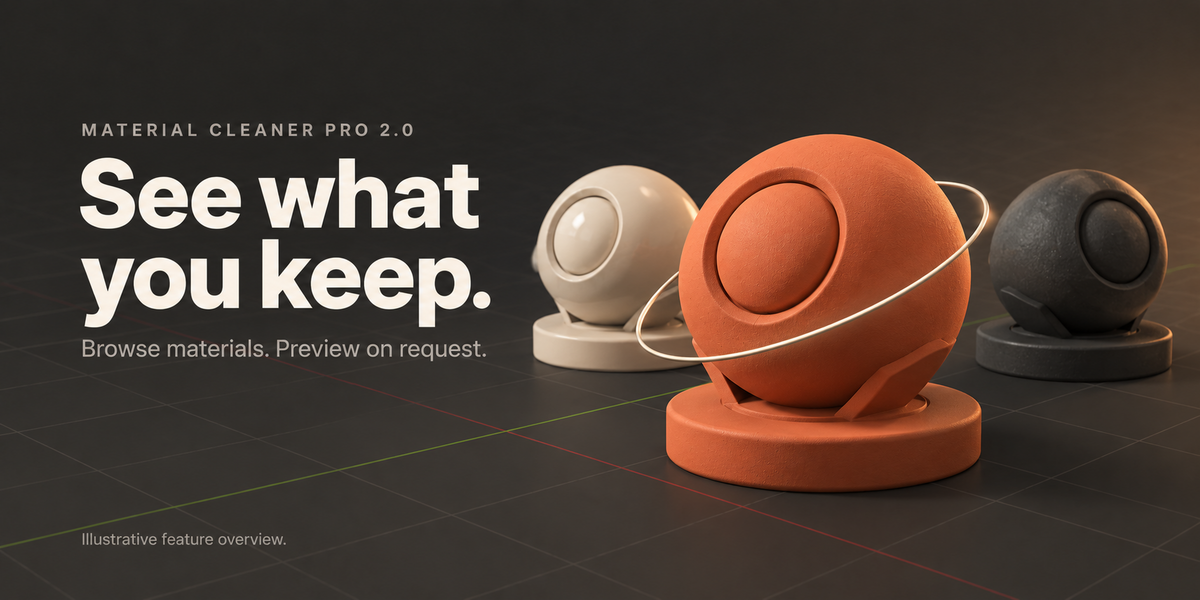
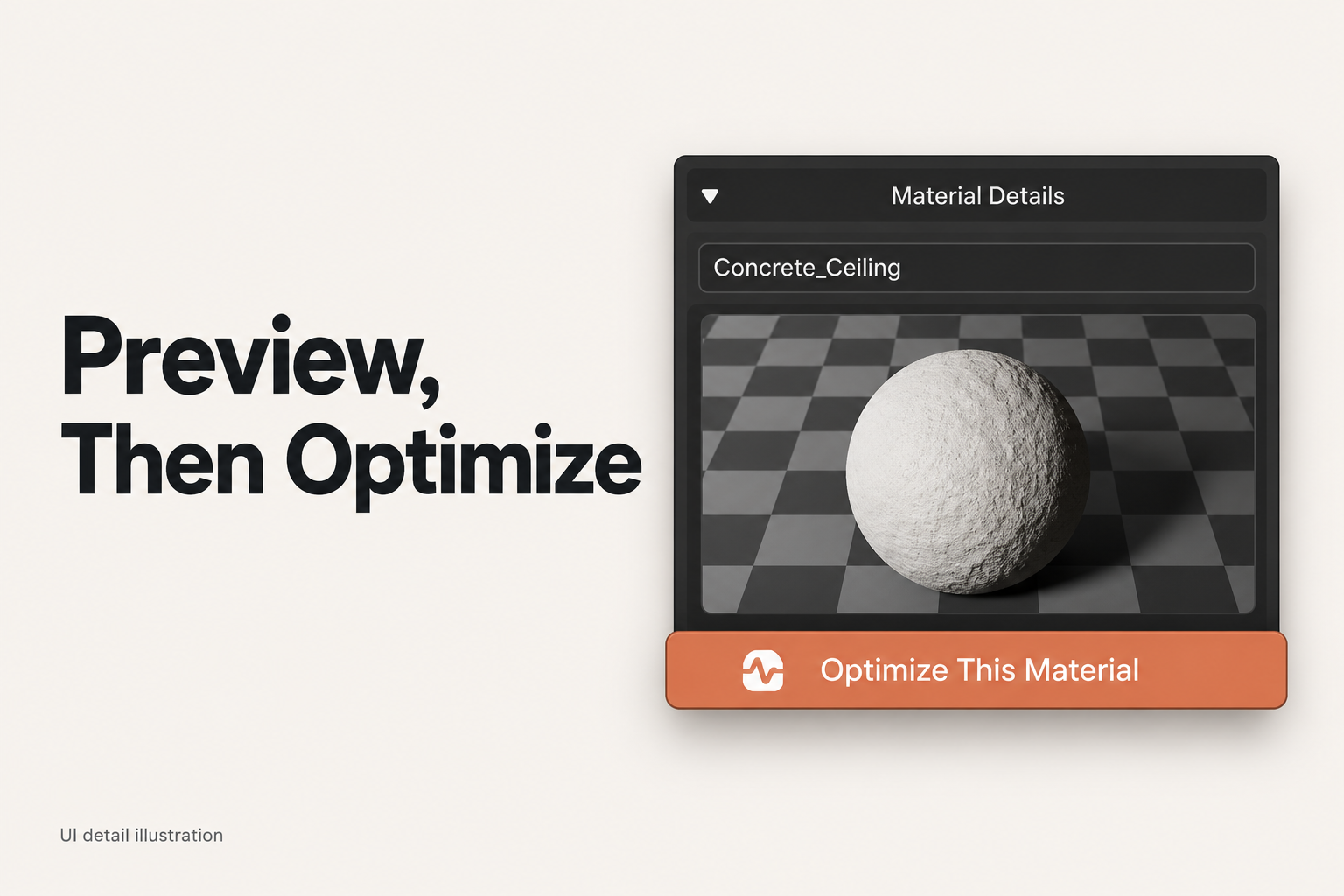
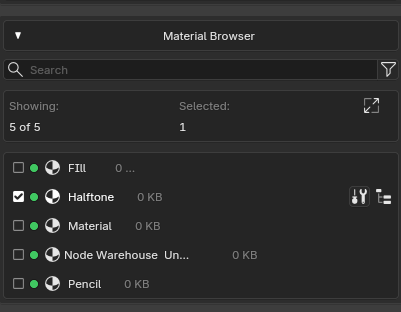
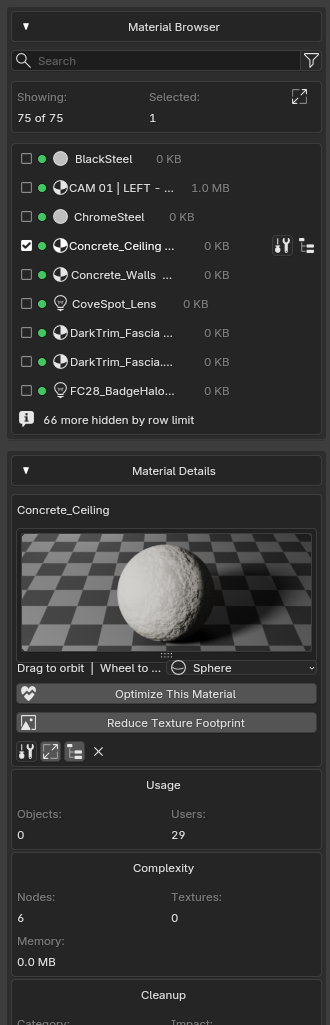
See how many scene objects share a material, inspect their names, and select them directly. Find in Outliner reveals the first matching object.
The details panel separates Objects from Blender's broader Users count. Know what a change will touch before choosing your next action.
SEE WHAT CHANGED
Estimated texture footprint:
before → after.
Review estimated savings after cleanup. Analytics show before, after and potential savings so the result is visible.
Texture-footprint estimates, not measured disk-space, RAM or VRAM savings. Some cleanup actions may show no estimated reduction.
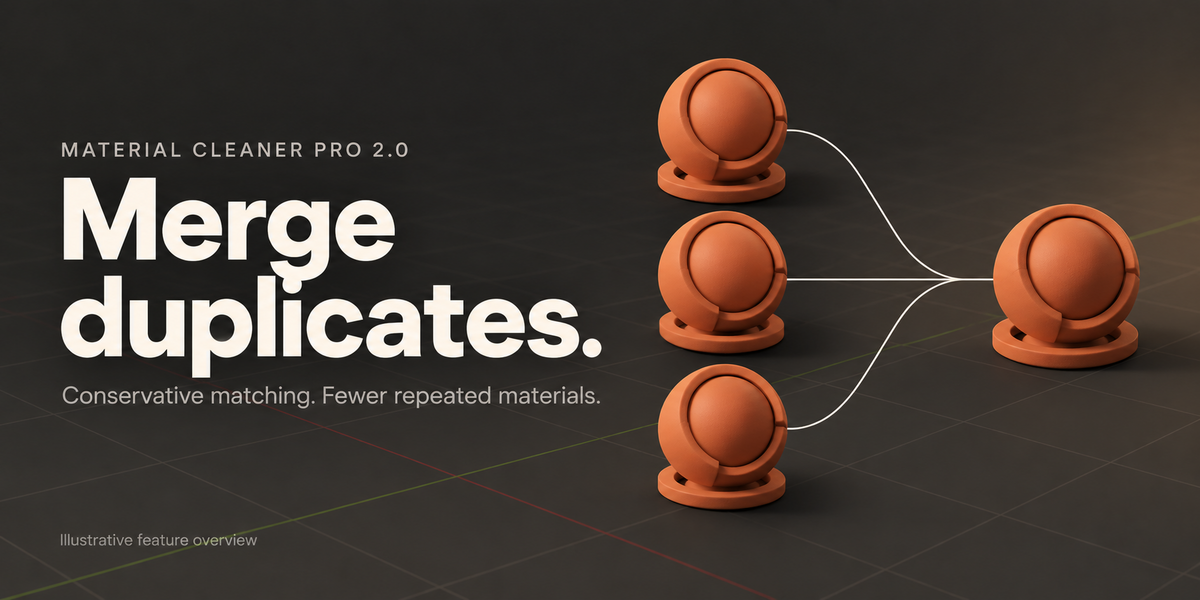
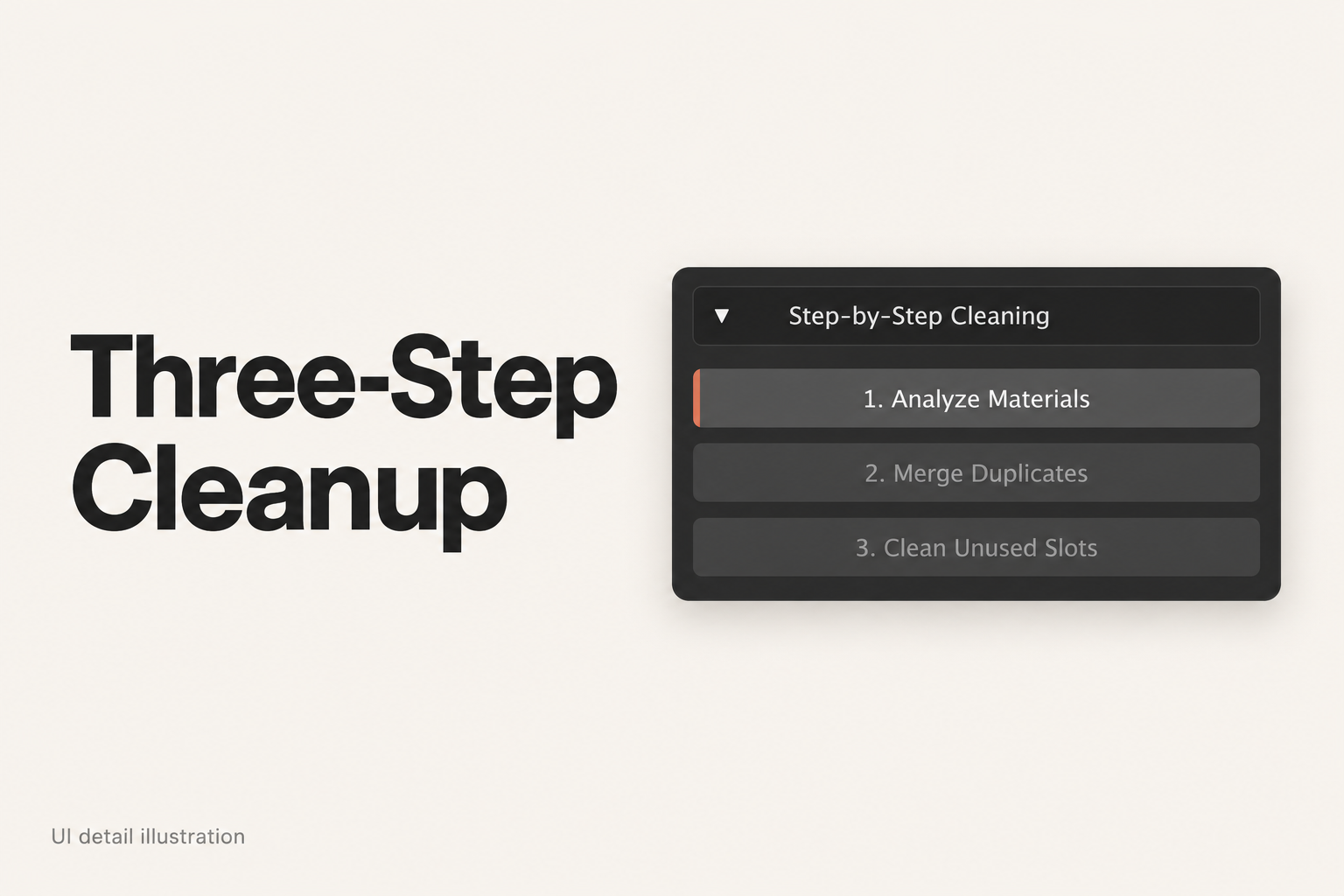
Validate materials, process large projects in chunks, analyze duplicate images, or run Deep Cleanup. Deep Cleanup stays material-scoped unless you explicitly enable the separate all-local-orphans option.
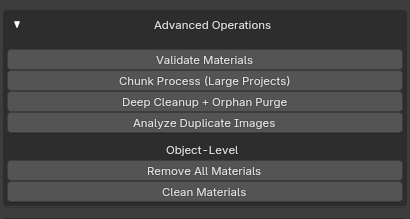
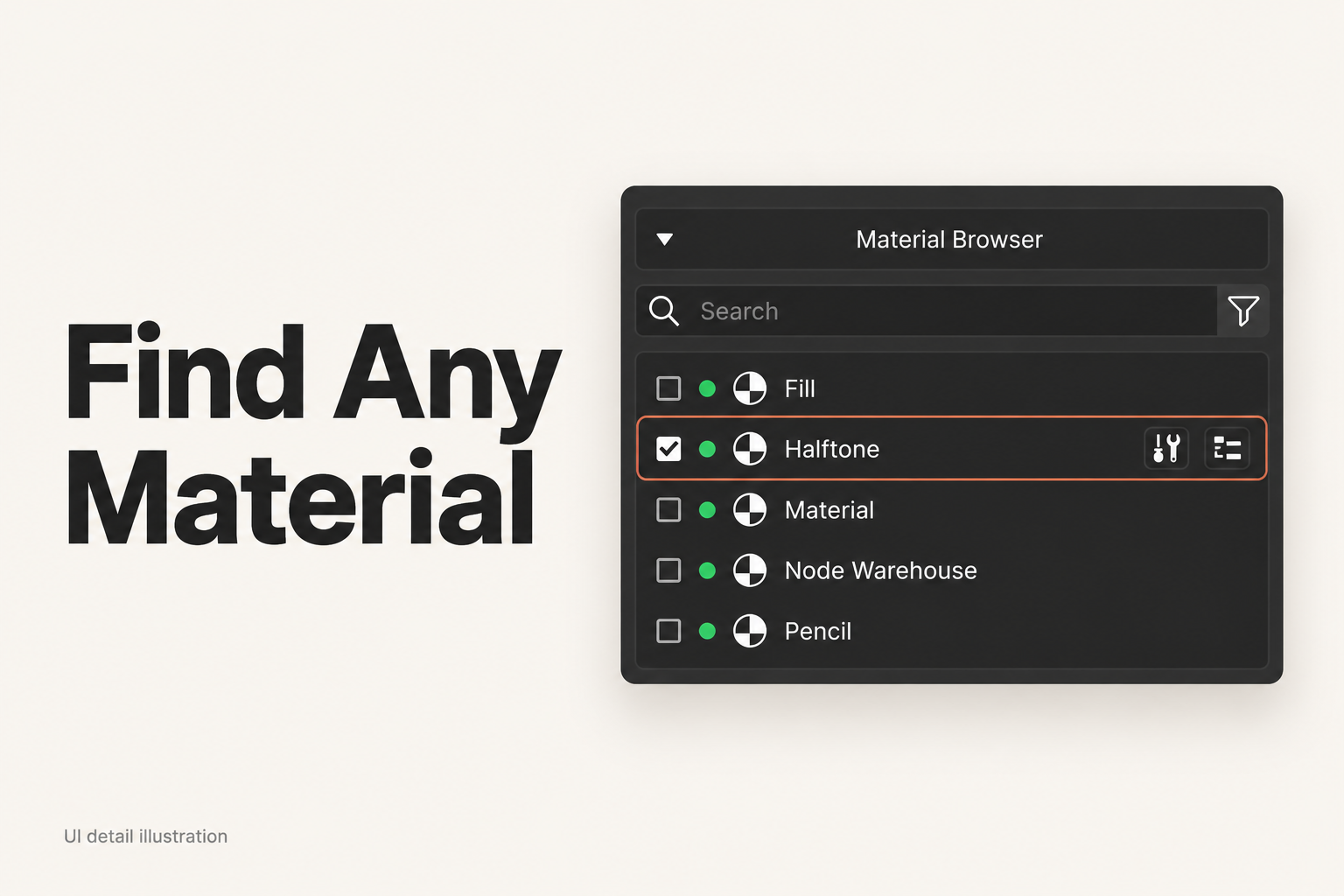
Actual interface · View material browser and details screenshot
Before you start.
Blender 3.6 minimum. Tested locally on Windows with Blender 5.0 and 5.1; other versions and operating systems have not all been tested.
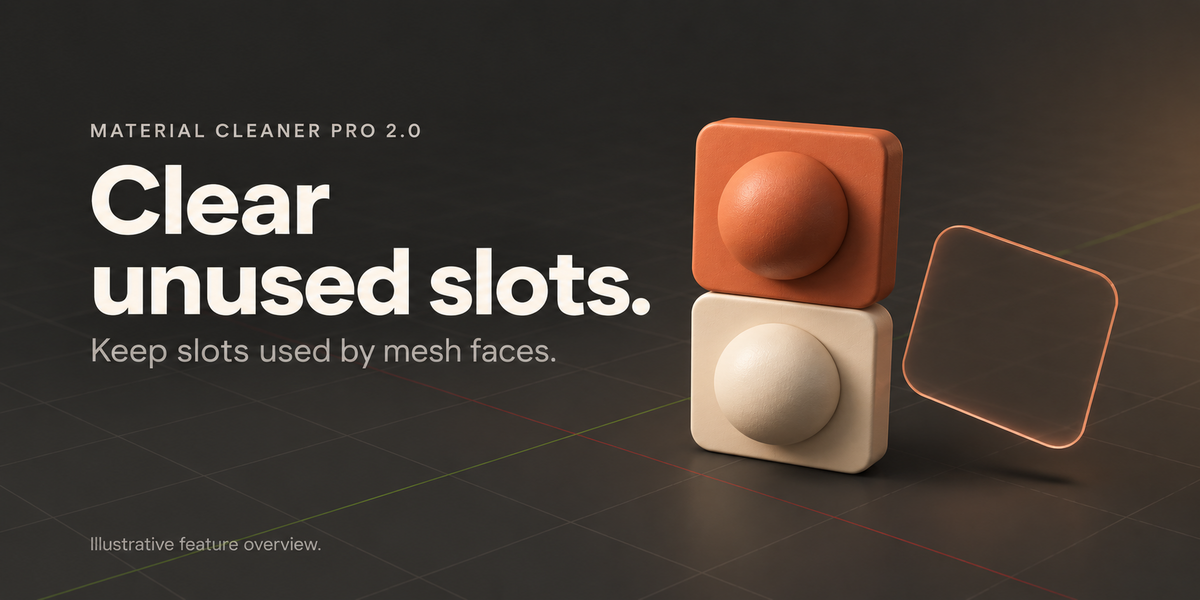
Early access / Beta. Save a separate project copy before cleanup. Supported editing operators provide Undo; this does not replace a saved backup.
The optional Cycles texture-cache feature requires Blender 5.2+ APIs. It is unavailable in 5.1, and the newer path has not been validated in this release's local tests. No guaranteed memory or rendering-speed gains.
Installation and workflow details are in the Documentation and FAQ tabs. Feedback is welcome — send your Blender version and steps to reproduce, and I'll do my best to fix issues promptly.
Make space for the creative part.
A clearer view of your materials. A deliberate way to clean them.