Material Cleaner Pro
 bashpacks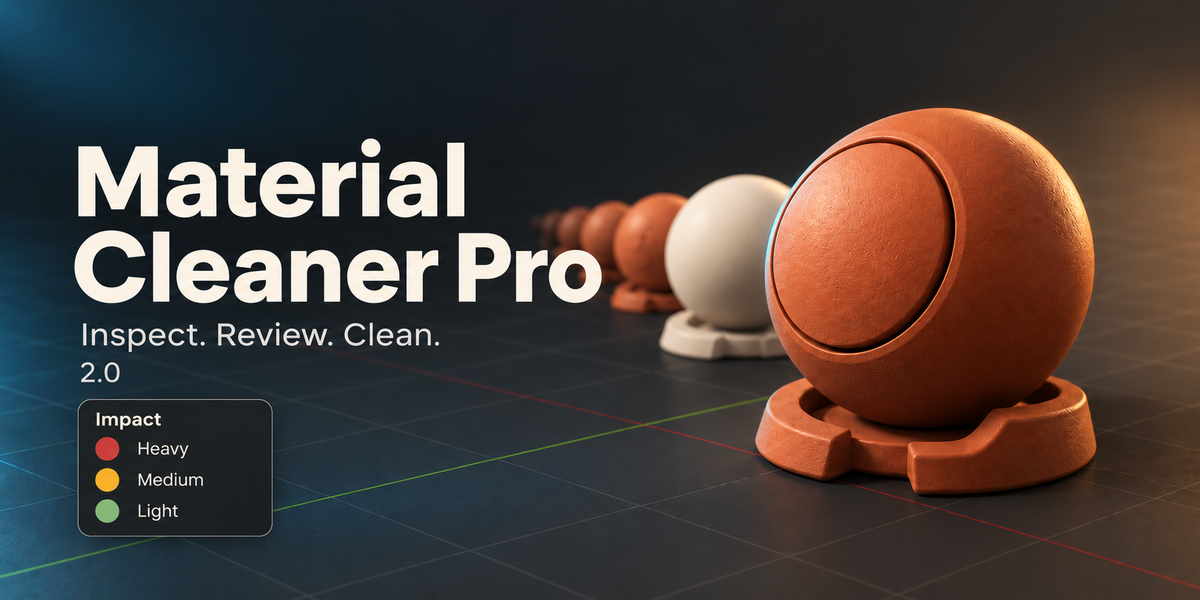


How can I report a problem?
Use Contact the creator on this product page. Include your Blender version, operating system, add-on version, exact error and steps to reproduce. Screenshots or a small non-confidential sample help. Feedback is welcome and I will do my best to investigate and fix issues.
Is this a Lite, Basic or Pro bundle?
This listing supplies the current Material Cleaner Pro 2.0 add-on. Older references to Lite/Basic tiers, exclusive upgrade paths or texture-atlas generation do not describe this release.
Does this require an AI account or internet connection?
The material cleanup and browser workflows run locally in Blender. No Codex or ChatGPT account is required.
Why is Prepare Low-Memory Rendering unavailable?
That control requires the Cycles texture-cache API introduced for Blender 5.2+. Blender 5.1 correctly reports it as unavailable. The newer cache-generation path has not been validated by the current local release tests.
Can I undo changes?
Supported scene-changing operators participate in Blender Undo. Save a separate backup before cleanup or texture reduction and inspect the result before saving. The add-on does not promise automatic backups of every original setup.
What does Deep Cleanup remove?
The default cleanup stays material-scoped. The separate Purge all local orphan data option also affects unrelated local orphan meshes, images, node groups and other datablocks. Enable that option only when you intend whole-file cleanup.
Do material previews run all the time?
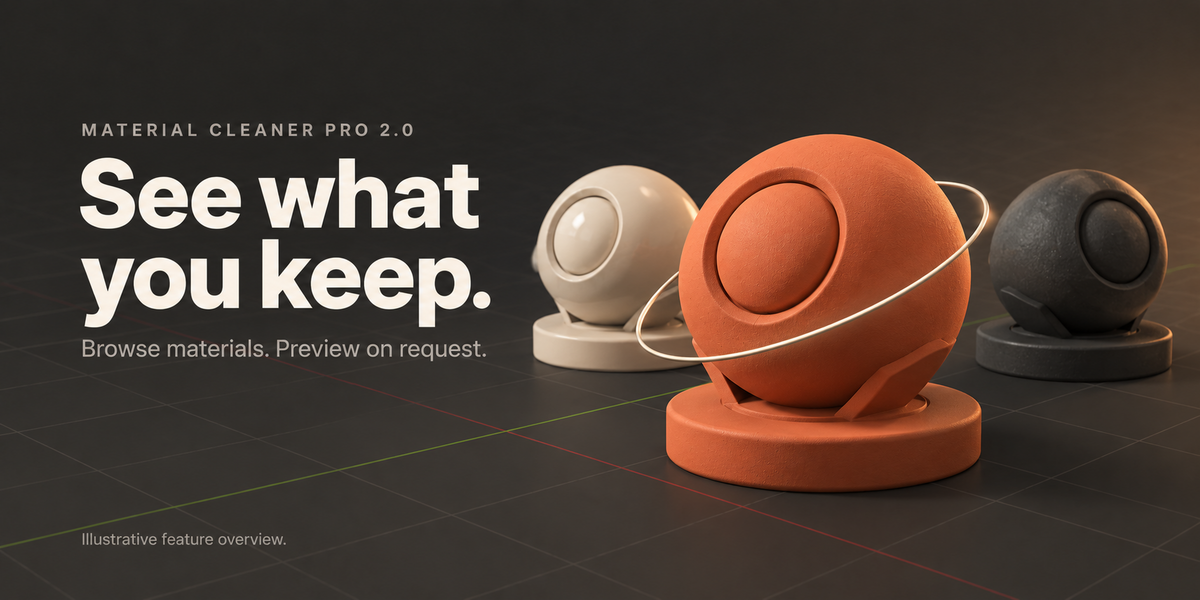
No. Native interactive material previews are opt-in. Open Interactive 3D Preview or enable the active preview when you want it; the browser also provides filters and object-selection tools.
What does Optimize This Material do?
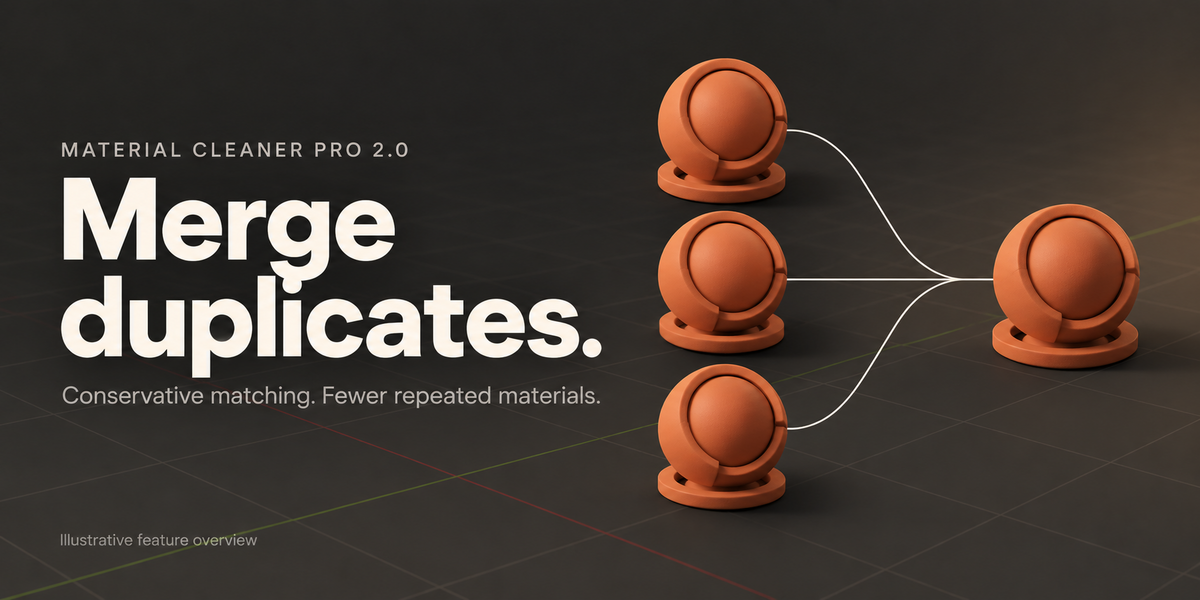
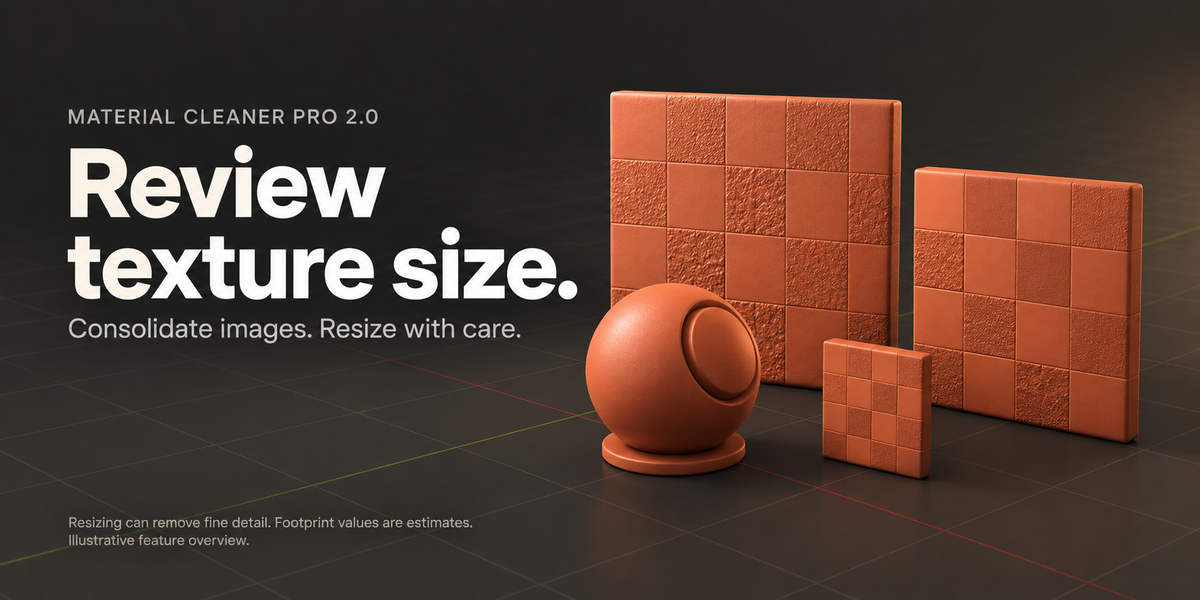
It consolidates verified duplicate materials and equivalent image datablocks, then cleans unused mesh slots. It is separate from texture resizing, which has an explicit quality tradeoff.
Does reducing textures change image quality?
Yes, it can remove fine detail. Reduce Texture Footprint offers 1K, 2K or 4K maximum sizes for supported oversized images, creates smaller packed copies and reconnects the material to those copies. It does not overwrite the original source image files.
Are the memory values actual VRAM usage?
No. They are estimates of texture footprint and related cleanup signals. They do not measure actual GPU memory, file size or guaranteed render-time savings.
How are unused slots handled?
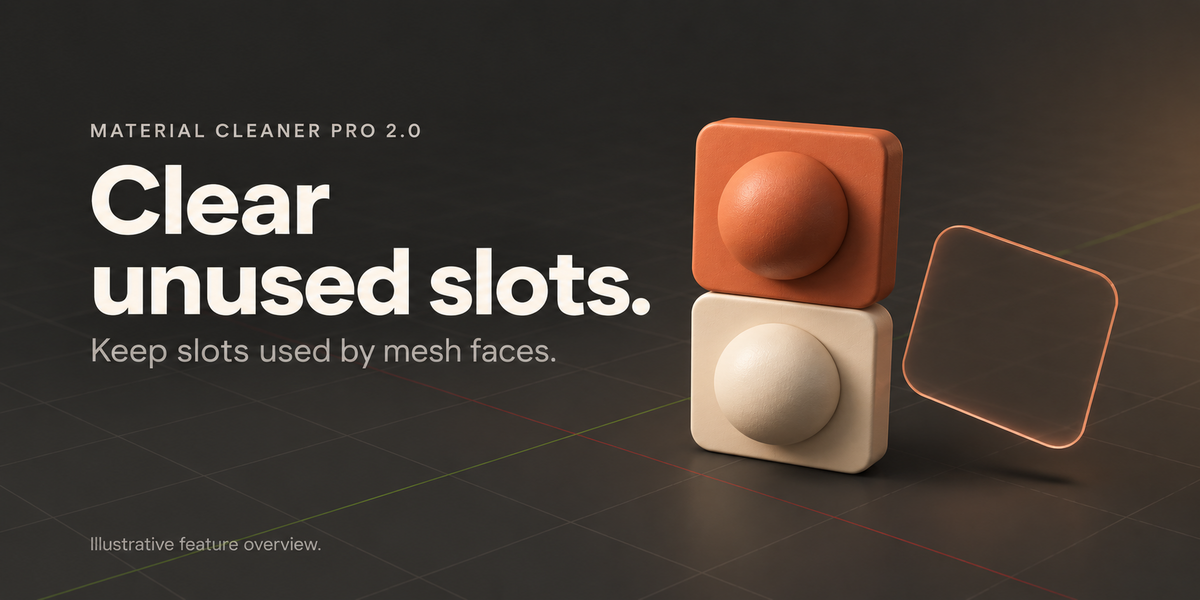
Unused mesh slots are checked against polygon material assignments. Shared mesh data is processed once. Review your object assignments after cleanup, especially in complex imported scenes.
Will similar-looking materials be merged?
Visual resemblance alone is not enough. Matching is conservative and considers material structure, scalar settings, ColorRamp data, links, image references and nested node groups. Distinct setups can remain separate even when they look alike.
What does the normal cleanup workflow do?
Use Analyze Materials, review the results, then Merge Duplicates and Clean Unused Slots as appropriate. Save a separate project copy first and inspect the scene after each operation.
How do I install and open the add-on?
Keep the downloaded ZIP zipped. In Blender open Edit > Preferences > Add-ons and use Install from Disk (or Install in older versions). Select the ZIP, enable Material Cleaner Pro, then press N in the 3D Viewport and open the Material Cleaner Pro tab.
Which Blender versions are supported?
The declared minimum is Blender 3.6. The current 2.0 package has been checked locally on Windows with Blender 5.0 and 5.1. Not every version or operating system has been tested. The interface is currently marked Beta.
Does it guarantee faster renders or smaller files?
No. Results depend on the scene, materials, textures and renderer. The tool helps inspect and consolidate data, but it does not promise a particular memory reduction, file size or render speed.
Have questions about this product?
Login to message
| Dev Fund Contributor | |
| Published | 6 days ago |
| Blender Version | 3.6 - 5.1 |
| Extension Type | N/A |
| Render Engine Used | Cycles, Eevee |
| License | GPL |
Discover more products like this
texture resizing blender addon Duplicate Materials material browser material-management texture optimization scene cleanup material cleaner unused-slots