 VertexModeler Inc.



Blender Grouping
Finally Predictable
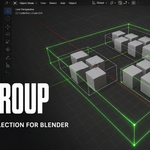
Max Group brings the fast, direct feeling of 3ds Max-style grouping into Blender. Select complete assemblies with one click, navigate nested groups naturally, and reach any individual object without rebuilding your scene hierarchy.
THE COMPLETE WORKFLOW
Hover. Click. Select. Transform.
No setup objects. No collection conversion. No repeated box selection. Max Group adds a clean grouping layer to the scene you already built.
FAST WHEN YOU WANT IT. PRECISE WHEN YOU NEED IT.
Selection That Understands Group Depth
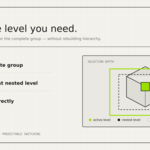
Use normal clicks for complete groups, modifier clicks for a specific nested level, and direct object selection when you need to adjust a single member.
MOVE
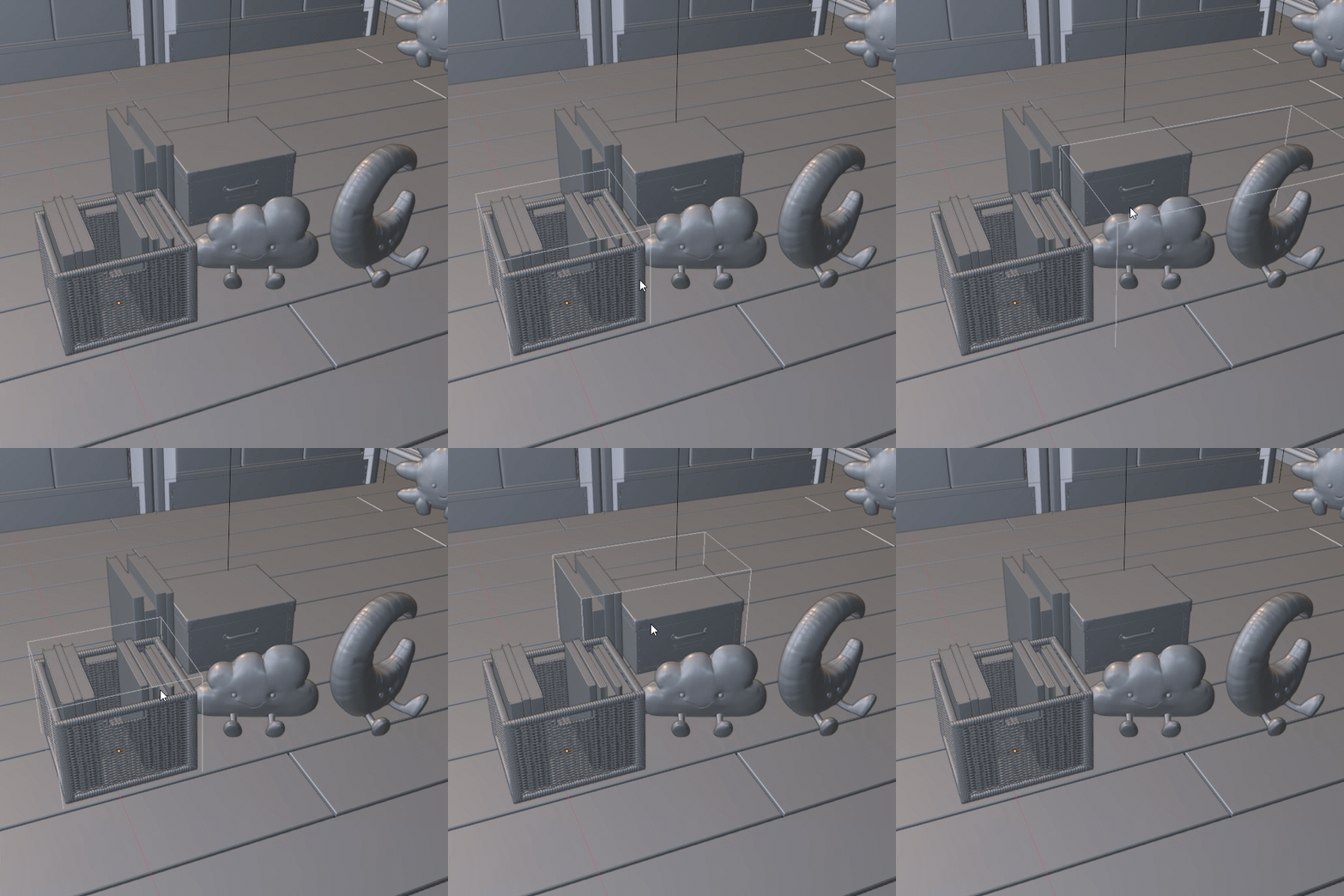
The target group appears only when relevant, keeping crowded scenes readable.
ALT + LMB
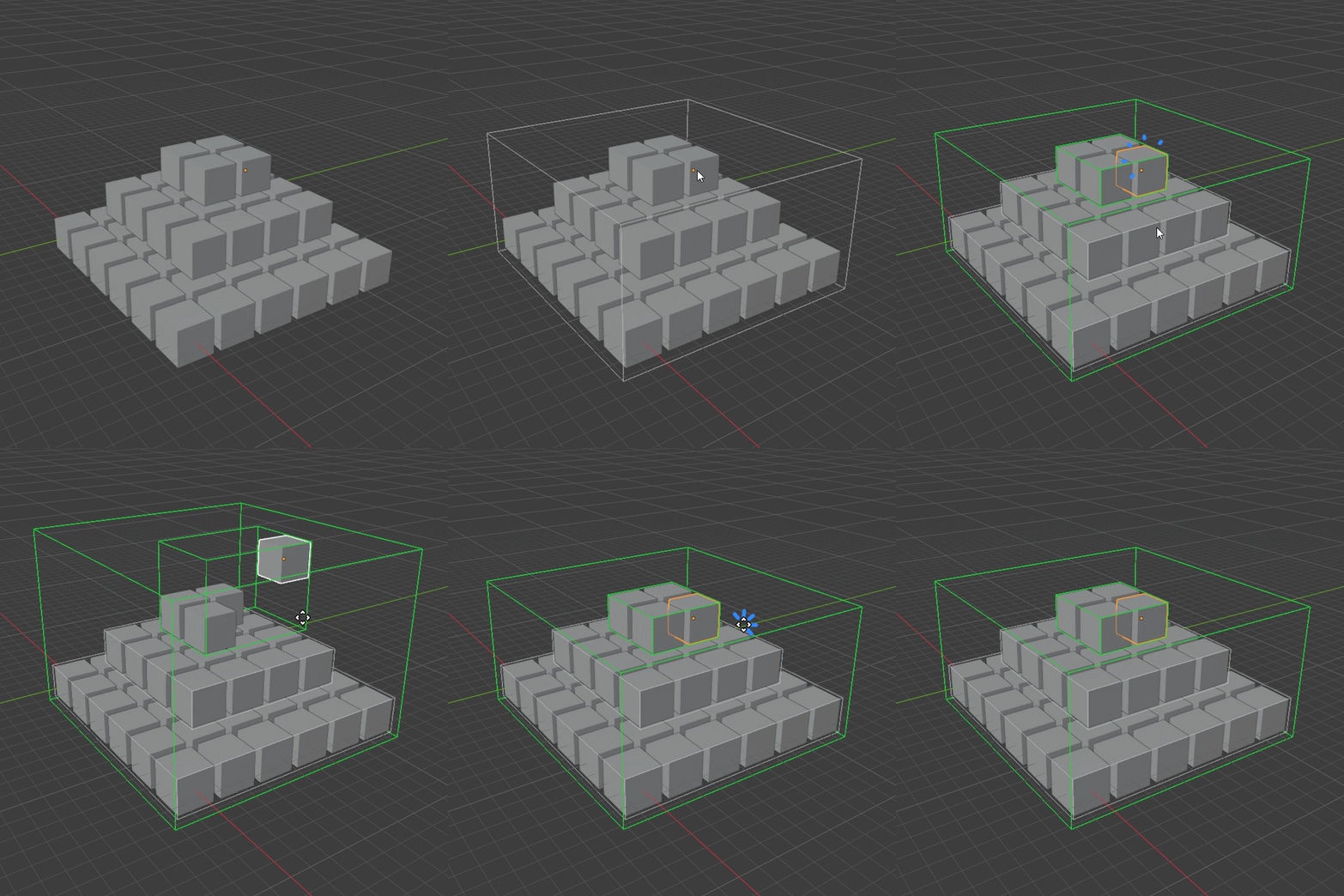
Bypass the group temporarily and adjust exactly the object you intended.
POWERFUL NESTED GROUPING
Complex Assemblies Without Complex Navigation
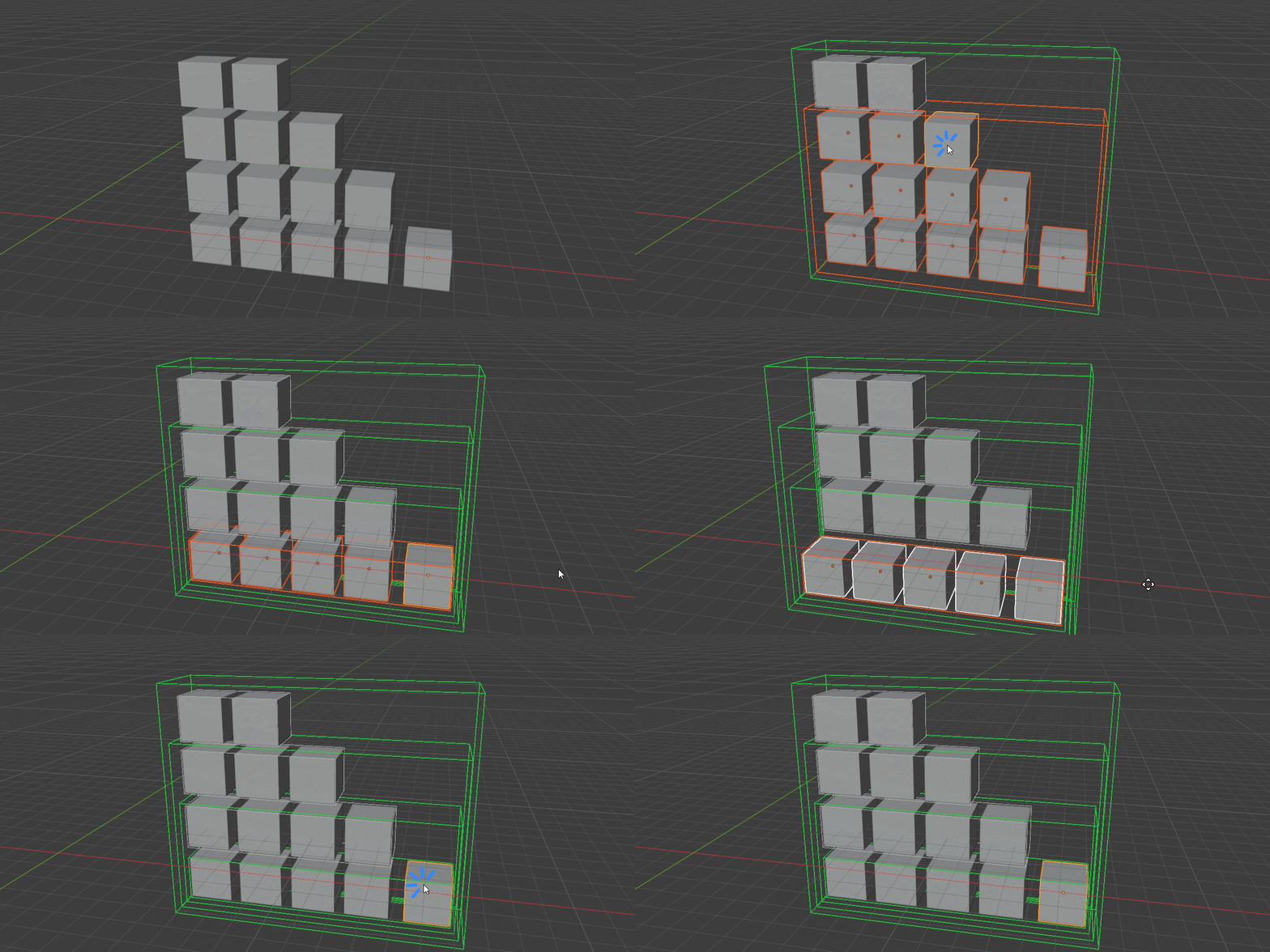
Build groups inside groups, open them one level at a time, or jump directly to the innermost group. The selection state stays understandable at every depth.
3D VISUAL FEEDBACK
Bounding Boxes That Belong in the Scene
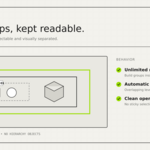
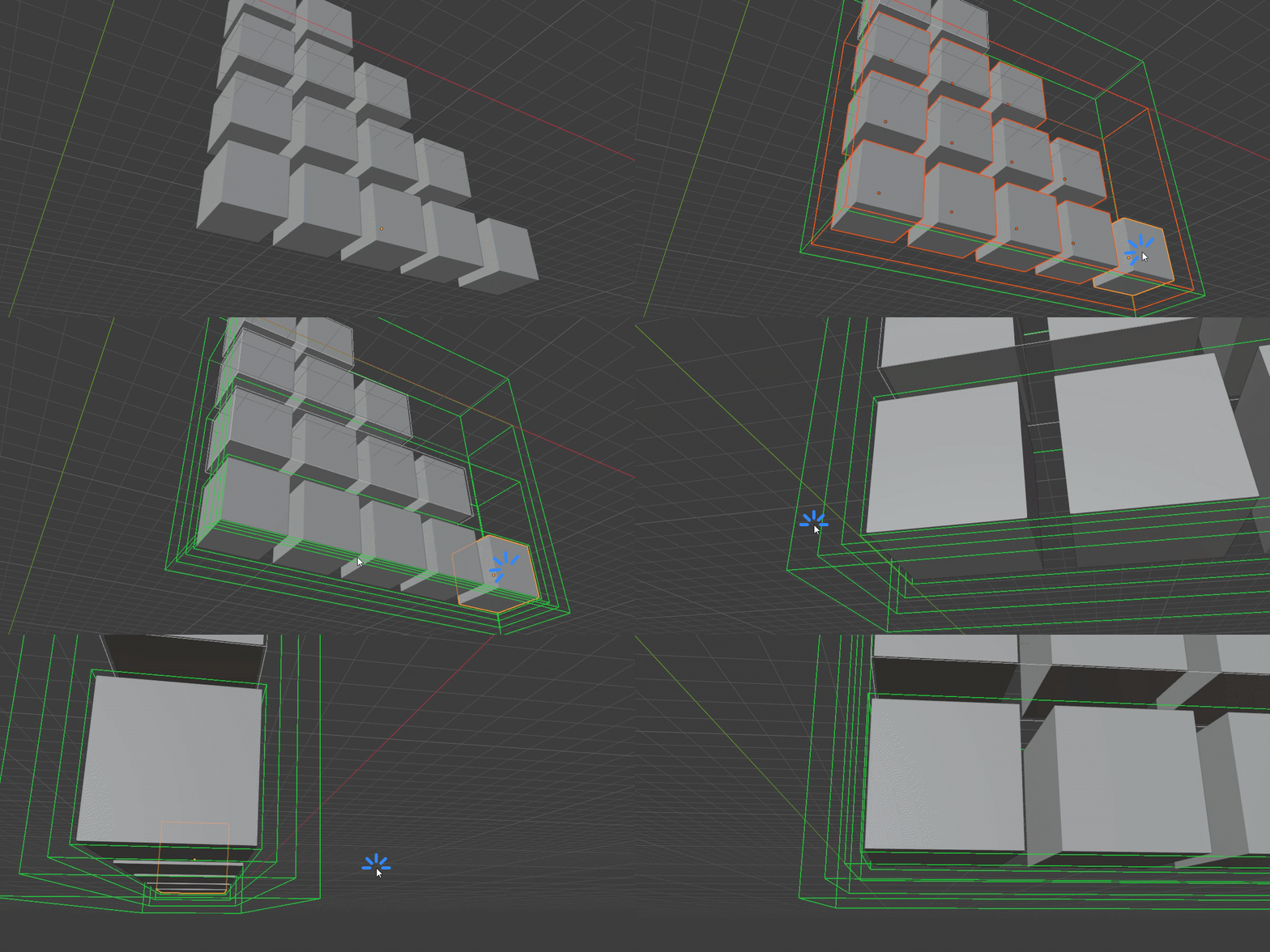
Perspective-correct 3D boxes reveal group boundaries without flattening the viewport. Nested levels automatically expand to prevent overlapping edges.
#CECECE55 preview
Clear active-group state
Editable nested level
NON-DESTRUCTIVE BY DESIGN
Your Collections Stay Exactly Where They Are
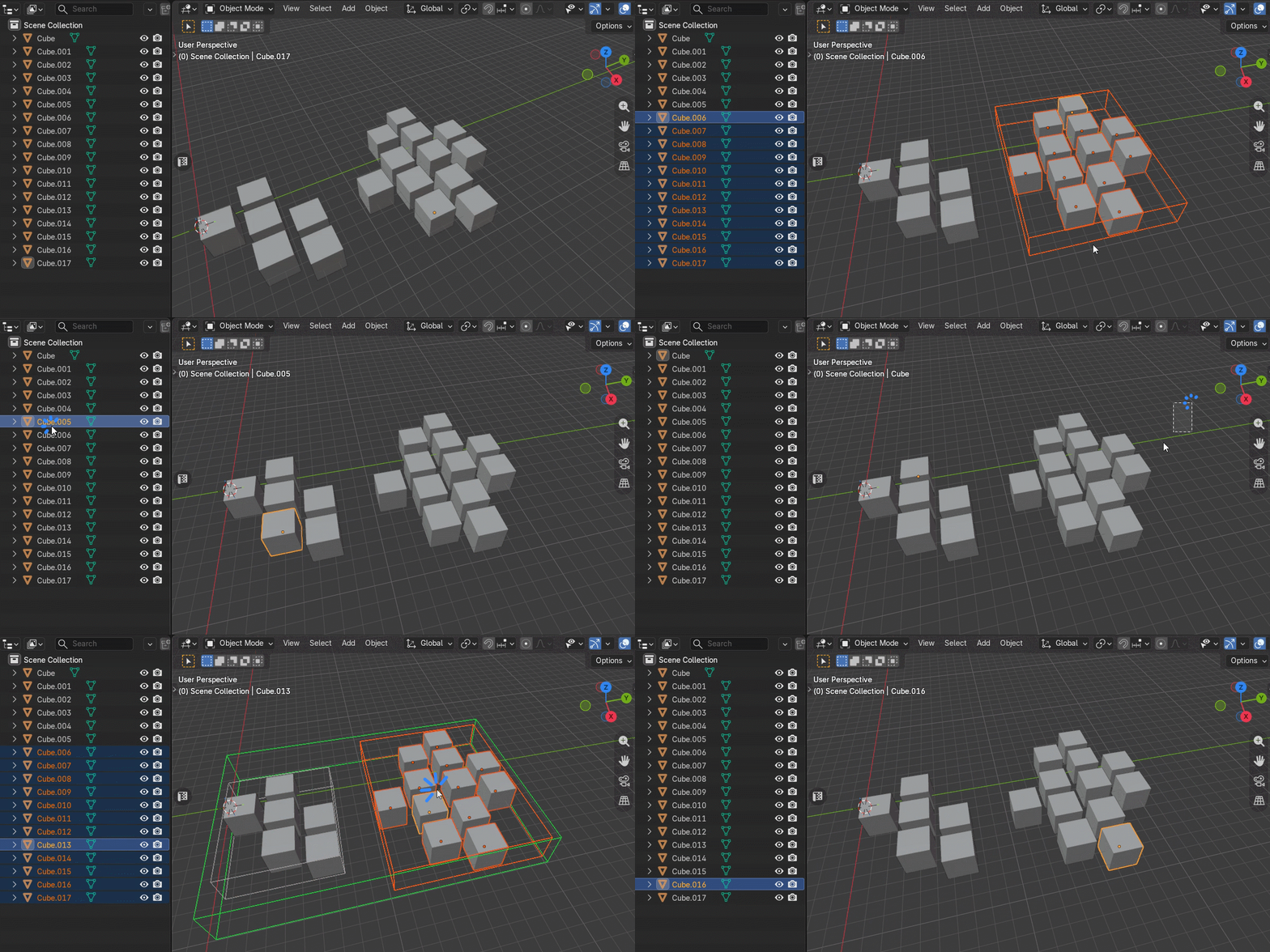
Max Group adds selection behavior without converting collections, creating Empty objects, or changing parent relationships. Existing scene organization remains intact.
BUILT FOR REAL WORK
More Than Viewport Selection
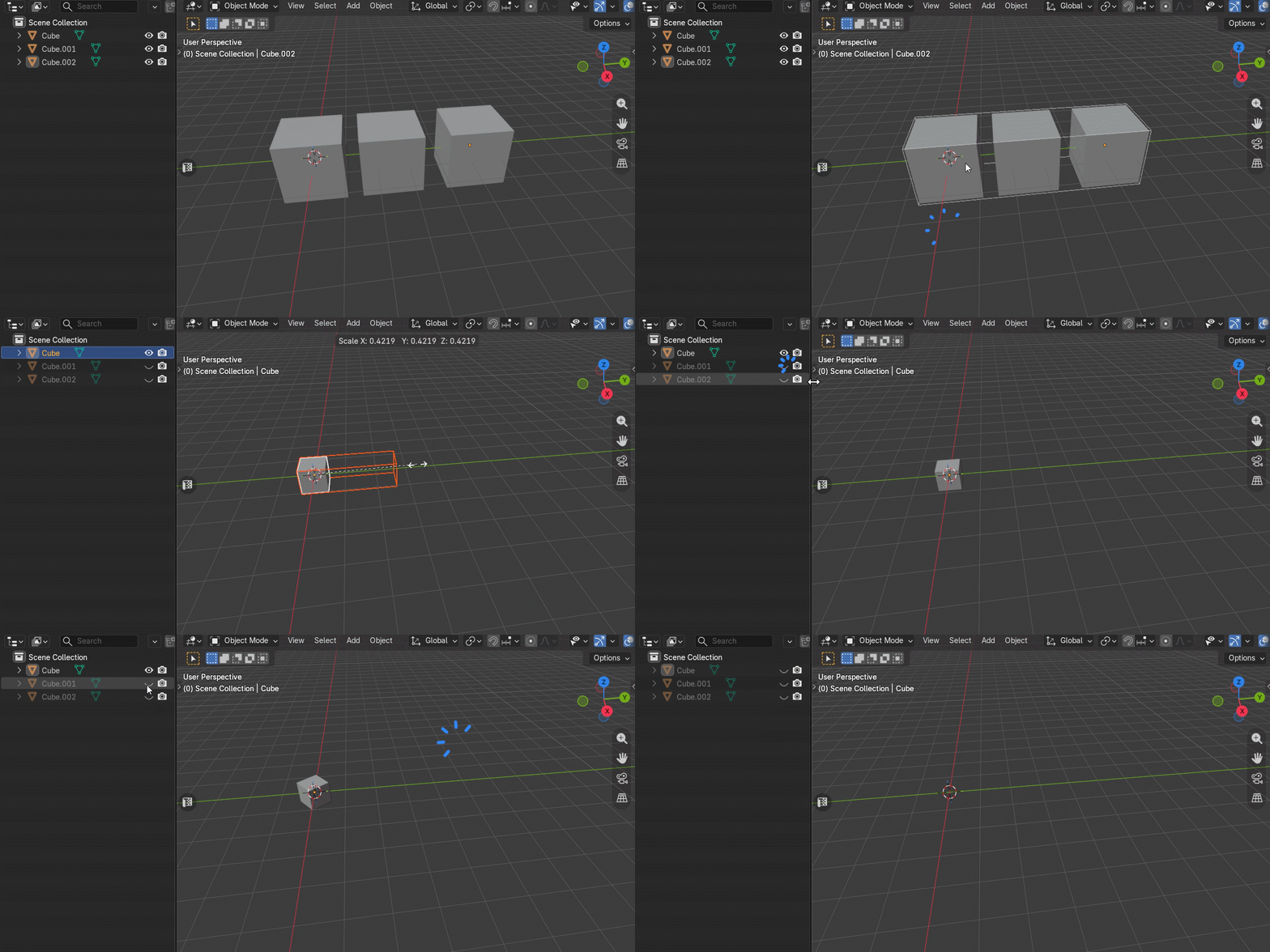
Transform, duplicate, join, apply, append, link, and manage complex groups while Max Group repairs and preserves the relationships that matter.
ESSENTIAL SHORTCUTS
Four Shortcuts. Total Control.
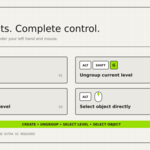
Every shortcut is editable through Blender's native KeyMap system.
Ctrl + Shift + GCreate Group
Alt + Shift + GUngroup
Ctrl + Left MouseInnermost Group
Alt + Left MouseIndividual Object
CUSTOMIZE THE EXPERIENCE
Powerful Defaults. Optional Fine Control.
Keep the default Max-like behavior or tune the passive quality features to match your workflow.
EVERYTHING INCLUDED
A Complete Grouping System
Selection
- Whole-group click selection
- Direct individual-object access
- Innermost-group selection
- Shift multi-selection behavior
- Clean click-away reset
Grouping
- Unlimited nested groups
- Create and ungroup shortcuts
- One-object groups
- Cross-group regrouping
- Automatic empty-group cleanup
Production
- Hidden-member synchronization
- Nested duplication repair
- Join and destructive-op repair
- Append, Link and Overrides
- Undo and redo support
Ready for Blender 5.2 LTS
Tested on Windows, macOS, and Linux. Delivered as a native Blender Extension ZIP for Install from Disk.
Your Scene Stays Yours
No telemetry, no network access, no credential access, and no external background processes. Group data remains inside the .blend file.
Bug Fixes — Version 2.0.7
- Fixed group bounding boxes appearing for invisible objects in Local View, isolated views, hidden collections, or hidden viewport states.
- Fixed hover previews leaking between multiple 3D Viewports or Blender windows.
- Group bounding boxes now correctly follow each viewport’s Show Overlays setting.
- Fixed mixed object selection: selecting any object inside a closed group now automatically includes the entire group while preserving ungrouped selections.
- Improved hover-state cleanup when moving between viewports and editors.
Group Faster. Stay Organized.
The fast, clean, predictable grouping workflow Blender artists have been waiting for.
VERTEXMODELER
