MechFlow: Animated Mechanical Parts
 sharoleslam
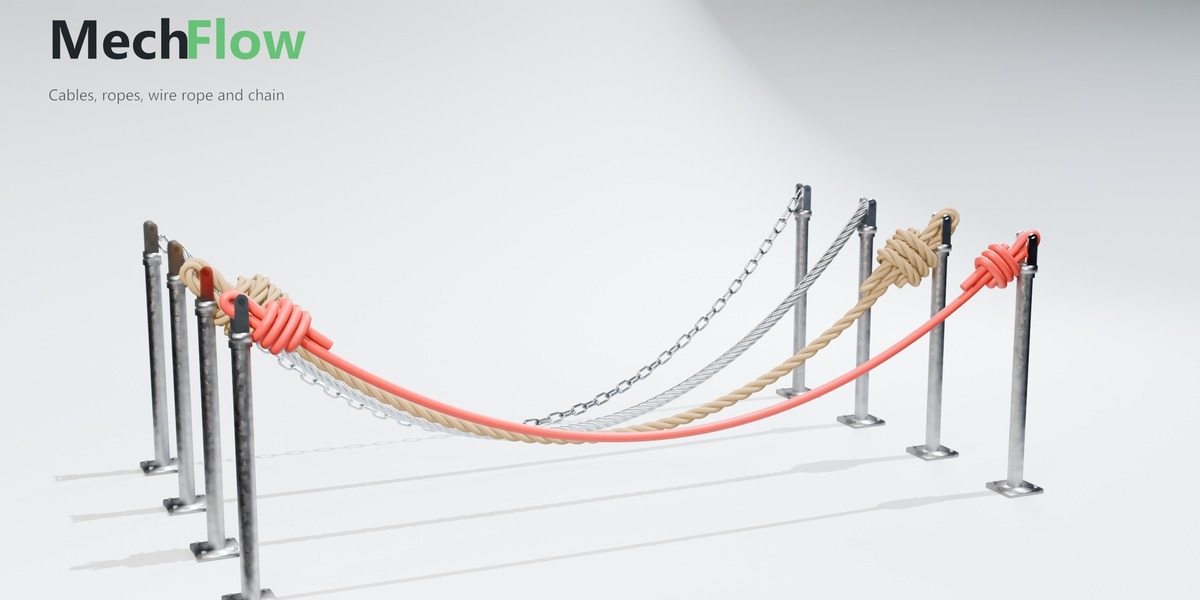
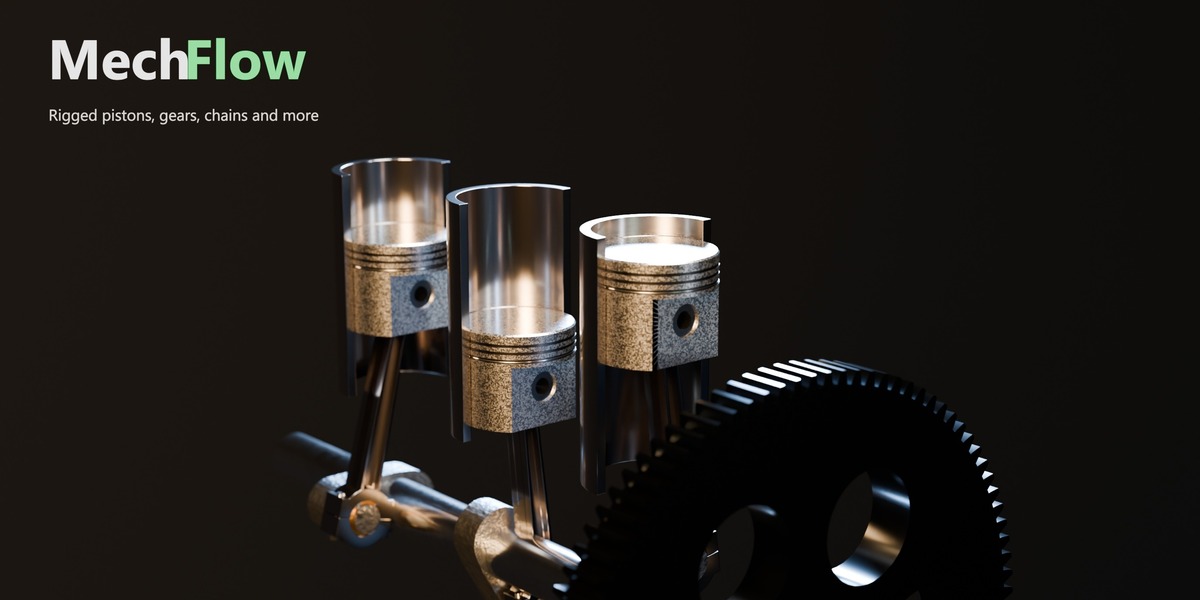
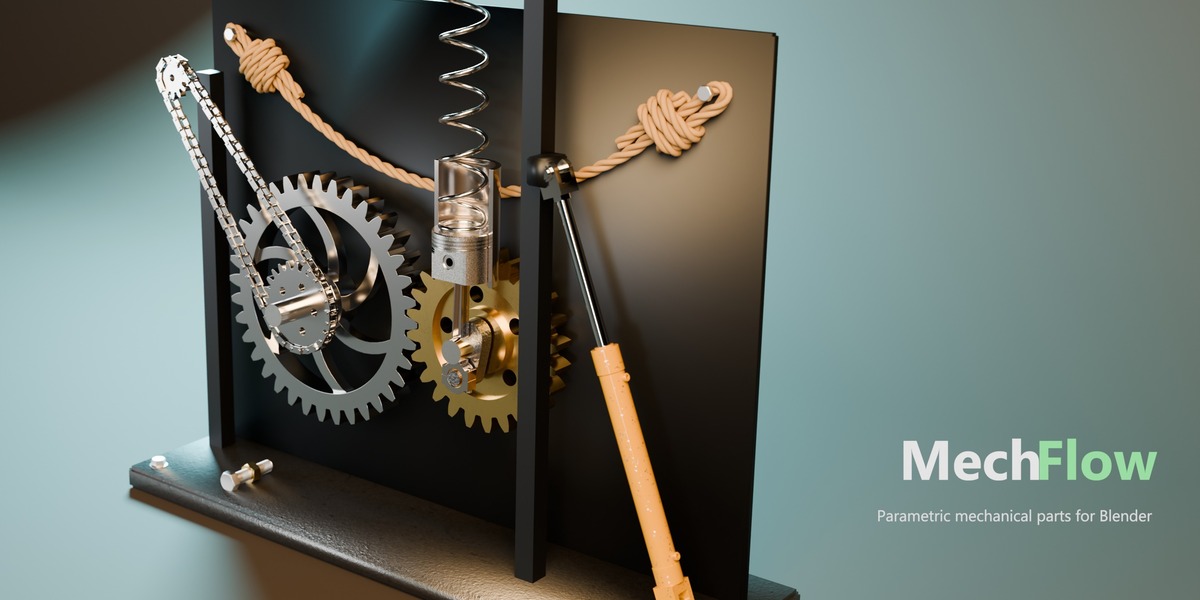
Which Blender versions does MechFlow support?
Blender 5.0 and newer, in both Eevee and Cycles, on Windows, macOS, and Linux. Earlier versions are not supported.
Will my animation render on a render farm or with Python auto-run turned off?
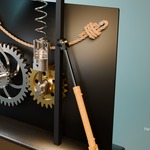
Yes. Gear links, the Motor, nuts, the piston and the hydraulic run on Blender's own drivers and constraints, not scripts, so they work with auto-run switched off. Simulated cables and springs should be baked first: press Bake in the panel, and the bake is saved in the .blend file
My cable or spring looks different when I render. Why?
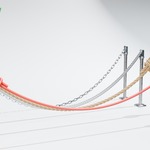
Simulate parts one step at a time while the timeline plays. A render that jumps straight to a frame, or renders frames out of order needs a bake: press Bake in the part's settings before rendering. With Simulate off, a cable hangs as a still curve and needs no bake.
Can I link gears I modelled myself or downloaded?
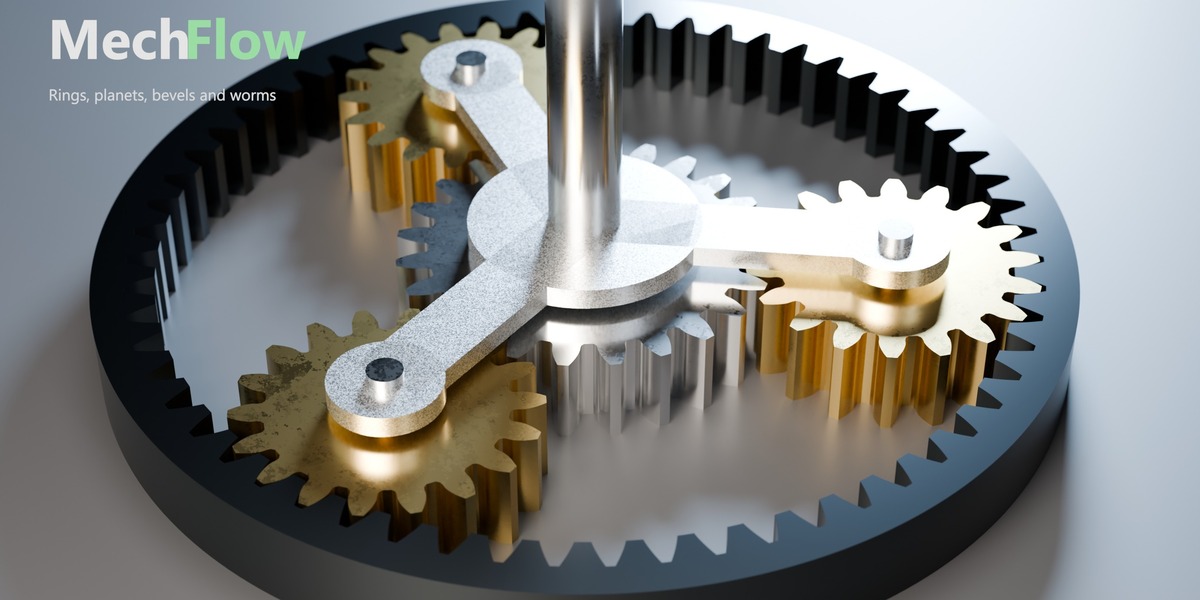
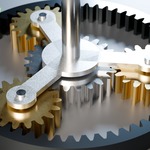
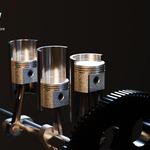
Yes. Select the gears, make the driving one active and press Link Gears. MechFlow reads each mesh for its axis, tooth count and centre, finds which gears mesh or share a shaft, and drives them. Spur, ring, bevel, worm, rack and planetary sets are recognised. If a tooth count is read wrong, correct
mech_teeth in the gear's Custom Properties and link again.Can I animate the Motor speed?
Not by keyframing the rpm. For a speed that changes, set Motor to 0 and keyframe the part's rotation instead. Everything linked to it follows.
Do cables collide with each other?
No. A cable drapes over any closed mesh you choose as its Collision Object, still or moving, but two cables, or two loops of the same cable, can pass through each other.
Can I use my own materials and meshes?
Yes. Every part renders the material in its object's own material slot. The Piston and Hydraulic rigs rebuild their own parts when you change a setting, but a mesh you swapped in yourself is never overwritten.
Does MechFlow work alongside DimFlow, ExplodeFlow and FlatFlow?
Yes. Each add-on uses its own names throughout, so they run in the same scene without clashes.
Can I use MechFlow in commercial work?
Yes. Anything you make with MechFlow (renders, animations, models) is yours to use commercially.
Are updates free?
Yes. Updates are free for everyone who bought MechFlow. For help, bug reports or feature requests, message me on Superhive or through amirsharoleslam.com.
-
$29
For one artist. Personal and commercial work, all future updates.
-
$89
For a team of up to 5 artists. Same add-on and updates as Personal, licensed for studio use.
Have questions about this product?
Login to message
| Blender Extension Compatible | Yes |
| Dev Fund Contributor | |
| Published | 3 days ago |
| Blender Version | 5.0 - 5.2 |
| Extension Type | Add-on |
| Render Engine Used | Cycles, Eevee |
| License | GPL |

Discover more products like this
Engineering Animation cables geometry nodes rigging gears mechanical belts springs hydraulics screws product-visualization Pistons