Mesh Bake Lab — Bake & Inspect
 AS Formworks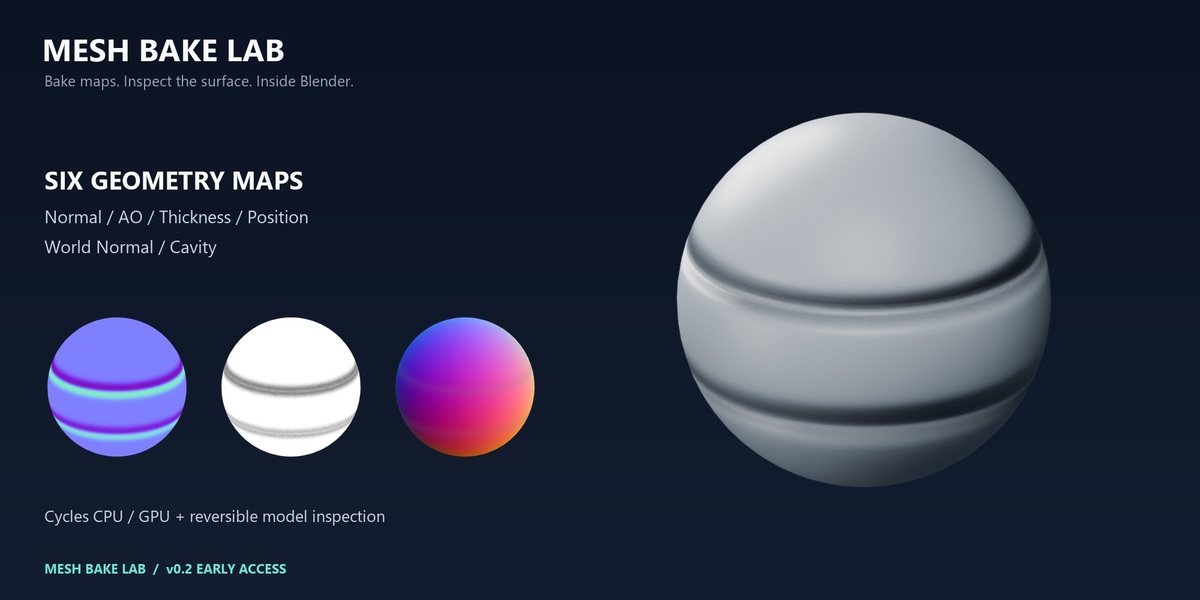
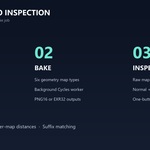
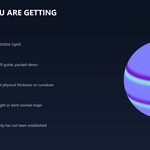
Mesh Bake Lab 0.2 — Quick Start
Install
In Blender Preferences, choose Install from Disk in the Extensions/Add-ons menu. Select mesh_bake_lab-0.2.0.zip and enable Mesh Bake Lab. Open 3D Viewport → N sidebar → Mesh Bake. The optional demo ZIP is a scene package, not an add-on installer.
Validated on Blender 5.2.1 LTS, Windows, CPU and NVIDIA OptiX. Earlier versions and other platforms/backends are not validated.
Bake
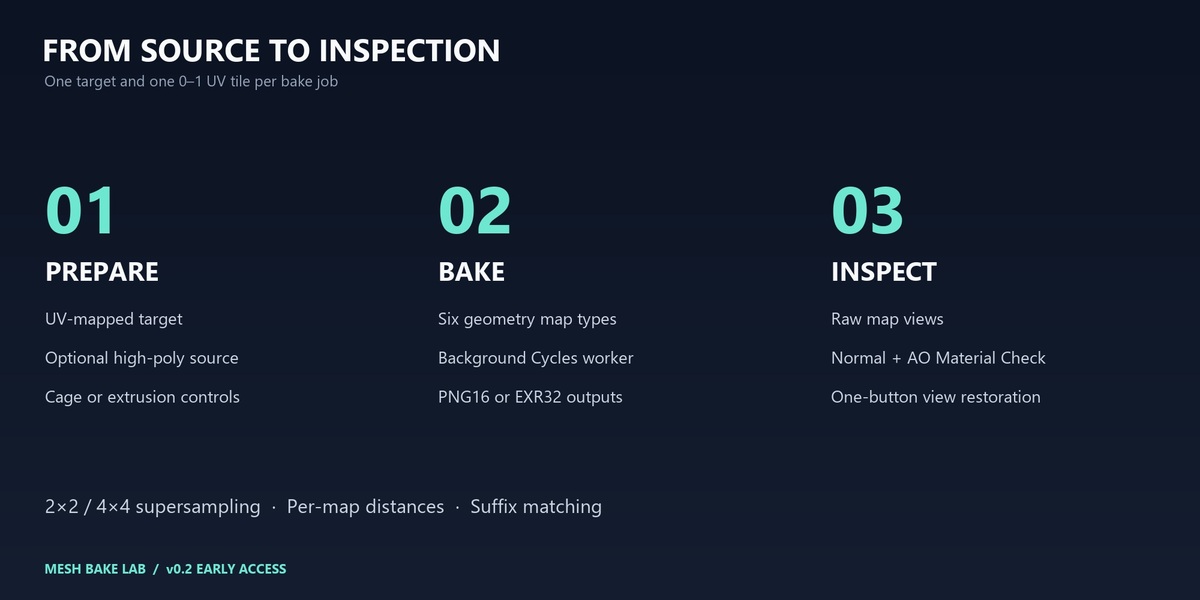
- Enter Object Mode, select your target mesh and click Use Active Mesh.
- Choose a UV map with unique, non-overlapping UVs in a single 0–1 tile.
- For high-to-low baking enable Project from High Poly and choose a source collection. Choose all sources or exact, case-sensitive _low / _high suffix matching.
- Optionally select a cage with matching evaluated vertex order and topology. Cage Extrusion and Max Ray Distance use Blender projection semantics and scene units.
- Choose a quality preset, maps, resolution and an output directory. Unsaved blend files need an absolute path.
- Press Bake Mesh Maps. A separate Blender worker writes the maps into a unique job folder. Cancel Bake stops the worker and preserves completed files.
Snapshot preparation runs on the main thread and may briefly pause Blender with large geometry. Modifiers are evaluated; shader displacement, alpha and collection instances are not expanded into bake geometry.
Inspect on your model
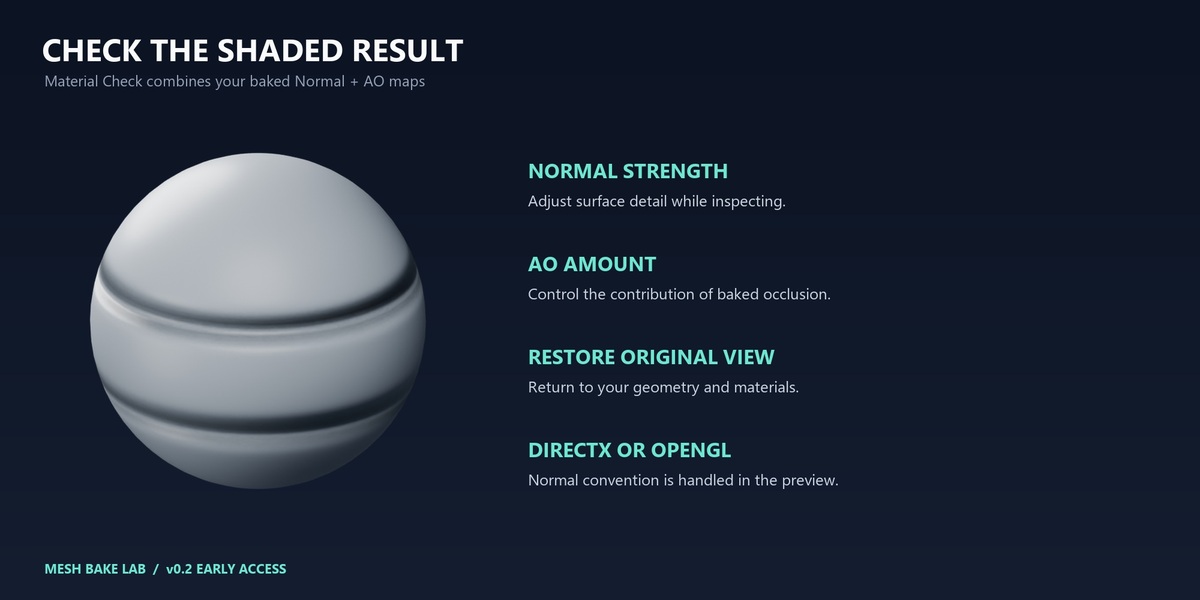
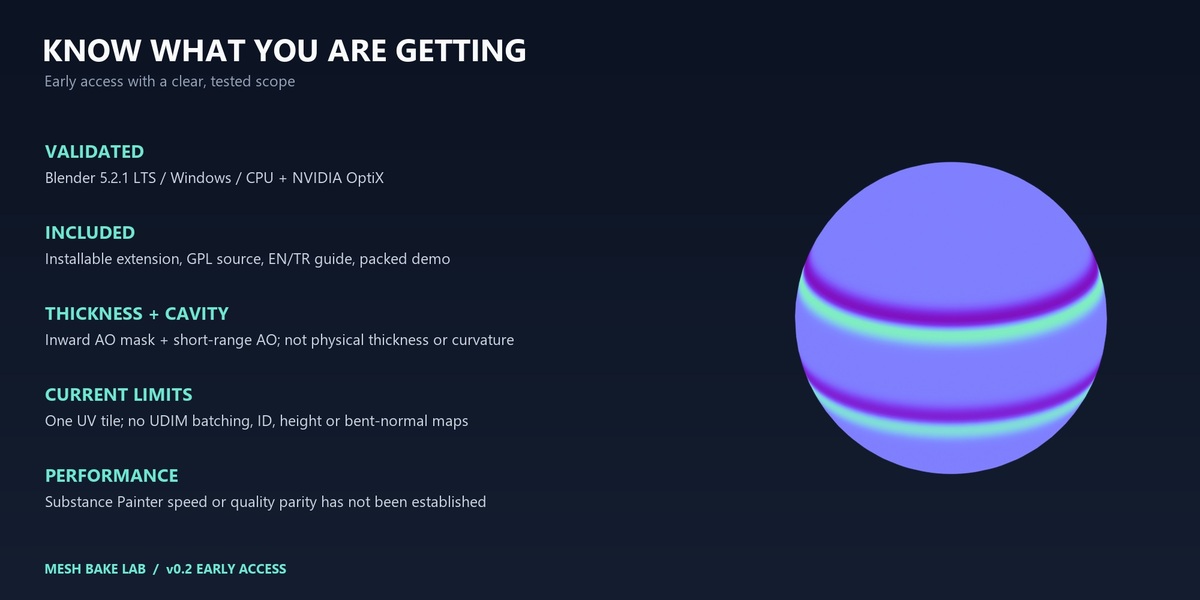
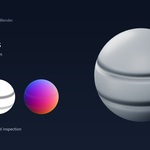
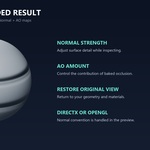
Under Model Inspection select a map and press Inspect on Model. Orbit and zoom normally. Raw maps use an emission material with Raw color management. Material Check (Normal + AO) uses studio lighting, Normal Strength and AO Amount. DirectX normal maps are corrected for Blender automatically.
Inspection uses a temporary evaluated mesh copy, preserving the source mesh and materials. Isolate Preview Model temporarily hides other geometry. Restore Original View restores visibility and color settings. Save, undo/redo, opening another file, a new bake or disabling the extension closes inspection. Close inspection before editing geometry.
Results belong to their target object and bake UV. Load Last Bake for Preview reads a matching bake_report.json. Images use Non-Color data and fake users. Use Blender Pack Resources if you need a portable project; external images are not packed automatically.
Map definitions and quality
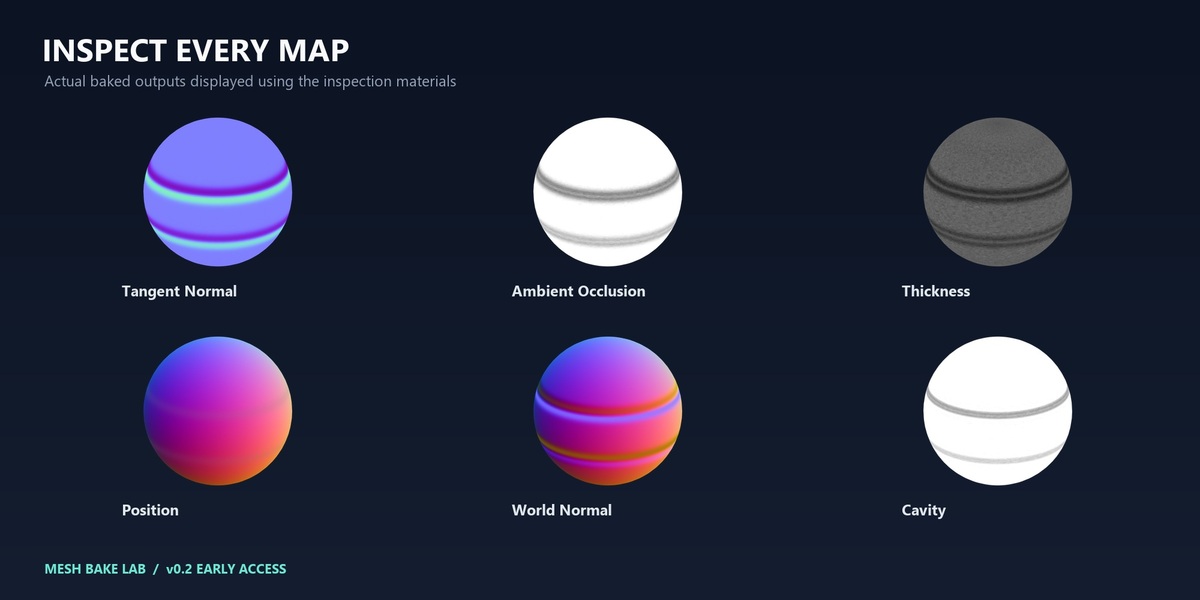
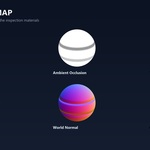
- AO: Cycles hemisphere visibility.
- Thickness: inward visibility within a radius. Thin nearby walls are dark; missing intersections are light. This is not physical wall thickness.
- Cavity: short-range AO, not signed curvature.
- Position: XYZ encoded in RGB against source world bounds. A flat axis is 0.5.
- Tangent Normal: OpenGL +Y or DirectX -Y.
- World Normal: encoded world-space shading normals.
Secondary Rays multiply Surface Samples for AO, thickness and cavity. 2×2 / 4×4 supersampling uses area filtering and renormalizes normals. Padding is in final output pixels. Relative distances scale by the source bounding-box diagonal. Same Source Object Only restricts secondary rays to each source object. High-poly source groups do not receive secondary occlusion from the low-poly receiver.
Output is 16-bit RGB PNG or 32-bit float RGB OpenEXR. Maps are not denoised. Auto Compute chooses supported GPU or CPU. An unavailable explicitly selected backend reports an error. First-use GPU kernel compilation can take time.
Scope
One target and one 0–1 UV tile per job; material slots share one atlas. No UDIM batching, UV-overlap detection, signed curvature, ID, height, bent normals, painted cages, skew tools or projection-miss diagnostics. Working resolution is limited to 8192 and memory still limits practical scenes. Substance Painter performance and pixel equivalence are not established.
Troubleshooting and support
Blank maps: check UVs, selected maps, source matching and ray/cage distance. Entirely dark thickness: reduce radius and check face normals. Missing preview detail: choose the correct target, bake UV and existing map. Missing files: restore the output folder or re-bake. GPU errors: check worker.log and try CPU.
Each job includes worker.log and bake_report.json. Contact AS Formworks through Superhive with Blender version, GPU/backend and the relevant error excerpt. Remove personal paths before sharing logs. Full English and Turkish documentation and GPL-3.0-or-later source are included.
Have questions about this product?
Login to message
| Blender Extension Compatible | Yes |
| Published | about 7 hours ago |
| Blender Version | 5.2 |
| Extension Type | Add-on |
| Render Engine Used | Cycles |
| License | GPL |
Discover more products like this
thickness texture-baking cavity mesh maps position normal map ambient occlusion Cycles