Mesh Optimizer
 arsha 3D plant designer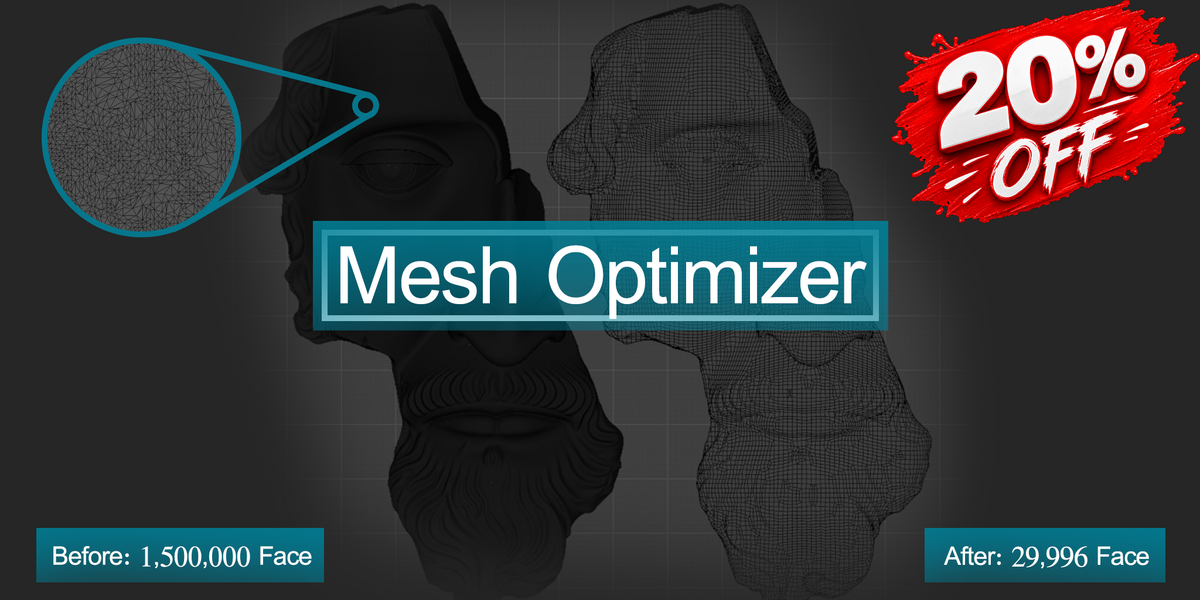
Frequently Asked Questions
Quick answers to the most common questions about Mesh Optimizer.
What does Mesh Optimizer do?


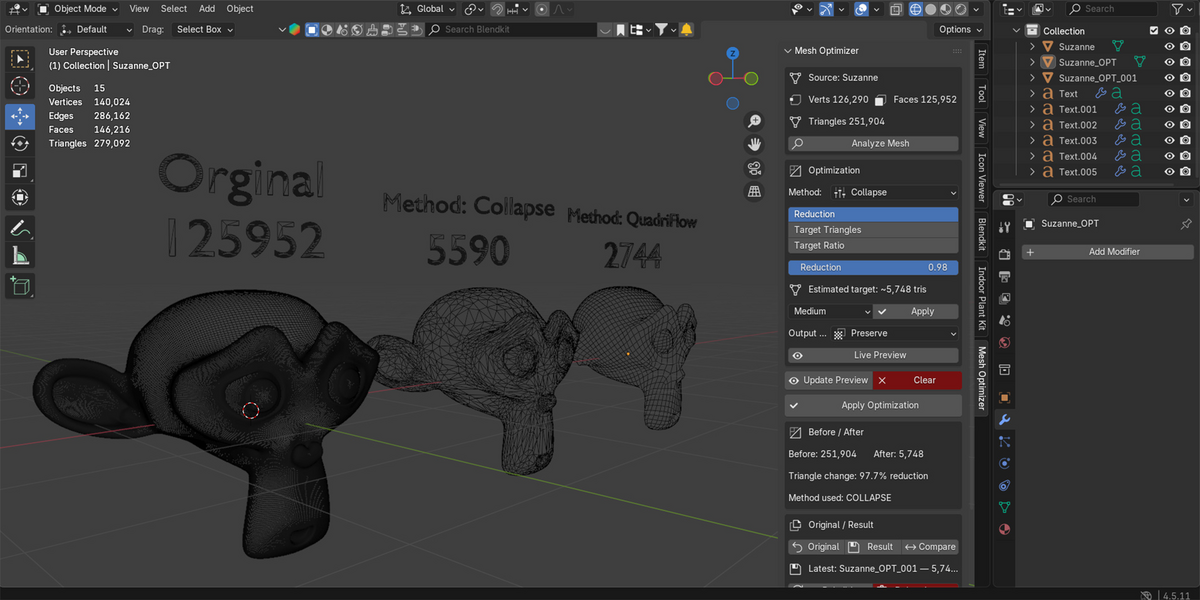



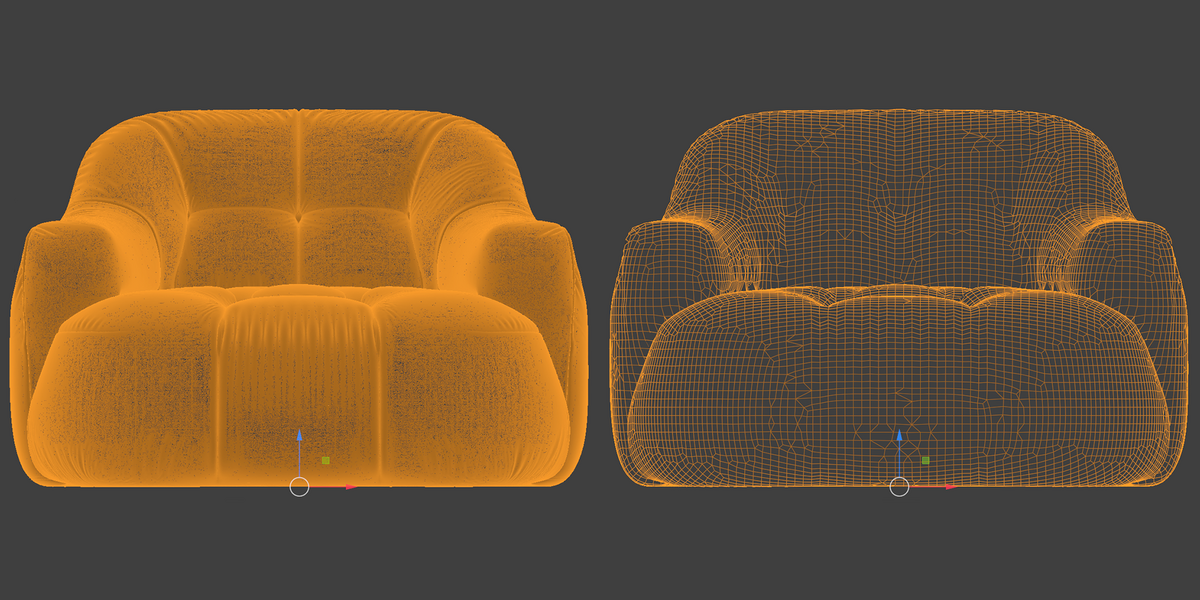


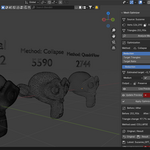



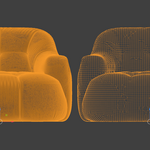
Mesh Optimizer helps reduce and rebuild complex meshes using several optimization methods. It can analyze the source mesh and recommend a suitable method, or you can manually choose between Smart Auto, Collapse, Planar, Un-Subdivide, Voxel Remesh and QuadriFlow.
Can I control the final polygon count?
Yes. Mesh Optimizer provides multiple target modes so you can control the desired output density.
You can use Reduction, specify Target Triangles, or use Target Ratio. Structural methods may finish above or below the exact numeric target.
What is Live Preview?
Live Preview automatically rebuilds the disposable optimized preview shortly after changing the method or target settings.
On heavy meshes, Live Preview can trigger repeated processing. If you prefer to control when the optimization is calculated, you can use Update Preview manually.
 Included
Includes 12 months of
- Support from arsha 3D plant designer
- Product updates
Extend this product’s Support Period +12 months: 25% of product price
Have questions before purchasing?
Login to message
| Blender Extension Compatible | Yes |
| Published | about 18 hours ago |
| Blender Version | 4.5 - 5.2 |
| Extension Type | Add-on |
| License | GPL |
Discover more products like this
Game asset retopology low poly remesher quad remesh polycount hard surface quads optimization mesh cleanup topology remesh