Mesh Split
 Tachyon Studio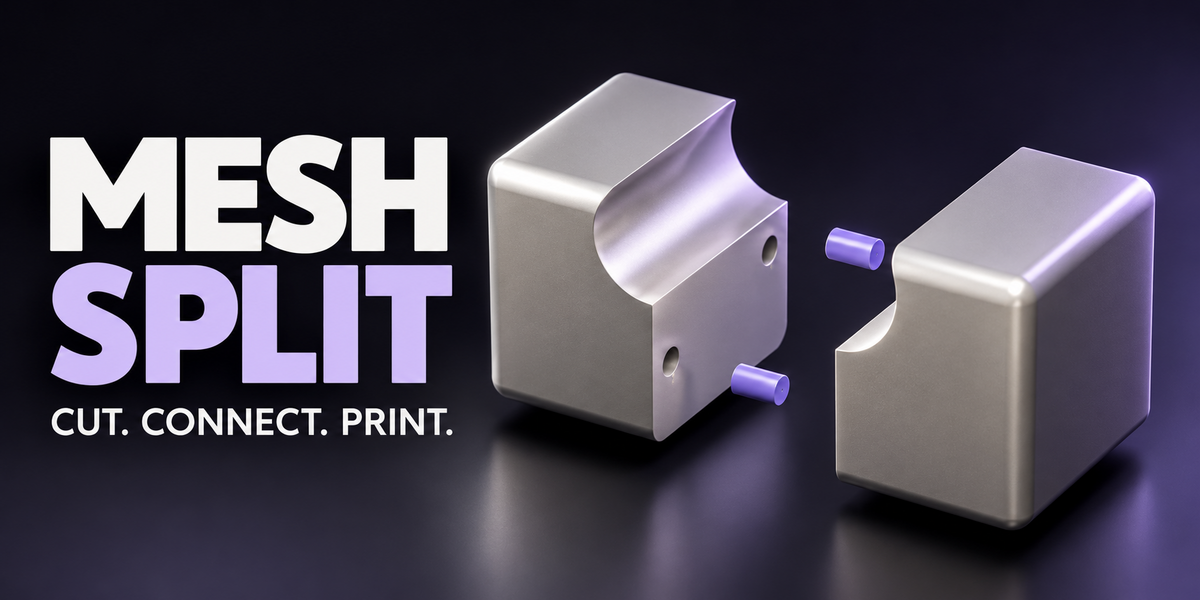
Which Blender versions does Mesh Split require?
Mesh Split 1.1.1 supports Blender 3.0–5.2. Choose the legacy Add-on ZIP for Blender 3.0–4.1 or the Extension ZIP for Blender 4.2–5.2; both provide the same feature code. Windows checks passed on 3.0.1, 3.3.21, 3.6.23, 4.1.1, 4.2.23, 4.3.2, 4.5.14, 5.0.1 and 5.2.0. Other builds, operating systems and every interactive gesture were not individually tested. See Documentation for the test scope and installation instructions.
How do I install it, and where is the panel?


Install only one ZIP, without extracting it. Blender 3.0–4.1: use mesh_split-1.1.1-legacy-blender3.0-4.1.zip through Edit > Preferences > Add-ons > Install, then enable Mesh Split. Blender 4.2–5.2: use mesh_split-1.1.1-extension-blender4.2-5.2.zip through Edit > Preferences > Get Extensions > menu > Install from Disk. In the 3D Viewport press N and open the Mesh Split tab. The documentation-and-demo ZIP is not an installer; newer demo .blend files may not open in Blender 3.x.
What is the difference between Separate Piece and Attached to Half?
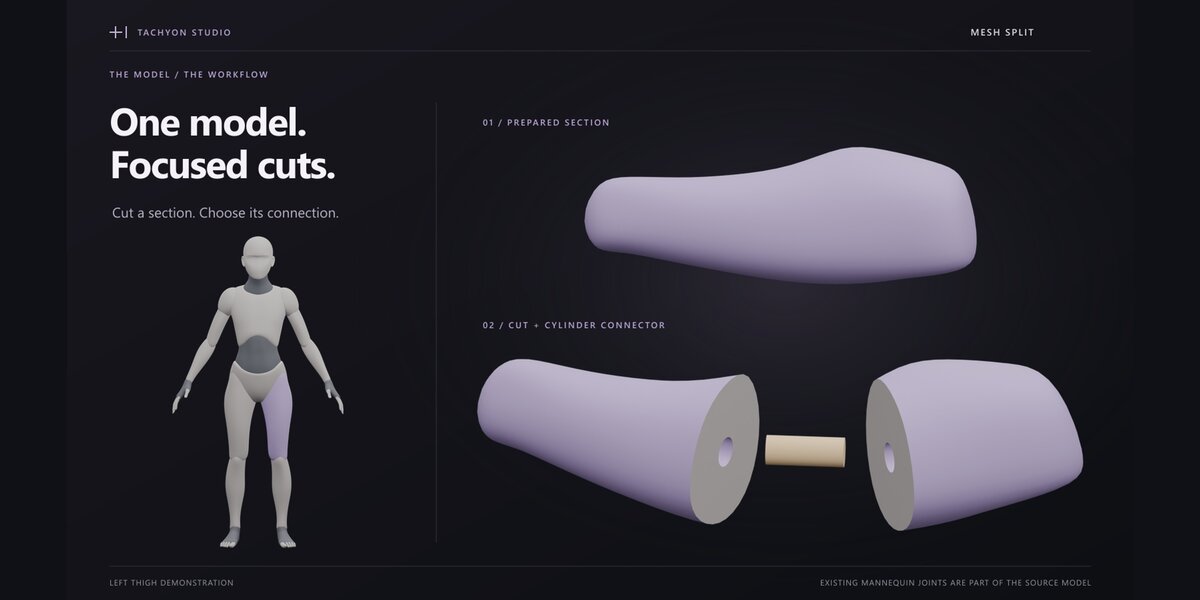


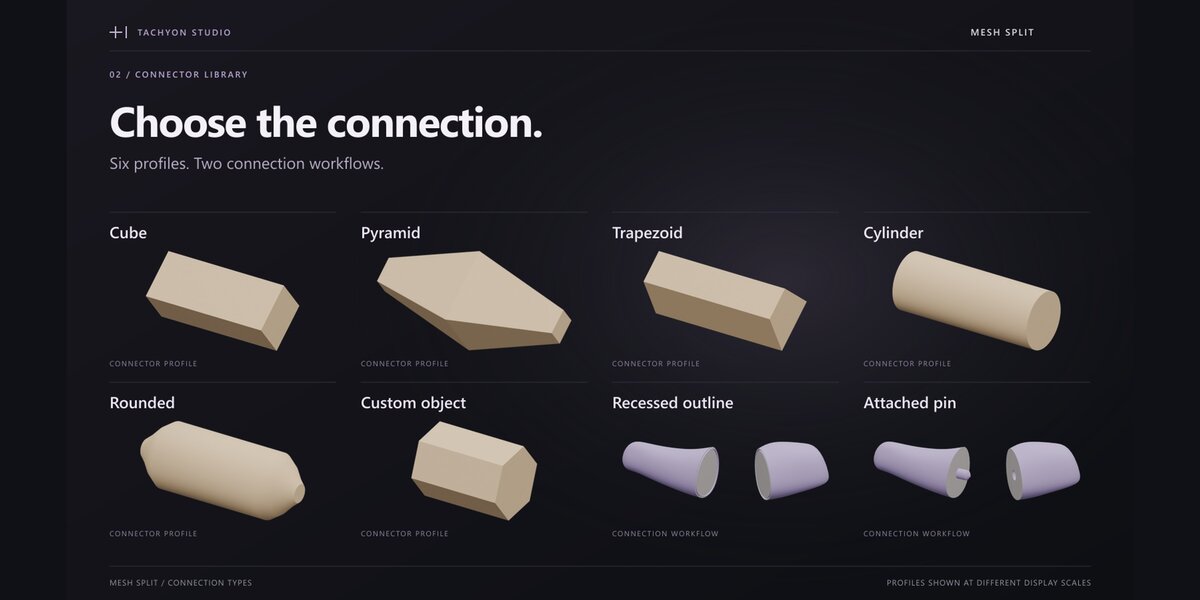


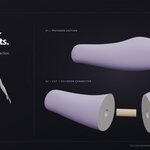
Separate Piece creates a loose printable connector and a matching socket in both halves. Attached to Half fuses the connector into its host half and cuts a receiving socket in the other half. Both use the selected per-side gap.
Which cuts and connector shapes are available?
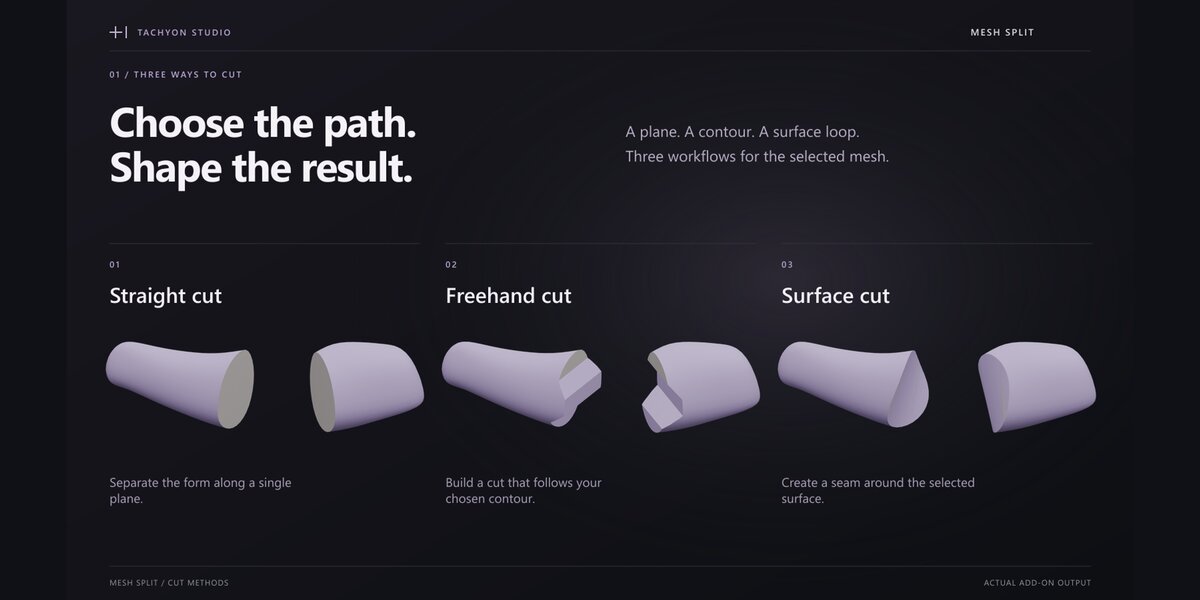









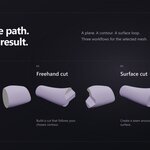
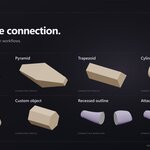
Cut modes are Straight, Freehand and Surface. Advanced connector shapes are Cube, Pyramid, Trapezoid, Cylinder, Rounded Pin, Custom Object and Cut-Outline Recessed Seam. Quick mode exposes Cube, Trapezoid and Cylinder. Custom connectors must be closed manifold meshes.
Is the fit gap measured per side?
Yes. A 0.25 mm gap enlarges a round socket by 0.25 mm radially, or 0.50 mm across its diameter. It is a geometric design value, not a guarantee of printed fit. Use the peg-and-ring calibration samples with your own printer, material and settings.
Can Mesh Split number the connectors and matching parts?
Supported loose connectors can have recessed physical numbers and matching part IDs. Attached connectors, Custom Object connectors and Cut-Outline Recessed Seams are not numbered. Very small engravings may be below your printer's readable feature size.
Why was my freehand or surface cut rejected?
Freehand strokes must begin and end outside the target silhouette and fully cross the intended region. Surface loops must produce one separating boundary with a non-overlapping best-fit projection. Folded loops, extra intersected regions, insufficient topology or invalid input meshes may be rejected. Simplify the path or improve the mesh before retrying.
Can I adjust individual connectors or cut several objects?
Yes. Per-connector overrides and multi-selection let you adjust selected connectors. Straight and Freehand cutting support multiple selected mesh objects. Surface cutting acts on the active object.
What can I export?
Export Print Job writes evaluated STL or OBJ files per object, or one multi-object 3MF package in millimetres, plus a JSON assembly list. Export is blocked while cuts, previews or waiting connectors remain unfinished. Review the result in your slicer before printing.
Do the assembly checks guarantee printability or strength?
No. The sampled assembly sweep and print-orientation warnings are geometric aids. They do not certify physical strength, safety, printer accuracy or assembly under real material deformation. Use appropriate engineering checks and a calibration print.
Can I use Mesh Split commercially? What changes between tiers?
Commercial use is included in all three purchase options. Individual is for 1 person; Team is for up to 6 people; Studio is for up to 20 people. All deliver the same software and downloads. The included GPL-3.0-or-later license governs the software, and purchase descriptions do not restrict GPL rights.
Where can I get help, and is online activation required?
Contact Tachyon Studio through Superhive or join the optional Discord community at https://discord.gg/SuSqbZMDk5. Include your Blender version, the relevant settings, reproduction steps and a safe sample file when possible. The add-on does not require online activation to operate.
Have questions about this product?
Login to message
| Blender Extension Compatible | Yes |
| Published | 4 days ago |
| Blender Version | 3.0 - 5.2 |
| Extension Type | Add-on |
| License | GPL |
Discover more products like this
3MF STL boolean Print Preparation mesh split modeling Mesh Cutting hard surface alignment pins connectors 3d printing assembly