 Tachyon Studio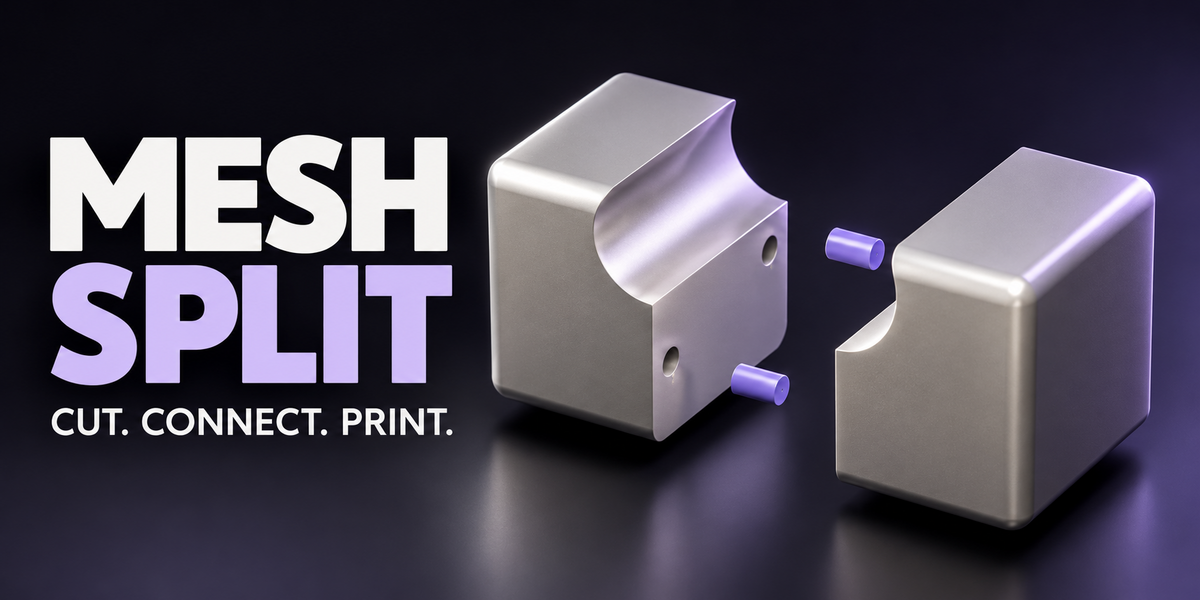
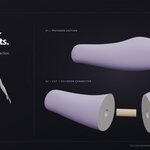


01 / PREVIEW
See the controls. Follow the process.




Actual Blender workflows with enlarged viewport and sidebar views. Click any visual to open the complete demo.
Straight-cut workflow
Viewport
Mesh Split controls
Freehand-cut workflow
Viewport
Mesh Split controls
Surface-cut workflow
Viewport
Mesh Split controls
Live connector gizmo
Viewport
Mesh Split controls
Edited UI walkthroughs are not real-time performance benchmarks. Rendered examples show add-on output, not physical prints; the cover is stylized artwork.
THE MODEL
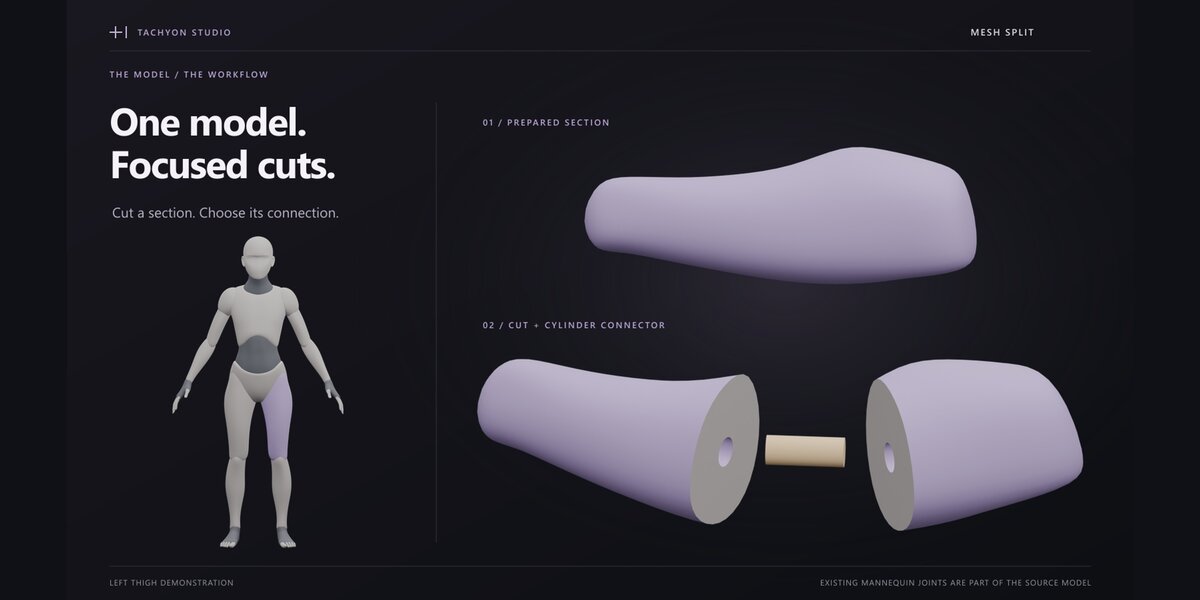
One model. Focused demonstrations.
The mannequin provides context; the demos focus on a prepared thigh section. Existing mannequin joints belong to the source model.
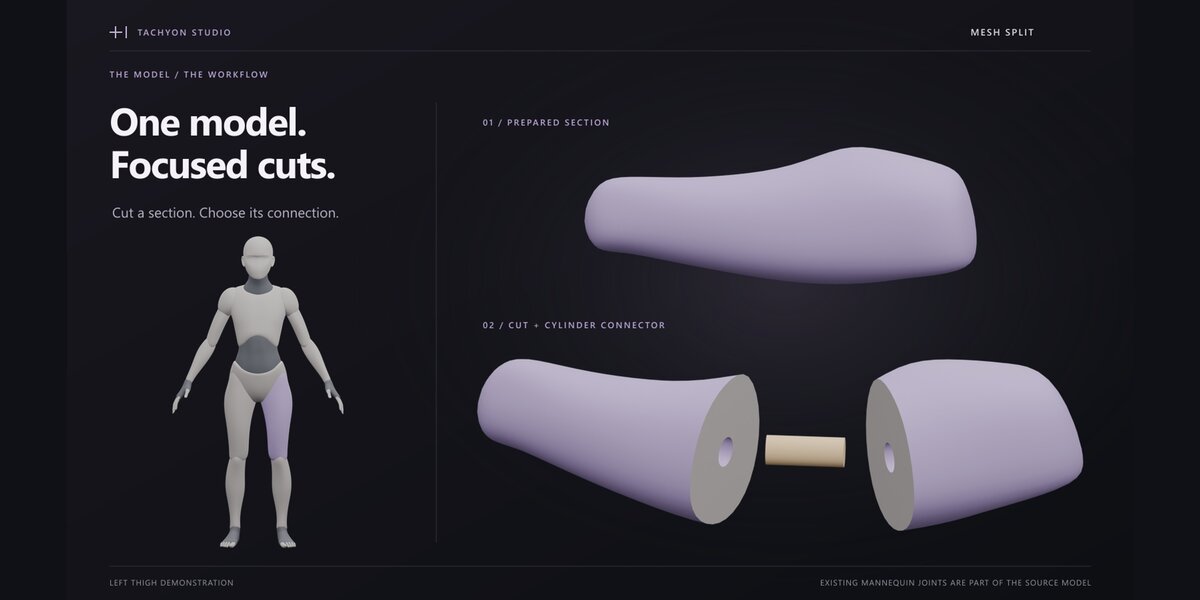
02 / CUT
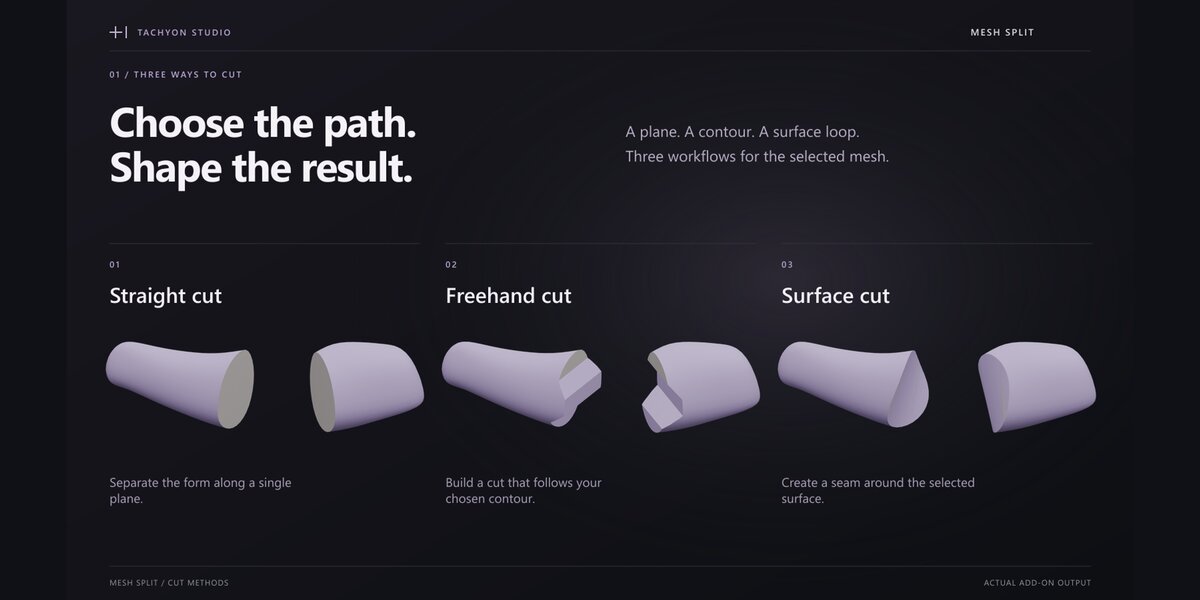
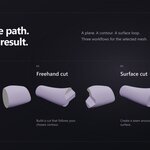
Three ways to split a mesh.



Use Straight for a plane, Freehand for a custom contour, or Surface for a closed loop. Queue and edit cuts before applying them.
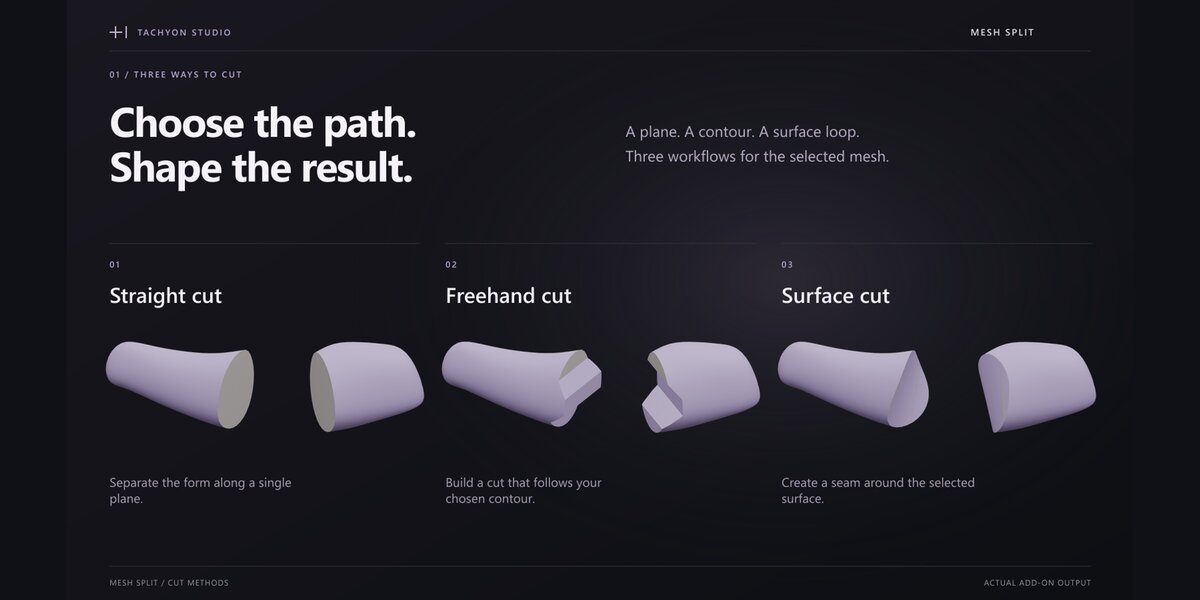
Straight cut
Freehand cut
Surface cut
03 / CONNECT
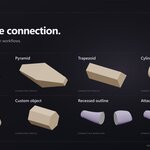
Build the connection you need.
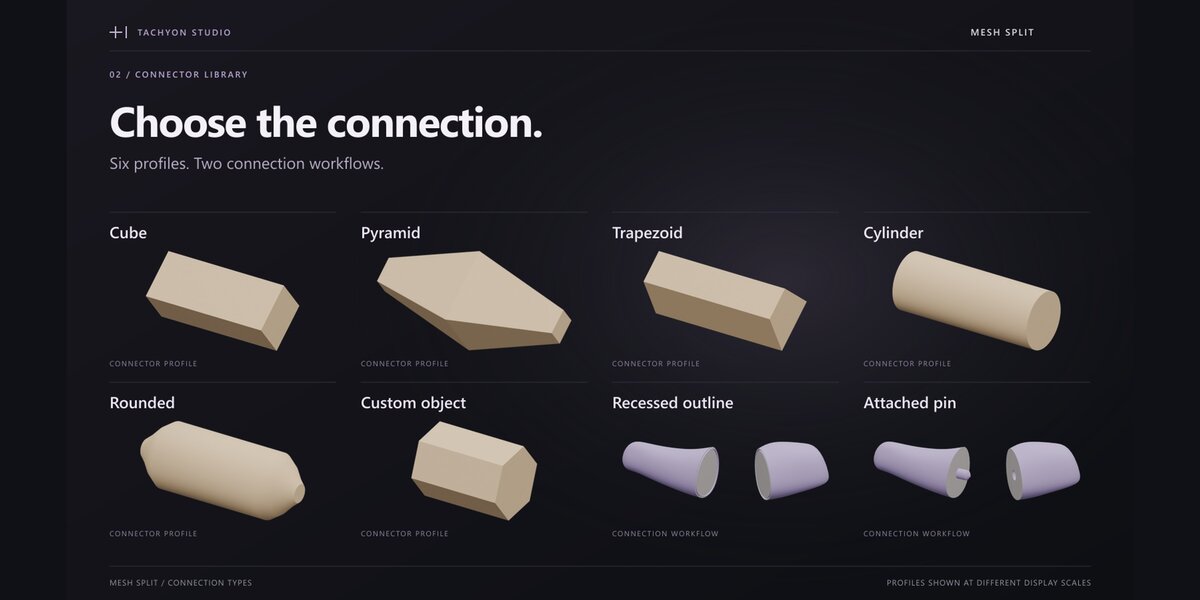







Choose six connector profiles, including your own Custom Object. Use loose pins, attached pins or a recessed outline seam. Adjust dimensions, insertion depth and clearance.
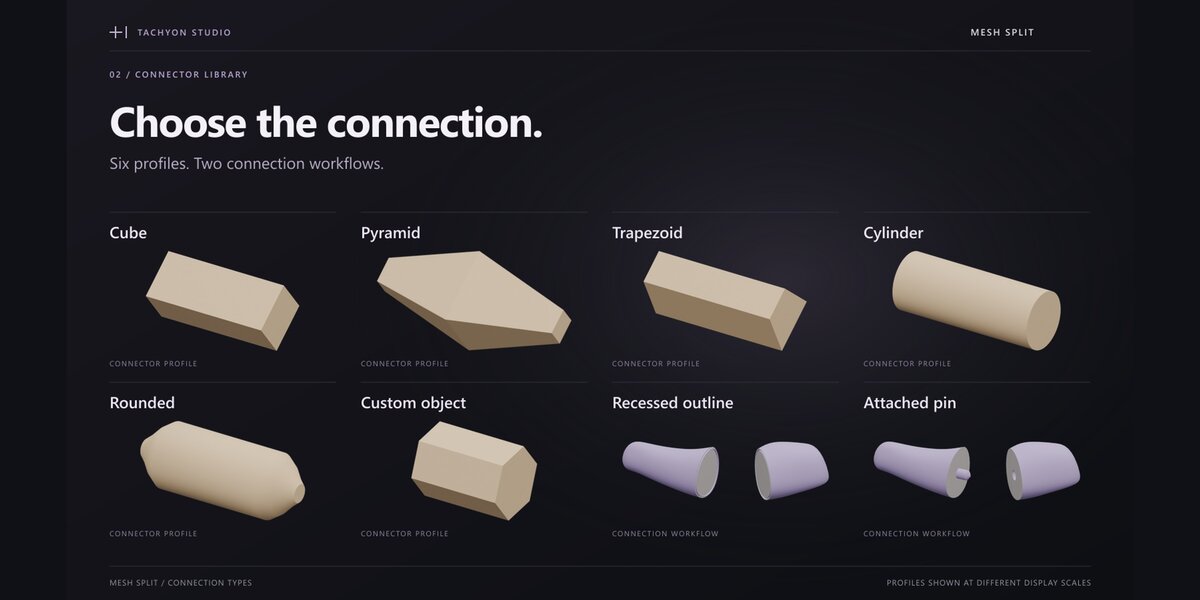

Cube
Pyramid
Trapezoid
Cylinder — flat caps
Rounded pin
Custom object
Recessed outline
Attached pin
04 / PREPARE FOR PRINT
Calibrate. Check. Export.
Print peg-and-ring samples to calibrate clearance. Inspect assembly and orientation checks, then export STL, OBJ or multi-object 3MF, with a JSON assembly list.

Included
- Mesh Split 1.1.1: legacy installer for Blender 3.0–4.1 and Extension for 4.2–5.2. Install only the matching ZIP.
- Quick start, illustrated manual, operator reference, release notes and GPL source.
- Six editable demo scenes and six MP4 walkthroughs.
Windows tests covered nine builds across Blender 3.x–5.x; exact versions and scope are in the documentation. Newer demo .blend files may not open in 3.x. No extra paid add-on or activation service is required.
Before you buy: use clean, closed meshes. Invalid geometry or paths can be rejected. Assembly checks are aids, not safety certification. Calibrate with your printer and material; slicing and printing are separate steps.
MORE BY TACHYON STUDIO
Build out your workflow.
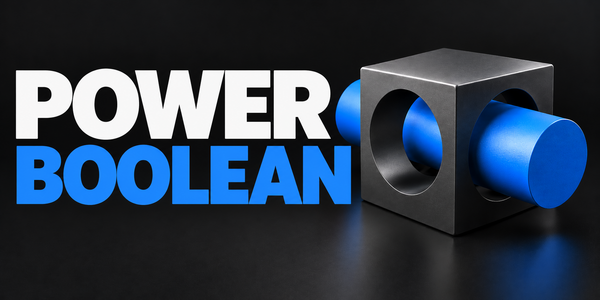
Power Boolean
Build the form before you split it.
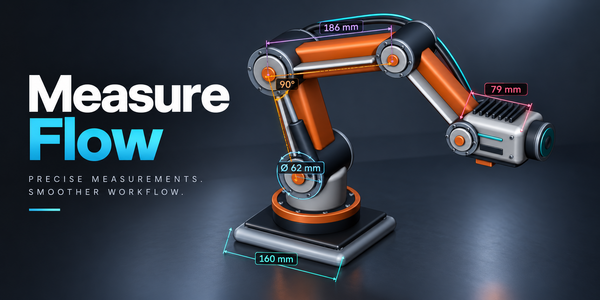
Measure Flow
Check dimensions directly in the viewport.
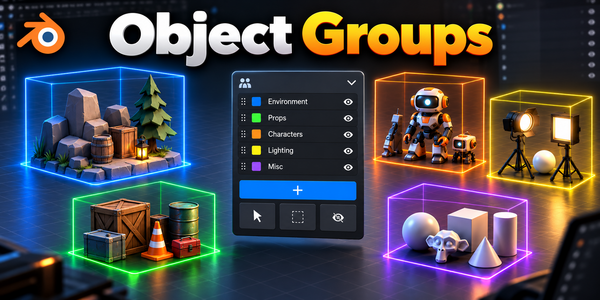
Object Groups
Keep the parts of an assembly organized.
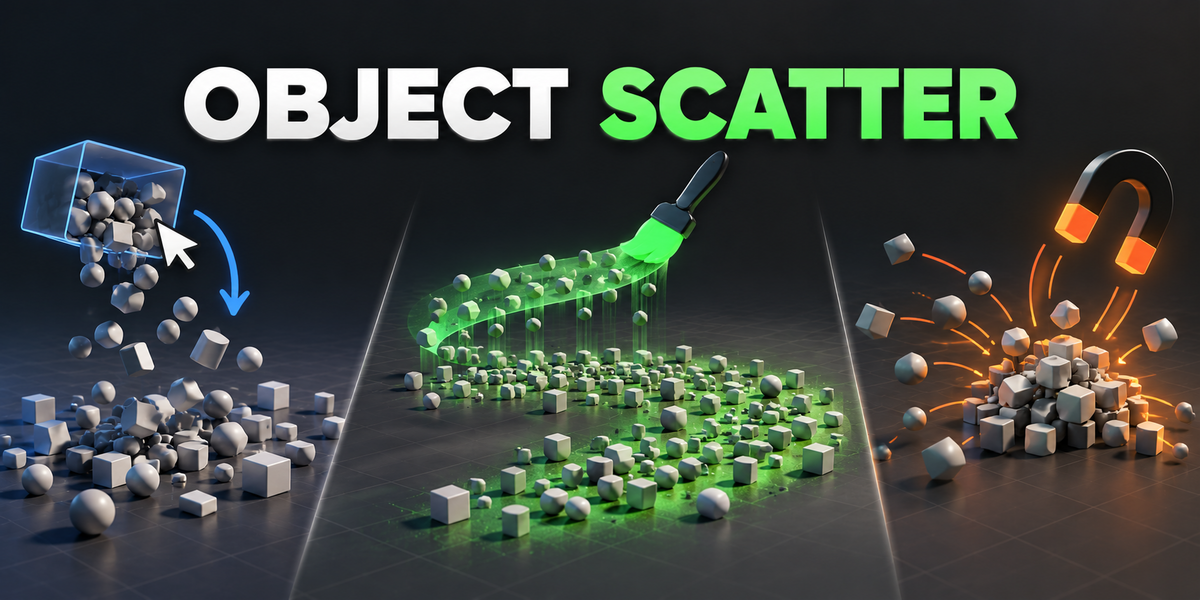
Object Scatter
Place and arrange assets in your scene.
See the full Tachyon collection ↗
Optional products, sold separately. Mesh Split does not require them.