Messy Model Rigid Rigger
 astute industries
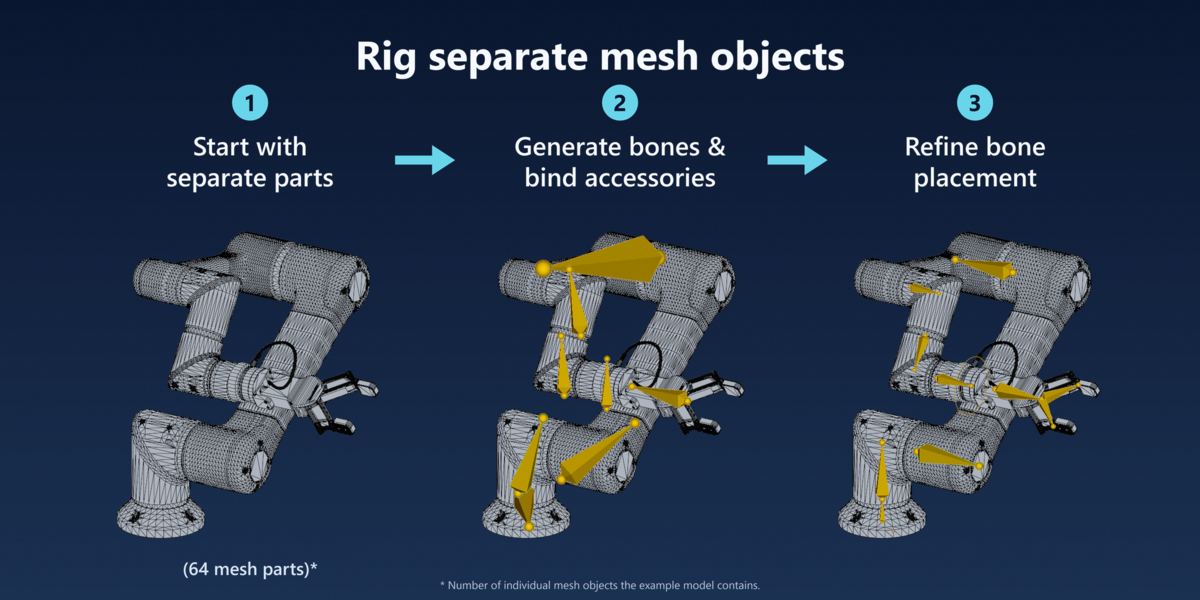
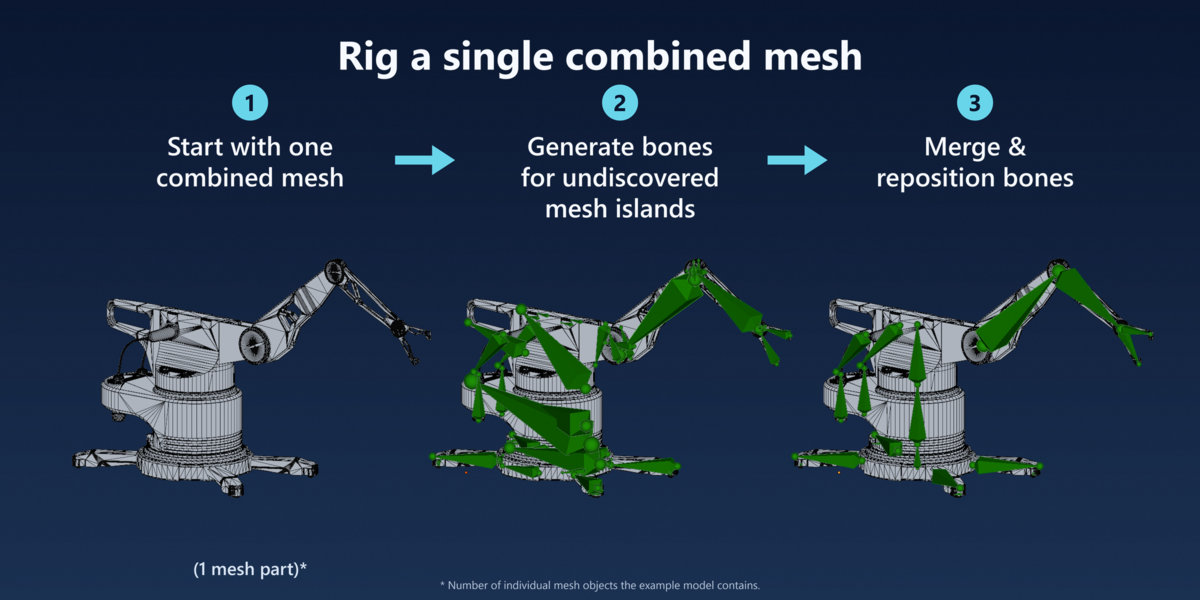
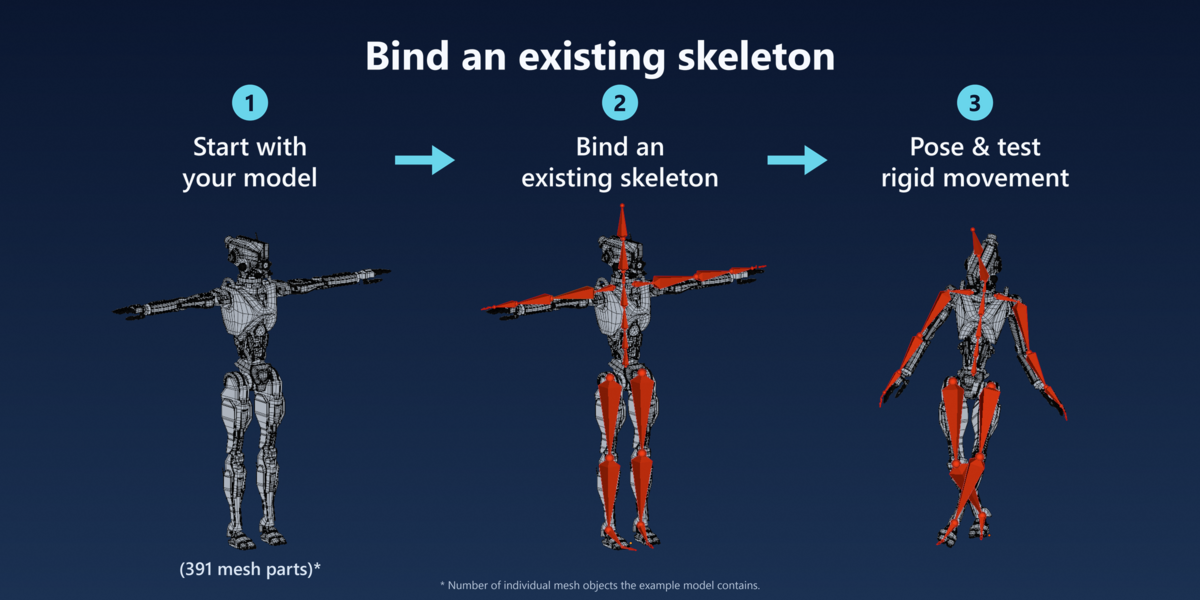
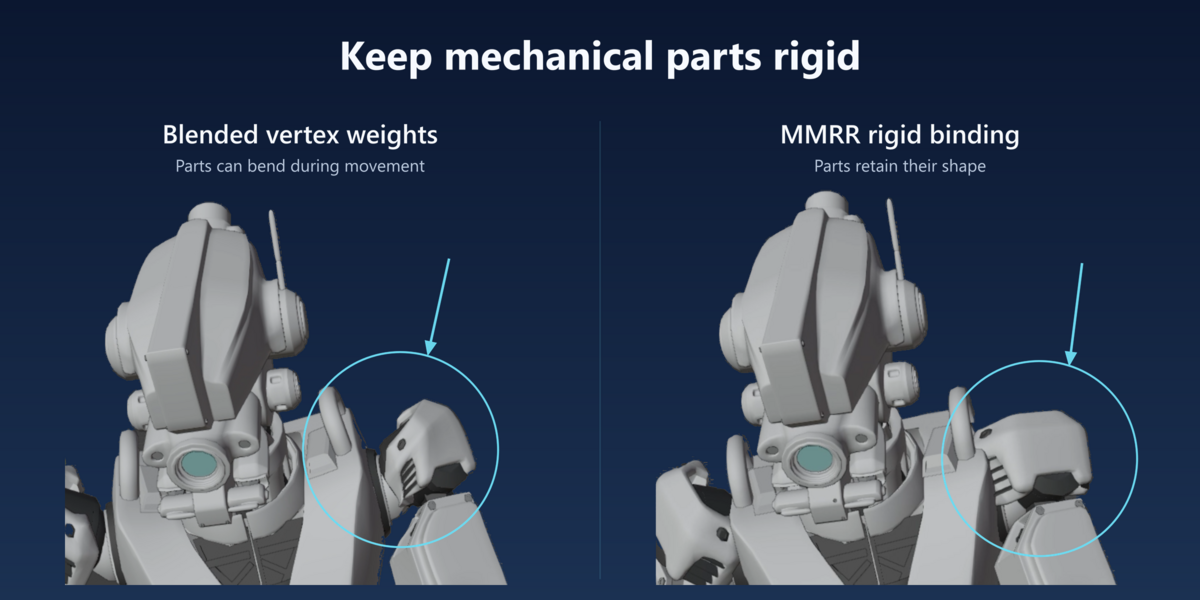
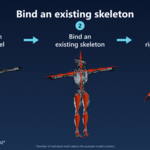
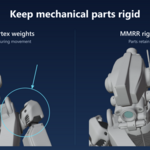
No. MMRR automates parts of bone placement and rigid binding, but you still choose the main moving parts, refine pivots and parenting, and test the result. Geometry analysis cannot reliably determine a model’s intended mechanical joints.
This add-on is targeted for users that wish to rig and animate mechanical models.
Typical models include:
- Robots
- Robotic Arms
- Vehicles
- Machines
- Rigid Props
Basic cleanup mainly concerns model data: use local, editable polygon meshes and check for unwanted bindings or Armature modifiers from previous rigs. Make shared mesh data single-user, giving each object an independent copy so binding changes don’t unintentionally affect linked duplicates. Make sure to save a backup before changing existing rigging data.
Start with the default sampling settings, disable Consider Mesh Islands Separately when whole-object treatment is sufficient, or use the faster PCA-aligned bounding box option.
You can press Esc to request cancellation, but it takes effect between safe processing stages rather than immediately.
First, save a separate .blend backup and read the full error message. Many errors are safeguards that prevent changes to the wrong rig or incompatible data.
Common examples include:
- No bone host selected: For a new rig, select at least one main mesh and use Add Selected Meshes - +. The host must belong to the current source collection.
- Incorrect mode or selection: Follow the tool’s documented mode and selection requirements. For mesh-to-bone tools, choose the bone first, return to Object Mode, select the meshes, then make the armature active.
- Shared mesh data: Make the source meshes single-user using Object → Relations → Make Single User → Object & Data, then validate again.
- Shared armature data: Review the Make Independent and Continue confirmation. This creates independent armature data so other rigs sharing it are not edited.
- Mesh already belongs to another rig: Check its Armature modifier. If that binding is intentional, do not clean it. To reassign the mesh, back up the file and remove its existing managed binding using Remove Messy Model Rigid Rigger Binding from Selected.
- Old bindings remain after deleting a rig: Choose the affected source collection and use Clean Orphaned Source Bindings. Live or otherwise protected rig references are deliberately preserved.
- Cache cannot load: Check for source-geometry changes or animation data on the current rig. Rig Cache requires compatible geometry and does not support switching an animated rig. Preserve the current file rather than deleting data to bypass the check.
- Too many hosts for existing bones: In Accessory Groups + Binding reconstruction mode, reduce the host candidates so they do not outnumber the rig’s deform bones.
For more details, run Validate Source or the appropriate Validate Rig button. Open any named MMRR_Validation_… report in Blender’s Text Editor.
If the problem persists, contact us through Superhive with the exact error, Blender/MMRR versions, reproduction steps and an Export Support Diagnostics report. Avoid emergency cleanup unless its scope matches the problem or support recommends it.
Have questions about this product?
Login to message
| Blender Extension Compatible | Yes |
| Published | about 5 hours ago |
| Blender Version | 5.1 |
| Extension Type | Add-on |
| Render Engine Used | Cycles |
| License | GPL |
Discover more products like this
3D alignment tools 3d machinery copy vertex groups mesh binding Bone Tools armature generator 3D Artists Toolkit 3d-robot 3d-models-mechanical 3d vehicles mesh islands 3D rigging