 Migopos
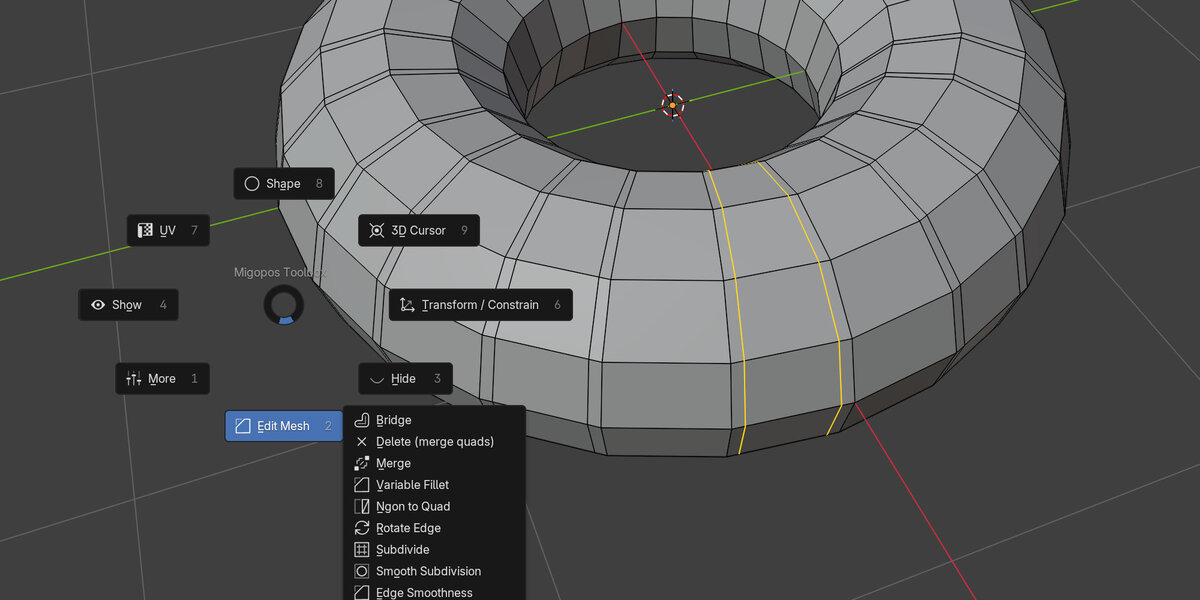
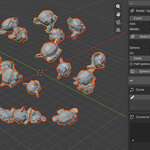
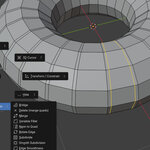
Migopos Toolbox contains dozens of tools to make your modeling tasks faster. Here is a list of tools available in the toolbox. Watch the youtube video to see some of the tools in action:
- Loop select (with option to extend)
- Select Between
- Loop Extend
- Draw Element Selection
- Select Hole Boundaries
- Coplanar
- Select Ngons
- Select Tri
- Select Inside
- Select Outside
- Select Unconnected
- Select Every Number
- Grow Selection
- Grow One Side
- Doubble click select
- Make round
- Make Half Circle
- make Straight
- Brush Grab
- Bridge
- Delete
- Normal Move
- Merge
- Connect Vertex
- Target Weld
- Valriable Fillet
- Subdivide
- Smooth Subdivision
- Edge Smoothness
- Cap
- Symmetry Loop Cuts
- Multi Loop Cuts
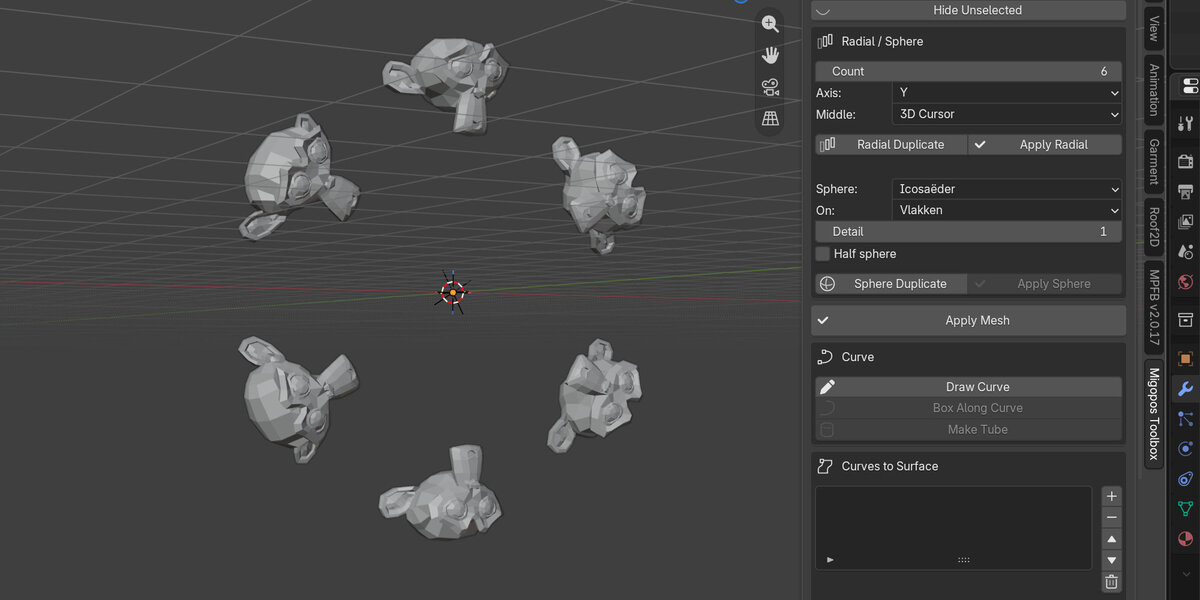
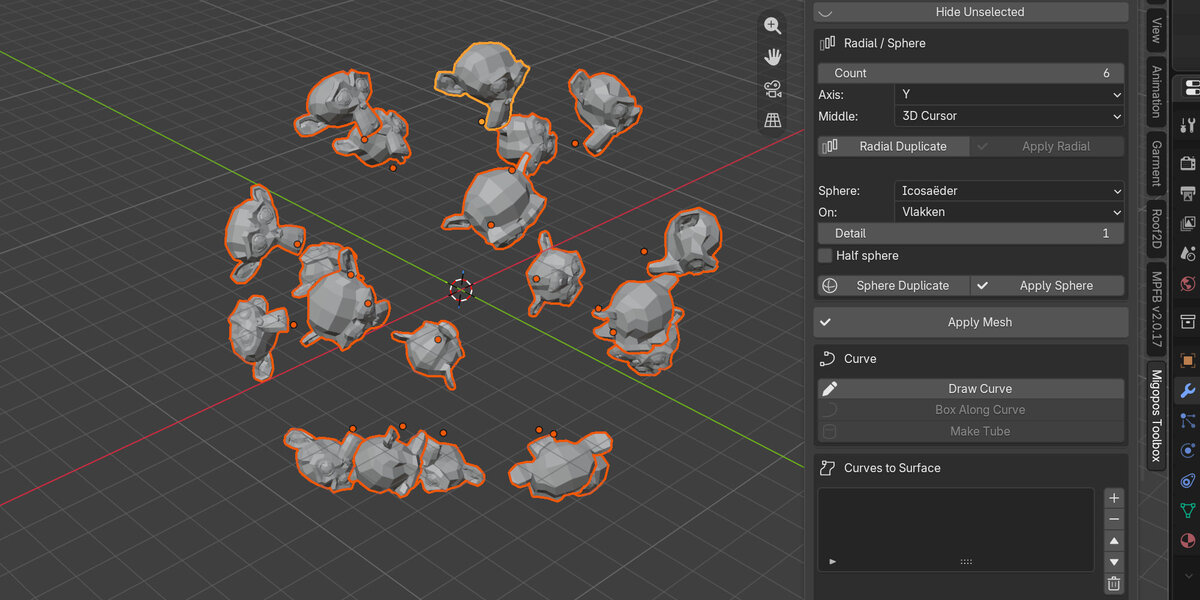
- Radial Duplicate
- Sphere Duplicate
- Draw Curve
- Box Along Curve
- Make Tube
- Curve Vertex Remove
- Curve Vertex Add
- Curve Vertex Connect
- Curve Vertex Round
- Curves to Surface
- Curve Retopo
- Draw Cutter
- Cut by Cutter
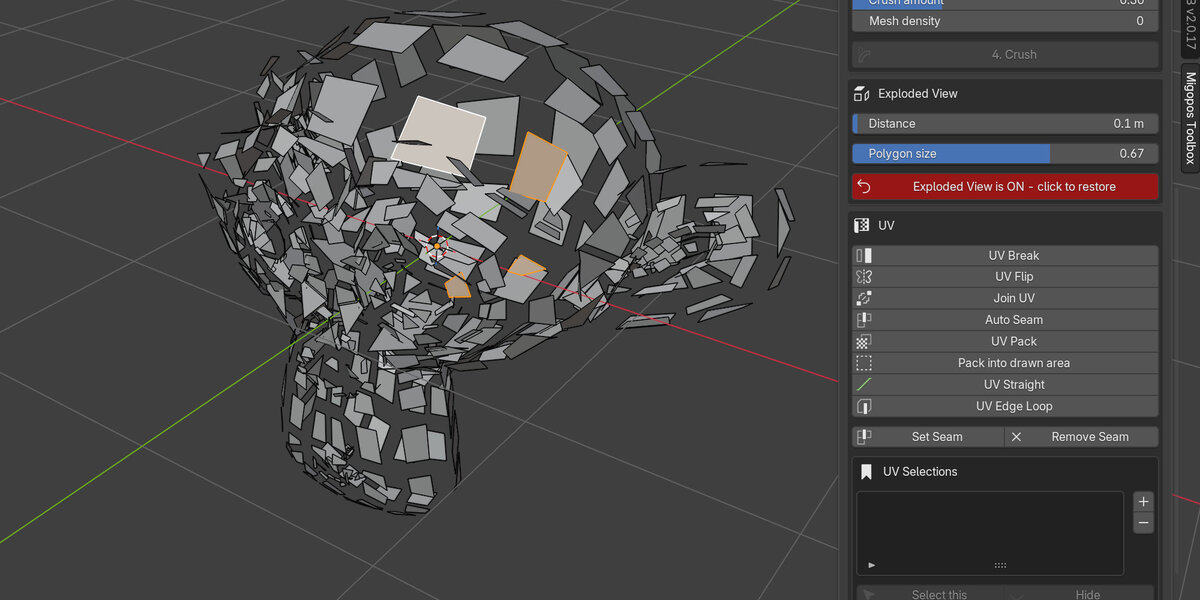
- UV Break
- UV Flip
- Join UV
- Auto Seam
- UV Pack
- UV Straight
- UV Edge Loop
- Select Island
- Select Contour
- Set Seam
- Remove Seam
- UV Selections
- Cursor to Zero
- Snap Cursor
- Cursor to Object Center
- Drop to Floor
- Center to Center
- Constrain Center to Curve
- Primitives (a long list of editable primitives)