 Migopos
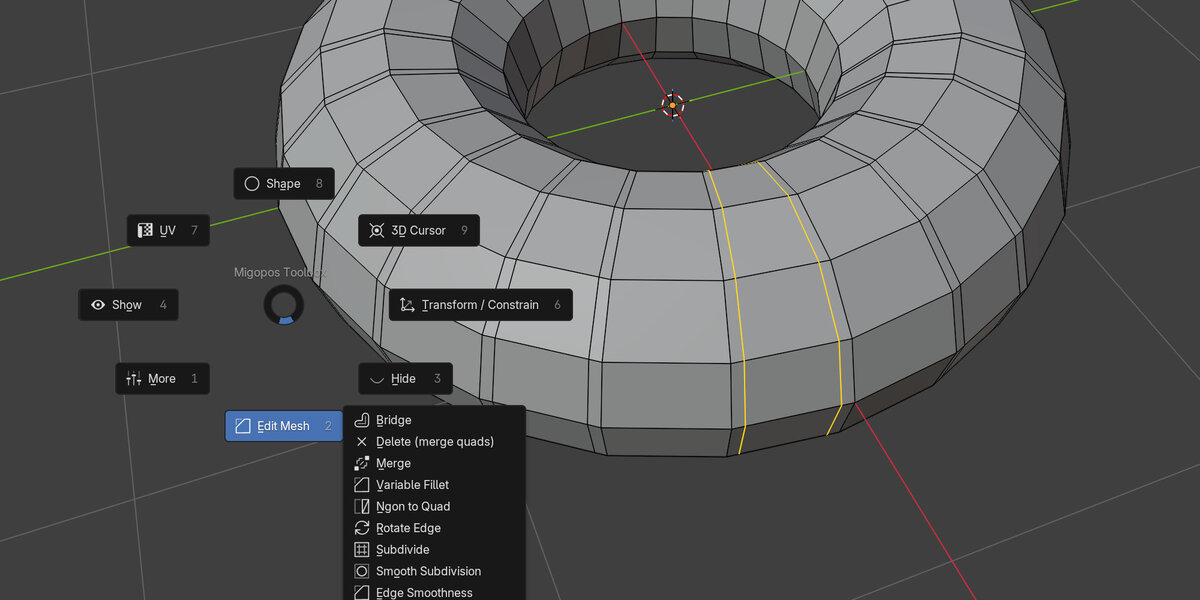
Version 2 of Migopos Toolbox
Added more tools:
Modeling
- NCircle: set the degree of the roundness by hand
- Reuse Selected Geometry (Add / Paste / Remove): reuse a selection of geometry
in another object.
Arrays and scaling
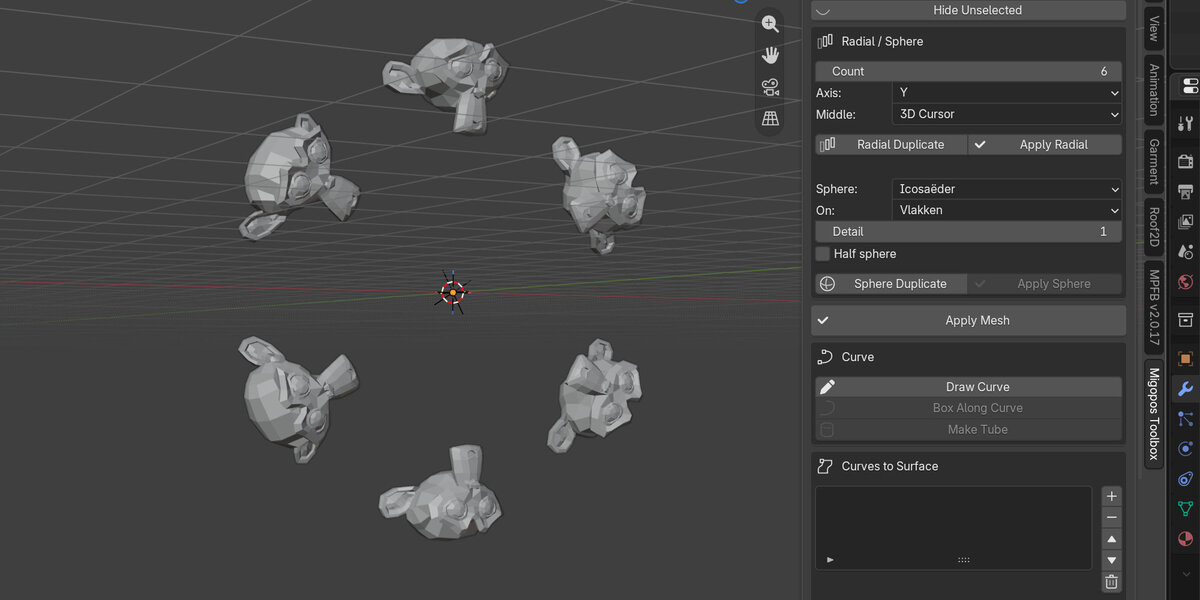
- Box Array: makes copies of your object in x, y, z or user set axis. Works in
object and partially in edit mode.
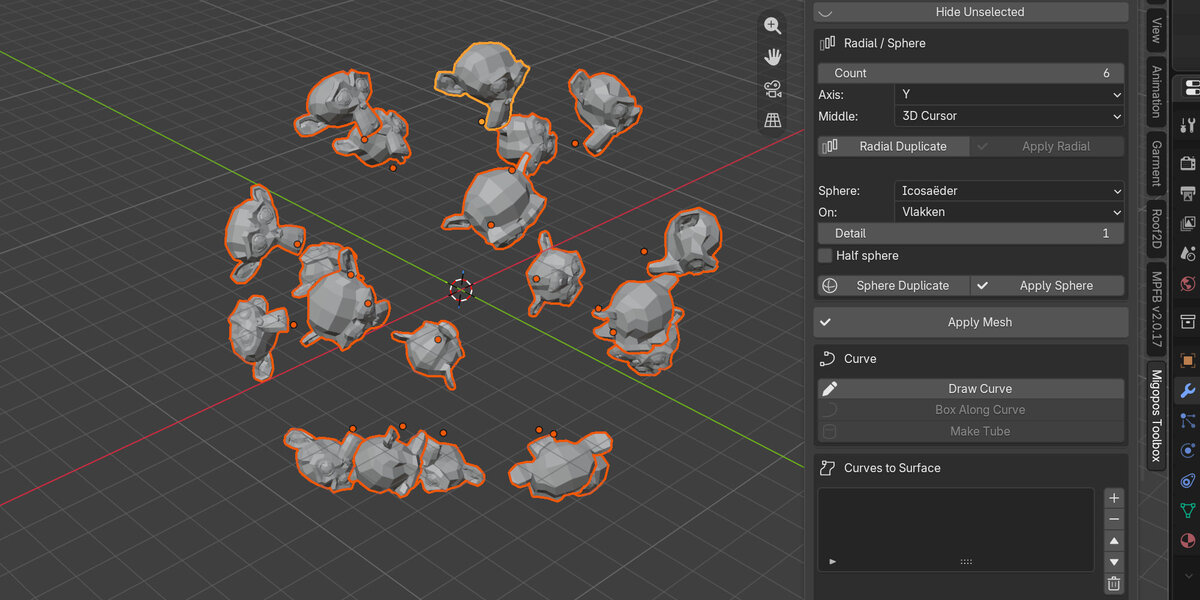
- Radial Array (Edit) en Sphere Array (Edit): both now also work almost the
same in edit mode as in object mode
- Scale Arrow: scale along two markers, to make angles scaling possible
UV
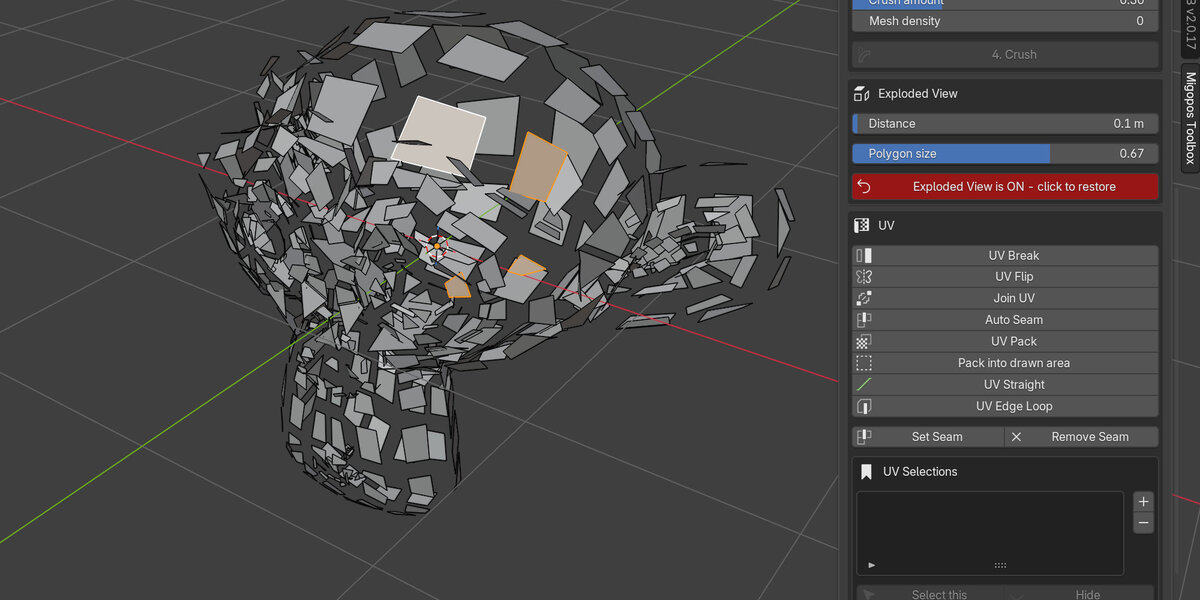
- Edit UV: now you can use most of the powerful Migopos selection tools for
UVs. After finishing you need to apply for it to work. New tools also added
here: Break, Flip, Join, Pack, - Pack into region and Stack.
- UV Check Map: checker map to see if UVs are OK.
- Auto Seam Direction, set the direction of your uv’s.
Render en materiaal
- Quick Render: one button render of the current view
- Assign Material: assign a new material to selection or from the asset
library.
- Material By Selection: select the material that corresponds to the selection
in a new window
Edited tools
- Make Polys Equal
- UV Stack
- Select UV Island / Contour and UV Edge Loop
- Crush: Folds (can).
- Primitives (quad caps): now with advanced quad caps. If no quads are
possible, tris
- Clean up helper objects & data
- Menu's
At the top of the extension menu you can see the version (so you know your new install worked). If install did not work, first go to preferences, add-ons, open the Migopos Toolbox, go to Open install folder. There remove the old script file (__init__.py) and replace it with the new from the zip. You may also want to remove the content of the __pycache__ folder.
Have questions about this product?
Login to message
| Blender Extension Compatible | Yes |
| Published | 6 days ago |
| Blender Version | 5.1 - 5.2 |
| Extension Type | Add-on |
| Render Engine Used | Cycles, Eevee |
| License | Mit |
Discover more products like this
hard surface retopology Selection uv unwrapping Workflow modeling array uv pie menu toolkit productivity primitives