 Migopos
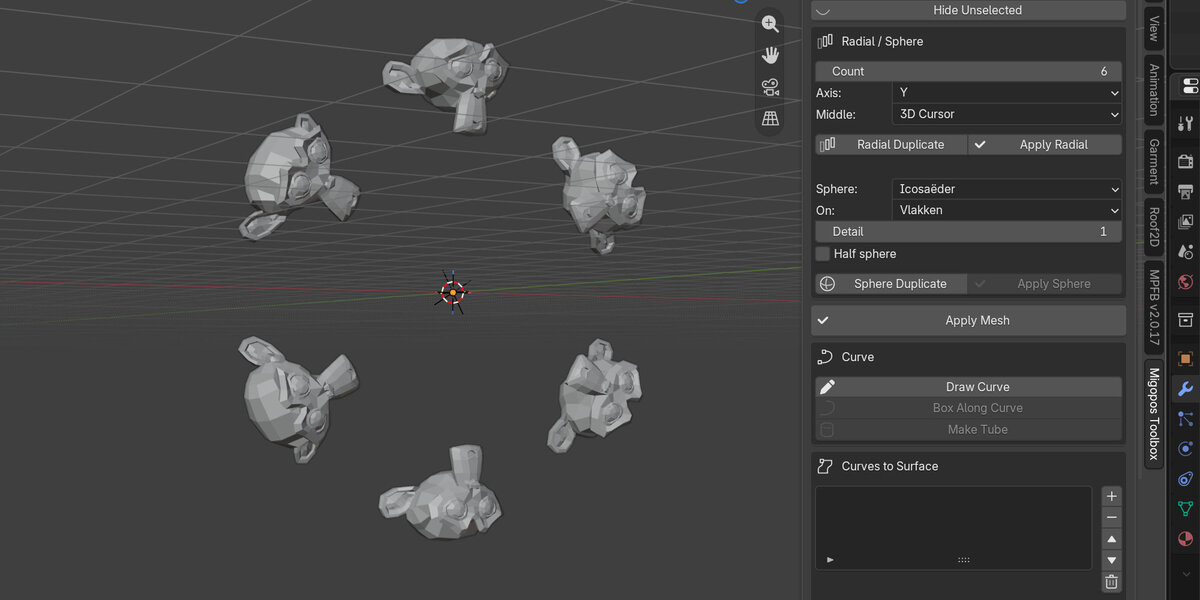
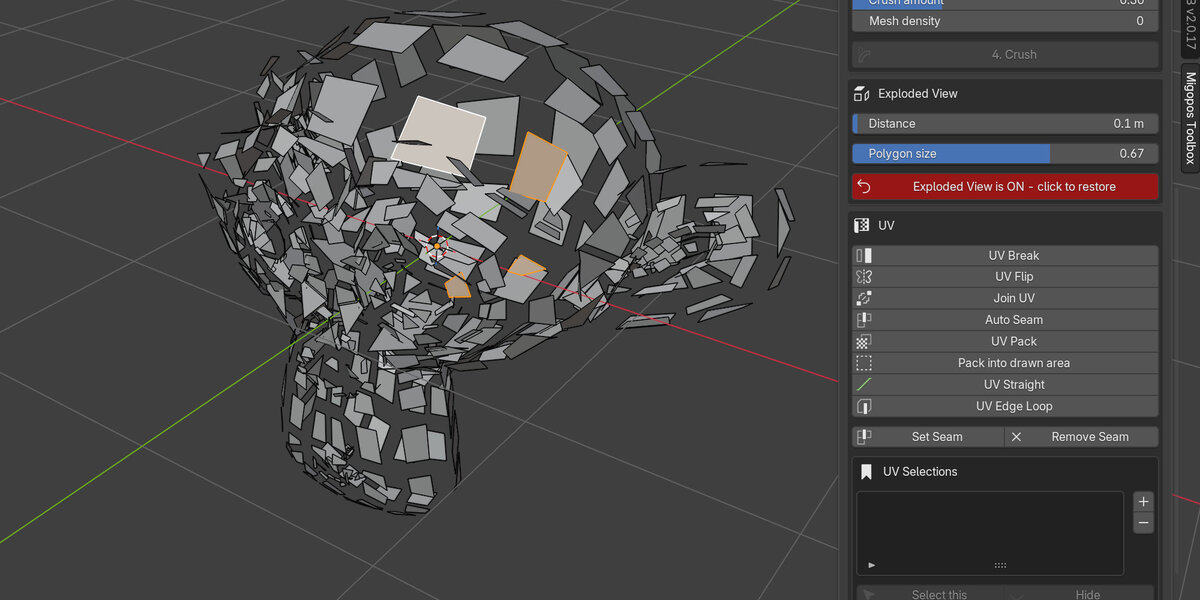
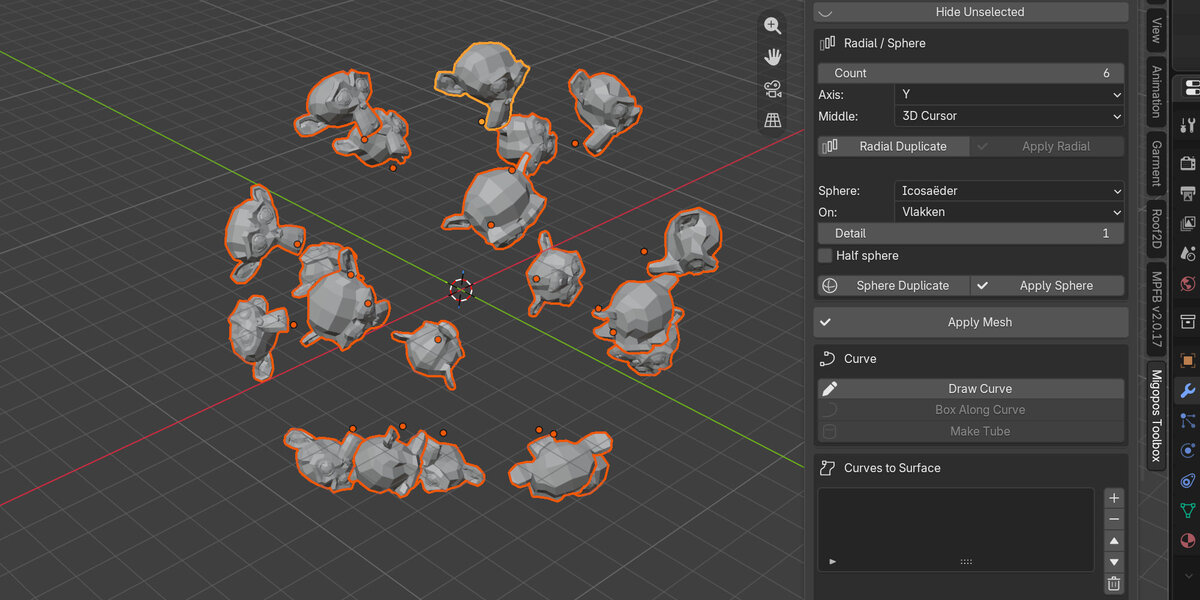
Is there support?
If you have questions or want new tools, please visit: https://blenderartists.org/t/new-modeling-toolbox/1653460
How to upgrade the toolbox
At the top of the extension menu you can see the version (so you know your new install worked). If install did not work, first go to preferences, add-ons, open the Migopos Toolbox, go to Open install folder. There remove the old script file (__init__.py) and replace it with the new from the zip. You may also want to remove the content of the __pycache__ folder.
I can't see the extension
Documentation has a tutorial on how to install and enable the extension.
$10
Have questions about this product?
Login to message
| Blender Extension Compatible | Yes |
| Published | 7 days ago |
| Blender Version | 5.1 - 5.2 |
| Extension Type | Add-on |
| Render Engine Used | Cycles, Eevee |
| License | Mit |
Discover more products like this
primitives Selection modeling array hard surface retopology Workflow uv pie menu uv unwrapping toolkit productivity