 Migopos
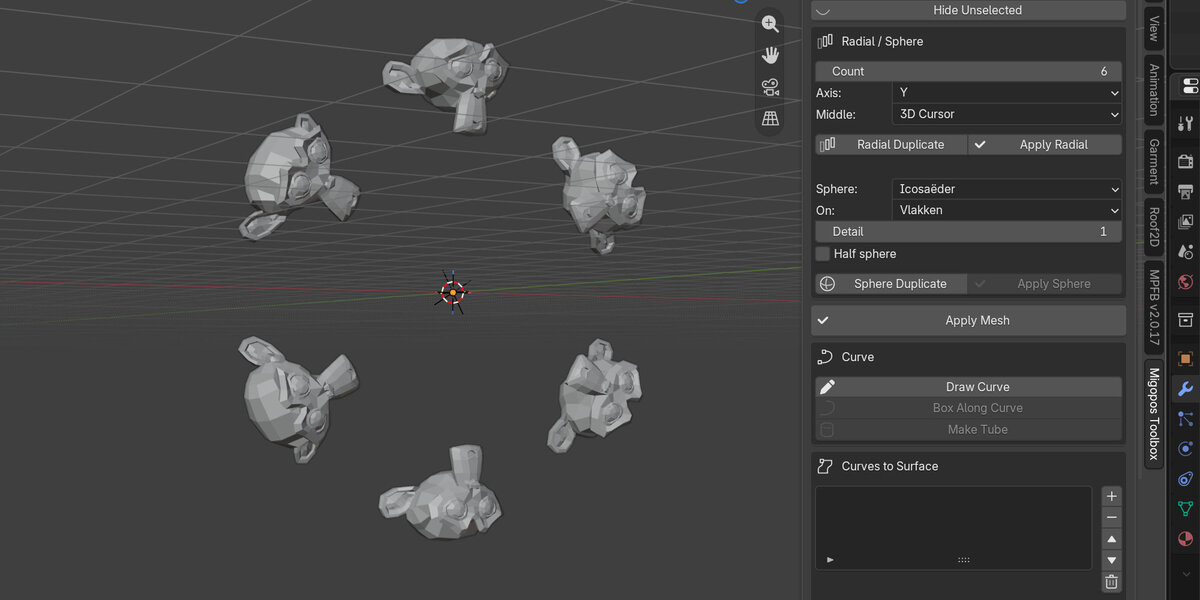
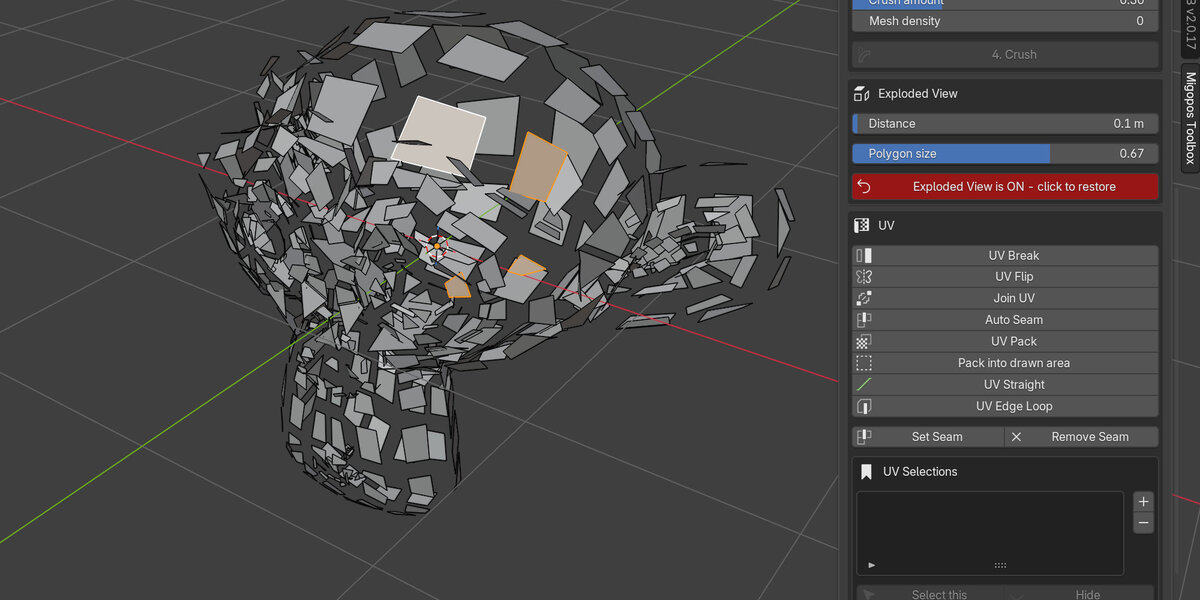
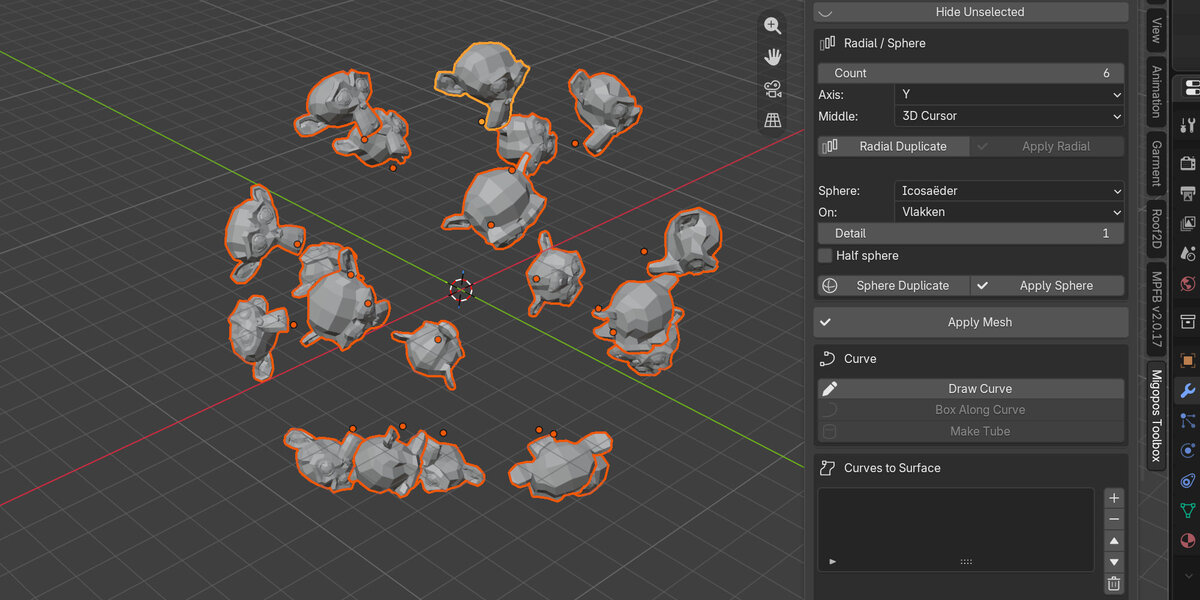
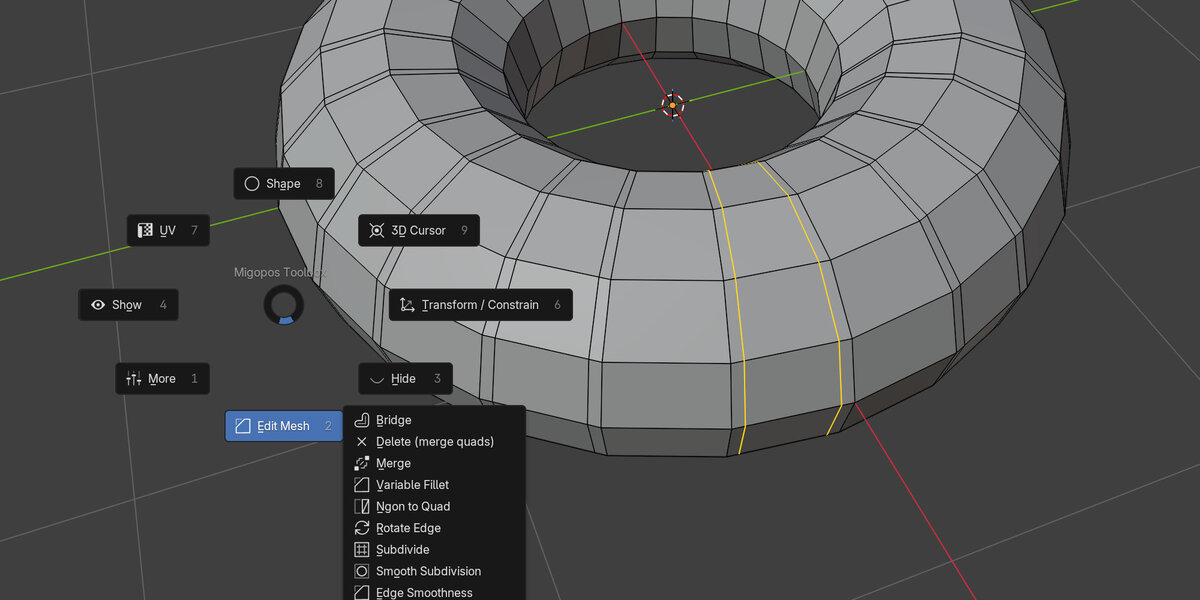
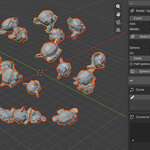
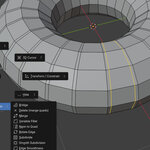
Documentation is included in the extension. You can find it at the bottom of the panel (manual)
Installing the extension:
Extract content of zip file to a folder. Remember where you extracted it to.
Open Blender. Go to Edit-->Preferences--> Add-ons. In the far right upper part of the window you see an arrow pointing down. Click it. Select Install form disk. Then navigate to Migopos_Wall_Builder.py, select it and click on Install from disk. Now the addon is installed.
Close the Preferences window. Delete all items in your scene (optional. Use shortcut "a" on your keybord and then "Delete"). Then press "n". On the right side of your window you see tabs. One of them is called Migopos Wall. Click it and you have reached the addon. If it is still not visible, you need to disable and then enable the extension in preferences. Then it will show up.
Upgrade:
At the top of the extension menu you can see the version (so you know your new install worked). If install did not work, first go to preferences, add-ons, open the Migopos Toolbox, go to Open install folder. There remove the old script file (__init__.py) and replace it with the new from the zip. You may also want to remove the content of the __pycache__ folder.
Have questions about this product?
Login to message
| Blender Extension Compatible | Yes |
| Published | 5 days ago |
| Blender Version | 5.1 - 5.2 |
| Extension Type | Add-on |
| Render Engine Used | Cycles, Eevee |
| License | Mit |
Discover more products like this
array uv unwrapping toolkit primitives modeling Selection Workflow hard surface pie menu productivity uv retopology