Model Optimizer Pro: Quad Remesh & Auto Retopology for Blender
 blenderustad


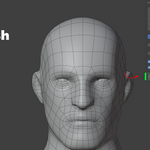
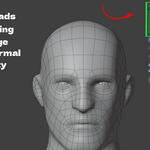
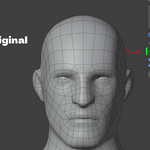
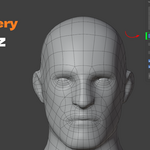
What does Model Optimizer Pro actually do?
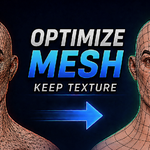
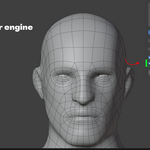
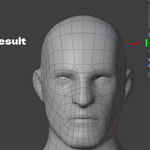
It converts the active mesh in your scene into a new mesh made mostly of quads, using the bundled AutoRemesher engine. You get a clean, retopologized version of your model with adjustable density and detail settings.
Do I need to install anything else, like Python or an external remesher?
No. The AutoRemesher engine binary is bundled inside the add-on. You install the add-on and it works, unless you specifically want to point Preferences at a different engine build.
Does this send my mesh to a server or the cloud?
No. The engine runs as a local subprocess on your own machine. Your mesh is streamed to it over stdin/stdout, never written to disk, and never sent over a network.
Which operating systems are supported?
Windows x64 and macOS x64 (Intel) are bundled. On Apple Silicon Macs, the Intel binary runs through Rosetta 2. Linux isn't bundled by default, but the add-on supports pointing to a custom engine path if you build or supply your own binary.
Will it cap or close the holes in my mesh, like a neck opening or eye socket?
No. Open boundaries are detected and preserved as open boundaries in the output instead of being sealed shut, which is a common problem with voxel-style remeshers.
Can it remesh only half of a symmetric character and mirror the rest?
Yes. Set the Symmetry option to X, Y, or Z for a mesh centered on that axis. One half is remeshed and mirrored, giving you an identical quad layout on both sides.
Does it preserve my texture after remeshing?
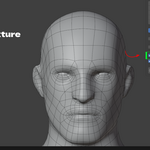
Yes, if you enable Re-apply Texture. The add-on unwraps new UVs on the result and Cycles-bakes the original object's image texture onto them using a selected-to-active bake. This requires the source object to have an Image Texture node in its material, and it temporarily switches the scene to Cycles to perform the bake (you can have it switch back automatically afterward).
Will Blender freeze while it's remeshing a dense mesh?
No. The remesh runs on a background thread and is checked by a timer, so the interface stays responsive. You can cancel at any time by pressing Esc.
What happens to my original mesh after remeshing?
By default, both the original and the new quad mesh are kept in the scene, so you can compare them. If you enable Replace Original, the source object is deleted and the new mesh takes its name and place.
What do the Target Quads, Edge Scaling, and Adaptivity settings actually control?
Target Quads sets the approximate quad count of the output. Edge Scaling adjusts overall edge length (higher values give a lower-poly result). Adaptivity controls whether density follows curvature (1 = more quads on detailed areas, fewer on flat ones) or stays uniform (0).
Is this a subscription or a one-time purchase?
It's a standalone add-on purchase. There's no license server, no recurring check-in, and no subscription tied to using it.
$29
Have questions about this product?
Login to message
| Blender Extension Compatible | Yes |
| Sales | 20+ |
| Published | about 2 months ago |
| Blender Version | 3.2 - 5.2 |
| Extension Type | Add-on |
| Render Engine Used | Cycles, Eevee |
| License | GPL |

Discover more products like this
uv Workflow low poly mesh optimization game assets quad remesh modeling retopology symmetry remesh texture-baking