 Skava
Skava

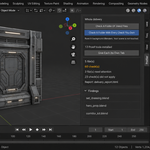
Modifier Profiler — which modifier is eating your viewport
The scene has slowed to a crawl. Somewhere in it a modifier is costing you fifty milliseconds on every redraw, and finding it means switching things off one at a time and guessing from the feel of the mouse. Most advice on the subject is folklore: subdivision is slow, booleans are slow, use fewer modifiers.
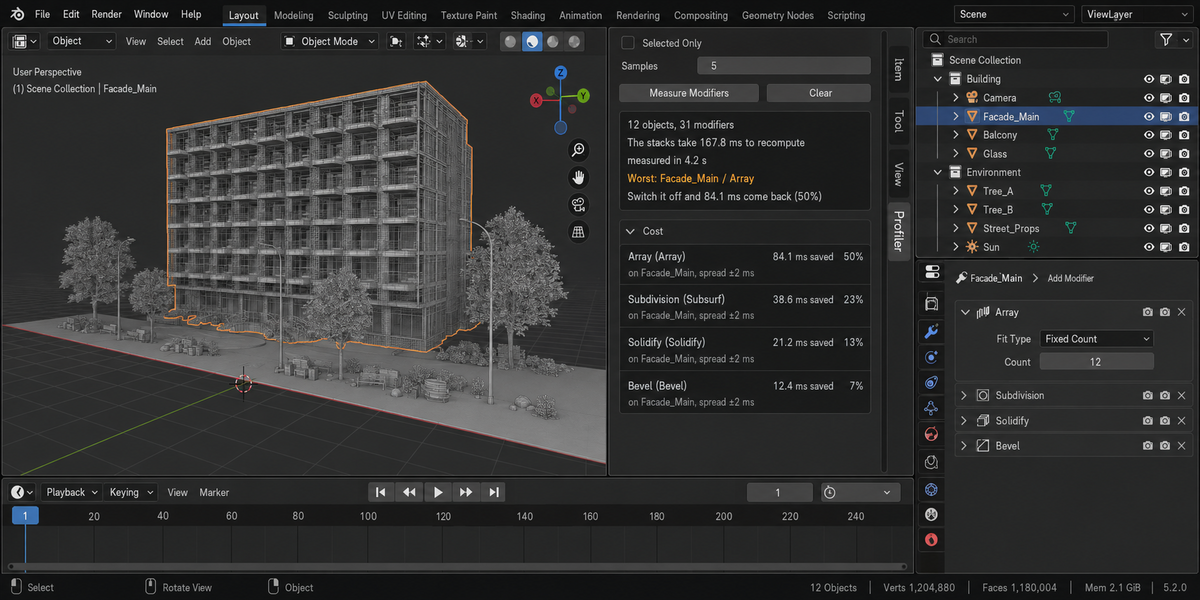
Modifier Profiler measures instead. It times each object's stack with every modifier on, then times it again with one modifier off, and puts the difference in a table sorted by cost.
The number in the panel is the number it measured
The stack is evaluated several times and the median is taken, because a single run is not a measurement. The spread of those runs is printed next to every row, so a difference smaller than the noise is visible as such. On a four-modifier stack the add-on reported 167.8 milliseconds; an independent measurement of the same scene gave 169.4. The culprit came out the same in three separate runs.
It will not sell you a total that does not exist
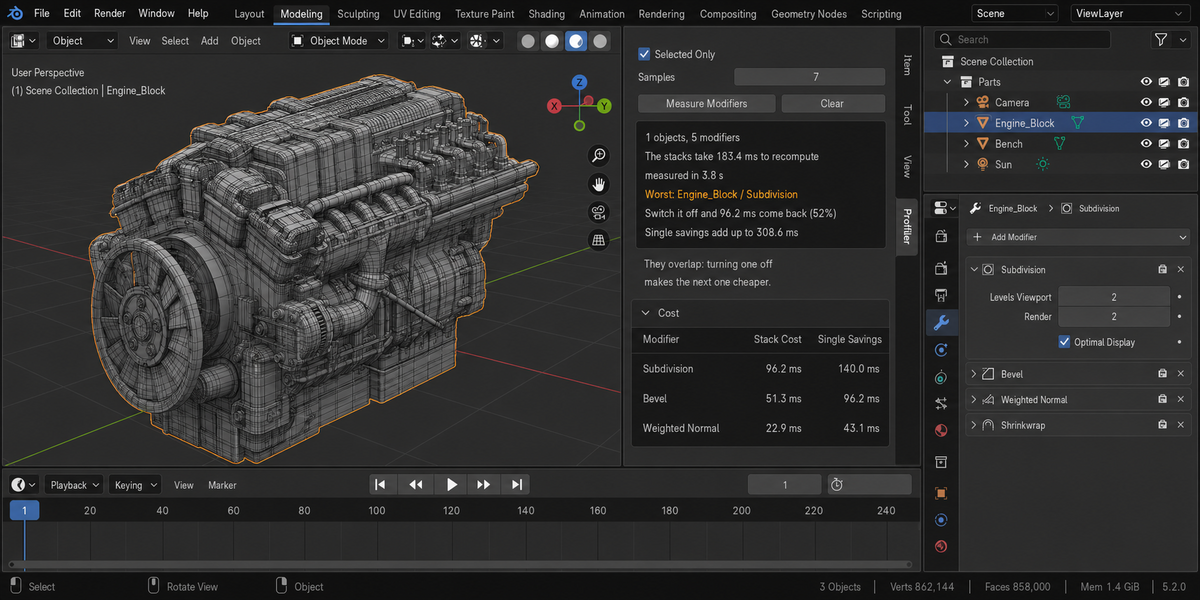
Add up the savings of every modifier and you get a bigger number than the stack takes in total — on that same scene, 308.6 milliseconds against a stack of 169.4. It is tempting to print the larger figure. Modifier Profiler prints the honestly measured stack time as the total, shows the sum separately, and says why they differ: modifier costs overlap, and switching one off makes the next one cheaper.
From the answer to the fix
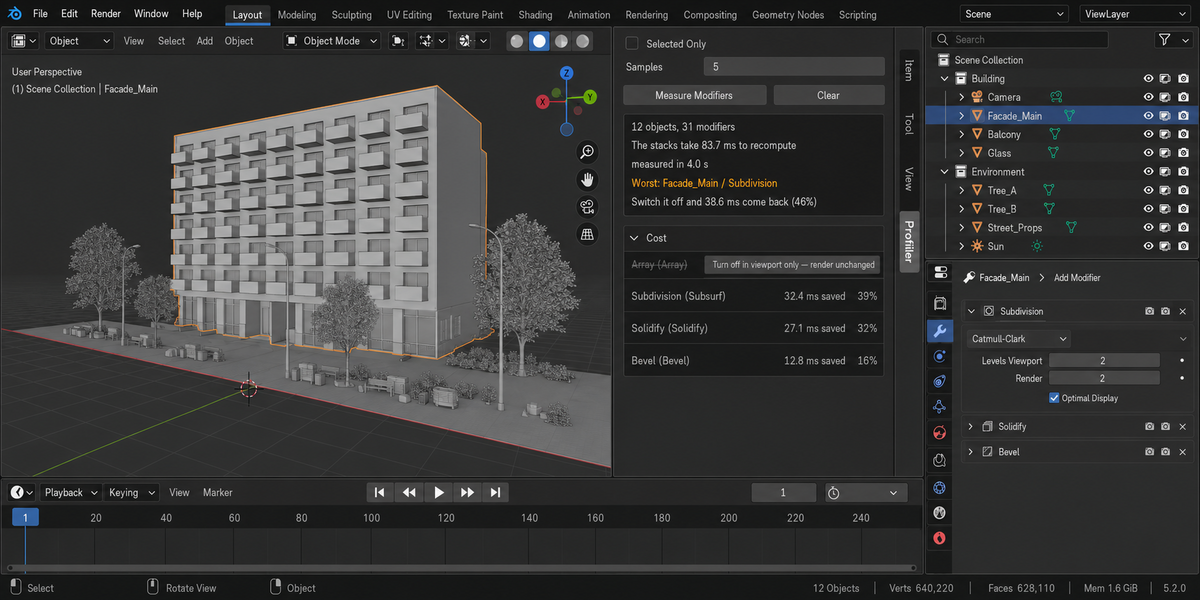
The worst modifier is named at the top with its share of the stack. One button on its row switches it off for the viewport only — the render still uses it, and one more click puts it back. Pairs that make no sense next to each other, like two subdivisions in a row doing the work of one at a higher level, are pointed out as advice.
It puts everything back
Measuring means switching modifiers off and on. Every flag is restored exactly as it was, and the test suite verifies that by comparing the whole state before and after. The only thing that changes is what you change yourself.
Fast enough to use while working
Seven objects with eight modifiers between them are profiled in about five seconds at the default sample count. Raise the samples when two rows are close; lower them when you just want a first look.
Whole deliveries, not one file at a time
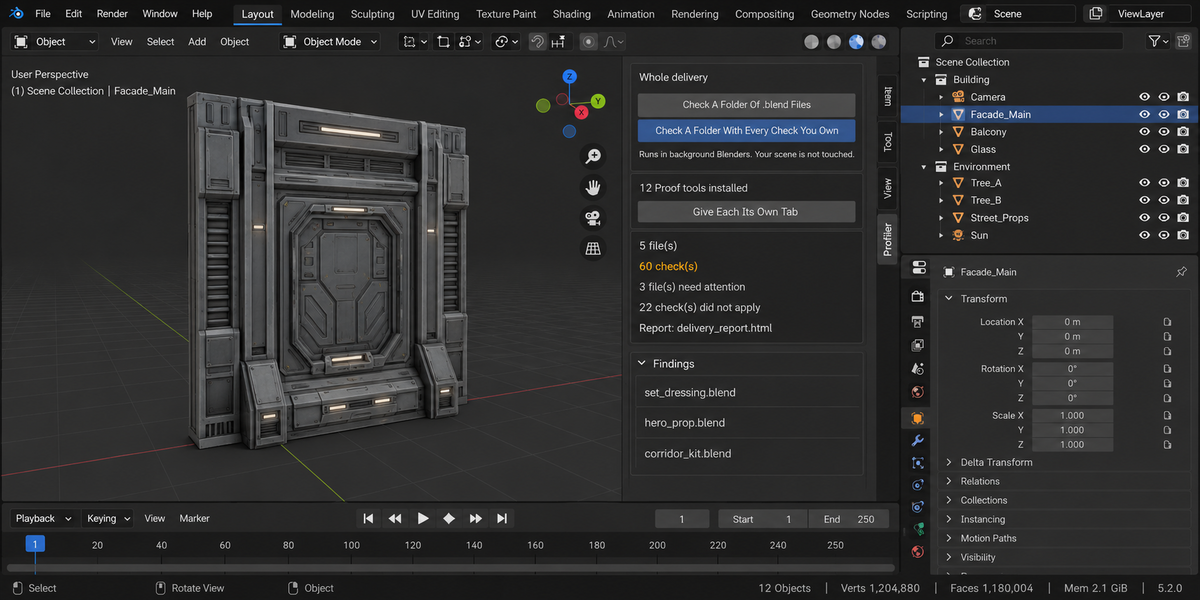
- Check a folder. Point it at a delivery and every .blend inside is checked, each in its own background Blender. The scene you have open is not touched — not opened over, not saved, not changed. A file that hangs or crashes takes only its own process down; the other thirty-nine still get checked.
- A report you can send. One self-contained page: verdict first, one sentence a lead can read, then the numbers, then every finding with its address. No internet, no fonts to load, no dependencies — it opens in six months on a machine with no network, which is exactly when someone asks what you delivered.
- Runs without a person. A single command from your pipeline writes the report and returns a code: clean, something blocking, or could not be checked. Those are three different codes on purpose — a check that did not run has not passed, and a gate that treats them the same is worse than no gate at all.
- Remembers last time. Save today's numbers as a baseline and a later run tells you what moved, in which direction, and which findings are new. A measurement that went up is not automatically bad: each product says which way is worse for its own numbers.
- One verdict for the whole delivery. If you own more than one of these tools, one run puts every check you have over every file and answers the only question that matters before you send it: can this go out? Each file is opened once and all the checks see the same state of it.
Compatibility
Blender 4.2 and later on Windows, macOS and Linux. Measured live on 5.1 and 5.2, 32 checks green on both. Geometry nodes modifiers are timed like any other.
License
GPL-3.0.