Moveset Animals
 NoMicro Studio
Quick start
- Install: Edit › Preferences › Get Extensions › Install from Disk, choose the zip
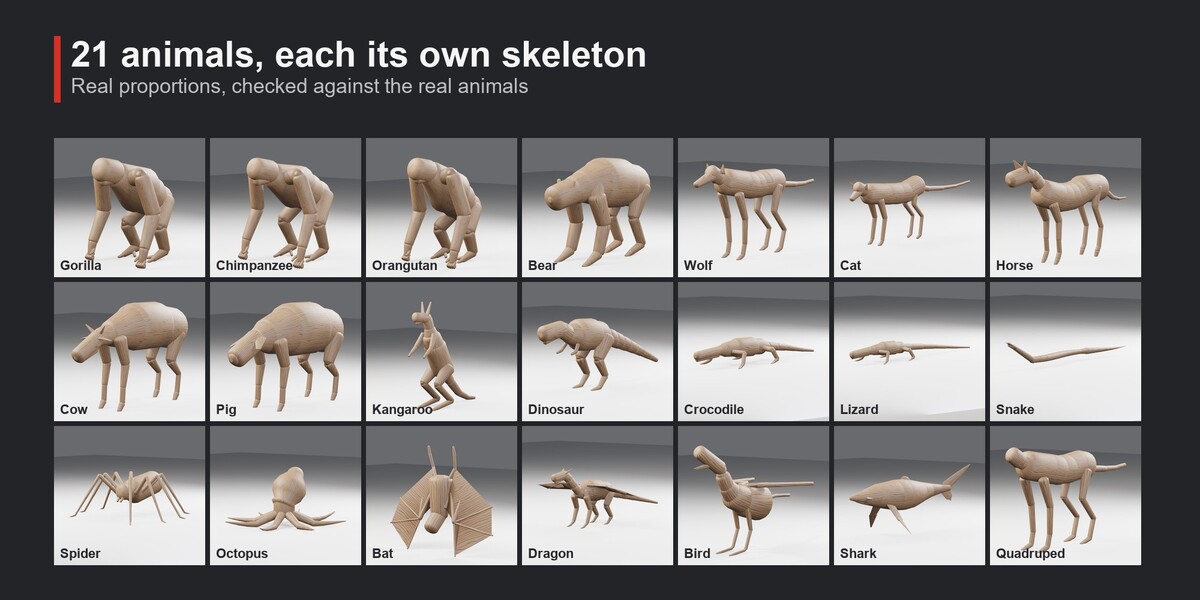
- For the wolf, cat, horse, quadruped, bird and shark, enable the built-in Rigify add-on in Preferences
- In the 3D Viewport press N and open the Moveset Animals tab
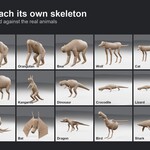
- Choose an animal and press Create Animal. It appears at the 3D cursor with all its clips
- Press Play on any clip in the list. The timeline is set to that clip
Clips
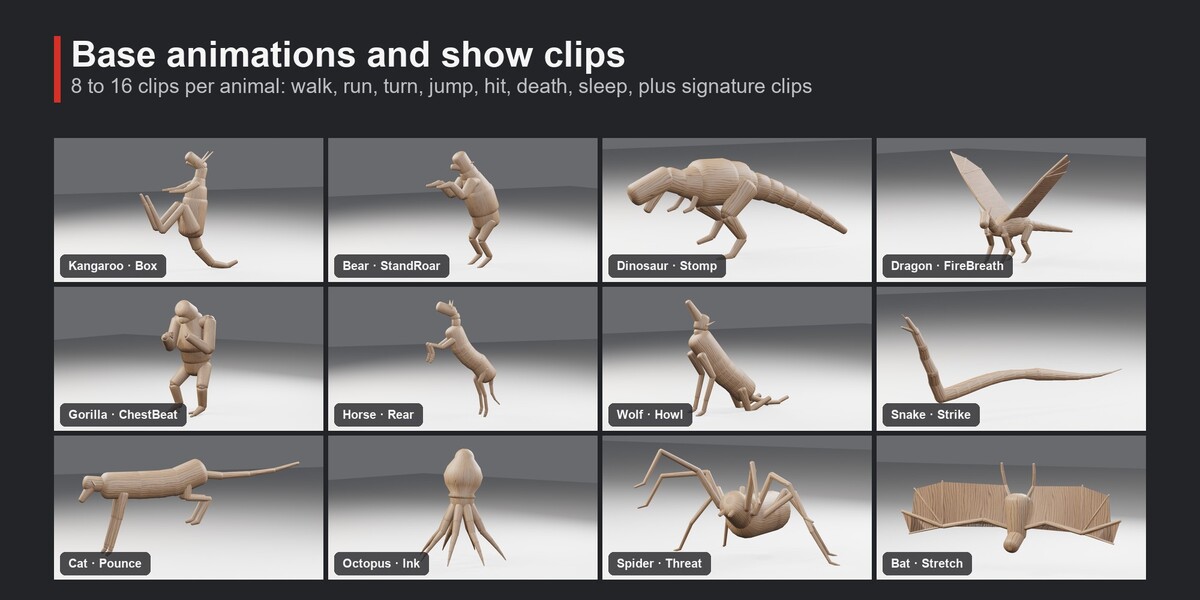
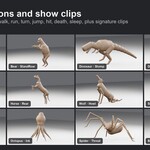
Every animal has its own list of 8 to 16 clips. Loops (idle, walk, sleep) and one-shot clips (jump, hit, death) are marked with an icon. Transitions between gaits are listed under Transitions
- Game basics: turn left and right on the spot, jump, hit, death, lie down, sleep
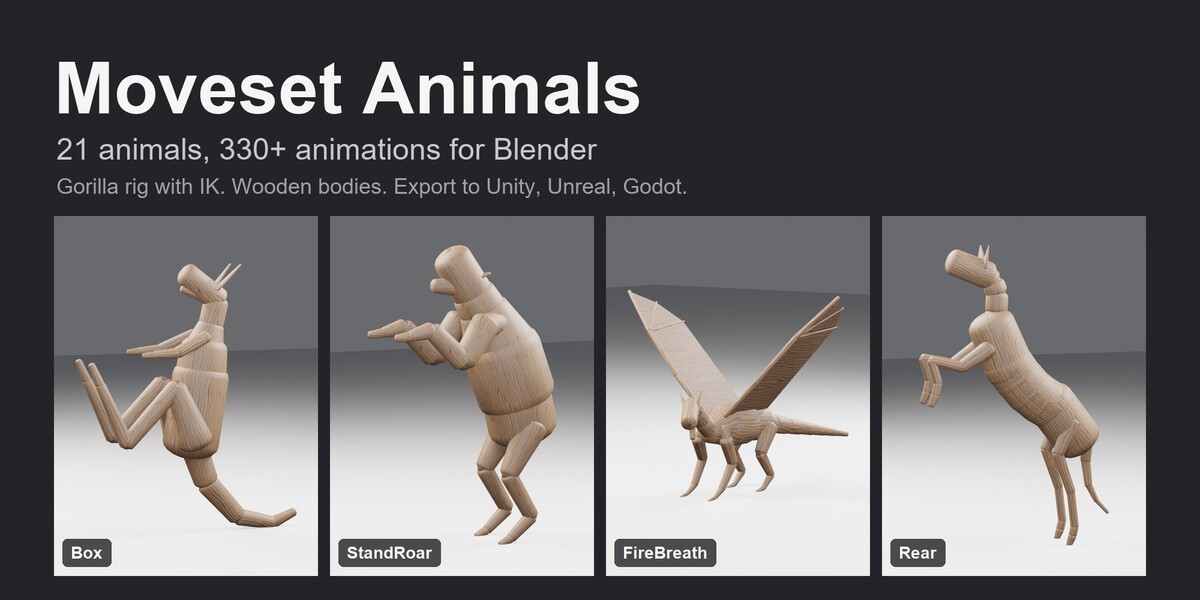
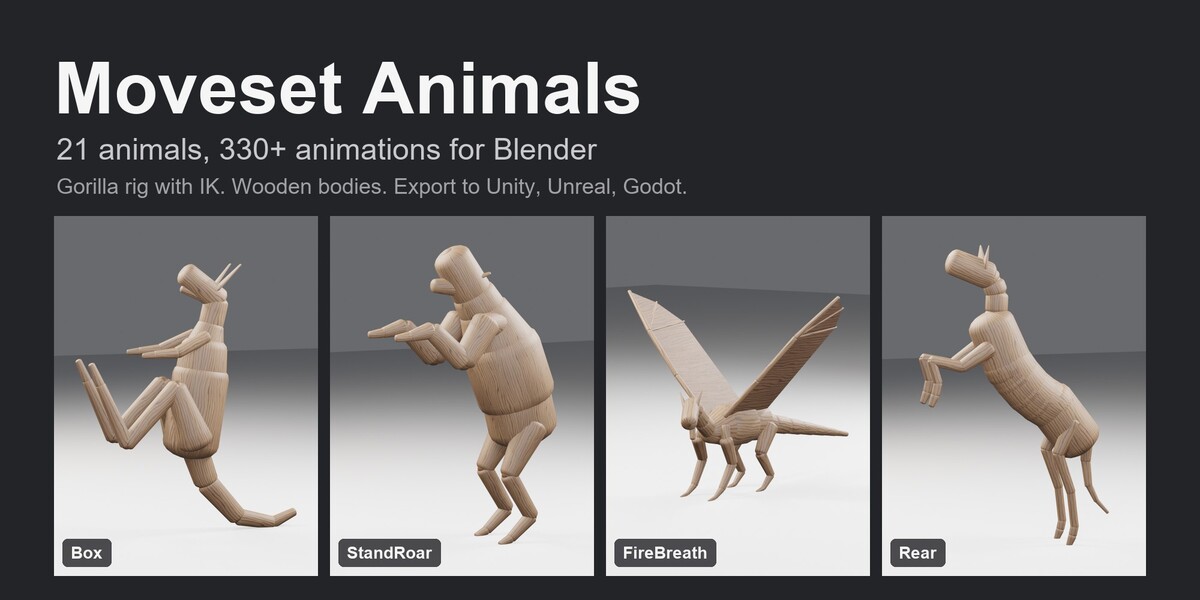
- Signature clips: Box (kangaroo), StandRoar (bear), Stomp (dinosaur), FireBreath, Glide and Land (dragon), ChestBeat (gorilla), Rear (horse), Howl (wolf), Pounce (cat), Strike and Hiss (snake), Ink and Wave (octopus), Threat (spider), Stretch (bat), Breach (shark) and more
Clip settings
When a clip plays, its sliders appear under the list: Tempo, Amount (how much the body, head and tail move), Stride and Lift for walks and runs. Apply rebuilds only that clip and its transitions
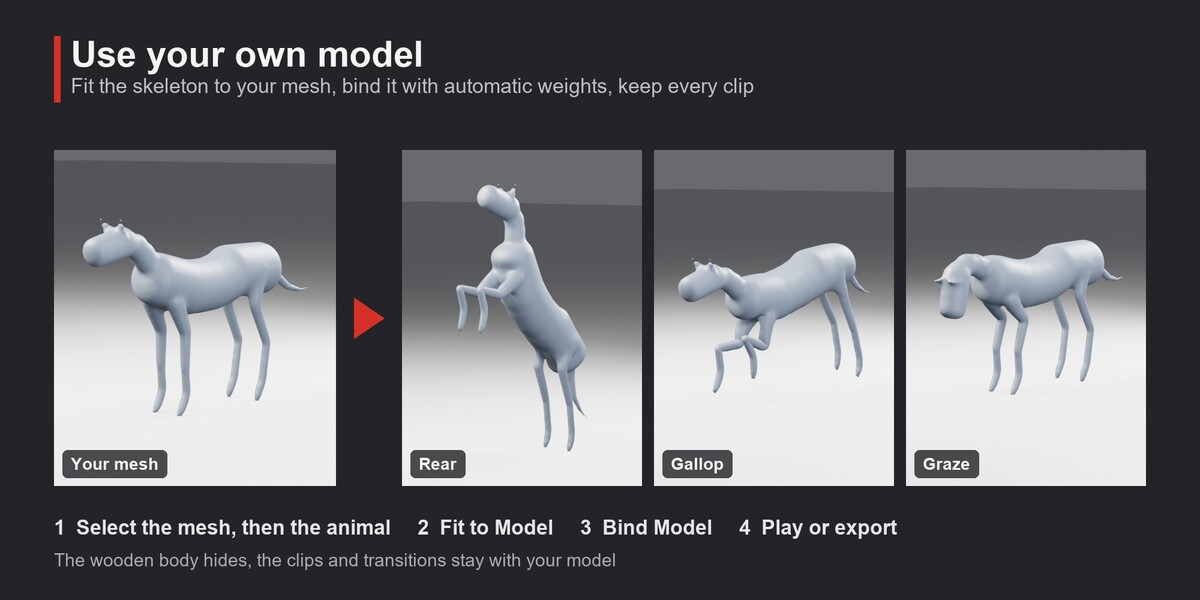
Your own model
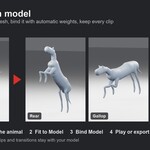
- Select your mesh, then the animal (the animal must be active)
- Fit to Model scales the animal to the mesh and puts it on the same spot
- Bind Model skins the mesh to the skeleton with automatic weights and hides the wooden body
Other proportions: move the bones in Edit Mode and press Rebuild Animations
Export
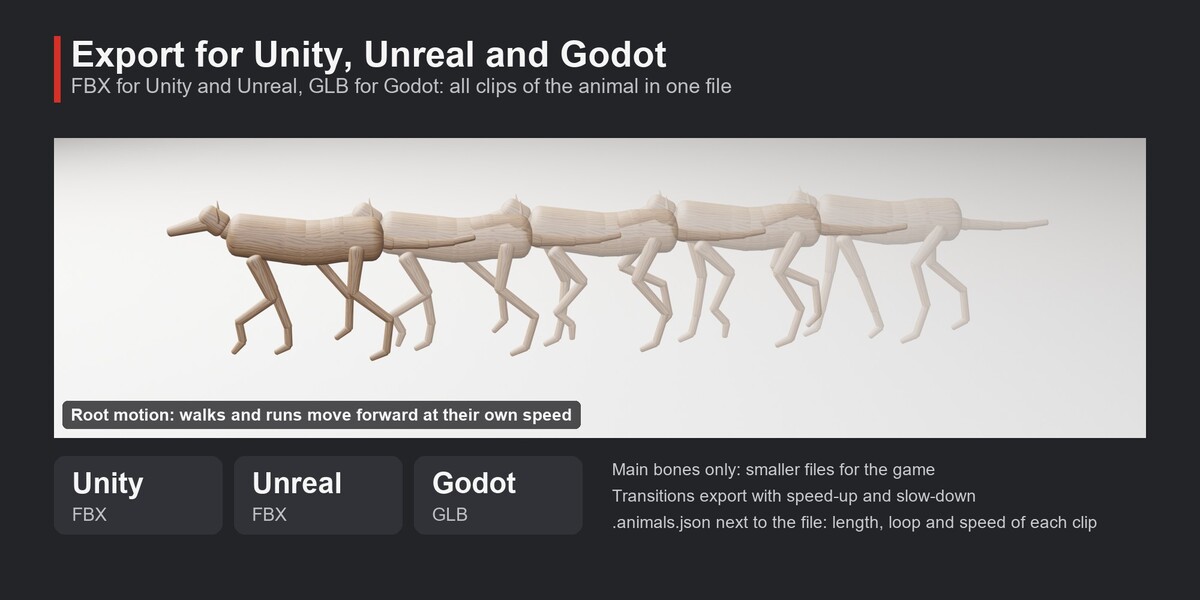
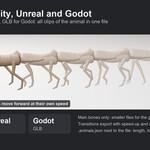
Export for Engine writes the animal with all its clips in one file: FBX for Unity and Unreal, GLB for Godot
- Root motion (on by default): walks and runs move forward at their own speed, transitions speed up and slow down
- Main bones only: leaves out the face, fingers and toes for smaller files
- A
.animals.jsonnext to the file lists every clip with its length, loop and speed
Have questions about this product?
Login to message
| Blender Extension Compatible | Yes |
| Published | 12 days ago |
| Blender Version | 4.2 - 5.2 |
| Extension Type | Add-on |
| Render Engine Used | Cycles, Eevee |
| License | GPL |
Discover more products like this
unreal game ready animation root motion unity rigify godot creature animals Walk Cycle rigging quadruped