Mycel — Batch Rename & Scene Organizer
 Sporemind




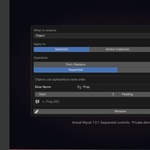


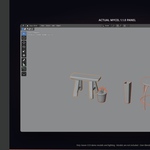
Mycel 1.1.0 — Rename Preview
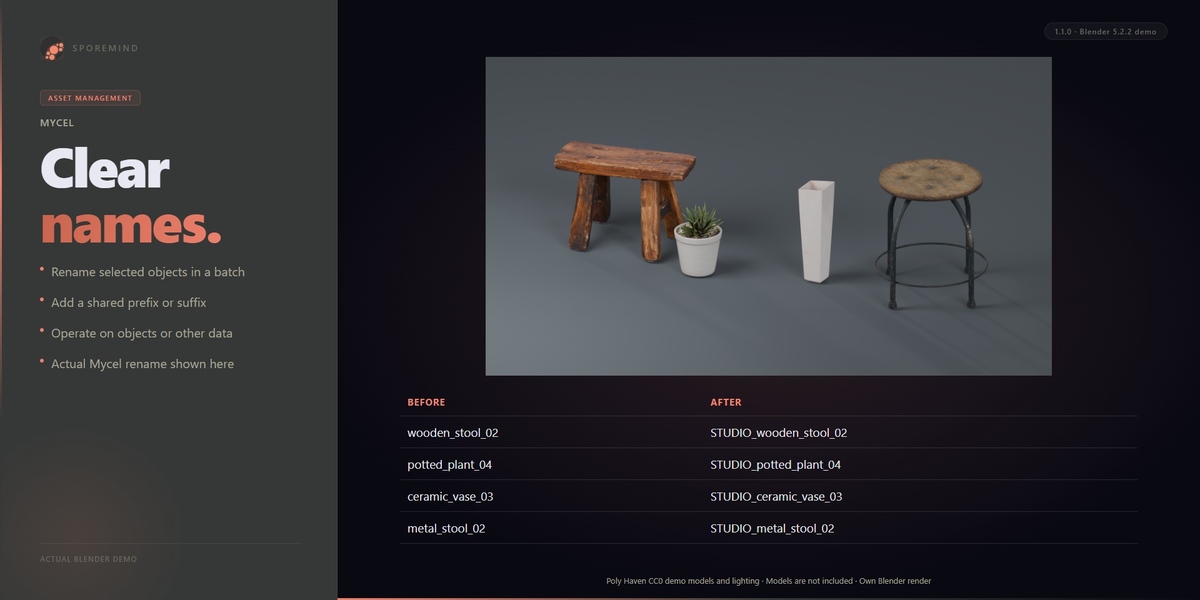
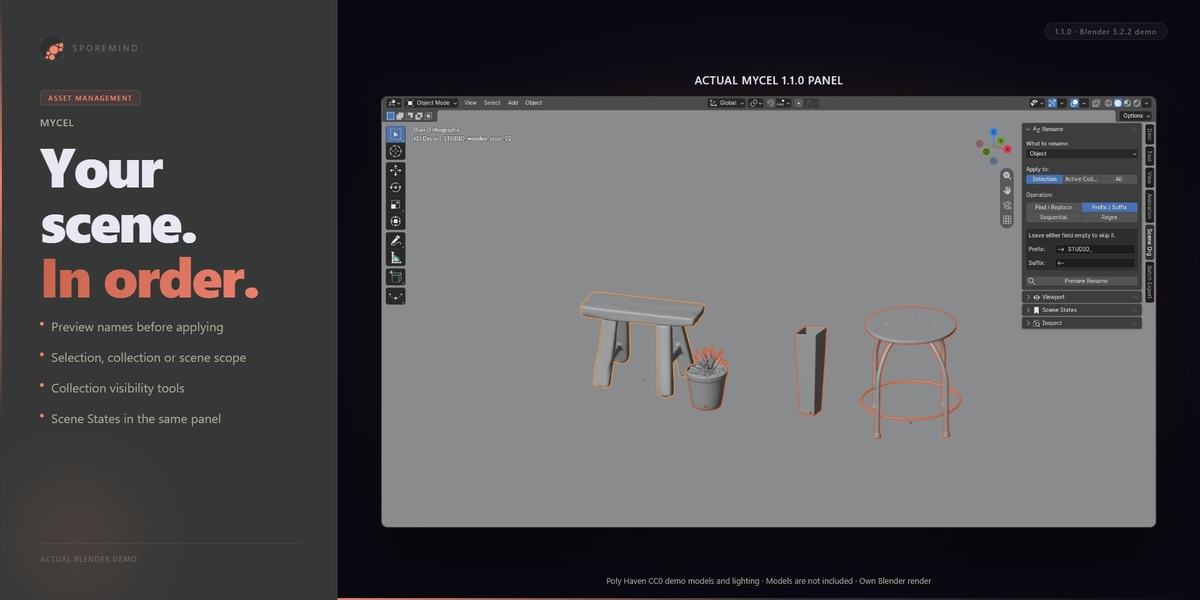
Review current and final names before applying. See conflicts, truncations and skipped read-only data. Cancel leaves names unchanged; Apply supports one-step Undo/Redo. Changed settings or names require a fresh preview. Scene States remain name-based and should be re-saved after renaming.
Verified on Windows with Blender 5.0.1 and 5.2.2 LTS.
# Mycel 1.0.1
- Process shared meshes, materials and armature bones once by identity.
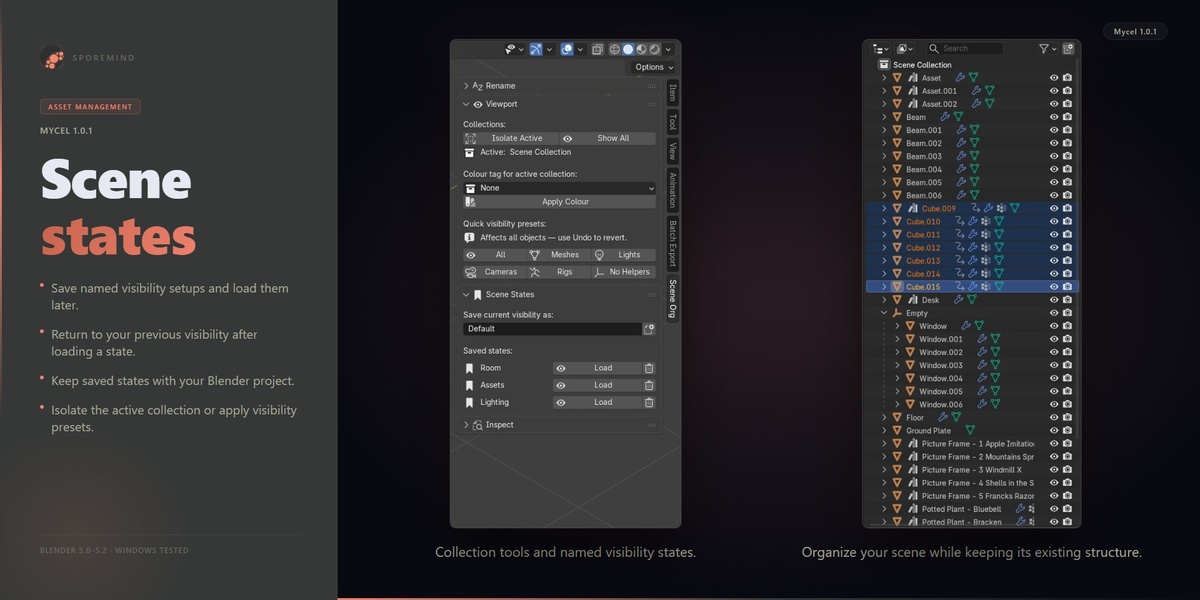
- Preserve ancestor paths and descendants during collection isolation.
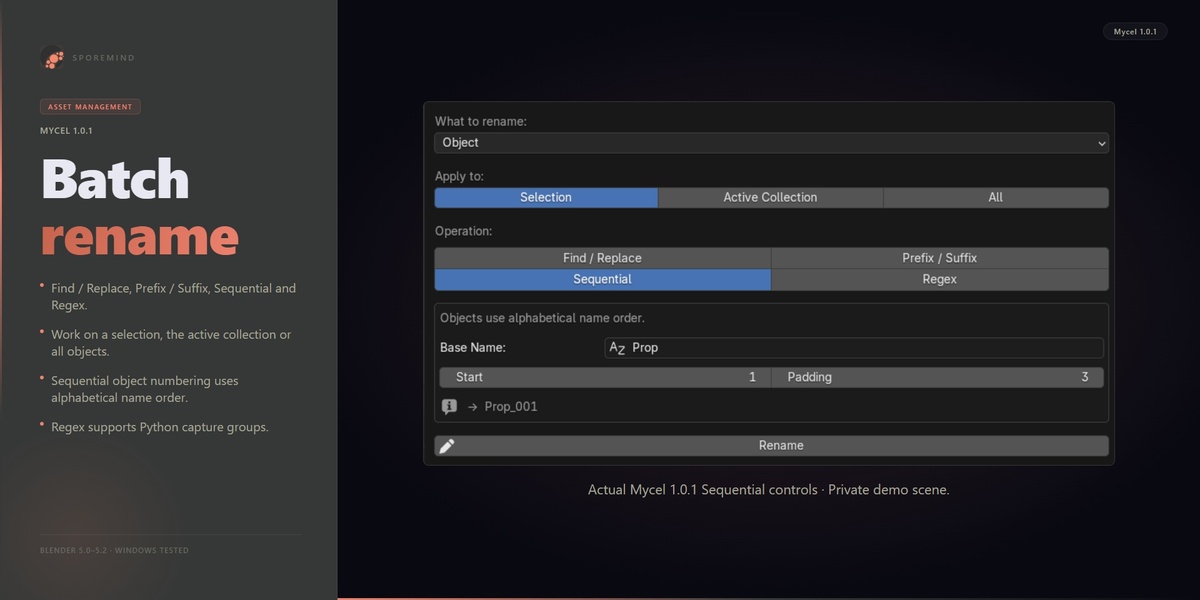
- Honor Selection, Active Collection and All when naming collections.
- Use deterministic alphabetical object order for Sequential naming.
- Skip linked/read-only rename targets and report them.
- Reject invalid Regex replacements before changing names; literal replacements retain backslashes.
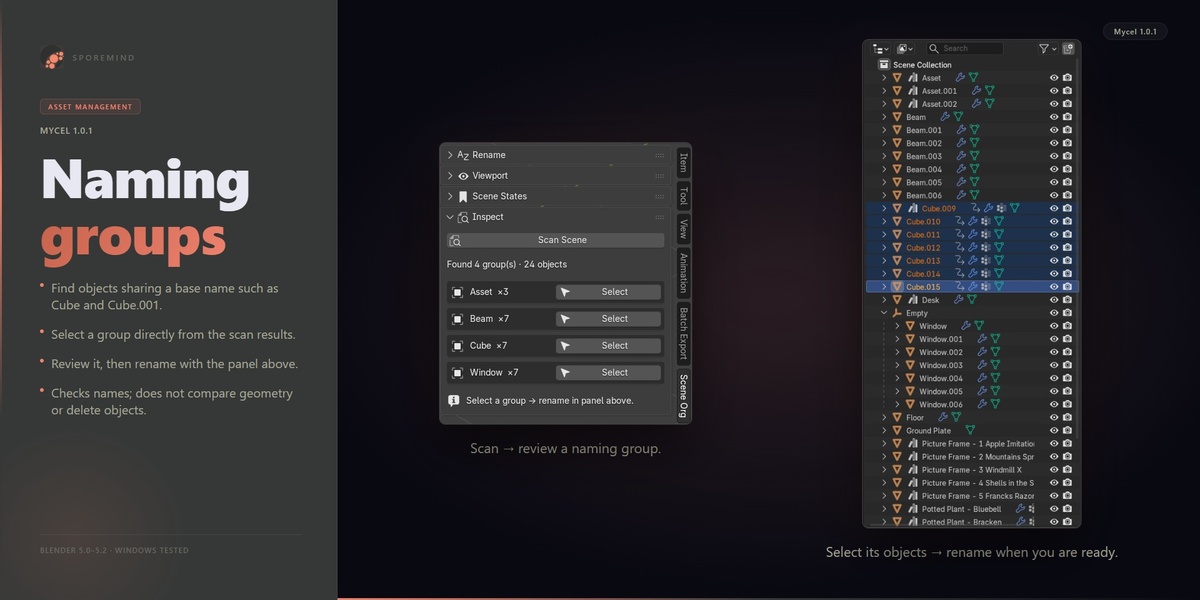
- Handle commas in newly scanned object naming groups.
- Honor the current selection if it changes after choosing an inspector group.
- Use valid extension manifest tags and accurate visibility tooltips.
- Correct the Scene Org sidebar name, inspector scope and user manual.
Verified on Windows with Blender 5.0.1 and 5.2.2 LTS: 22/22 regression cases each, plus native Undo/Redo, visibility Undo, state save/reopen and private installation of the final ZIP. Other operating systems have not been tested.
Original product file retained in the version history. This preserves access to the previously supplied Mycel 1.0 ZIP.
 Included
Includes 12 months of
- Support from Sporemind
- Product updates
Extend this product’s Support Period +12 months: 50% of product price
Have questions before purchasing?
Login to message
| Blender Extension Compatible | Yes |
| Dev Fund Contributor | |
| Published | 8 months ago |
| Blender Version | 5.0 - 5.2 |
| Extension Type | Add-on |
| License | GPL |
Discover more products like this
collections outliner productivity rename Scene Management batch-rename Workflow organizer naming utilities