 Adriflex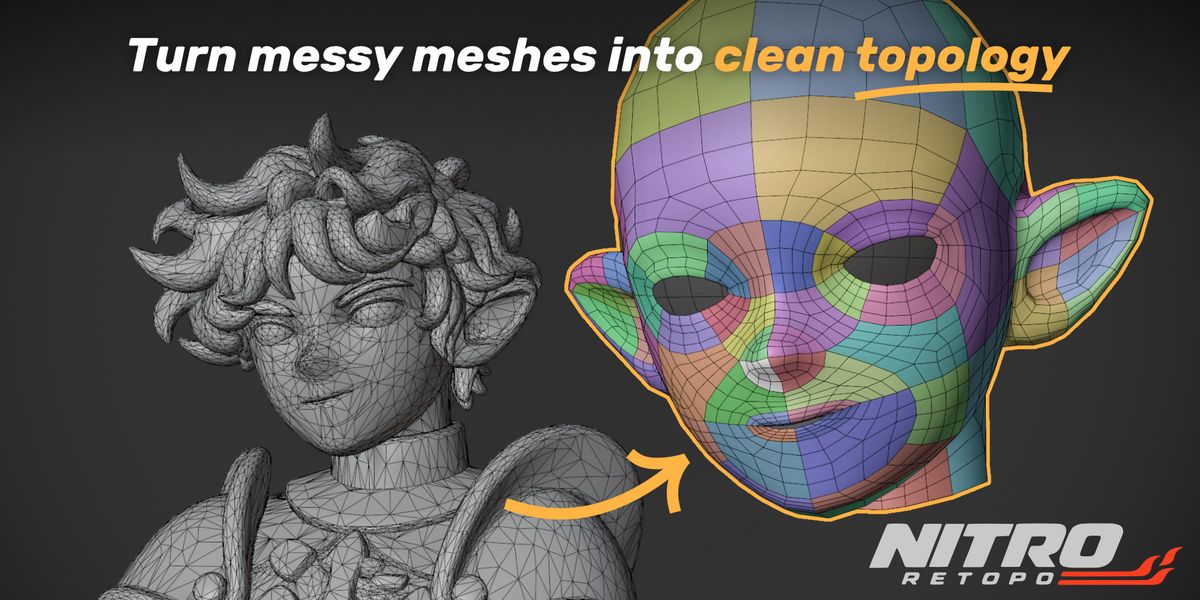
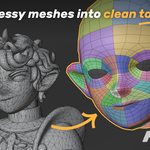
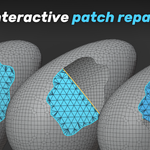
A new way to clean up
and retopologize your mesh.
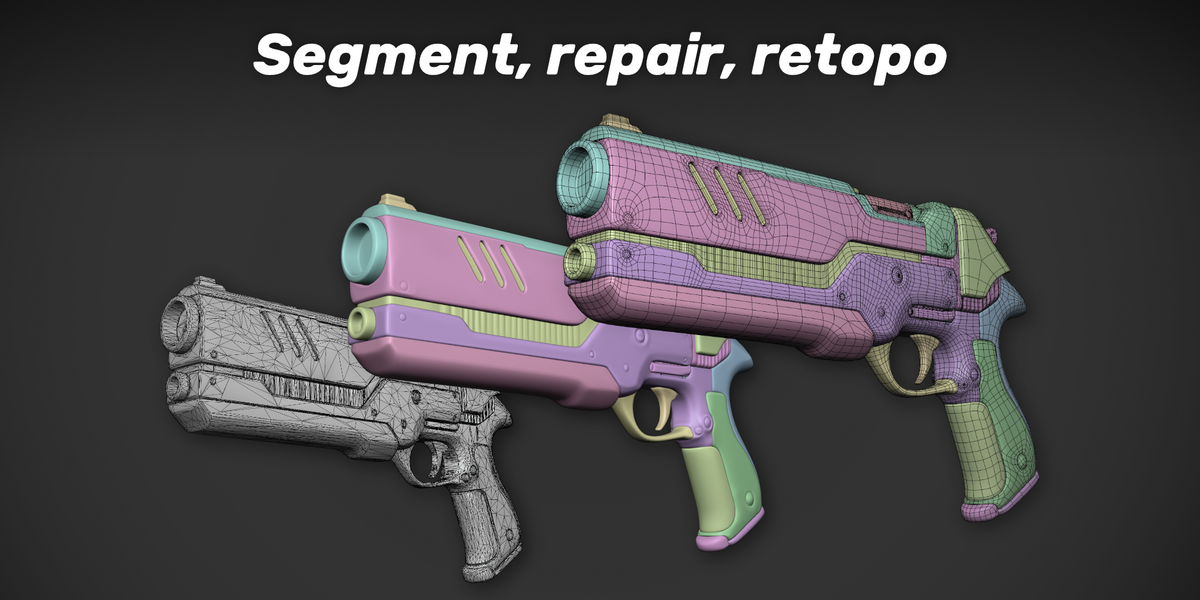
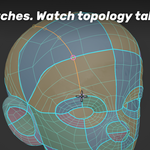
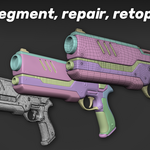
Segment. Repair. Draw your topology.
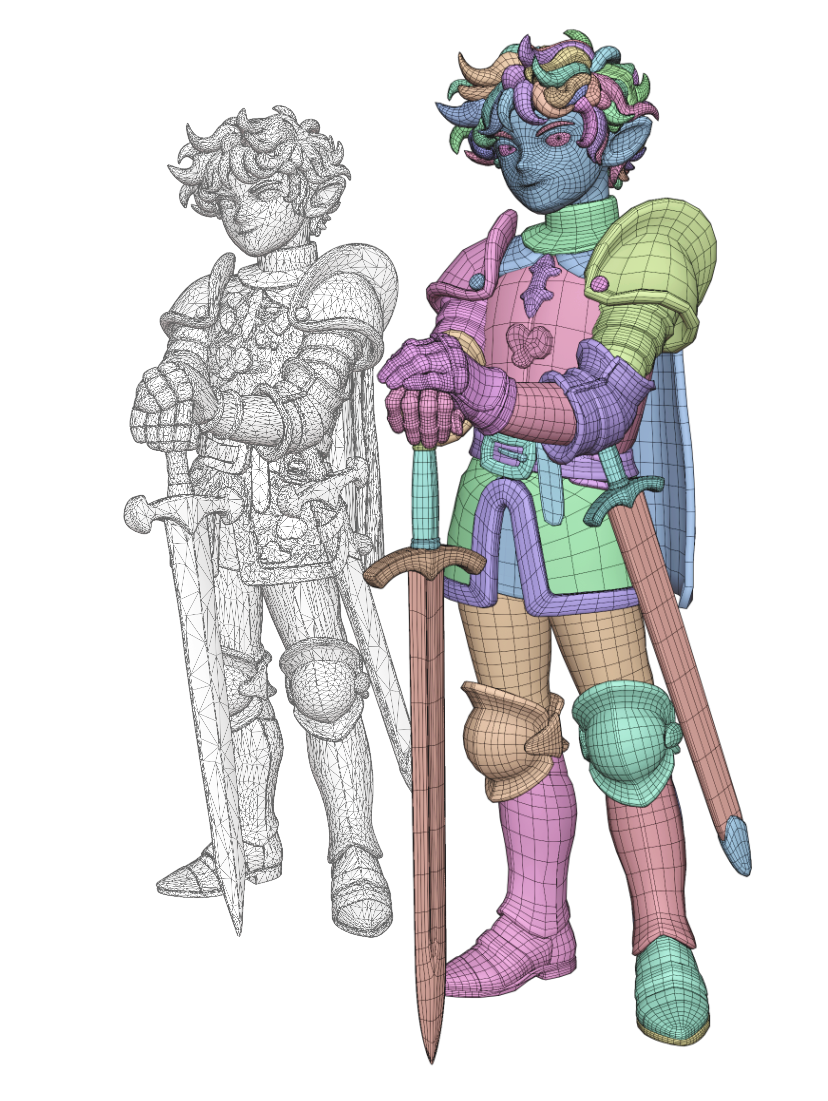
Turn dense meshes with fused parts into editable pieces. For AI-generated models, sculpts, 3D scans, and other meshes that need cleaner topology.
Featured on: 80 Level · ModelingTechNote · CGbox
New in 1.6: repair small enclosed gaps with Simplify, fix supported face connections with Repair Multi-Edge Faces, and customize 26 shortcuts.
A simpler start for dense meshes.
Verify Mesh checks density and disconnected parts. Use Merge by Distance when fragments should connect, then Create Optimized Copy for a lighter working mesh. Inspect the result before drawing.
Make the controls your own. Open Preferences > Add-ons > Nitro Retopo > Shortcuts to customize the controls. On-screen help follows your settings. Shortcuts shown on this page use the defaults; with Industry Compatible, Alt navigation takes priority by default.
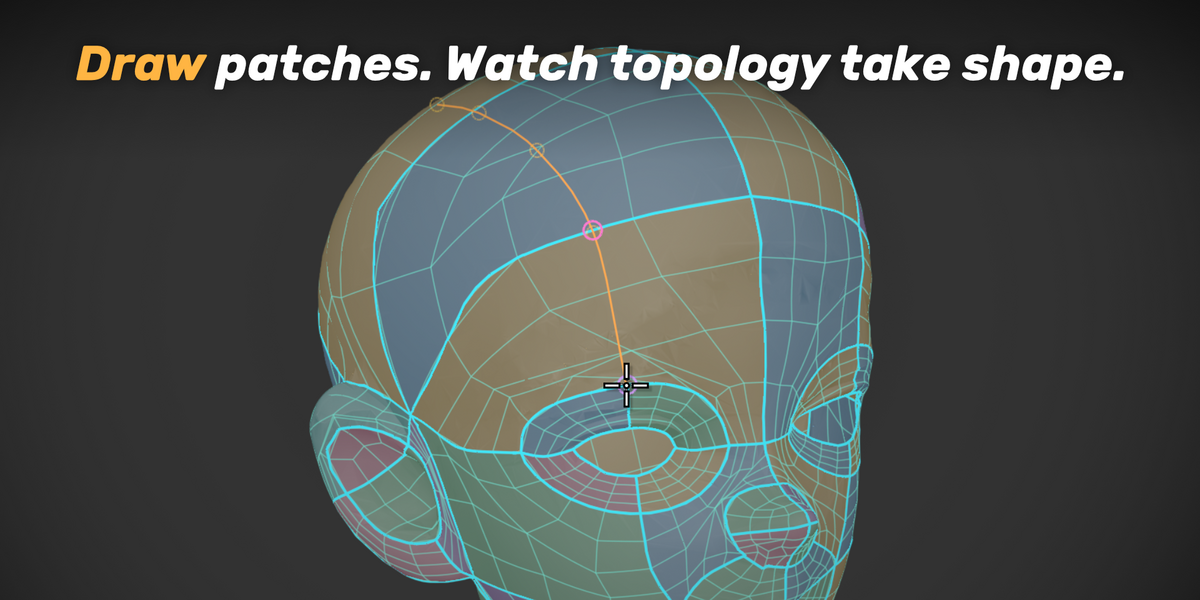
01 / Draw the boundaries.
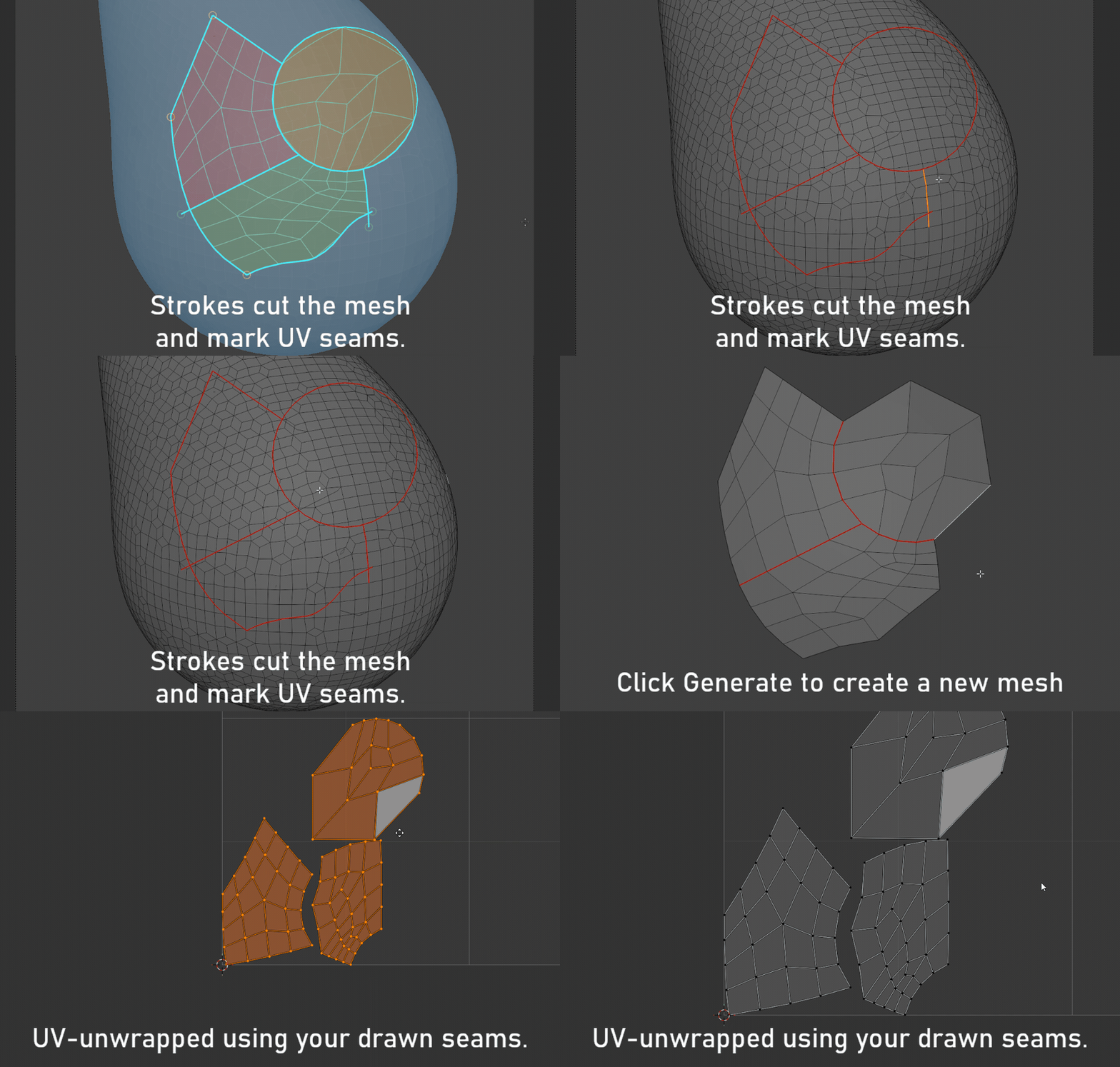
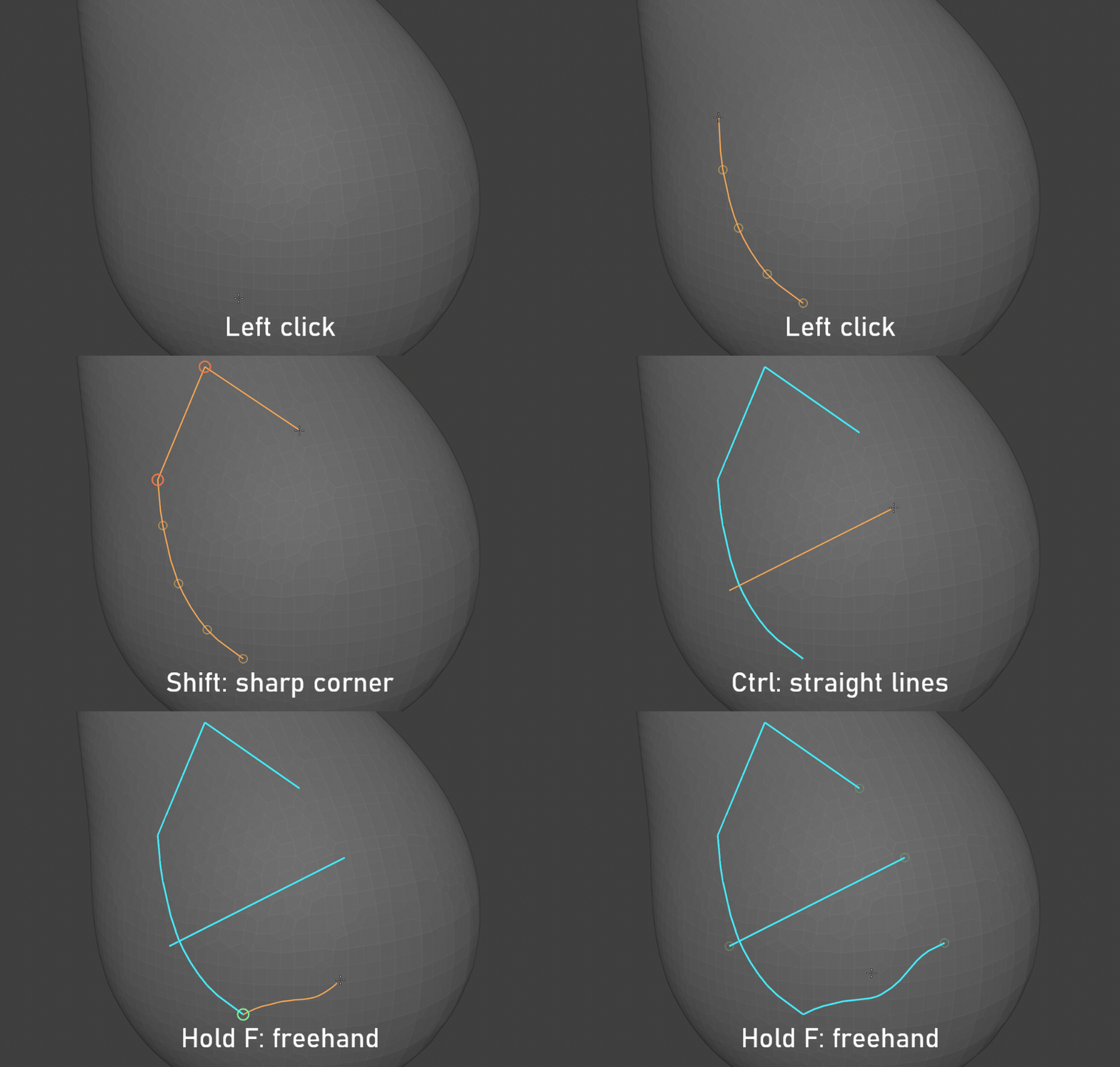
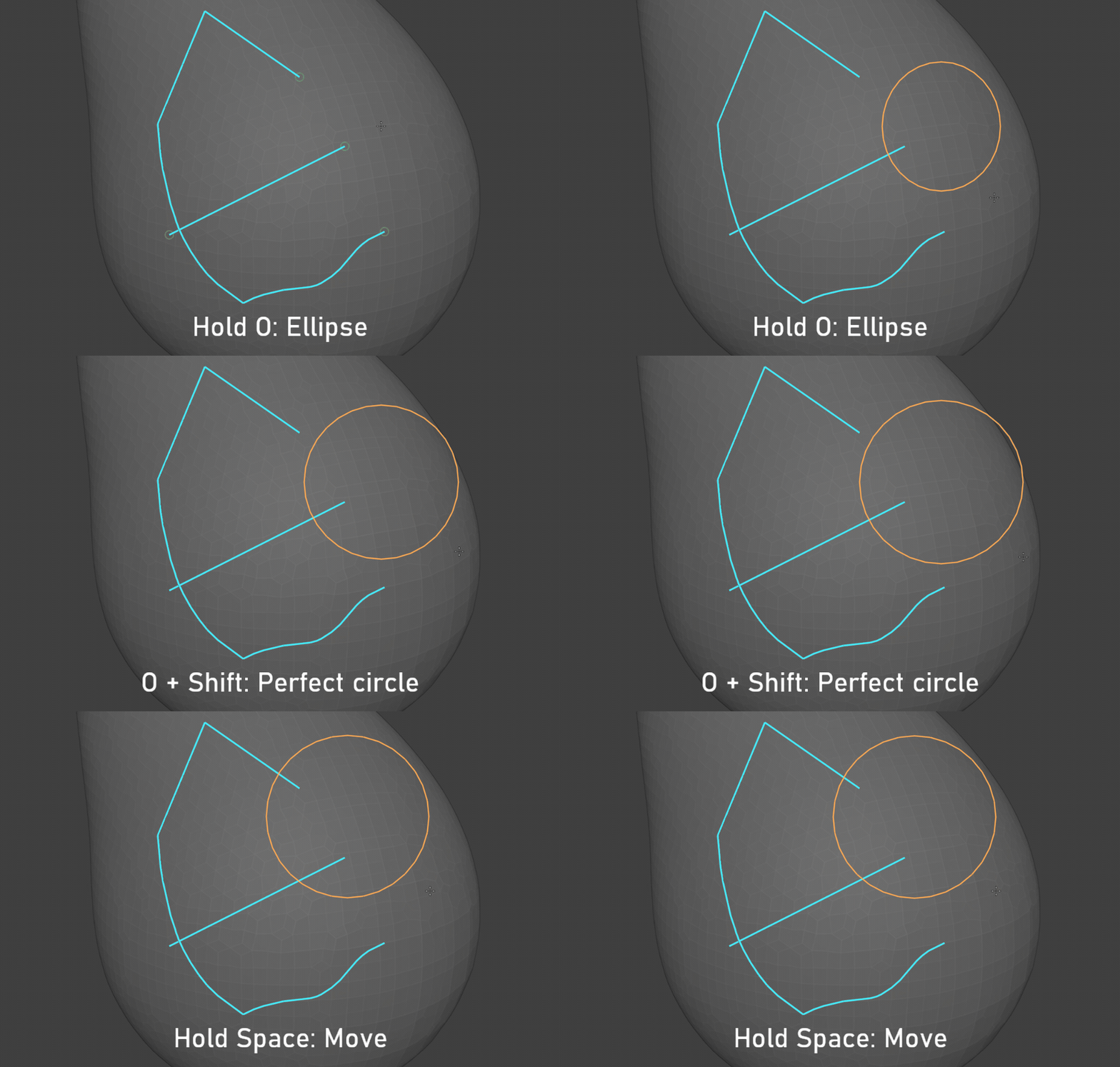
Build your patches with the drawing tools that suit each shape.
Curves, lines and freehand
Ellipses and circles
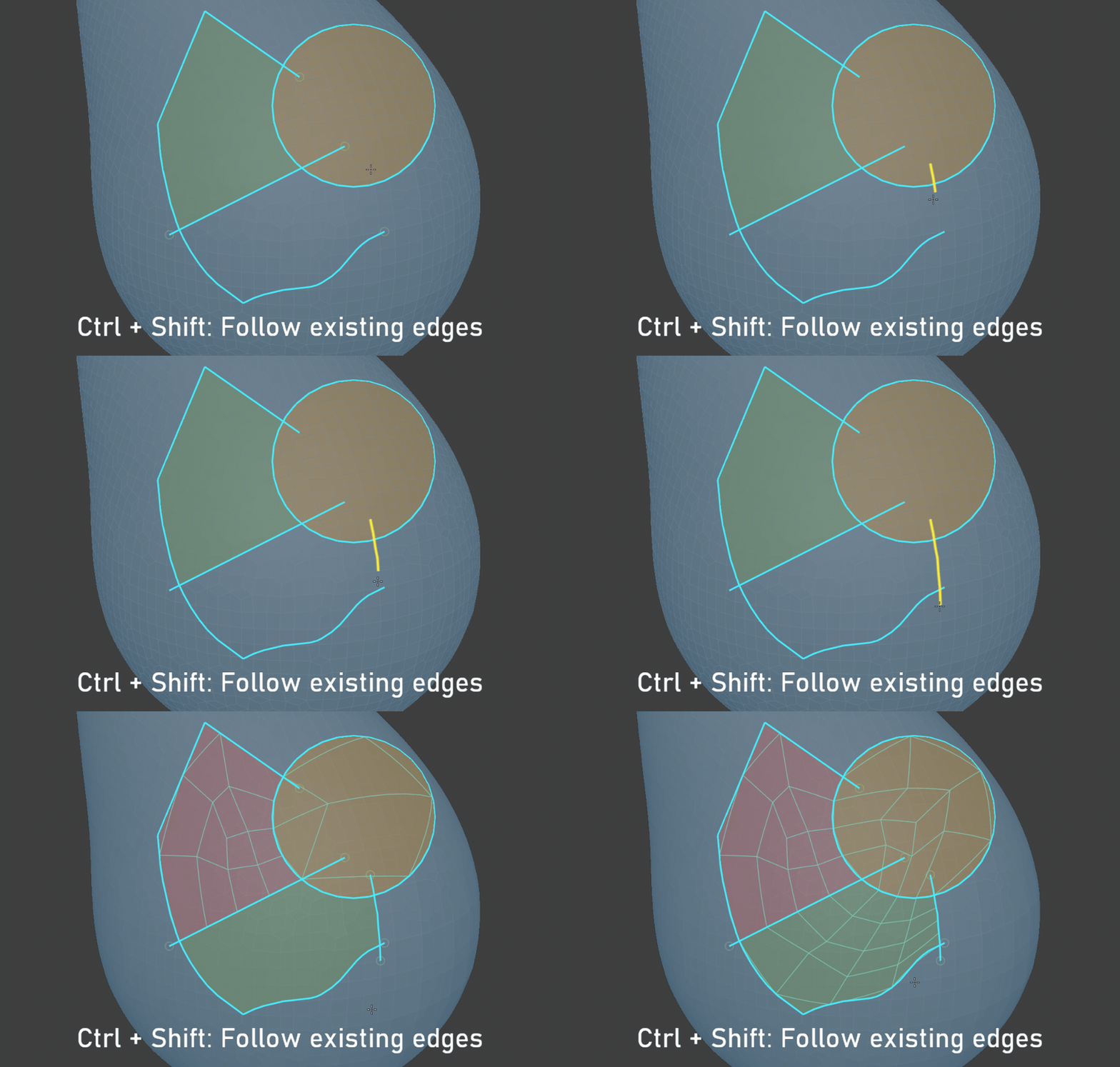
Follow existing edges
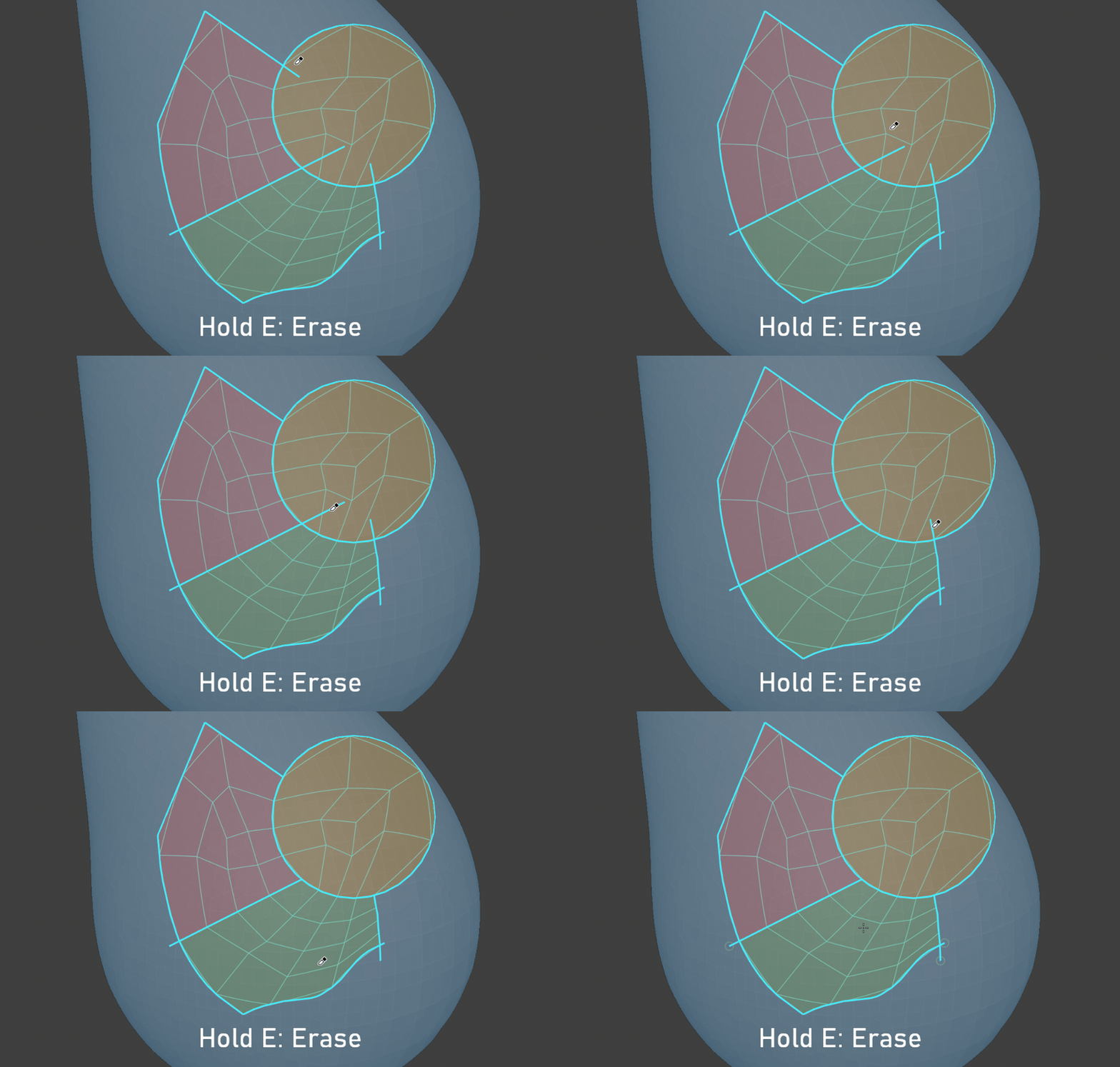
Revise your boundaries
02 / Edit your patches.
Separate parts, open a boundary or focus on the region you want to work on.
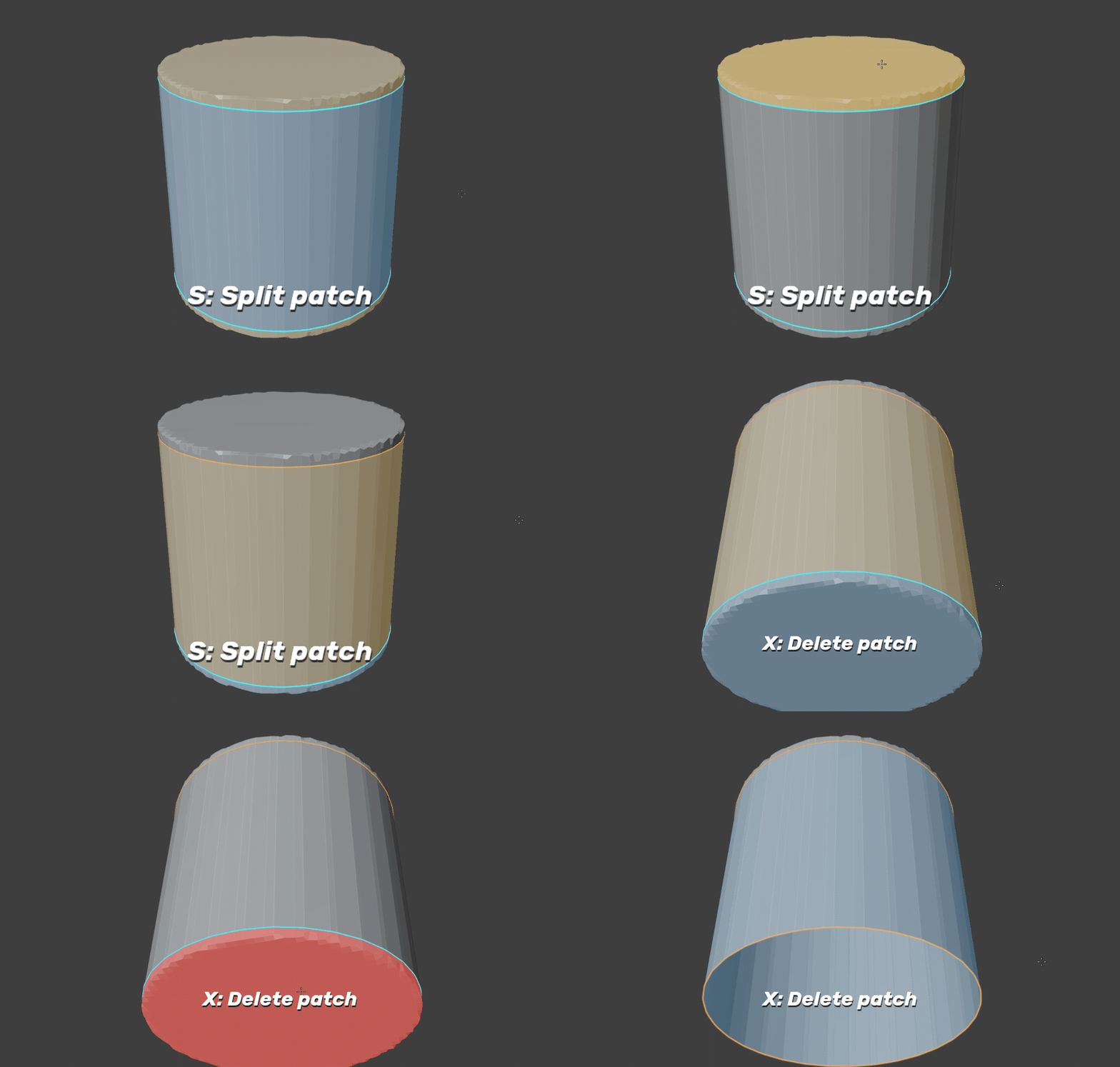
Split or delete a patch
Hold S and click to separate a patch. Hold X and click to delete it.
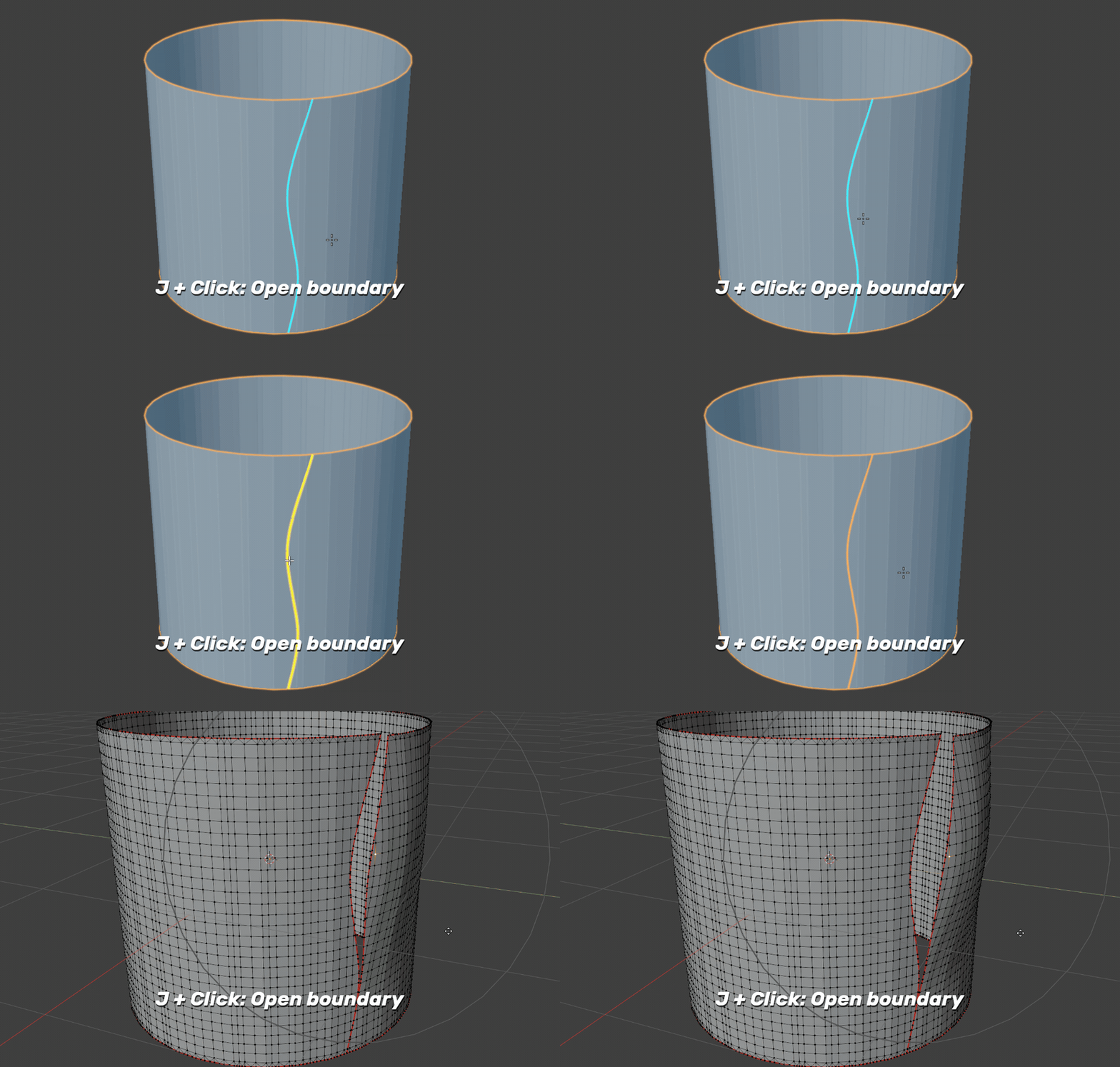
Open just one boundary
Hold J and click a highlighted cut boundary to open that section. The faces stay in the same object.
Focus on what matters
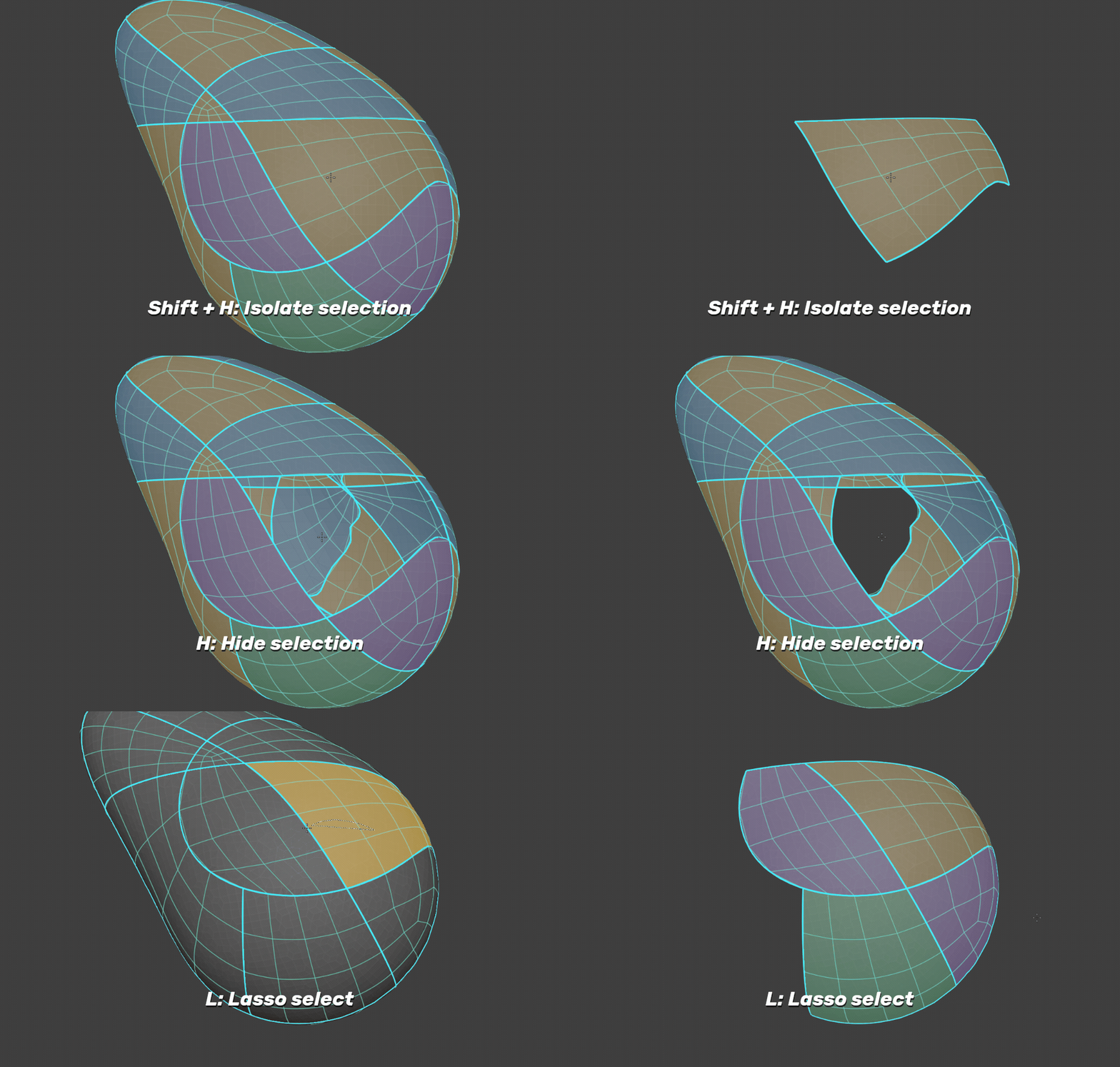
Use Shift + H to isolate a patch, H to hide it, or hold L and drag to isolate several patches with a lasso. Alt + H reveals them again.
03 / Simplify where you need it.
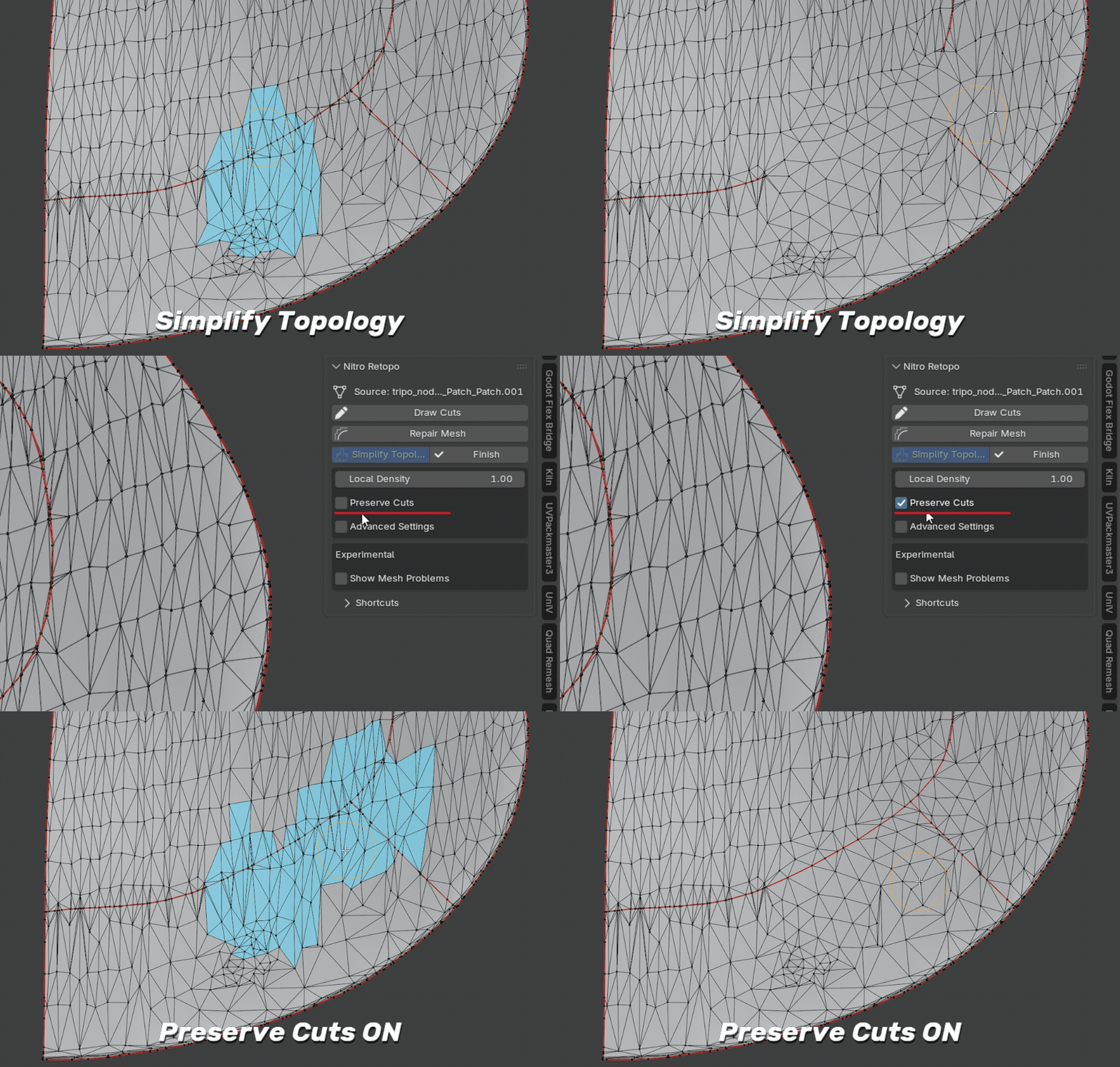
Brush over an area to reduce its local topology. Enable Preserve Cuts to keep the cut boundaries and connections you have already drawn. In 1.6, the brush can also repair small enclosed gaps that it fully covers, while protecting cuts and outer borders. Inspect the repaired area; this is not a general hole-filling tool.
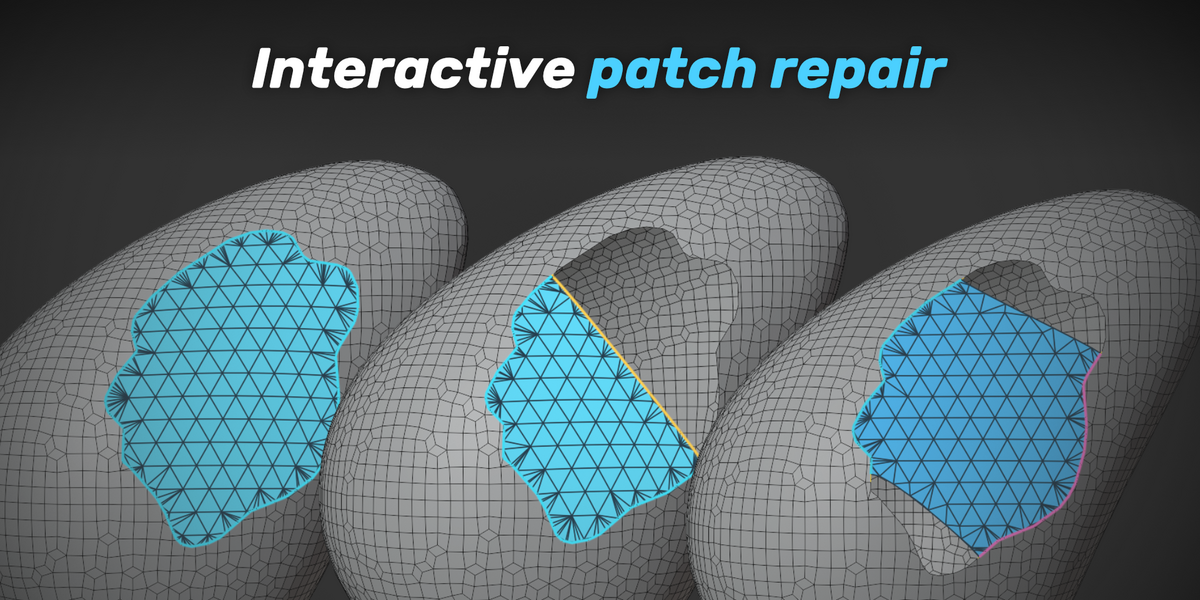
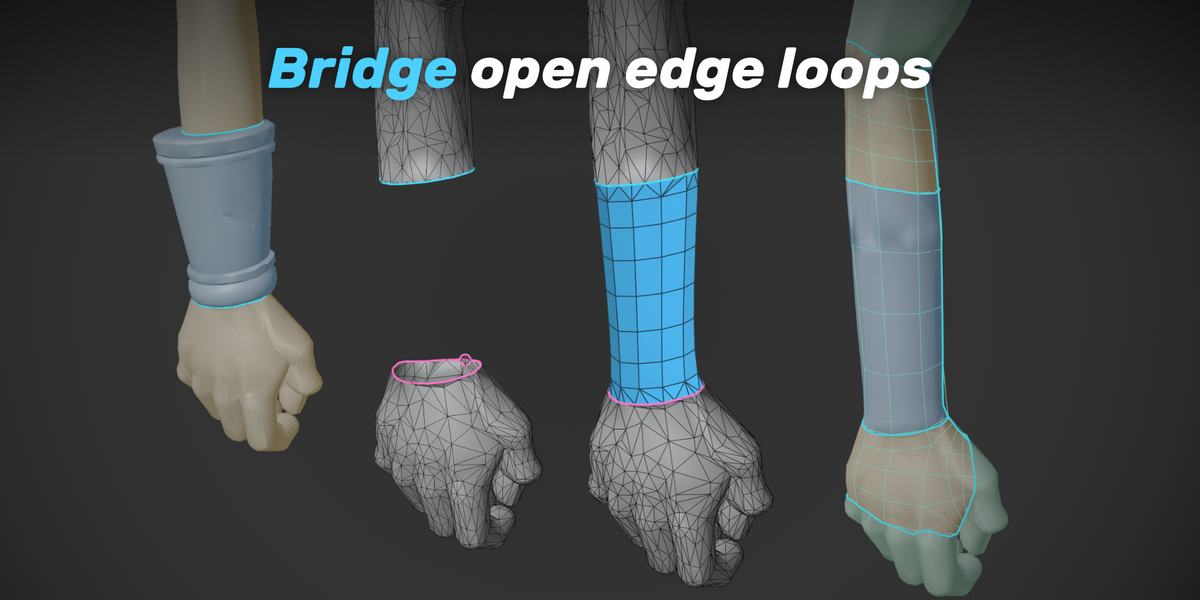
04 / Repair the gaps.
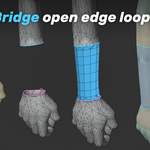
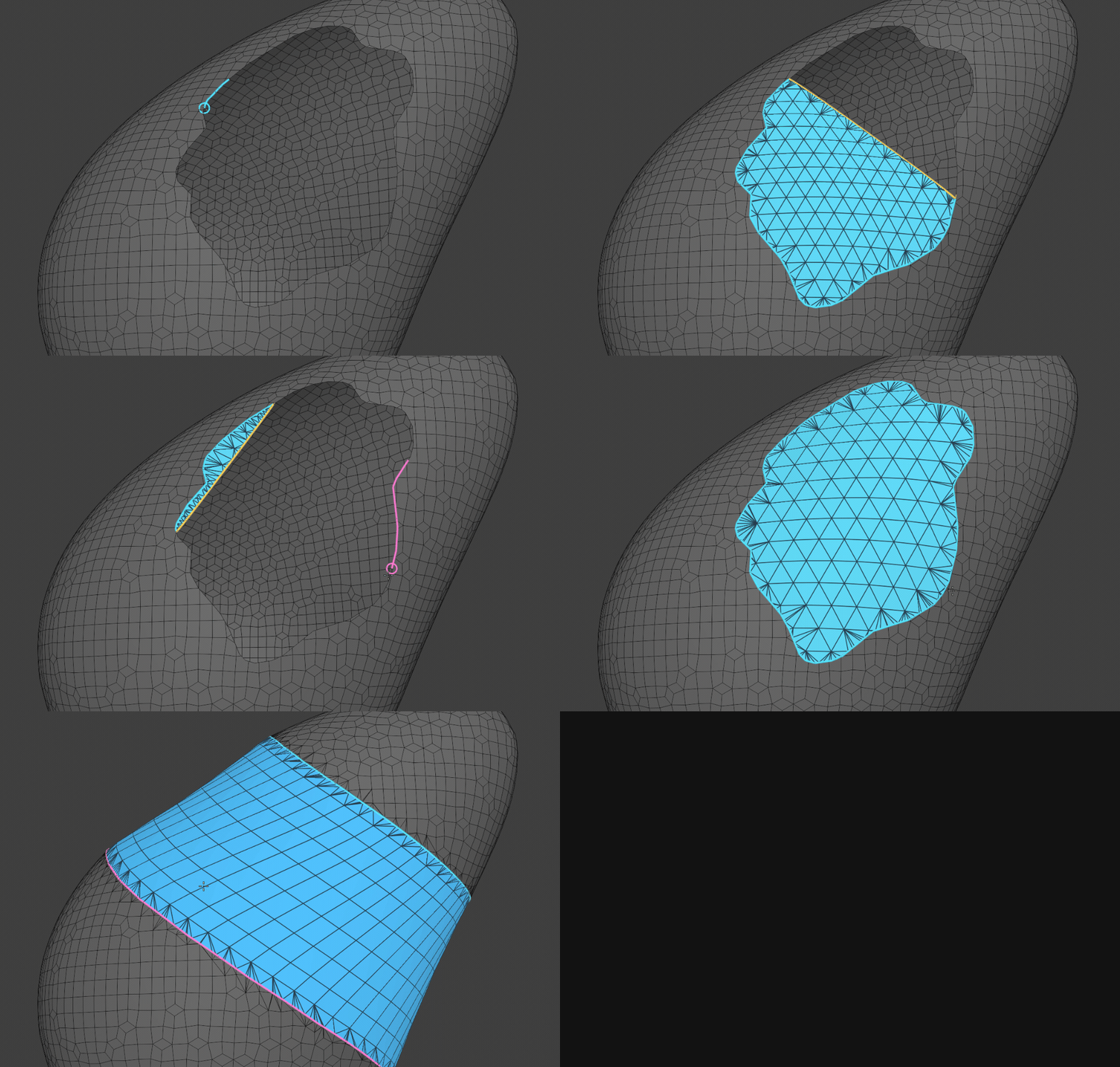
Fill holes or bridge open boundaries, and adjust the shape before applying. Repair Multi-Edge Faces adds targeted cleanup for supported face connections touching the selection, without moving existing vertices.
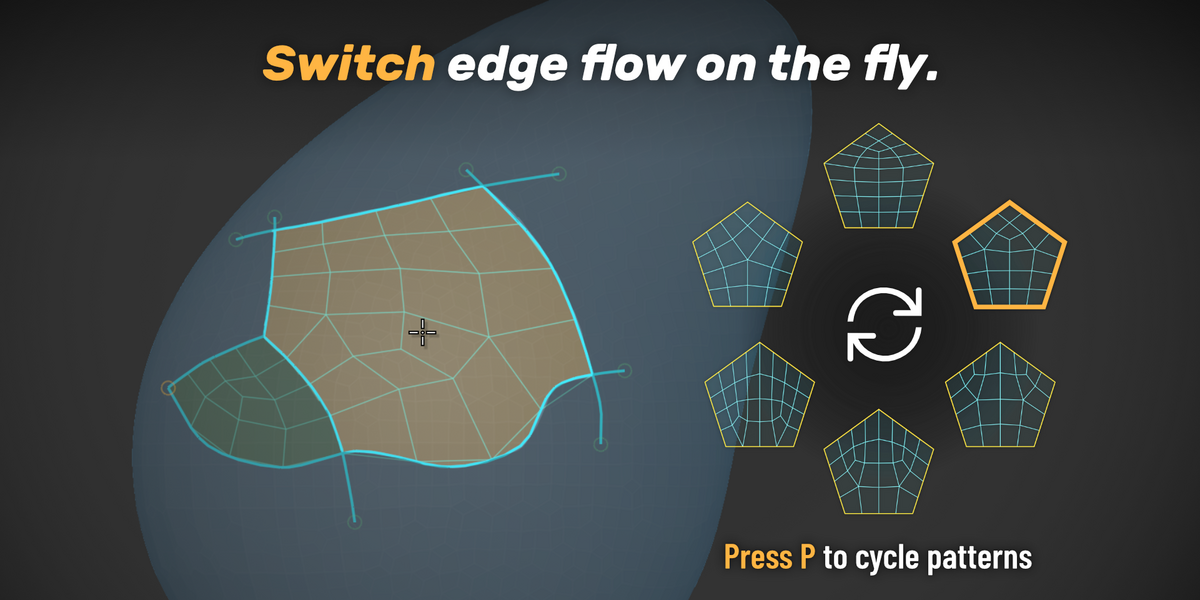
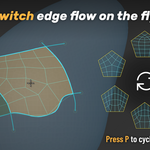
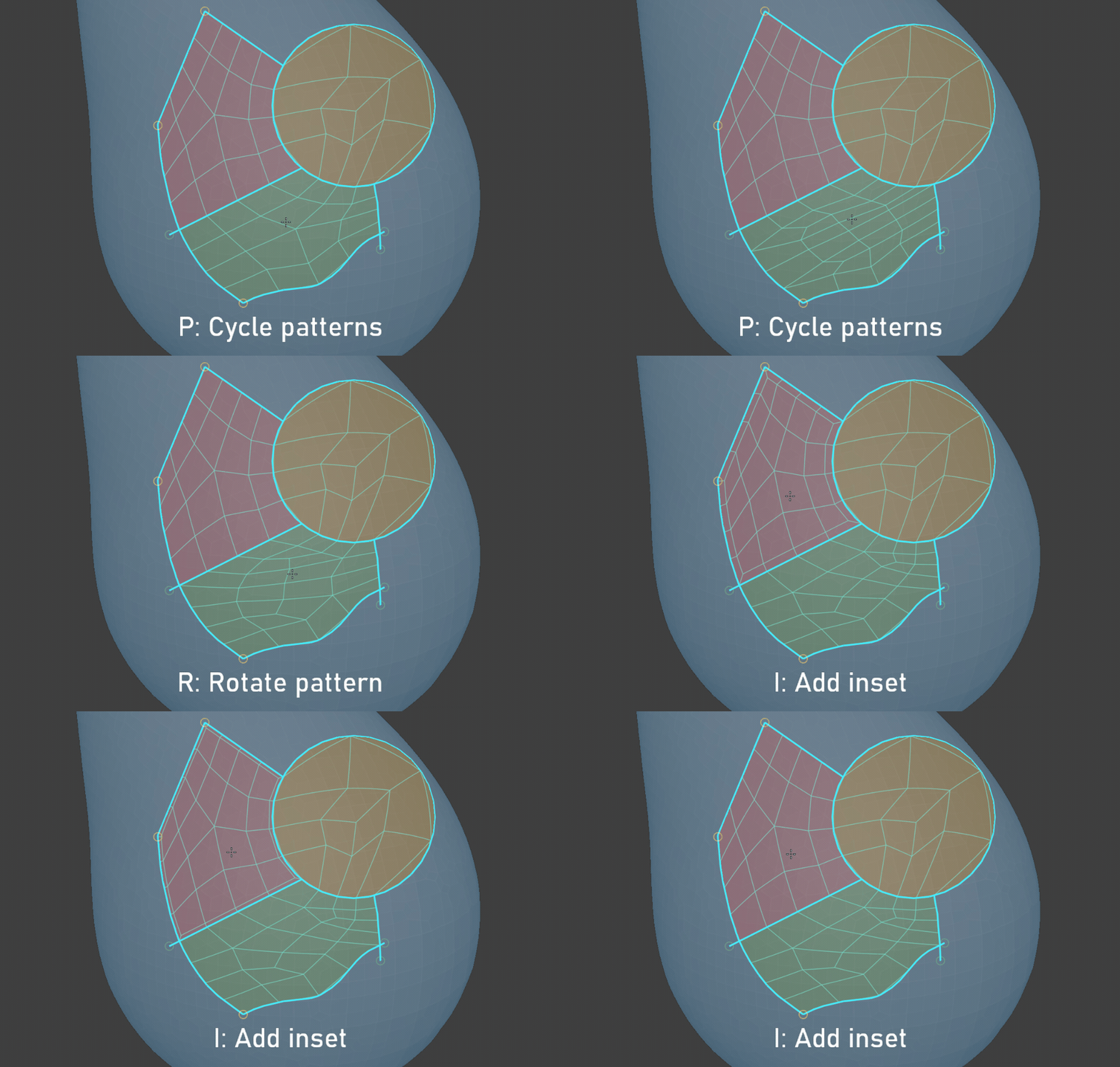
05 / Choose how the topology flows.
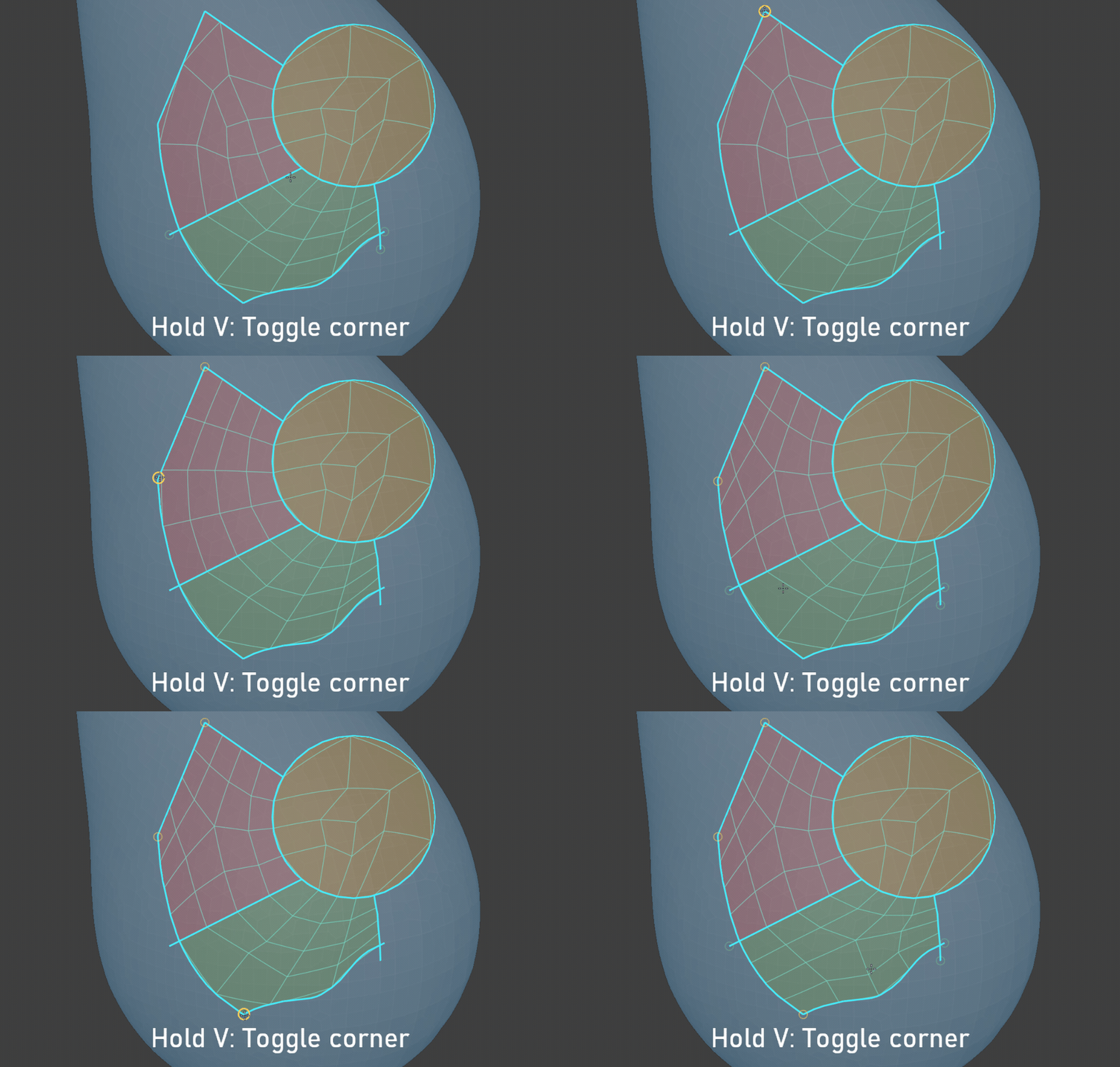
Define the corners
Explore patterns and insets
06 / Your new mesh, ready to refine.