 Adriflex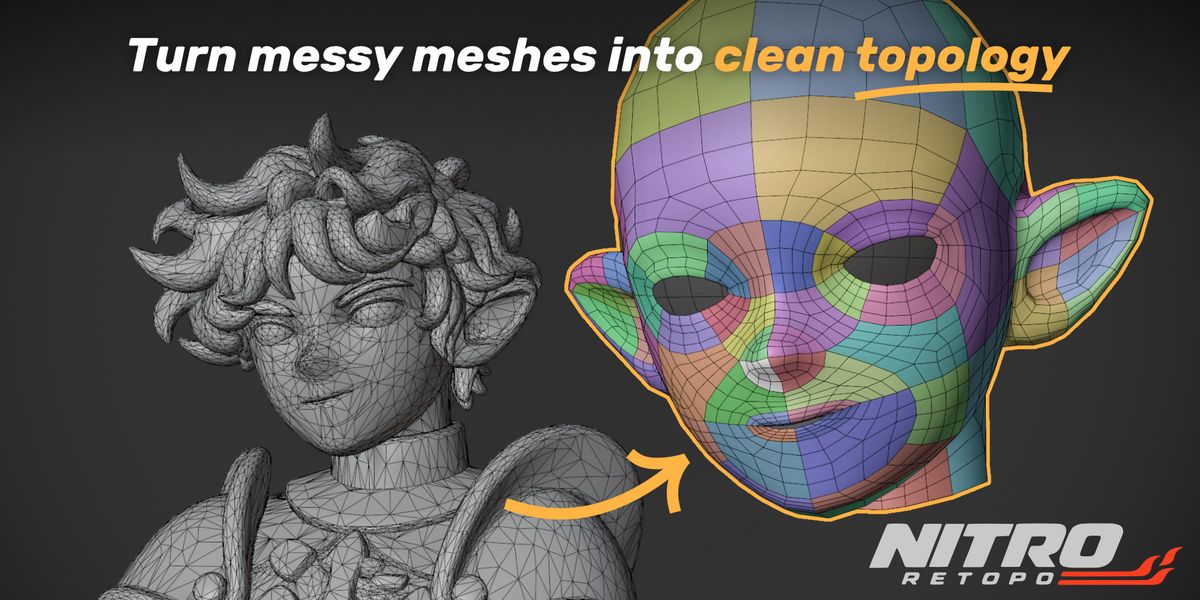
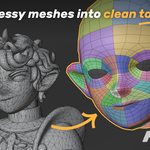
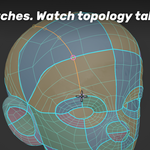
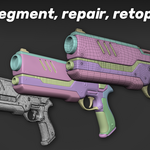
A new way to clean up
and retopologize your mesh.
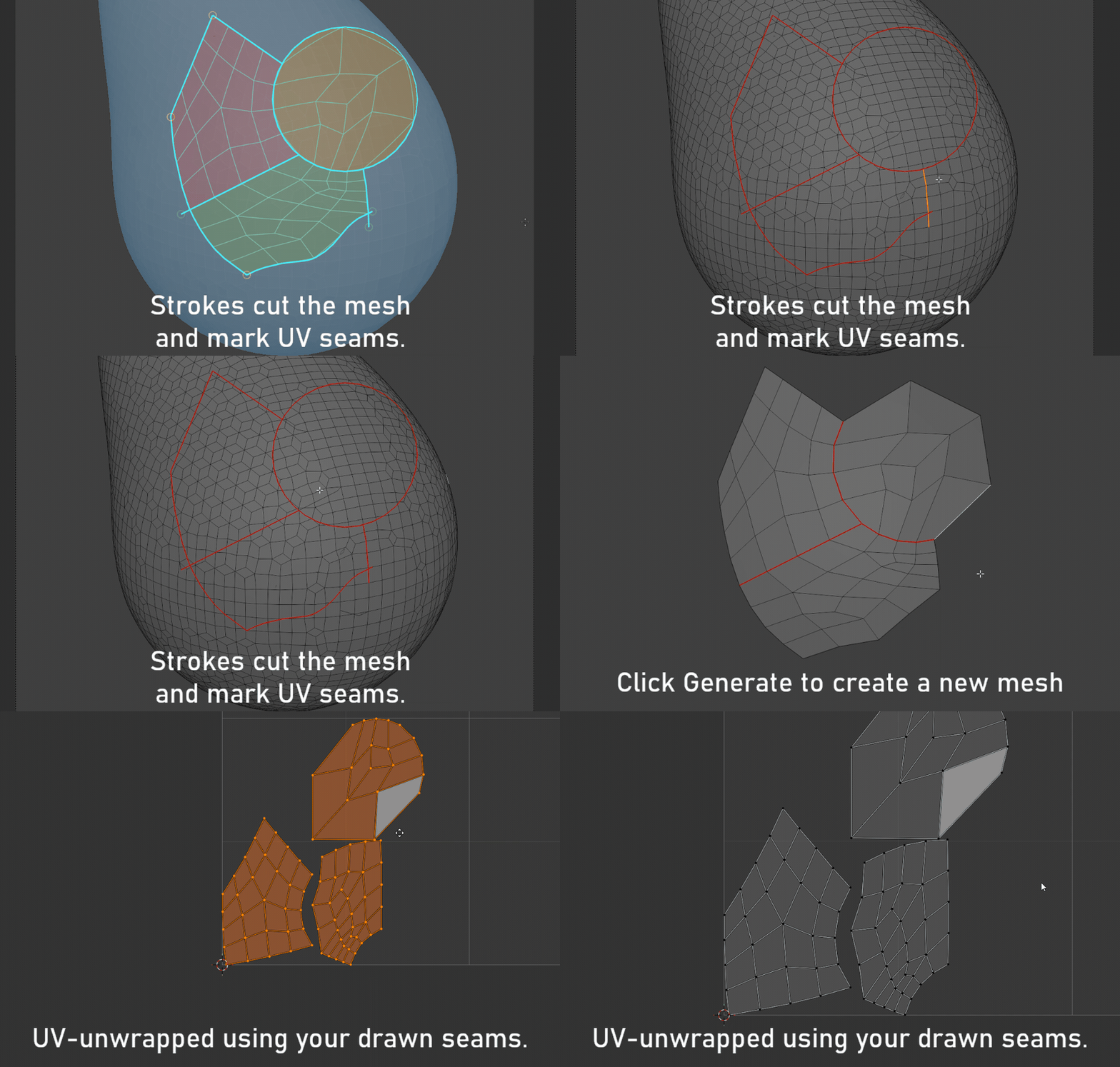
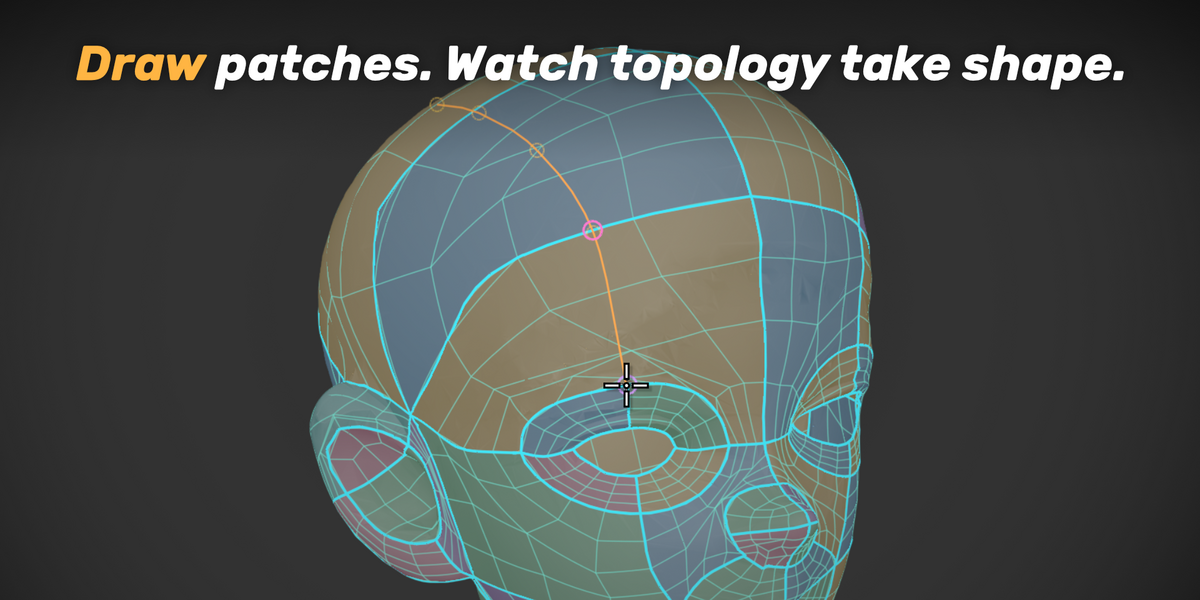
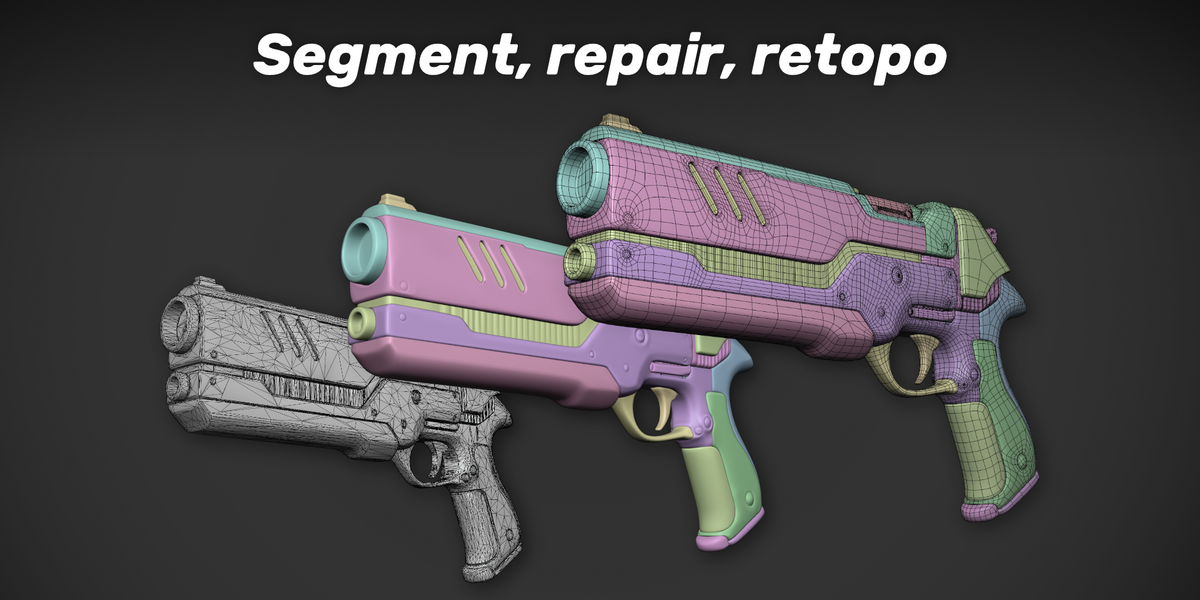
Segment. Repair. Draw your topology.
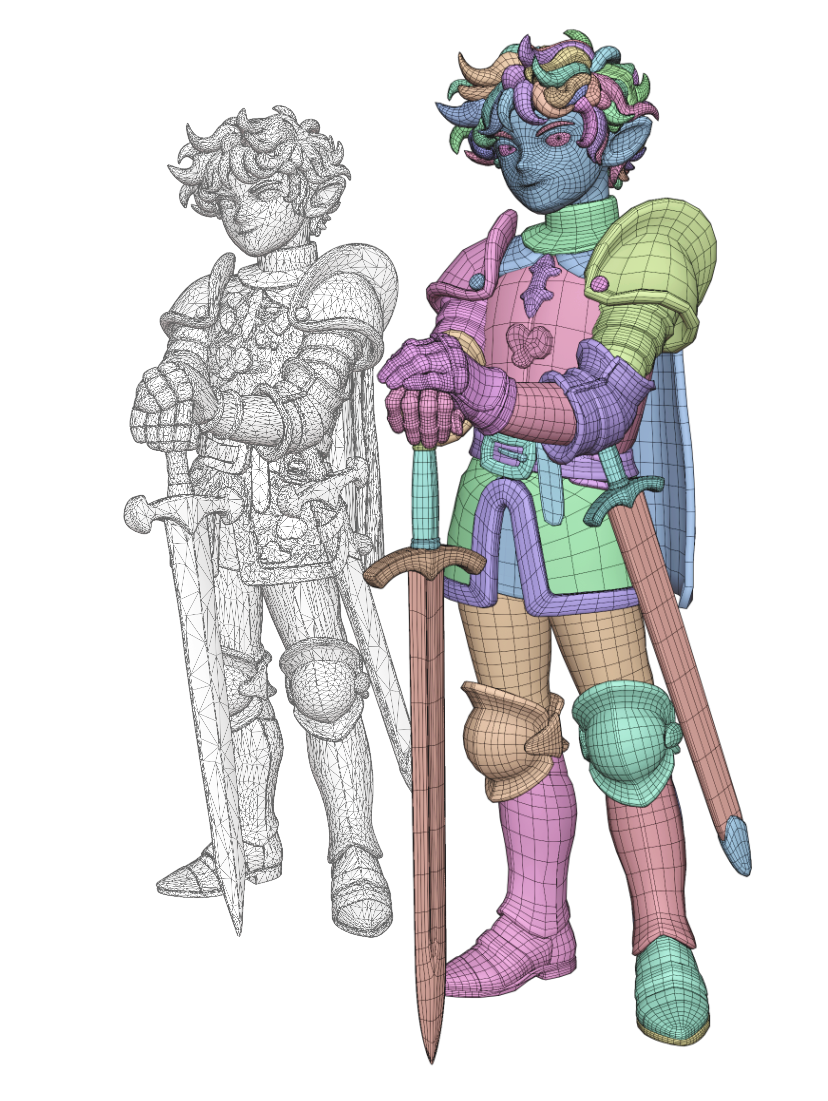
Turn dense meshes with fused parts into editable pieces. For AI-generated models, sculpts, 3D scans, and other meshes that need cleaner topology.
Featured on: 80 Level · ModelingTechNote · CGbox
New in 1.4: preserve your cuts while simplifying, open individual boundaries with J, and delete patches with X.
A simpler start for dense meshes.
Prepare your mesh in one click. Nitro Retopo uses Blender's Decimate and automatically sets a reduction ratio suited to the workflow.
01 / Draw the boundaries.
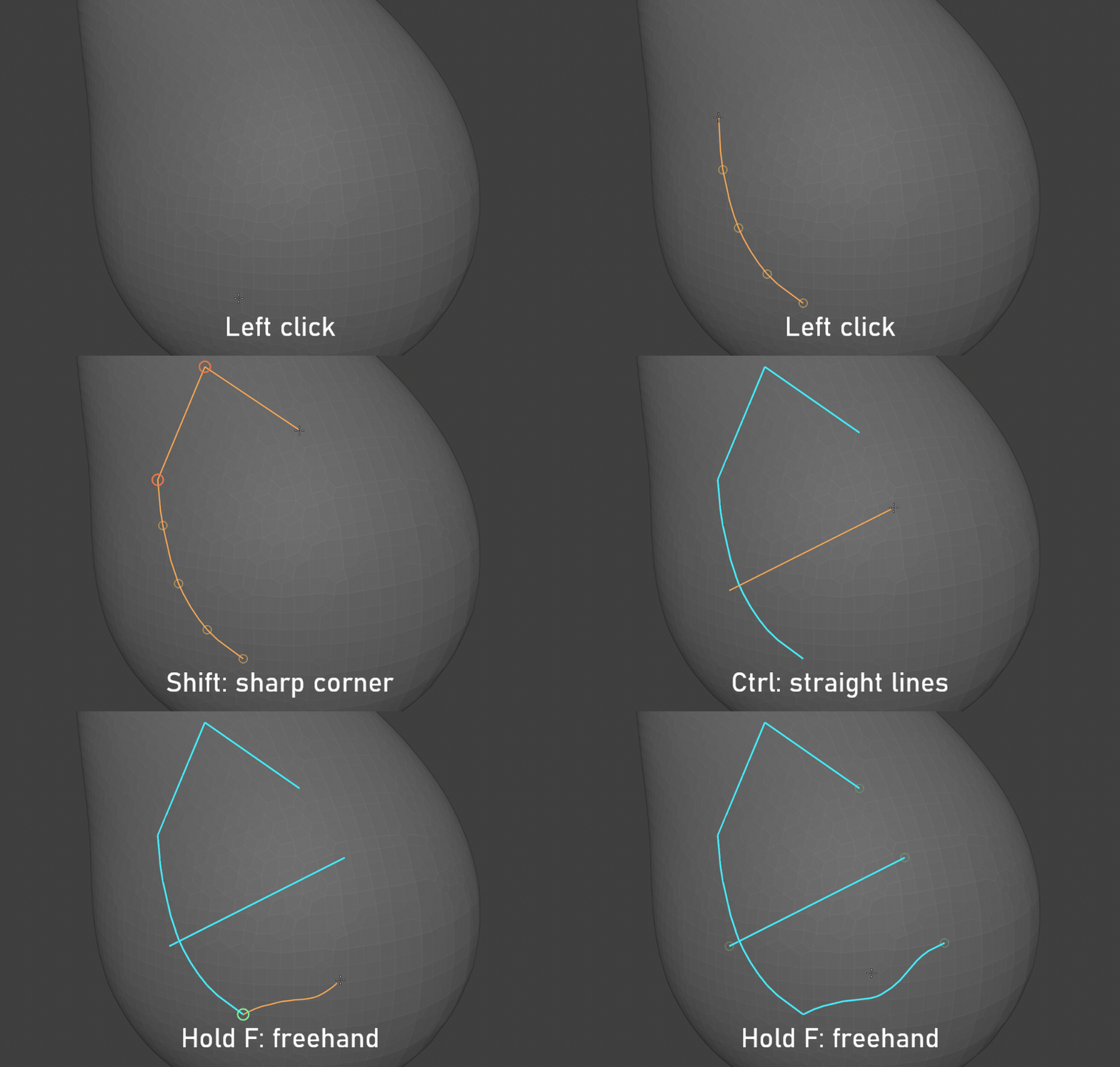
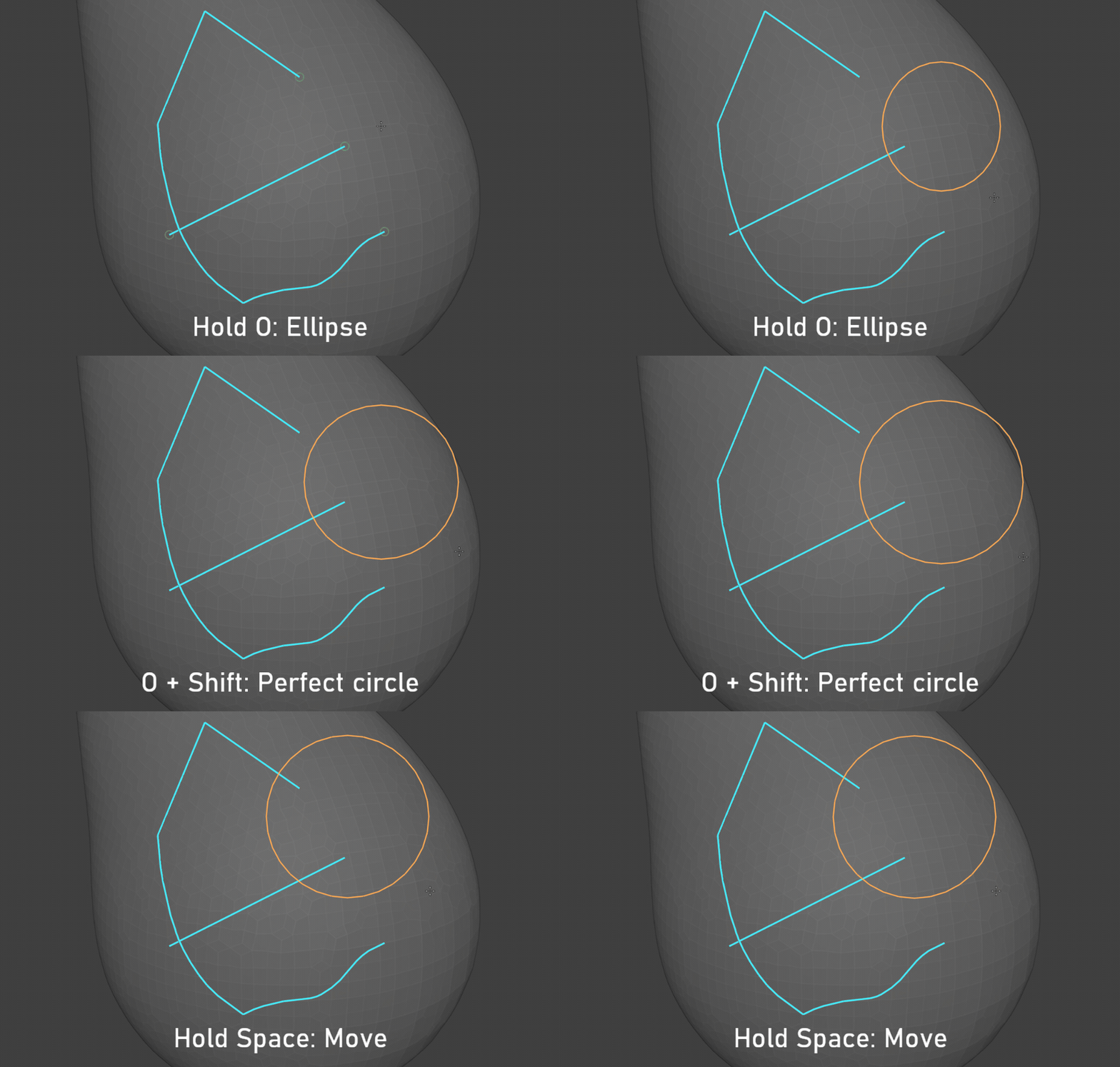
Build your patches with the drawing tools that suit each shape.
Curves, lines and freehand
Ellipses and circles
Follow existing edges
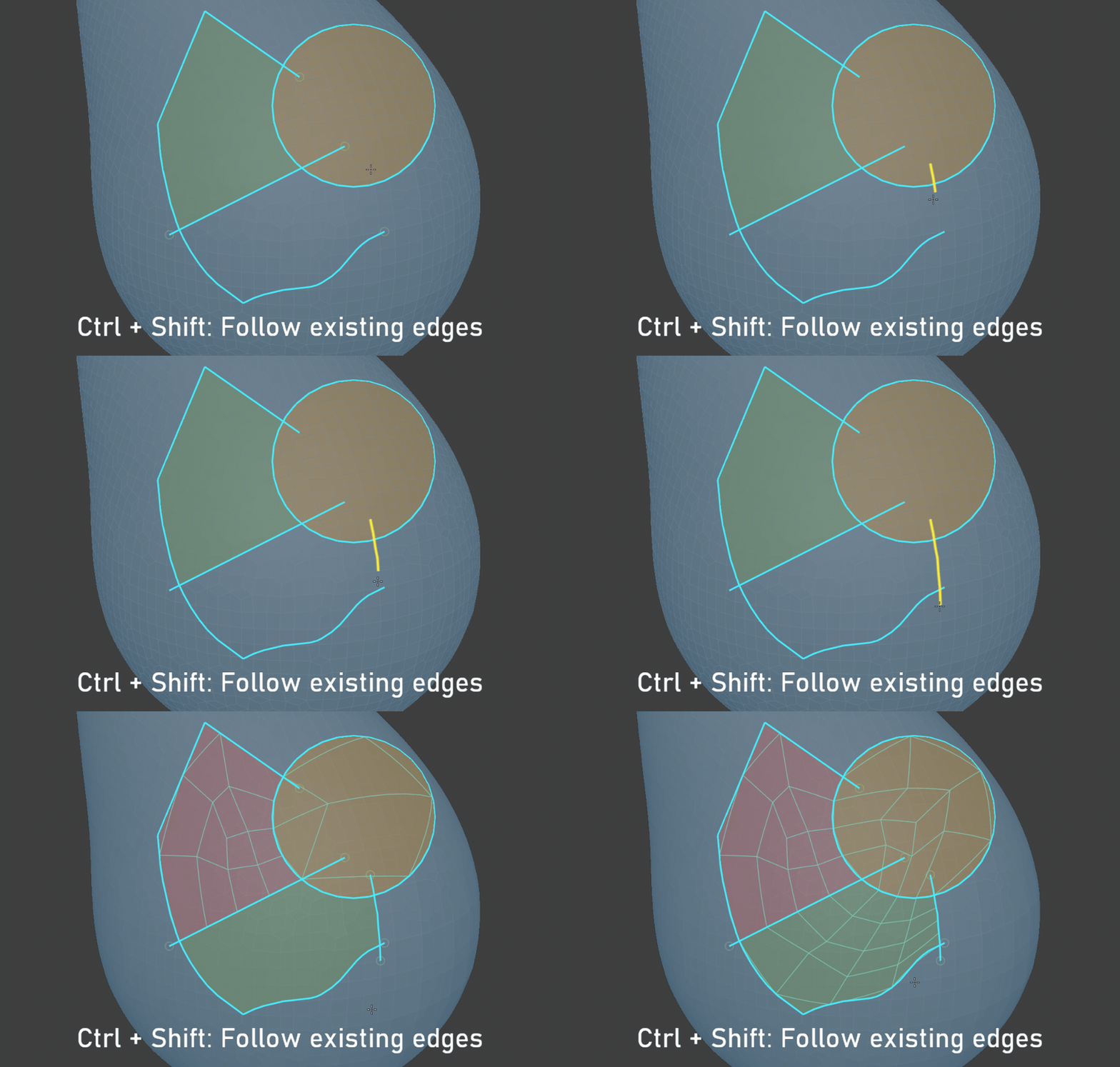
Revise your boundaries
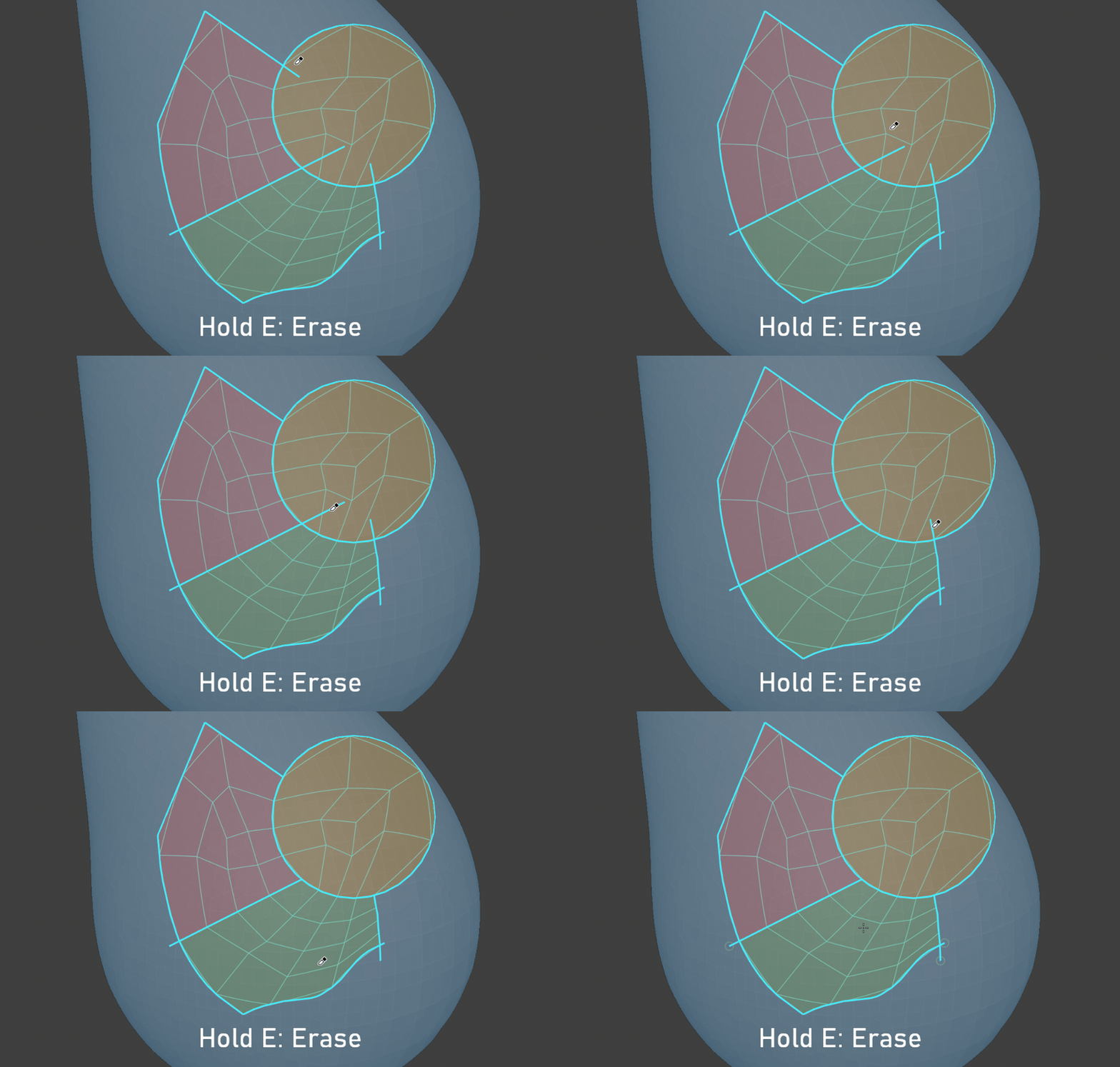
02 / Edit your patches.
Separate parts, open a boundary or focus on the region you want to work on.
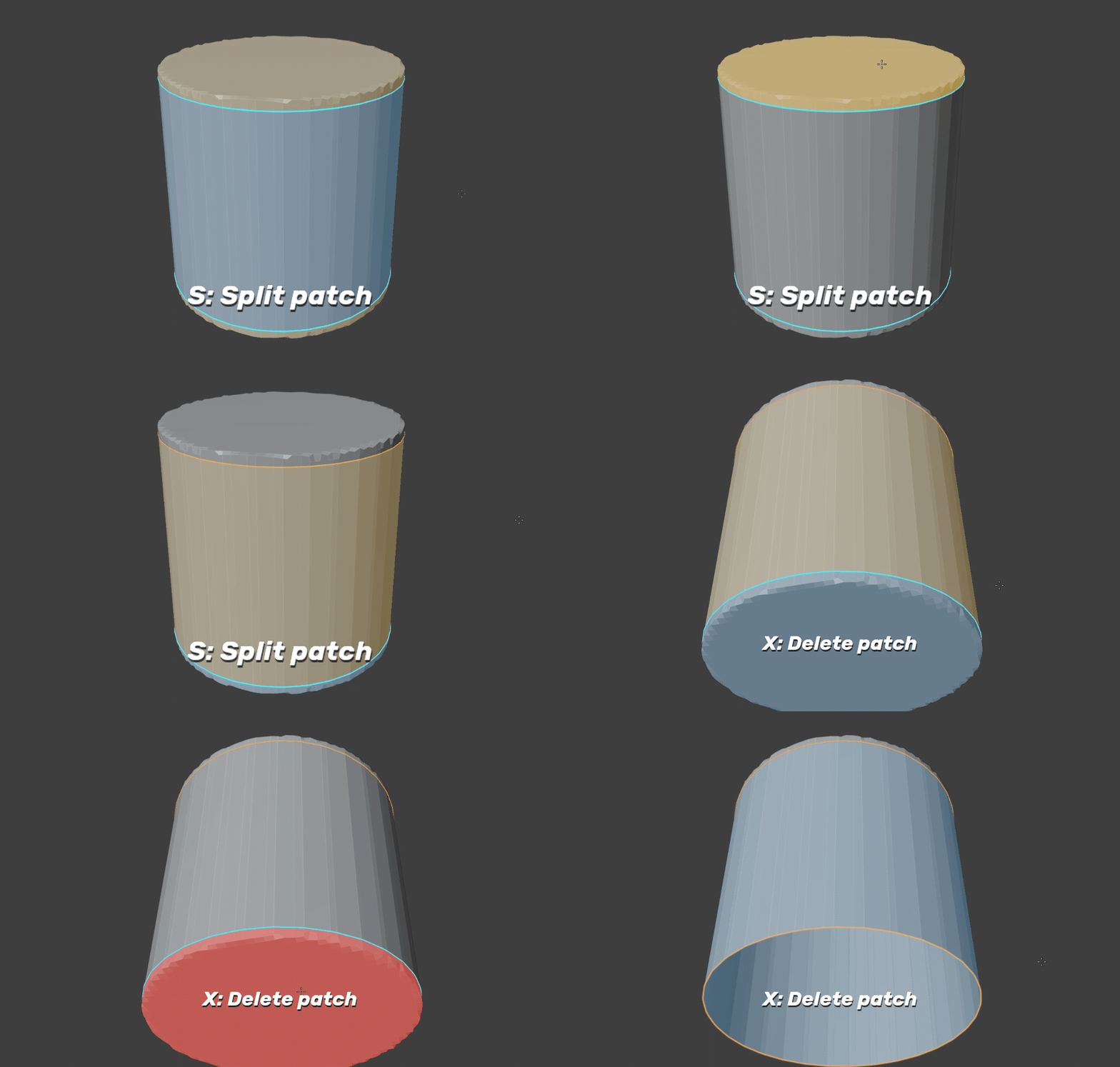
Split or delete a patch
Hold S and click to separate a patch. Hold X and click to delete it.
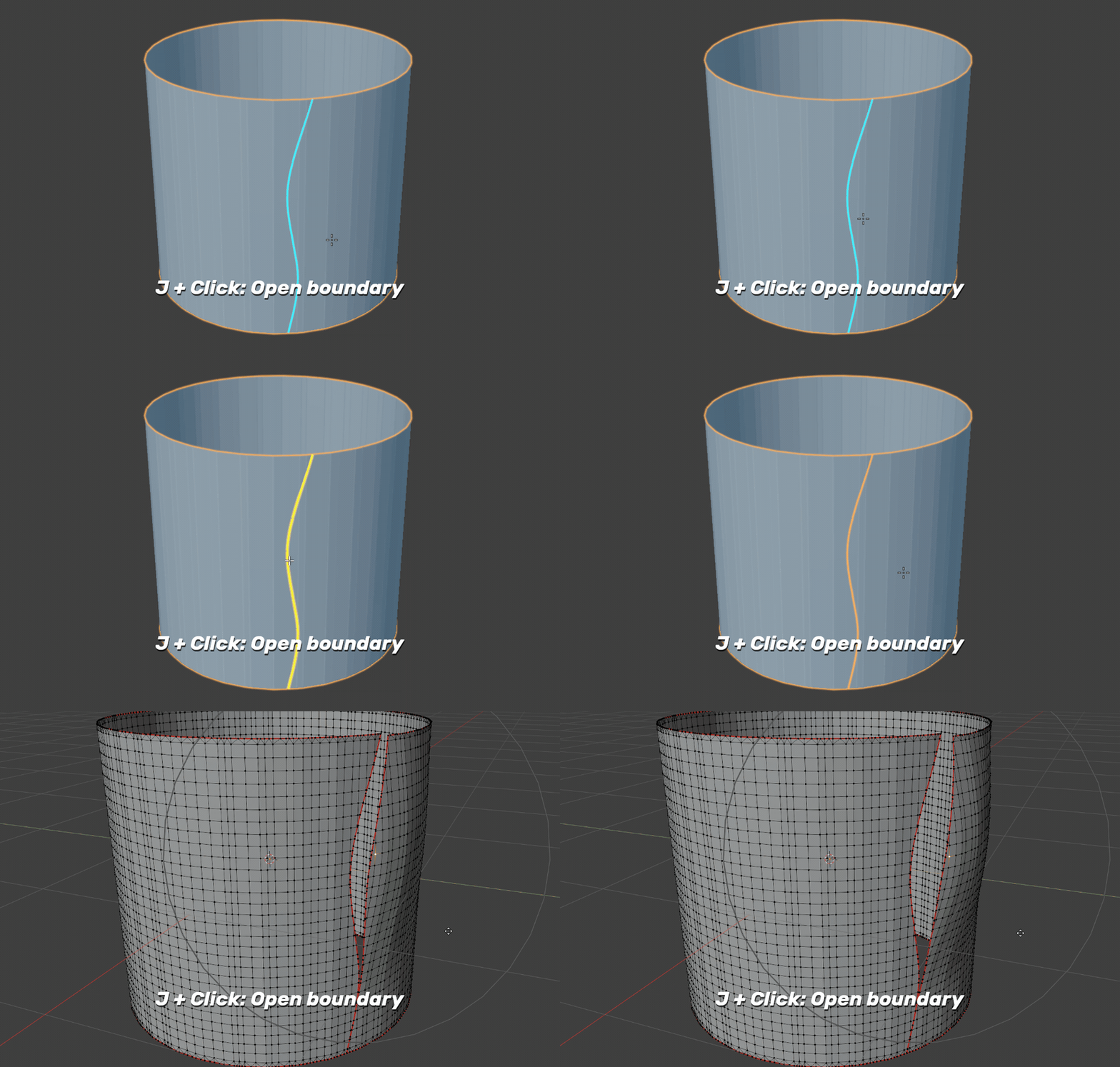
Open just one boundary
Hold J and click a highlighted cut boundary to open that section. The faces stay in the same object.
Focus on what matters
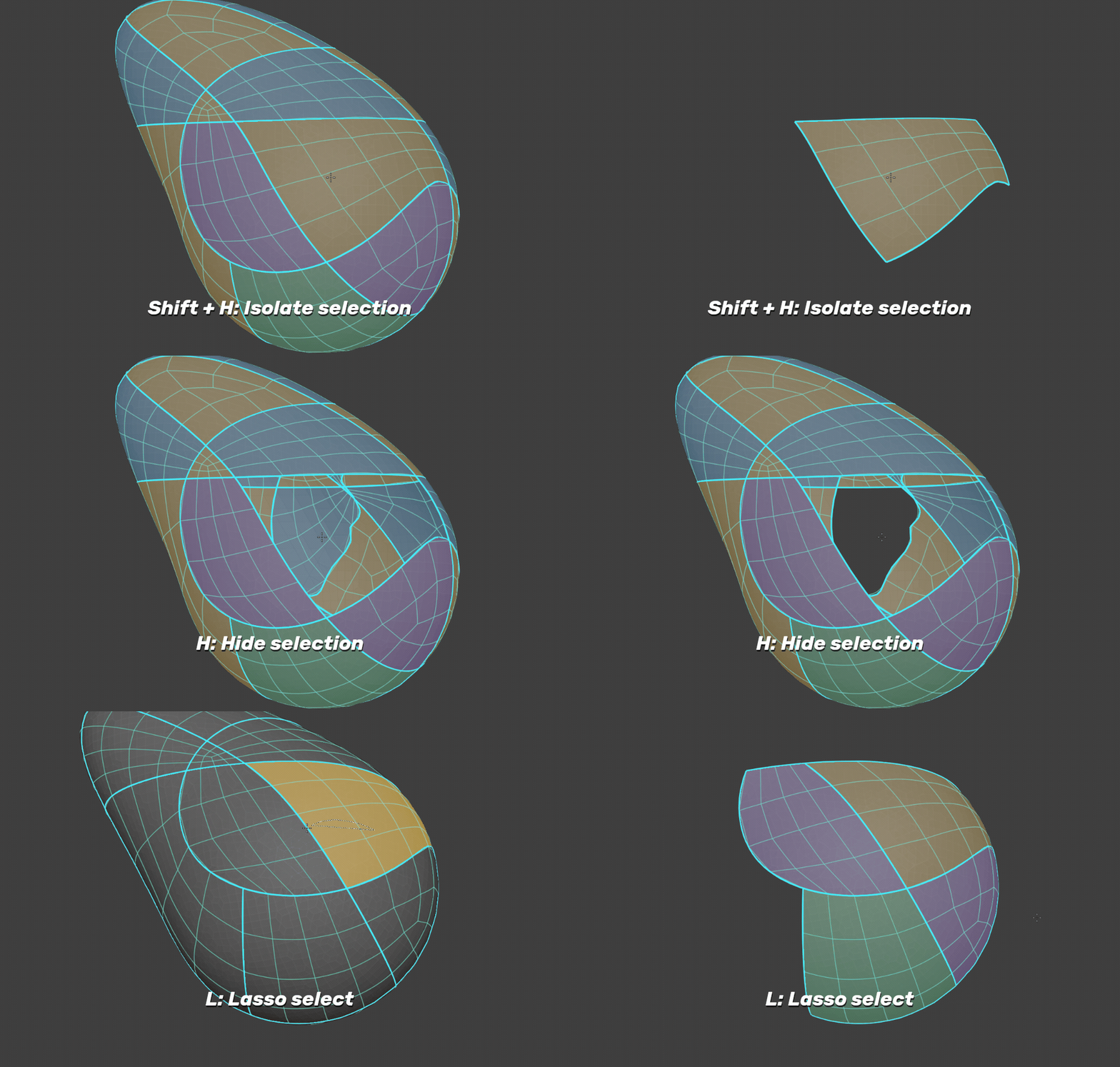
Use Shift + H to isolate a patch, H to hide it, or hold L and drag to isolate several patches with a lasso. Alt + H reveals them again.
03 / Simplify where you need it.
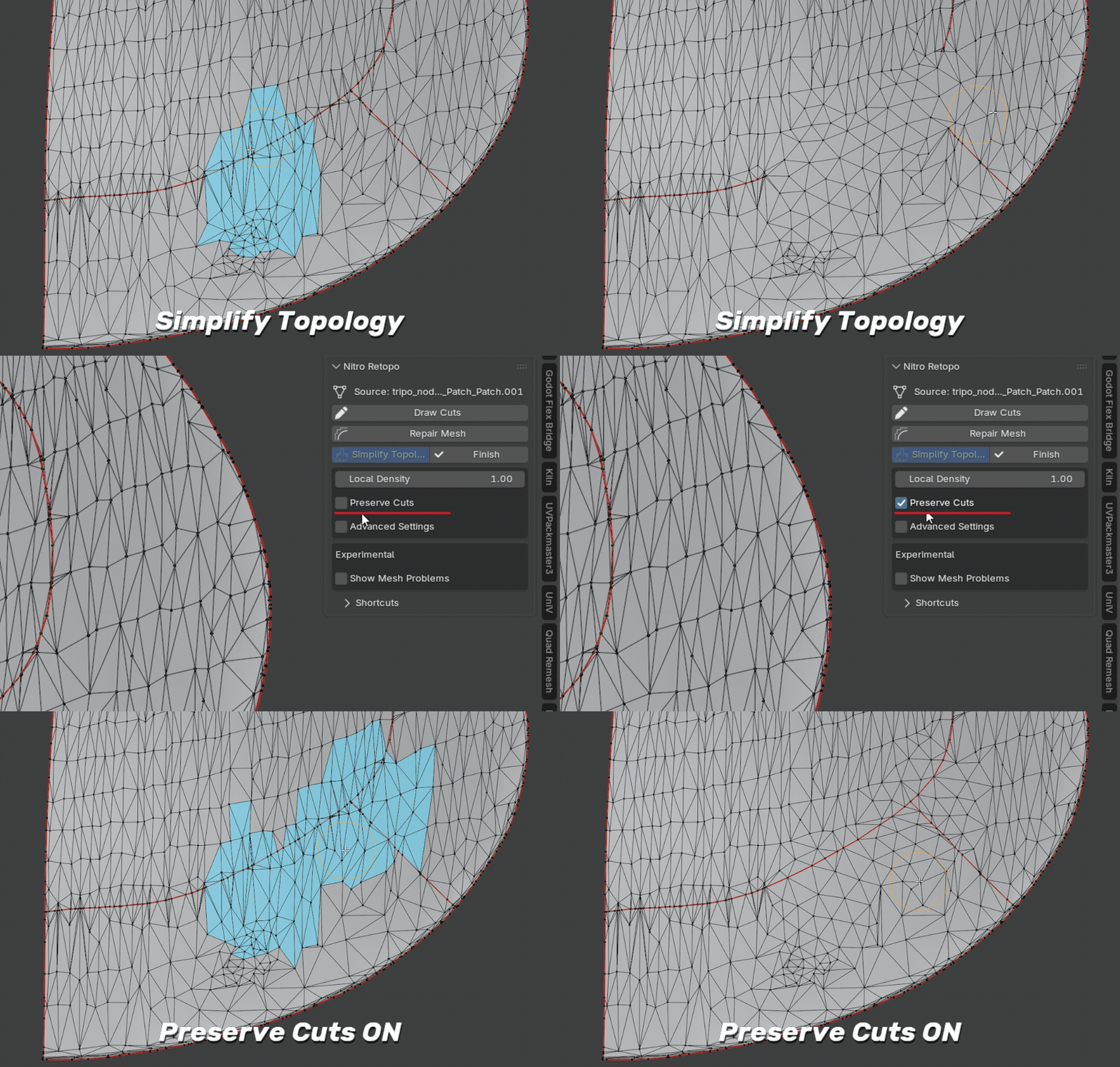
Brush over an area to reduce its local topology. Enable Preserve Cuts to keep the cut boundaries and connections you have already drawn.
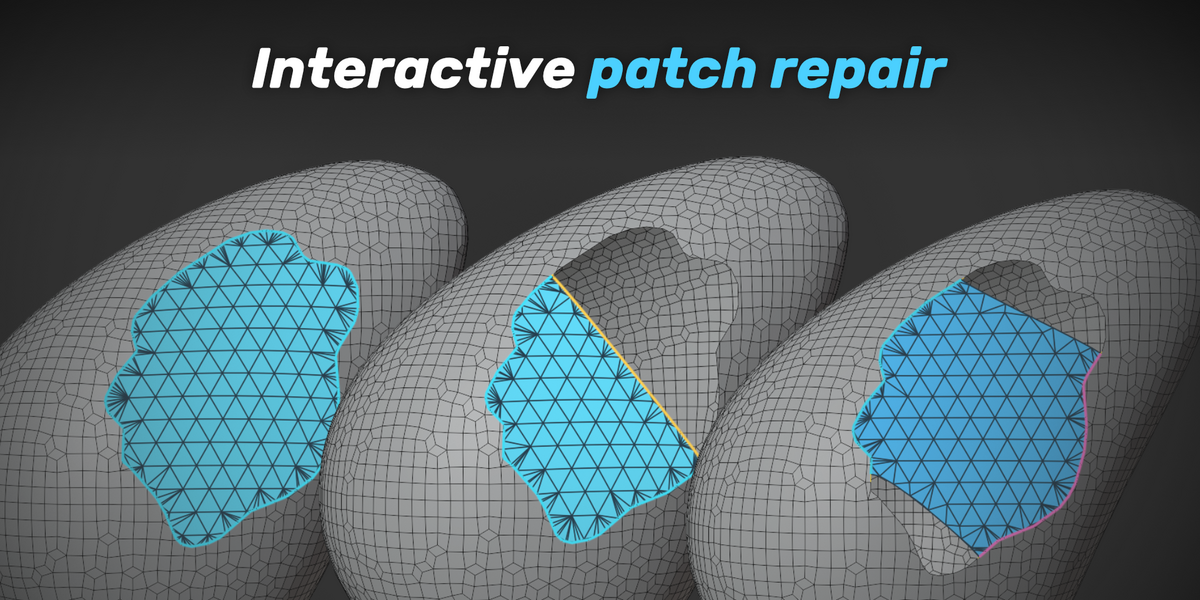
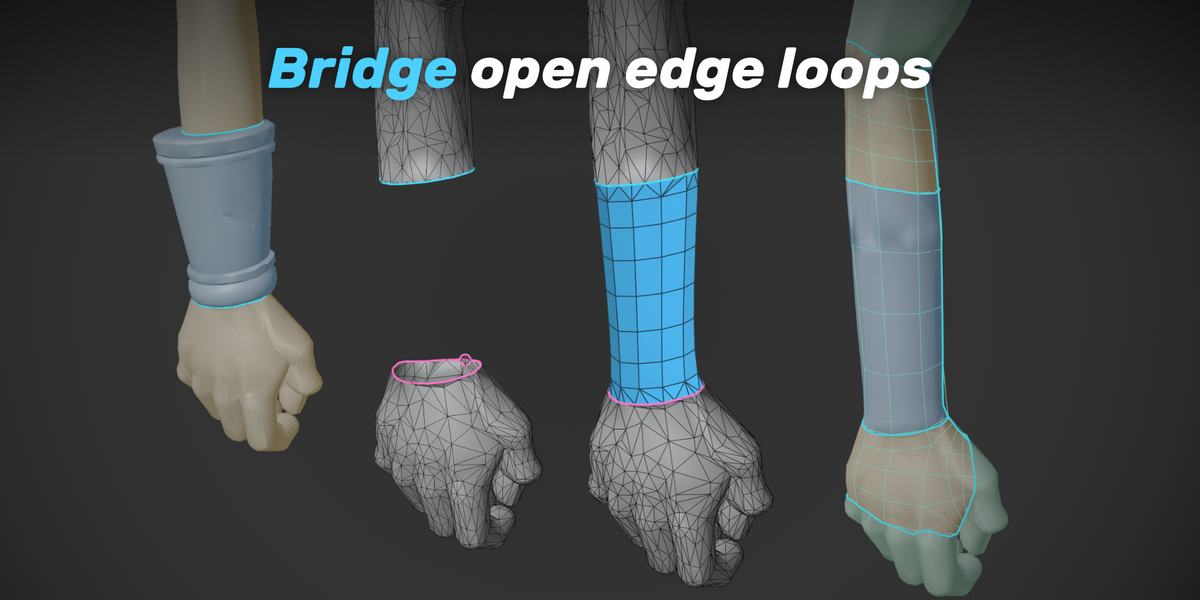
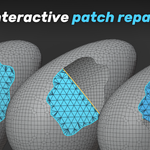
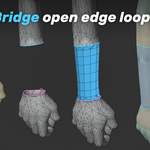
04 / Repair the gaps.
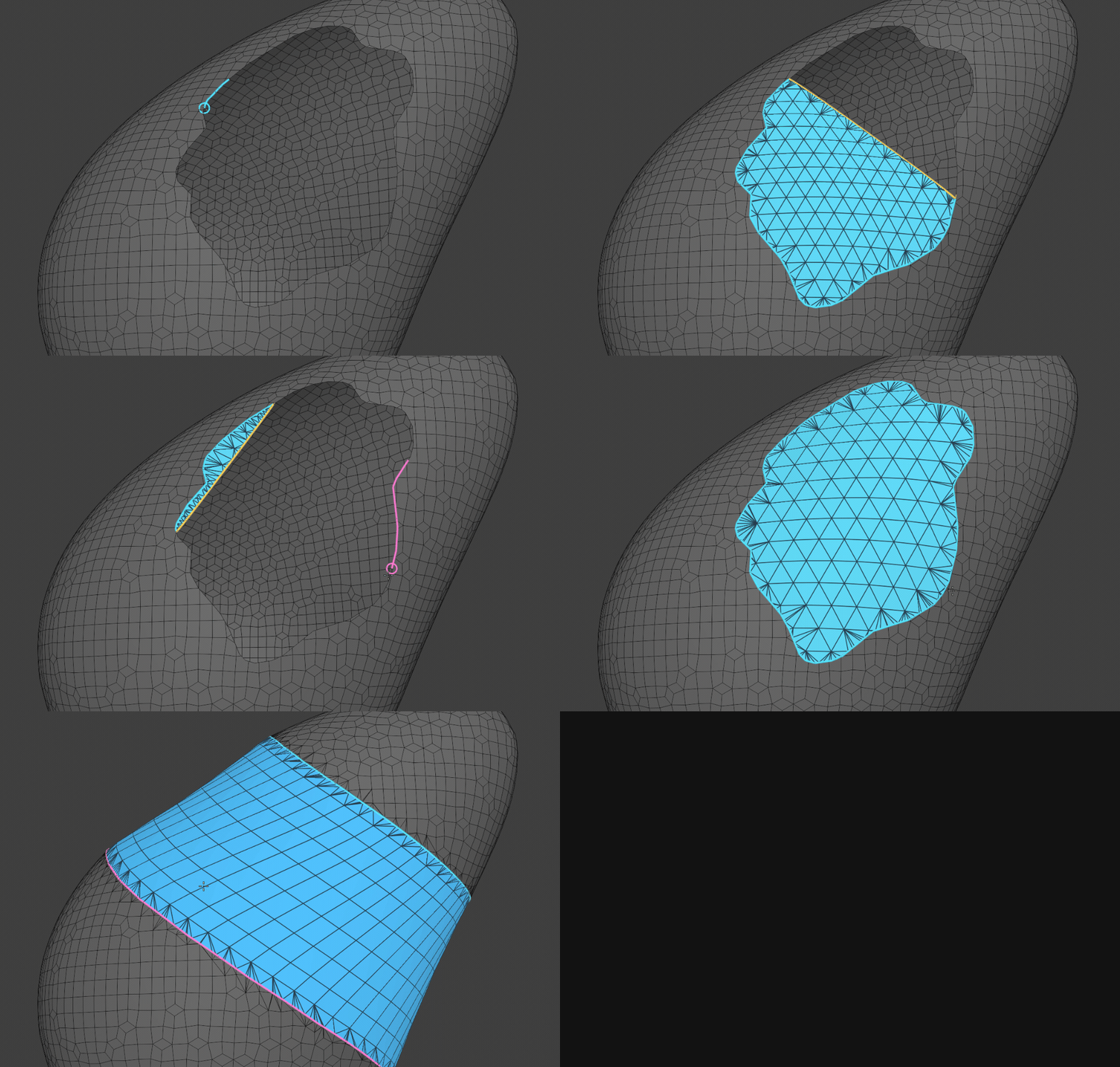
Fill holes or bridge open boundaries, and adjust the shape before applying.
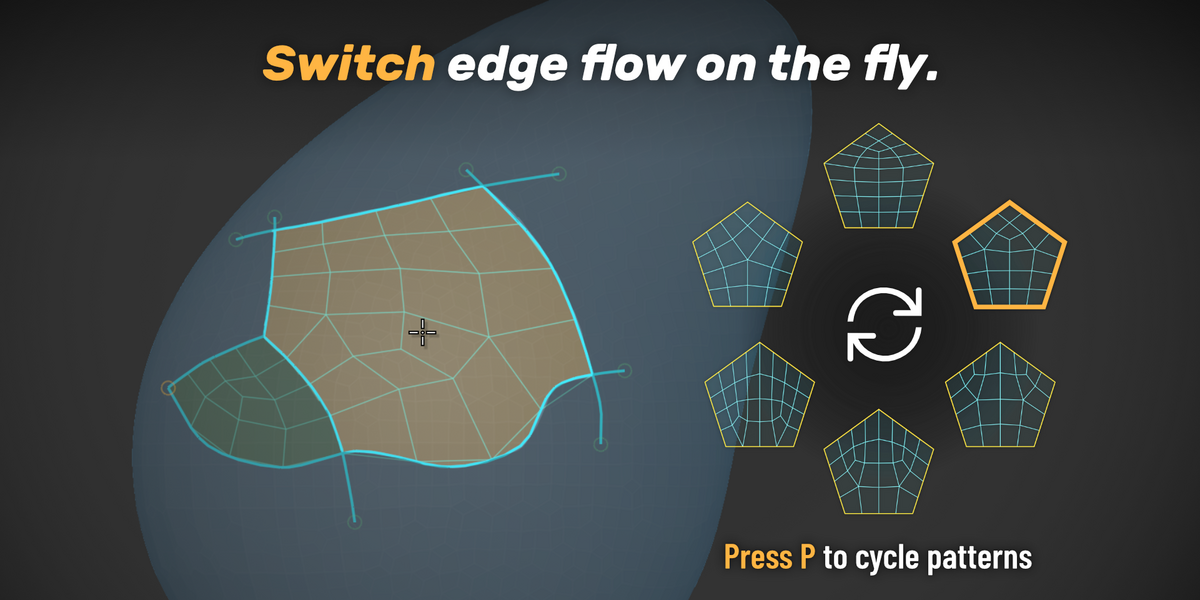
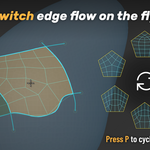
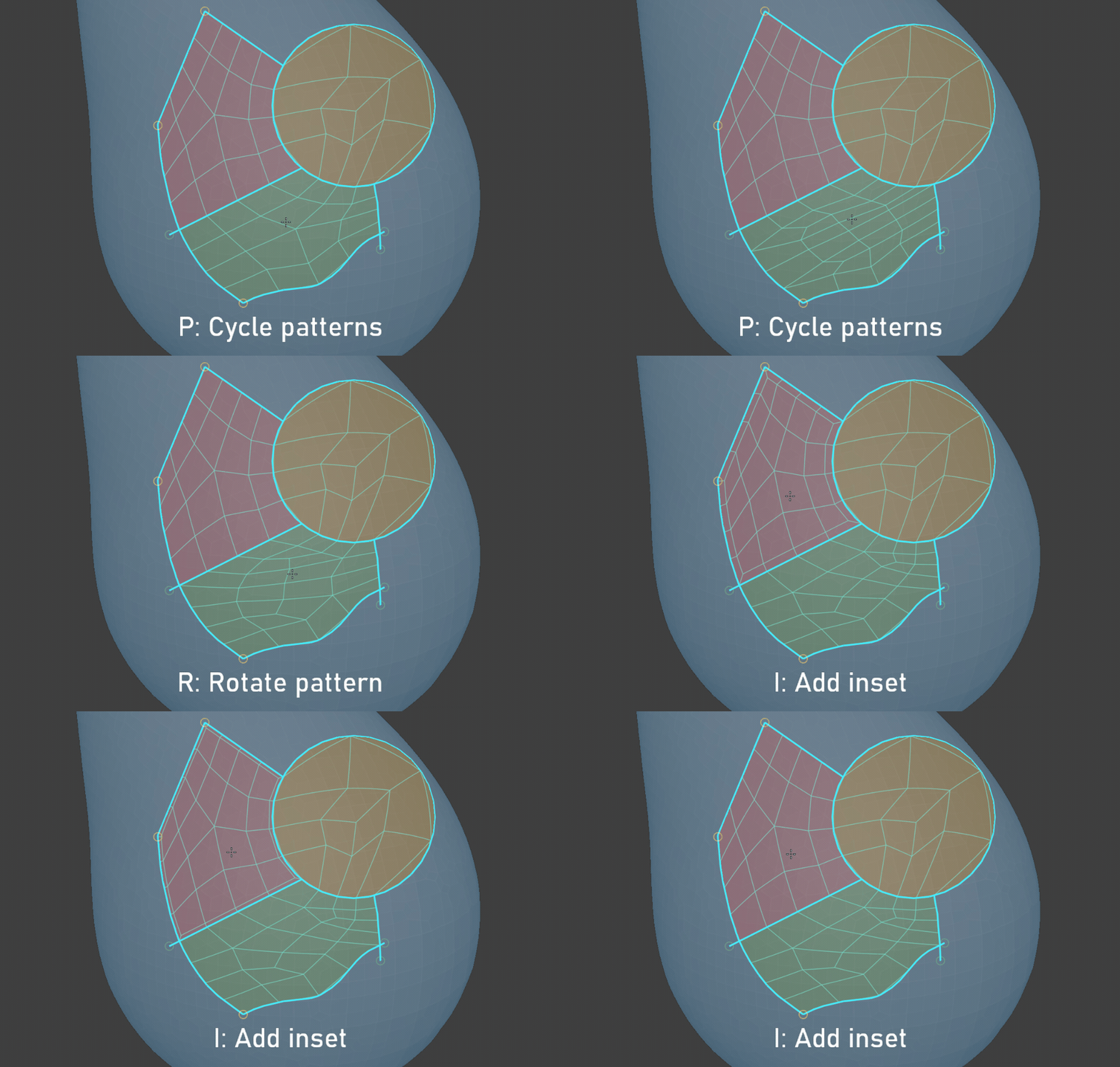
05 / Choose how the topology flows.
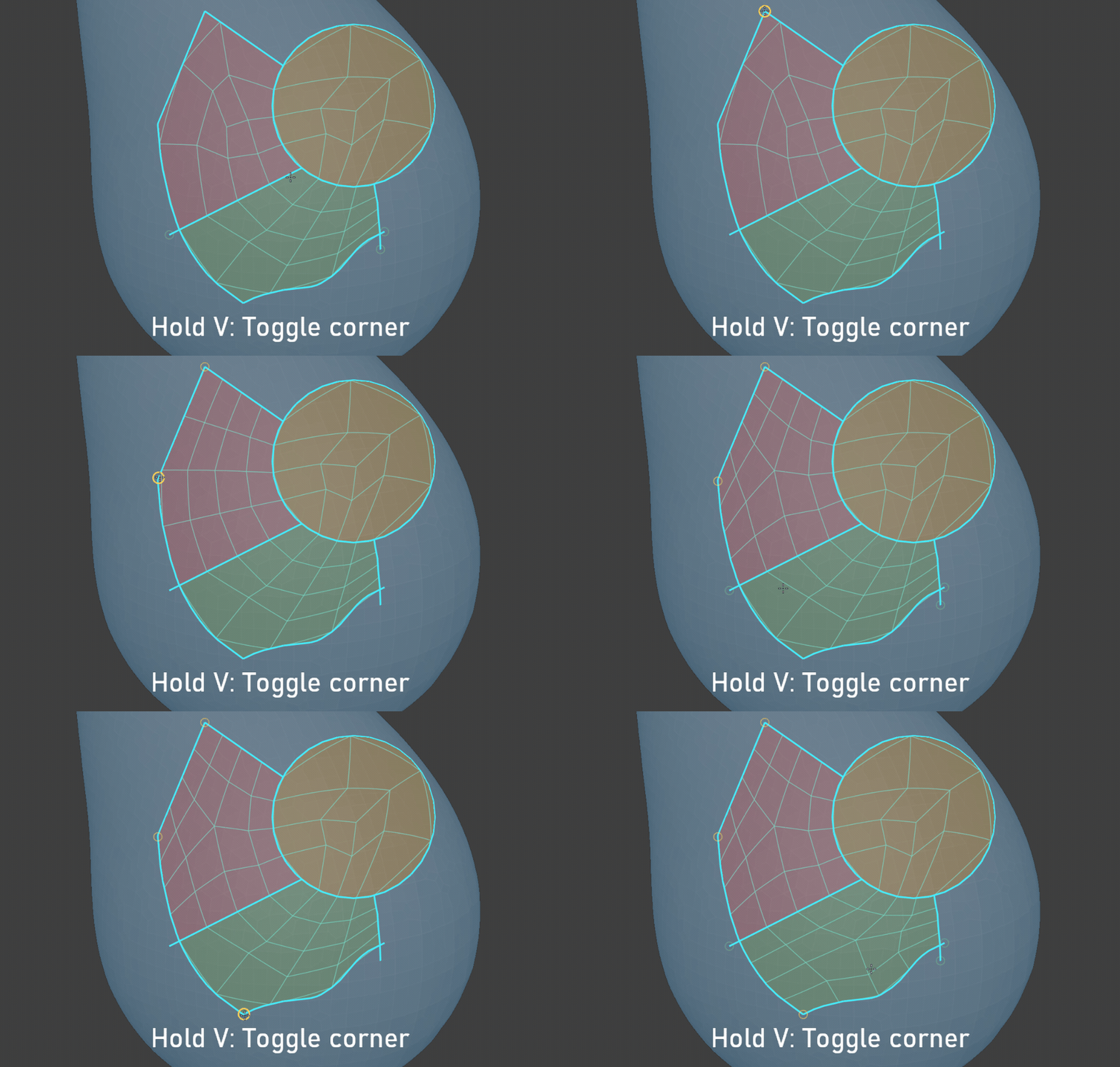
Define the corners
Explore patterns and insets
06 / Your new mesh, ready to refine.