 Arthzuul
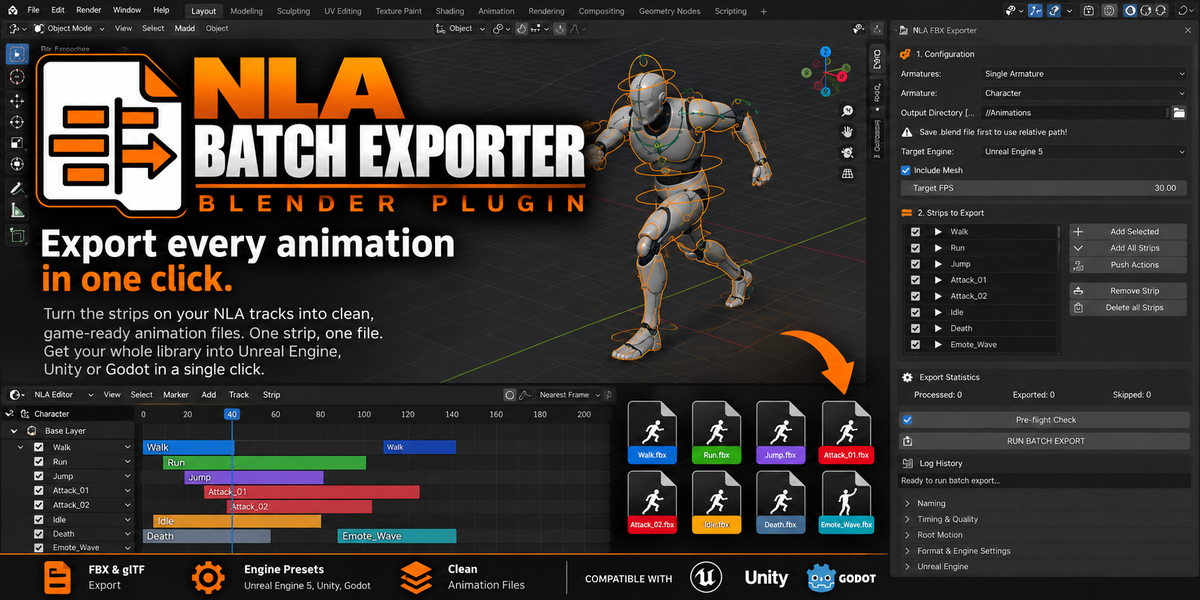


Export every animation in one click
The NLA Batch FBX Exporter turns the strips on your NLA tracks into clean, game-ready animation files: one strip, one file. Stop exporting animations one at a time and get your whole library into Unreal Engine, Unity or Godot in a single click.
Blender 4.5 – 5.2 LTS · FBX & glTF · Unreal Engine, Unity & Godot presets
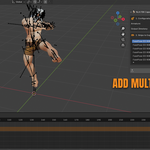
Open the NLA Editor
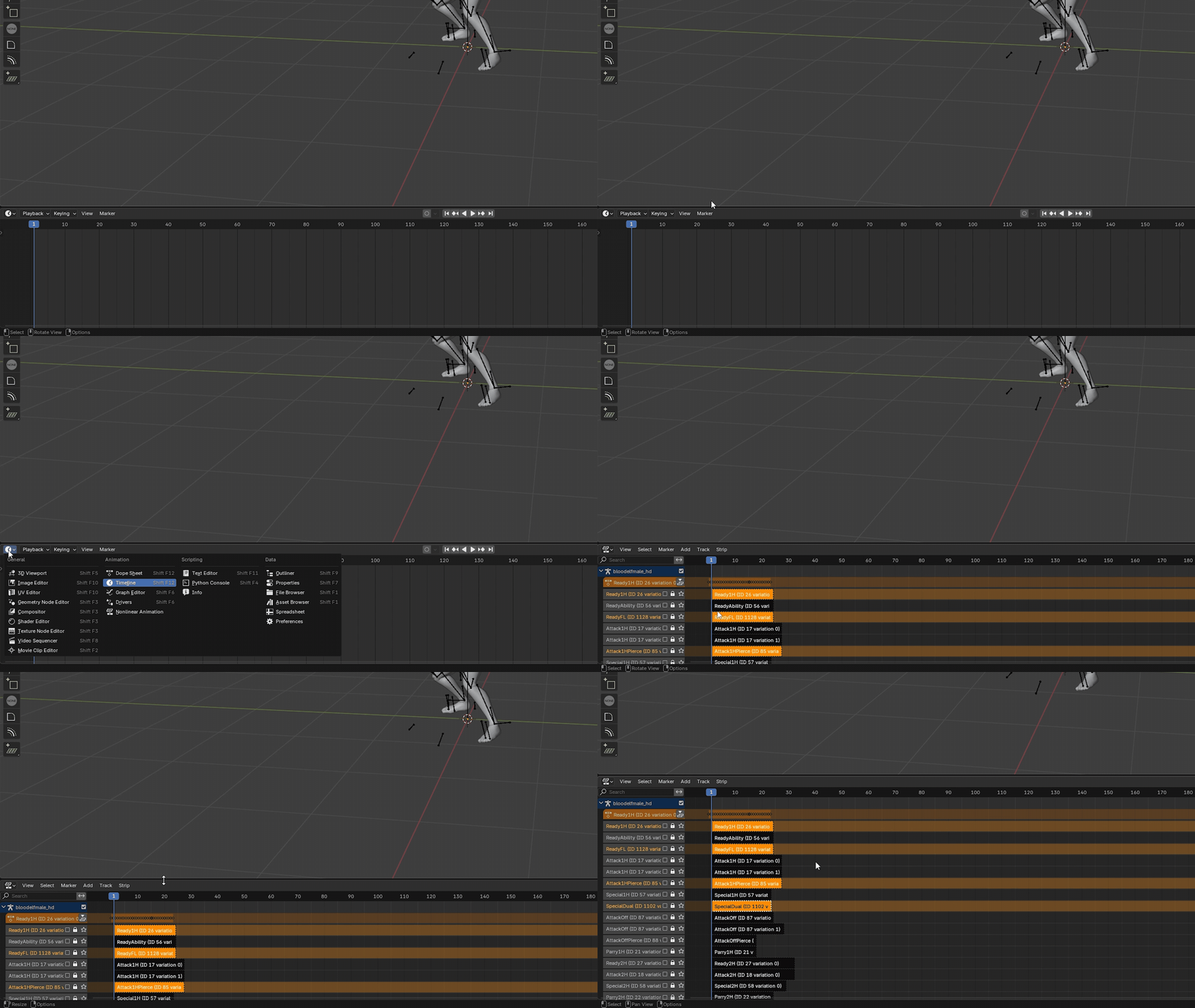
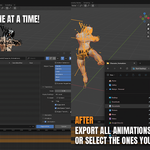
Choose the Animations you want

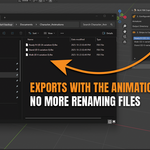
Then export them! It's that easy
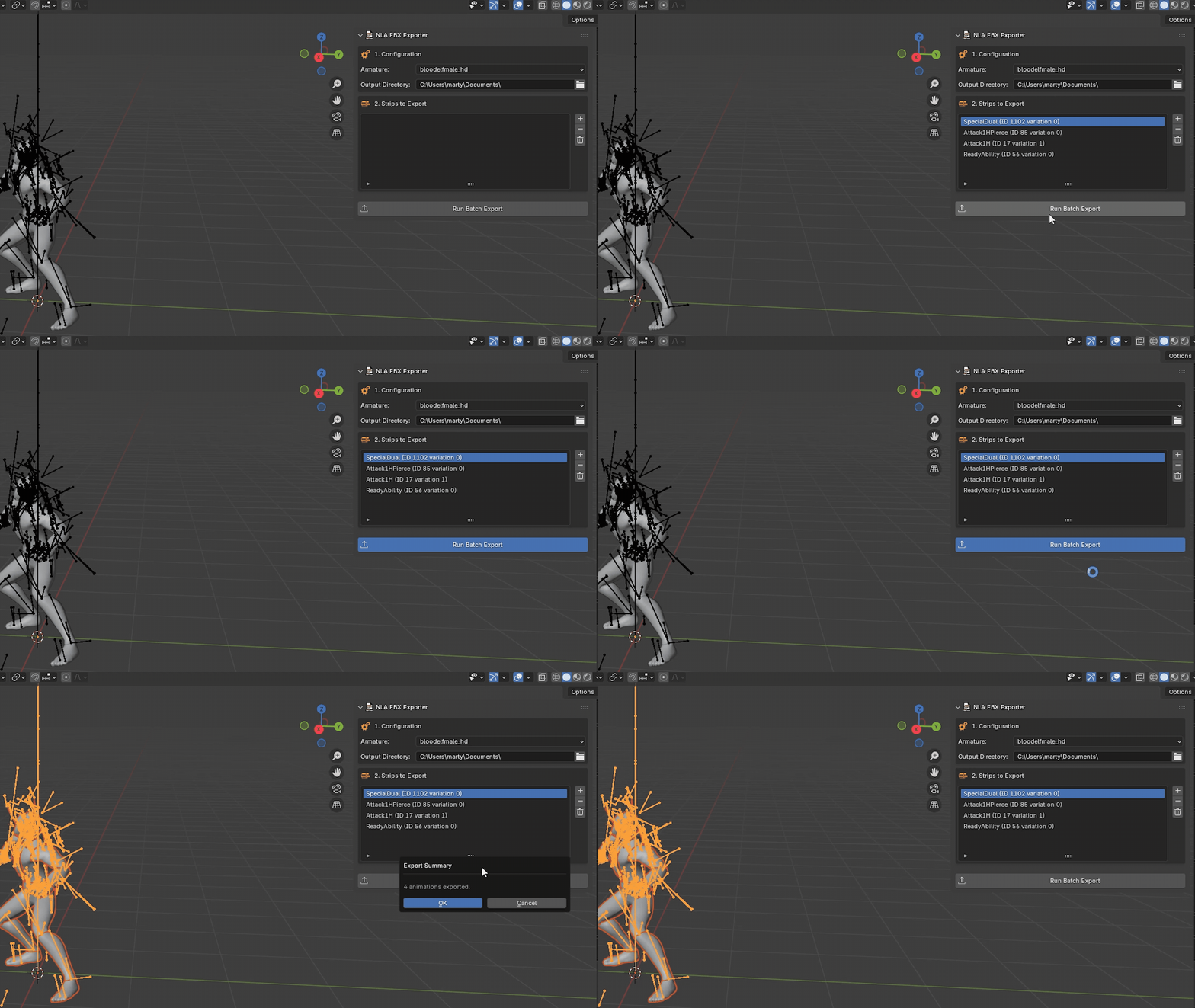
Why you'll use it
Save hours. Export dozens of animations in one run instead of one at a time.
Files that import right. Every clip is exactly its own length, with no stray motion from other strips.
Fits your pipeline. Pick an engine preset, name files with patterns, and sort them into folders.
Safe to run. A pre-flight check catches common problems, and your scene is left exactly as it was.
Features
Clean, accurate files
Each file contains only that animation's frames. Trimmed strips are honoured.
Other NLA strips are switched off during export, so their motion never ends up in the wrong file.
Loops are detected and the duplicate last frame is dropped, so cycles play seamlessly.
Exact keyframes by default, with Simplify Keys if you want smaller files.
Optional shape key (facial) animation.
Built for game engines
One-click presets for Unreal Engine 5, Unity and Godot (glTF .glb), or control every FBX setting yourself.
Animation-only files: export the skeletal mesh once, then export animations without repeating it.
Root motion: export it as animated, or play in place by removing the root bone's movement.
Any frame rate, including 29.97 and 59.94.
Fast, organised workflow
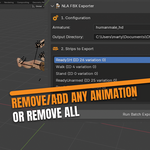
Add every strip, or only the ones selected in the NLA Editor.
Push Actions to NLA creates strips from actions that aren't on the NLA yet.
Naming patterns with tokens and subfolders, for example {armature}/{prefix}{name}{suffix}.
Per-strip file name, frame range, frame rate and loop settings.
Export one armature, a collection, or the whole scene in one run.
Preview a strip in the viewport before you export it.
Safe by default
Check for Problems flags unapplied scale, multiple root bones, duplicate file names and more.
Frame rate, frame range, active action and selection are restored after every export, even if one fails.
Your original actions are never modified.
Send to Unreal (beta)
Import the exported files straight into your open Unreal Editor project using Python Remote Execution.
Who is this for?
Game Developers: Quickly get all your animations into Unity, Unreal Engine, Godot, or any other engine.
Animators: Easily create and archive a full library of animations.
Asset Creators: Perfect for preparing animation packs for marketplaces.
Requirements
Blender 4.5 LTS or newer. Tested on Blender 4.5 LTS, 5.1 and 5.2 LTS.
Your animations on NLA strips (or use Push Actions to NLA to create them).
