 Arthzuul


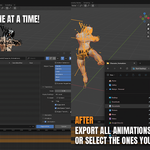
The export fails or gives an error.
Click the checkmark button next to Export Animations (Check for Problems). It lists anything likely to break the export, such as unapplied scale, several root bones or duplicate file names. Then open the Log section under Export to see exactly why a strip was skipped. If it still fails, contact support with the Log text, your Blender version and your add-on version.
The addon only exported one file, but I have multiple animations.
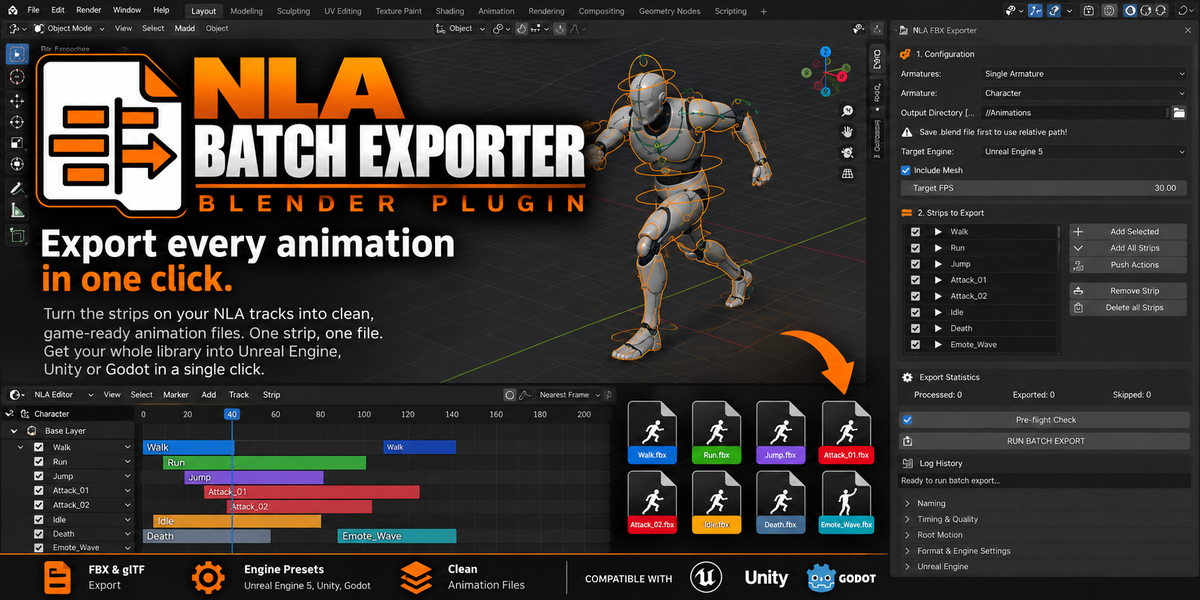
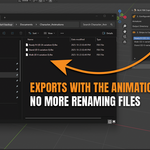
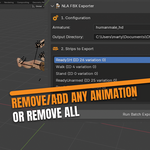
Each NLA strip is exported as its own FBX file. Make sure each animation is on its own NLA strip and ticked in the Strips to Export list. If two strips use the same action while Name Files By is set to Action Name, the second one is skipped so it doesn't overwrite the first. Switch Name Files By to Strip Name to export both. The Log History panel lists every skipped strip and the reason.
The "NLA Exporter" tab is not showing up in the N-Panel.
The add-on needs Blender 4.5 or newer. Install the .zip through Edit > Preferences > Get Extensions, then the dropdown in the top-right corner > Install from Disk. It's enabled automatically. Then press N in the 3D Viewport and open the NLA Exporter tab.
My animation files include the mesh. Can I export animation only?
Yes. Turn off Include Mesh, then click Export Mesh Only once to export the skeletal mesh. Every animation after that is exported without the mesh.
How do I make a walk cycle play in place?
Open the Root Motion section, choose In Place and pick your Root Bone (the eyedropper finds it). Turn on Keep Vertical Motion if you want jumps and bobbing to stay. Only the exported file changes. Your original action is not touched.
My animation is longer or shorter than I expected.
By default each file contains only the frames its strip uses, so a trimmed strip exports just the trimmed part. If the strip is marked as a loop, the duplicate last frame is dropped so the cycle doesn't hitch. To use the whole action or the scene range, change Frame Range in the Timing and Quality section.
Send to Unreal can't find my editor.
Unreal must be open on the same computer, with the Python Editor Script Plugin turned on and Enable Remote Execution ticked in Project Settings, then Plugins, then Python. Send to Unreal works with FBX files only, and it is still in beta.
 Included
Includes 12 months of
- Support from Arthzuul
- Product updates
Extend this product’s Support Period +12 months: 50% of product price
Have questions before purchasing?
Login to message
Discover more products like this
Unreal Engine Workflow animation unity batch game development automation Export NLA fbx addon