 Skava
Skava

NodeGenius — Geometry Nodes Presets and Plain-English Explainer
Ten ready-made Geometry Nodes setups, an explainer that reads any node tree back to you in plain English, and a tree check. All offline.
Why NodeGenius
Geometry Nodes are powerful but verbose: even a simple scatter needs half a dozen nodes wired correctly, and a tree you inherited from someone else is hard to read. NodeGenius gives you working setups in one click and tells you, node by node, what an existing tree does.
Features
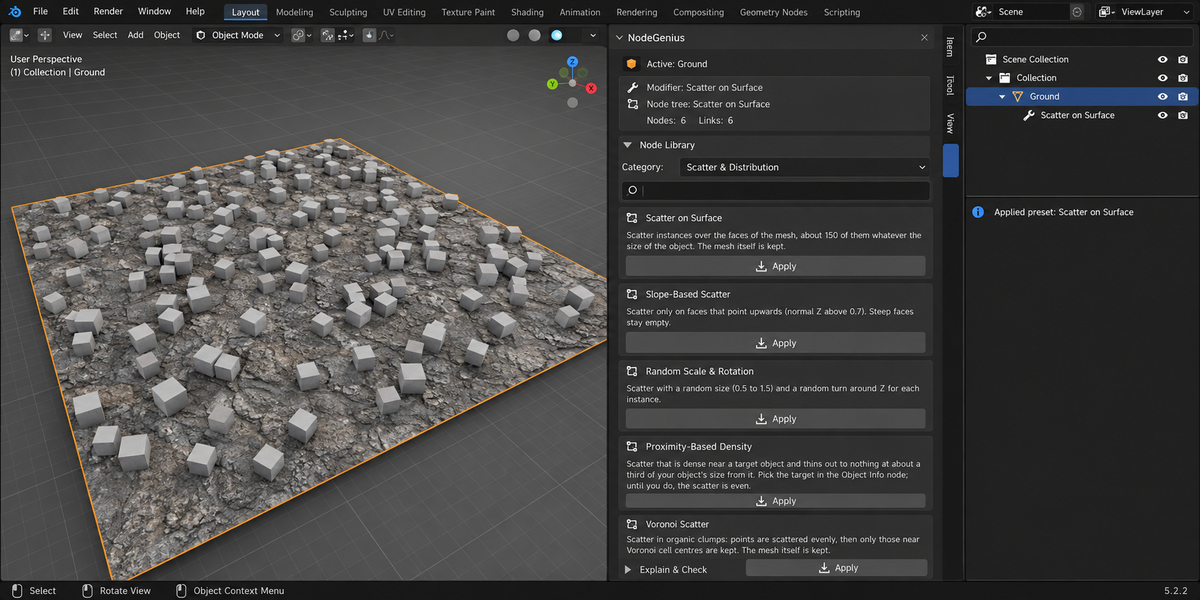
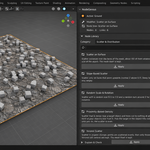
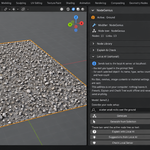
- Node Library — ten presets, each added as a new modifier in one click: Scatter on Surface, Slope-Based Scatter, Random Scale & Rotation, Proximity-Based Density, Voronoi Scatter, Noise Displacement, Array Grid, Boolean Cutter, Height Gradient Color, Edge Wireframe
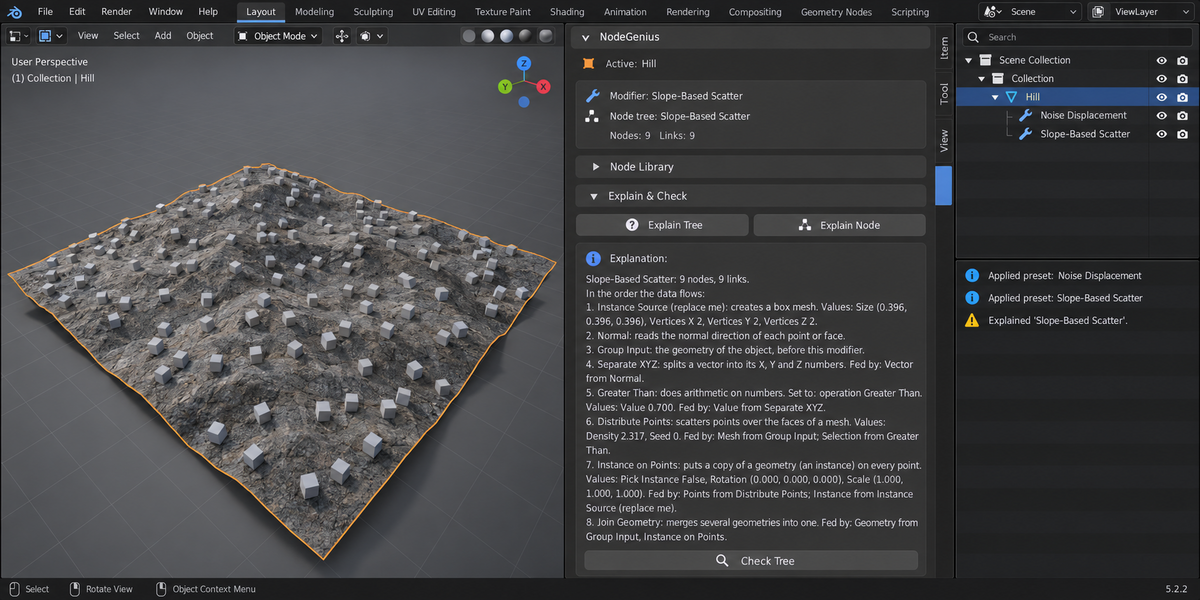
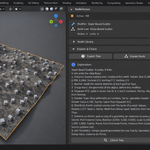
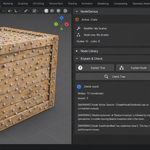
- Explain Tree / Explain Node — walks the active node tree in the order the data flows and says what each node does, what is set on it and what feeds it. Nodes that never reach the output are listed separately
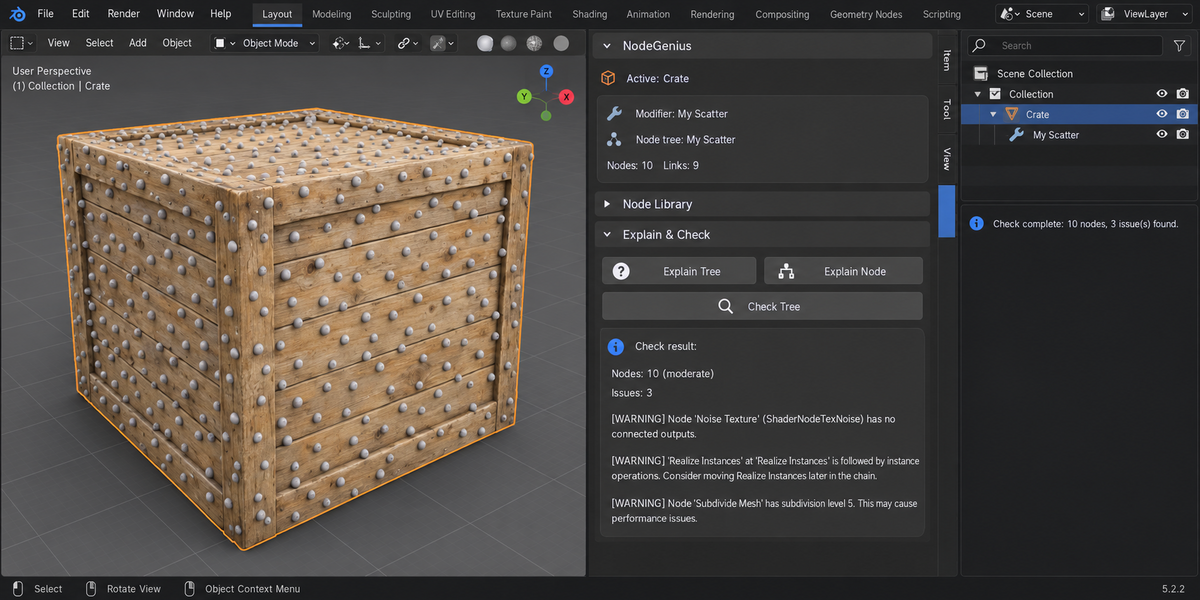
- Check Tree — points out nodes with no connected outputs, Realize Instances placed before instance operations, subdivision levels above 4 and very large trees. It changes nothing
- Presets are sized to your object: density, placeholder cube, texture scale and displacement strength follow its area and bounding box, so a small prop and a large terrain both show a result
- Scatter presets get a small placeholder cube as the instance, so you see the distribution at once and swap in your own asset later
- Everything above works offline: no account and no internet connection
Optional: text-to-nodes on your own computer
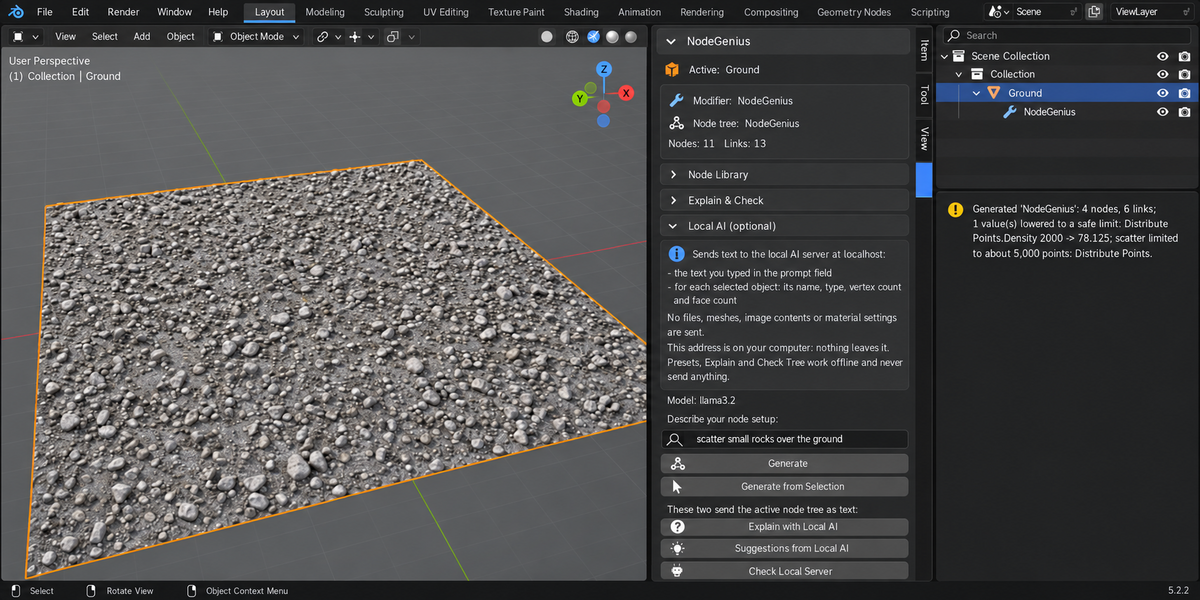
Off by default. If you run a language model on your own machine (Ollama or LM Studio), NodeGenius can send it your prompt and build the node tree it answers with. It only ever talks to localhost; any other address is refused before anything is sent, and a dialog shows what is sent before a request (until you tick Don't ask again for that address and that kind of data).
The result depends on the model you run. NodeGenius builds only nodes and links that exist in your Blender, tells you what it skipped, keeps numbers that would multiply geometry to a safe limit, refuses a tree that would add more than two million vertices or that takes more than 3 seconds in a test run in a second, background Blender on your computer (about 4 seconds in your Blender; the two times differ, so a tree close to that may be refused), and adds nothing if the answer cannot be built. For a dependable result, start from a preset.
Compatibility
- Blender: 4.2 LTS and later, tested on 4.2 and 5.2
- OS: Windows / macOS / Linux
- No external Python packages are installed
What you get
- NodeGenius add-on (Python only)
- README with install and first-run steps
- Support through marketplace messaging
Install
Edit → Preferences → Add-ons, press the arrow button in the top right corner, choose Install from Disk..., pick the add-on archive and tick NodeGenius. Press N in the 3D Viewport: a tab named NodeGenius appears in the sidebar.
License
GPL-3.0-or-later. The full licence text ships inside the add-on.