 Obssidian Art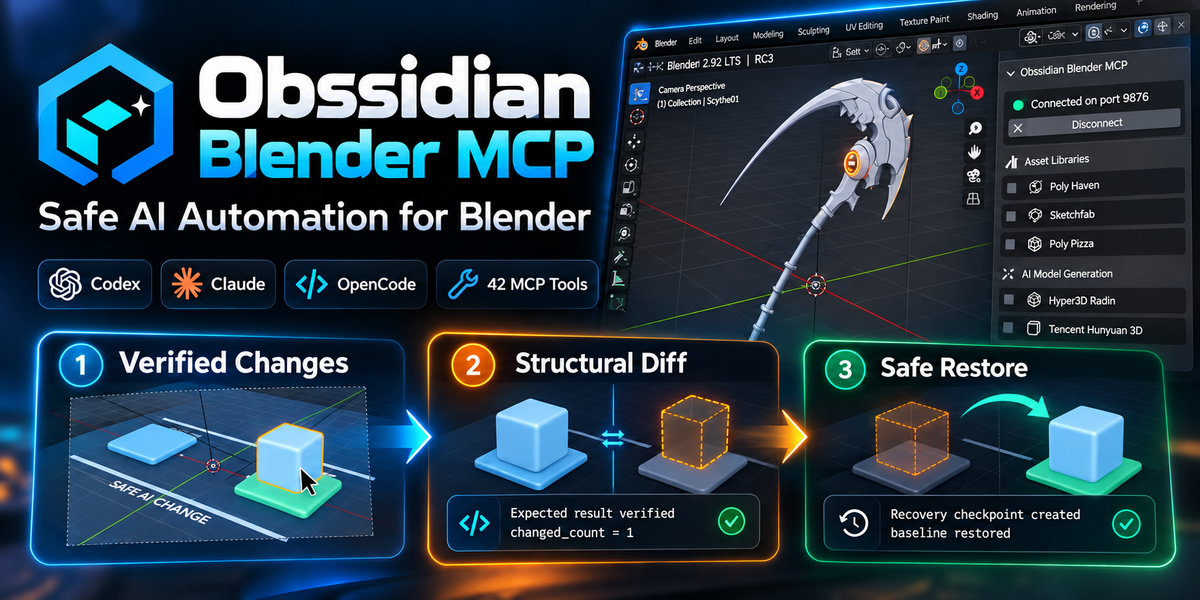
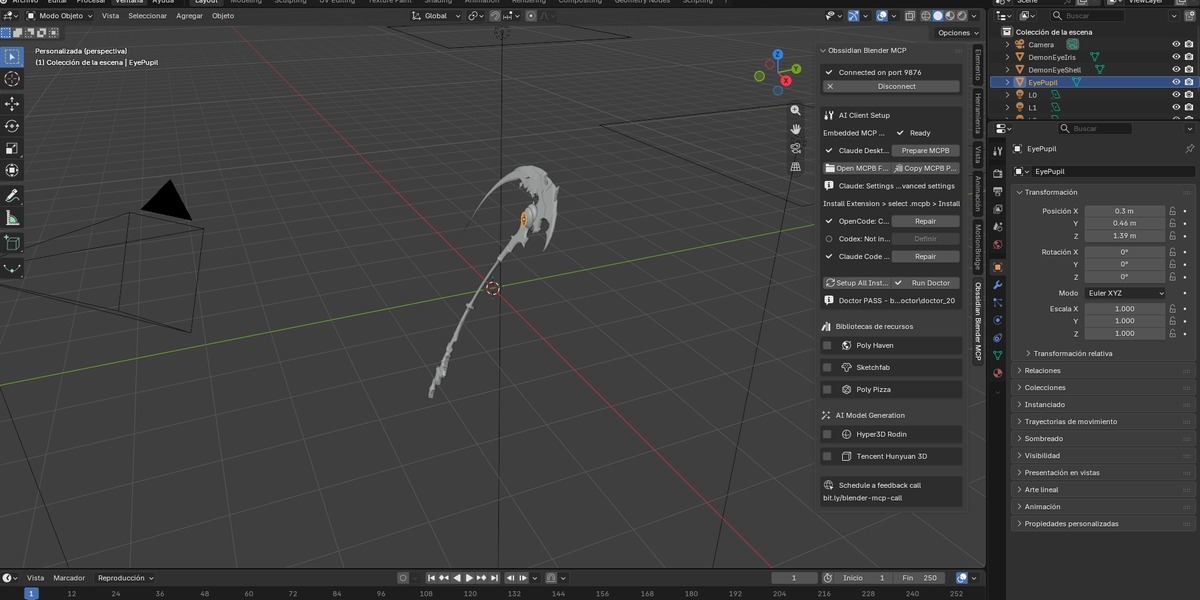
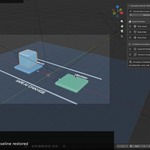
https://www.youtube.com/watch?v=-GgQhWwVjJQ
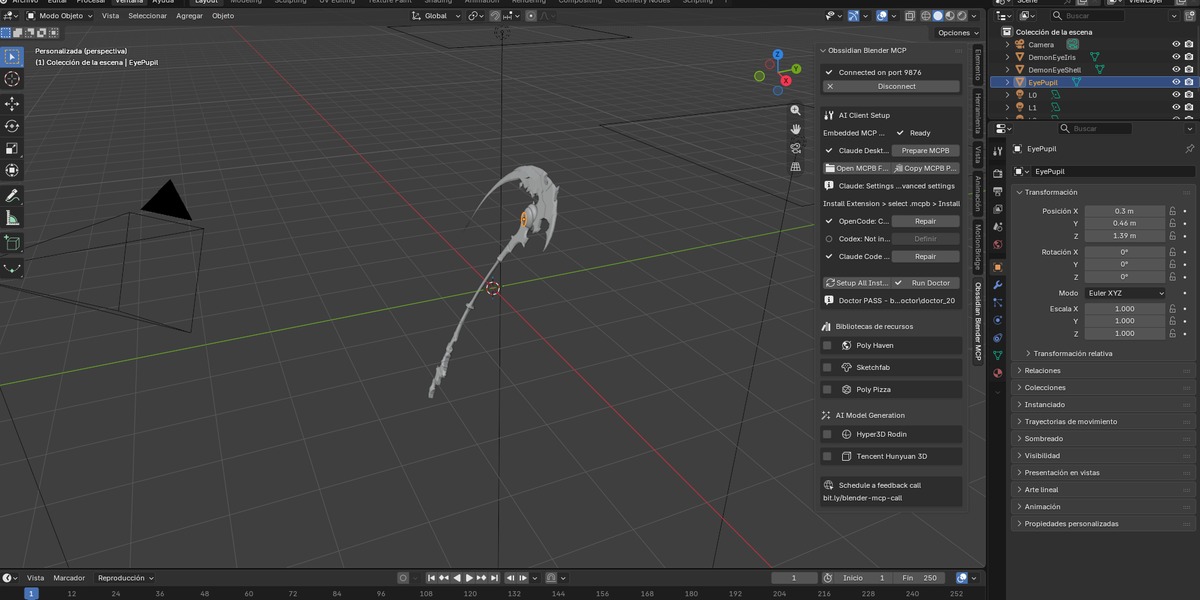
Bring AI agents into Blender without giving up control of your scene.
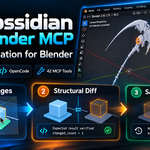
Obssidian Blender MCP connects MCP-compatible AI clients with Blender and adds a production-oriented safety workflow around AI-driven editing.
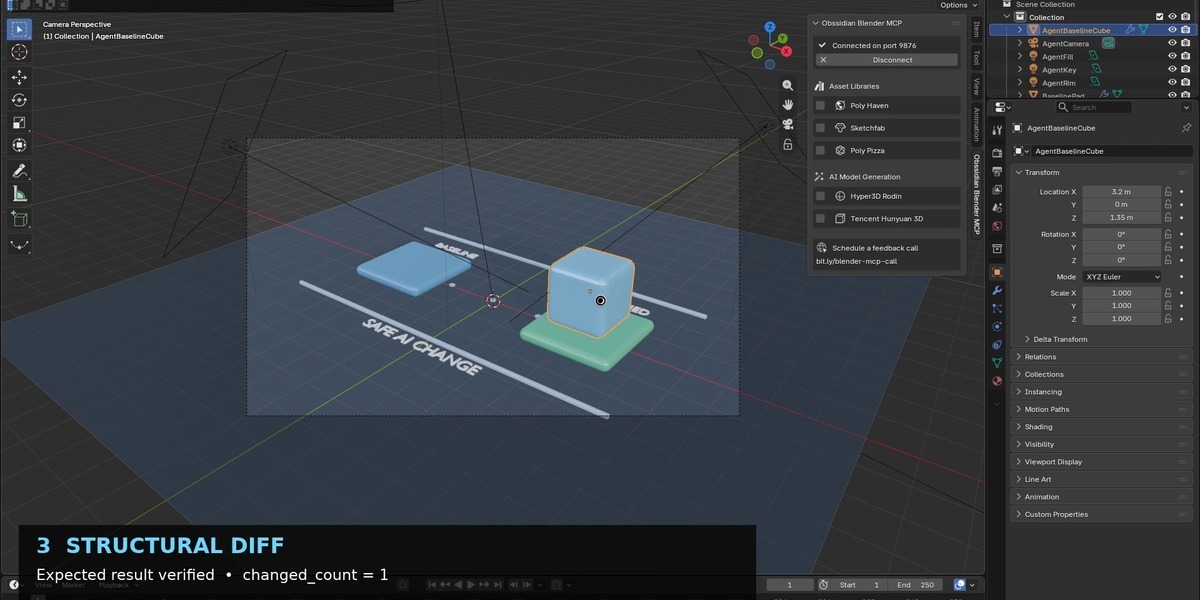
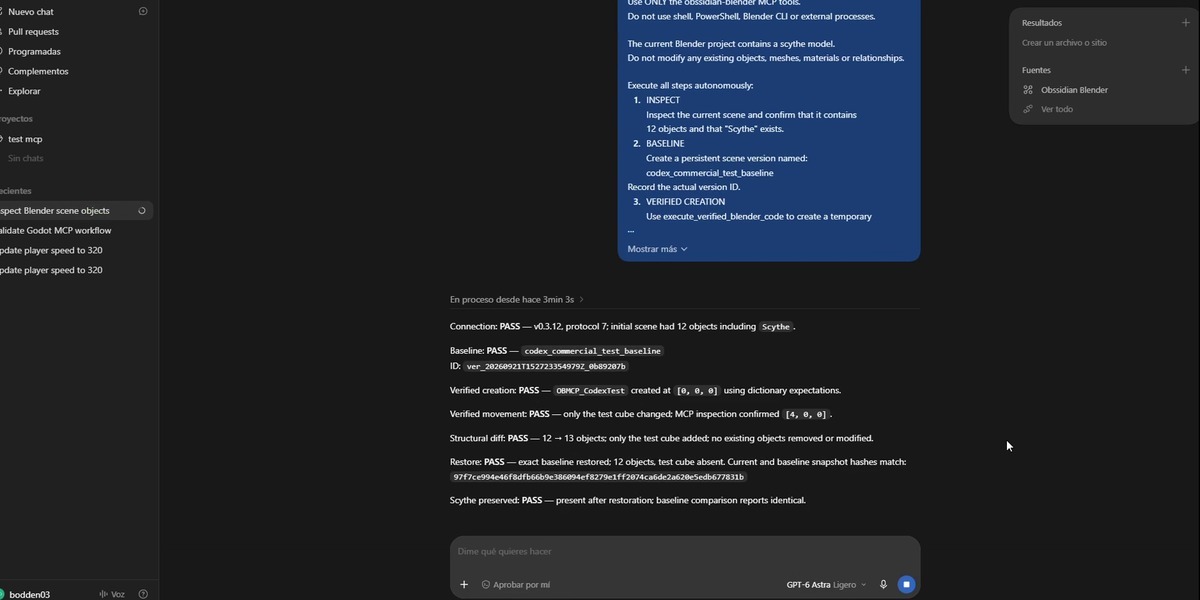
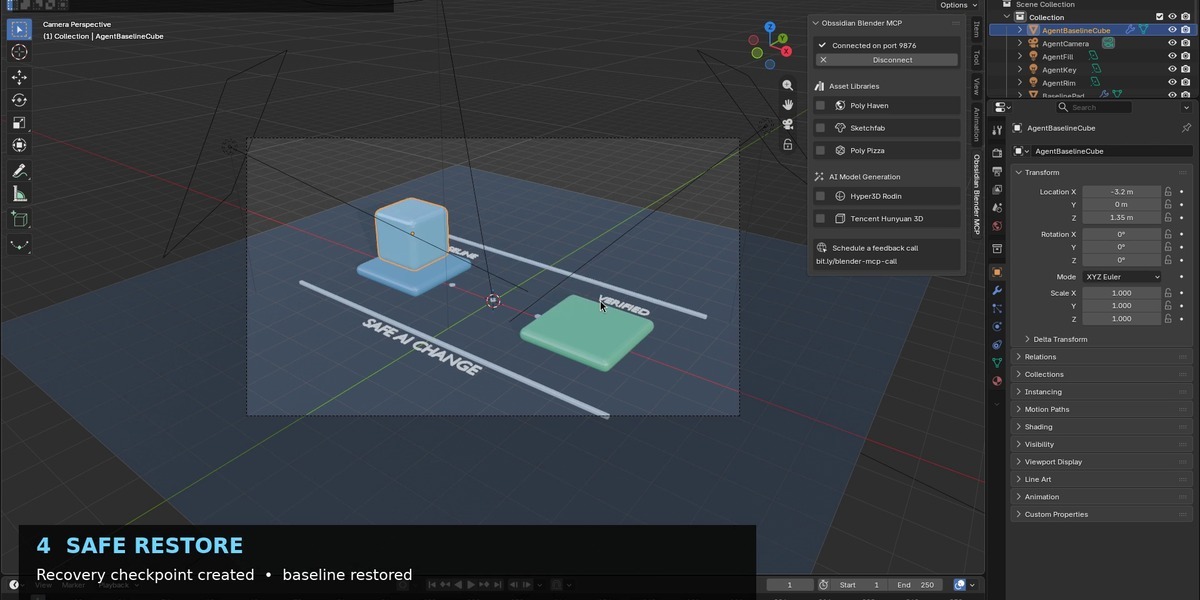
Instead of simply executing commands, Obssidian Blender MCP lets you inspect the scene, create persistent versions, perform verified changes, compare structural differences and restore a known-good state when necessary.
Designed for real Blender workflows
• 42 MCP tools for scene inspection, creation, editing and workflow automation
• Verified changes with explicit expectations
• Persistent scene versions and recovery checkpoints
• Structural diffing to identify exactly what changed
• Safe restore / rollback workflow
• Audit-friendly operation history
• Embedded MCP host inside Blender
• One-click client setup helpers
• Doctor diagnostics for connection and configuration problems
• Works with MCP-compatible clients including Codex, Claude Desktop and OpenCode
A safer workflow for AI-assisted Blender work
A typical workflow is:
Inspect → Version → Change → Verify → Diff → Keep or Restore
Before an AI agent performs an important operation, you can preserve the current state. After the operation, the MCP can inspect the resulting scene and verify that the expected objects or properties changed. If the result is not what you wanted, restore the previous version.
This is particularly useful when using AI for repetitive scene operations, asset preparation, prototyping, object transformations, material workflows, validation and other Blender automation tasks.
MCP client support
Obssidian Blender MCP includes setup workflows for:
• OpenAI Codex
• Claude Desktop
• OpenCode
• Other MCP-compatible clients using the provided connection information
No separate command-line workflow is required for the standard supported setup.
Requirements
• Blender 4.2 or newer
• An MCP-compatible AI client
• Network permission for the local MCP connection
The Blender extension itself is distributed under GPL-3.0-or-later. Third-party components and upstream acknowledgements are documented inside the package.
What you receive
• Blender extension
• Embedded MCP server
• Client setup tools
• Documentation
• Diagnostics / Doctor workflow
• Examples and configuration guidance
• Future updates to the purchased version line
Obssidian Blender MCP is built for creators who want the productivity of AI automation while keeping visibility and control over what happens inside their Blender project.