Obssidian Blender MCP — Safe AI Automation
 Obssidian Art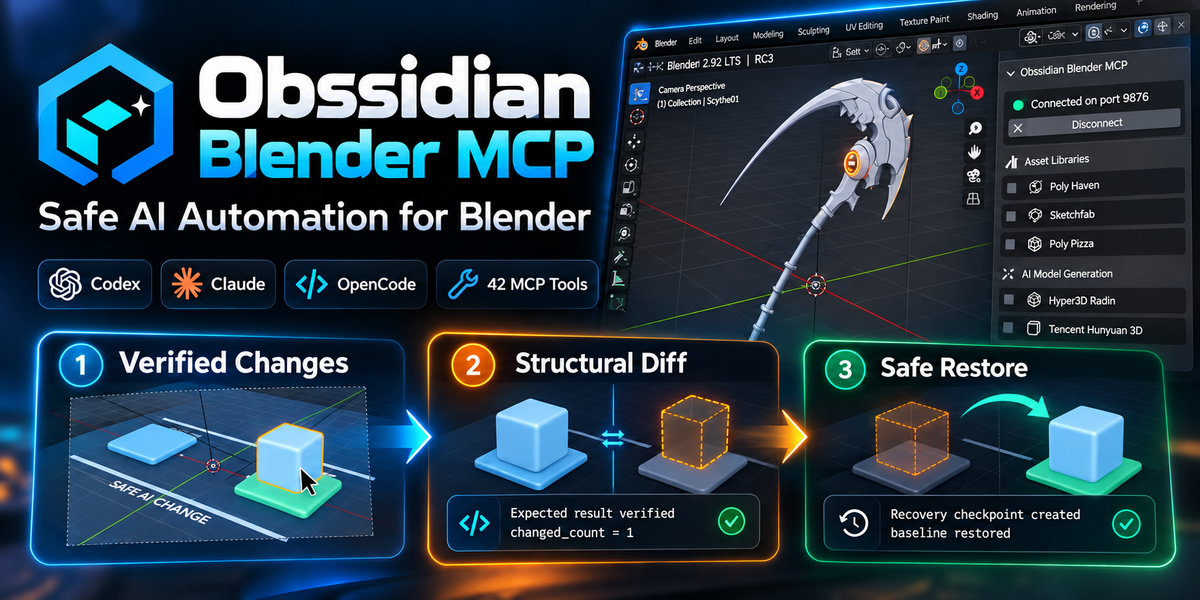
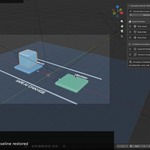
Question: Can I restore my scene if an AI operation makes an unwanted change?
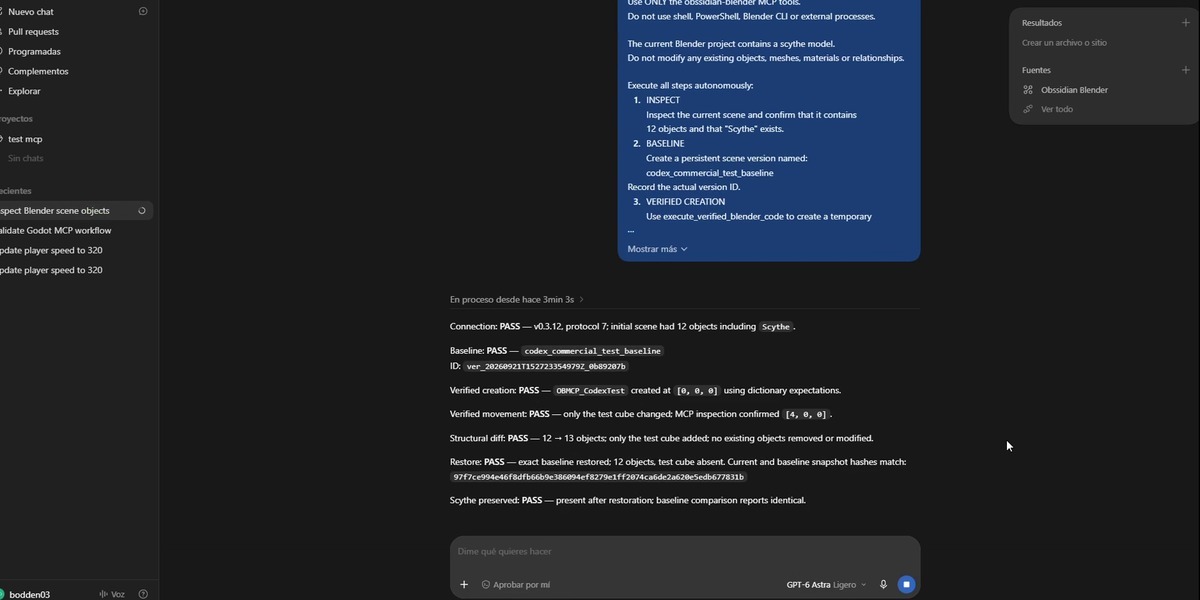
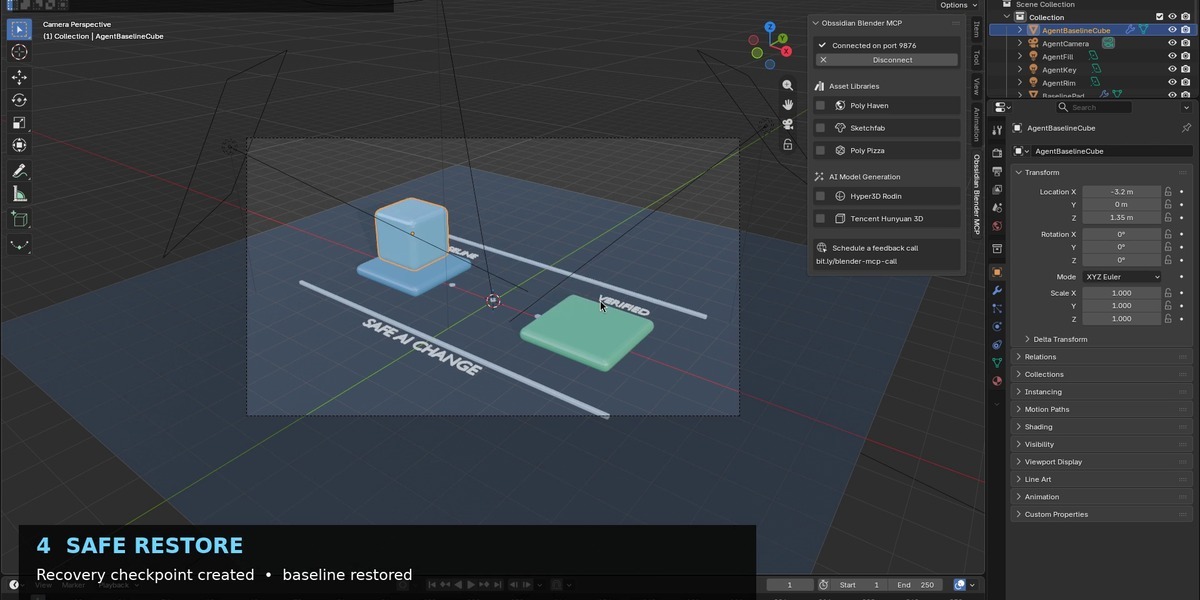
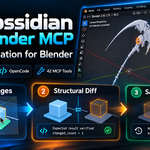
Yes, provided you created a scene version or recovery checkpoint before the operation. The recommended workflow is Inspect → Version → Change → Verify → Diff → Keep or Restore.
Question: What makes Obssidian Blender MCP different from a basic Blender MCP bridge?
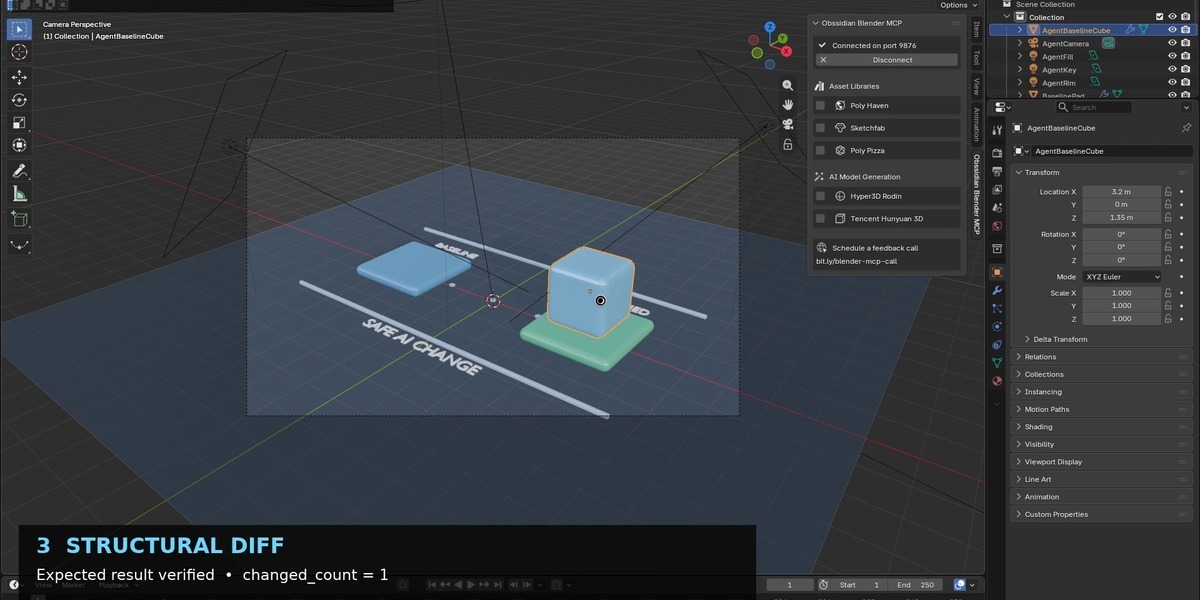
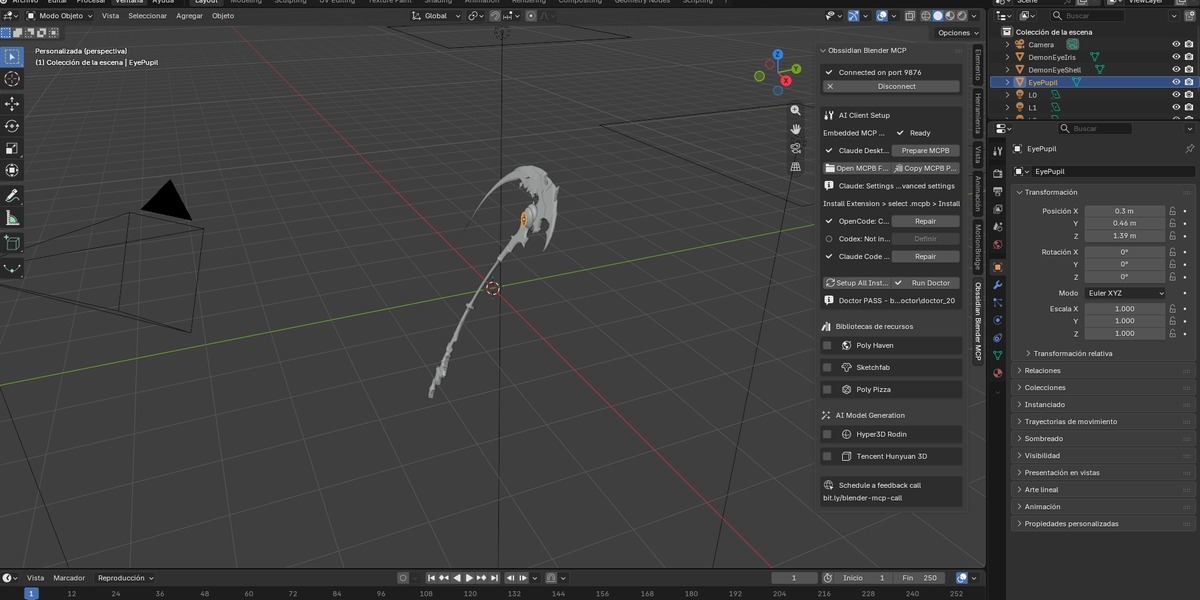
In addition to AI-to-Blender communication, Obssidian Blender MCP provides a safety-oriented workflow with persistent scene versions, verified changes, structural diffs, recovery checkpoints and safe restore capabilities. This lets you inspect what changed and return to a previous known-good state when necessary.
Question: What Blender versions are supported?
The current release supports Blender 4.2 or newer and has been validated through Blender 5.2.
Question: Which AI clients can I use with Obssidian Blender MCP?
Obssidian Blender MCP includes setup workflows for OpenAI Codex, Claude Desktop and OpenCode. It can also be used with other MCP-compatible clients when they support the required MCP connection configuration.
$25
Have questions about this product?
Login to message
| Published | 9 days ago |
| Blender Version | 4.2 - 5.2 |
| Extension Type | N/A |
| Render Engine Used | Cycles |
| License | GPL |
Discover more products like this
Versioning Scene Management Blender Automation MCP OpenCode Rollback Codex claude AI Automation Workflow productivity AI Tools