 Obssidian Art
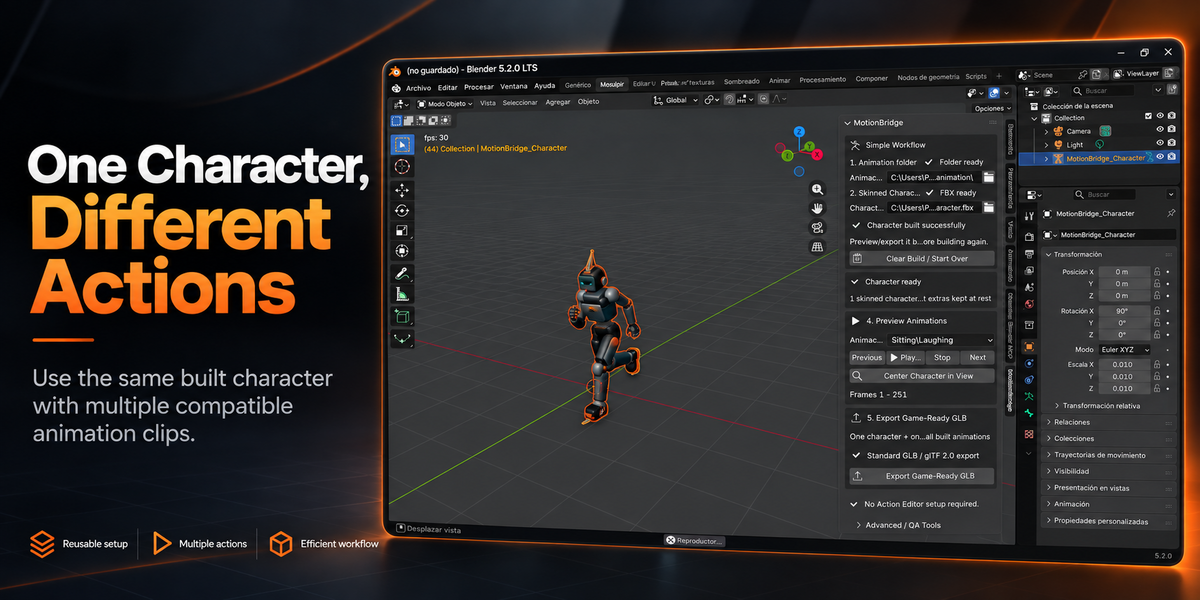
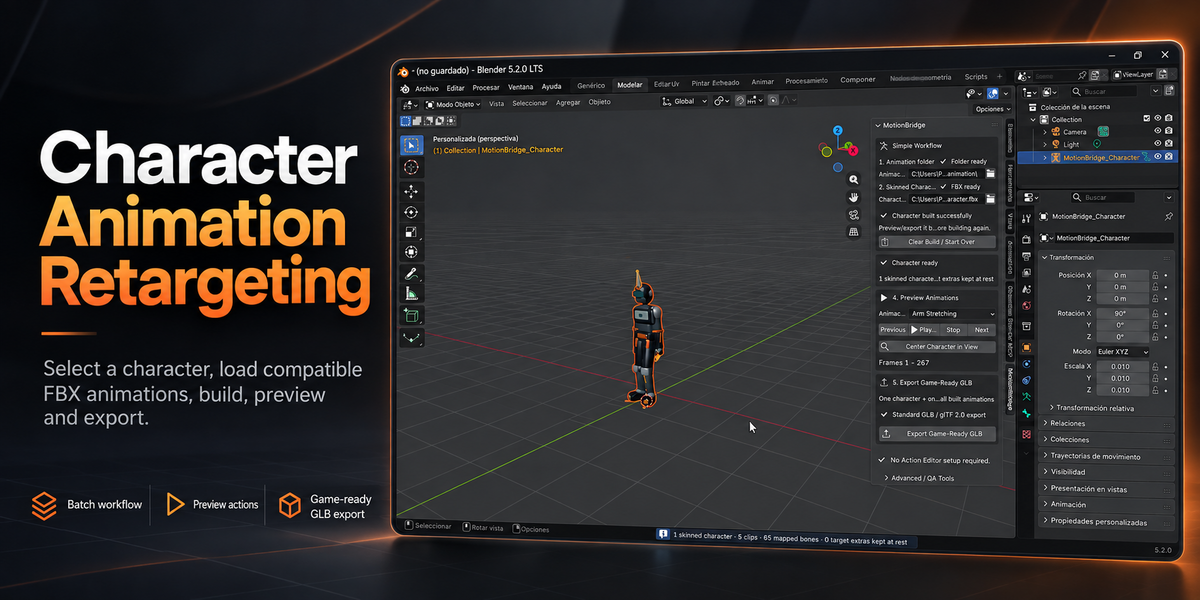

MotionBridge
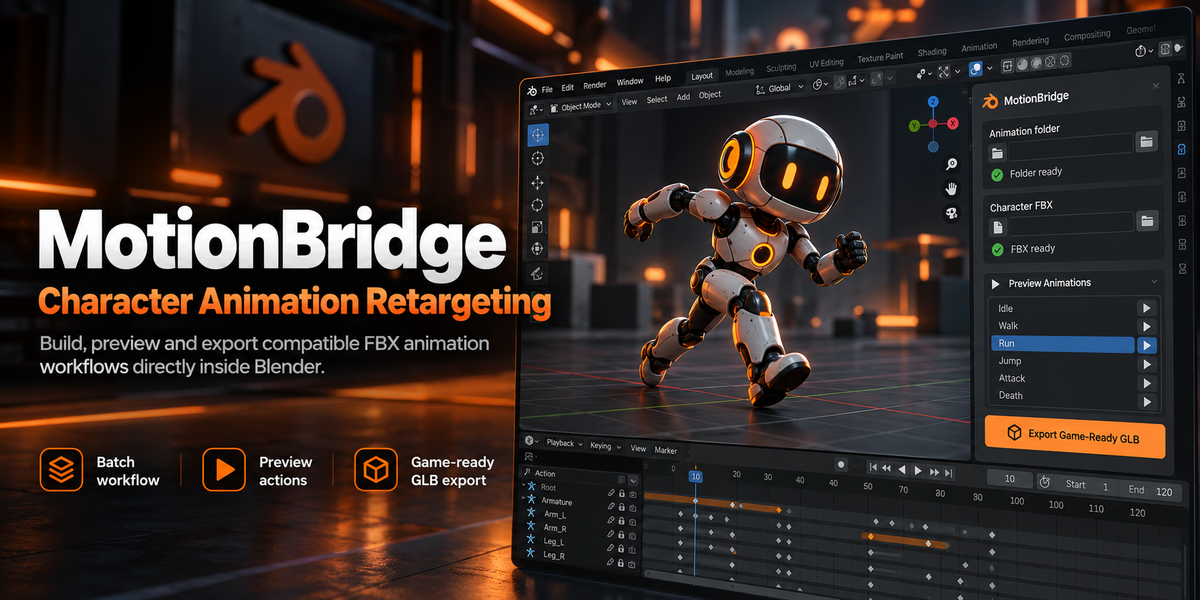
MotionBridge streamlines character animation preparation inside Blender.
Instead of repeatedly importing, organizing and checking animation files manually, select your rigged character, select multiple compatible FBX animation clips, and build the complete animation set through one focused workflow.
Watch the MotionBridge workflow
Watch another workflow example
Simple Workflow
1. Select Your Character
Choose a rigged FBX character with a skinned mesh.
2. Select Your Animations
Select multiple compatible FBX animation files at once.
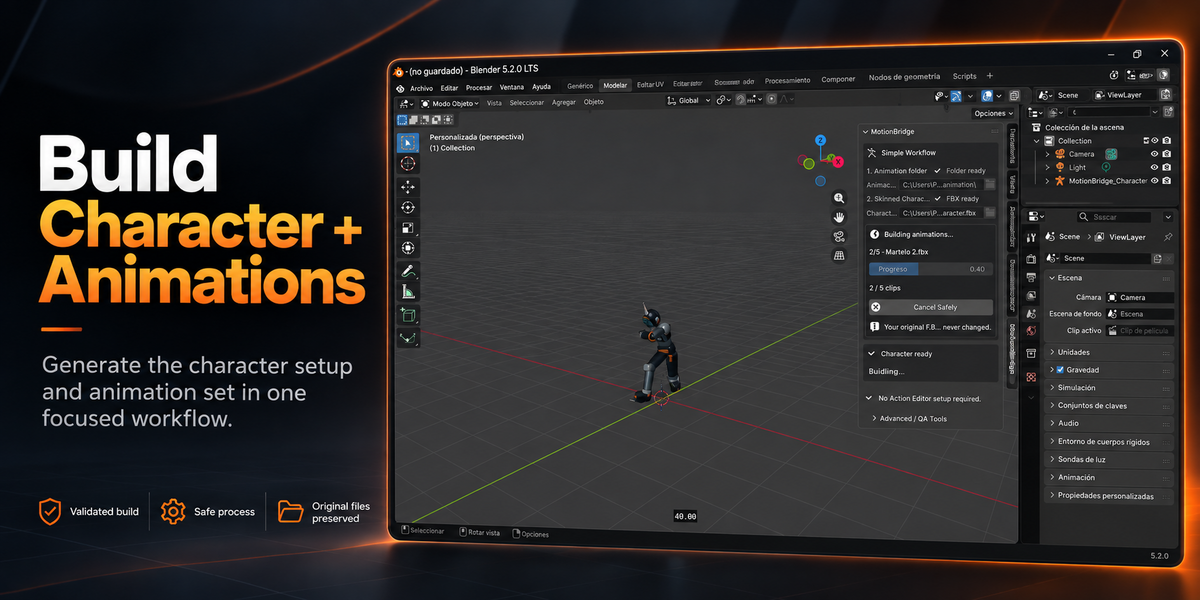
3. Build
MotionBridge validates the skeleton structure and prepares the character and animation actions.
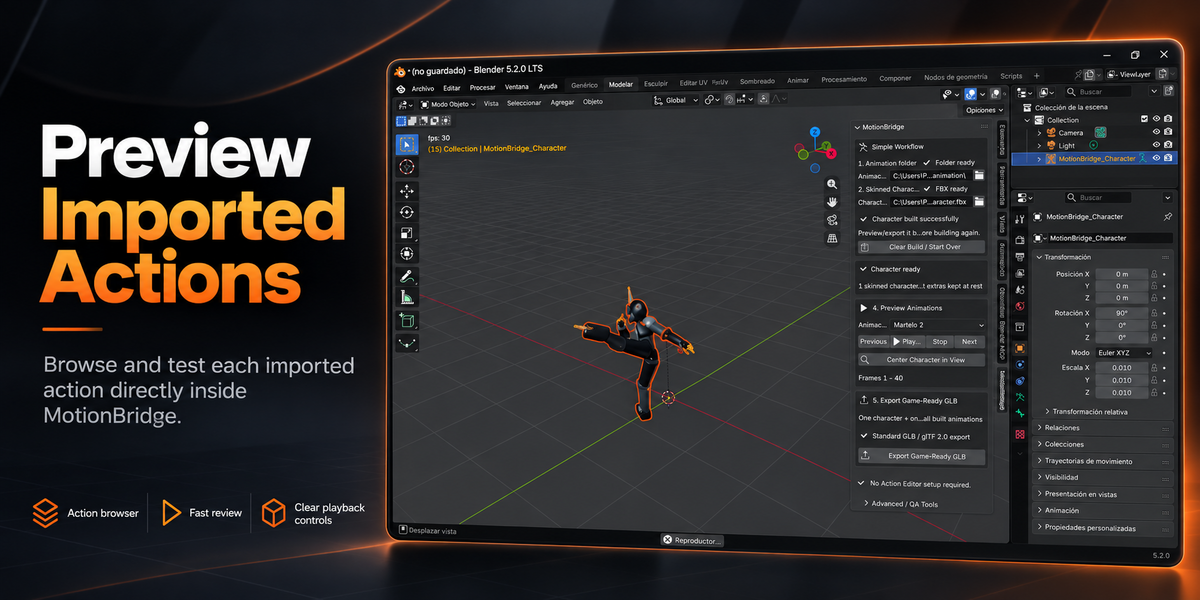
4. Preview
Browse and play the imported animations directly from the MotionBridge panel.
5. Export
Export the prepared character and animations as a consolidated game-ready GLB.
Features
- Batch FBX animation workflow
- Multiple animation selection
- Automatic skeleton compatibility validation
- In-panel animation browser
- Animation playback directly from MotionBridge
- Animation-name collision detection
- Safe build cancellation and rollback
- Preserves original source FBX files
- Excludes unrelated Blender actions from export
- Consolidated game-ready GLB export
- Clean and compact Blender UI
- No external services
- No telemetry
- No account or online activation required
Compatibility
MotionBridge 1.0 is designed for character and animation FBX files that use compatible skeleton structures.
For best results, the character and animation files should share the same bone names and hierarchy.
MotionBridge is not advertised as a universal humanoid retargeter between arbitrary skeletons.
Tested With
- Blender 5.2 LTS
- Windows
- Linux
- 65-bone humanoid character skeleton
- Multiple animation clips
- Batch animation workflows
- Game-ready GLB export
Included
- MotionBridge Blender add-on
- Quick Start documentation
- Release notes
- GPL v3 license
Demo characters and third-party animation files shown in promotional material are not included.
Built for a Faster Animation Workflow
Choose the character.
Choose the animations.
Build.
Preview.
Export.
MotionBridge handles the repetitive setup so you can spend more time working with your animation.
Obssidian MCP Doctor - Superhive (formerly Blender Market)
Obssidian Blender MCP — Safe AI Automation - Superhive (formerly Blender Market)
Explore more from Obssidian Art
Choose another tool for your Blender workflow.
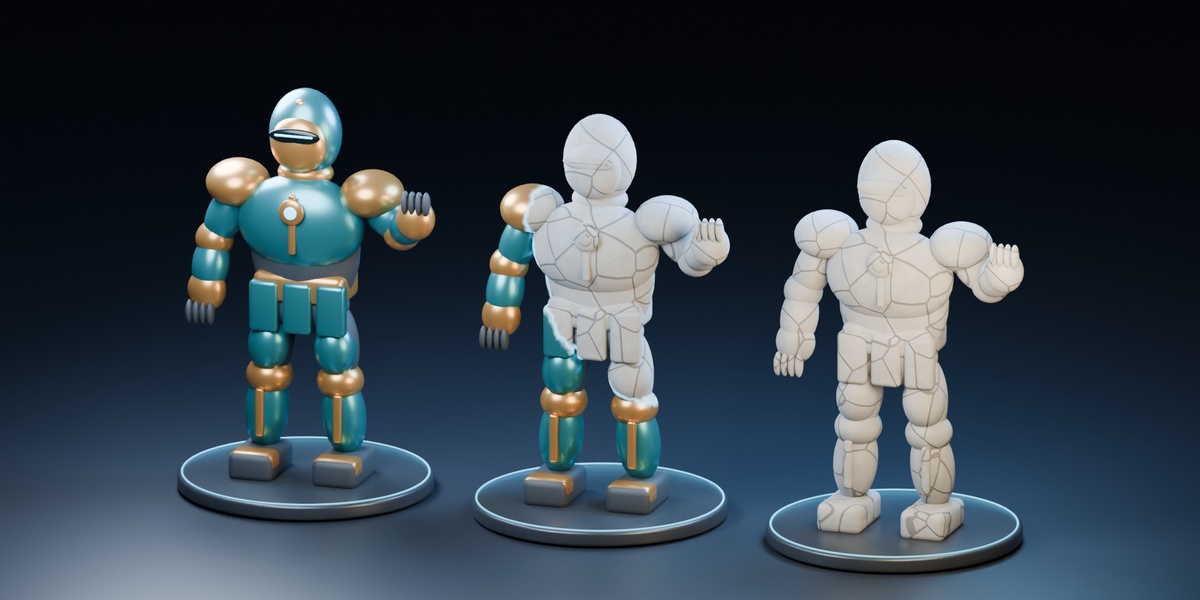
Obssidian Petrify Wave FX
Create reversible animated stone transitions on meshes and rigged characters.
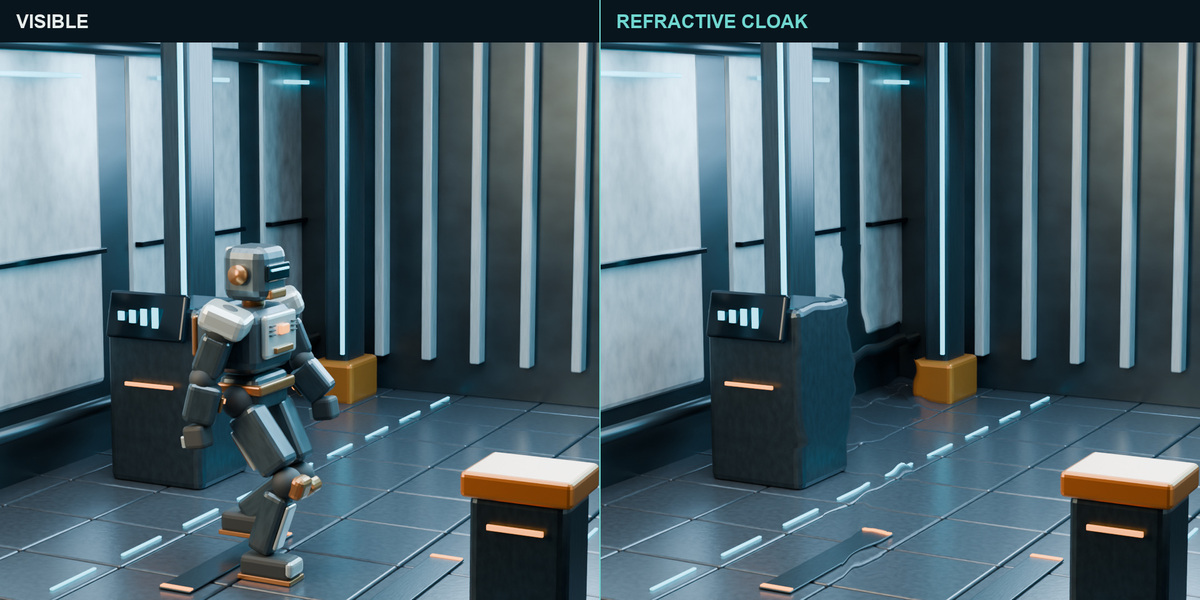
Each product is sold separately. Check its requirements and scope before buying.