 ZEG
ZEG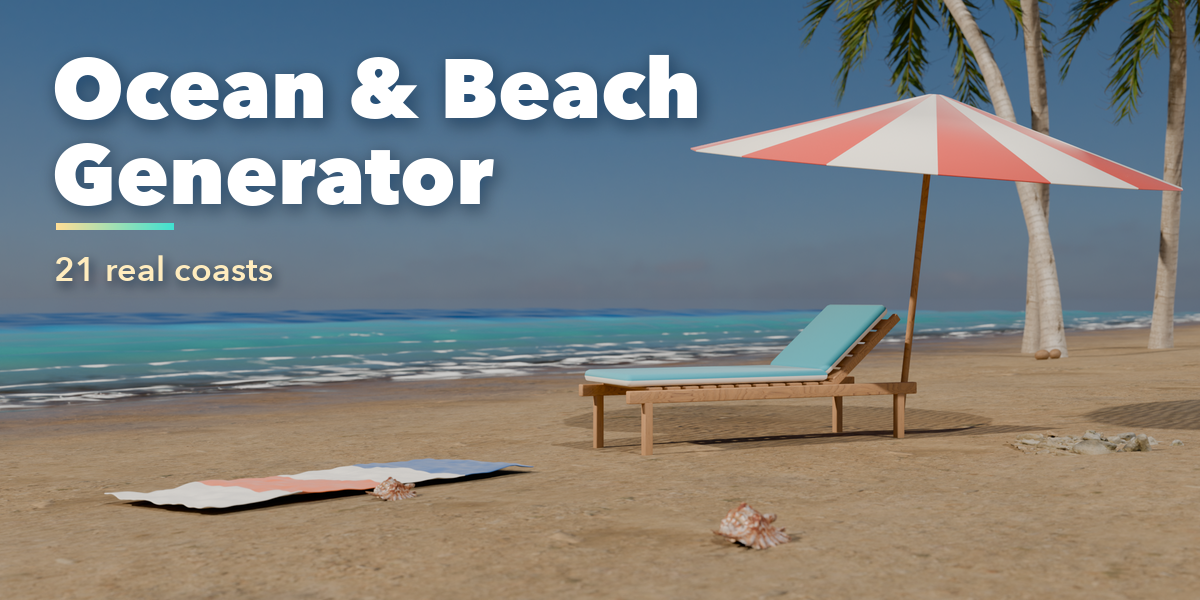
Installation
In Blender open Edit, Preferences, Get Extensions, then use Install from Disk and pick the ocean_beach_generator zip.
Usage
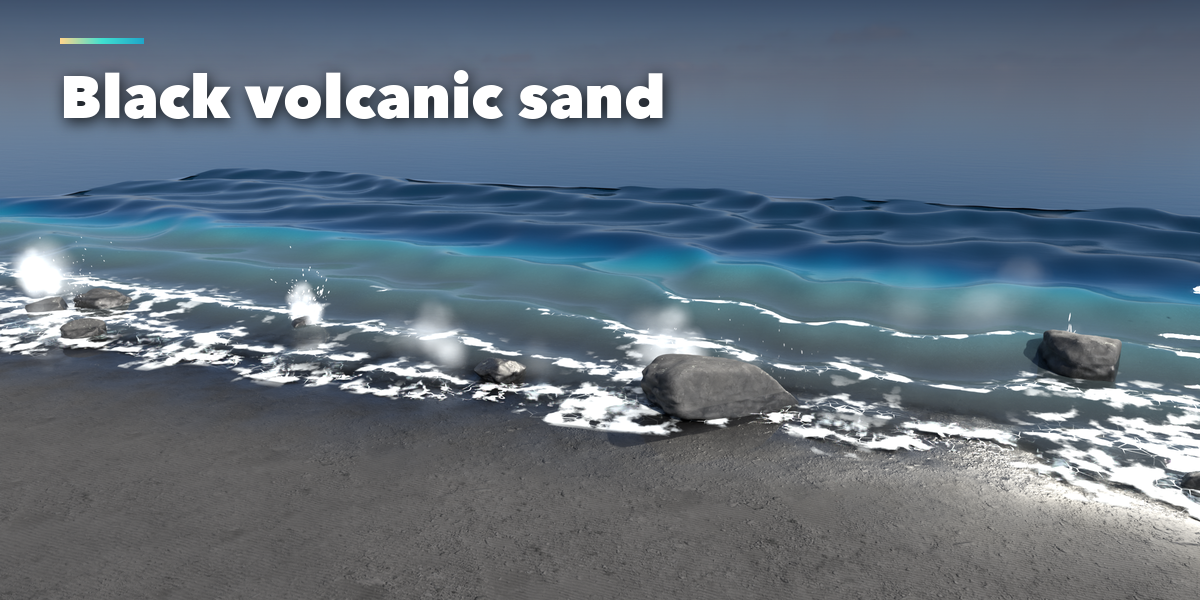
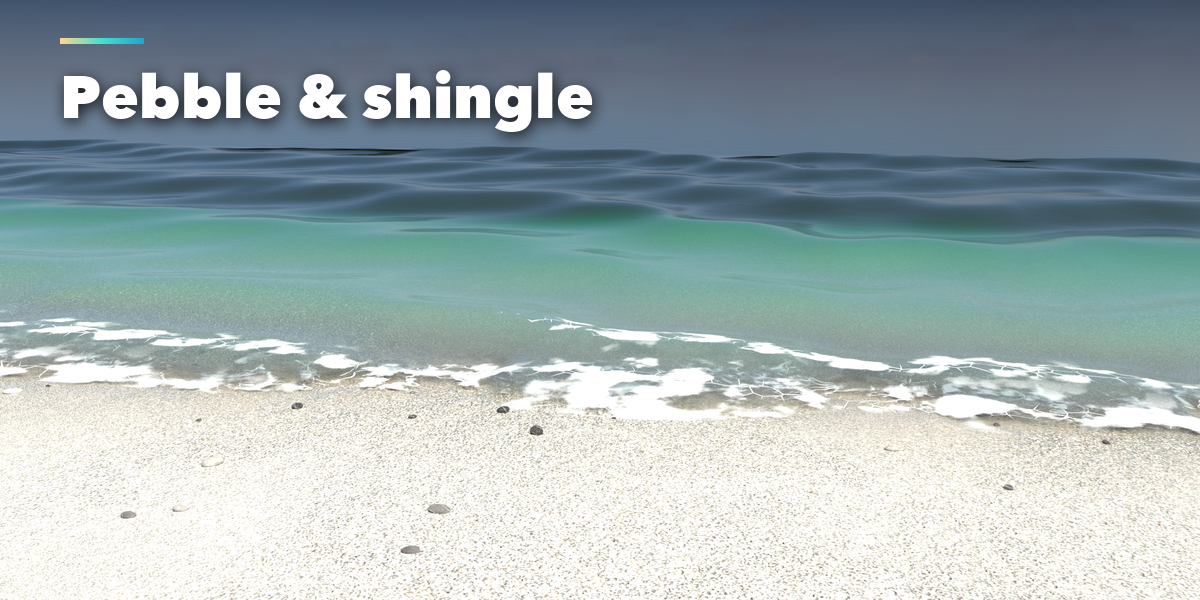
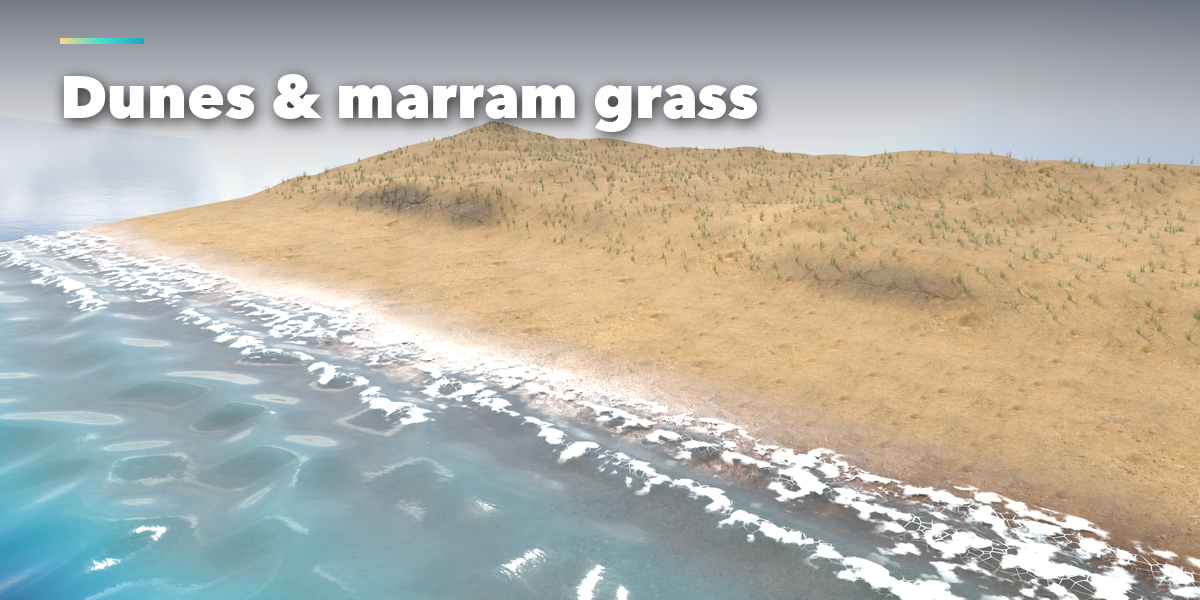
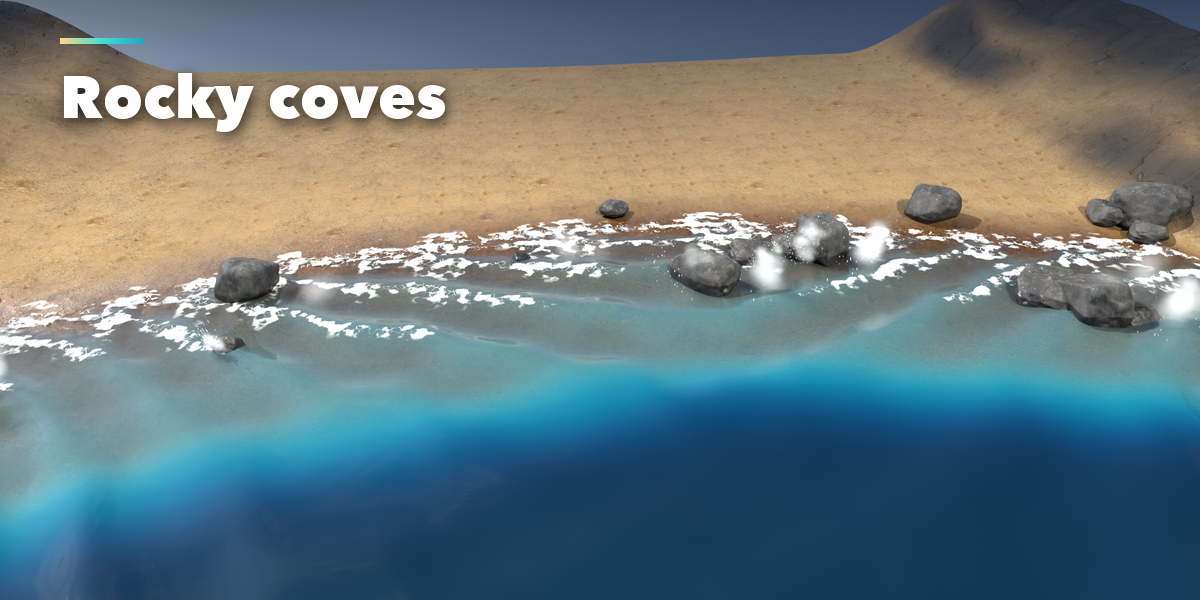
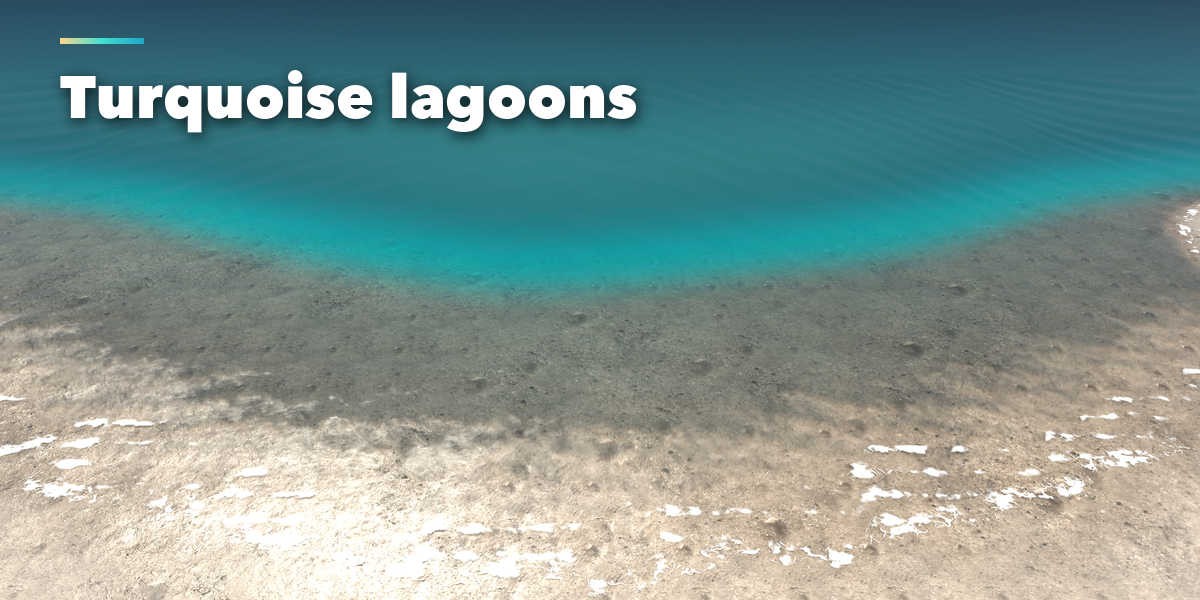
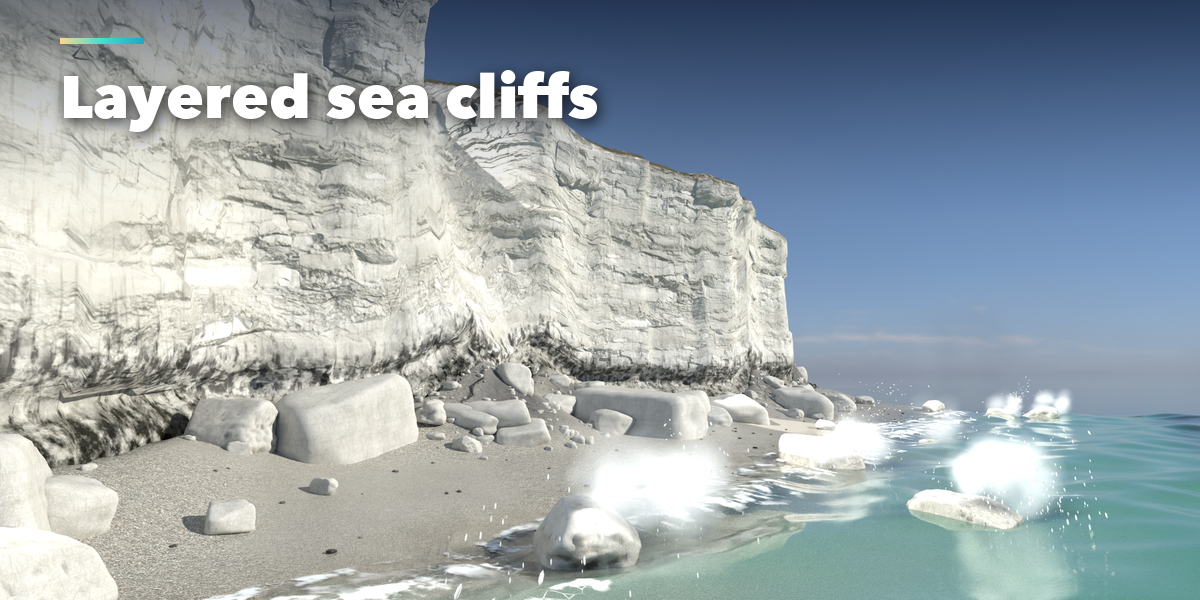
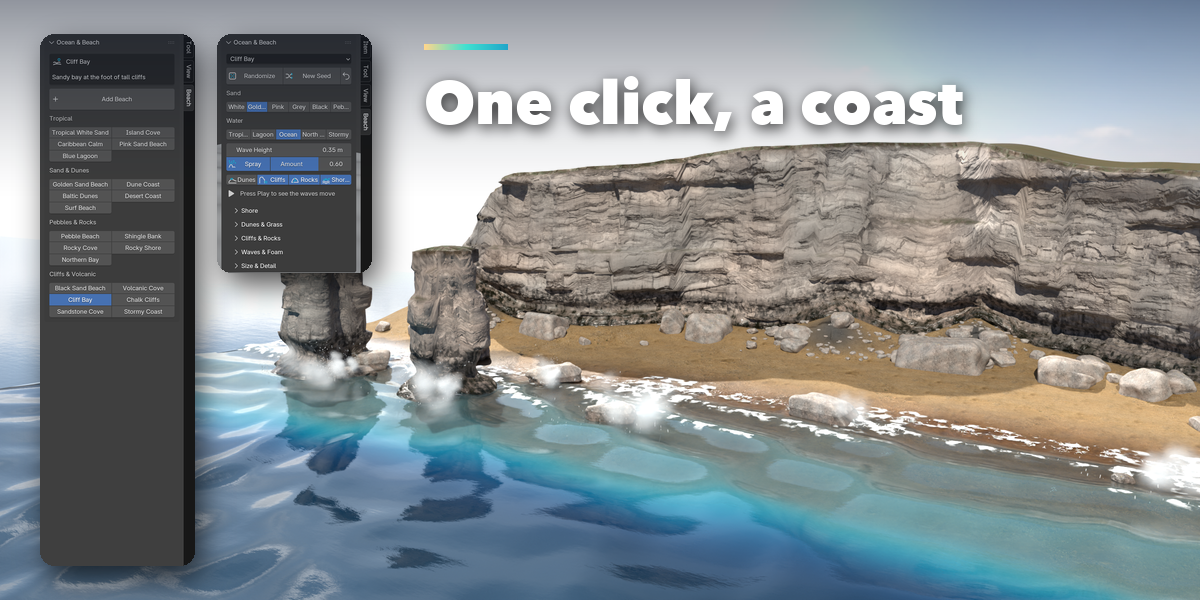
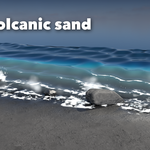
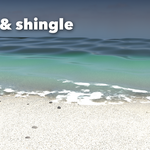
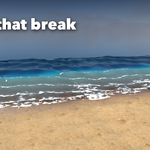
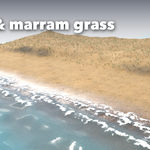
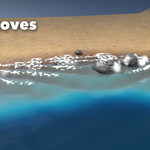
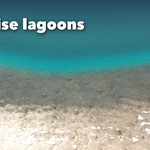
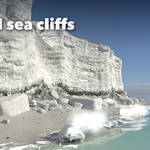
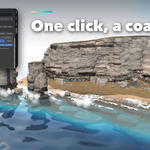
- Open the Beach tab in the 3D viewport sidebar (N). With nothing selected, click a coast type and press Add Beach. The scene is added at the 3D cursor.
- With the coast selected, pick another preset, press Randomize for a surprise or New Seed to reshape the shoreline, dunes and rocks.
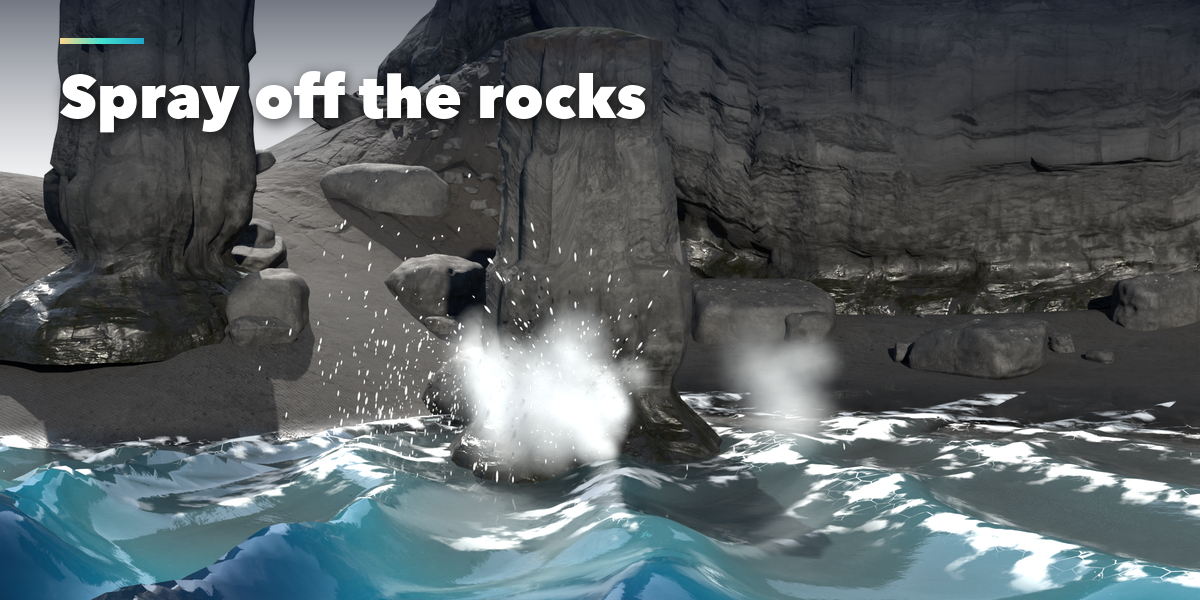
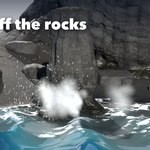
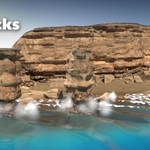
- Choose the sand and the water, set the wave height and the spray amount, and switch dunes, cliffs, rocks and foam on or off.
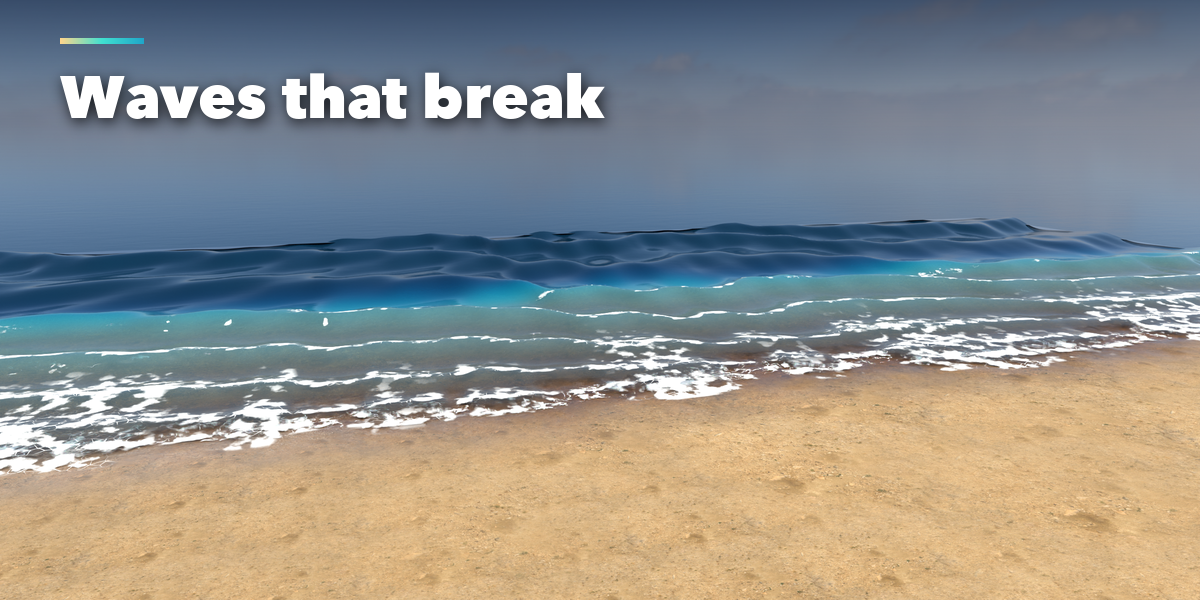
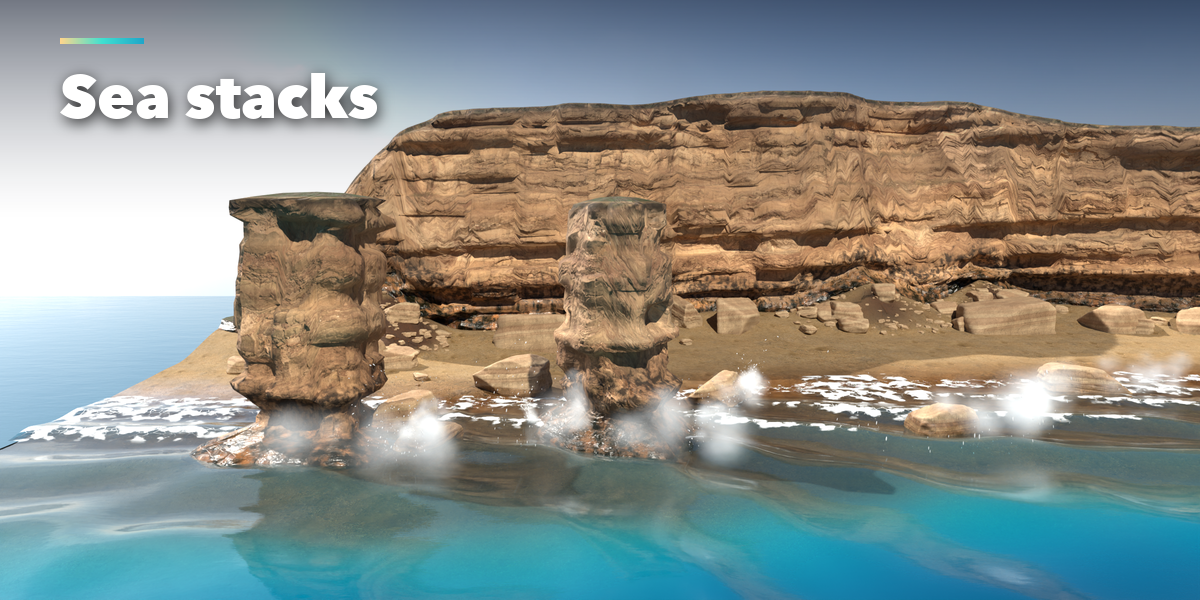
- The closed sub-panels hold the rest: Shore (slope, beach width, bay depth, wet sand, sandbar), Dunes and Grass, Cliffs and Rocks (cliff height, sea stacks, headlands), Waves and Foam (wave length, speed, breakers, spray), Size and Detail.
- Press Play: the waves are Geometry Nodes driven by scene time, no drivers needed.
Have questions about this product?
Login to message
| Blender Extension Compatible | Yes |
| Published | 1 day ago |
| Blender Version | 4.2 - 5.2 |
| Extension Type | Add-on |
| Render Engine Used | Cycles, Eevee |
| License | GPL |
