Oneclick Asset – One Click To Save Assets & Generate Previews
 VertexModeler Inc.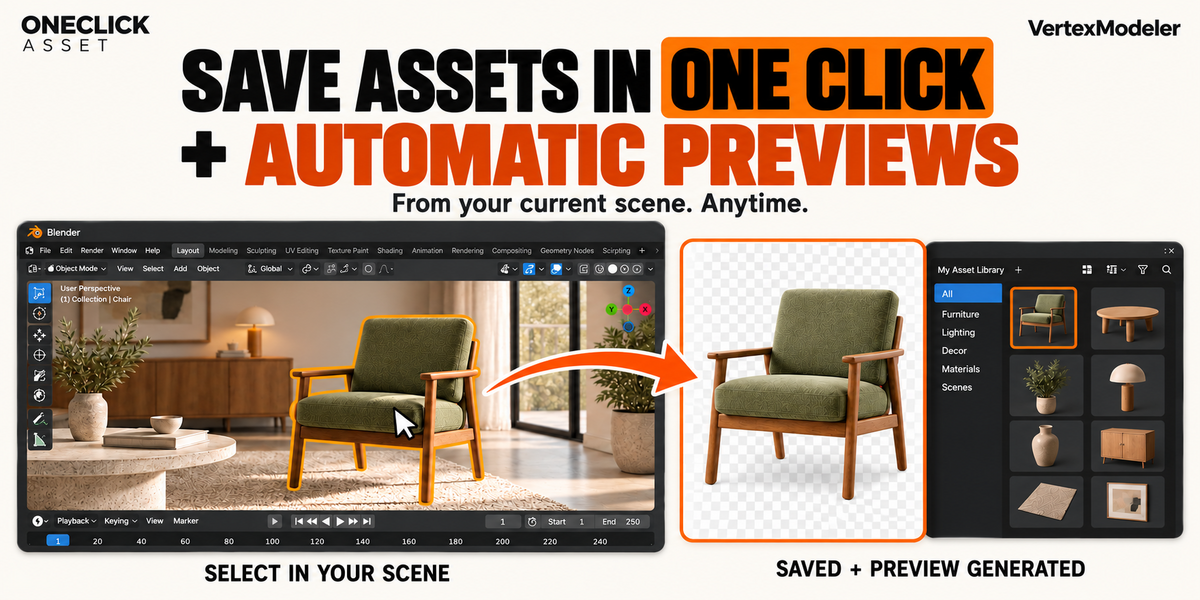
01. What does OneClick Asset do?
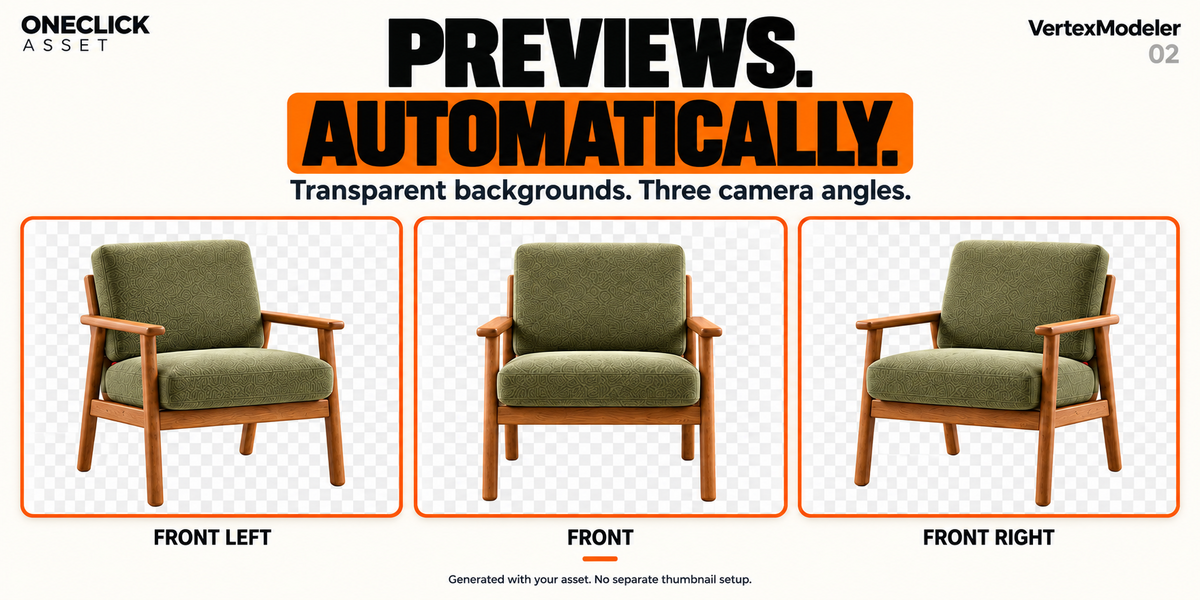
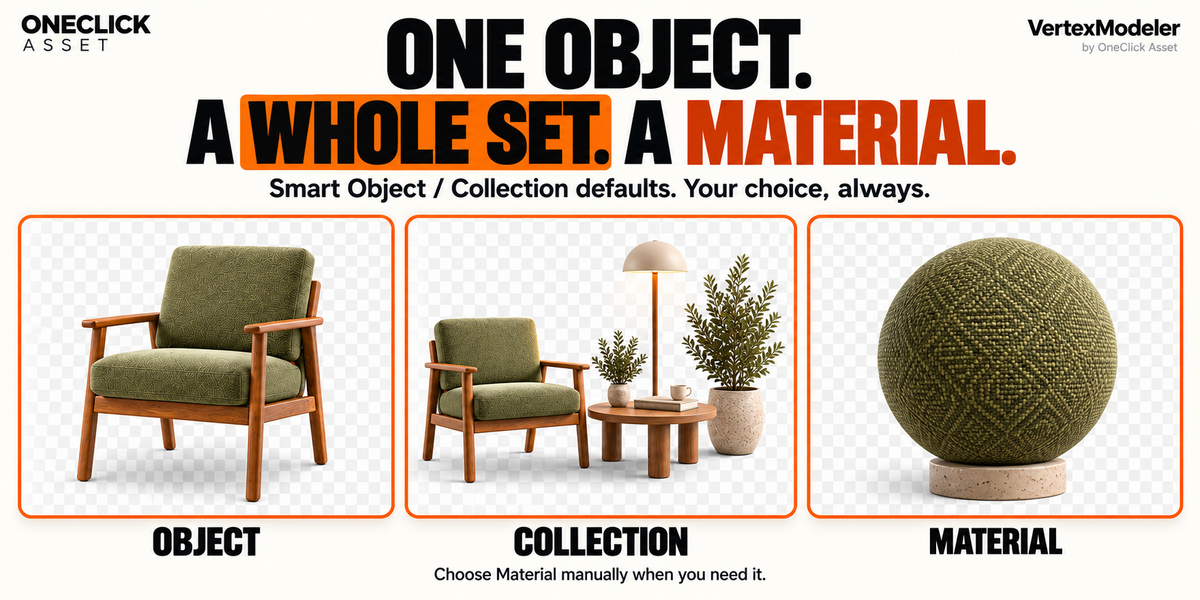
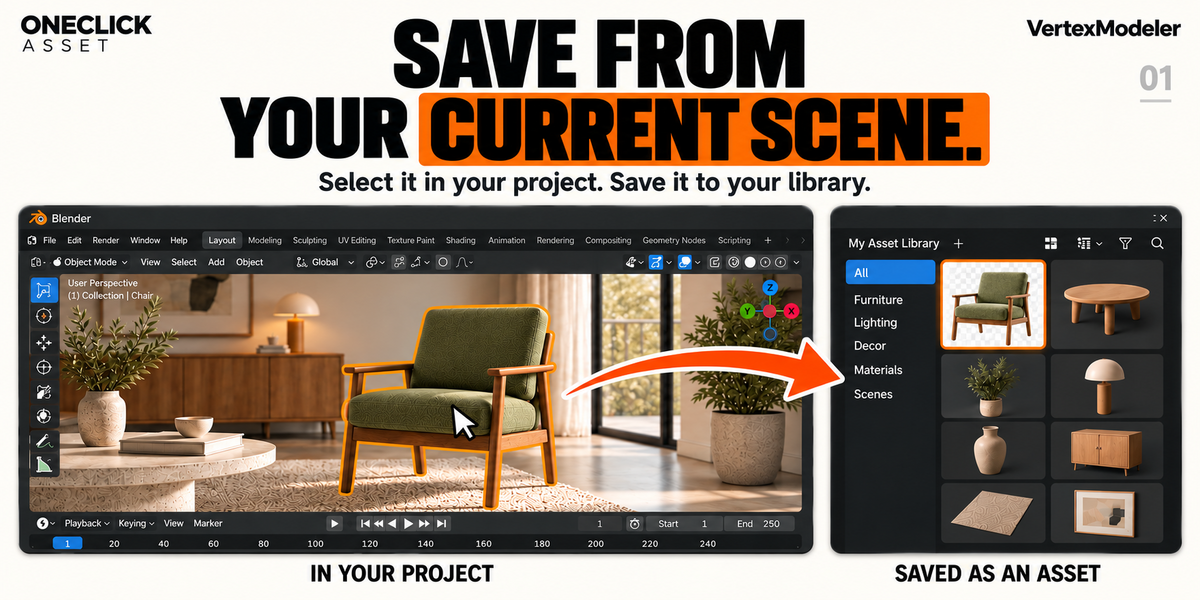
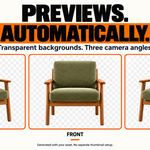
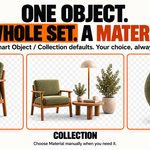
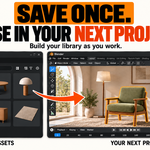
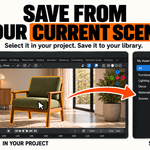
It saves your selected object, object set or material to a local Blender asset library and generates its transparent preview in the same export. There is no separate thumbnail creation and assignment step.
02. Does “one click” mean there is no setup or waiting?
You first need to register a writable local asset library. During export, check the destination and confirm. Saving and preview generation then run together, but rendering still takes time.
03. Which Blender versions and operating systems are supported?
The release targets Blender 4.0–5.2 on Windows x64. Linux and macOS are not supported release targets. Performance and compatibility can vary with your scene, hardware and third-party tools.
04. Why does a Collection export sometimes take longer?
Larger selections require more processing. On Blender 4.2–5.1, Collection export also performs an additional background save to preserve its thumbnail. Allow the export to finish.
05. Is this a furniture pack or a ready-made asset collection?
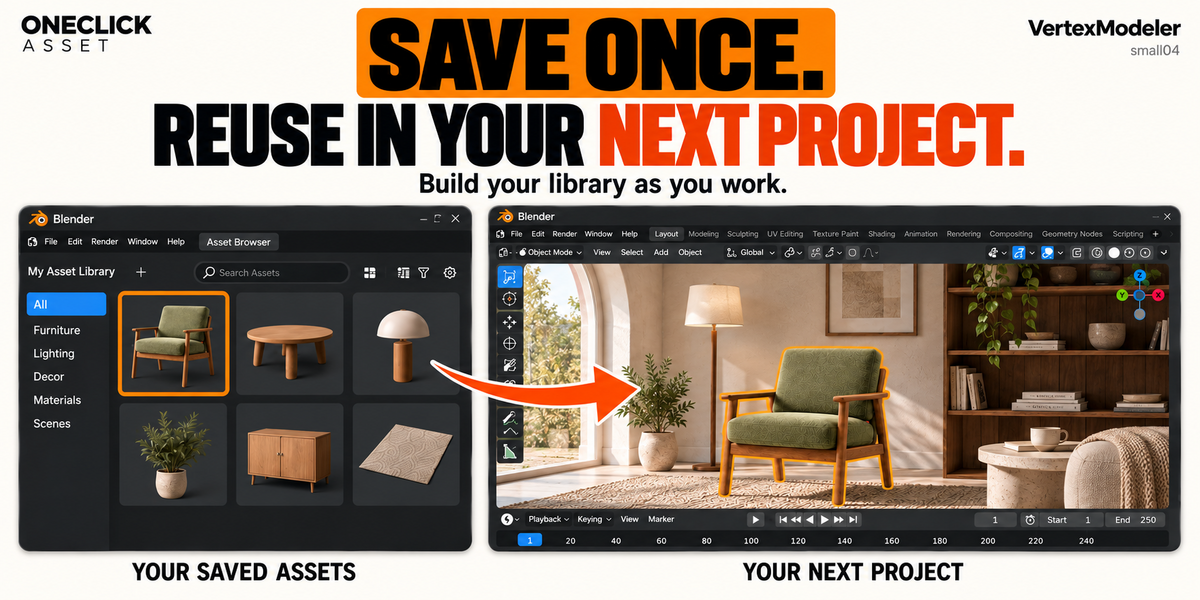
No. OneClick Asset is a tool for building a library from your own work. The furniture and interiors in promotional images illustrate the workflow and are not included model assets.
$12$9
 Included
Includes 12 months of
- Support from VertexModeler Inc.
- Product updates
Extend this product’s Support Period +12 months: 50% of product price
Have questions before purchasing?
Login to message
| Blender Extension Compatible | Yes |
| Published | 15 days ago |
| Blender Version | 4.2 - 5.2 |
| Extension Type | Add-on |
| Render Engine Used | Blender-Internal, Cycles, Eevee |
| License | GPL |
Discover more products like this
asset management thumbnail generator Automatic Previews productivity Workflow asset library Blender Add-on asset-browser scene organization asset export one-click 3d assets