 Oryx Foundry


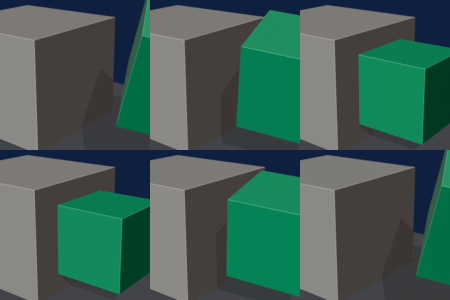
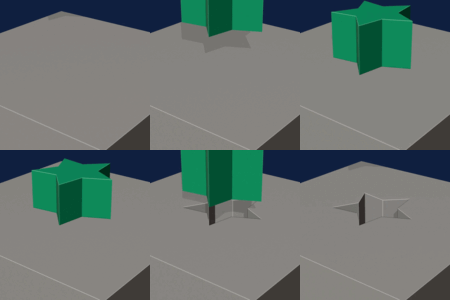
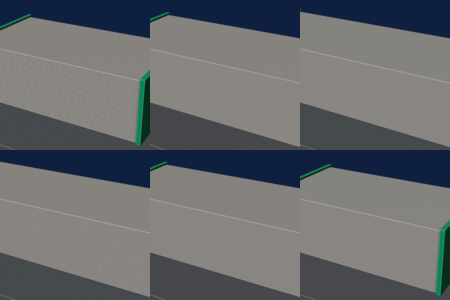
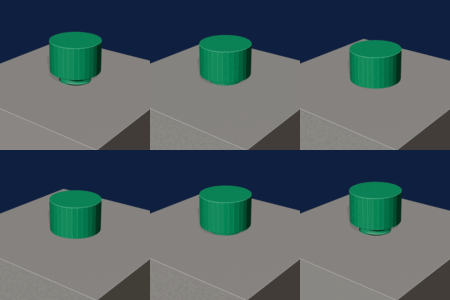
Make functional parts for 3D printing, right inside Blender.
Set a few values. Click. Print. Gears, screws, springs and printable textures, all in real millimeters.
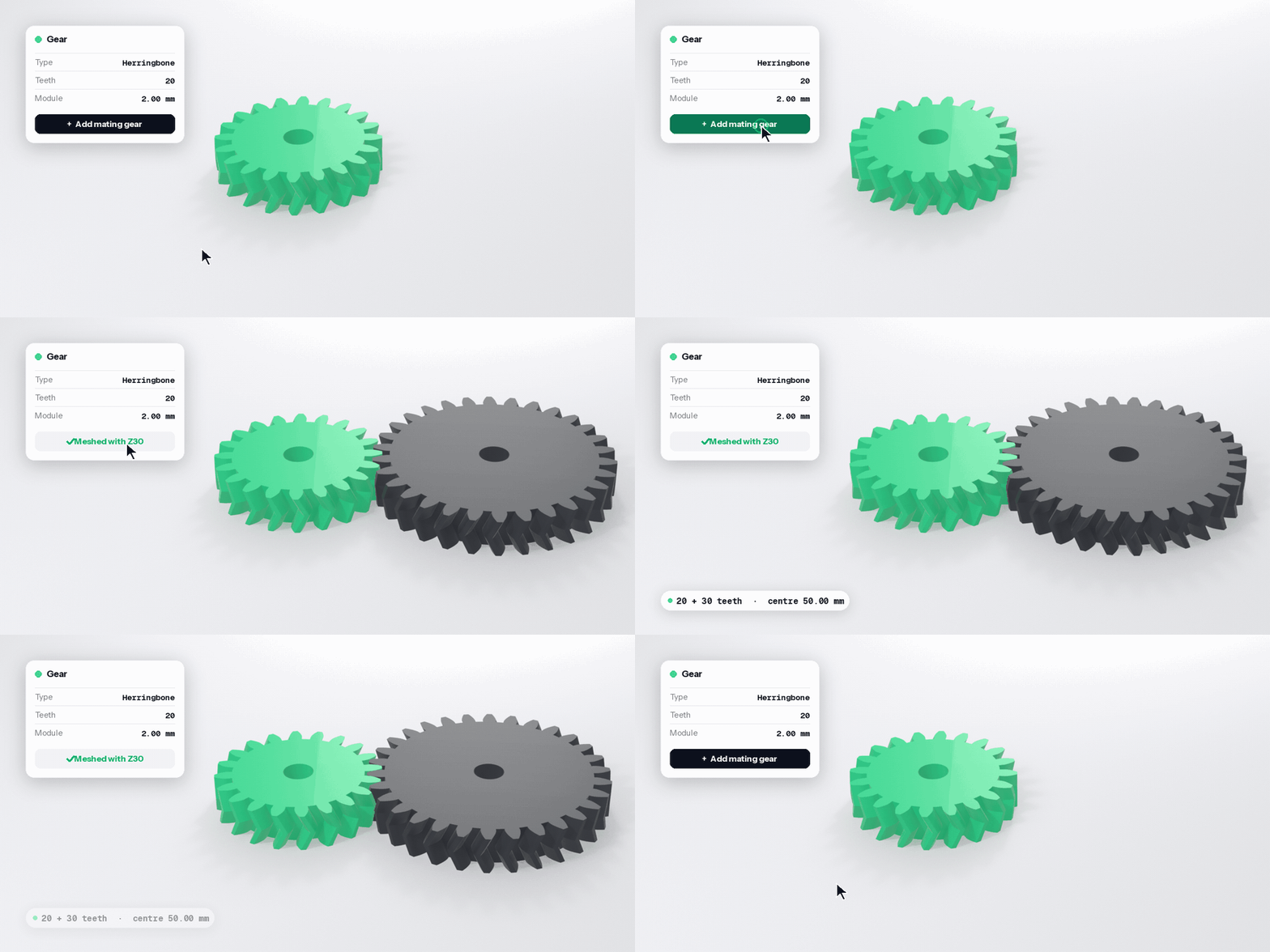
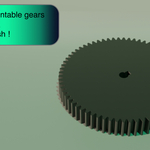
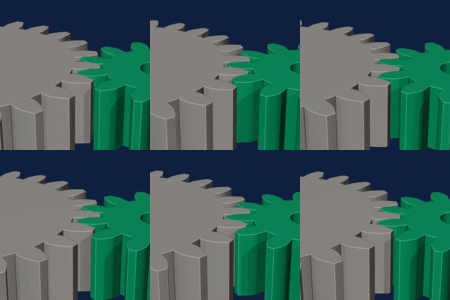
Gears that mesh. First time.
Pick a tooth count, click Add mating gear. The second wheel arrives already meshing, with print play built in.
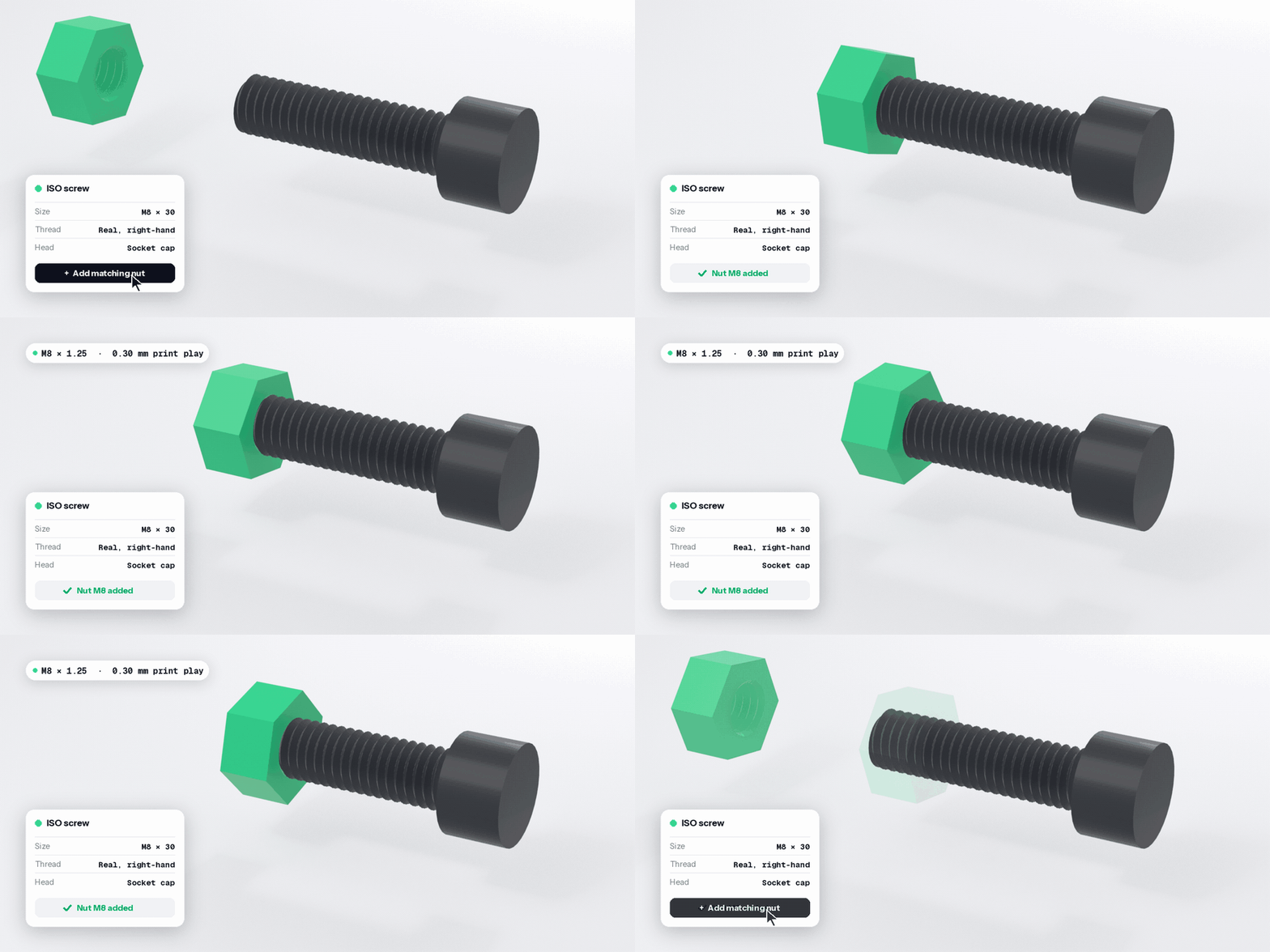
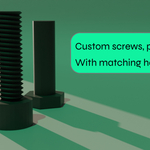
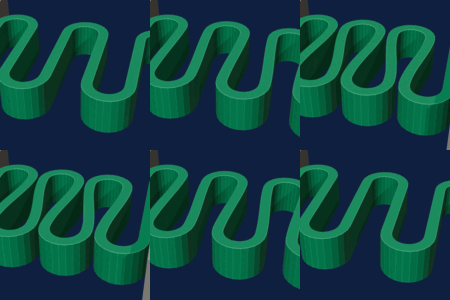
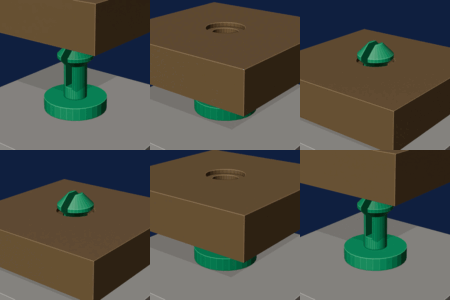
Screws and nuts that actually screw.
ISO M2 to M16 with real threads. One click adds the matching nut, with the right play for your printer.
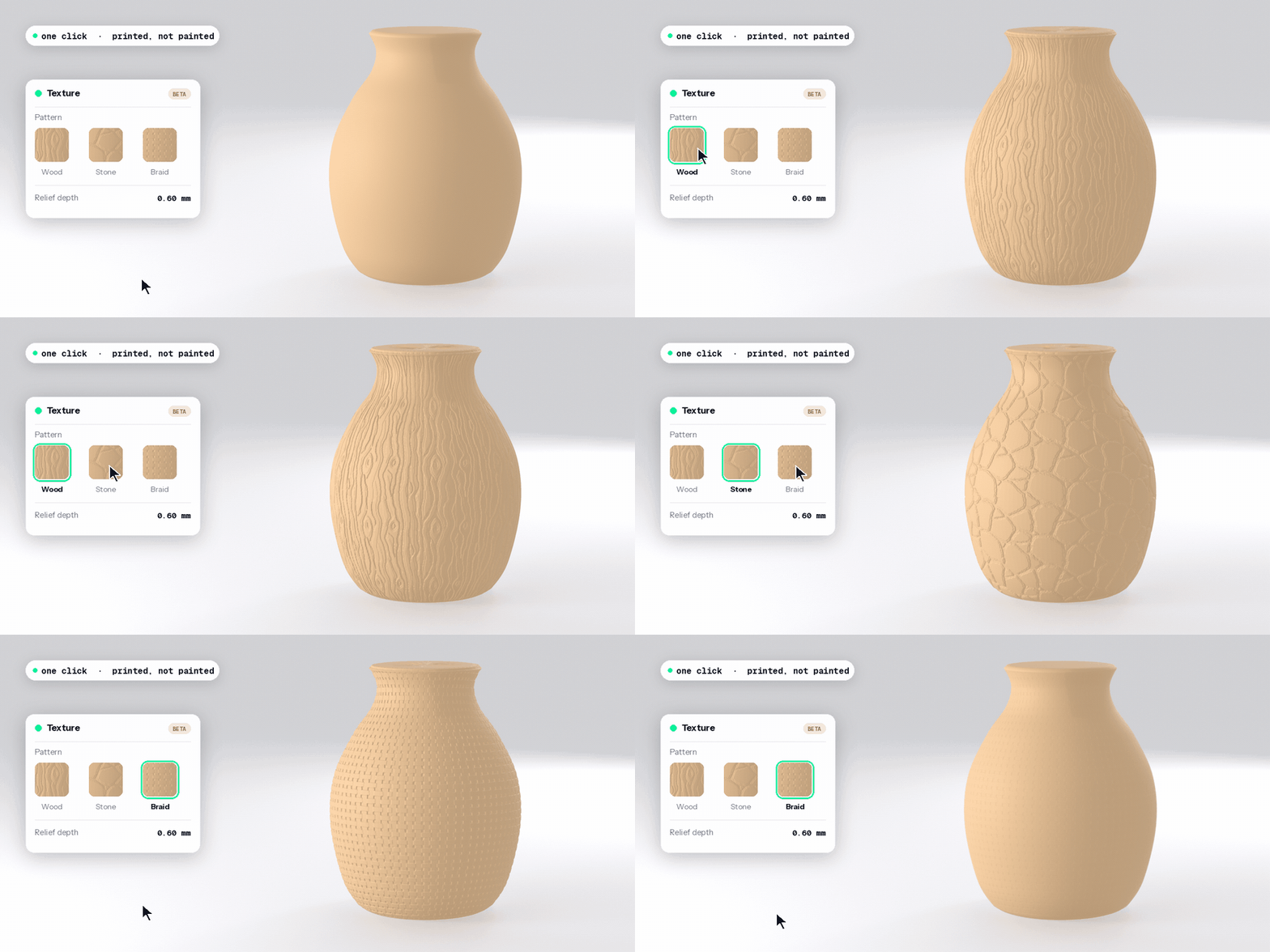
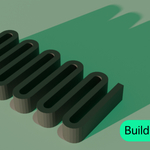
Textures in one click. Printed, not painted. BETA
Pick wood, stone, braid or 8 other patterns. Oryx sculpts real relief into the surface, in millimeters, ready for your slicer.
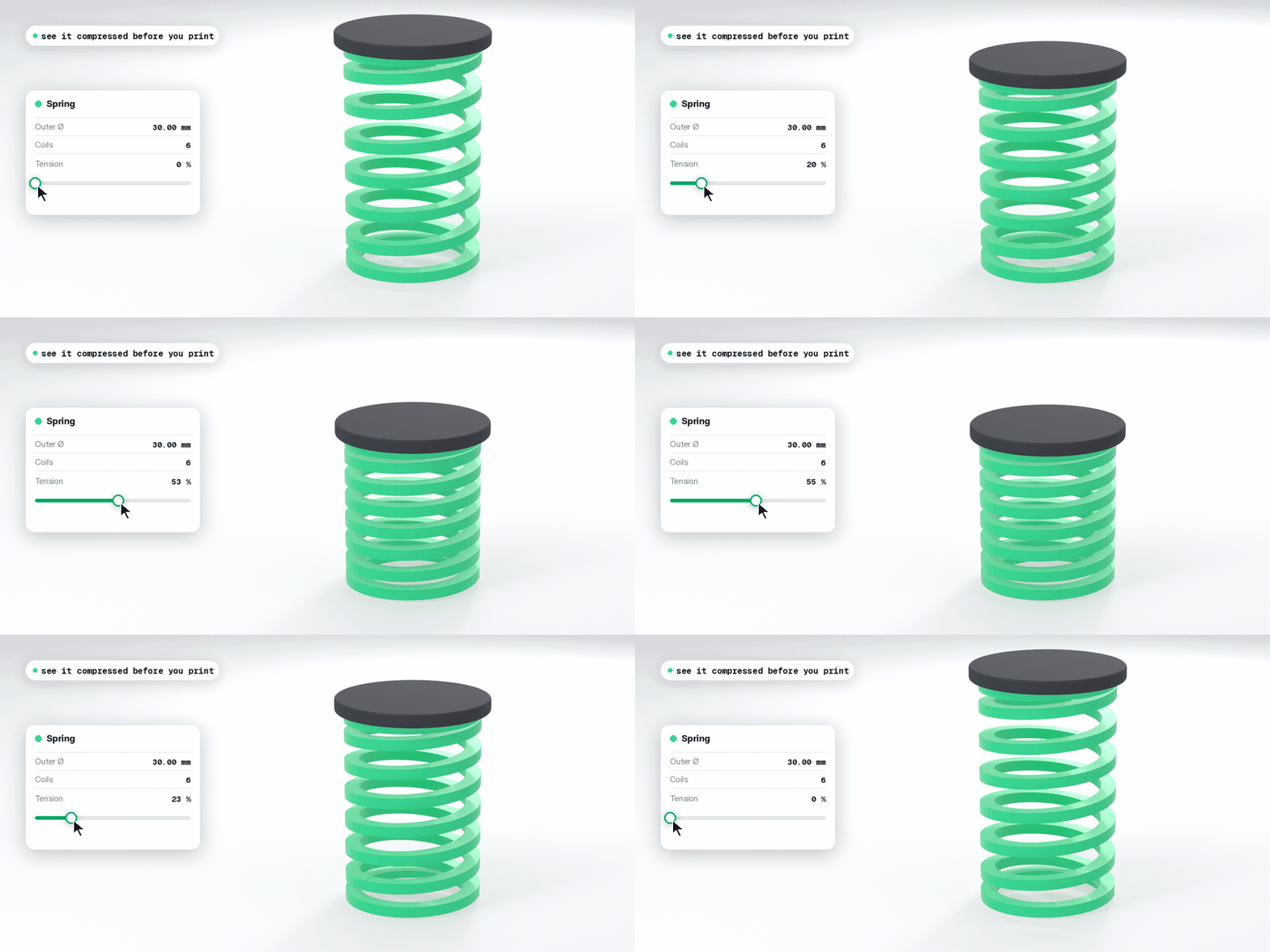
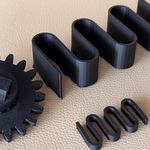
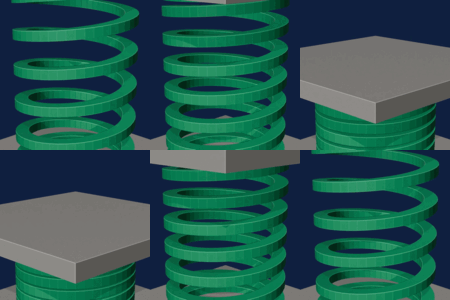
Springs you can see compressed.
Set the diameter and the coils. Drag Tension to see the spring in its working state before you print.
Also inside
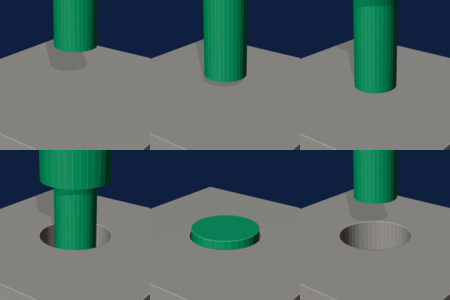
Drill with tolerance. Holes come out at the size your printer needs.
Merge into one solid. Overlapping parts become one watertight mesh.
Print check. A score out of 100, then one-click repair.
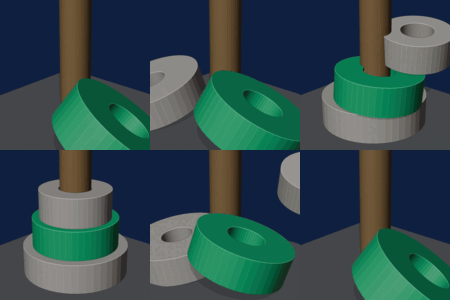
Snap face to face. Seat one part against another in one click.
Exact dimensions. Type a size in mm. The part follows.
Print-ready export. STL, OBJ or 3MF, locked to millimeters.
Works with Blender 4.2+ and 5.x, on Windows, macOS and Linux.
One-time purchase. No subscription. Free updates for every owner.
Support directly from the developer. Step-by-step docs inside the add-on.
The texture module is in beta: very dense meshes (300,000+ faces) make its print check slower. Details in the changelog.
Keywords: Blender CAD add-on, 3D printing, parametric gears, herringbone gear, mating gear, ISO screws and nuts, real threads, printable springs, printable texture, surface relief, watertight boolean, print check, mesh repair, STL 3MF export.
