Oryx Cad - Print-Ready Mechanical Design & 3D Printing Tool
 Oryx Foundry


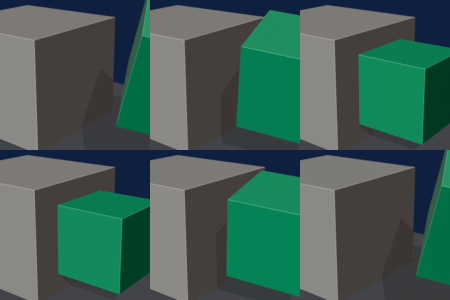
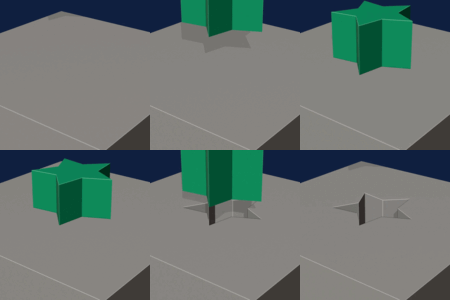
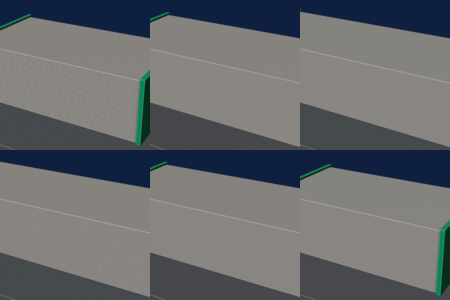
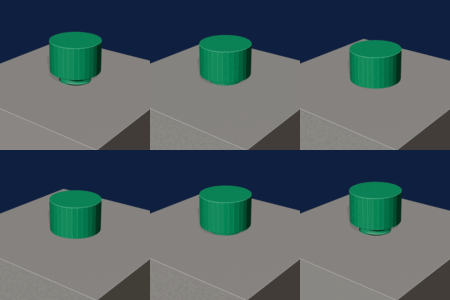
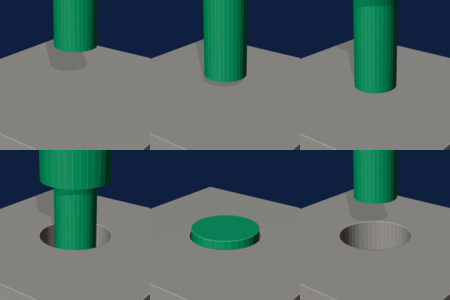
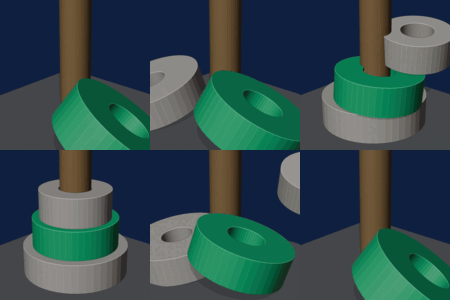
Oryx CAD 1.3.3 – Maintenance update
This update fixes several issues from the V1.3 release. It includes all changes from 1.3.1 and 1.3.2.
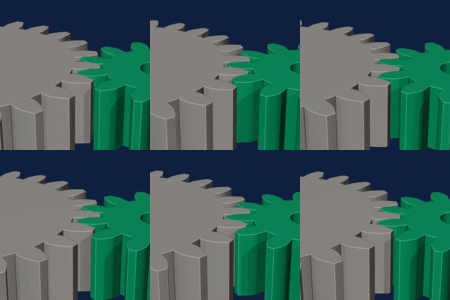
- Face center snapping: Smart Snap now offers face centers on every part, including gears, spheres and textured parts.
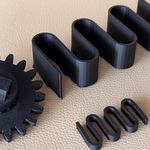
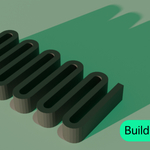
- Texture exports: exported STL, OBJ and 3MF files now contain the same relief detail you see in the viewport.
- Texture defaults: new textures start at a 10 mm pattern and a 0.6 mm depth, printable as soon as you apply them.
- Blender extension format: Oryx CAD now installs from Edit > Preferences > Get Extensions > Install from Disk (Blender 4.2+).
- Guided tour: it now remembers that you have completed it.
Updating: install the new .zip from Get Extensions. If you installed a version older than 1.3.1, disable it first in Preferences > Add-ons. Full release notes are included as a PDF.
Ideas, questions or a bug to report? Send me a message here on Superhive, I read every one.
V1.3 is live. Free update from any v1.1.x or v1.2.x.
NEW - Printable surface texture (beta)
Real relief on a surface, depth typed in millimeters. 11 patterns or your own image, a five-step assistant, and a pre-print check. 0.60 mm relief equals 3 printed layers. Labelled beta in the interface: its pre-print check gets slow above roughly 300,000 faces.
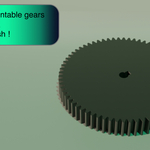
NEW - Herringbone and helical gears
Helix angle 0 to 45 degrees, tooth backlash typed in millimeters, mating-wheel generator: the second wheel arrives already engaging the first, helix reversed.
NEW - ISO 4032 nuts
Real threaded nut, or a subtractable imprint to seat inside a part.
FIXED - Thread direction
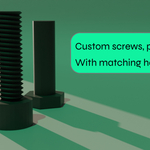
Threads ran left-handed until V1.2. They are right-handed by default from V1.3. If your earlier printed screws felt wrong, that is why. Drilling now verifies its own cut and goes again if it did not go through.
IMPROVED - Full FR / EN interface
About sixty parameter labels now follow the Oryx language switch.
IMPORTANT - remove the previous version first. Edit > Preferences > Add-ons, type "Oryx" in the search field, untick the checkbox, open the arrow at the right of the row and choose Remove, then close and reopen Blender. Installing on top of the old version leaves files from the older release behind and can stop the panel from showing up.
Then install: Edit > Preferences > Add-ons > the arrow at the top right > Install from Disk, pick ORYX_CAD_V1.3.zip, tick the checkbox next to "ORYX CAD V1.3". Your .blend files are never touched. Docs at oryxfoundry.com/docs.html
New
- Contextual panel: the ORYX panel now reads your selection and shows only the relevant tools (nothing selected, one part, or two)
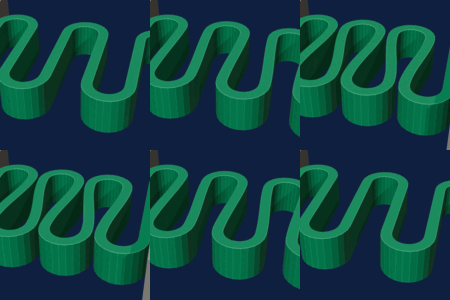
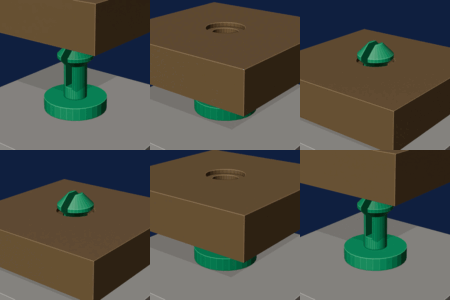
- Snap-fit clips: assemble printed parts without screws or glue, split mushroom rivet with automatic FDM tolerance, socket, and one-click carving of the facing part
Improved
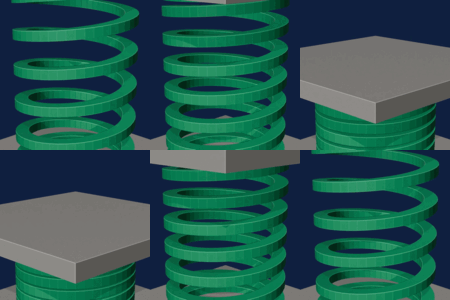
- Tensioned springs: tension percentage previews the compressed state in the panel; springs are now editable after creation
- Unlimited alignment: Align works on any number of selected parts; multi-pinned measurements; origin to bottom face
- Shape Drilling: selectable across several targets at once
Free update for every V1.1.x owner. Compatible with Blender 4.2+ and 5.x.
Version Files : clique Add Version Files → téléverse ORYX_CAD_v1.2_Plugin.zip
 Included
Includes 12 months of
- Support from Oryx Foundry
- Product updates
Extend this product’s Support Period +12 months: 25% of product price
Have questions before purchasing?
Login to message
| Blender Extension Compatible | Yes |
| Sales | 10+ |
| Published | 3 months ago |
| Blender Version | 5.1 |
| Extension Type | Add-on |
| Render Engine Used | Cycles, Eevee |
| License | GPL |
Discover more products like this
cad screws mesh repair gears iso 3MF 3d printing parametric engineering precision modeling boolean STL export