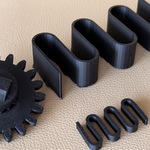
Oryx CAD - Split, Gears & Parts for 3D Printing

Is it a subscription?
No. One payment, and the add-on is yours. Your purchase includes 12 months of updates and support on Superhive.
Where do I start?
Press Shift+Q in the 3D viewport: the Oryx wheel opens with every tool. The Documentation tab walks through each one.
Can I use Oryx CAD for commercial projects?
Yes. Your license covers personal and commercial use with no royalties or additional fees.
Do I need CAD experience?
No. Knowing how to move an object in Blender is enough. Every tool takes values in millimetres and works in a few clicks. If you come from Fusion or Onshape, you will find what you expect: exact values, tolerances and clearances.
Which Blender versions are supported?
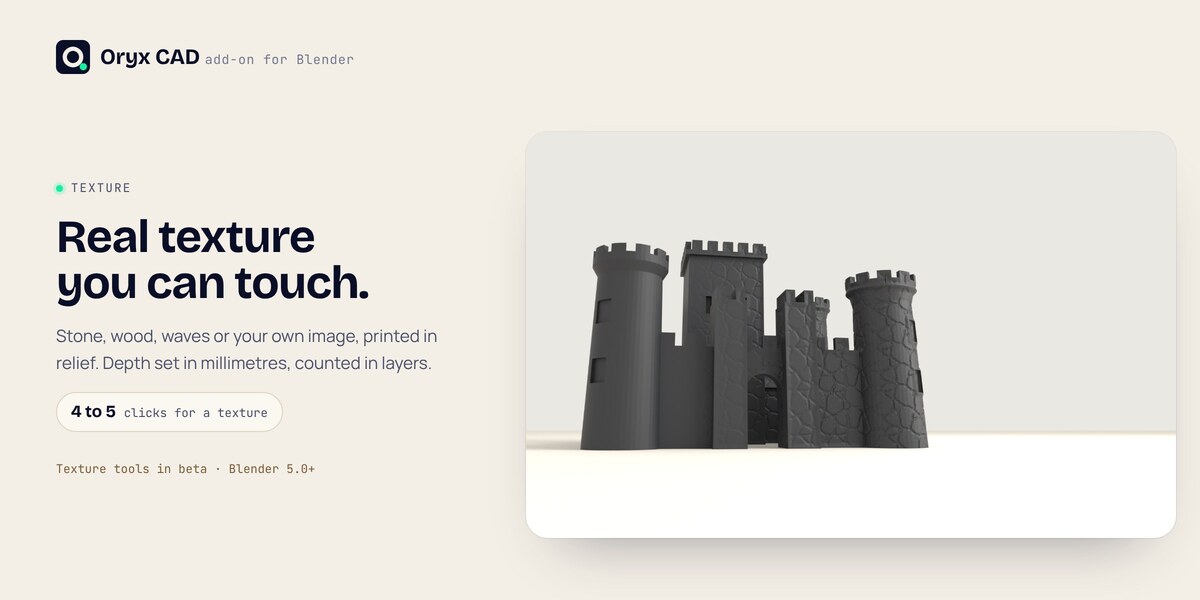
Blender 4.2 LTS to 5.3, on Windows, macOS and Linux. The texture tools need Blender 5.0 or later.
How do I get help?
Send a message from this page on Superhive. I read and answer every message myself.
How do I update?
Download the new zip from your Superhive library and install it the same way (Edit > Preferences > Add-ons > Install from Disk). The previous Oryx CAD extension is replaced automatically. Your .blend files are not touched.
Does it work on my own models?
Yes. The tools work on regular mesh objects, including models you imported or sculpted. Very dense meshes are slower: Optimize can lighten them first without changing the shape.
I print in PETG or resin. Will the fits work?
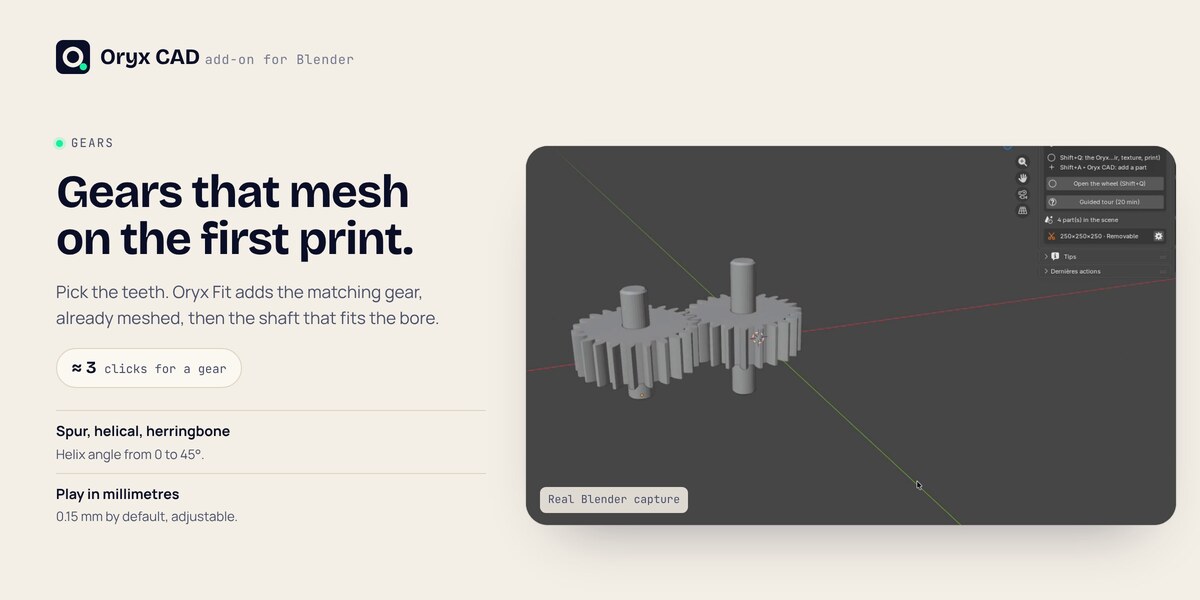
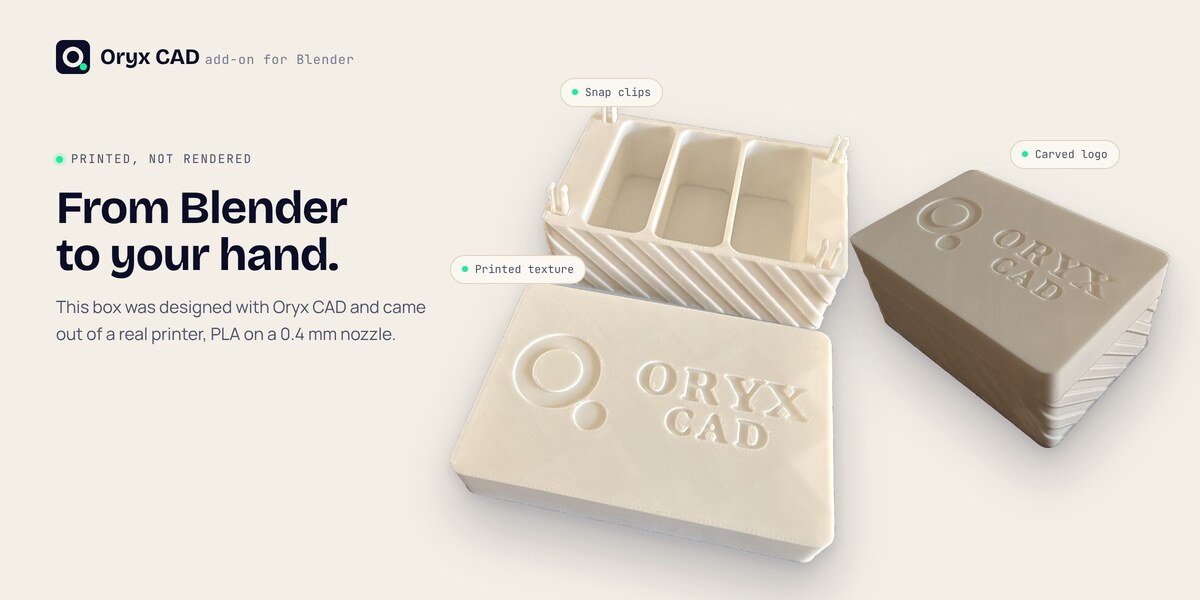
Every clearance and gear play is a value in millimetres that you can change. The defaults were tested in PLA on a 0.4 mm nozzle, so start there and adjust for your material and printer.
My slicer can already cut a model. Why this?
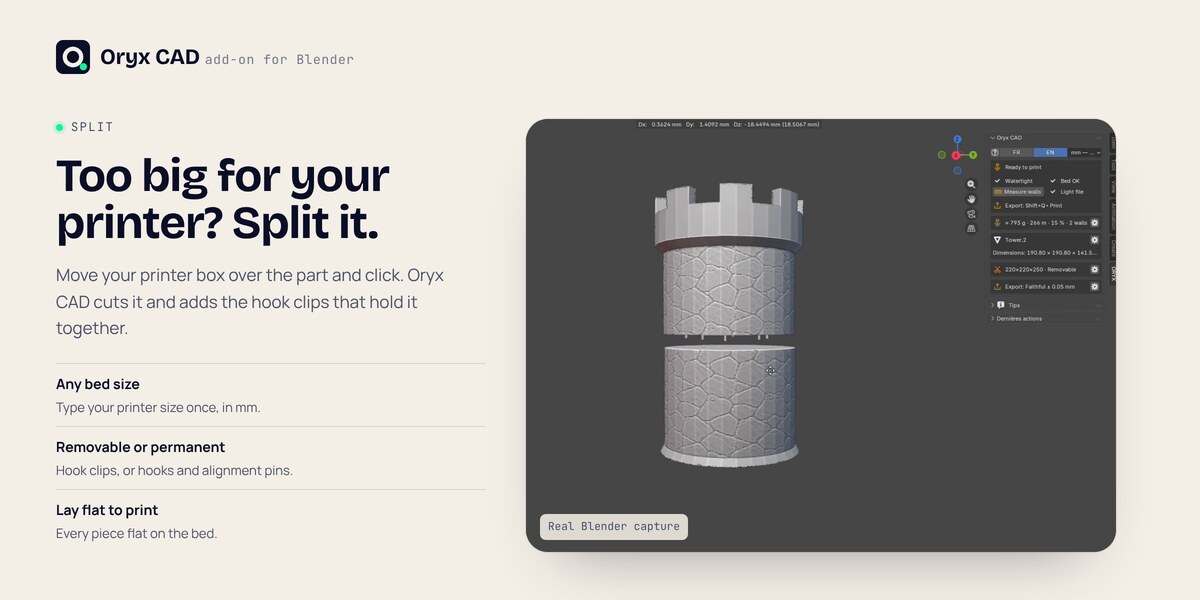
Your slicer makes one flat cut and adds pegs. Oryx CAD cuts where you place your printer box, as many times as the part needs, adds hook clips that snap together (removable or permanent) and alignment pins, then lays every piece flat. All in Blender, before export, in the same add-on that makes your gears, screws and textures.
I use Blender 5.3. Which version do I need?
Oryx CAD 1.4.1 or later. With 1.4, Blender 5.3 can close when you export or optimize a textured part; 1.4.1 fixes it, including for files made with 1.4.
Discover more products like this
cad precision modeling STL export parametric mesh repair 3MF engineering screws boolean gears iso 3d printing