 zemis
zemis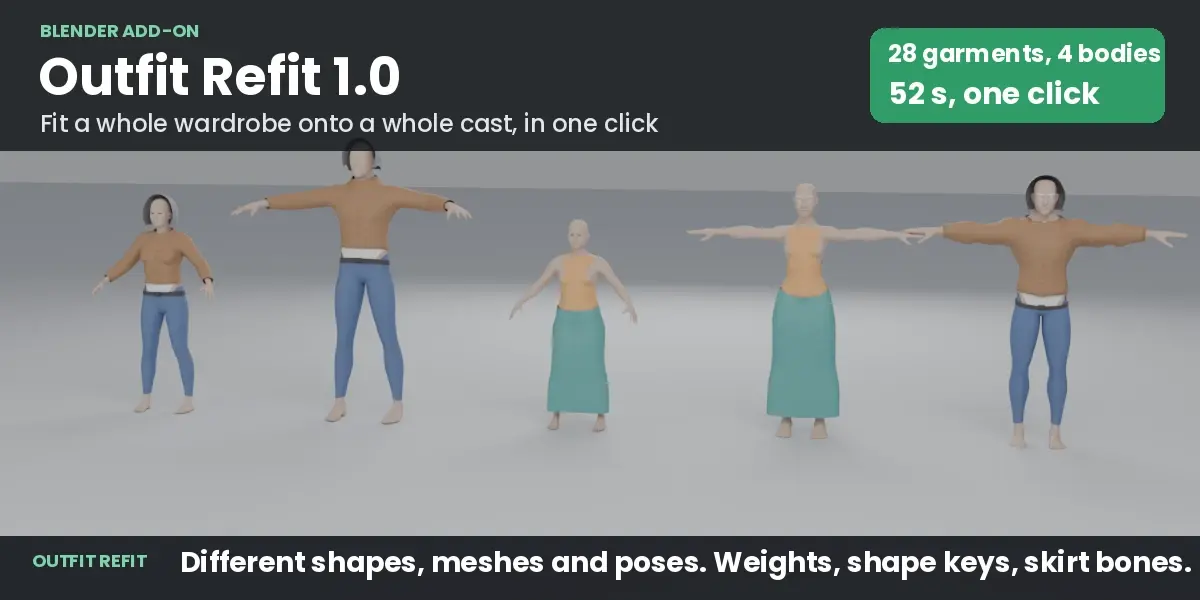
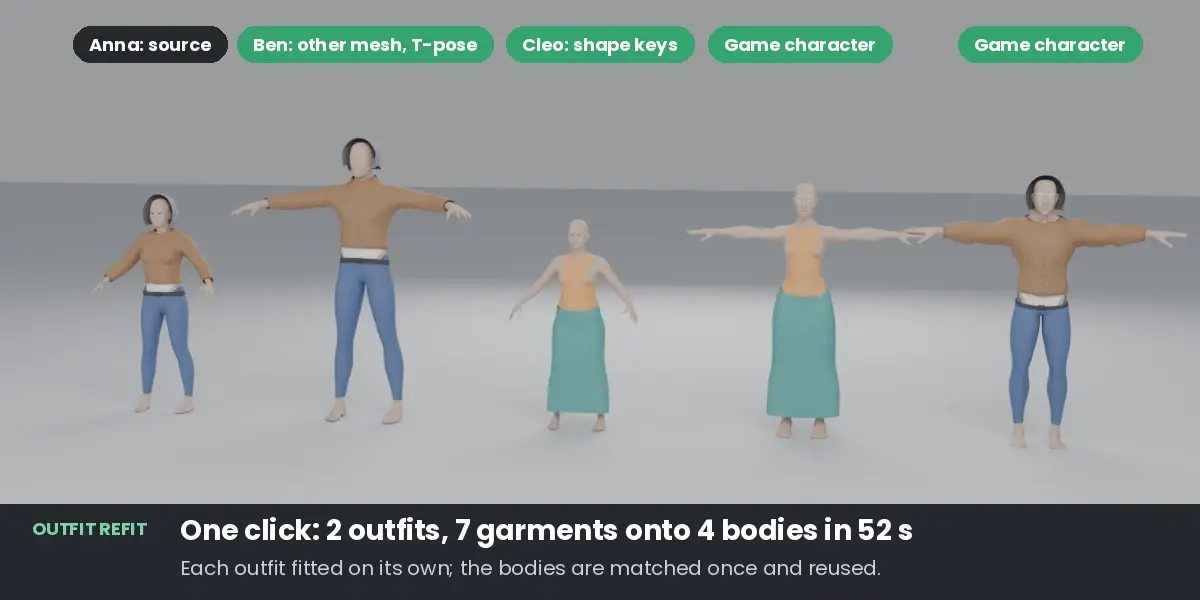
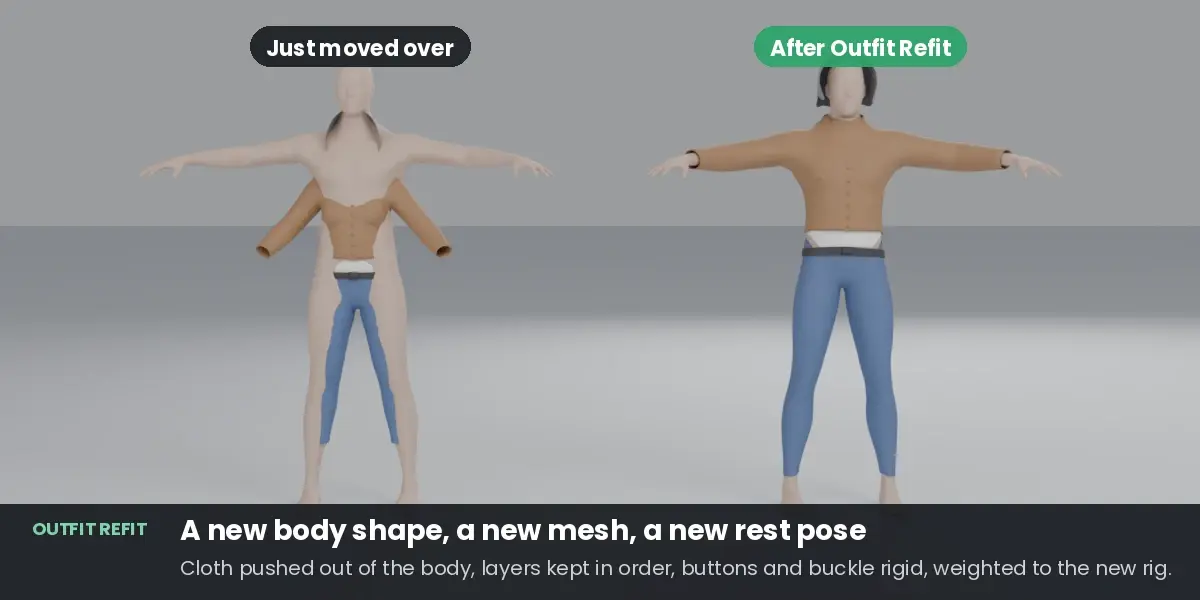
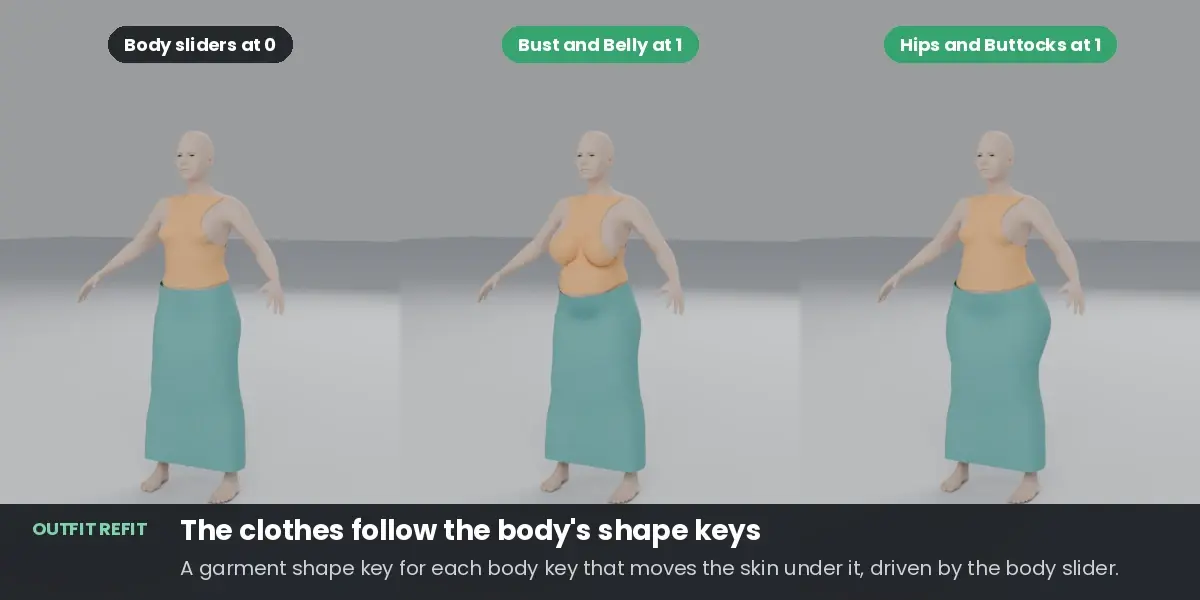
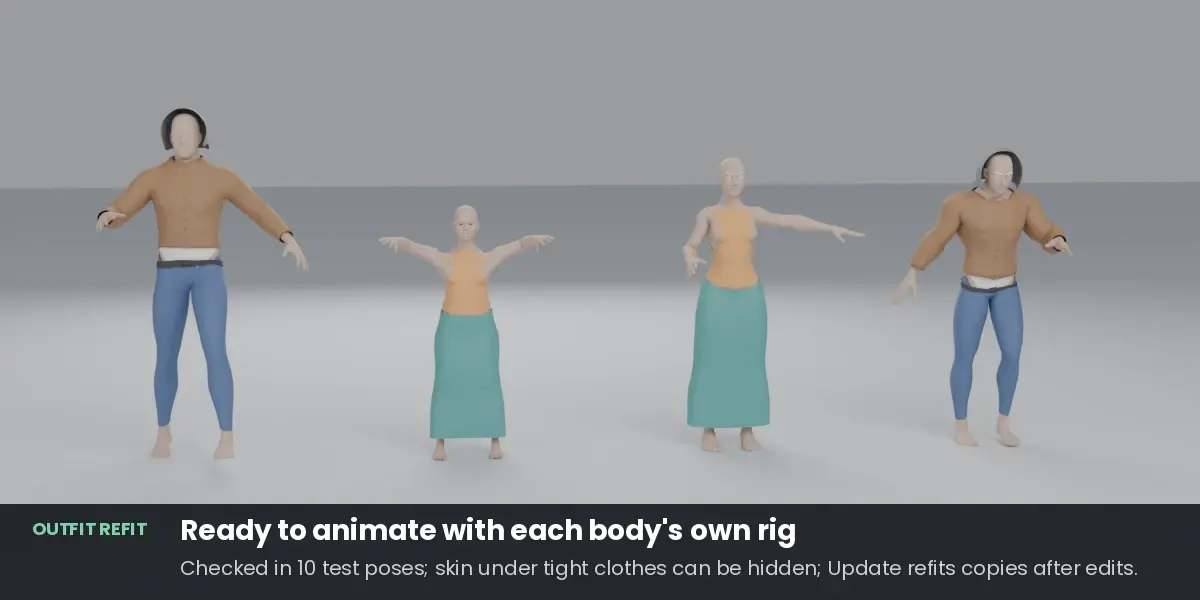
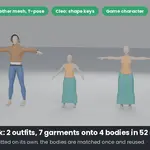
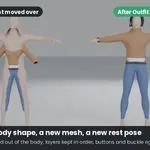
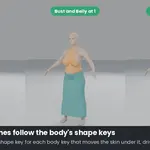
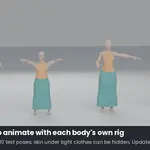
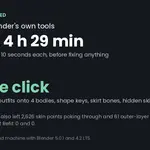
No. If they share a mesh, the vertices are matched directly. If not, the source body is bent onto each target's shape, guided by both skeletons.
By default, skin that tight clothes fully cover is hidden with a vertex group and a Mask modifier on the body, so it cannot poke through in strong poses. The body mesh itself is not changed: switch the modifier off, or untick Hide Skin Under Clothes before fitting. With several outfits on one body, only skin that all of them cover is hidden, so no outfit shows a hole.
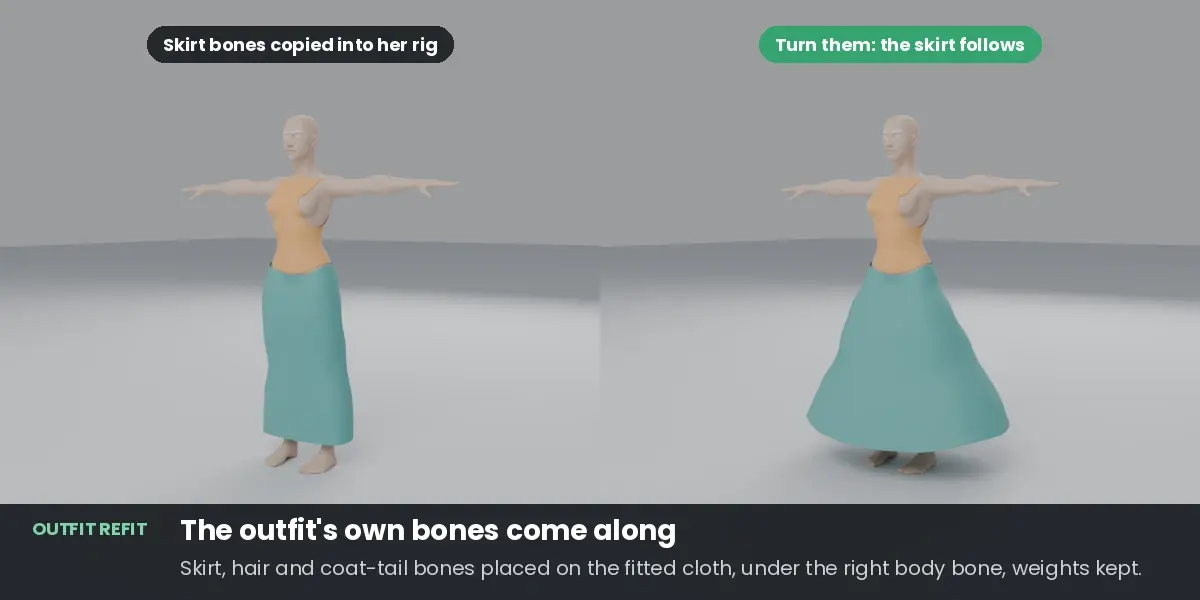
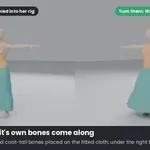
Yes. Bones that deform the outfit but not the body (skirt, hair, coat tails) are copied into each target rig, placed on the fitted cloth under the matching body bone, with their weights kept. They are placed, not simulated: give them physics (PhysBones, spring bones) in your engine, or use a cloth simulation.
No. The fit happens in the rest pose and the result is weighted to the target rig, so it poses right away. If you want draping, run Blender's cloth simulation afterwards.
Put those clothes' material names into Ignore Target Parts. The panel also warns you when the two bodies match poorly.
No. The fitted copies go into a collection for each body ("Refit to" and the body's name). Ctrl+Z removes a fit, Remove Fitted Copies deletes copies later, and after you edit an original, Update Fitted Copies refits its copies in place.
 Included
Includes 12 months of
- Support from zemis
- Product updates
Extend this product’s Support Period +12 months: 50% of product price
Have questions before purchasing?
Login to message
| Blender Extension Compatible | Yes |
| Published | 1 day ago |
| Blender Version | 4.2 - 5.2 |
| Extension Type | Add-on |
| License | GPL |
