Outfit Refit + ClipFix Set: Fit Outfits Onto Any Avatar, Then Fix the Clipping
 Meshwright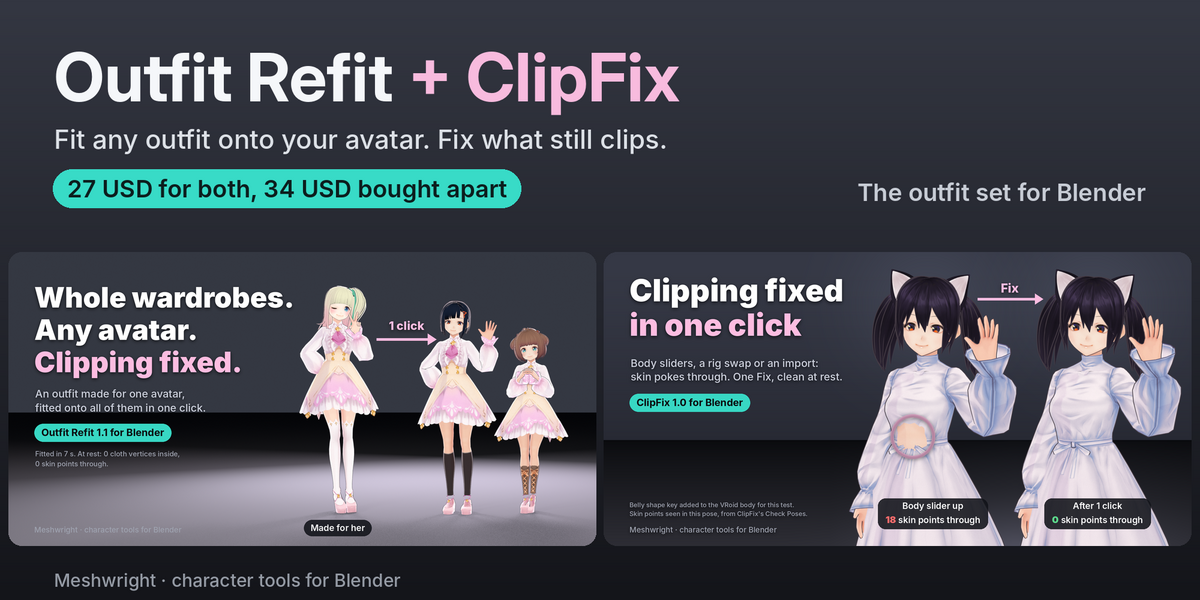
Outfit Refit + ClipFix Set: documentation
Install
- Edit > Preferences > Get Extensions.
- Open the menu at the top right and choose Install from Disk.
- Pick
outfit_refit-1.1.0.zip. Repeat forclipfix-1.0.0.zip.
Each add-on adds its own tab to the 3D Viewport sidebar (N key). They install side by side and work together in one file.
Which one when
-
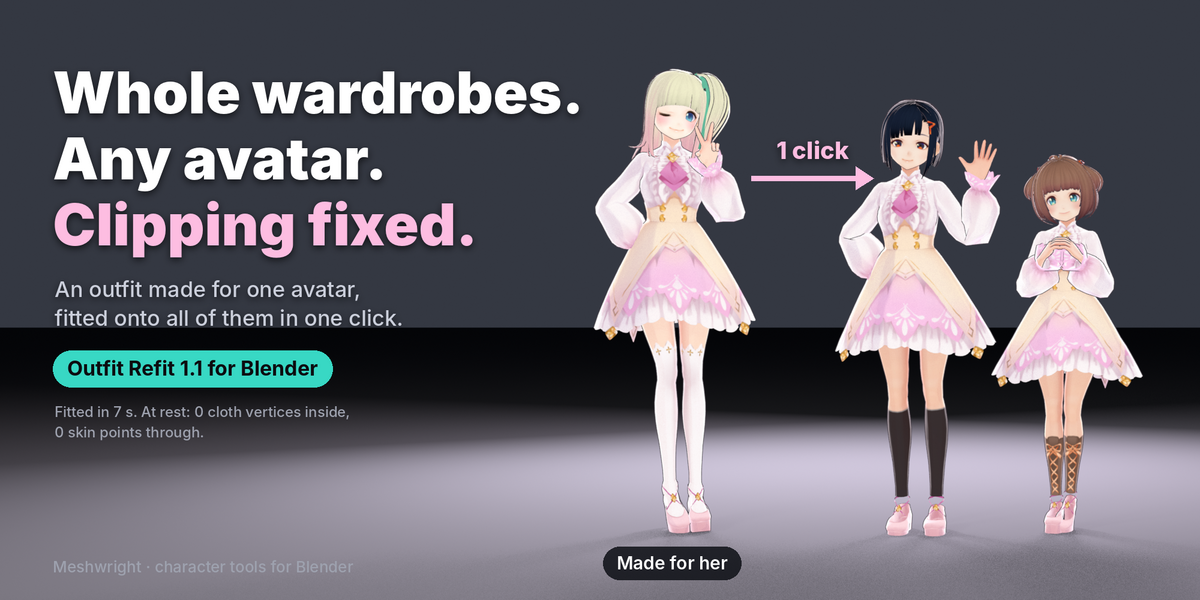
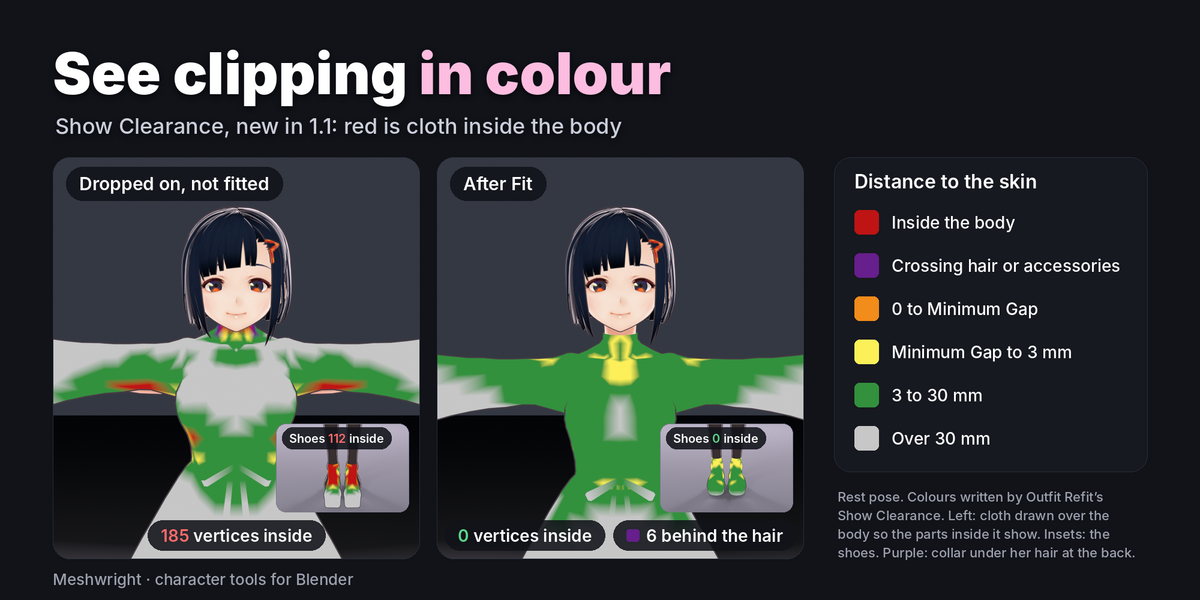
The outfit was made for another base: use Outfit Refit. It moves the outfit onto your avatar, gives it weights from your avatar and makes it follow the body shape keys. The demo scene
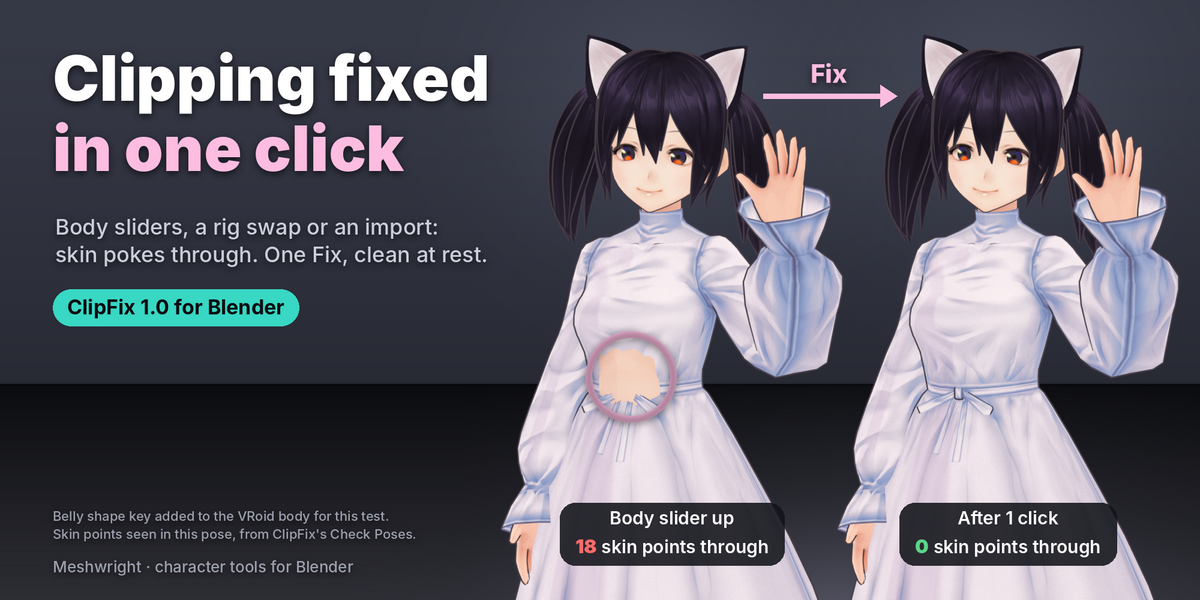
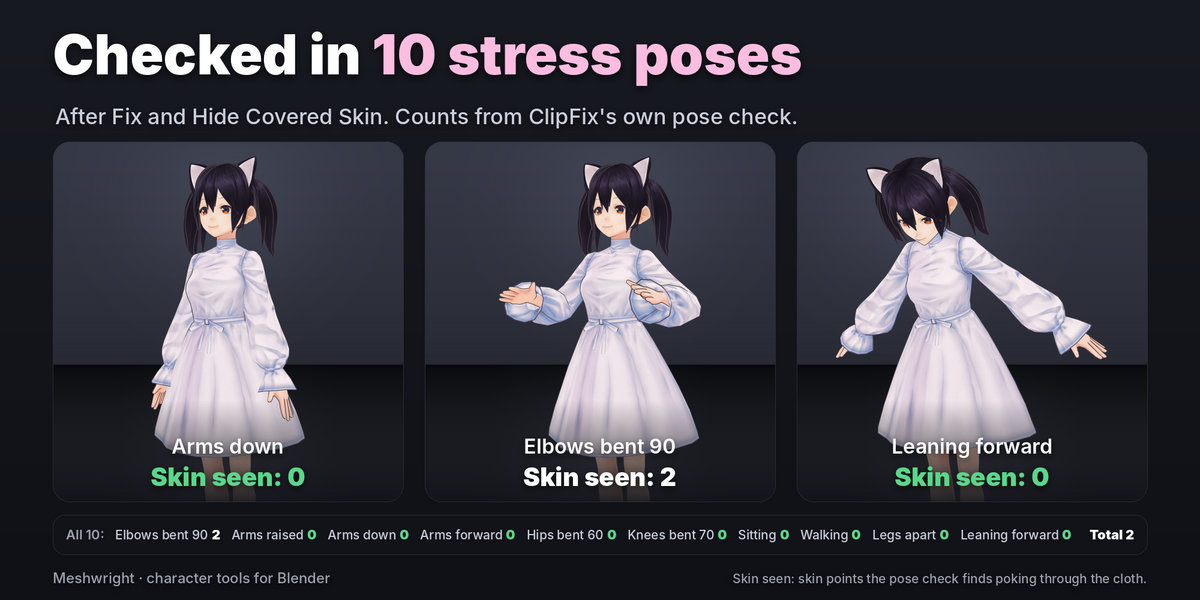
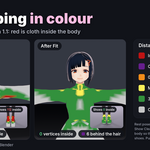
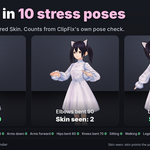
outfit_refit_demo.blendshows it on five CC0 characters. - The outfit is already on your avatar but skin pokes through (after a body slider change, a rig swap or an import): use ClipFix. Select the garments, then the body last, press Fix, then Check Poses and, if needed, Hide Covered Skin.
Full guides
- Outfit Refit: the included
Outfit_Refit_1.1_User_Guide.html, and the Documentation tab of Outfit Refit. - ClipFix: the Documentation tab of ClipFix.
Requirements
Blender 4.2 to 5.2. Pure Python, no extra packages. Licence: GPL-3.0-or-later.
Have questions about this product?
Login to message
| Blender Extension Compatible | Yes |
| Published | about 3 hours ago |
| Blender Version | 4.2 - 5.2 |
| Extension Type | Add-on |
| Render Engine Used | Cycles, Eevee |
| License | GPL |
