 one99addons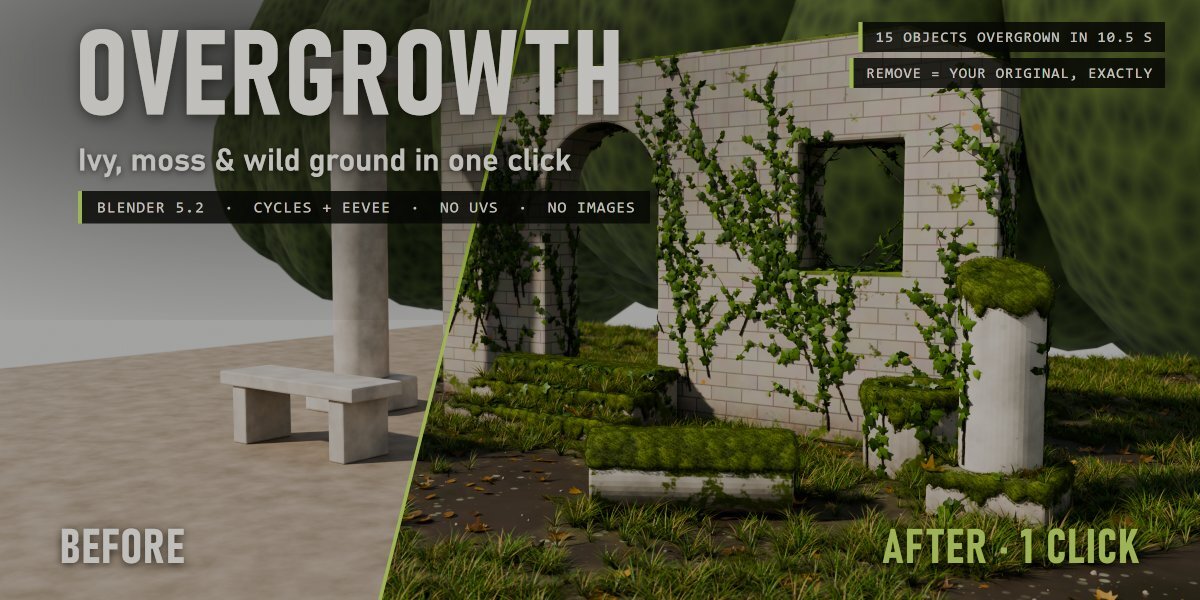


🌿 Overgrowth
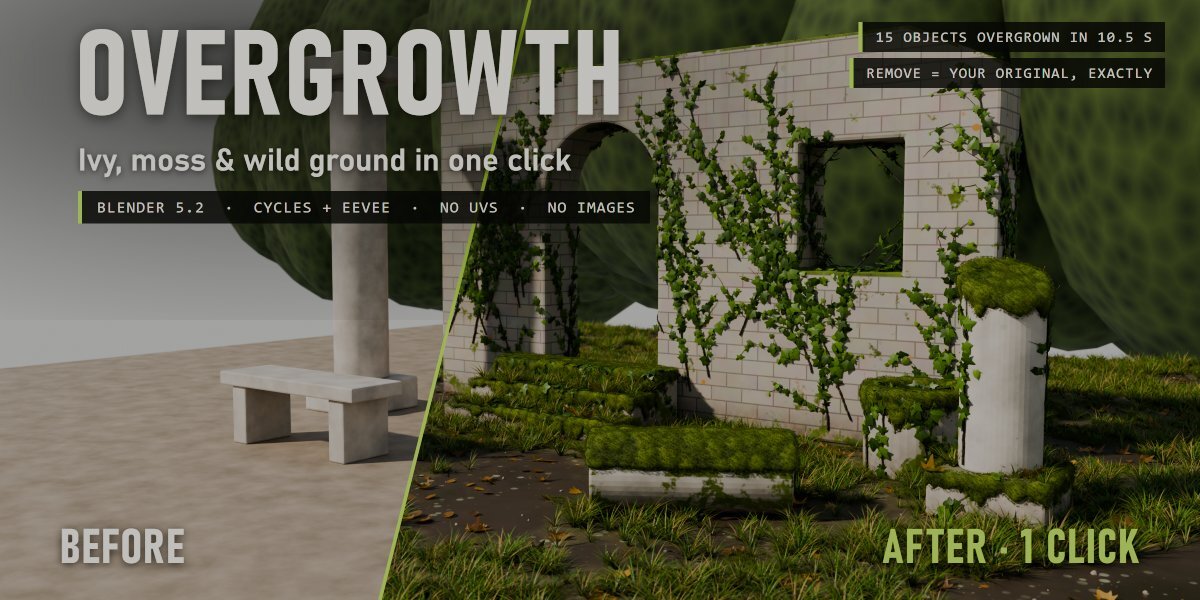
Ivy, moss and wild ground cover on any object, in one click. Real geometry, no UVs, fully removable.
Select your objects, click a growth stage, and Overgrowth grows real ivy up your walls, lays thick moss over the tops and edges, and fills the ground with grass, mud, fallen leaves, twigs and pebbles. Your materials stay as they are: everything is added on top, and one click takes it all off again.
The problem
Abandoned places, ruins, old gardens and forest scenes all need nature taking things back. Doing it by hand means scattering ivy along every wall, sculpting moss, painting masks and placing thousands of grass blades object by object. Most tools only scatter flat cards, or only work on the ground, or need UVs.
How it works
- Select your objects. Walls, columns, steps, props, the ground: any mesh, any material. No UVs needed.
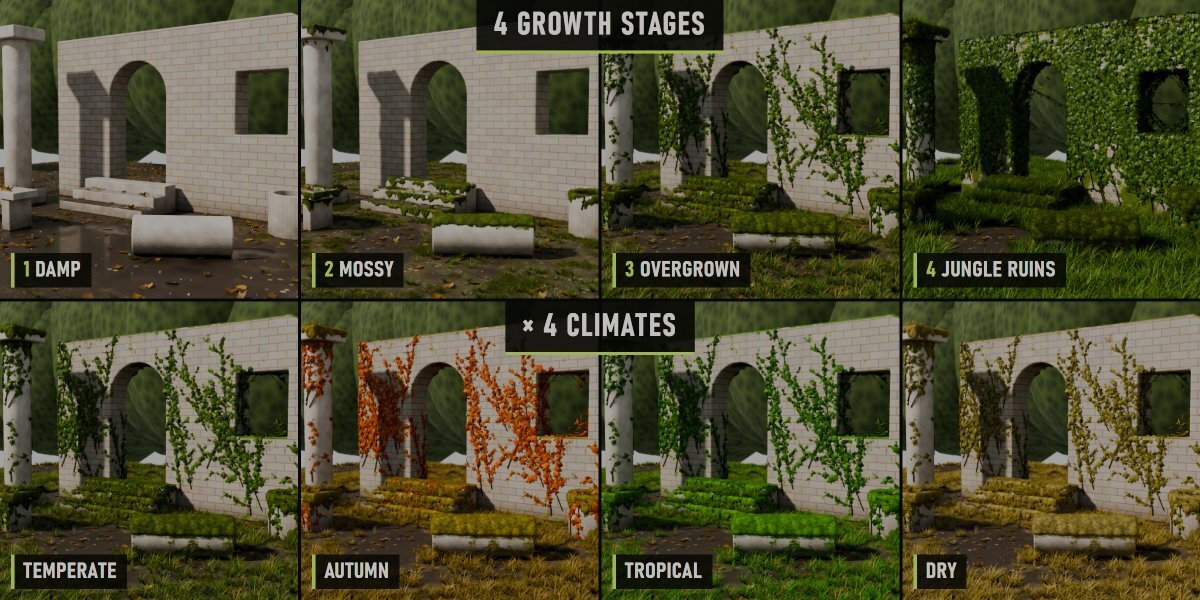
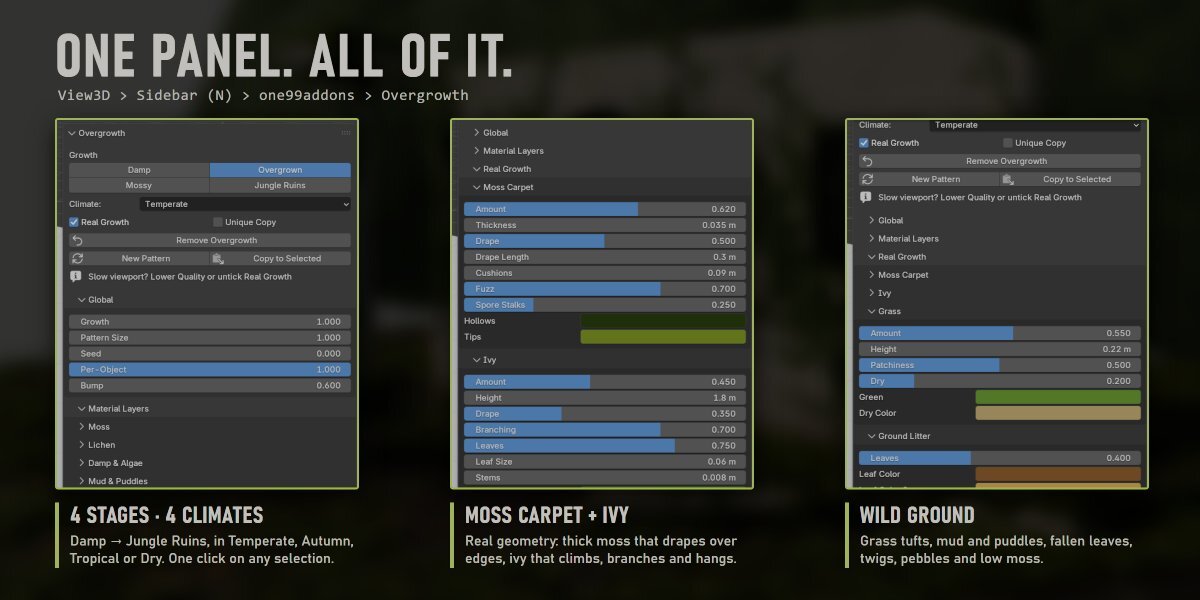
- Click a growth stage: Damp, Mossy, Overgrown or Jungle Ruins. Pick a climate: Temperate, Autumn, Tropical or Dry.
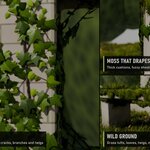
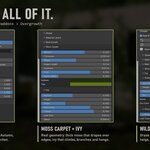
- Tweak if you want. Every part has its own sliders in the sidebar, and every part is a clean, named node group you can open.
What grows
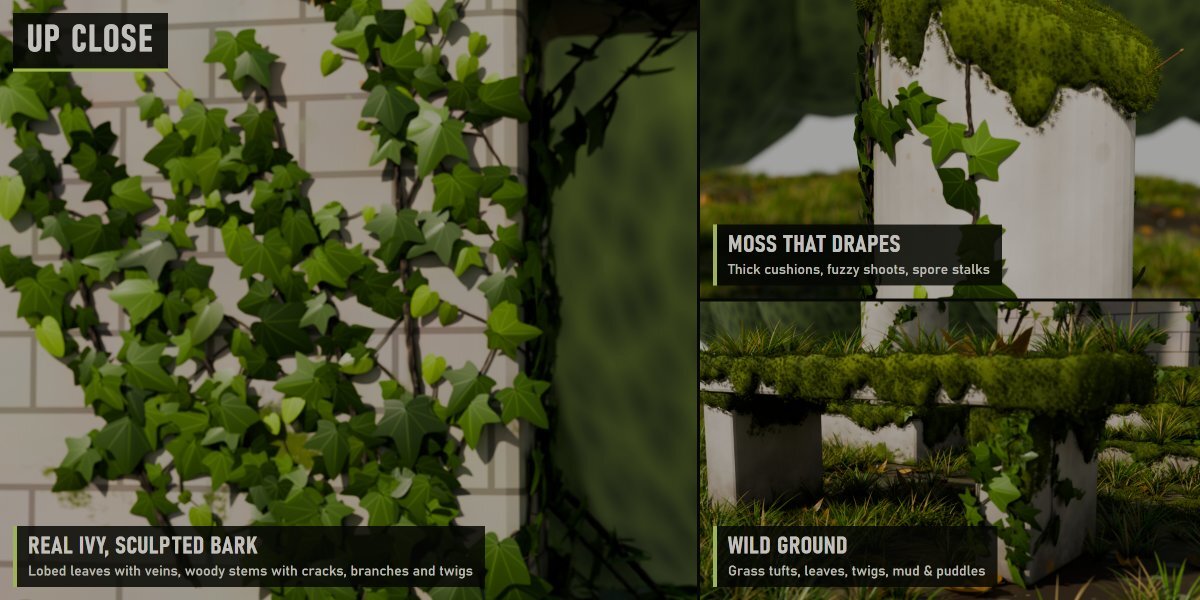
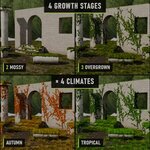
- Ivy (real geometry): woody stems climb from the foot of every wall, fold over the top and drape down from the edges, branching into side shoots and twigs. Three lobed leaf shapes with veins, overlapping like shingles, old dark leaves and light young ones at the tips. The thick stems have sculpted bark with real cracks and knots.
- Moss carpet (real geometry): thick cushioned moss on tops and ledges that rounds over the edges and hangs down the sides in uneven curtains, covered in thousands of tiny moss shoots, with a few spore stalks standing out.
- Wild ground (real geometry): grass tufts with dry blades mixed in, growing in clumps with bare patches; fallen leaves in three shapes, curled and crumpled; forked twigs with bark; small pebbles half sunk in the earth; low ground moss.
- Material layers: moss and lichen colonies, damp darkening and algae streaks running down, rough earth, mud patches with glossy puddles. Grass and leaves avoid exactly the mud the material paints.
4 stages × 4 climates
- Damp: wet ground, puddles, first algae and a few leaves.
- Mossy: moss patches and carpets, lichen, the first ivy and grass.
- Overgrown: ivy climbing and draping, thick moss over every edge, a grassy ground.
- Jungle Ruins: nature took it back.
- Climates: Temperate greens, Autumn (red and orange ivy, golden grass), Tropical deep greens, Dry sun-bleached straw.
Measured, not promised
- Ruin scene of 15 objects overgrown in 10.5 s on a laptop RTX 3060 (first click, which also builds the node groups; later clicks are faster).
- That scene: about 315,000 leaves, grass tufts, moss shoots and pebbles, as light instances.
- Render 2400 × 1200, Cycles, 128 samples: 30 s before, 53 s after.
- Remove Overgrowth: every material link, node, slot and modifier comes back exactly as it was (checked by automatic tests).
Safe with your scenes
- Your material stays: the growth is mixed on top, your shader is not replaced.
- Shared materials, empty or multiple slots, linked duplicates and materials from other files are handled. Unique Copy grows only on the selected objects even when a material is shared.
- Plays nicely with other material add-ons (Timeworn too): removing Overgrowth keeps anything stacked after it connected.
- Full undo, and the result is saved in your .blend.
Where to find it
3D View > Sidebar (N) > one99addons tab > Overgrowth, and in the Object menu.
Good to know
- Real growth is heavy by nature. If the viewport gets slow, lower Quality or untick Real Growth while you work (material layers only), and tick it again for the render.
- Ground cover grows on up-facing faces near each object's lowest point (the ground, the foot of walls). Change it with Cover Height.
- Curves and text get the material layers; the real geometry needs a mesh.
- Works in Cycles and EEVEE. Scenes with hundreds of thousands of instances render faster in Cycles.
Install
Edit > Preferences > Add-ons > drop-down arrow > Install from Disk, pick overgrowth_v1.0.0.zip (don't unzip it) and tick Overgrowth. Requires Blender 5.2 or newer.
Made by one99addons.