Overgrowth - Procedural Ivy, Moss & Wild Ground
 one99addons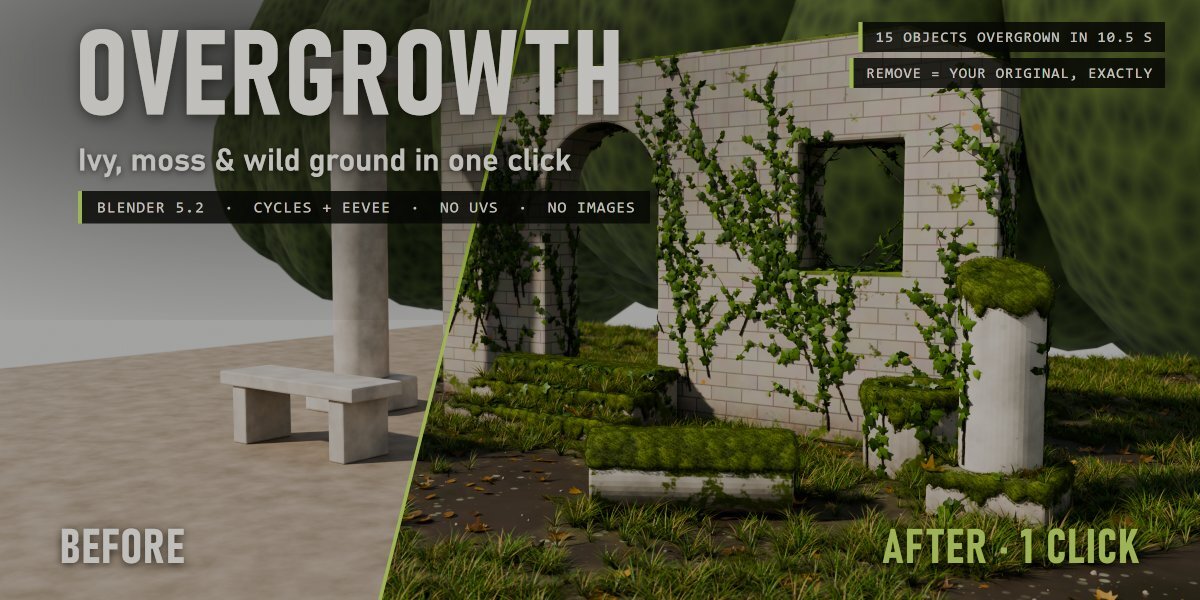


Overgrowth - documentation
INSTALL
Edit > Preferences > Add-ons > drop-down arrow > Install from Disk..., pick overgrowth_v1.0.0.zip (don't unzip it), tick "Overgrowth". Requires Blender 5.2 or newer.
WHERE
3D View > Sidebar (press N) > one99addons tab > Overgrowth. Also in the Object menu > Overgrowth.
QUICK START
- Select the objects (walls, props and the ground together is best).
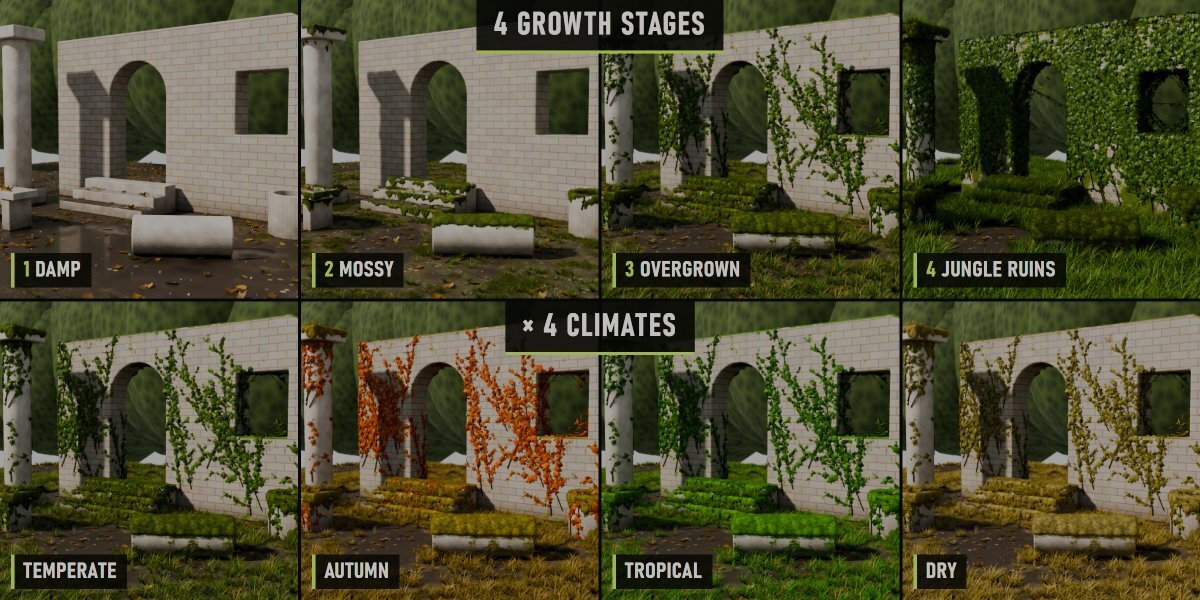
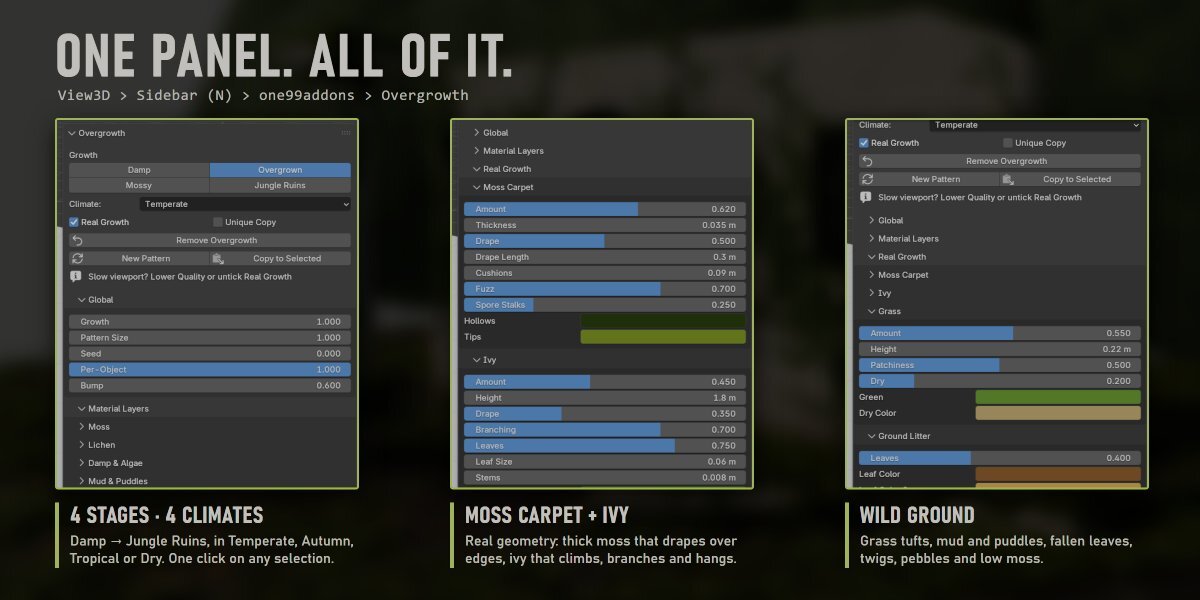
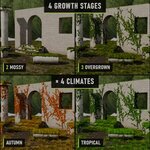
- Pick a Climate: Temperate, Autumn, Tropical or Dry.
- Click a growth stage: Damp, Mossy, Overgrown or Jungle Ruins.
Click another stage at any time: objects that already have Overgrowth just get the new settings.
MAIN PANEL
- Real Growth: also grow real ivy, moss carpet and ground cover (geometry, through a modifier). Off = material layers only, much lighter.
- Unique Copy: if a material is shared with objects you did not select, the selected objects get their own copy. Also needed for materials linked from another file.
- Remove Overgrowth: takes it all off. Links, nodes, slots and modifiers come back exactly as they were.
- New Pattern: a new random pattern (seed) for the selected objects.
- Copy to Selected: copies every setting of the active object to the other selected objects.
GLOBAL
Growth (master amount), Pattern Size, Seed, Per-Object variation, Bump.
MATERIAL LAYERS (painted on top of your material)
- Moss: amount, coverage (0 = tops and creases only, 1 = sides too), patch size, colours, fuzz.
- Lichen: round colonies in two colours.
- Damp & Algae: wet darkening in creases and low areas, dark streaks running down.
- Mud & Puddles: bare muddy patches with standing water. The grass and leaves avoid exactly these patches.
- Soil: rough earth on the ground, mud splashed on the bottom of walls.
REAL GROWTH (geometry)
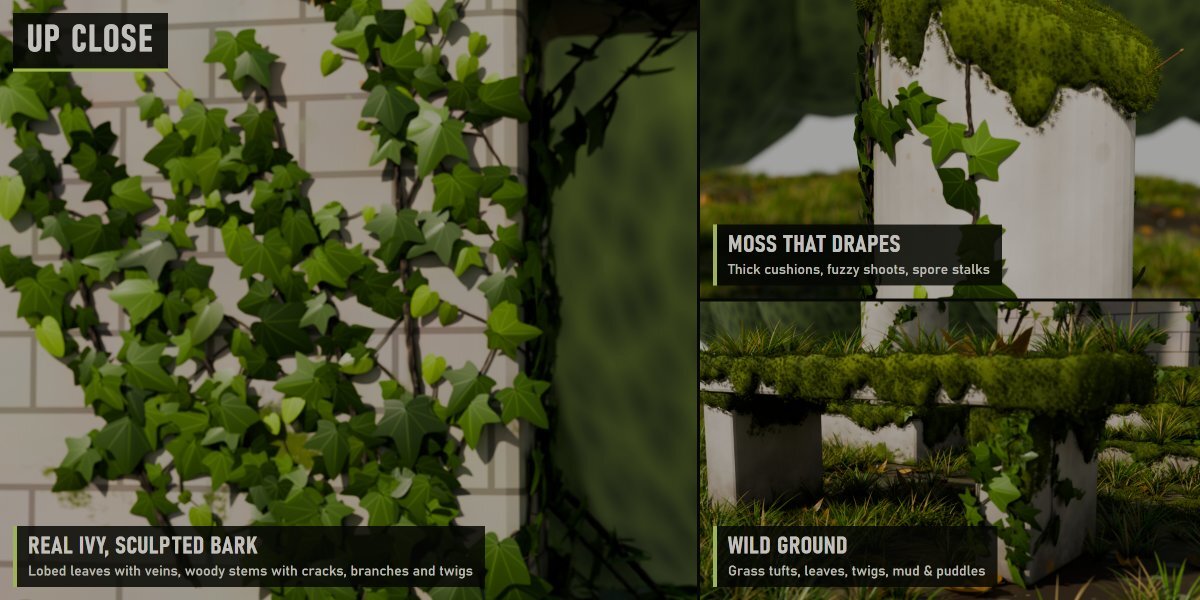
- Moss Carpet: amount, thickness, drape (moss hanging down over the edges) and drape length, cushion size, fuzz (tiny shoots), spore stalks, colours.
- Ivy: amount (number of stems), height, drape (stems pouring down from the top edges), branching, leaf density and size, stem thickness, old and young leaf colours.
- Grass: amount, height, patchiness, share of dry blades, colours.
- Ground Litter: fallen leaves and their colours, twigs, pebbles, ground moss, Cover Height.
- Seed & Quality.
TIPS
- Ground cover only grows on up-facing faces close to each object's lowest point (Cover Height, 0.3 m by default): the ground and the foot of walls, not the top of a table.
- Slow viewport: lower Quality or untick Real Growth while you work.
- Objects in real-world size give the best results (sizes are in metres).
- Every part is a named node group (Overgrowth · Ivy, Moss Carpet, Ground Cover...) if you want to look inside.
LIMITS
- Curves and text objects get the material layers only (real geometry needs a mesh).
- Very dense scenes render faster in Cycles than in EEVEE.
Have questions about this product?
Login to message
| Published | 2 days ago |
| Blender Version | 5.2 |
| Extension Type | N/A |
| Render Engine Used | Cycles, Eevee |
| License | GPL |
Discover more products like this
geometry nodes environment ruins #nature procedural vegetation overgrown abandoned moss ivy