 GreenJin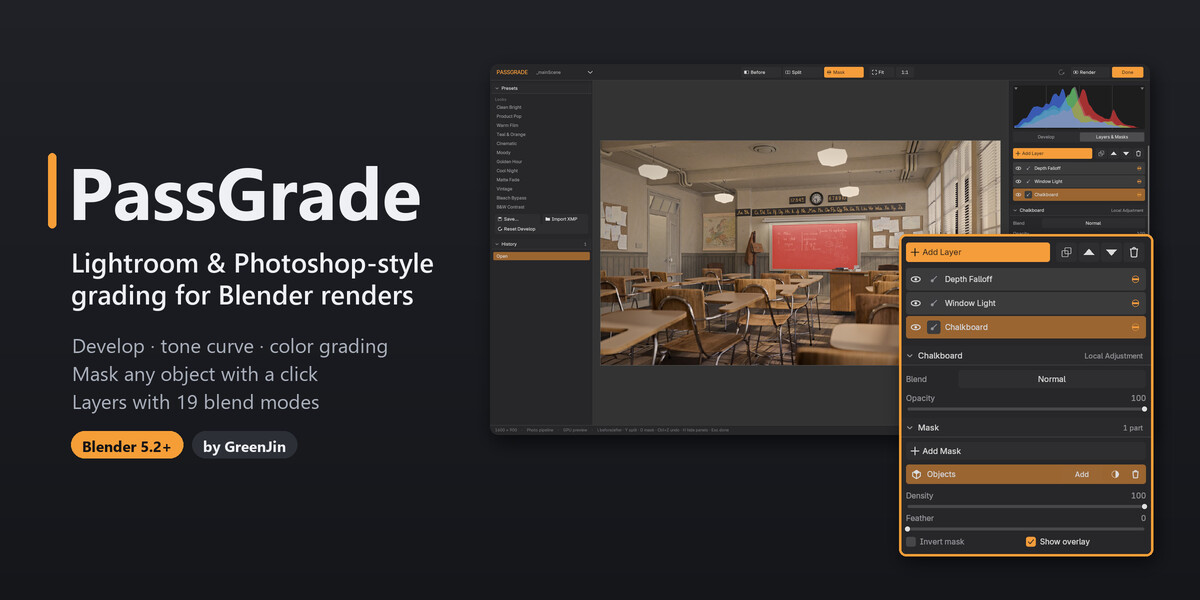
Lightroom and Photoshop-style grading for your renders.
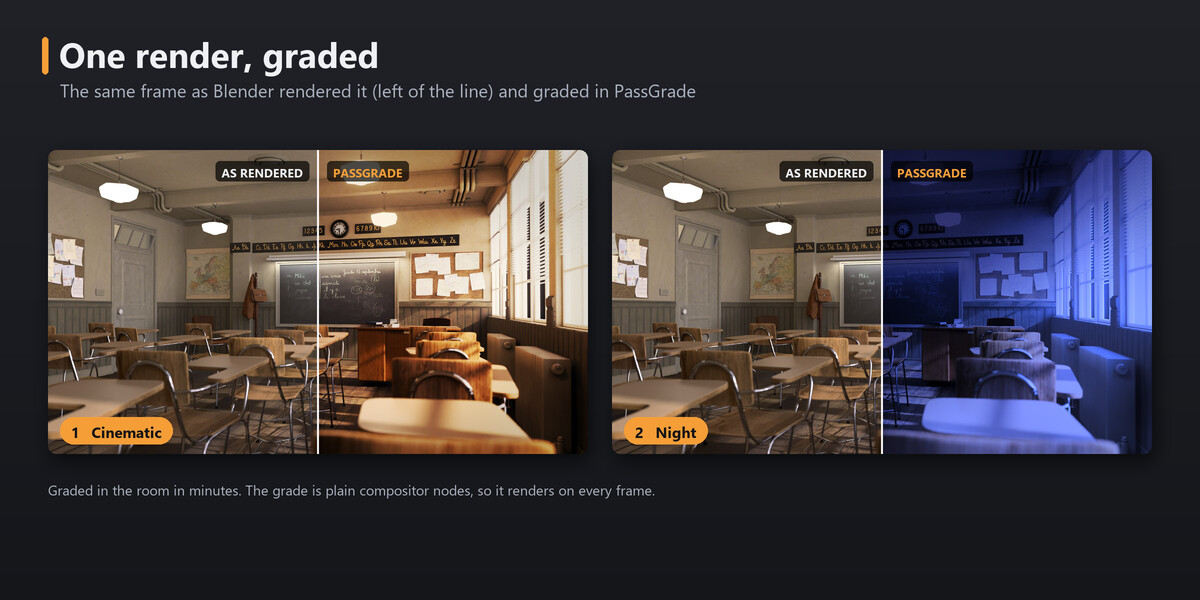
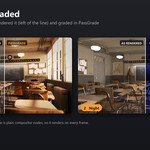
PassGrade is a complete grading tool, not a preset pack. It grades your renders and animations in Blender's compositor the way you would grade a photo: develop sliders, local masks (including masks taken straight from your render passes) and a Photoshop-style layer stack, in a full-window grading room. Every grade is built from native compositor nodes, so your renders look the same on machines without the add-on.
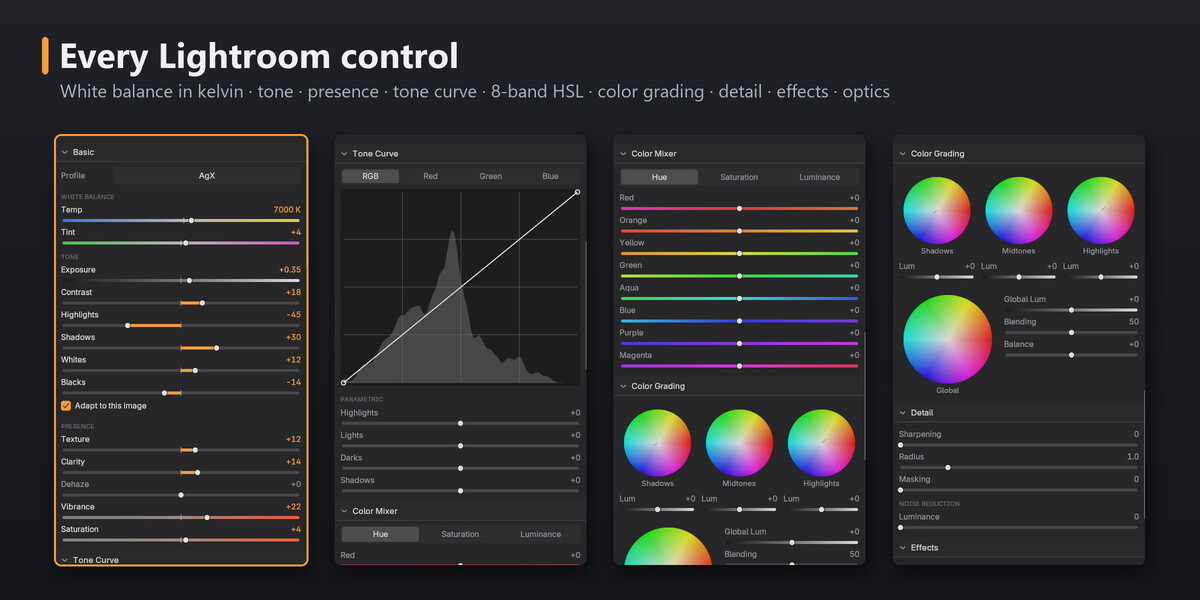
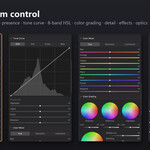
- Develop: white balance in kelvin, Exposure, Contrast, Highlights, Shadows, Whites, Blacks, Texture, Clarity, Dehaze, Vibrance, Saturation, tone curves, an 8-band color mixer, color grading wheels, sharpening, noise reduction, vignette, grain, bloom and lens effects.
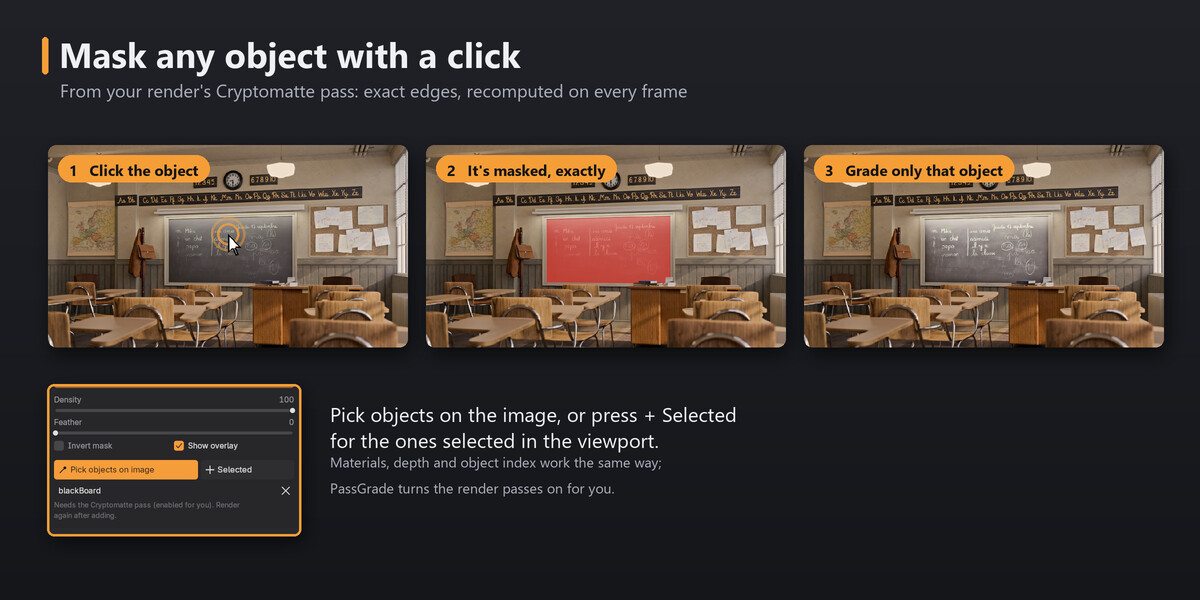
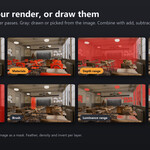
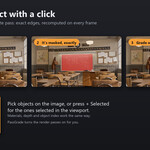
- Mask any object with a click: pick objects on the image, or add the ones selected in the viewport. The mask comes from your render's Cryptomatte pass: exact edges, nothing hidden behind other objects, and it follows the object on every frame.
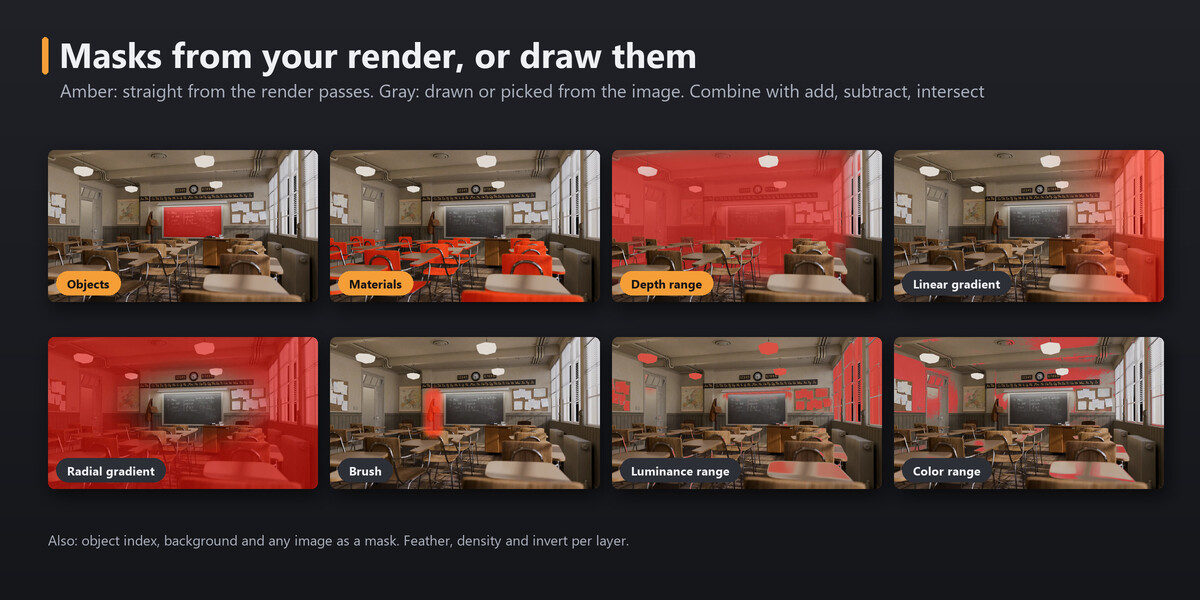
- More masks: materials, depth, object index and background from the render; linear and radial gradients and a brush; luminance and color ranges; combine parts with add, subtract and intersect.
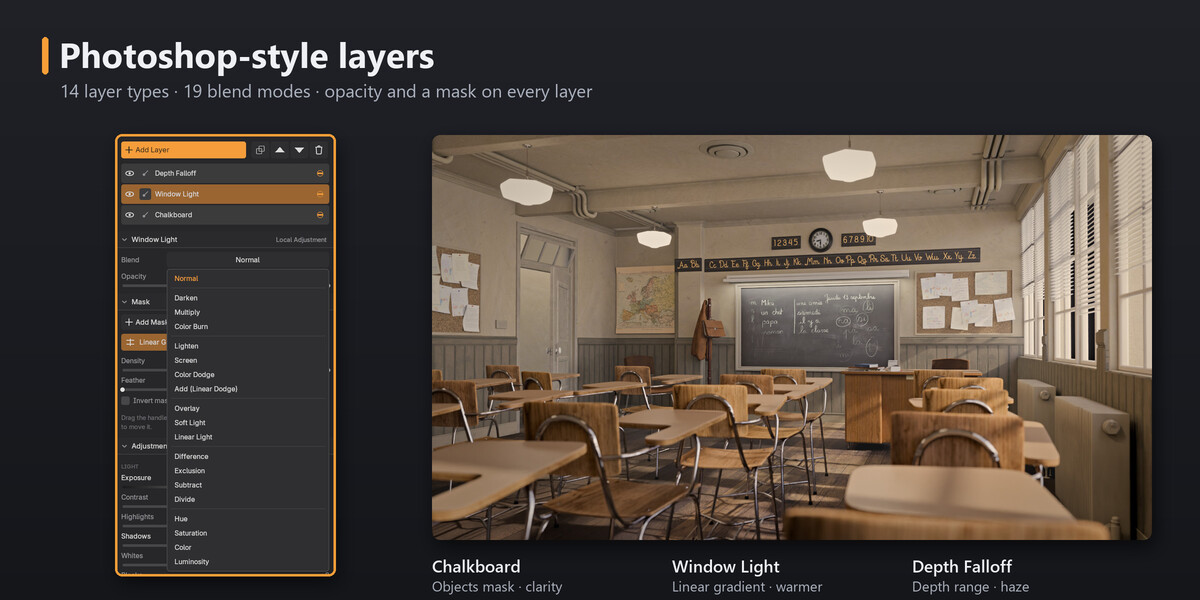
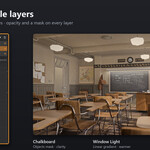
- Layers: 14 layer types and 19 blend modes, each with its own opacity and mask.
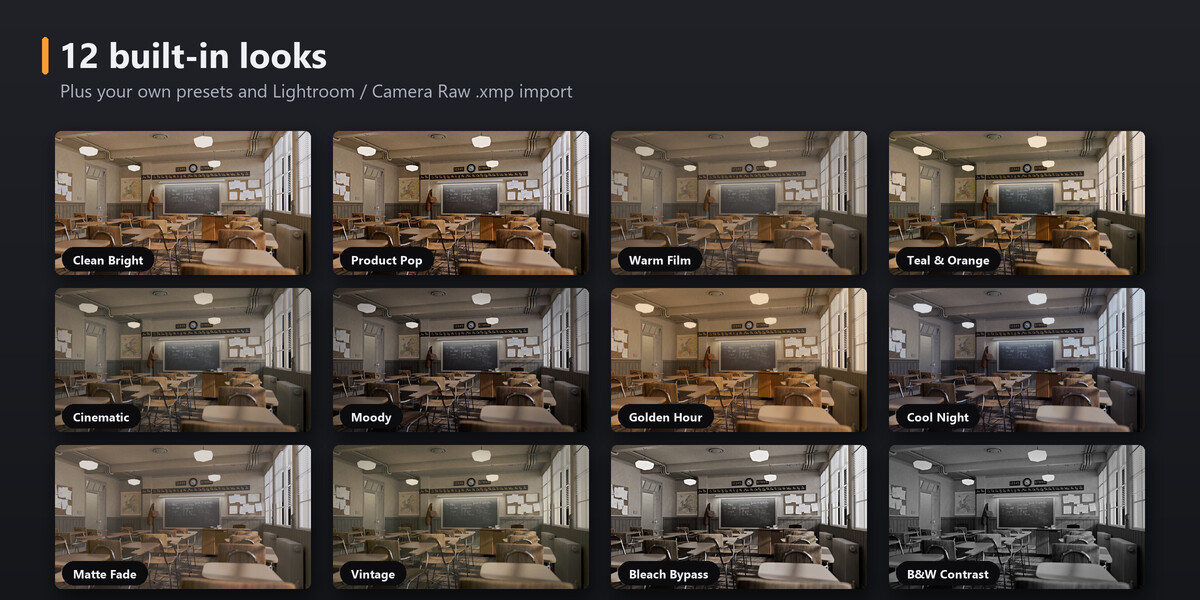
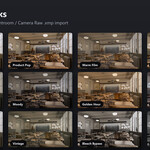
- Looks: 12 built-in looks, your own presets, and Lightroom / Camera Raw .xmp import.
- The room: histogram, before / split / mask views, history, brush painting and on-image handles, GPU previews.
- Production-safe: renders without the add-on (farms), works on top of your own compositor tree, keyframe any slider, older files upgrade automatically.
Requirements: Blender 5.2 LTS or newer. One package for Windows, Linux and macOS (macOS not tested yet). Render with the same or a newer Blender than the one you graded in.
Product Page Below is Interactive! Slide the slider and Press the buttons!
Example renders: "Classroom" by Christophe Seux (CC0), from the Blender demo files. Lightroom and Photoshop are trademarks of Adobe; PassGrade is an independent add-on, not affiliated with Adobe.
