 GreenJin
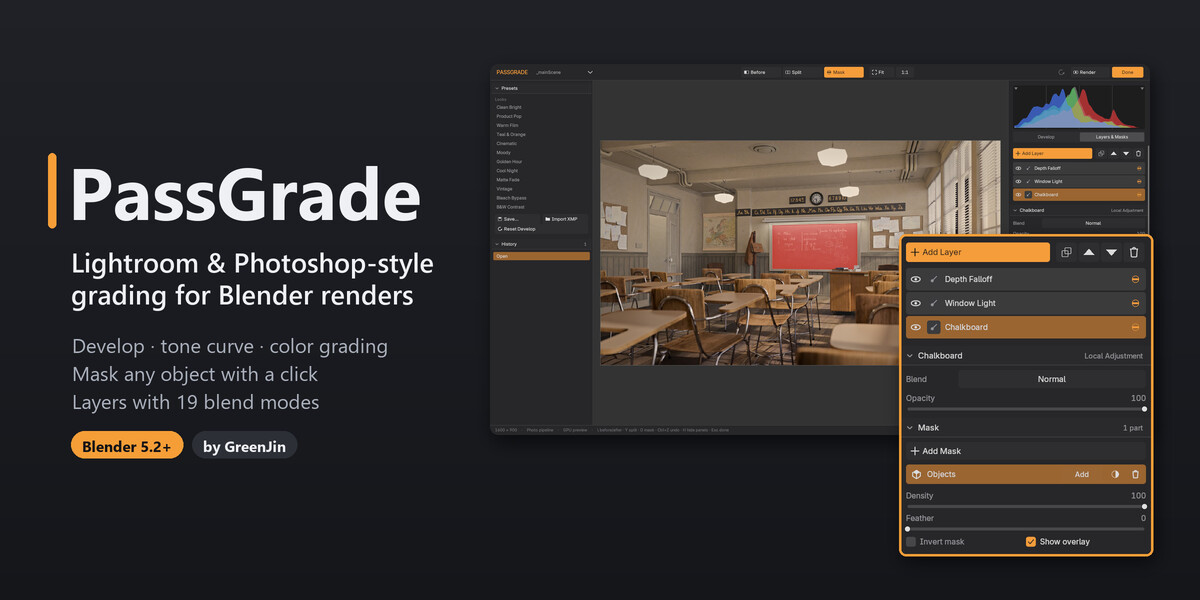
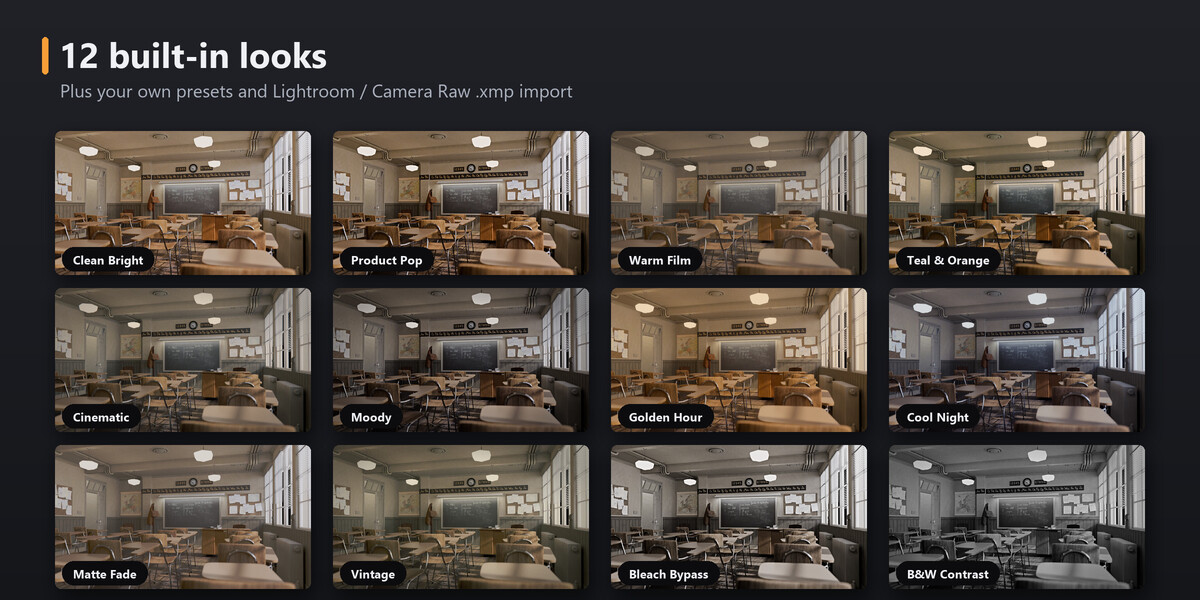
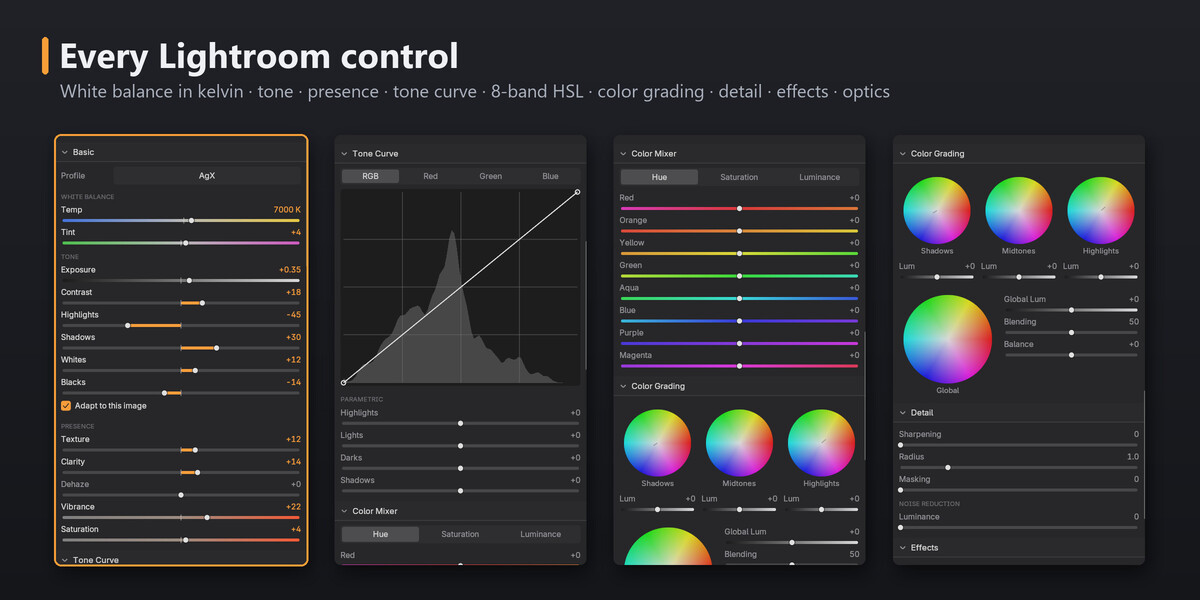
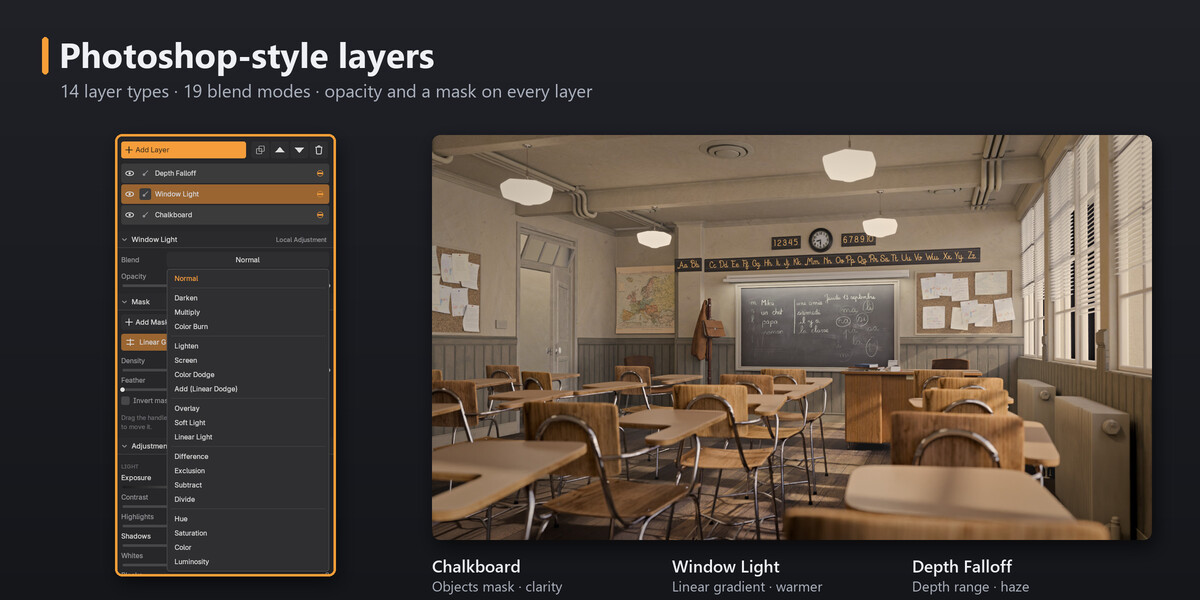






PassGrade 1.0.1
Blender 5.3 support
- Works with Blender 5.3's new compositor effects stack. PassGrade adds its grade as an effect of its own, named "PassGrade", fed by the effects before it. It never edits your other effects or assets such as Bloom.
- Use it like a modifier:
- Move PassGrade's effect up or down to choose what it grades. Effects above it feed the grade; effects below it apply on top of it.
- Turn it off for render, or duplicate it.
- The room finds your grade whichever effect is active, and makes PassGrade's effect active when it opens. It tells you when:
- effects after PassGrade's are in the render but not in the preview;
- PassGrade's effect is turned off for render.
- The room keeps previewing even when PassGrade's effect has its preview toggle off, and puts your setting back when you close it.
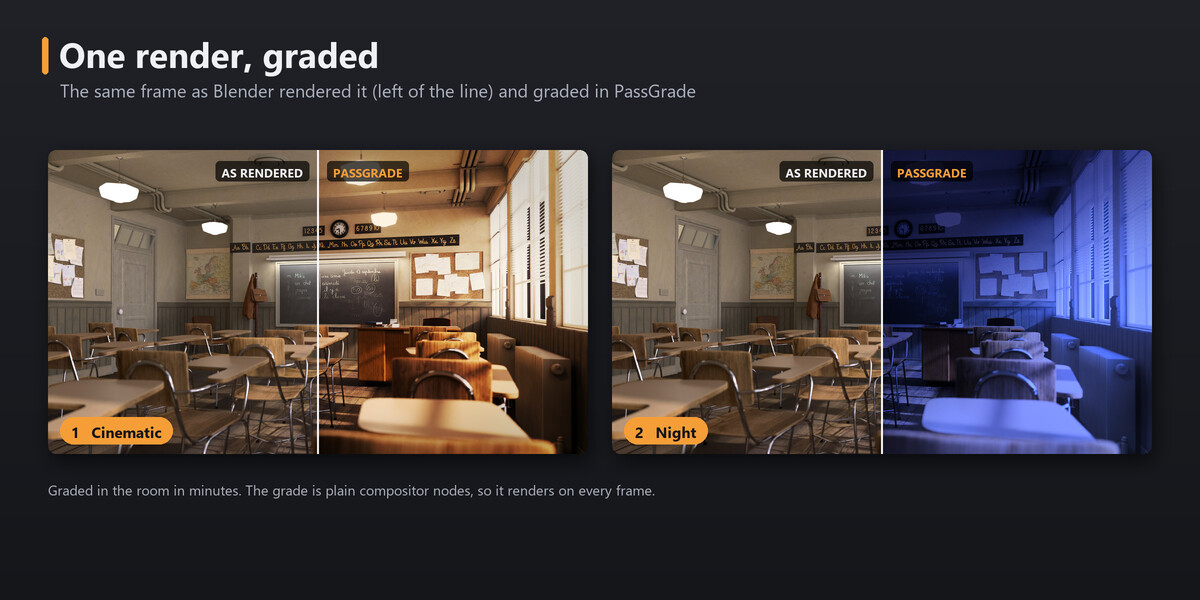
- Fixed on Blender 5.3: Before, Split and the mask overlay in the room showed the graded image.
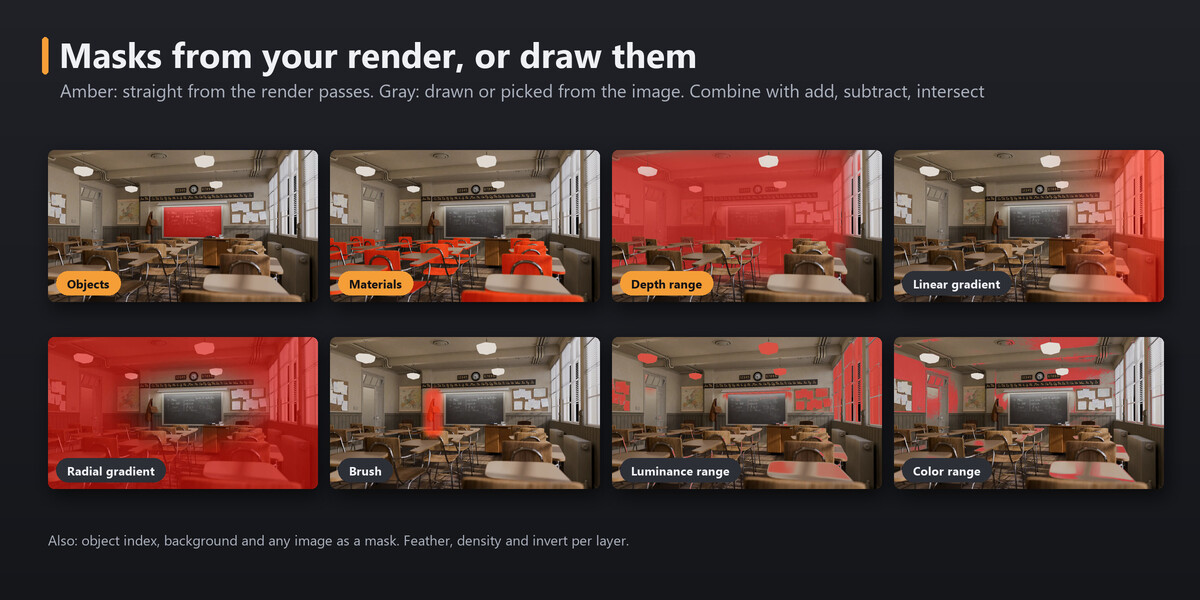
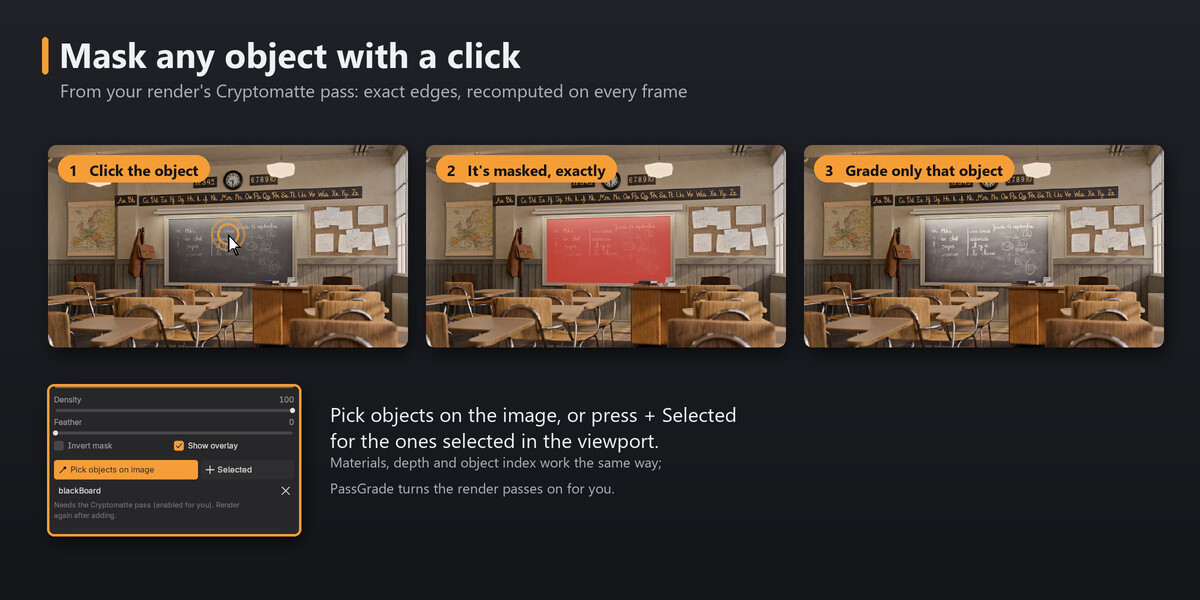
- Masks from the render (objects, materials, depth, object index) still follow the view layer your first effect renders.
- Files graded in Blender 5.2 keep their grade when you open them in 5.3.
Other
- One package for Blender 5.2 and 5.3.
- New FAQ entries for Blender 5.3: the effects stack, and the viewport compositor that shows your grade live in Material Preview and Rendered views.
- Your grades and presets are kept when you update.
- Tested on Blender 5.2.2 LTS and 5.3.0.
Have questions about this product?
Login to message
| Blender Extension Compatible | Yes |
| Published | about 2 months ago |
| Blender Version | 5.2 - 5.3 |
| Extension Type | Add-on |
| Render Engine Used | Cycles, Eevee |
| License | GPL |

Discover more products like this
compositor adjustment layers Render photoshop presets color grading tone curve lightroom masks Compositing cryptomatte Post-Processing