PassPilot
 Dmitrii Smirnov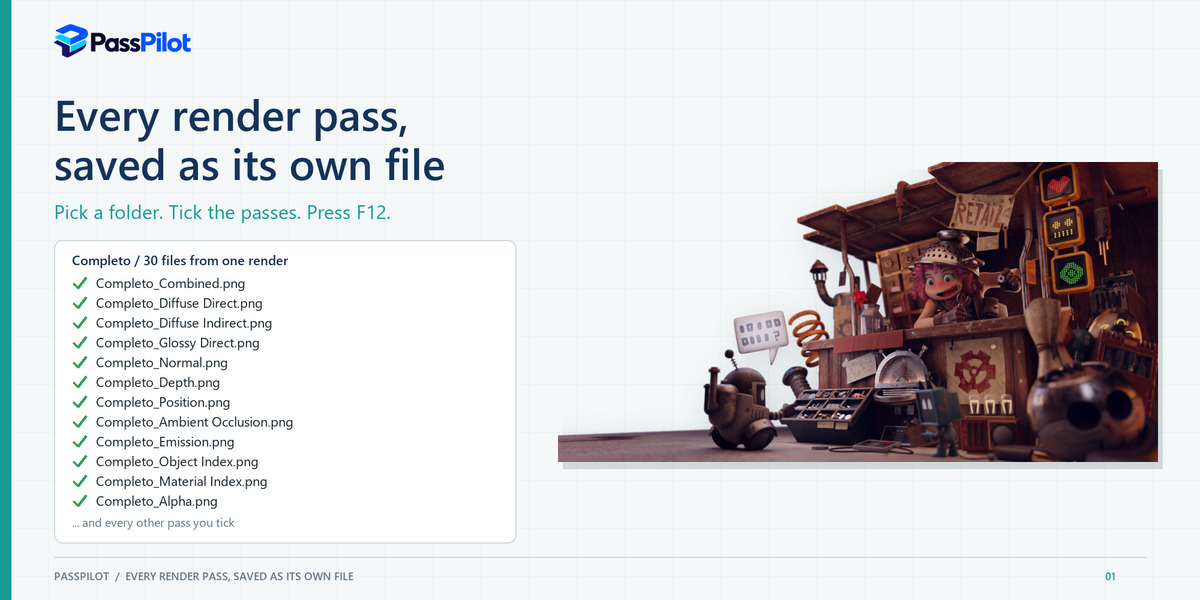
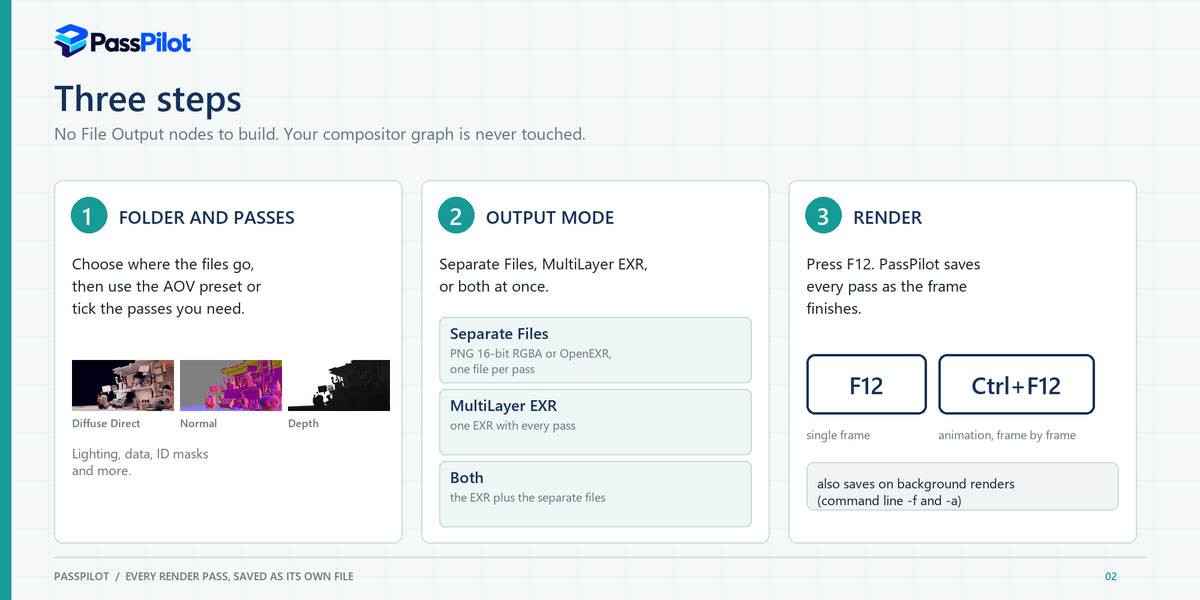
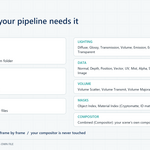
No. PassPilot reads the rendered result and writes the files itself. Your compositor graph is not modified.
Blender 5.2 on Windows x64. Other versions and systems have not been tested.
Yes. Cycles and EEVEE are both supported, and the available passes follow what each engine provides.
Yes. Each frame is saved as it completes, using Ctrl+F12 or a command-line -a render.
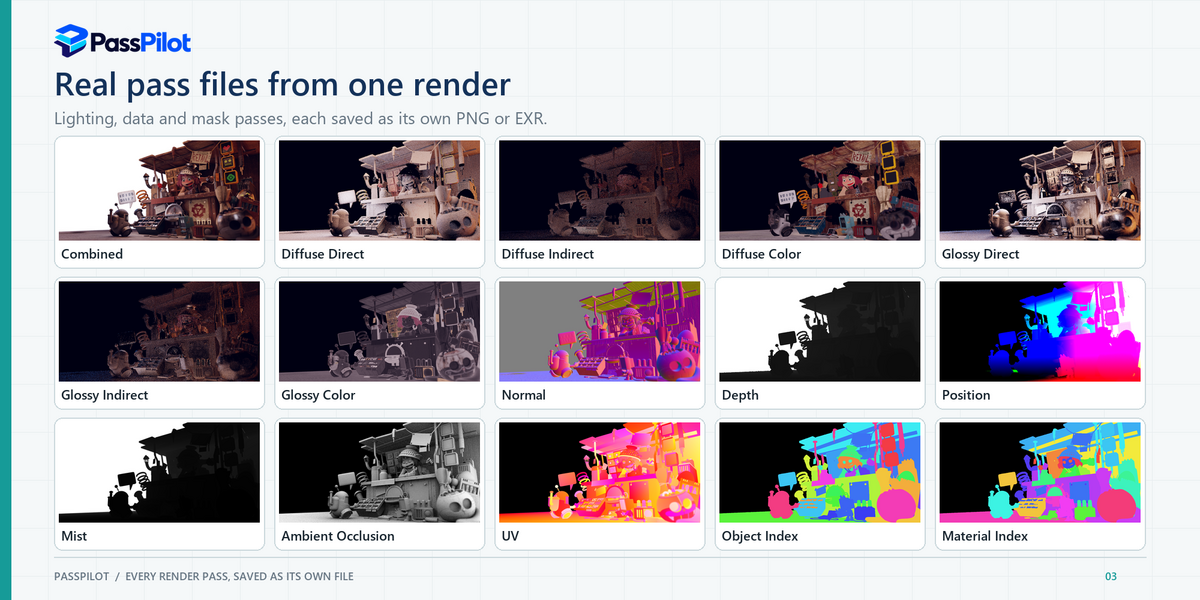
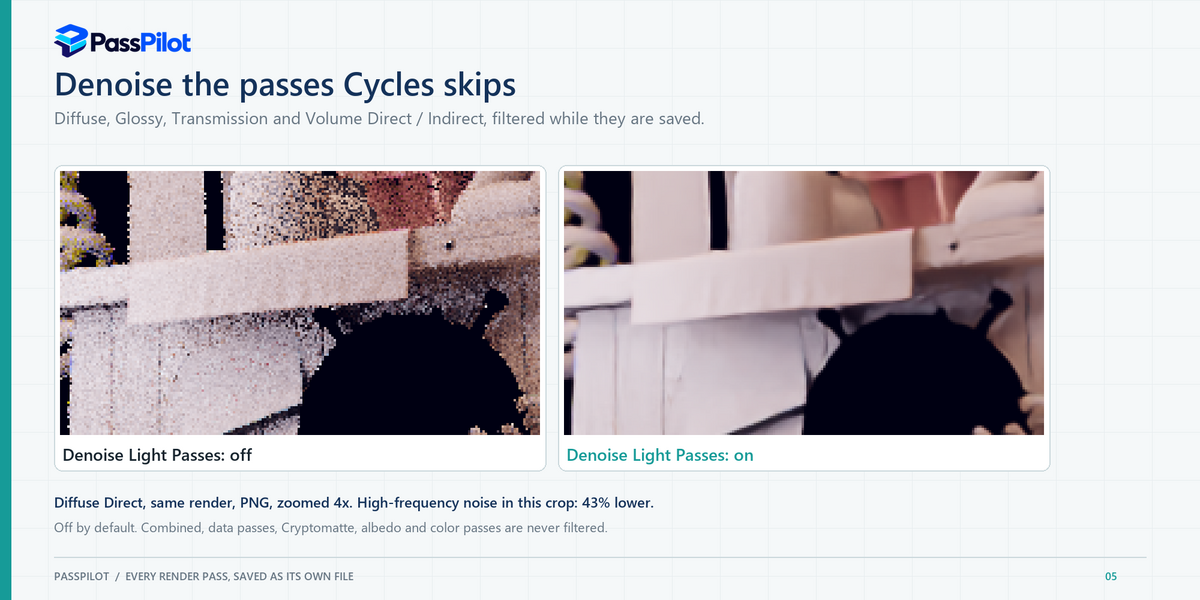
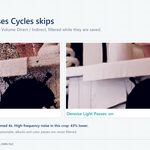
No. Combined, data passes, Cryptomatte, albedo and Noisy Image passes are never filtered.
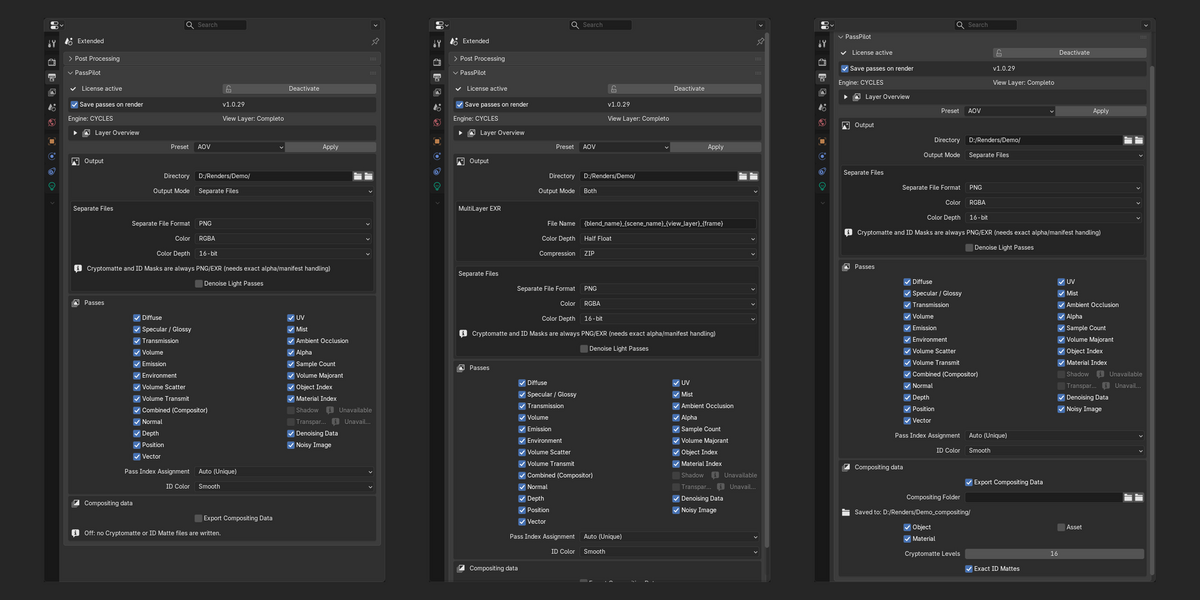
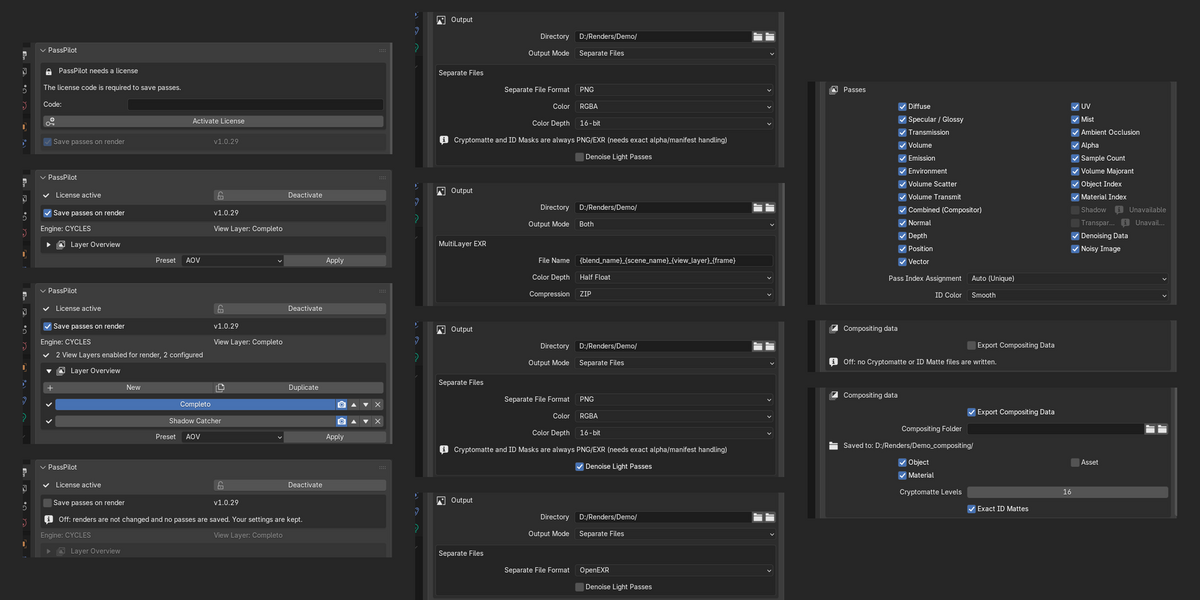
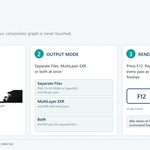
Yes. The first checkbox in the panel, Save passes on render, is on by default. Untick it and PassPilot does nothing at all on a render: it does not change your passes, check the scene or save files. Your settings are kept; tick it again to continue. It does not switch off passes Blender already renders; do that in the View Layer properties if you also want to save render time.
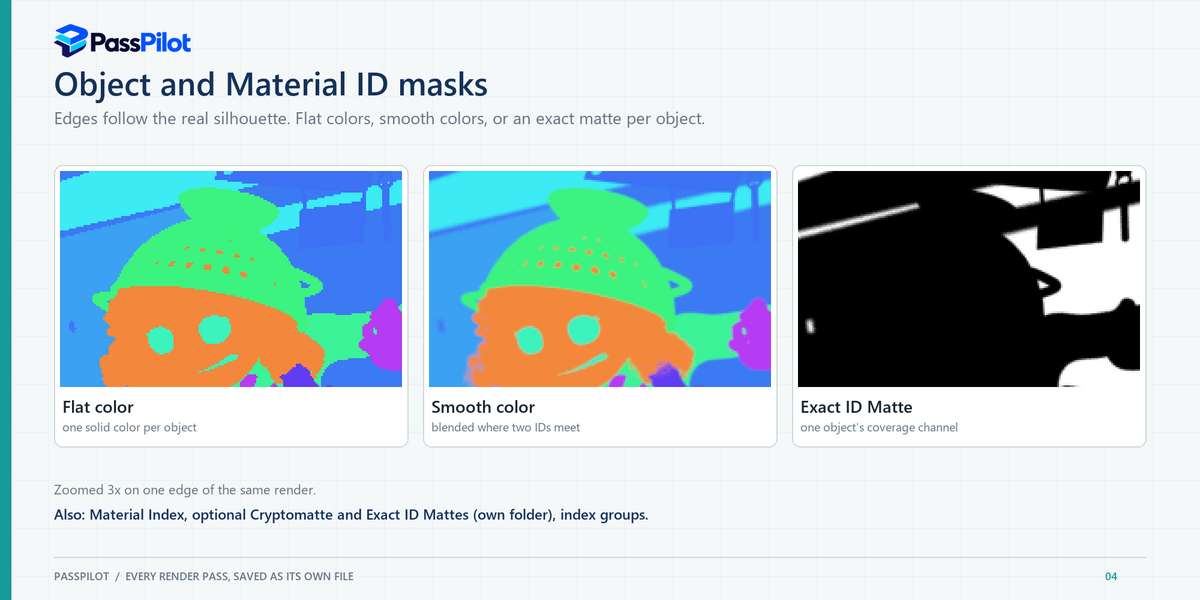
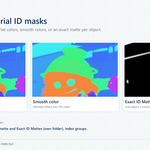
Object and Material Index number every object that can appear in the render, including the contents of collection instances (glTF, USD, linked "MODEL" setups), particle instances and Object / Collection Info nodes of Geometry Nodes groups, nested groups included. Objects linked from another file keep the index they have in their own file; PassPilot warns when that cannot give each of them a different ID.
They are never written to your main output folder. Tick Export Compositing Data and they are saved into a separate folder next to it (or a folder you choose outside the main one). Files an earlier version left in the main folder are moved out only after you review them with Move Old Compositing Files.
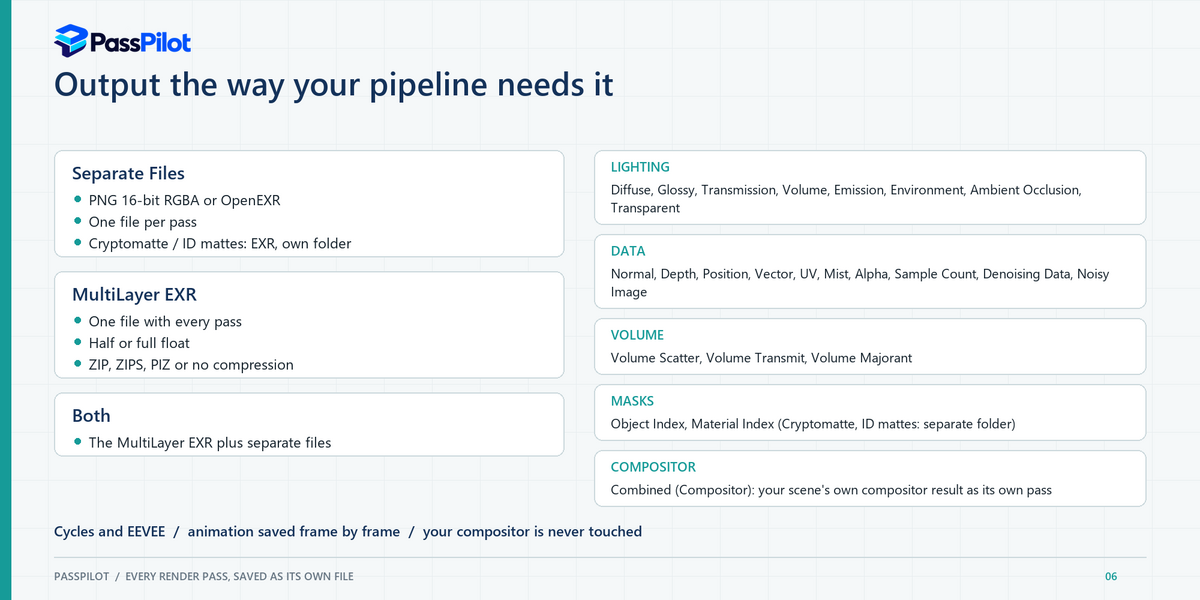
PNG cannot carry the float precision or the manifest that Cryptomatte needs.
One license code activates up to 2 computers. Deactivate a computer in the panel to free a seat.
Only to activate the license and, if you move it, to release a computer with Deactivate This Computer. An activated license is checked locally on your computer.
Your license code and a one-way (SHA-256) hash made from the Windows machine ID, the system drive's volume serial number and the computer name, so that a license can be limited to 2 computers. Releasing a computer sends the same two values. Nothing from your scenes, files or renders is ever sent.
PassPilot is designed, specified, tested and released by Dmitrii Smirnov. The code was written with an AI assistant (Anthropic's Claude), and the text of this page was drafted with it and approved by the author. Every feature was checked by rendering real production scenes. The add-on comes with an automated test suite (25 test scripts plus 25 license-server tests) and went through several independent audits.
It grows with resolution and the number of visible objects. In testing at 4K with 28 full-frame IDs, a Smooth export peaked near 3.2 GiB, and near 6 GiB with Exact ID Mattes.
Have questions about this product?
Login to message
| Blender Extension Compatible | Yes |
| Published | 3 days ago |
| Blender Version | 5.2 |
| Extension Type | Add-on |
| Render Engine Used | Cycles, Eevee |
| License | GPL |
Discover more products like this
render-passes aov material index object index denoise cryptomatte oidn exr id mask Compositing multilayer exr Cycles