 one99addons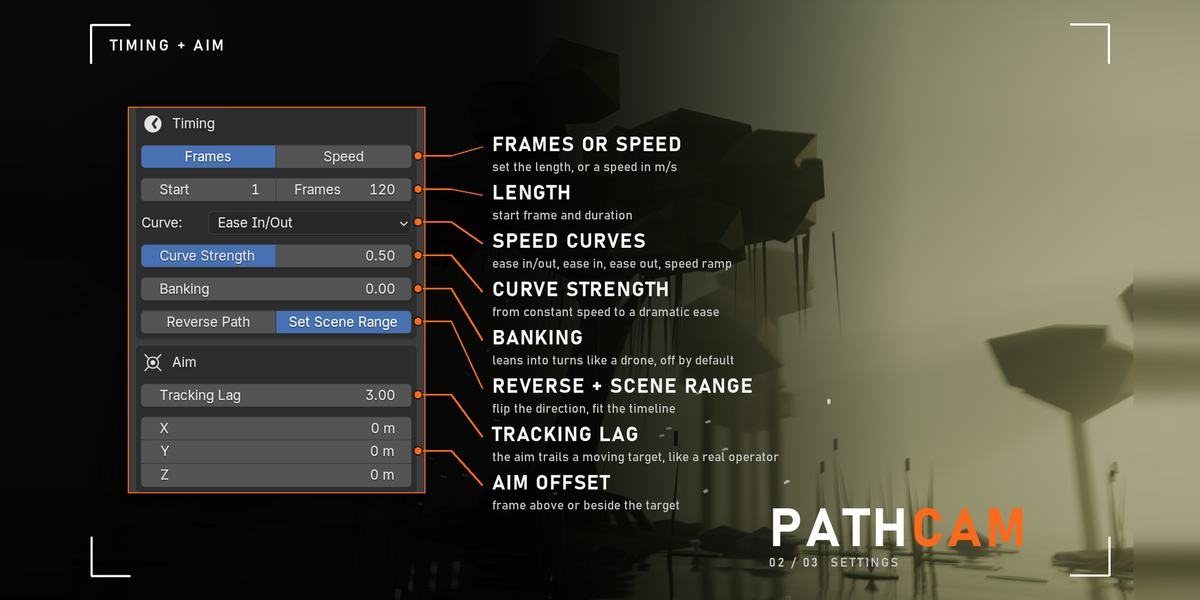
🎥 PathCam
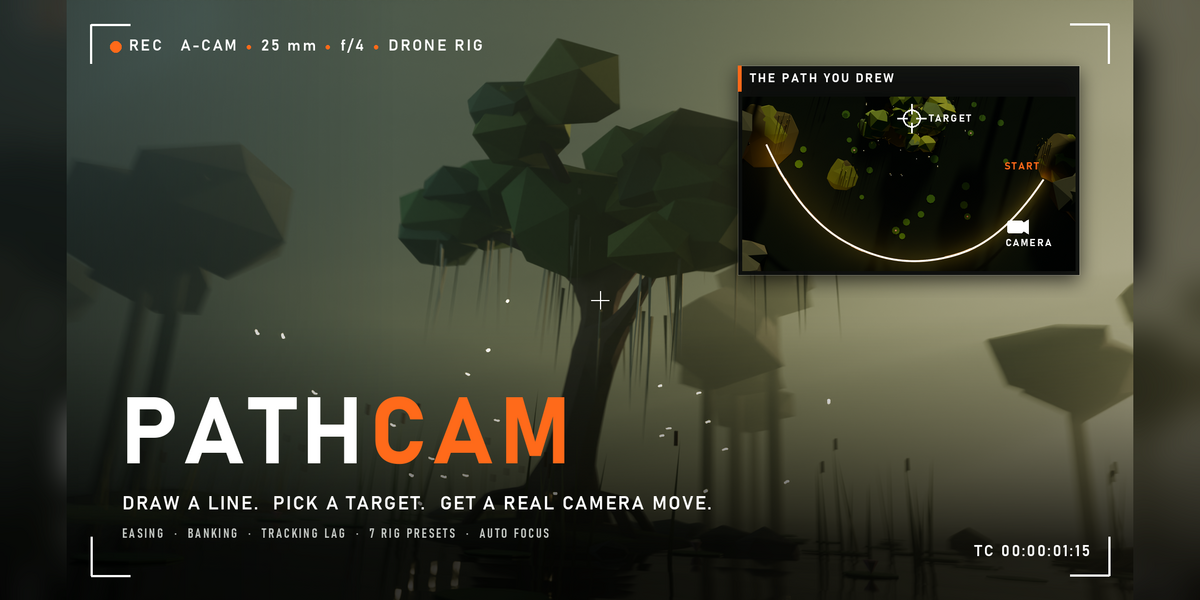
Draw a line, pick a target, get a real camera move.
PathCam moves a camera along any curve while it keeps looking at your subject. Add easing, tracking lag, banking, a lens zoom and the shake of a real rig, and get it all as plain keyframes.
The problem
Animating a camera by hand is slow, and a camera on a perfect curve looks fake. Follow Path and Track To give you movement, but not the small delays, drift and bumps that make a shot feel like someone was holding the camera.
What it does
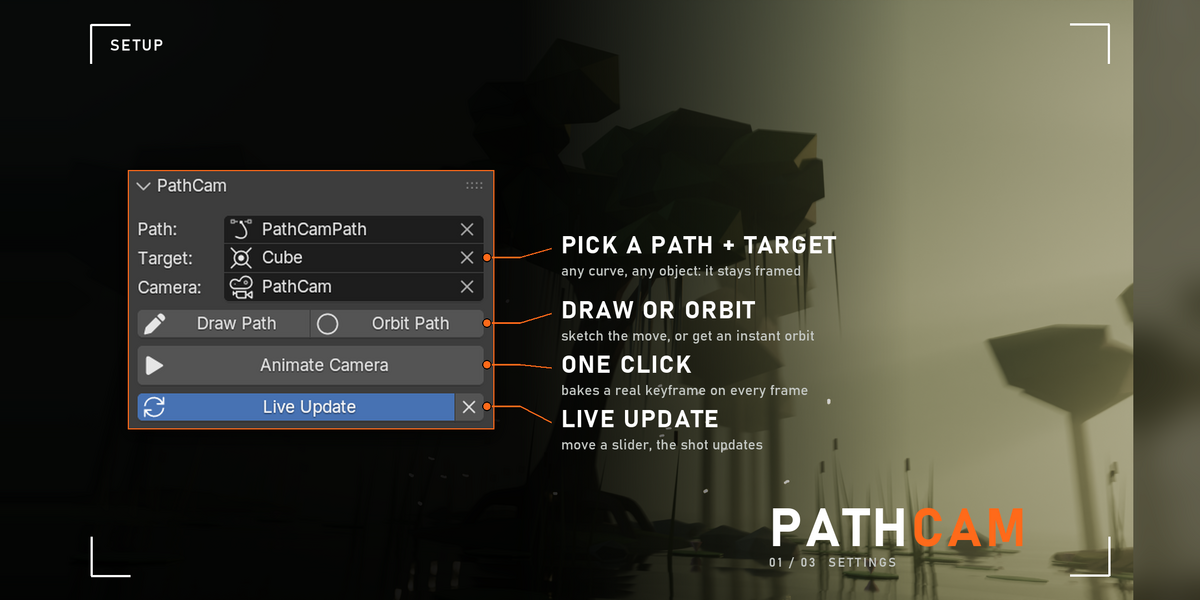
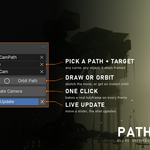
- Path + target = shot. Pick a curve and an object, click Animate Camera. No curve yet? Draw Path lets you sketch one in the viewport, and Orbit Path makes an arc around your target (5 m radius, 1.2 m up, 180 degrees by default, all adjustable).
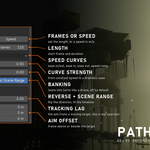
- Timing your way. Set the length in frames, or set a speed in metres per second and PathCam works out the frames from the path length.
- Speed curves. Constant, Ease In/Out, Ease In, Ease Out, or Speed Ramp, which slows down to 5% speed in the middle of the move. Curve Strength goes from subtle to dramatic.
- Operator feel. Tracking Lag lets the aim trail a moving target, Aim Offset frames above or beside it, and Banking leans the camera into turns like a drone.
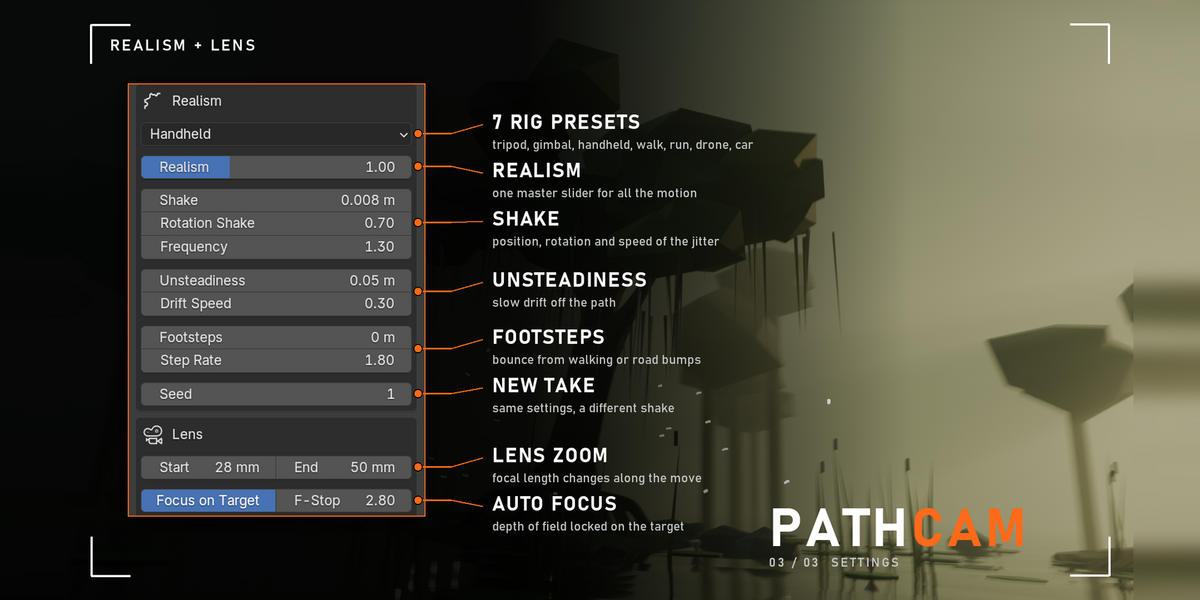
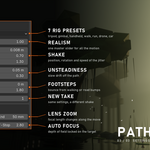
- 7 rig presets in real units. Tripod, Gimbal, Handheld, Walking, Running, Drone and Car Mount, or Custom. Change the Seed for a new take with the same settings.
- Lens and focus. Zoom from Lens Start to Lens End along the move, with depth of field locked on the target.
Settings
Everything is in 3D Viewport > Sidebar (N) > PathCam tab.
- Path / Target / Camera: the curve, the object to look at, and the camera (empty = PathCam makes one and sets it as the scene camera).
- Live Update: on by default, every setting change re-bakes the move.
- Timing: Frames or Speed, Start frame, Curve + Curve Strength, Banking (0 to 2), Reverse Path, Set Scene Range.
- Aim: Tracking Lag (0 to 60 frames, default 3) and Aim Offset (X, Y, Z).
- Realism: Rig, Realism (master strength, 0 to 3x), Shake, Rotation Shake, Frequency, Unsteadiness, Drift Speed, Footsteps, Step Rate, Seed.
- Lens: Lens Start / End in mm, Focus on Target + F-Stop (default 2.8).
The rigs
- Tripod / Dolly: perfectly smooth.
- Gimbal (default): 2 mm shake, 0.12 degrees of wobble, 2 cm slow drift.
- Handheld: 8 mm shake, 0.7 degrees at 1.3 Hz, 5 cm drift.
- Walking: handheld plus 1.8 cm footsteps, 1.8 per second.
- Running: 1.6 degrees at 2.6 Hz and a 5 cm bounce.
- Drone: 18 cm of slow air drift, very steady rotation.
- Car Mount: 9 Hz engine vibration and 6 mm road bumps.
Good to know
- It bakes one keyframe per frame (location, rotation and lens) on a normal camera. The keys stay if you uninstall PathCam.
- Shake and drift are timed in seconds, so a move feels the same at 24, 30 or 60 fps.
- Moving targets work: if the target is animated or parented, PathCam reads it on every frame.
- Banking is measured over 3% of the path, so it doesn't twitch at the curve's points.
Tips
- Draw Path draws on the surface under your mouse. Grab the path and move it up (G, Z) to raise the camera, then click Animate Camera.
- Want a slow-motion pass? Speed Ramp with Curve Strength at 1.
- Chasing a fast subject? Raise Tracking Lag to 6 to 10 frames for a nervous operator.
Requirements and install
Blender 5.2 or newer (tested on 5.2, Windows). No internet, no external libraries.
- Download pathcam_v1.1.0.zip (do not unzip it).
- In Blender: Edit > Preferences > Add-ons, open the drop-down arrow at the top right, choose Install from Disk... and pick the zip.
- Tick PathCam - Cinematic Camera Paths. That's it.
Limits
PathCam replaces any animation already on the chosen camera (location, rotation and lens). Use one continuous curve without bevel or extrude: a curve with several pieces is read one piece after another. Live Update reacts to the panel settings, not to edits of the curve itself, so click Animate Camera after you change the path. A target moved only by constraints or drivers (no keyframes, no parent) is read where it stands. Hand edits to the baked keys are overwritten the next time a setting re-bakes the move.
Made by one99addons.