 BlendR6


Two applications.
One connected workflow.
Connect Blender and SketchUp through your SKP workflow. Edit from either side and keep your model, materials, lighting, and scene data in sync.


Connected editing
More than geometry.
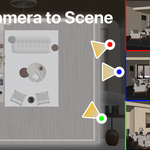
Sync meshes, components and Dynamic Components, materials, lights, groups and layers, world settings, scenes and cameras, and viewport views between Blender and SketchUp. Editing operations are supported; animation is excluded.

Native SKP import & export.
The existing file workflow remains part of SKP Editor: import, edit, and export native SketchUp files in Blender. Choose the Windows, macOS, or Linux package for your workstation.
One Add-on. Three Supported Platforms.
Choose the download built for your operating system. Each package provides the same core SKP import/export workflow while using the correct platform-specific runtime.
|
WINDOWS Install the Windows ZIP directly in Blender and use the bundled Windows SKP runtime for import and export. |
|
Supported .skp Versions:
SketchUp 8,
SketchUp 2013–2026 |
|
macOS Universal x86_64 and arm64 native libraries support both Intel Macs and Apple Silicon Macs. |
|
Supported .skp Versions:
SketchUp 8,
SketchUp 2013–2026 |
|
LINUX(without Sync) Keep Blender running natively on Linux. No native Linux version of SketchUp? No problem—you can still import, edit, and export .skp files directly in Blender. |
|
Supported .skp Versions:
SketchUp 8,
SketchUp 2013–2026 |
The Same SKP Workflow on Every Workstation
Move architectural, interior, and visualization projects between SketchUp and Blender while preserving geometry, materials, textures, UVs, groups/components, cameras, scenes, units, and project updates.
Free Version Available (Win)
Test the core workflow with the free edition. Texture support and Merge Coplanar Faces are not included in the free version.
Download the Free VersionKey Features
Built for practical production work, from a quick one-time conversion to an ongoing linked SKP project.
Direct SKP Import & Export
Read and write native .skp files directly from Blender, with no OBJ, FBX, or DAE detour.
Materials, Textures & UVs
Transfer material names, base colors, alpha, image textures, and UV coordinates. Imported textures can also be packed into the Blend file.
Linked Project Mode
Open an SKP as a linked project, track changes, and write modified, new, or deleted objects back to the project file.
Scenes & Cameras
Convert SketchUp scenes into Blender camera/scene data, and export Blender cameras or RenderScenes snapshots as SketchUp scenes.
Geometry Control
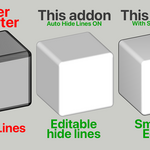
Apply modifiers, group mesh islands, merge coplanar faces, preserve smooth-edge data, and control generated SketchUp line visibility.
Production-Friendly Tools
Use background import/export, automatic units, per-object export settings, progress display, cancellation, backups, and reusable defaults.
Edit an SKP as a Linked Project
Project Mode turns the add-on into more than a converter. It tracks linked SketchUp groups/components so you can continue working in Blender and save targeted changes back to the SKP.
Update Linked SKP can also refresh changed source geometry while preserving Blender-side materials and modifiers wherever possible.
Import and Export Controls
Import SKP
✓ Automatic unit detection and scaling
✓ Quad-face import
✓ Top-level or bottom-level group mapping
✓ Materials, image textures, alpha, and UVs
✓ Optional texture packing into the Blend file
✓ SketchUp scenes, cameras, and RenderScenes data
✓ Background import for large files
✓ Native PBR material import
✓ Optional light and environment import
Export SKP
✓ Selected-only and hidden-object controls
✓ Applied modifiers and connected-island grouping
✓ Materials, UVs, alpha, textures, and smooth data
✓ Optional Export PBR for SketchUp 2021+
✓ Optional light and World export
✓ Base Color texture bake: 1K, 2K, 4K, or original
✓ Preserve quad faces on export
✓ Coplanar merge and line visibility controls
✓ SketchUp 8 and SketchUp 2013–2026 save targets
Export Quality & Editability
Keep exported SKP files visually consistent while producing cleaner geometry, usable textures, and controllable SketchUp edges.

Export Materials
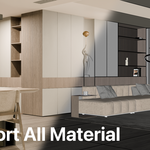
Carry material assignments, base colors, alpha, image textures, and UV information into the SKP workflow.

Export Procedural Textures
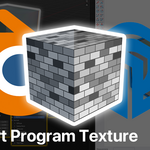
Use Bake Texture to convert complex Blender shader results into portable image textures for SketchUp.

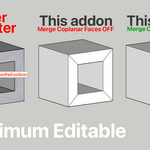
Maximum Editability
Merge coplanar faces to reduce unnecessary surface divisions and keep exported geometry easier to edit in SketchUp.

Clean Lines & Smooth Data
Control object-line visibility and preserve smooth-edge data for cleaner, more presentation-ready SKP output.
Blender → SketchUp
Export a finished Blender scene to a native SKP while retaining the essential geometry, materials, UVs, and scene information.

Blender scene
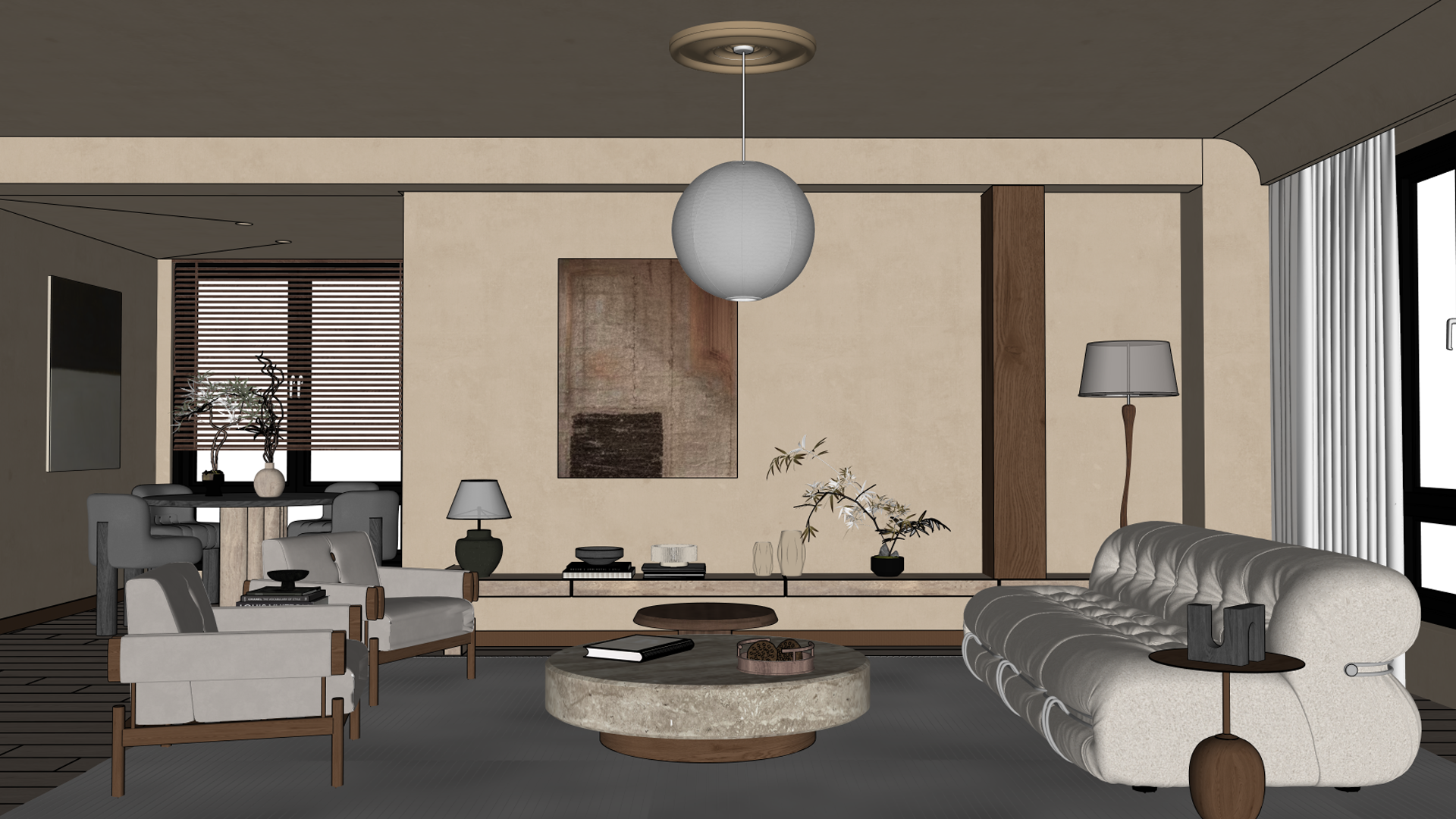
Exported native SKP
SketchUp → Blender
Import an SKP model into Blender, then continue with Blender materials, UV mapping, and geometry editing.
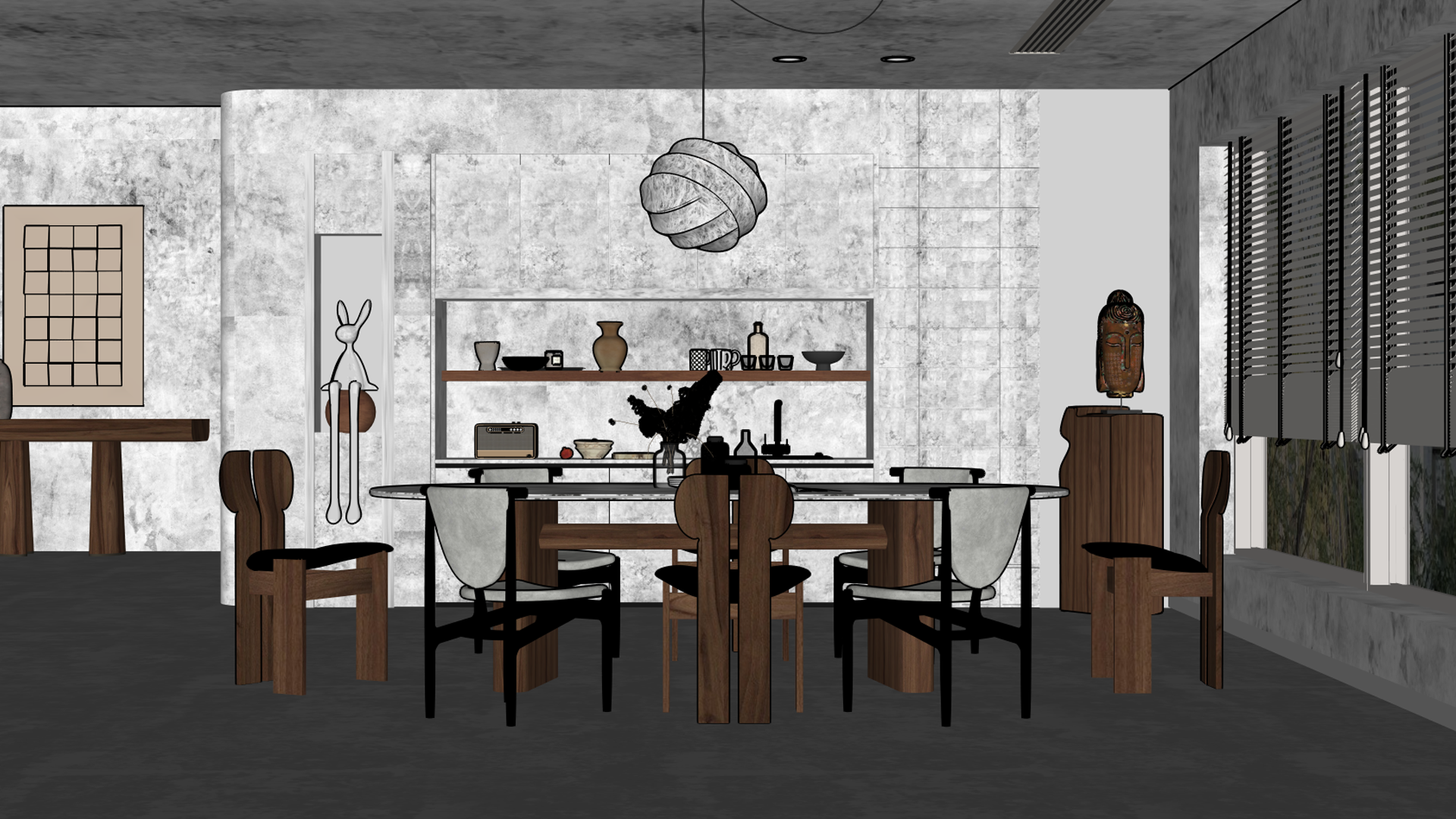
Original SKP model

Imported and rendered in Blender
Works with RenderScenes
When RenderScenes is installed, SketchUp scenes can be converted into Blender scene snapshots, and Blender RenderScenes can be synchronized back into SketchUp scenes.
View RenderScenes on Superhive
Built for Your Operating System
Dedicated platform packages keep installation clear and provide the correct SKP runtime for each environment.
Install the Correct Platform Package
The Windows, macOS, and Linux ZIP files are not interchangeable. Choose the package for the operating system running Blender.
1. Download the dedicated Windows, macOS, or Linux package.
2. In Blender Preferences, open Add-ons/Extensions and choose Install from Disk.
3. Select the downloaded ZIP and enable SKP import and export.
4. Linux only: open Linux SKP Runtime, click Setup, and then run Test Converter.
5. Access the tools from File → Import / Export → SketchUp (.skp), or use the SKP Settings panel in the 3D View sidebar.
Good to Know
Complex Blender materials: the exporter preserves material names, base color, alpha, the main image texture, and active UV data. For complex procedural node setups, use the optional Bake Texture for a more portable result. Enable Export PBR to include the supported PBR channels.
Component edits: editing a shared SketchUp component definition may update its other instances when the SKP is opened again.
Choose the correct download: the Windows, macOS, and Linux packages contain different platform-specific runtimes.
One Add-on. Three Platforms. Two Applications.
Bring SketchUp files into Blender for modeling and visualization, then return the result to SKP—on the operating system that fits your workflow.