 KacaDev



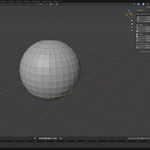
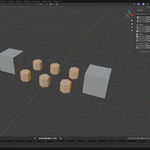
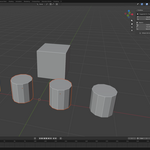
Q: Does it work with multiple objects in edit mode?
A: Yes, every Edit Mode tool works across all meshes you're editing at once.
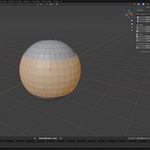
Q: A tool selected too much or too little. What do I do? A: Don't undo — open the corner panel (bottom-left) or press F9 right after running the tool, and drag the threshold sliders. The selection updates live.
A: Don't undo — open the corner panel (bottom-left) or press F9 right after running the tool, and drag the threshold sliders. The selection updates live.
Q: The Alt+Q shortcut doesn't work or conflicts with another addon — can I change it?
A: Yes. Open Preferences > Add-ons > PickWise and edit the shortcut there, per mode. All tools also remain available in the N-panel sidebar under the PickWise tab.
Q: Which Blender versions are supported?
A: Blender 4.2 and newer, installed as an extension (Preferences > Get Extensions > Install from Disk, or drag the zip into Blender).
Have questions about this product?
Login to message
Discover more products like this
pie menu smart select modeling mesh tools Selection edge-loop retopology object-mode Workflow edit mode hard surface cad