 ATDIGIT


Overview
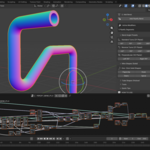
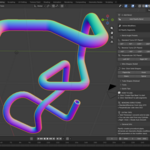
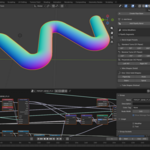
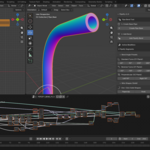
Stop wasting hours aligning cylinders and wrestling with edge loops. Pipeify is your ultimate hard-surface modeling companion that turns simple geometry into complex pipe systems with a single click. Powered entirely by Geometry Nodes, it creates perfect, non-destructive pipes with smooth bends, seamless joints, and fully adjustable parameters—all in real-time. Whether you're building industrial machinery, sci-fi corridors, plumbing systems, or architectural details, Pipeify transforms tedious pipe modeling into a fast, fluid, and enjoyable creative process.
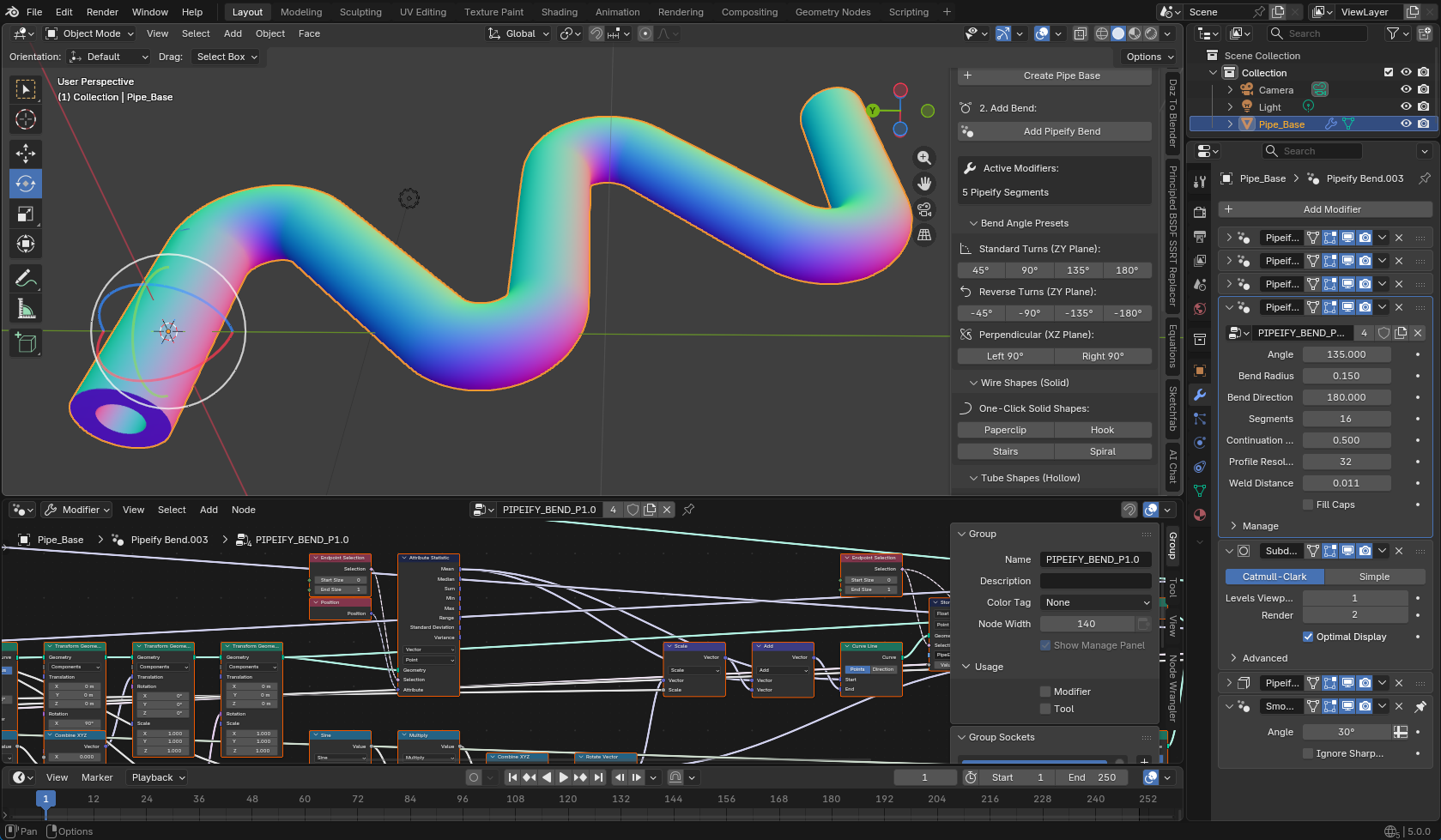
Why Pipeify?
Modeling pipes manually is frustrating—managing topology at corners, adjusting radii after the fact, or fixing shading artifacts consumes precious time. Pipeify solves this with a fully non-destructive approach. You work with a simple base cylinder, and Pipeify handles geometry generation, bending, and welding in real-time through stacked modifiers. Need to change the pipe radius, bend angle, or segment count later? Just drag a slider. It's procedural modeling made effortless.
How It Works: Click & Flow
Pipeify integrates seamlessly into your modeling workflow:
- Create Base: Click "Create Pipe Base" to spawn a ready-to-go cylinder with all required attributes.
- Add Bends: Click "Add Pipeify Bend" to instantly add bend segments—choose preset angles (45°, 90°, 135°, 180°) or use custom values.
- Refine: Adjust radius, bend direction, smoothness, and resolution non-destructively in the Modifier panel.
- Stack & Iterate: Add more bends in any direction—Standard, Reverse, or Perpendicular planes. The pipe updates automatically as you work.
You focus on the design and layout; Pipeify handles the topology and connections.
Key Features
- Instant Pipe Generation: Create production-ready pipe geometry from a simple base cylinder.
- Perfect Bends: Automatically generates smooth bends at any angle (45°, 90°, 135°, 180° presets or custom).
- 3D Bending Planes: Bend in the ZY plane (Standard/Reverse) or XZ plane (Left/Right Perpendicular) for true 3D pipe systems.
- Non-Destructive Workflow: Everything is a modifier. Change radius, segments, angles, or path direction at any time.
- Smart Welding: "Weld Distance" automatically merges vertices at joints for clean, watertight topology.
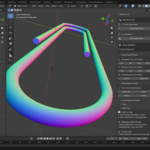
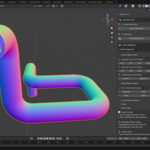
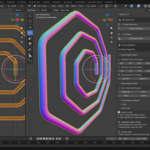
- Wire & Tube Modes: Create solid wire shapes (Paperclip, Hook, Stairs, Spiral) or hollow tubes (U-Turn, S-Bend, Zigzag, Labyrinth) with one click.
- Add Thickness Tool: Convert any solid cylinder to a hollow tube with the Solidify-based thickness modifier.
- Optimization Control: Adjust "Profile Resolution" and "Segments" to balance render quality vs viewport performance.
- Built-in Quick Tips: Helpful guidance right in the panel—no need to leave Blender.
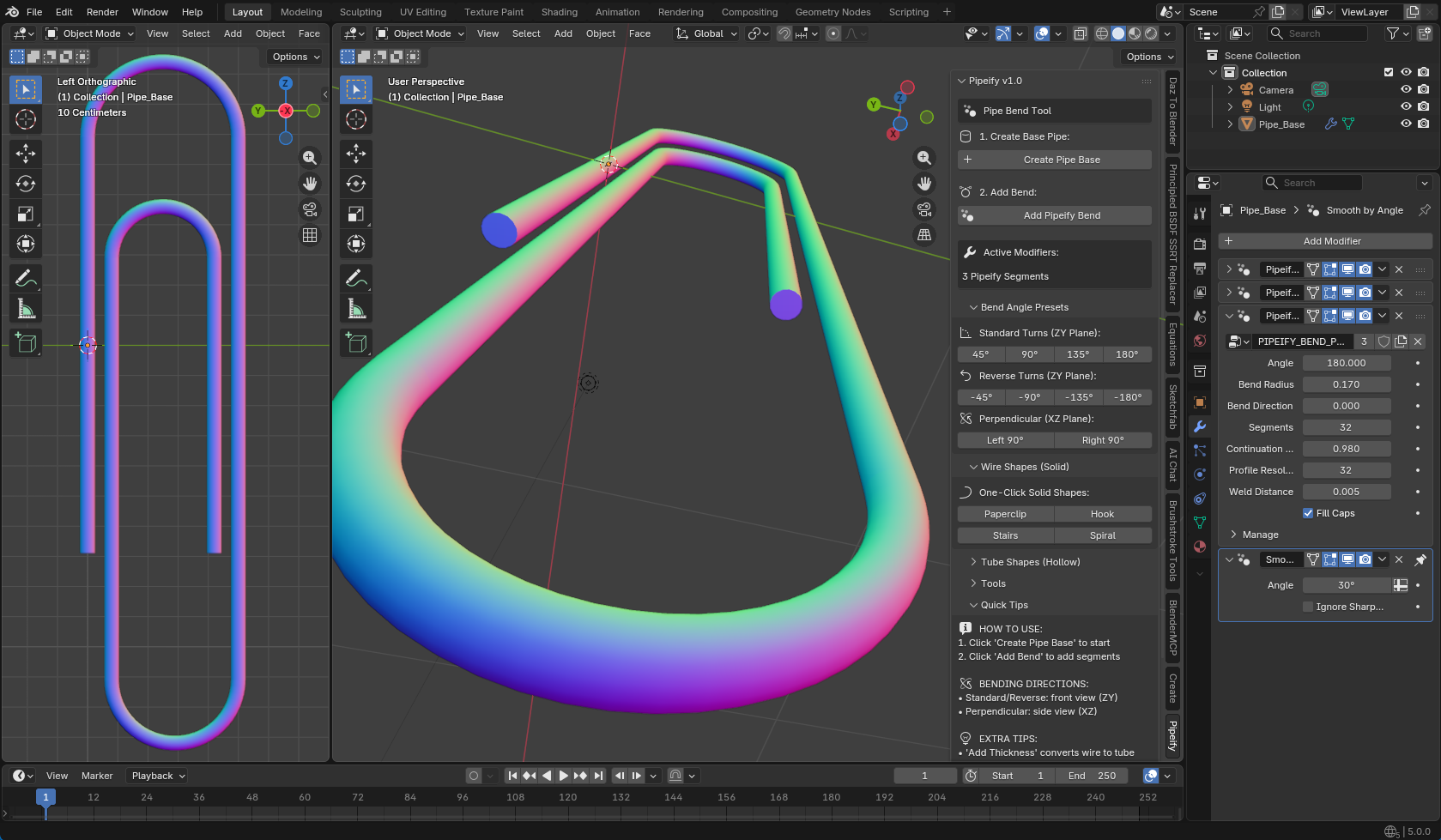
Our Story
Pipeify was born out of a viral success at ATDIGIT. Our tutorial "How to Bend a Cylinder in Blender" unexpectedly garnered over 70,000 views, with artists everywhere asking for a faster, more procedural way to handle complex pipe geometry. We listened. We took the manual "Spin Tool" workflow from that video and transformed it into a one-click, fully non-destructive system. Pipeify is the professional evolution of that viral technique—built to detail your scenes in minutes instead of hours.
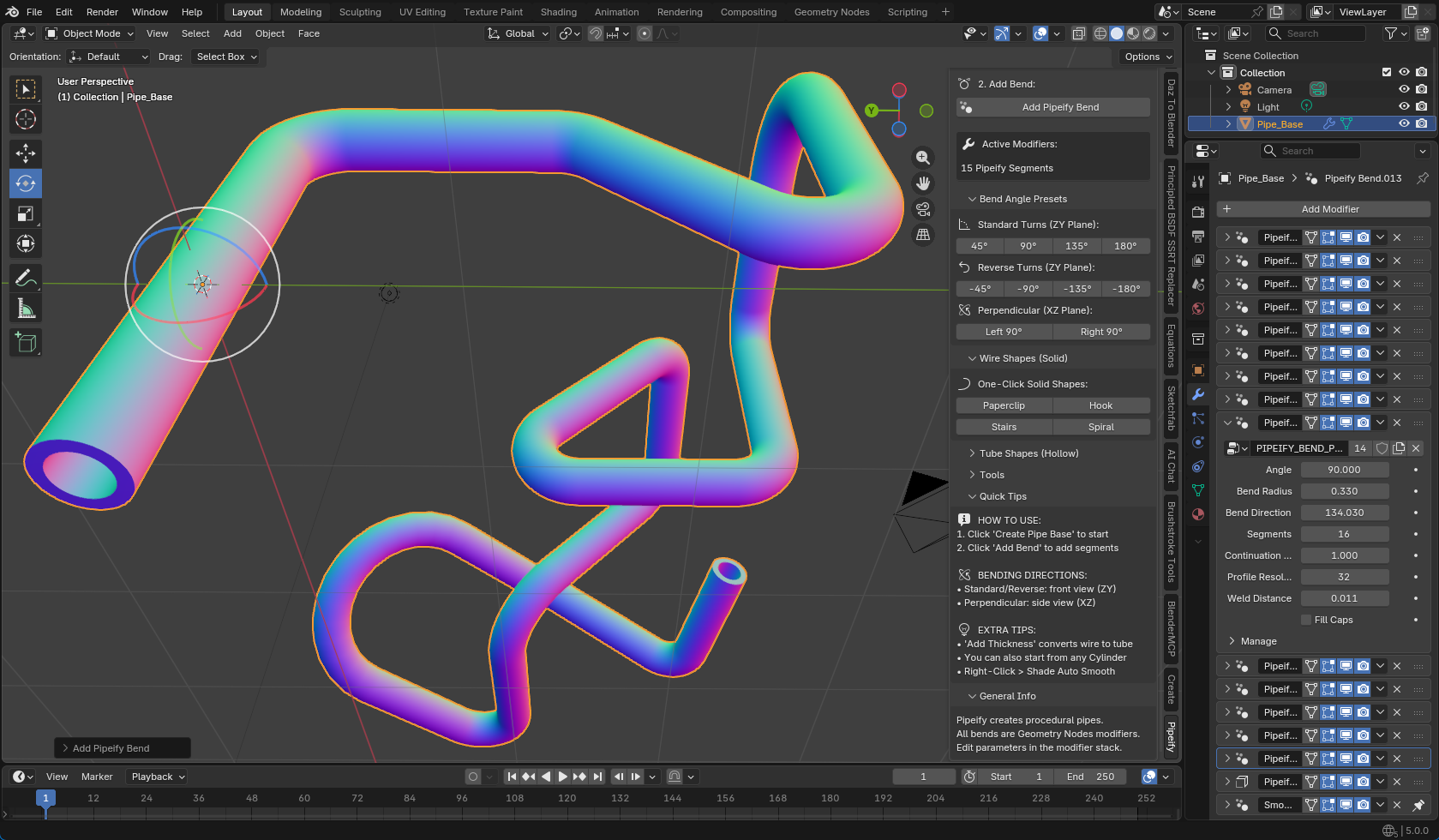
Requirements
- Blender 4.2 or higher
- Optimized for cylinders
- Works best with Pipeify base or standard mesh cylinders
- No external libraries or API keys required
- 100% offline—no internet connection needed
Installation
Get up and running in seconds:
- Download the .zip file from your dashboard.
- Drag-and-Drop: Drag the .zip file directly into your Blender viewport (Blender 4.2+).
- Or via Preferences: Edit → Preferences → Add-ons → Install from Disk → Select .zip file.
- Activate: The add-on enables automatically. Look for the "Pipeify" tab in the 3D Viewport Sidebar (N-Panel).
Find the tool in the 3D Viewport Sidebar (press N) under the "Pipeify" tab.