Pixel Art Studio: Pixel Perfect Texture Painting
 Alfred Baudisch (Pardall)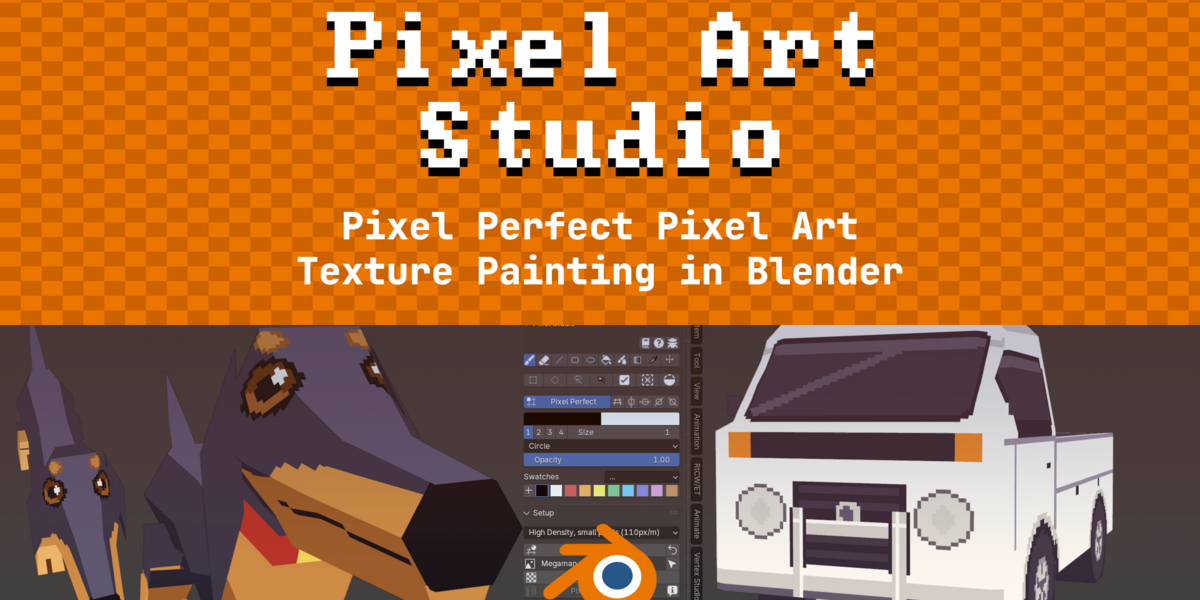

Have questions about this product?
Login to message
| Blender Extension Compatible | Yes |
| Sales | 100+ |
| Rating | 2 ratings |
| Dev Fund Contributor | |
| Published | about 2 months ago |
| Blender Version | 3.6 - 5.2 |
| Extension Type | Add-on |
| Render Engine Used | Arnold, Blender-Internal, Blender-Game-Engine, Cycles, Eevee, Freestyle, Luxrender, Mental-Ray, Octane, Vray, Yafaray |
| License | GPL |

Discover more products like this
Pixelisation retro Blender pixelation aseprite Blender pixel perfection gamedev Retro pixel art Texture Painting pixel art pixel-perfect texture game development